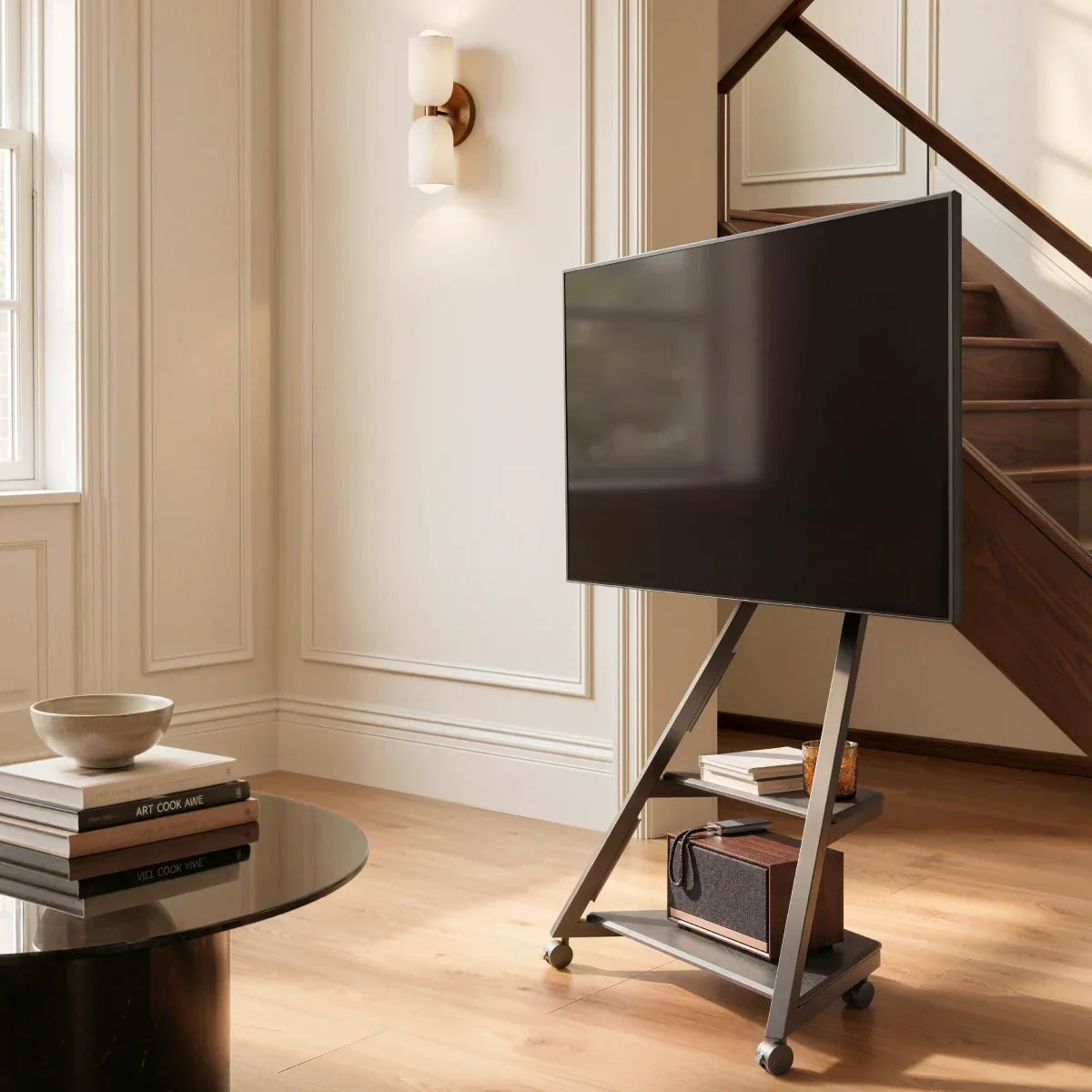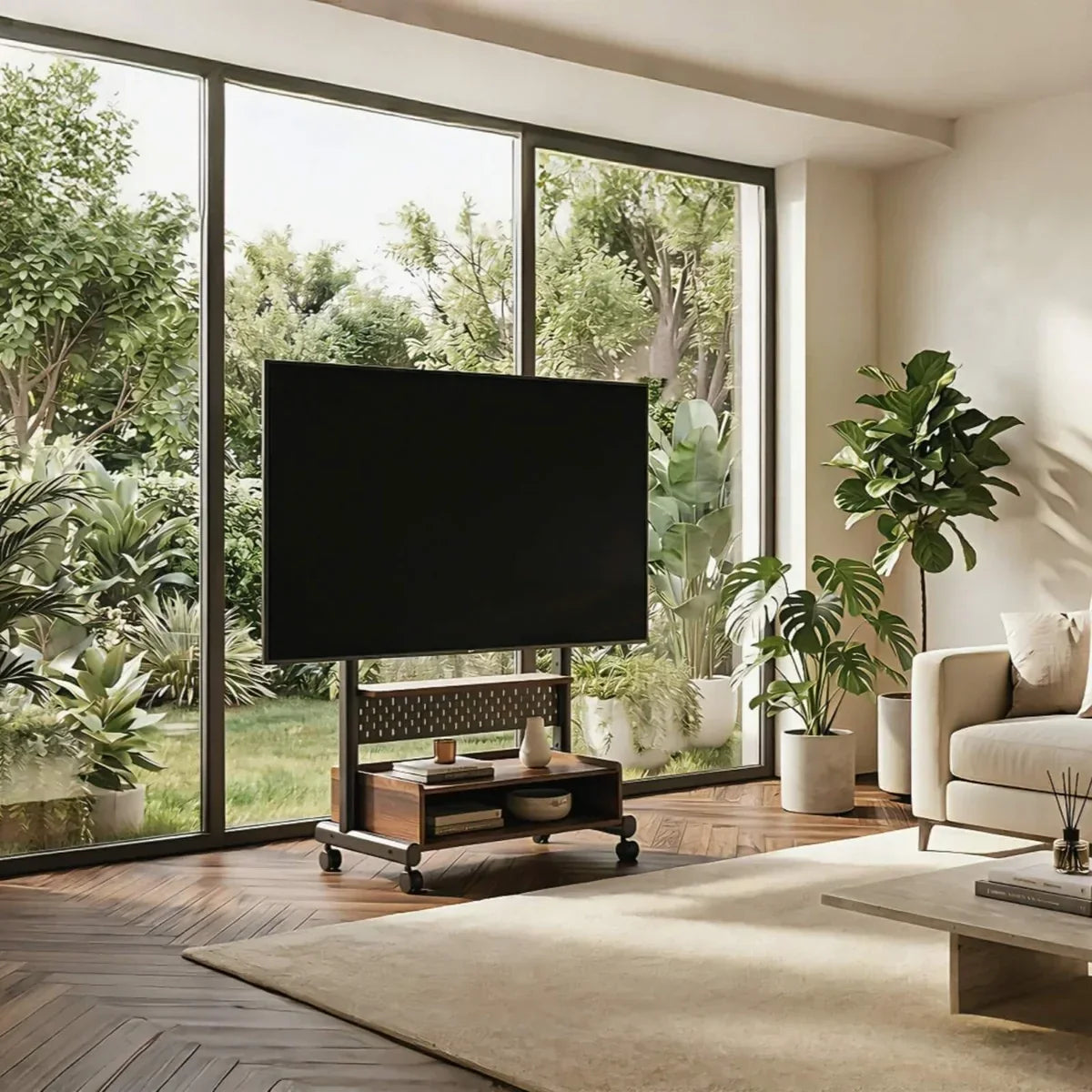



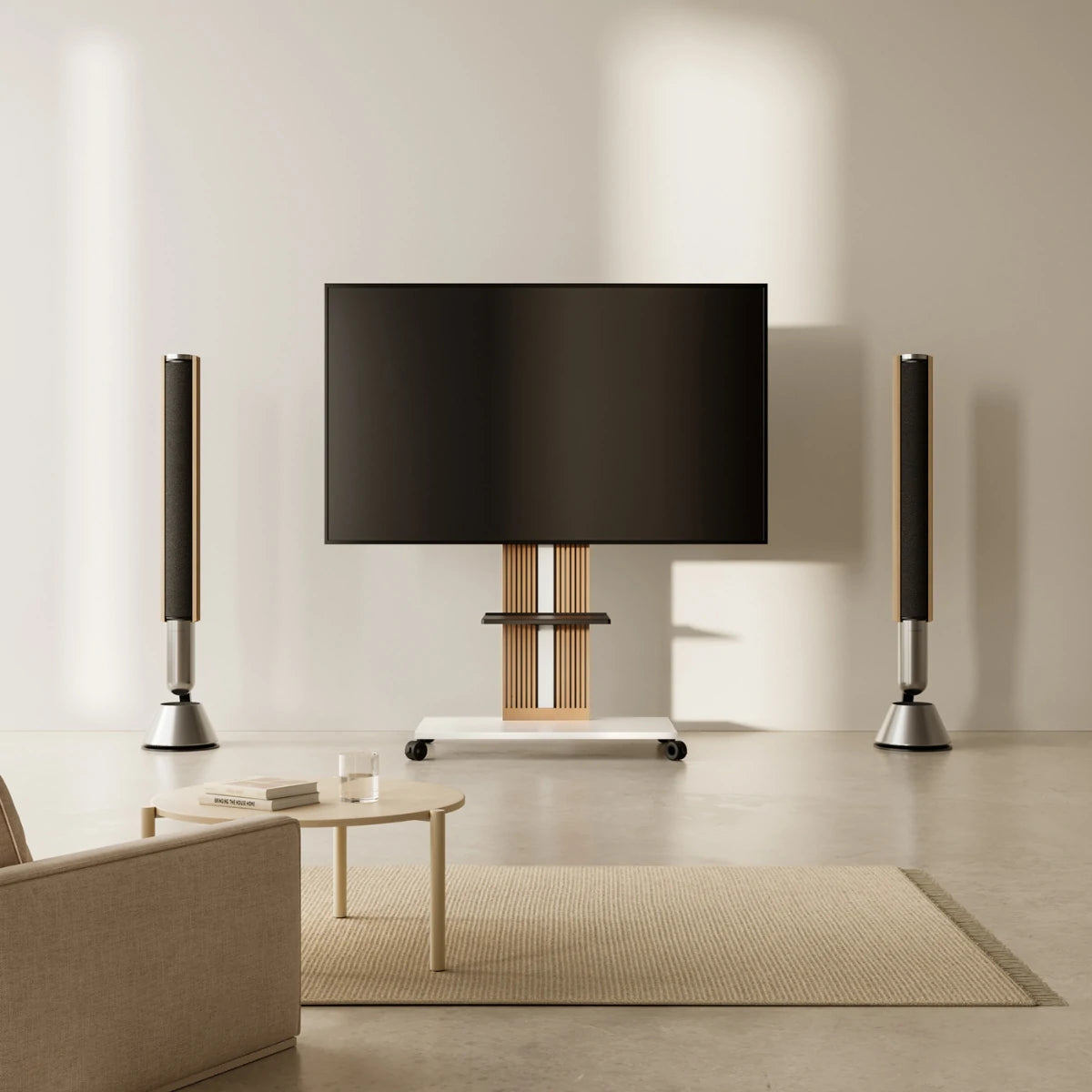
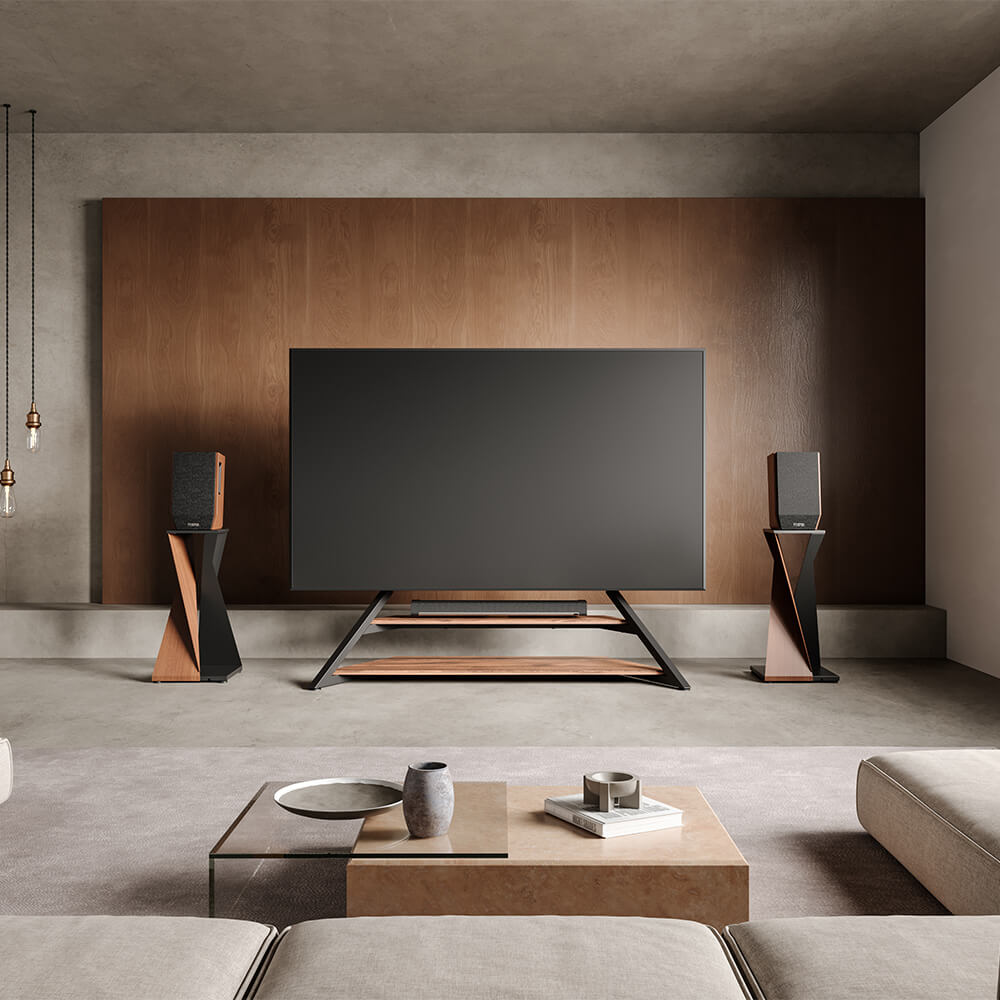
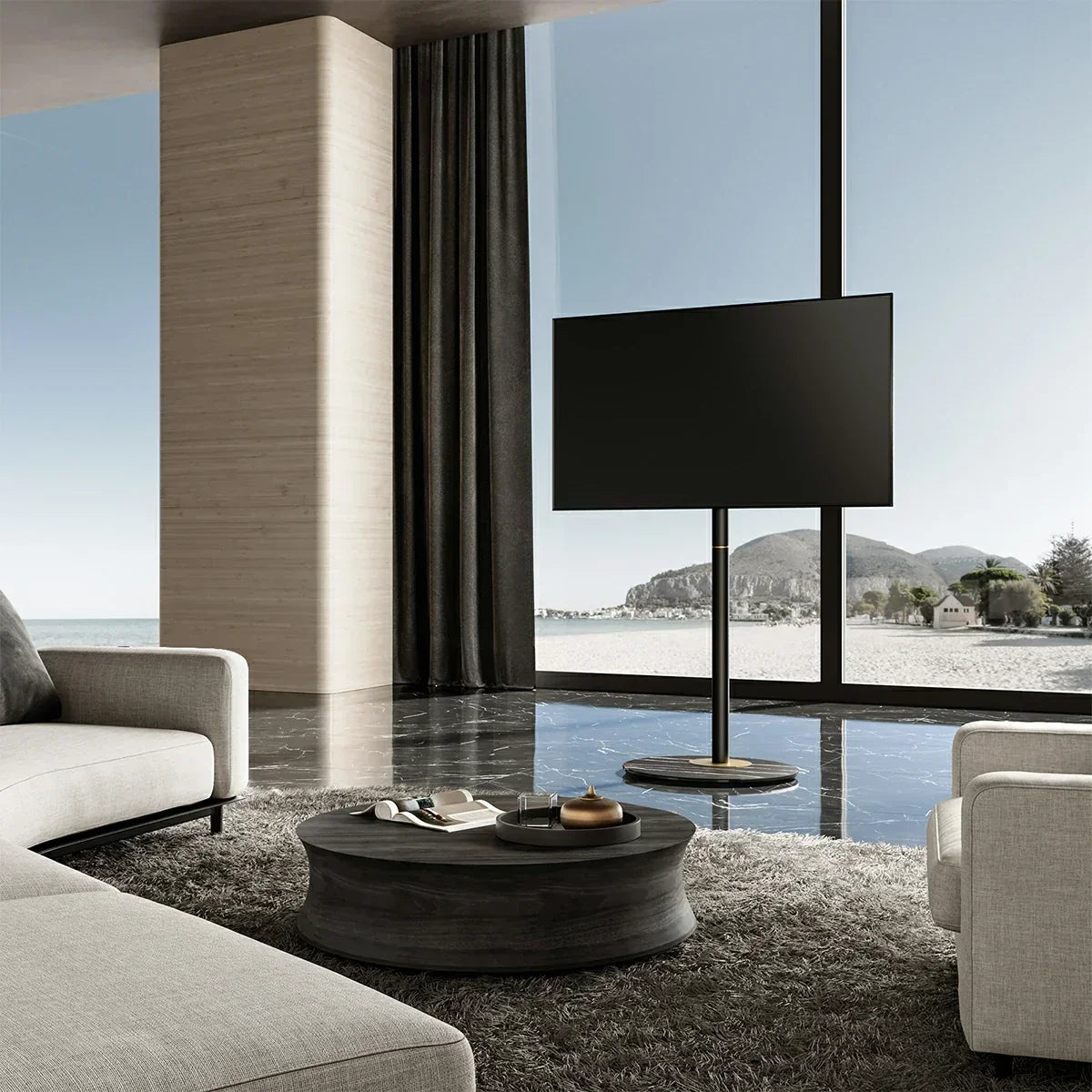
You can hide TV wires without cutting into your drywall by using paintable surface cable raceways, flexible fabric cord sleeves, strategic baseboard clips, or by placing your display on a freestanding TV stand with built-in internal cable channels. For renters, urban professionals, space optimizers, and design-conscious homeowners, these non-invasive solutions eliminate unsightly cord clutter while fully preserving your walls, security deposit, and interior aesthetic.
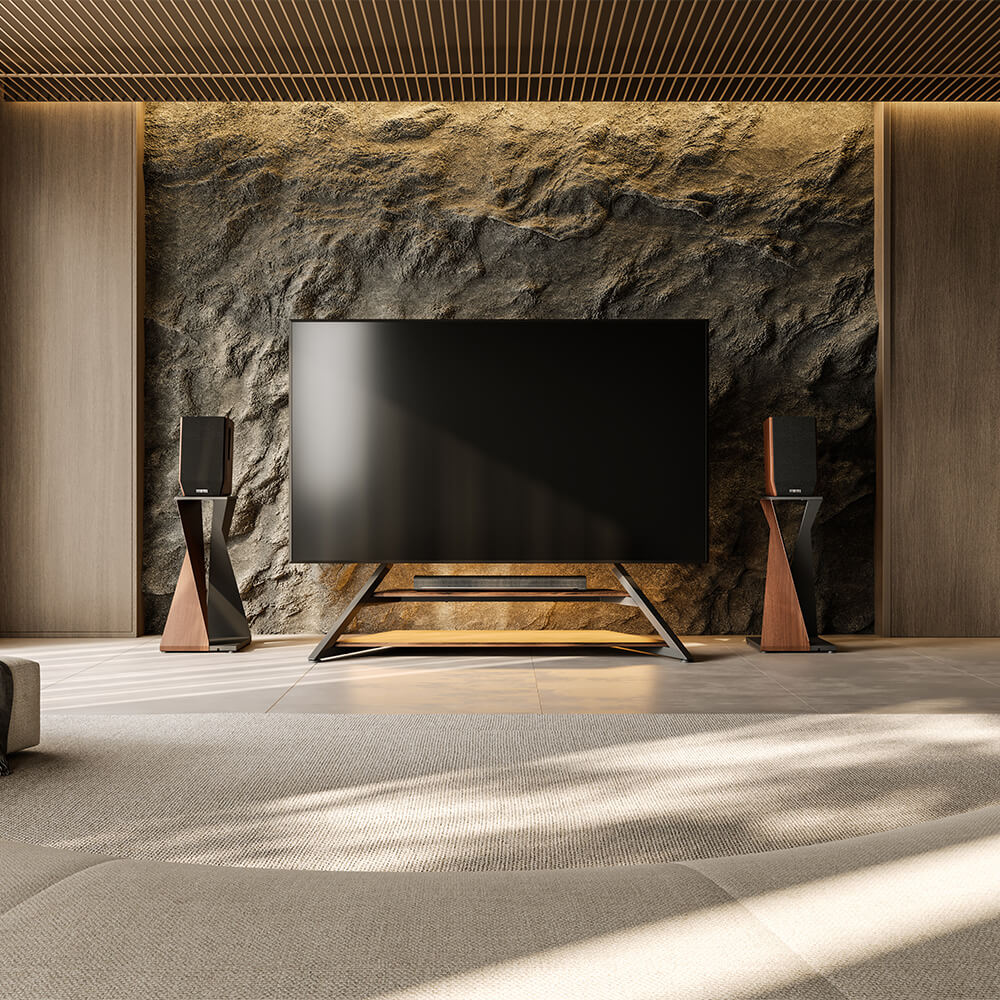
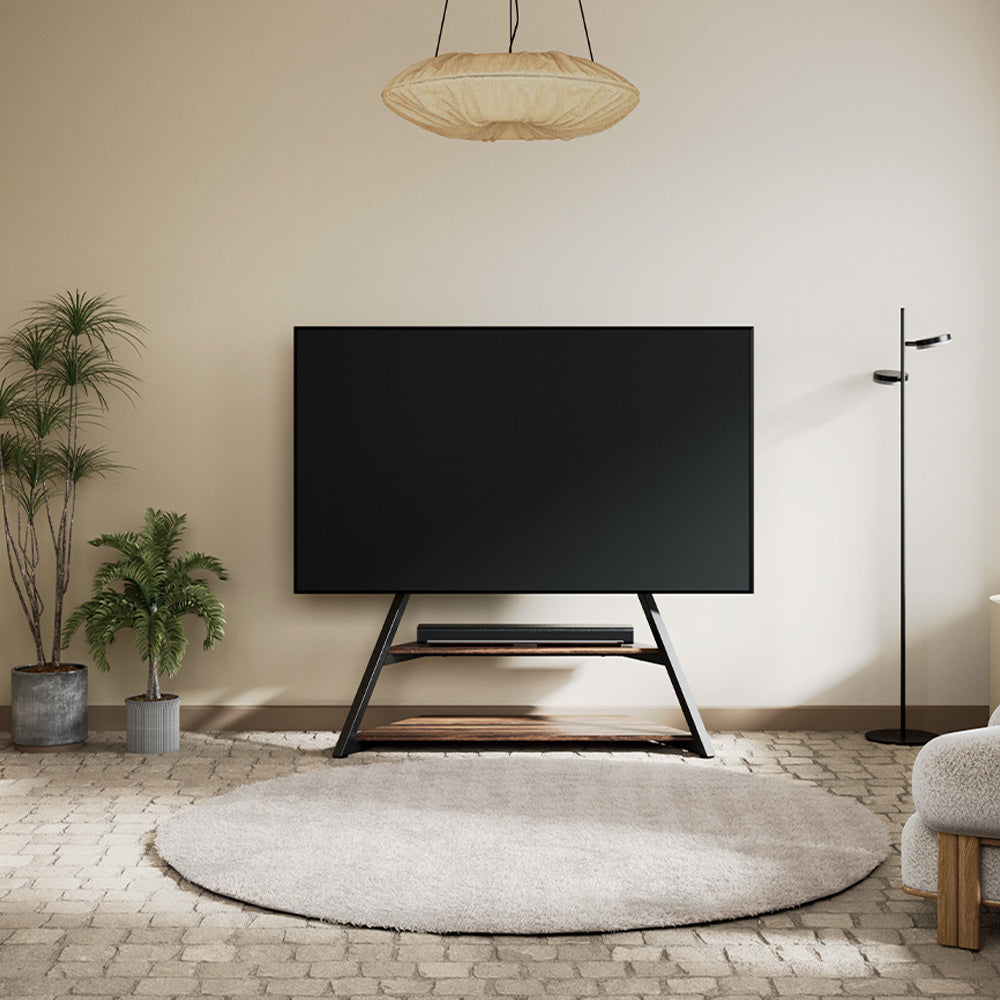
While stick-on plastic covers offer a quick surface fix, upgrading to an artistic floor TV stand—specifically the FITUEYES Master Series—delivers a seamless, zero-damage solution. Designed for simple DIY self-installation by regular home users, the Master Series features integrated internal wire trunking, heavy-duty anti-tip stability, and intuitive assembly. In about 30 minutes, you can transform your living space into a clean, gallery-worthy home theater without driving a single screw into your wall.
Why Hiding TV Wires Matters For Renters And Design Lovers
Visible wires disrupt more than just your decor; they create friction in everyday living. Streamlining your entertainment area delivers immediate practical, aesthetic, and safety benefits:
- Security Deposit Protection: High-end renters and apartment dwellers avoid costly move-out repairs, drywall patching, and lease penalties by skipping invasive wall cutting.
- Elevated Interior Aesthetics: Hiding tangled cords brings out the clean lines of Scandinavian, minimalist, or mid-century modern home design.
- Child and Pet Safety: Concealing dangling power leads eliminates choking, tripping, and chewing hazards for curious toddlers and pets.
- Reduced Visual Stress: A clutter-free media setup creates a calm, gallery-like viewing atmosphere for home theater enthusiasts and remote workers alike.

Practical DIY Hacks: How To Hide TV Wires Without Damaging Drywall
If you want to keep your existing TV setup or media cabinet, several creative, non-invasive hacks allow you to hide TV cables without cutting wall surfaces.
Option 1: Paintable Cable Raceways And Cover Strips
A surface-mounted plastic channel or no drill TV cord hider is one of the most popular surface solutions. These rigid tracks stick to your wall using double-sided adhesive and snap shut over your wires.
- Selection Criteria: Choose a raceway with a removable snap-on cover so you can swap out HDMI cables easily when adding a new gaming console or soundbar.
- Pro Tip: Paint the channel using the exact latex paint color of your wall or baseboard trim. Once painted, an adhesive cable raceway blends seamlessly into the surrounding architecture.
- Best For: Straight vertical drops from a wall-mounted TV directly down to a media cabinet.
Option 2: Flexible Fabric Sleeves And Cable Clips
If you have multiple devices—such as a soundbar, gaming console, and streaming box—a flexible fabric sleeve bundles loose cords into a single clean line.
- Selection Criteria: Look for sleeves made of durable neoprene with zipper or velcro closures for quick, tool-free adjustments.
- Pro Tip: Combine fabric sleeves with adhesive cable routing clips attached to the backside of your furniture legs to keep cords completely out of sight.
- Best For: Grouping 3 to 5 loose wires behind open-back furniture shelves or multi-device hubs.
Option 3: Strategic Baseboard And Furniture Routing
Instead of running cables straight down the center of the wall, route them sideways toward the nearest corner or down along the top edge of your baseboard.
- Selection Criteria: Use clear, clean-peel adhesive hooks that grip wires securely without leaving sticky residue on trim or drywall during move-out.
- Pro Tip: Align cables directly along the shadow line of your baseboard molding to render them virtually invisible from normal viewing angles.
- Best For: TVs located near room corners or adjacent to tall bookshelves.
Comparing Non-Invasive TV Cable Management Ideas
To choose the right method for your home, evaluate how each non-damaging solution handles installation speed, cable capacity, and wall protection.
| Solution | Assembly & Setup Time | Cable Capacity | Wall Damage Risk | Ideal User Persona |
|---|---|---|---|---|
| Surface Cable Raceways | Quick (15 Minutes) | 2–3 Cables | Moderate (Adhesive peel) | Renters with single wall-mounted TVs and minimal devices |
| Fabric Cord Sleeves | Fast (5 Minutes) | 4–6 Cables | Zero Risk | Home theater enthusiasts bundling console & soundbar cords |
| Baseboard Cable Clips | Fast (10 Minutes) | 1–2 Cables | Zero Risk | Space optimizers running power cords along floor trim |
| FITUEYES Master Stand | Simple DIY (20–30 Minutes) | 5+ Cables (All devices) | Zero Risk | High-end renters & aesthetics pursuers wanting a drill-free setup |
The Ultimate Zero-Damage Solution: FITUEYES Master Series Floor TV Stand
While stick-on plastic channels offer a quick surface fix, high-tack adhesives can still peel wall paint during move-out, and narrow raceways quickly overflow when you add a soundbar, subwoofer, or gaming system.
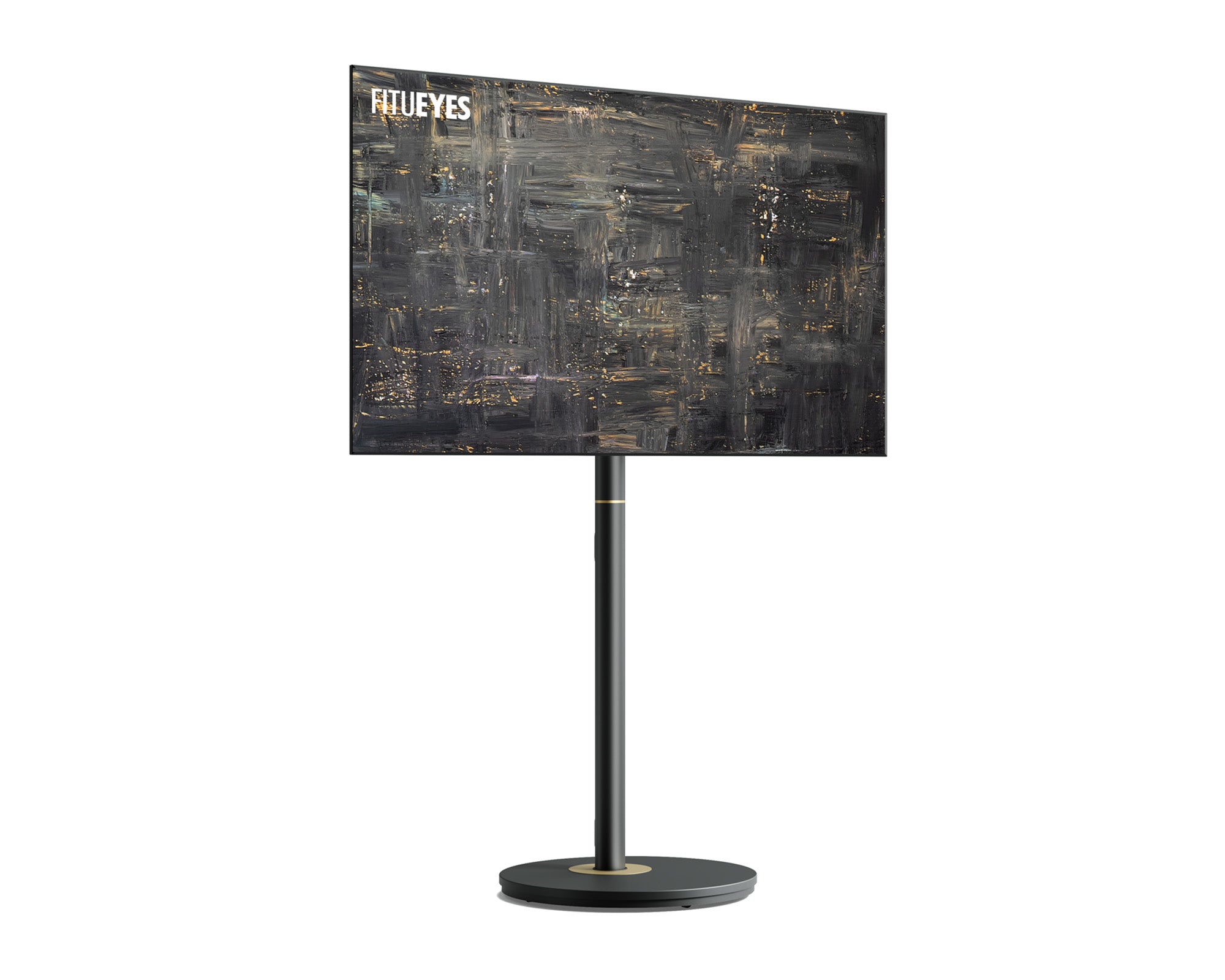
For a permanent, gallery-grade look without touching a drill, upgrading to the FITUEYES Master Series Floor TV Stand provides an elegant, all-in-one answer tailored around creative TV cable management ideas.
Engineered specifically for design-conscious homeowners and high-end renters, the FITUEYES TV stand redefines home entertainment:
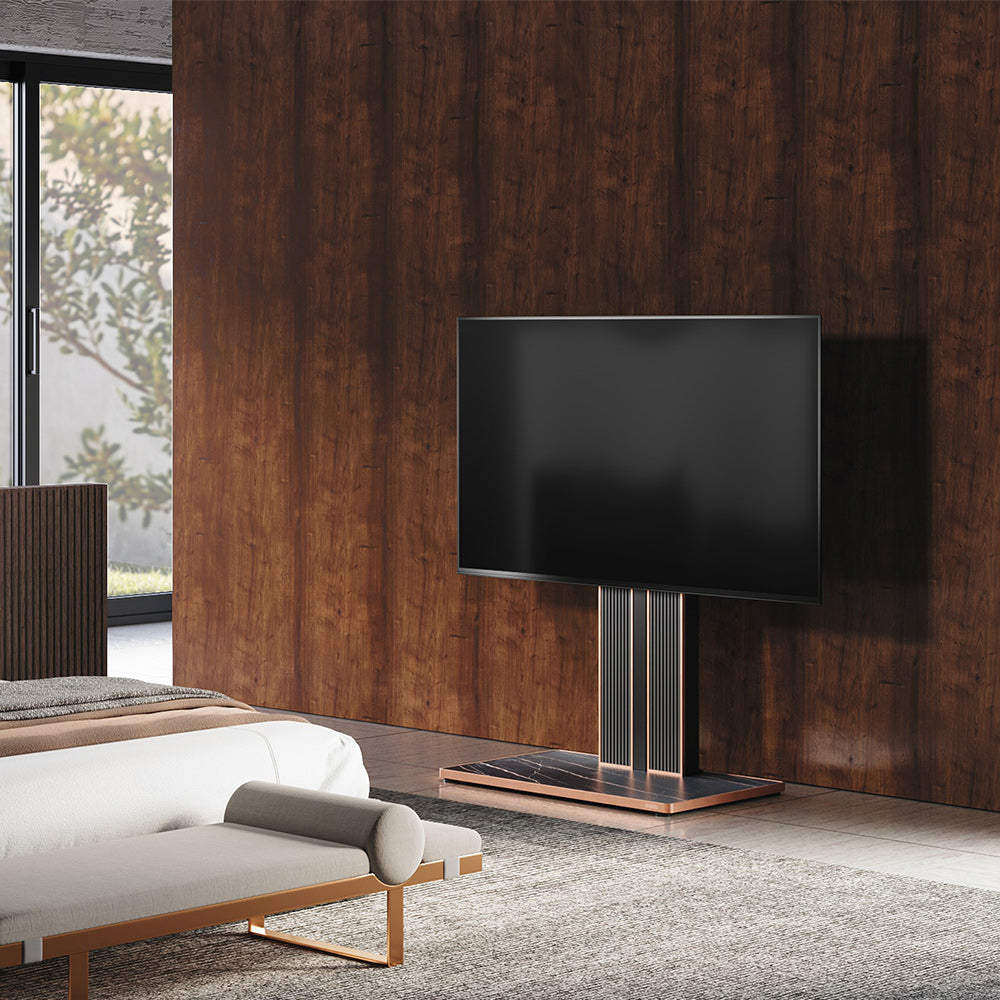
- Concealed Central Cable Trunking: A spacious hollow steel spine and rear channel system easily swallow power cords, HDMI 2.1 leads, and audio lines in one hidden path, keeping wires completely invisible from every room sightline.
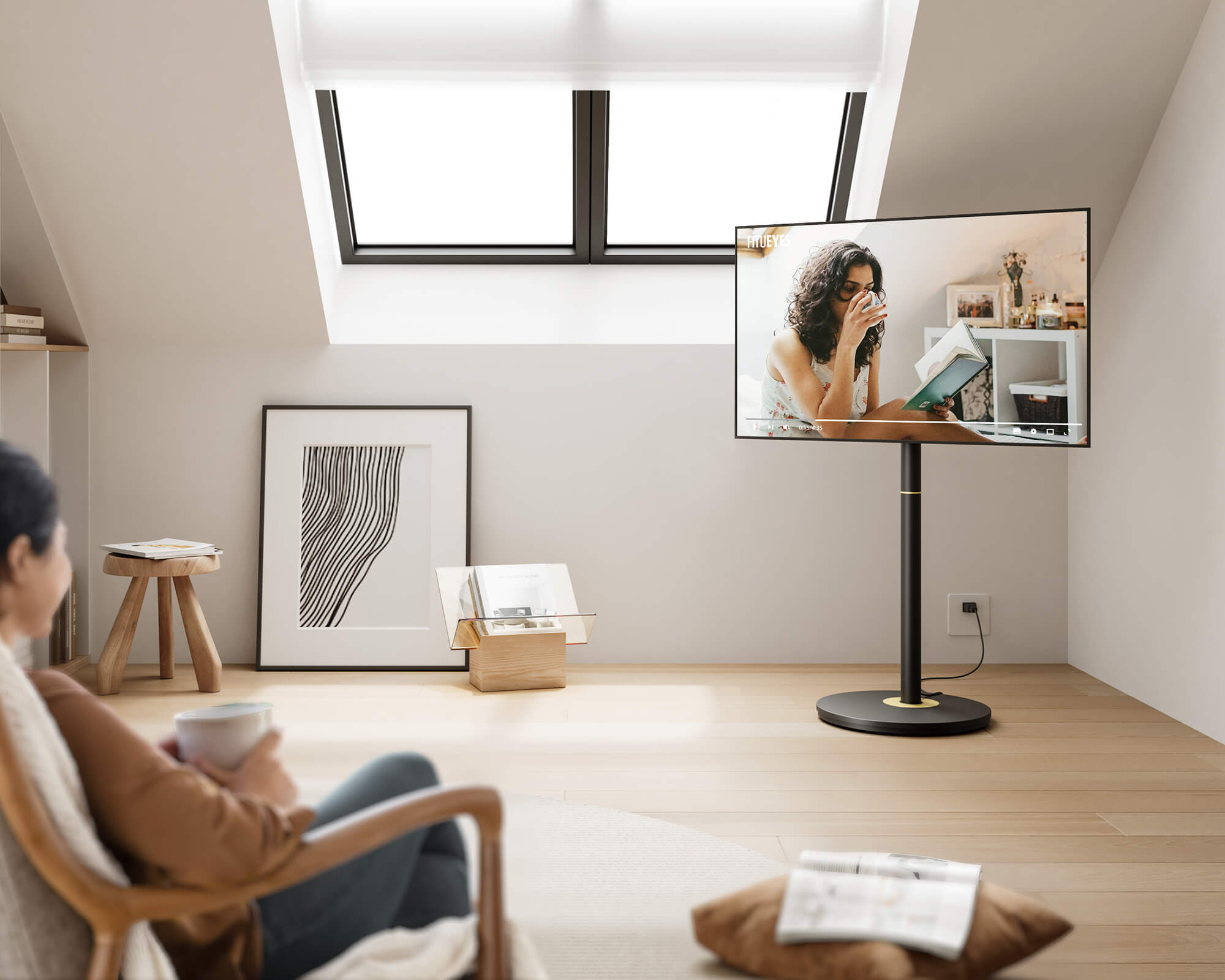
- 100% Drill-Free Versatility: Place your TV anywhere in the room—against a flat wall, angled in a tight corner, or as a freestanding centerpiece—without driving a single screw into your drywall.
- Universal VESA & Heavy-Duty Stability: Built with broad VESA plate compatibility and a heavy-gauge steel base, the Master Series safely supports large screen TVs (from 32 up to 85 inches). Its low-center-of-gravity design offers built-in security for households with active kids or pets.
- Ergonomic Height & Swivel Adjustment: Effortlessly adjust viewing heights and swivel angles to reduce neck strain and eliminate screen glare during movie nights or remote work sessions.
- Straightforward DIY Setup & Support: Designed from the ground up for easy self-assembly by regular home users, the Master Series arrives with pre-sorted hardware and clear step-by-step guides. You don't need expensive tools or professional installers. If you ever have a setup question, Our customer support is always available to help.
Upgrading to a freestanding TV stand with cable management eliminates messy wall stick-ons while transforming your living space into a refined, modern sanctuary.
Step-By-Step Guide: How To Route Cables Cleanly In Under 30 Minutes
Follow this simple 4-step checklist to organize your entertainment cords and maintain an ultra-clean layout:
- Audit and Unplug Your Equipment: Unplug all devices (TV, soundbar, streaming sticks, gaming consoles). Lay cables flat to untangle them and wipe away dust.
- Group Wires by Destination: Separate power leads from audio-visual connections. Group cords running to the same location using soft Velcro straps rather than tight plastic zip ties.
- Feed Cords Through Central Channels: If using the FITUEYES Master Series stand, route your grouped wires straight down through the internal steel column before mounting your display panel.
- Conceal Bulky Power Bricks: Mount bulky transformers and power strips under the stand's bottom base frame or behind your media console using heavy-duty, clean-peel hook-and-loop tape.

FAQs About TV Cable Management
1. Can I Hide TV Cables Without Any Drilling At All?
Yes. You can conceal wires completely without drilling by using surface-mounted paintable raceways, flexible fabric sleeves, or by placing your screen onto a freestanding floor TV stand—like the FITUEYES Master Series—that features built-in internal cable channels.
2. How Do I Hide TV Wires On Wall Mounted TV Setups Safely?
To learn how to hide cords on wall mounted TV setups safely without cutting drywall, install a surface raceway vertically from the bottom of the TV straight down to your media console. Stick the channel using clean-peel mounting tape, lay the wires flat inside without forcing tight bends, and snap the track cover shut.
3. Will Stick-On Raceways Damage My Paint When Removed?
Standard adhesive strips can tear drywall paper or latex paint if pulled off forcefully. To safely remove stick-on channels, warm the plastic track with a hairdryer on medium heat for 30 to 60 seconds to soften the adhesive, then gently slide dental floss or a plastic putty knife behind the track to release it.
4. How Do I Route Multiple Thick Power Bricks And Console Cords?
When organizing bulky setup connections (like a PlayStation 5, Xbox, and soundbar power supply), slim stick-on raceways often burst open. Instead, store power strips inside a dedicated cable organizer box on the floor, or choose a FITUEYES Master Series stand with a wide rear cable column engineered to hold multi-device connections effortlessly.
Achieving a sleek, cord-free entertainment setup shouldn't require invasive drywall cutting, lost security deposits, or contractor fees. Whether you opt for temporary surface raceways or upgrade to a drill-free floor TV stand, keeping your living space clean, safe, and visually elevated is fast, affordable, and completely DIY-friendly.
Ready to transform your living room into a wire-free, gallery-worthy sanctuary?
Explore the design-forward FITUEYES Floor TV Stand. Engineered for quick self-installation with intuitive guides, integrated cable management columns, and heavy-duty anti-tip stability, you can enjoy a flawless home theater experience in under 20 minutes—without driving a single screw into your wall. If you ever have a setup question, our online customer support team is always here to guide you every step of the way.