


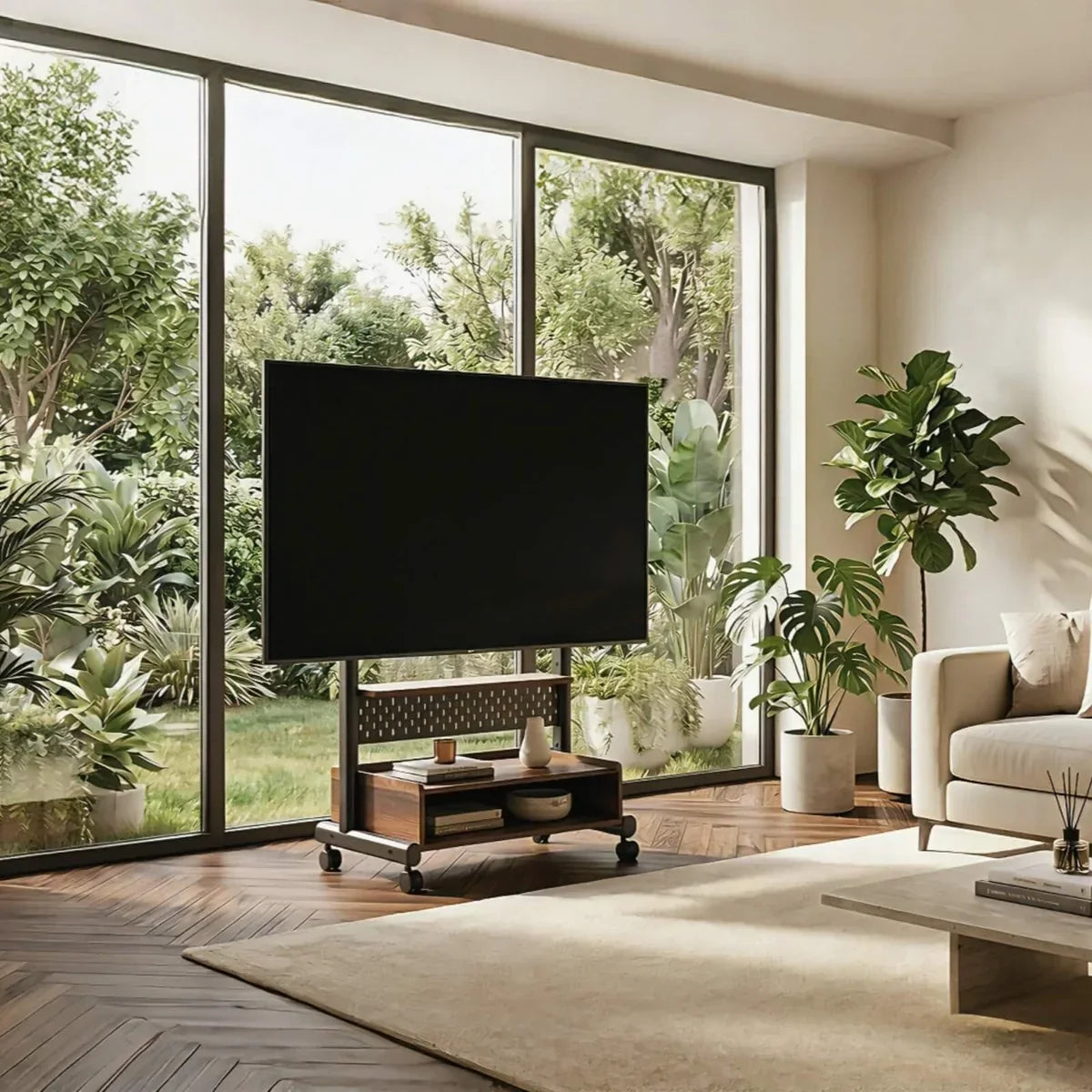
Yes, you can put a TV in front of a window, but only when the picture remains comfortable to watch, the window can still do its job, and the screen has stable independent support. This arrangement is often a practical response to limited wall space rather than the first layout you would choose in an empty room.
Here, “in front of a window” means the window is behind the TV when viewed from the seating area. That differs from placing a TV opposite a window, where the window may reflect directly on the screen. This guide focuses on the first situation: deciding whether a TV can remain in front of the window or whether it needs to move aside when the window is being used.
Test the Window-Front Position During Your Normal Viewing Hours
Test at the time of day when you usually watch TV; morning, afternoon, and evening light can make the same position behave differently. Sit in each regularly used seat and play both bright and dark scenes. Look for a washed-out picture, a distracting bright border, or direct sunlight reaching the television.
Close the window covering you already have. A light-filtering shade may reduce background brightness, while direct sun may require a more opaque covering during that period. If only one section causes the problem, cover that section rather than the entire window.
If the bright window still makes dark scenes difficult to see after using the window covering you would normally keep closed, reject this position and use an adjacent wall or shaded corner. If the picture becomes comfortable to watch, continue by checking whether the window can still be opened and covered normally.
Make Sure the Window Still Works With the TV in Place
Before deciding that the TV can stay in front of the window, check how the window actually needs to be used. Open and close the sash, crank, lock, handle, blind, or curtain from their normal positions. You should not have to reach over the screen, squeeze behind it, or move the TV every time you want ventilation or access to the window.
If the window has multiple sections, check them separately. A TV may block a fixed pane without causing a problem while leaving an operable pane clear. If the screen would cover the only section you regularly open, see whether shifting the TV slightly to one side preserves enough access.
If the TV and stand are not yet in place, mark the TV’s published width and height with low-tack tape or string. Mark the stand or cabinet footprint on the floor as well. This makes it easier to see whether the screen blocks a handle, whether curtains can still move freely, and whether the support extends into a walkway. Use the TV’s actual width rather than its diagonal screen size.
The stand should also sit fully on one stable, level surface. If part of the base would rest on a rug edge, raised track, or floor transition, adjust the position instead of letting the stand bridge the height difference.
Finally, check the route to the nearest outlet. Power and signal cables should stay clear of the window opening, moving sash, and walking path.
If the window, covering, floor space, and cables all work with the TV in place, a fixed setup can make sense. If the window needs frequent full access or the TV repeatedly gets in the way, the better setup is one that can move between a viewing position and a separate parking position.

Choose Between a Fixed Stand and a Rolling Stand
The window-access check—not the appearance of the stand—determines which branch fits the room.
Keep the Stand in Place but Allow Small Screen Adjustments
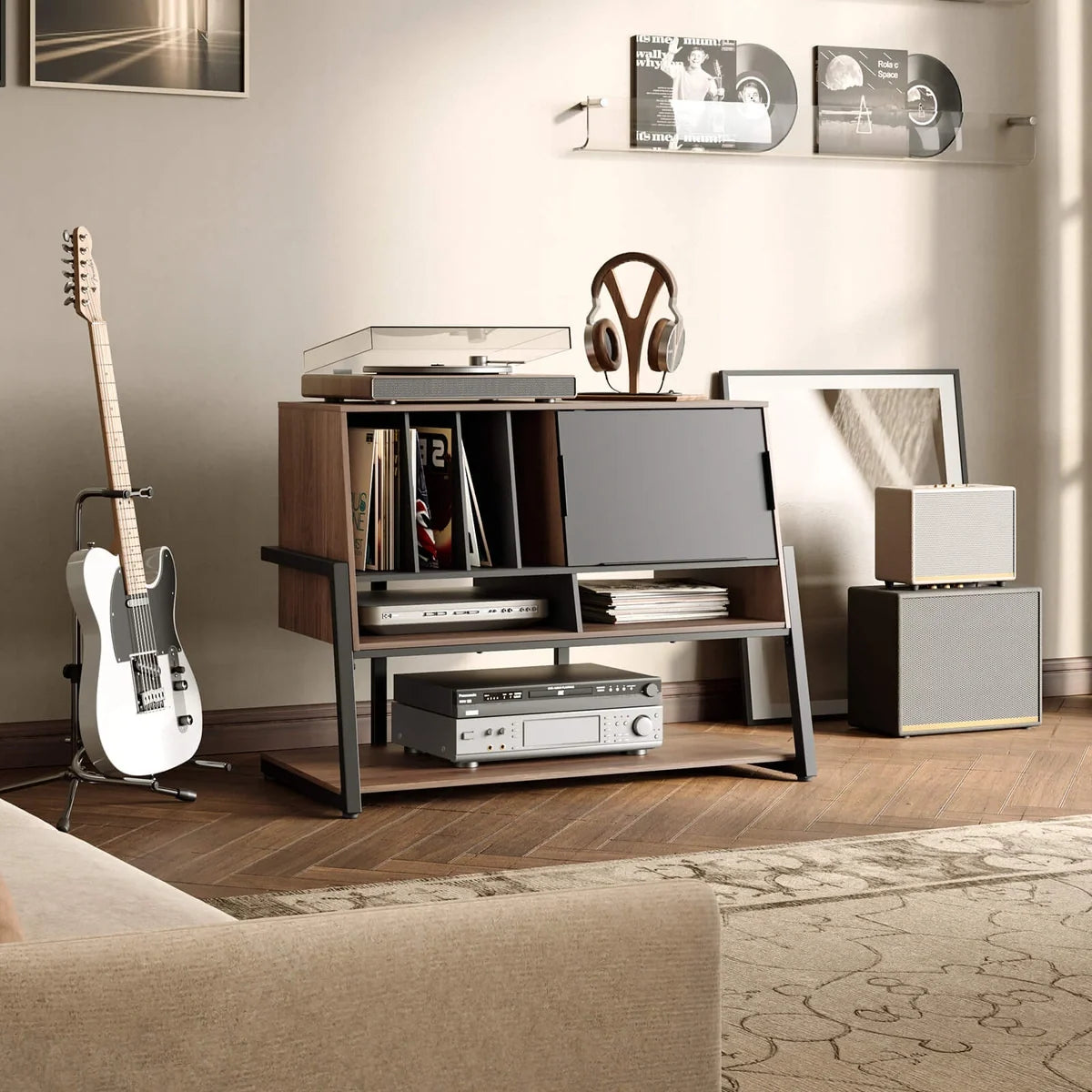
A cabinet can support a TV on its original feet and provide equipment space. Compare the spacing and depth of the feet with the usable cabinet surface, then check how much of the lower window the furniture covers.
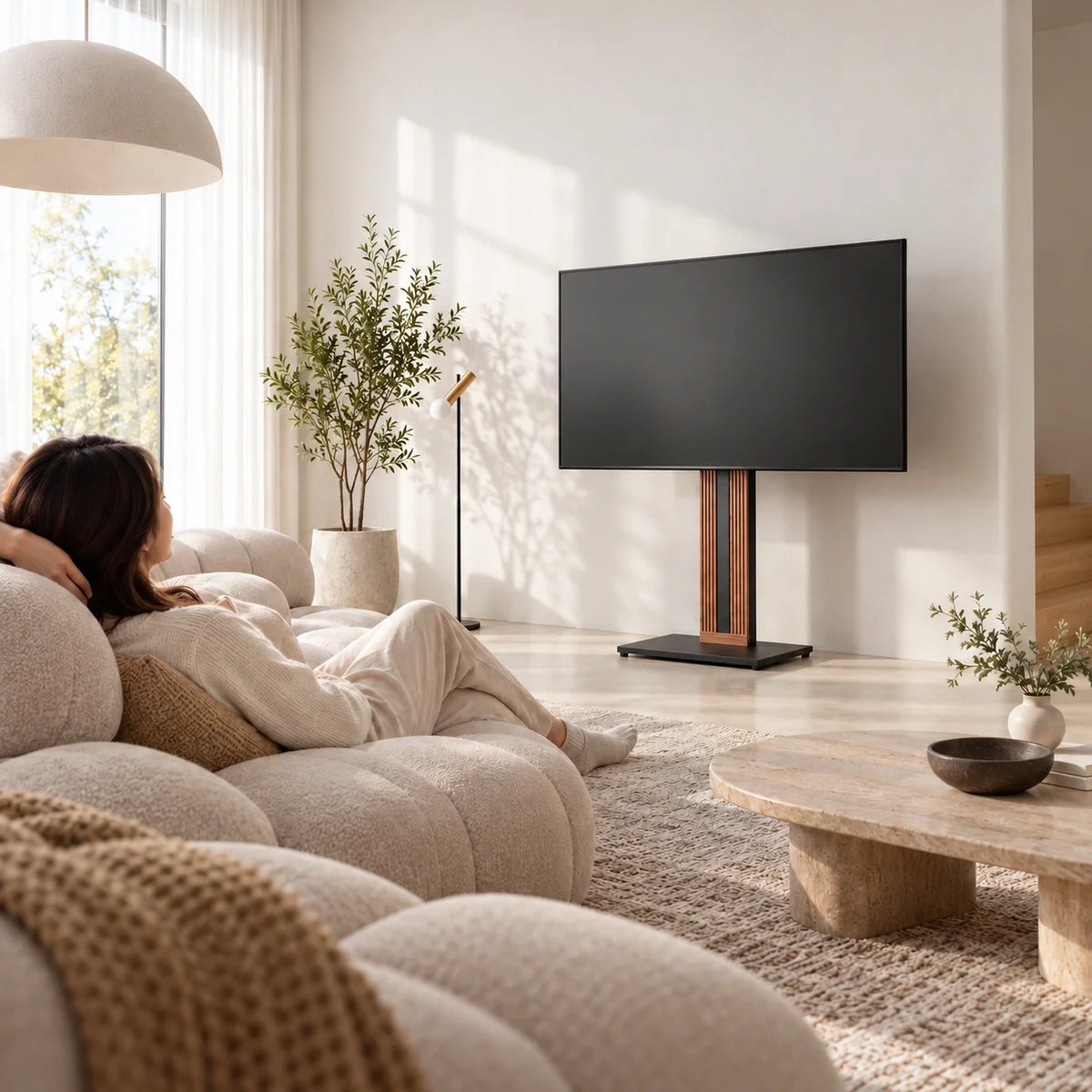
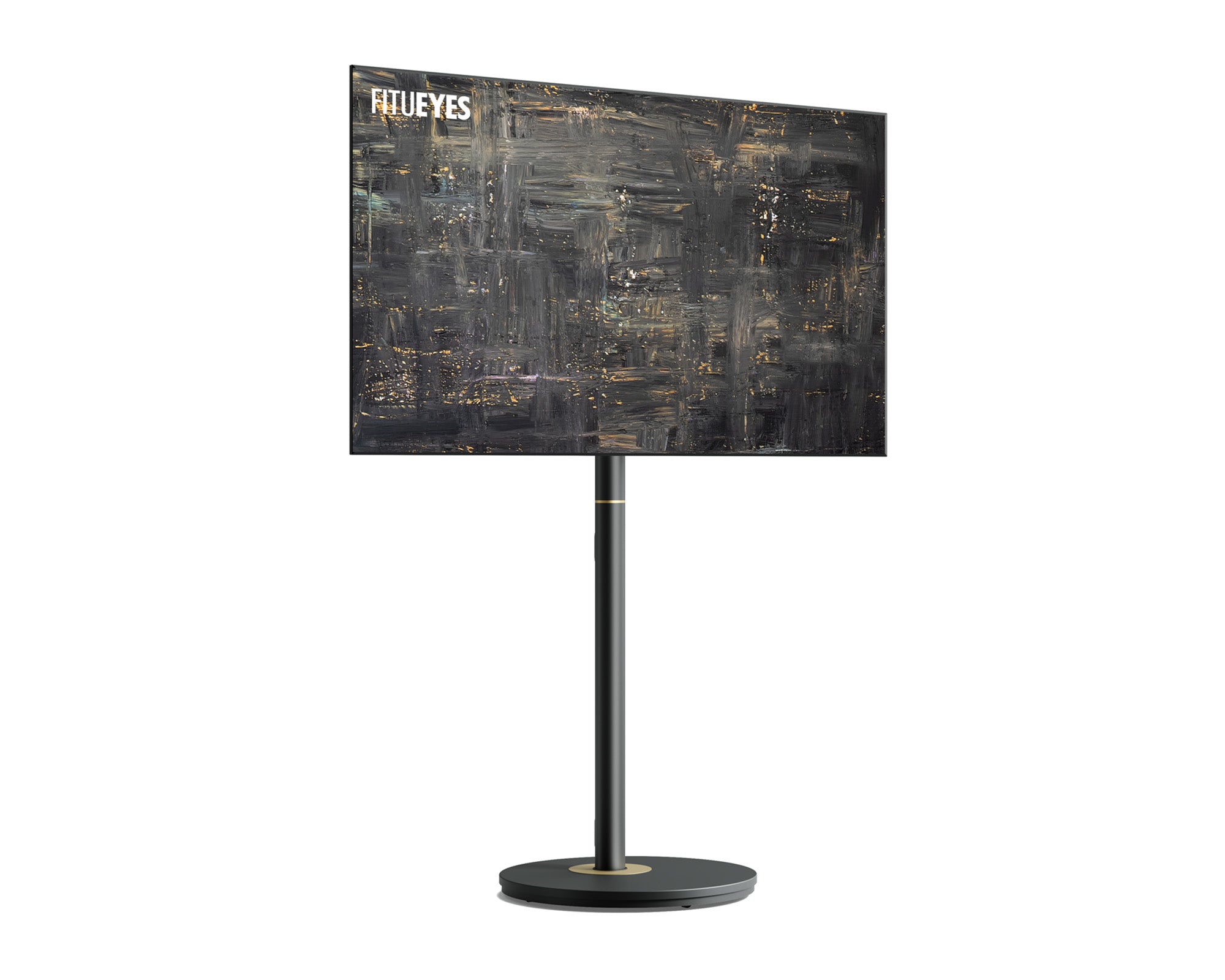
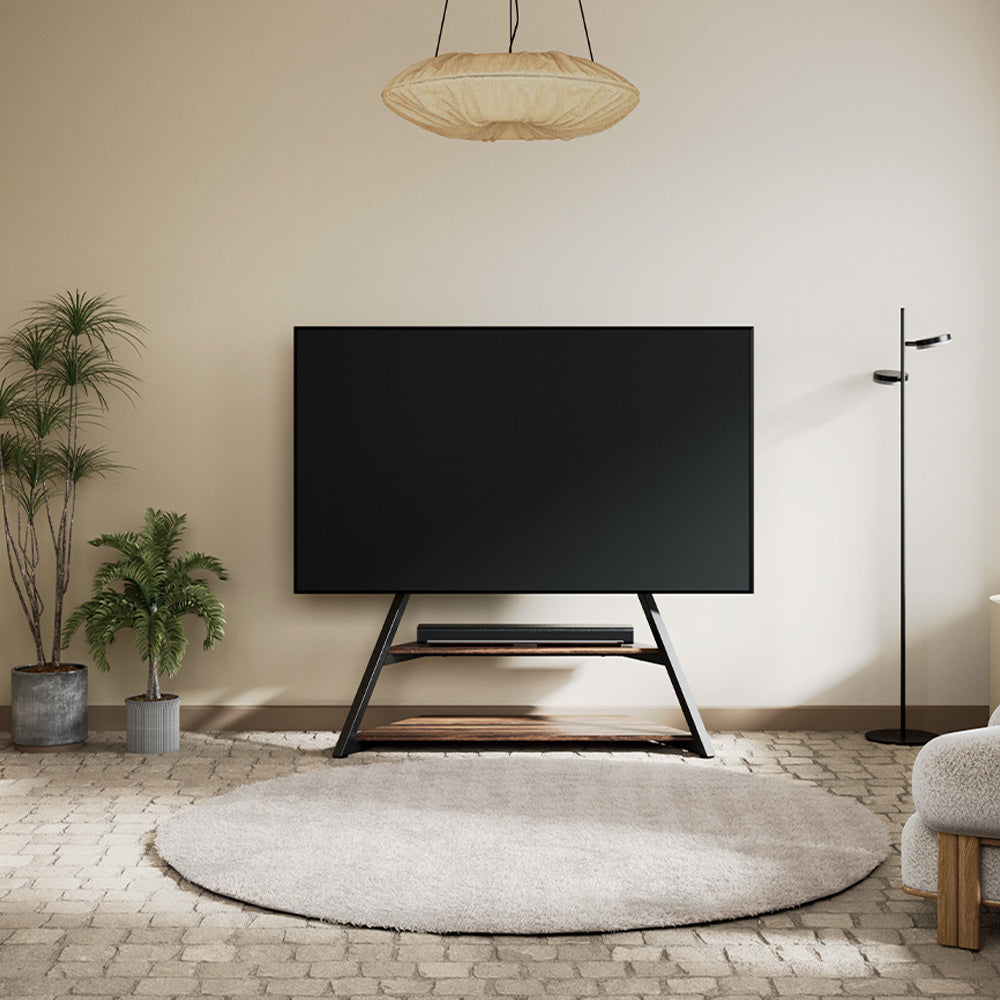
If a cabinet blocks too much glass, TV floor stands provide independent VESA-mounted support. Check the TV’s weight and mounting pattern, the published screen-center height, and the floor area occupied by the stand’s legs or bottom plate. Do not treat a standard wall mount as suitable for glass or window frames unless the structure and installation method have been professionally confirmed.
If the TV will stay in front of the window, some angle adjustment can be useful when seating is slightly off-center or reflections change during the day. The Picasso FT78 TV stand supports compatible 55- to 78-inch TVs up to 99 pounds and allows the screen to swivel up to 20 degrees to either side. That gives you some flexibility to adjust the viewing direction without shifting the entire stand or changing its position in front of the window. It will not solve strong backlighting from the window itself, however, so the earlier daylight test should still determine whether this location works.
The screen does not need to sit in the exact center of the window. A slight offset may preserve an operable pane, expose more glass, and give the curtains room to fall beside the TV. Route cables down the stand and toward the nearest wall without crossing the window opening, leaving enough movement for the verified swivel and tilt ranges. If a side window or lamp still appears on the screen, use this guide to place a TV stand to avoid glare.
Choose a Rolling Stand When the TV Cannot Stay in Front of the Window
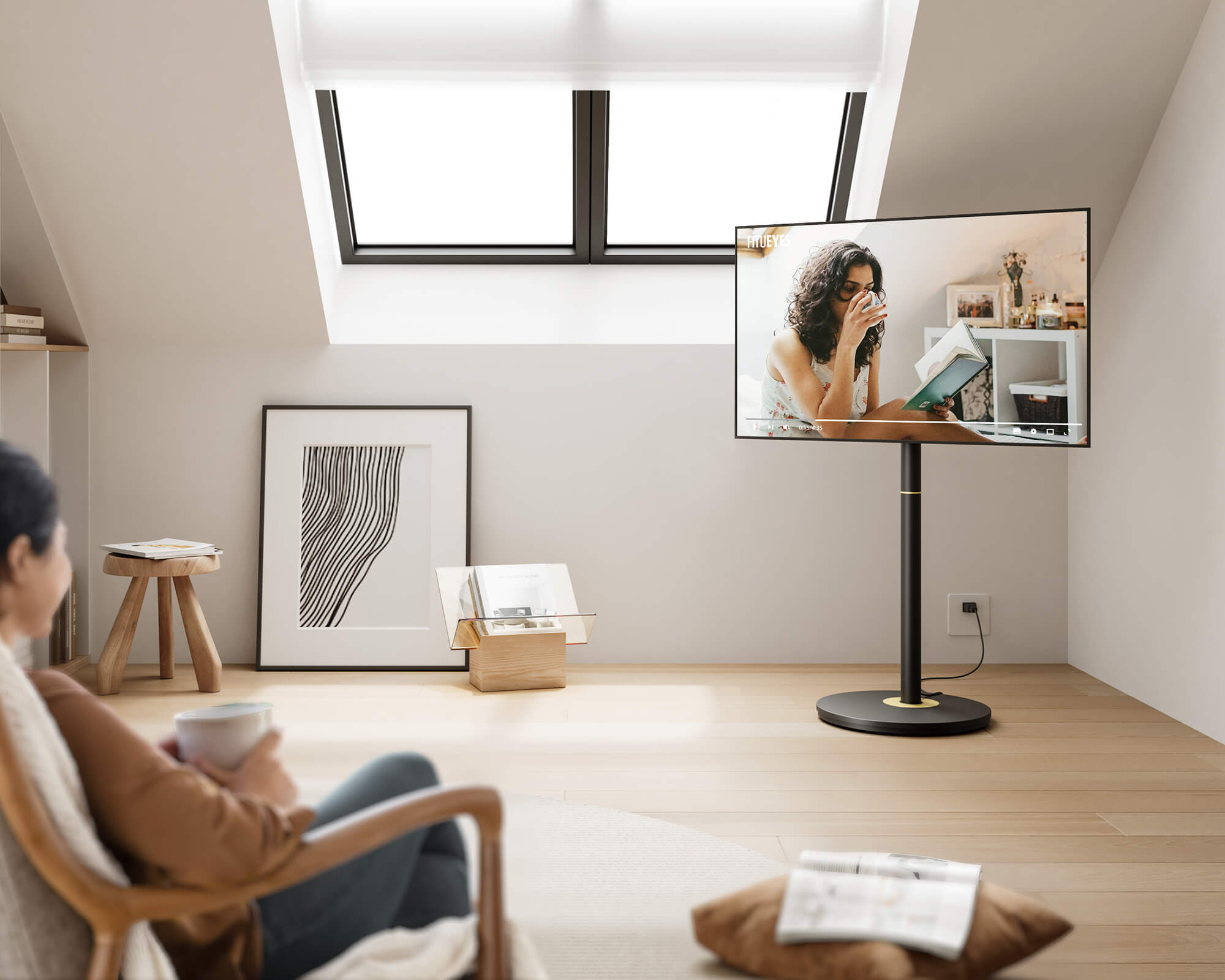
A rolling stand suits a room where the TV moves into the window-front position for viewing but must move aside for daylight, ventilation, or regular access to the window.
Before comparing rolling TV stands, map the route between the viewing and parking positions. Measure furniture gaps, check rugs and thresholds, and locate power in both places. The parking position should not block another door, floor vent, or walkway.

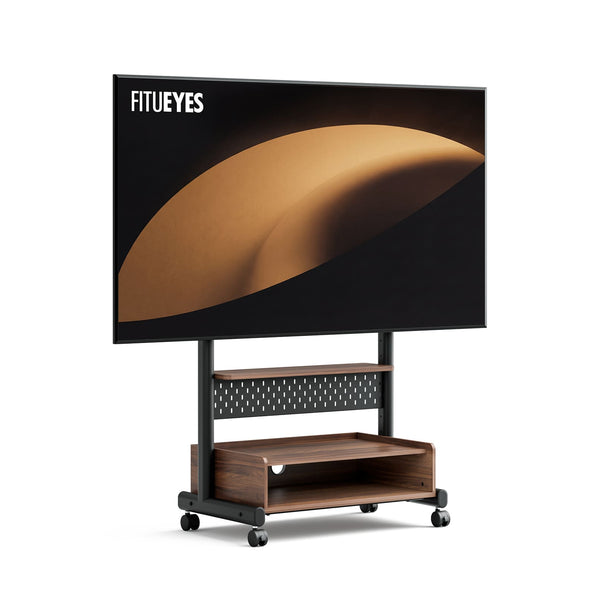
For a larger TV that needs to move together with its media devices, the K TC85 TV Cart supports 40- to 85-inch TVs up to 132 pounds, with VESA patterns from 100 × 100 to 600 × 400 mm. Its wheels allow the screen to move between viewing and parking positions, while equipment storage gives streaming boxes, game consoles, or accessories a place to travel with it. Cable routing keeps the moving setup organized. Confirm the TV fit, device dimensions, cable reach, floor condition, and complete route between the two positions.
Keep devices on the cart only when their dimensions and weight suit the available storage areas. Before moving the stand, manage or disconnect every cable that does not travel with it. This prevents an attached cord from defining the route or pulling against the TV, device, or outlet.
A Good Window-Front Setup Preserves More Than Screen Space
A successful arrangement gives the television a usable picture while preserving the window’s light, operation, and place in the room. The viewing-time test determines whether the location works; window access determines whether the stand should remain there or roll away between uses. Once those decisions are clear, FITUEYES offers freestanding designs that can be compared by the specific support, screen adjustment, storage, and movement the room requires.
FAQs
Will a TV in Front of a Window Make the Room Too Dark?
It depends on how much of the glass the TV and its support actually cover. Compare the TV’s physical width and height with the window rather than judging by screen size alone. If possible, offset the television toward one side or keep uncovered panes open to daylight instead of centering a large screen across the entire window.
How Far Should a TV Be From a Window?
There is no single required distance between a TV and a window. Leave enough space for the window, handles, blinds, or curtains to operate without touching the TV, and make sure direct sunlight does not regularly reach the screen or back of the television. Also keep any ventilation openings clear and follow the TV manufacturer’s clearance guidance. If the window cannot be used normally without contacting the TV or stand, increase the distance or choose another position.
Can You Leave a TV in Front of a Window Permanently?
You can if the viewing test passes, the window remains usable enough for the room, and direct sunlight or heat does not regularly reach the television. Do not block the TV’s ventilation openings, and maintain the ventilation clearances specified by the TV manufacturer. If you frequently need the full window for ventilation, daylight, cleaning, or access, a movable setup is usually more practical than repeatedly working around a fixed TV.