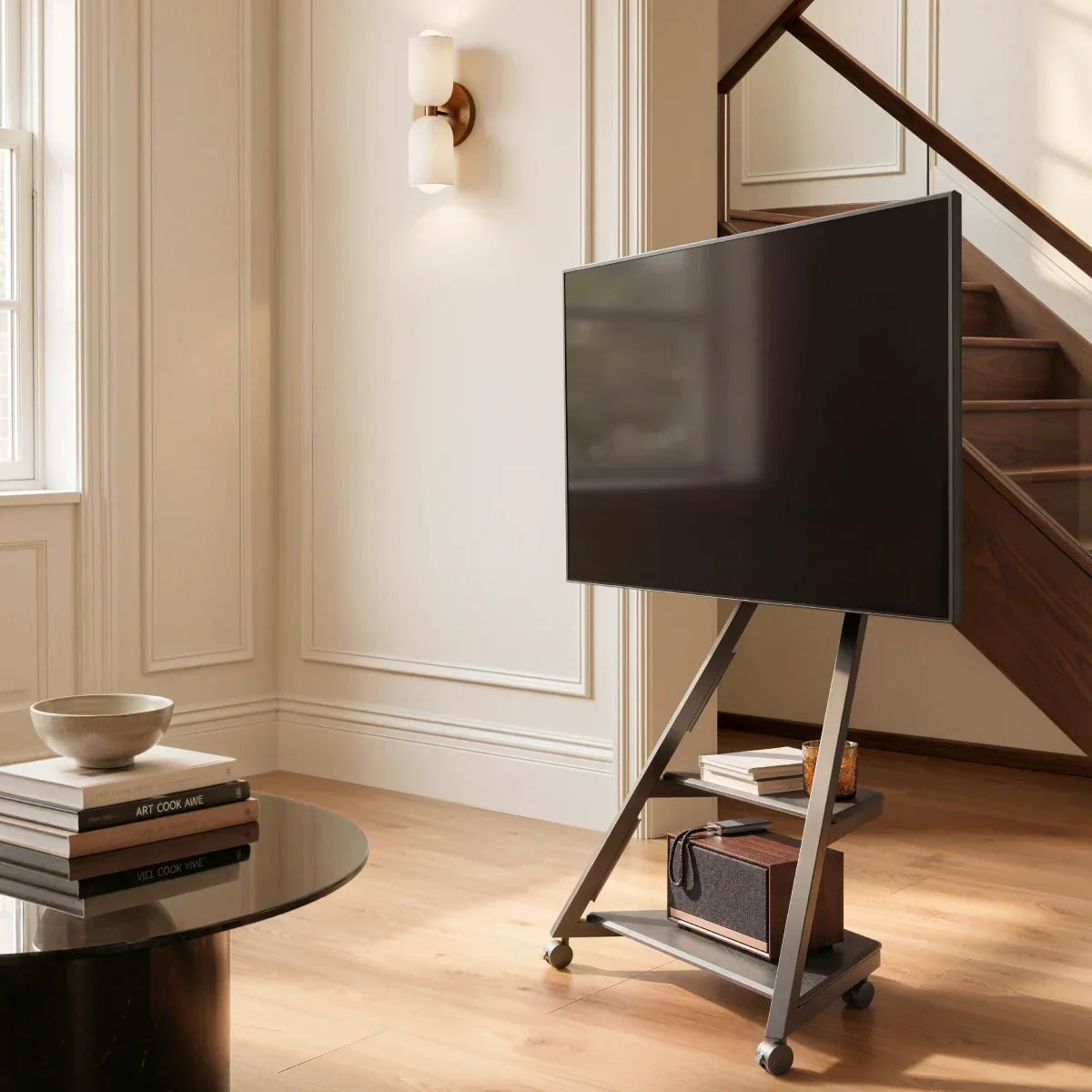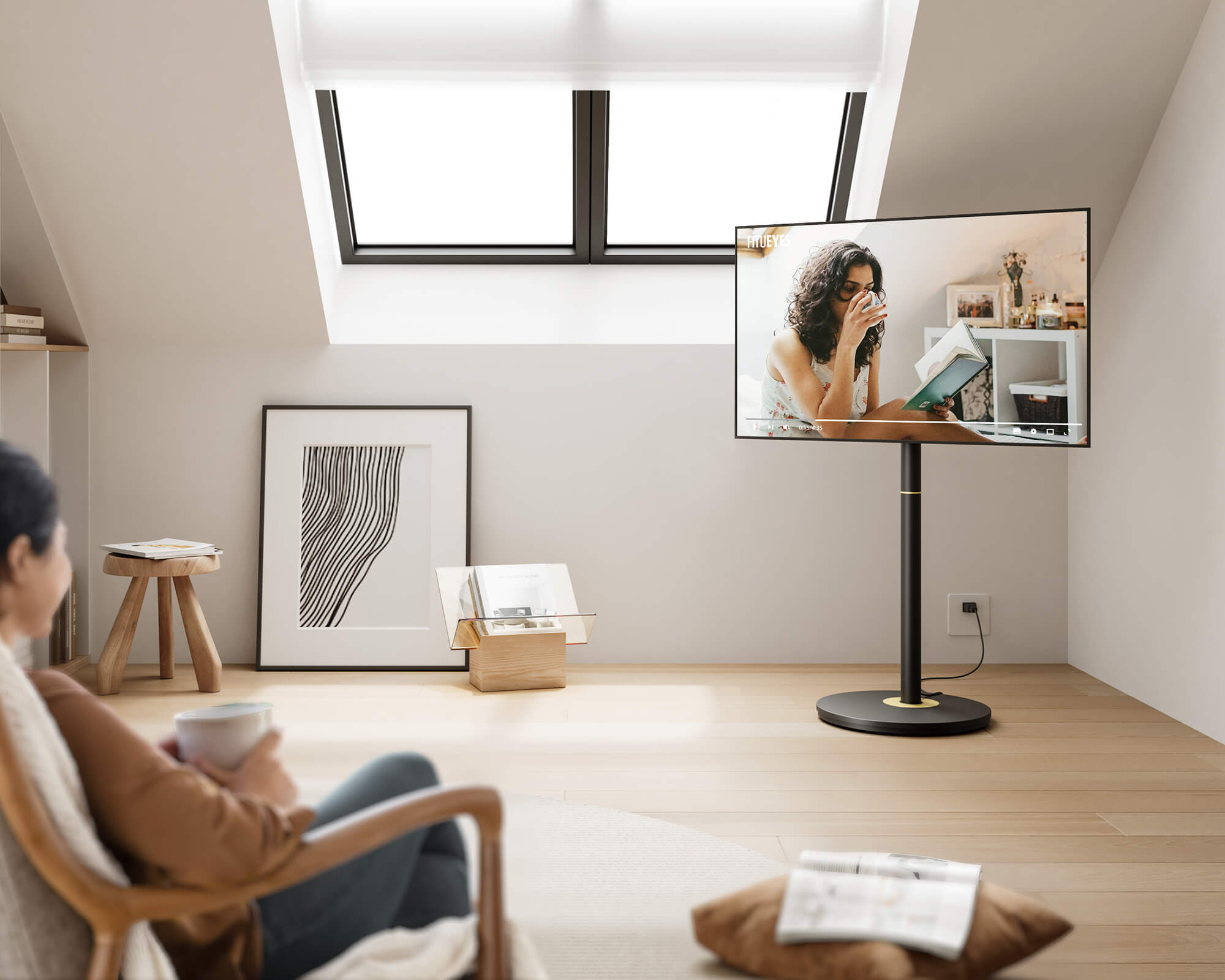



Choose a TV cart when one screen needs to support entertainment in more than one part of the home. The right model depends on how far it must travel, what equipment moves with it, where it will park, and whether its mounting specifications fit your television. Even if the screen moves only occasionally, wheels can still be useful when they solve a real placement or room-sharing problem.
Start by identifying the entertainment zones that will share the screen. Then confirm TV compatibility and viewing height, measure the route and parking area, and calculate the shelf and cable space needed for connected devices. These checks reveal which cart features matter and which would only add unnecessary size or complexity.
Which Entertainment Zones Will Share the TV?
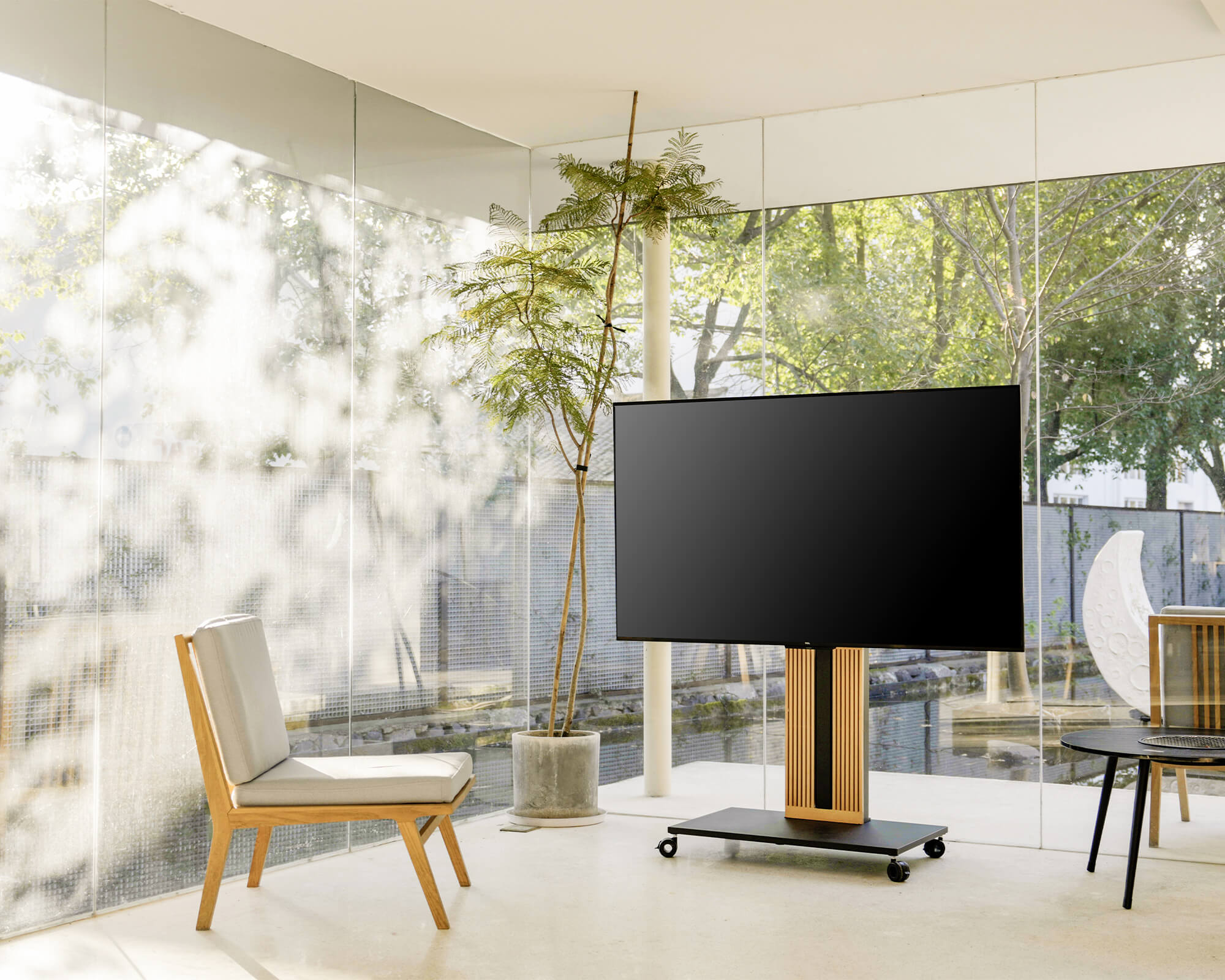
Begin with the places where the television will actually be used. A TV cart with wheels can let one screen move from the living room to a dining area for a game, into an open space for a workout, or between home-office and entertainment use.
Write down the primary parking area and every secondary viewing zone. Then record how often the cart will move and how far it must travel. Frequent movement places more importance on caster performance, accessible wheel locks, controlled cables, and secure equipment storage. Occasional movement makes the parking footprint, appearance, and ease of repositioning more important.
Next, decide what must move with the television. A streaming box may always stay connected, while a game console, soundbar, or camera may be used only in one area. Separate the equipment into three groups: devices that must travel, devices that remain in place, and devices that need to be disconnected before each move.
This step defines the cart’s job. It establishes which zones the screen must serve, the conditions it will encounter, and how much of the entertainment system must travel with it.
Will the TV Fit and Sit at the Right Height?
Once the movement task is clear, confirm that the cart can support the television. Four specifications must match: supported screen size, maximum TV weight, VESA pattern, and mounting hardware requirements.
Common TV cart ranges include 32–65 inches, 40–75 inches, and 40–85 inches, but these are only reference examples. Two TVs with the same diagonal size may have different weights and mounting-hole patterns.
Common VESA patterns include 100 × 100, 200 × 200, 300 × 300, 400 × 400, and 600 × 400 mm. Check the exact horizontal and vertical spacing on the television or in its manual. A compatible screen size cannot compensate for an unsupported weight or VESA pattern, and a “universal” bracket does not necessarily fit every TV.
Viewing height requires a separate calculation. Measure the eye level of the main viewer in the position normally used for entertainment, then compare it with the cart’s published TV-center height.
A typical sofa eye level may begin around 40–42 inches (102–107 cm) from the floor. A low lounge seat may place it below 40 inches, while a dining or office chair may raise it to approximately 42–46 inches (107–117 cm). Standing eye level for home workouts may be around 55–65 inches (140–165 cm), depending on the user.
These figures are starting references, not universal installation heights. Measure the actual viewer and prioritize the activity that occupies the most time. For movie watching, keep the screen center reasonably close to seated eye level. For gaming, also consider viewing distance and console placement. For fitness content, confirm that the screen remains visible from a standing position without exceeding the cart’s approved height range.
Do not confuse TV-center height with the height of the screen’s bottom edge or the cart’s overall height. Treat screen size, weight, VESA, hardware, and viewing height as non-negotiable checks. If one falls outside the cart’s specifications, choose another model.
Can the Cart Reach Every Viewing Zone?
A cart may fit in its destination but fail along the route. Measure the narrowest doorway, hallway, tightest turn, furniture gap, rug edge, and threshold between entertainment zones.
Measure both the base and the television. The screen is often wider than the wheeled base, so a cart that clears a doorway at floor level may still strike the frame or nearby furniture during a turn. Allow additional clearance for cables or devices extending beyond a shelf.
Next, test the parking area. Use painter’s tape or cardboard to mark the complete base dimensions on the floor. Open nearby doors, drawers, and cabinet fronts. Pull out chairs and walk through the normal path. Confirm that the cart can approach the sofa, bed, dining table, or media cabinet without obstructing everyday movement.
Floor conditions also affect performance. Hard flooring generally produces less rolling resistance. Thick carpet can make a loaded cart harder to start, turn, and stop, while thresholds and floor transitions can interrupt an otherwise clear route.
Power access belongs in the route plan as well. Check whether the television and connected devices can reach an outlet at each viewing position. Avoid arrangements that require power or HDMI cables to cross a walkway.
Once you know the available footprint and route, compare rolling TV stands using their base dimensions, caster configuration, storage, and parking requirements—not only their advertised screen range.
What Entertainment Equipment Needs to Move With It?
List every device that needs to travel with the screen.
A streaming setup may require only a media box and remote. Gaming may add a console, controllers, charging dock, and headset. Movie nights may involve a soundbar or media player, while fitness sessions or video calls may use a camera, casting device, or small speaker.
For each item, record its width, depth, weight, plug position, and ventilation requirements. Compare those measurements with the shelf’s usable area rather than the cart’s overall dimensions. Leave additional depth for power plugs, HDMI connectors, and cable bends.
Shelf capacity must be checked separately from TV capacity. When several devices share one level, add their weights before comparing the result with the published shelf limit.
Soundbar placement needs particular attention. Confirm that it will not block the bottom of the screen, remote sensor, controls, or ventilation. The mounting columns or cart base may also occupy the intended soundbar position.
Finally, plan how cables will behave during movement. They need enough slack to connect devices without pulling against ports, but they should not hang into the caster path. Cables attached to fixed outlets or network ports generally need to be disconnected before moving.
Once the equipment list is complete, you can tell whether the setup needs a compact shelf or a cart designed to organize several devices together.

For Smaller TVs, Narrow Routes, and Compact Parking Areas
Not every mobile setup needs a large cart with several equipment shelves. For a smaller television that must pass through narrow walkways or park in a compact area, the main priorities may be a restrained footprint, easy repositioning, and enough clearance around nearby furniture.
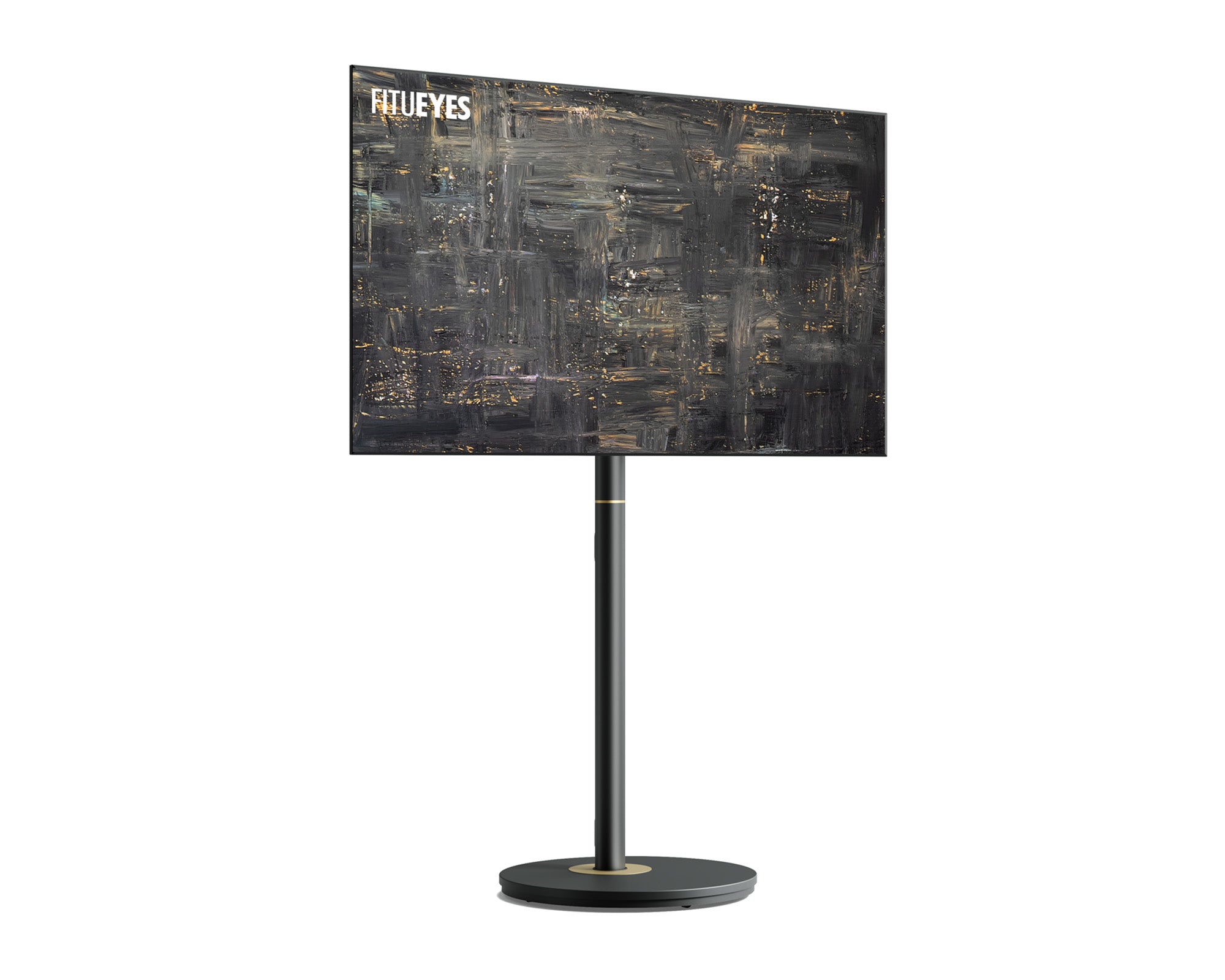
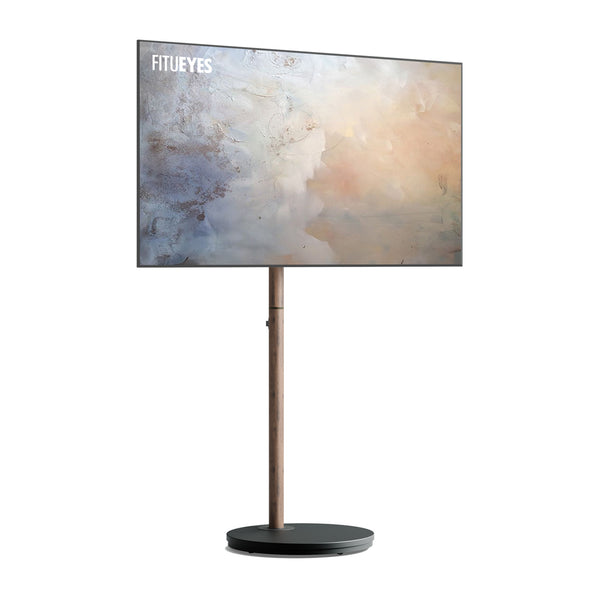
The Master V2 FT48 TV Stand is designed for most 24- to 48-inch TVs weighing up to 44 pounds (20 kg), with supported VESA patterns from 75 × 75 to 200 × 200 mm. Its compact design and concealed wheels make it better suited to smaller screens and spaces where a larger equipment cart would be difficult to position.
This compatibility range makes it a focused option for smaller-screen setups. For larger or heavier TVs, or arrangements that need to carry several devices, compare a higher-capacity cart with more dedicated storage.
For Larger TVs and Multi-Device Storage
A larger television changes both the support and storage requirements. If a gaming console, streaming device, controllers, camera, or other accessories must move with the screen, choosing a cart with dedicated equipment space can reduce repeated carrying and reconnection.
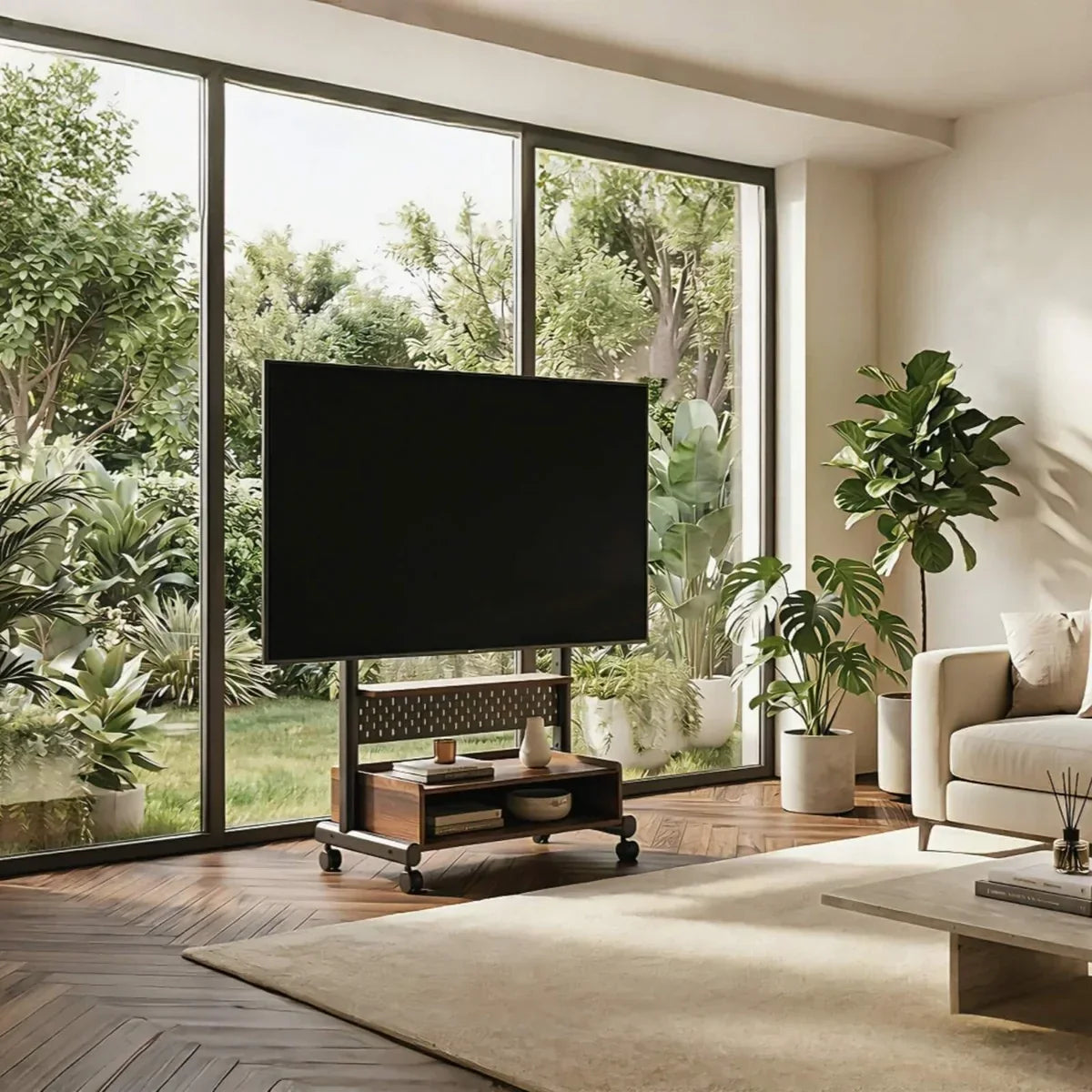
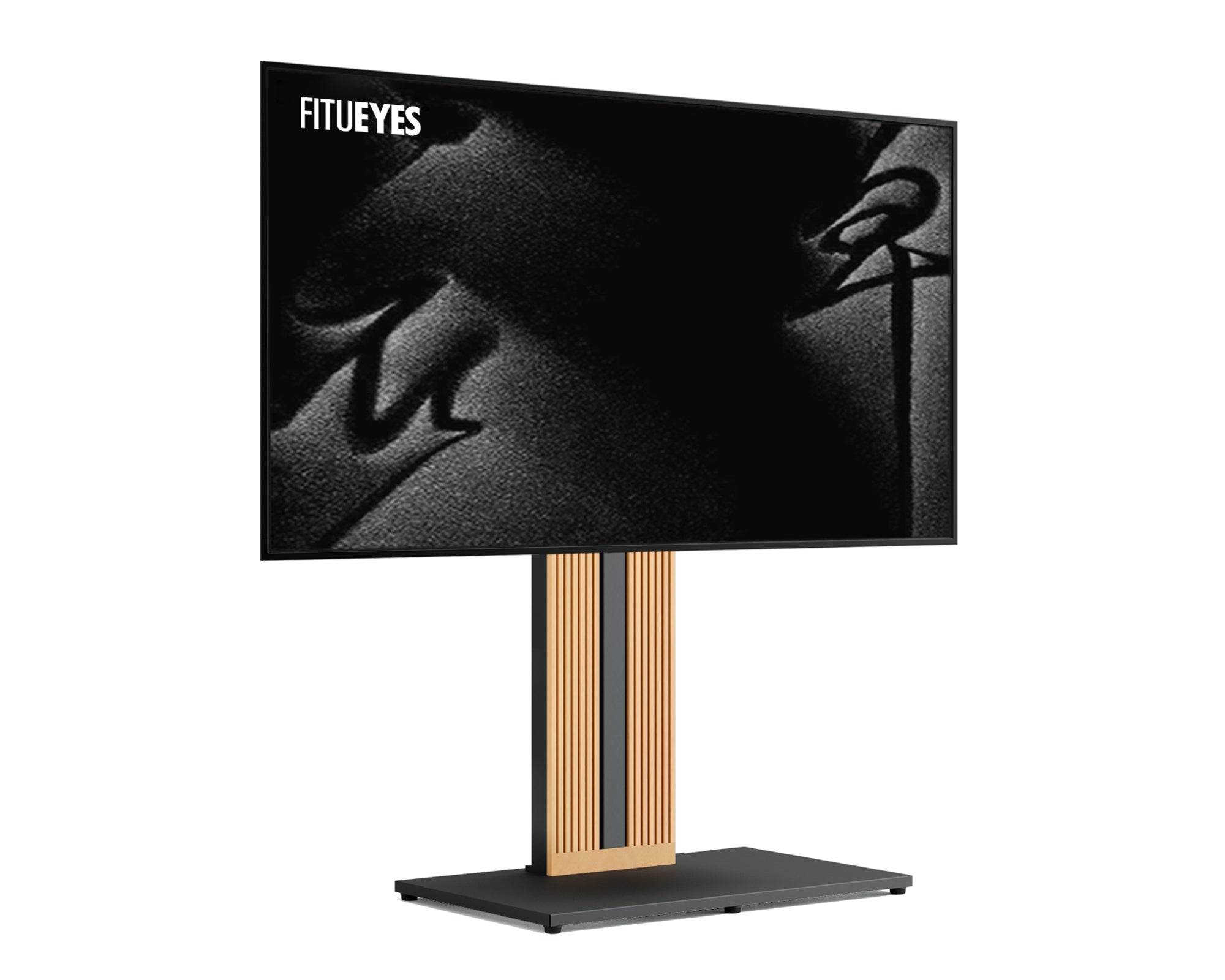
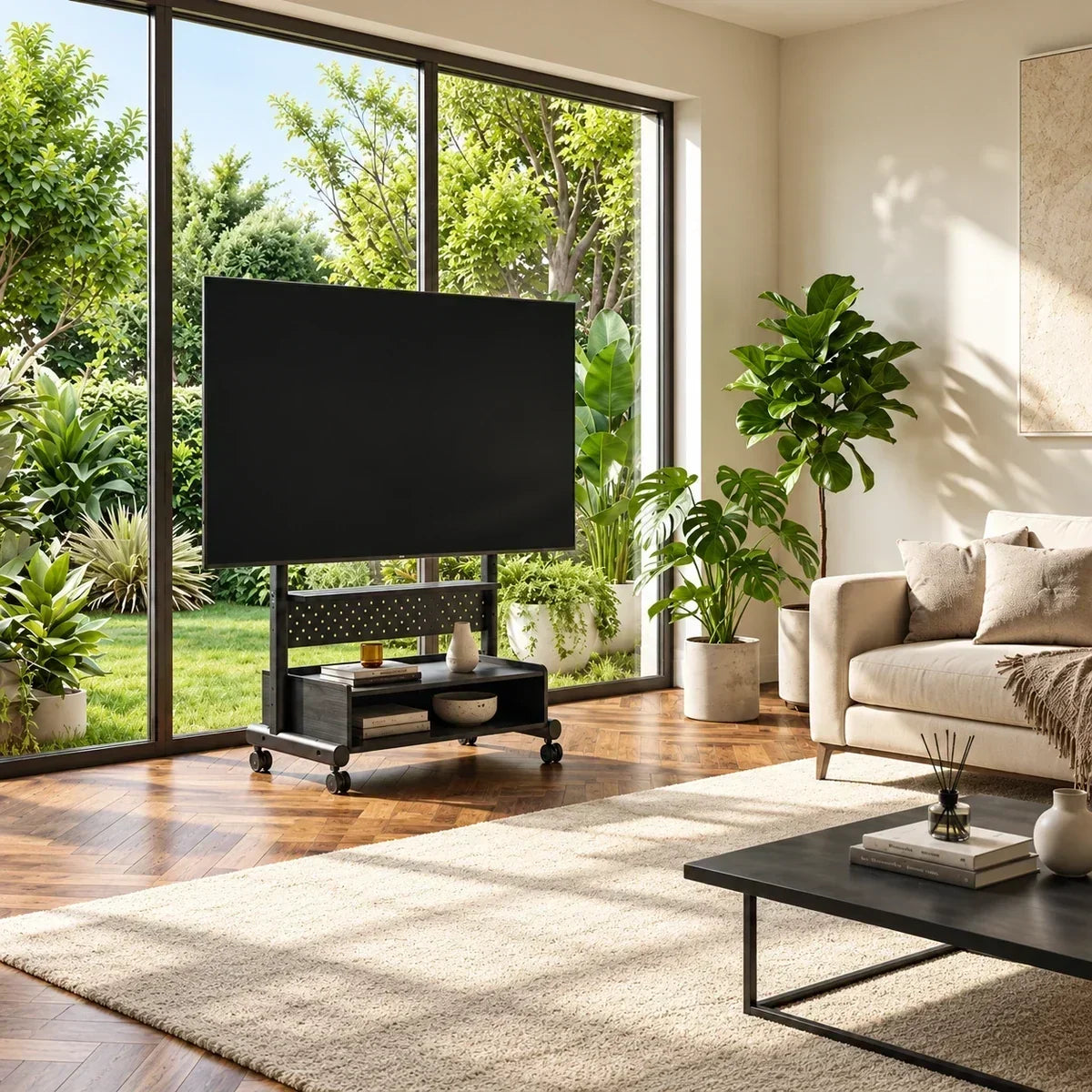
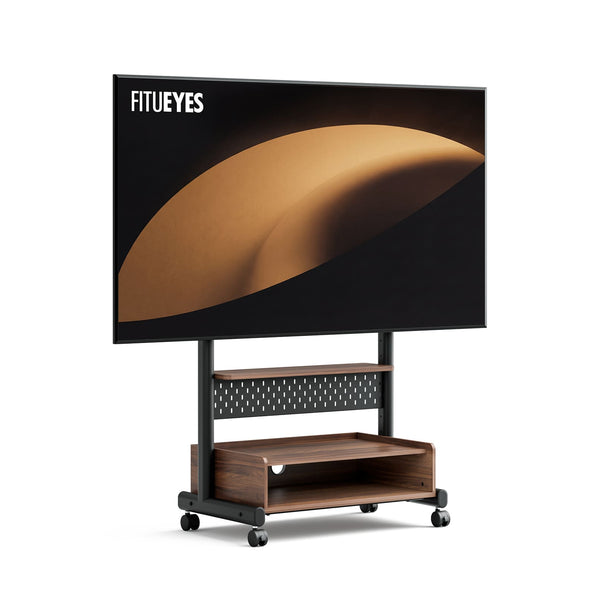
The K TC85 TV Cart is designed for this type of large-screen, multi-device setup. Its 26-inch shelf (about 66 cm) provides space for wider media equipment, while the modular pegboard keeps controllers and smaller accessories from taking over the main shelf. Built-in cable management and lockable casters help the screen and connected devices move as one organized unit.
It accommodates most 40- to 85-inch TVs weighing up to 132 pounds (about 60 kg), with VESA patterns from 100 × 100 to 600 × 400 mm. Its TV-center height ranges from 35.28 to 47.09 inches (about 90–120 cm). The design focuses on moving the complete setup into position rather than adjusting the screen with swivel or tilt, so it fits rooms where the cart itself can be placed to face the viewing area.
Before choosing it, compare the TV specifications, device dimensions, screen height, and complete base size with the measurements already taken in the room.
Test the Complete Setup in the Room
Before ordering, take the published dimensions into the room and check them against the way the space is normally used. Mark the base with painter’s tape in its usual parking position, then use string or cardboard to represent the television’s full width above it.
Follow the planned route from that position to each viewing zone. Pay particular attention to the narrowest doorway and tightest turn, since the screen may extend well beyond the base. Check rug edges, thresholds, furniture gaps, and any point where the cart would need to change direction.
Compare the measured width and depth of each device with the shelf’s usable dimensions. Include the extra space required for ventilation, plugs, HDMI connectors, and cable bends. For a soundbar, also check the gap below the screen and make sure the mount will not block its intended position.
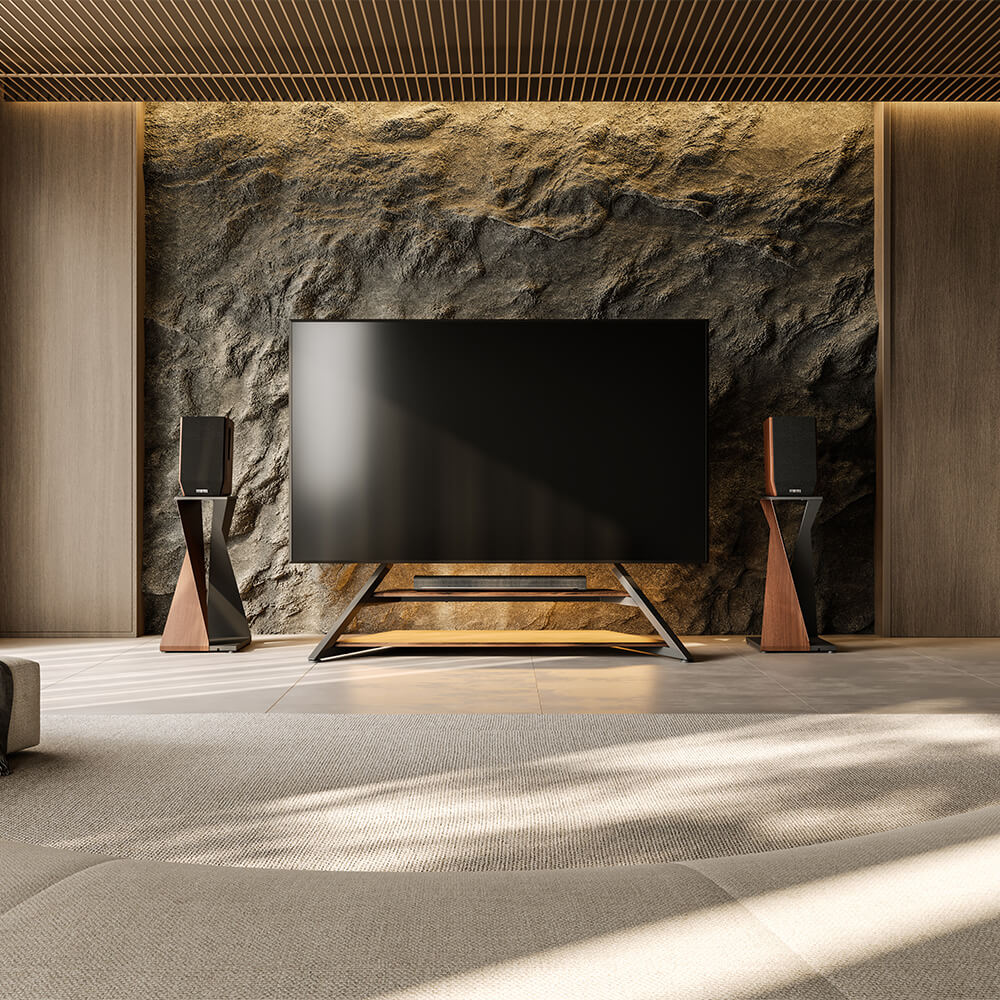
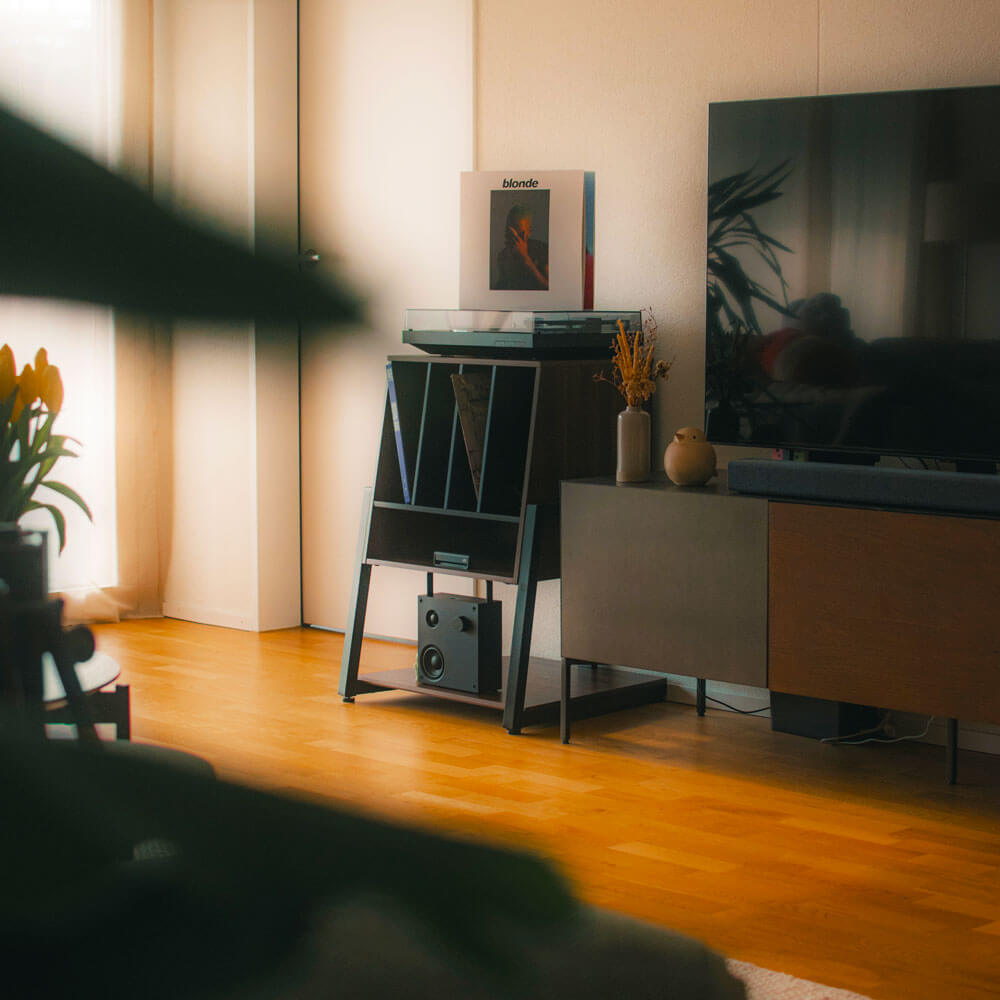
After the cart passes the route and equipment checks, consider what each parking position needs around the screen. These entertainment center ideas can help you plan seating, storage, and device access in each zone without changing the cart’s compatibility requirements.
At each parking location, open nearby doors, drawers, and cabinets. Sit in the main viewing position and compare your eye level with the published TV-center range. If the cart will also be used for standing workouts, repeat the height check from that position.
The setup is ready to consider when the screen clears the route, the devices fit without crowding, the cables can be managed safely, and the parked base does not interfere with the room. If one of those checks fails, use the measurements to look for a different base shape, shelf layout, or height range.
Find a TV Cart That Works With the Way You Live
A TV cart spends more time parked than moving, so it should work with the room in both states. After compatibility, storage, and route requirements are settled, compare how each design manages visible devices, fits beside existing furniture, and allows the space to return to normal after a movie, game, or workout.
With the television, route, equipment, and viewing height confirmed, explore FITUEYES for a TV cart that supports the way your entertainment spaces are actually used.

FAQs
Can a TV Cart Stay Connected While It Is Moving?
Only when the devices are secure, the cables have sufficient slack, and no cord can enter the caster path. Disconnect cables attached to wall outlets, network ports, or other fixed equipment before moving unless the manufacturer provides a safe alternative. Never pull the cart by a cable or allow a connected cord to become tight.
Will a TV Cart With Wheels Work on Thick Carpet?
It may, but thick carpet increases rolling resistance and can make a loaded cart less stable than it is on a hard surface. Check the caster design, total load, and manufacturer’s floor guidance. Clear the route, unlock the required wheels, and move slowly without sharp turns.
If the cart rocks, tilts, or requires excessive force, stop moving it. Lock the wheels again once the cart is parked, and confirm that the television remains centered and level.
Can I Replace the Original Casters?
Do not assume that casters are interchangeable. The attachment method, thread size, dimensions, load rating, brake design, and resulting stand height must all remain compatible. Larger or softer wheels may appear better for carpet, but they can change the cart’s clearance, balance, and stability.
If the stand uses an M8 threaded connection, the FITUEYES Universal Casters W1 may provide a compatible replacement or mobility upgrade. However, an M8 thread alone does not confirm complete compatibility. Check the stand model, total supported load, installation requirements, and manufacturer guidance before replacing the original casters.