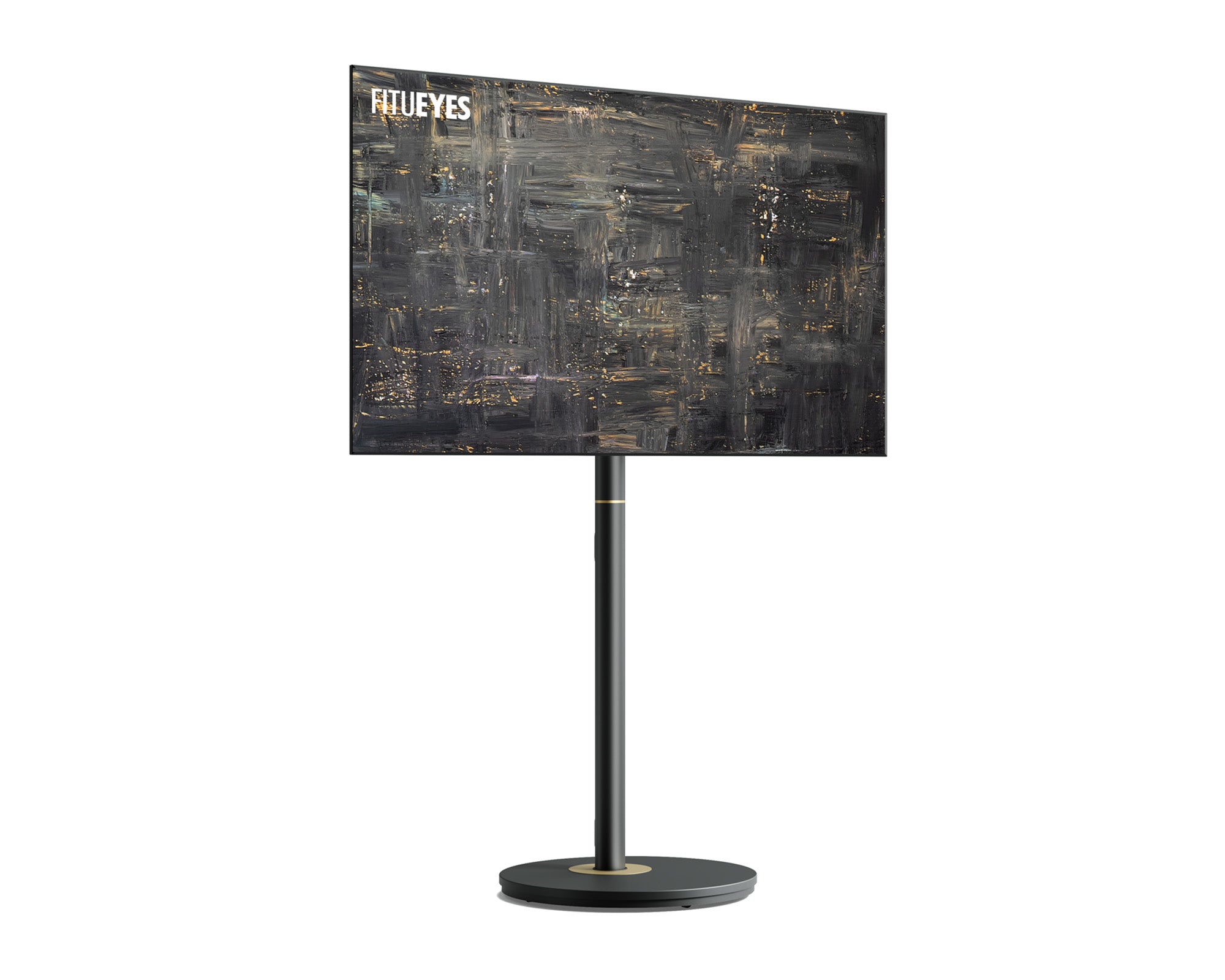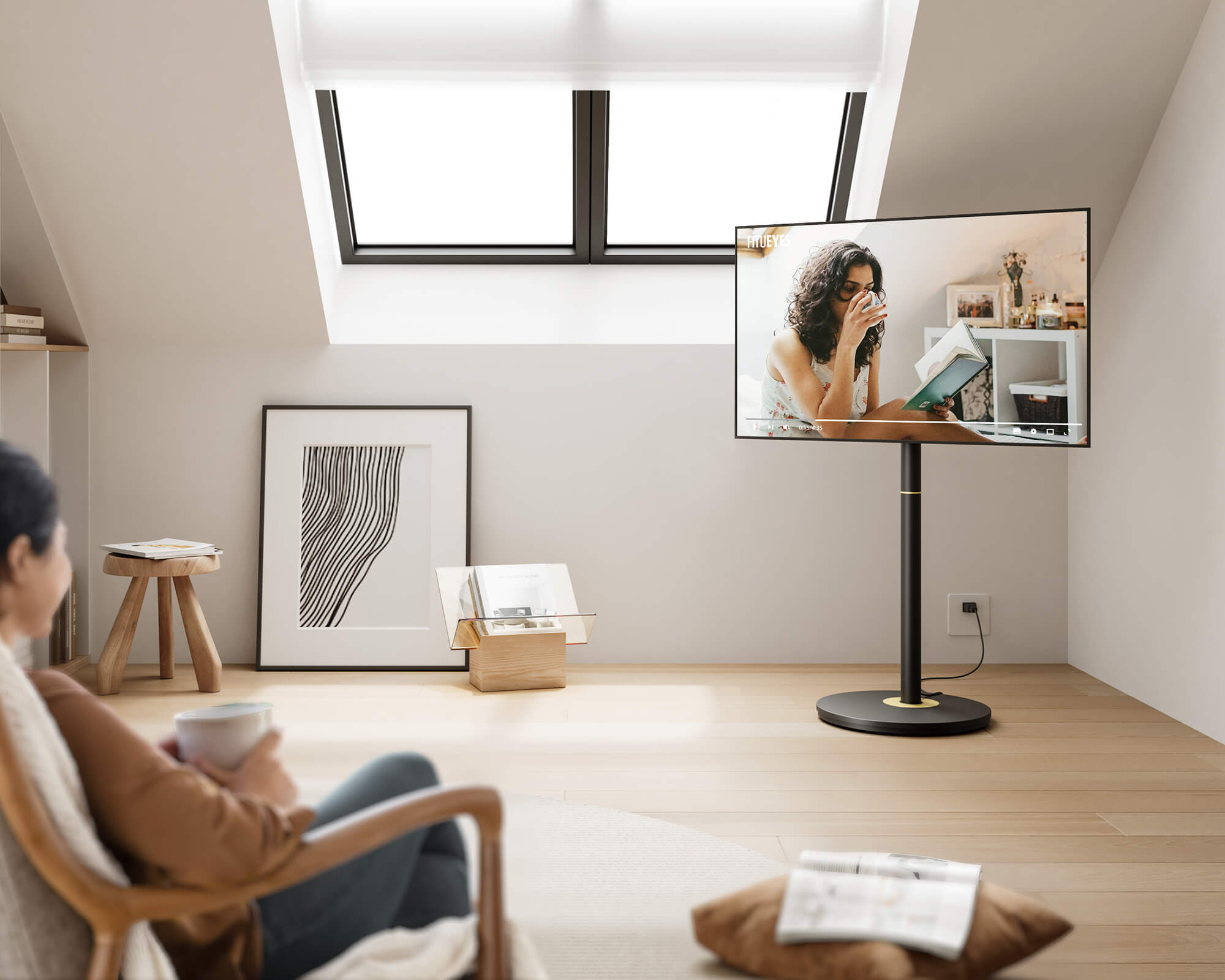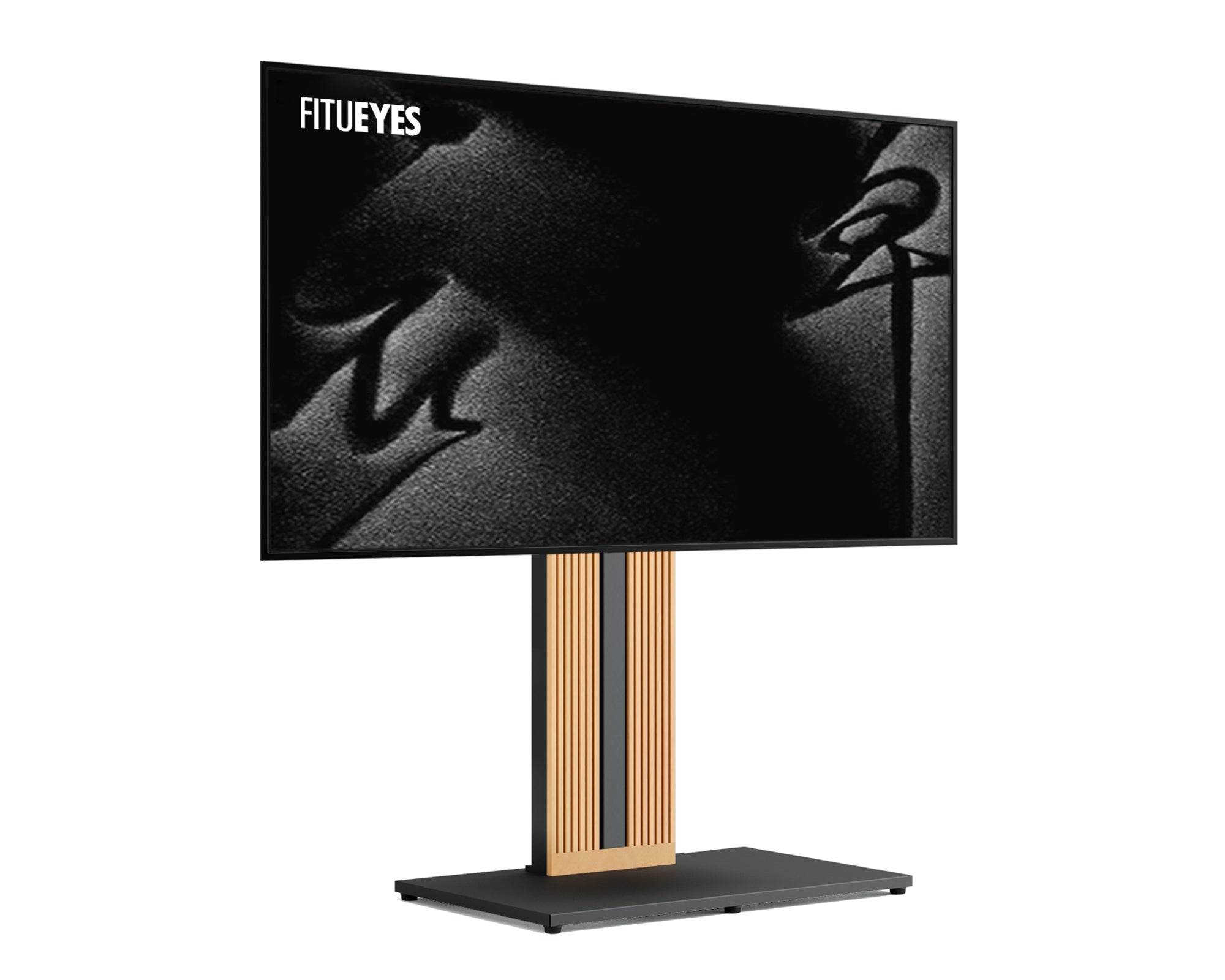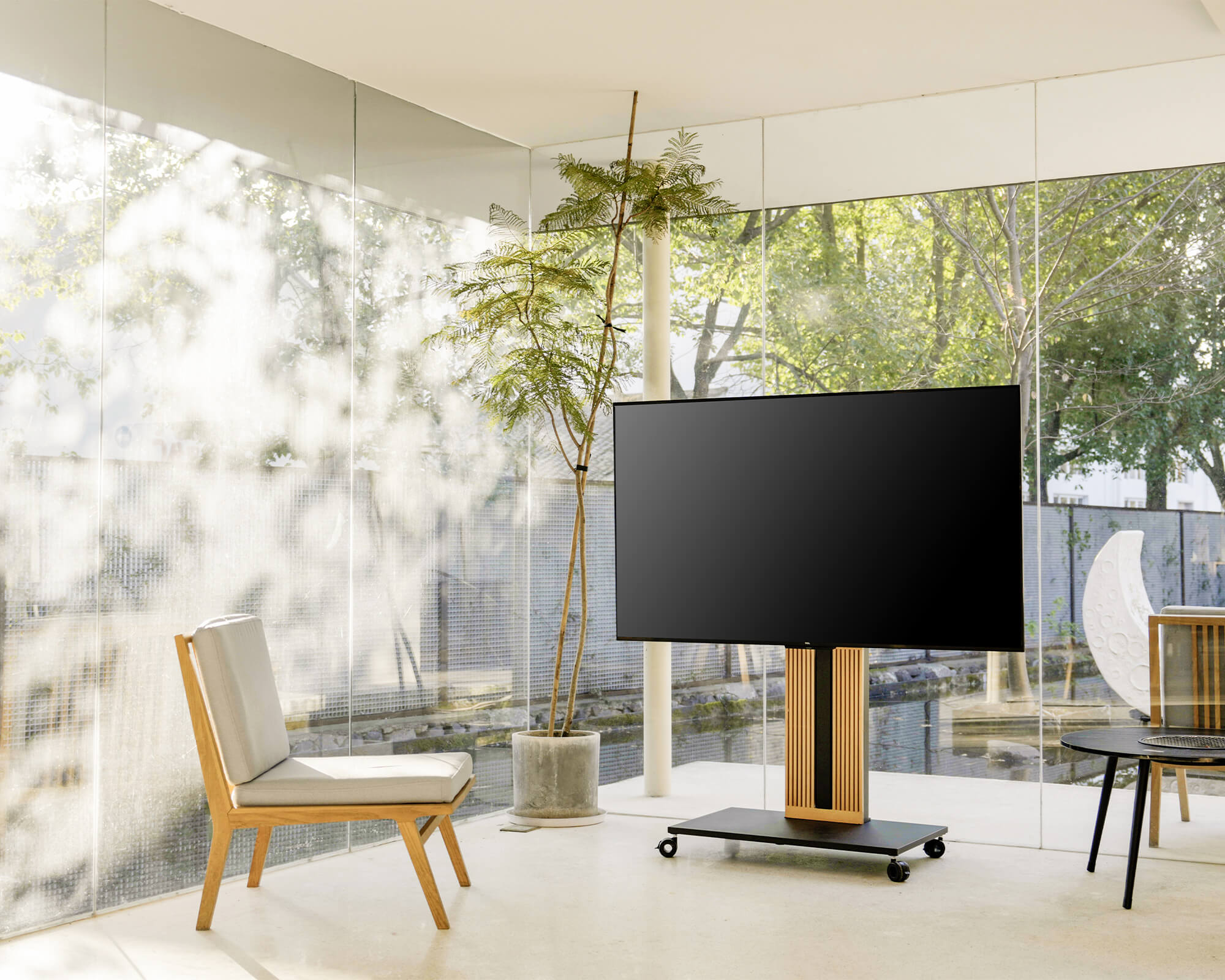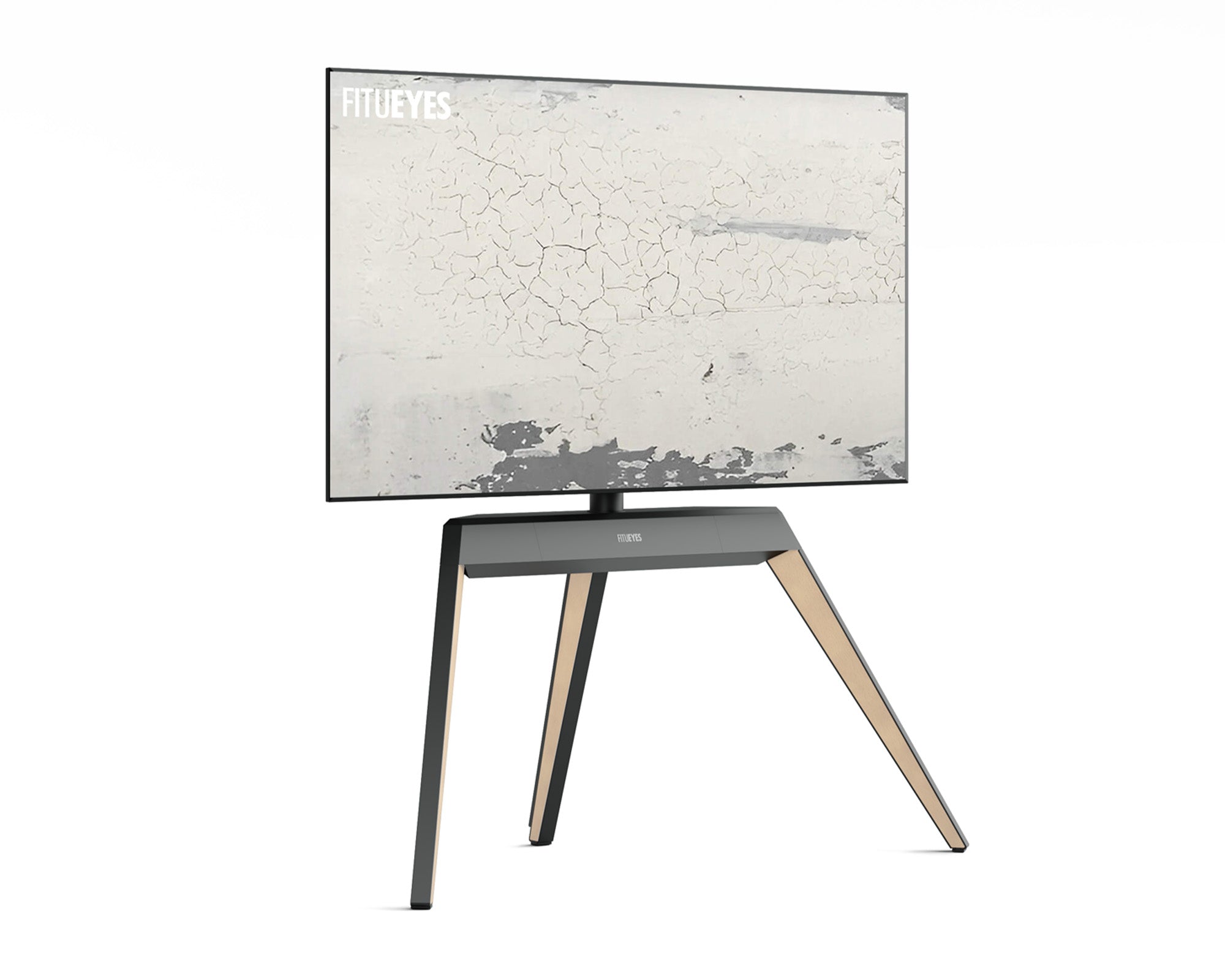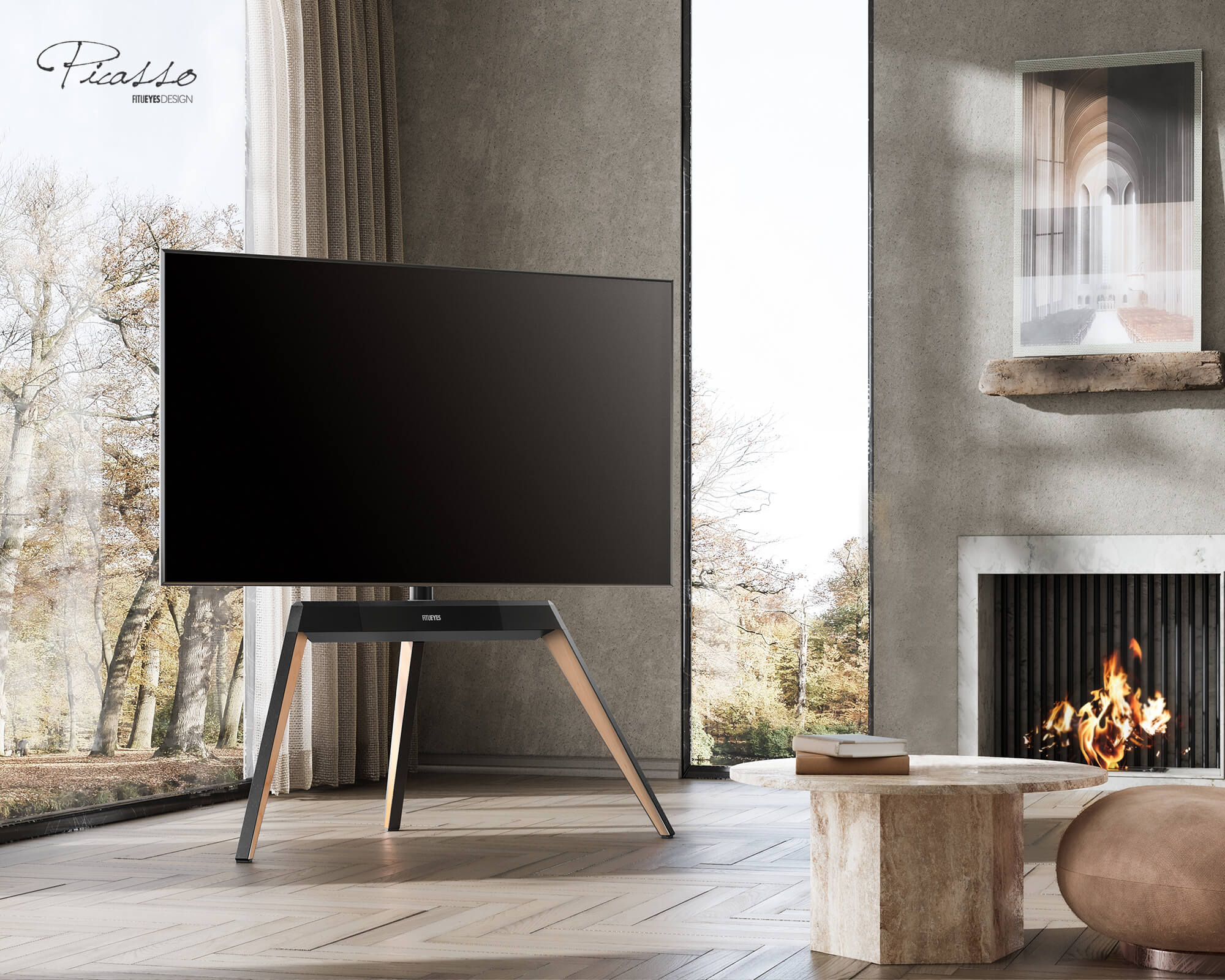



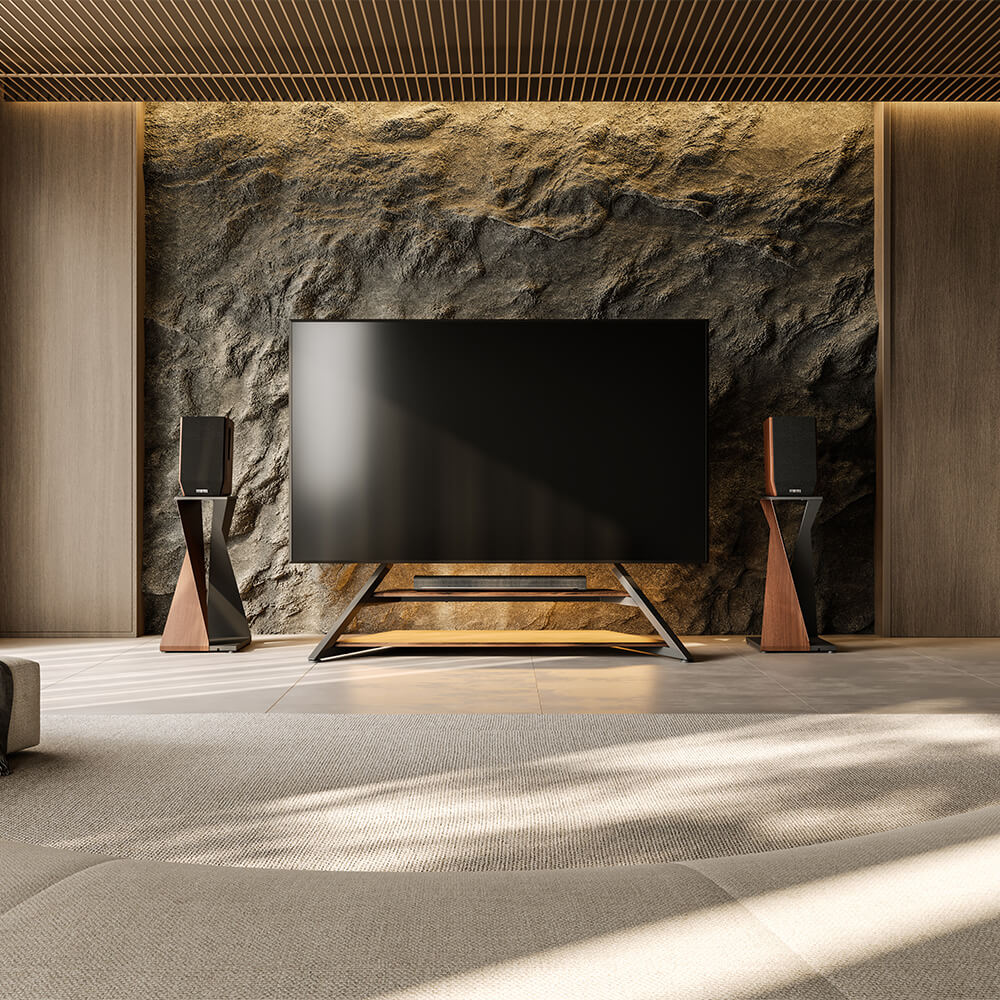
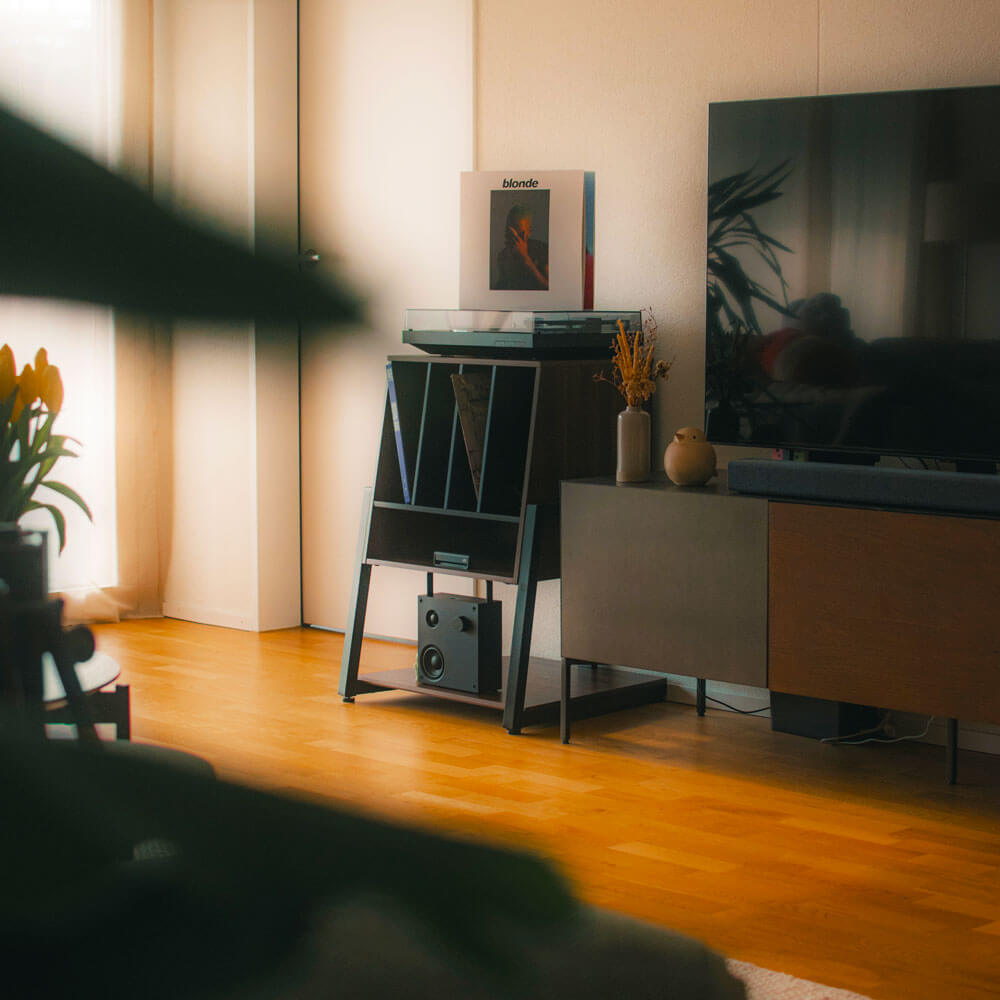
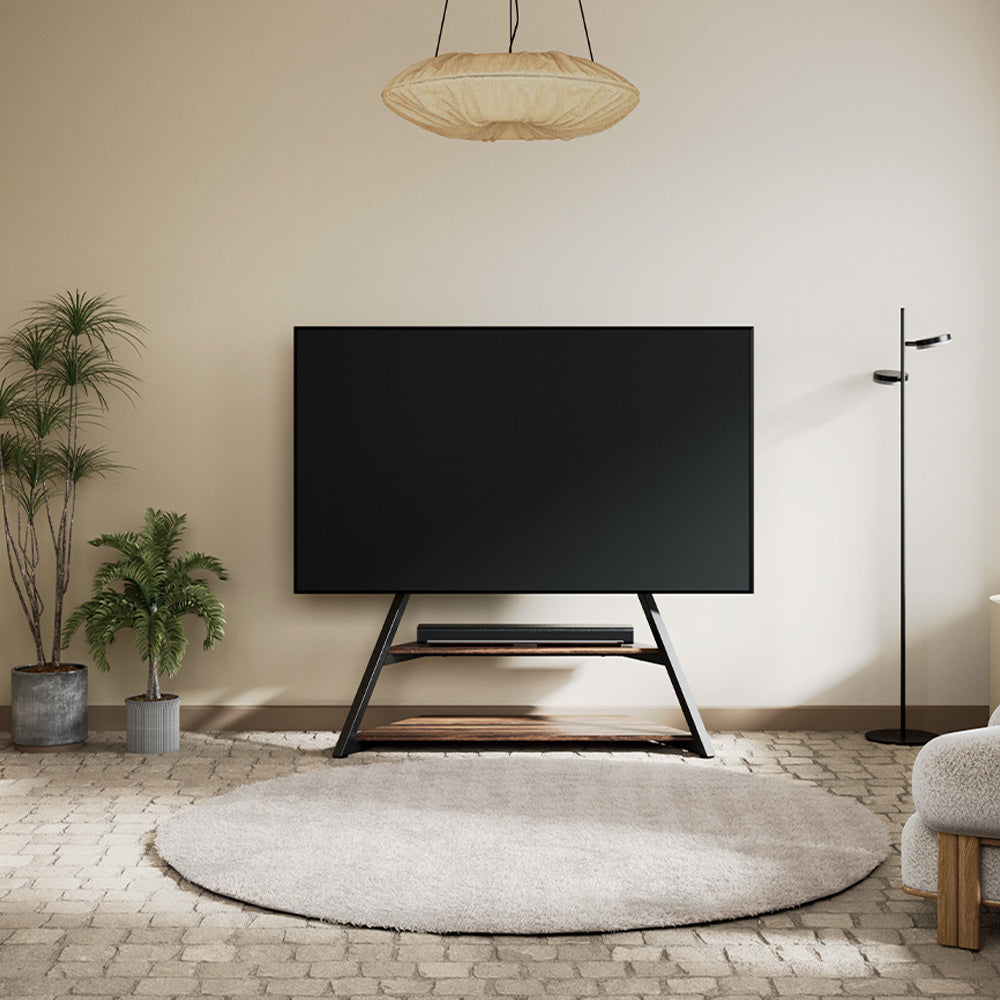
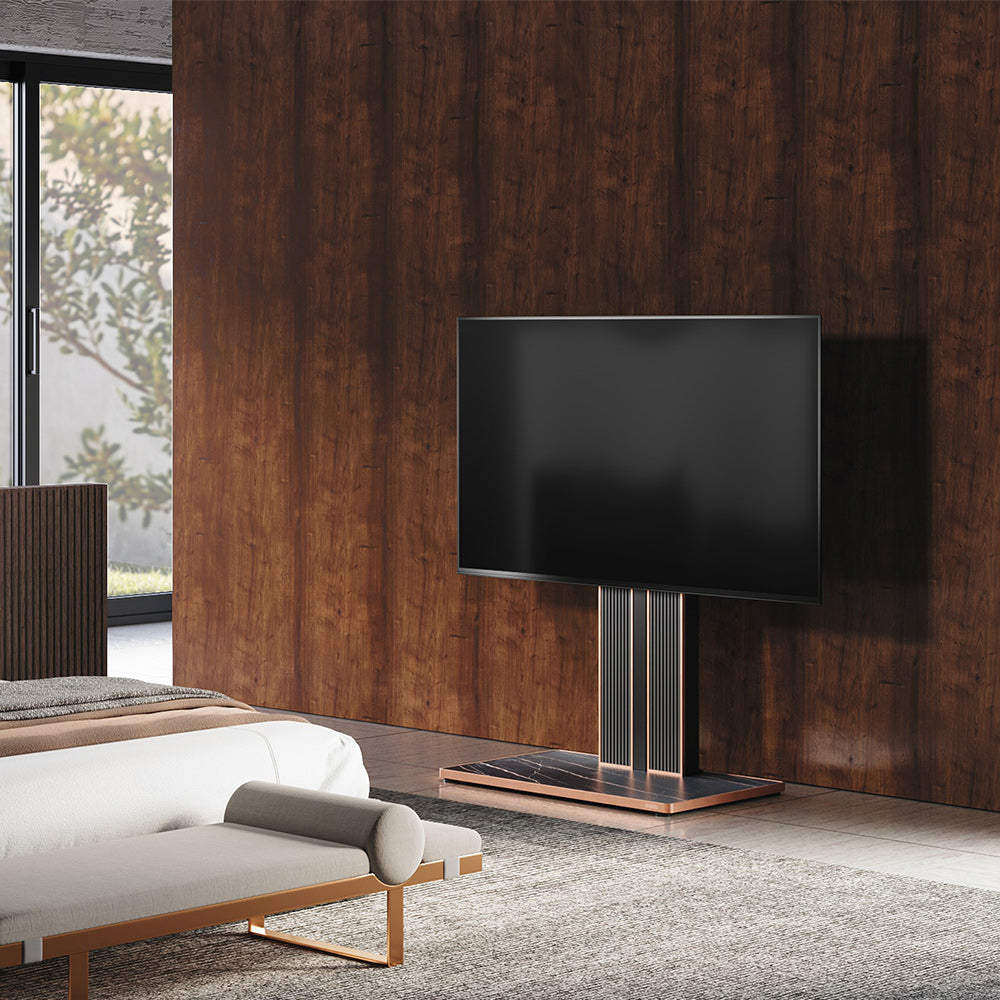
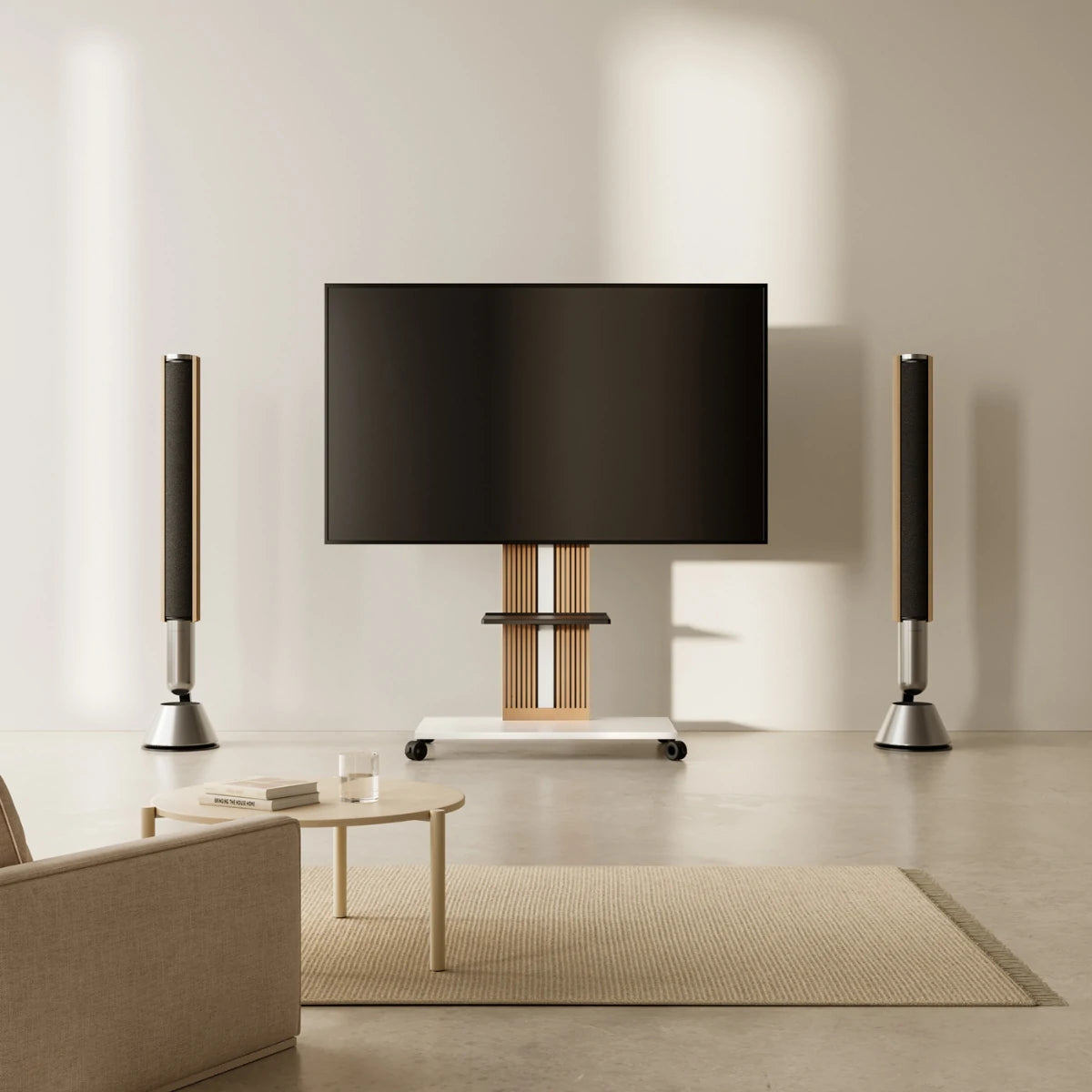
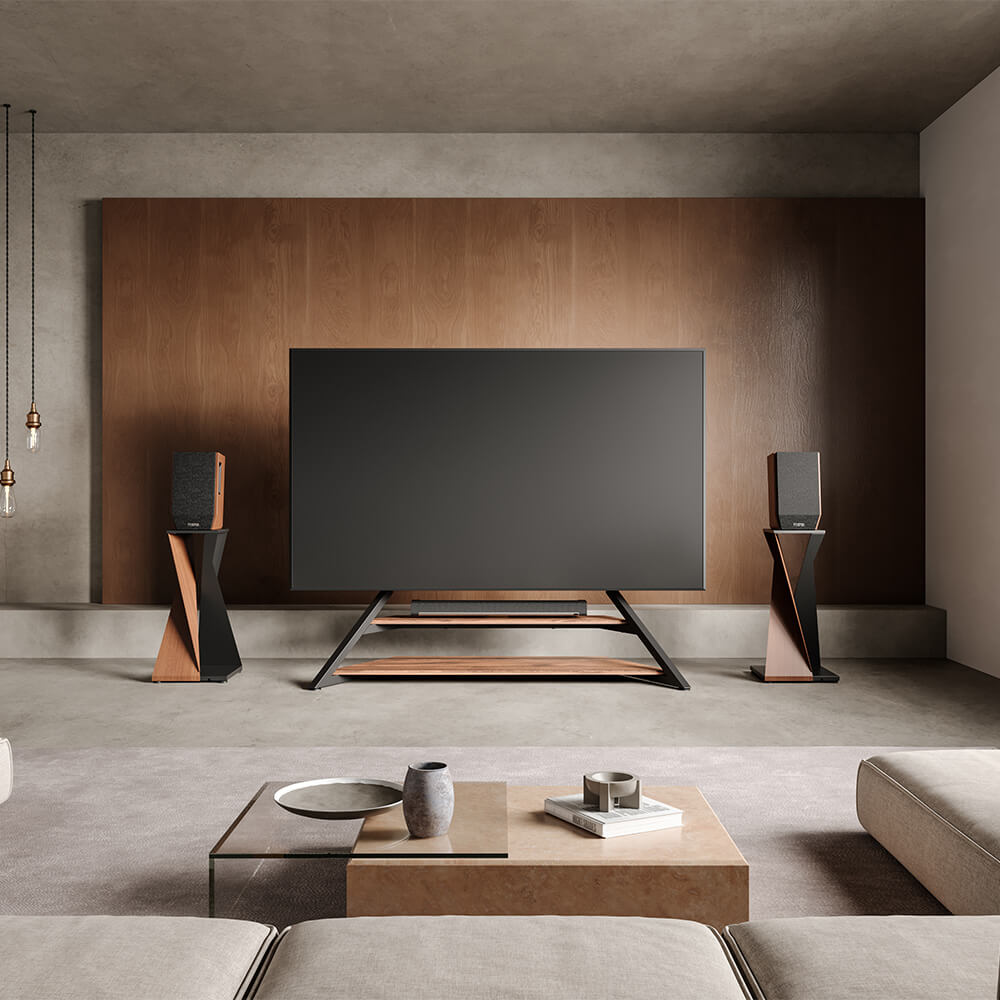
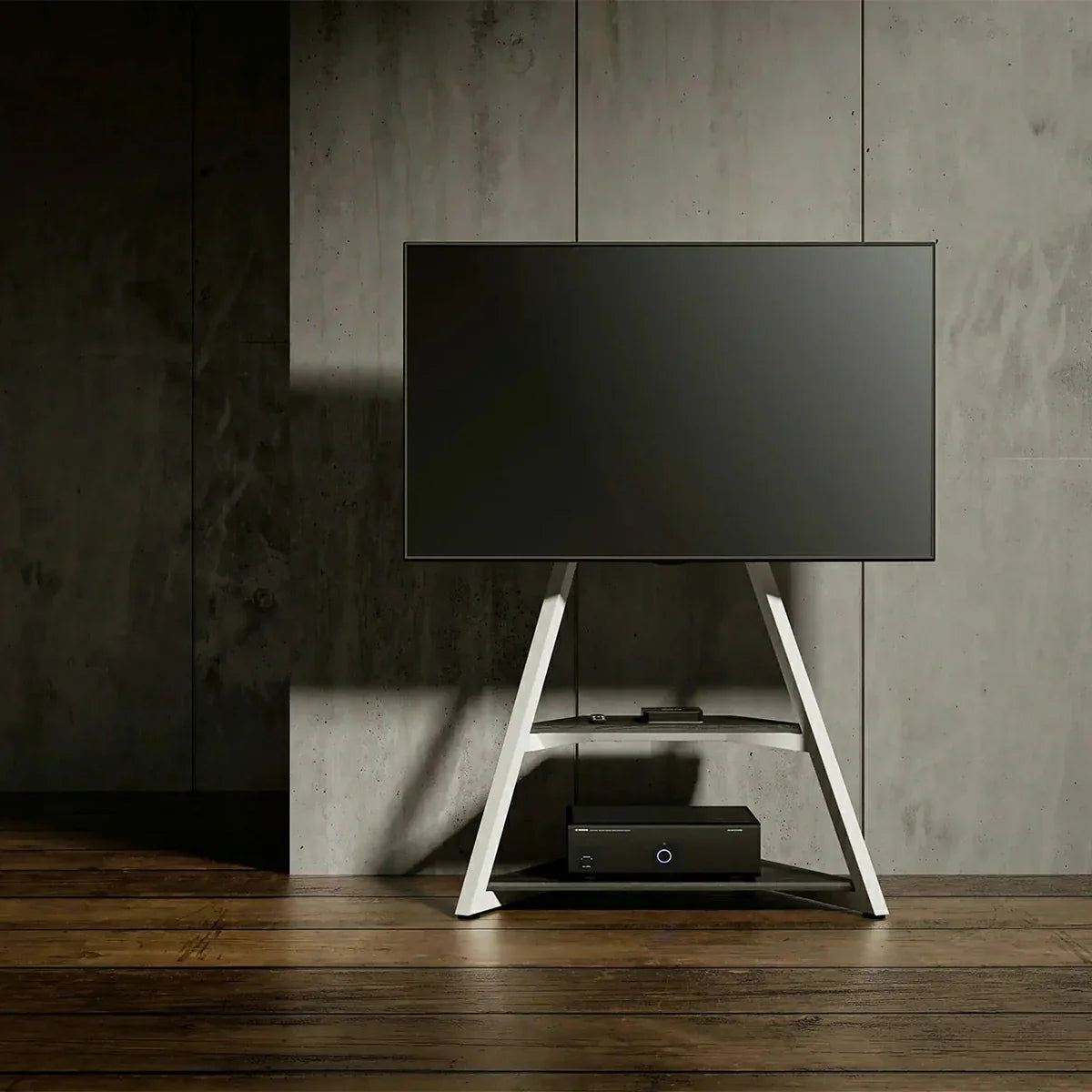
To choose the right TV floor stand, follow these three critical steps:
- Measure correctly: Get your TV's actual width (not diagonal), foot-to-foot distance of the feet, and VESA pattern. A 65-inch TV is typically 57-58 inches wide, not 65 inches. Ensure the stand width matches or slightly exceeds your TV's foot width with safe 4-5 inch overhang maximum.
- Verify safety and weight capacity: The stand's weight capacity must be at least 1.5× your TV's weight plus accessories. For a 50-pound TV + 10 pounds of equipment, you need a stand rated for at least 90 pounds. Include anti-tip straps if you have children or pets.
- Calculate viewing height and confirm room fit: Your TV center should be 42-48 inches from the floor, at or below eye level when seated. Confirm the stand fits through doorways, doesn't block traffic, and has adequate cable management for your equipment (soundbar, console, streaming box).
Do this, and you'll avoid 95% of mistakes people make—incompatibility, wobbling, neck pain, and cable clutter. The full guide below walks you through every factor in detail.

Quick Reference: The Three Critical Checks
Before diving deeper, here are the essential checks:
Check 1: Measurement & Compatibility
- Measure your TV's actual width (not diagonal). A 65-inch TV is roughly 57-58 inches wide.
- Confirm the stand's VESA pattern (mounting holes) matches your TV's VESA pattern.
- Ensure stand width is at least as wide as your TV's feet, with 4-5 inches maximum overhang on each side.
Check 2: Stability & Safety
- Stand's weight capacity must be at least 1.5× your TV's weight plus 10 pounds for accessories.
- Example: 50-pound TV + 10 pounds accessories = 60 pounds. Safe minimum capacity = 60 × 1.5 = 90 pounds.
- Anti-tip straps are essential if you have young children or active pets.
Check 3: Viewing Height & Comfort
- TV center should sit at or slightly below eye level when seated (typically 42-48 inches from floor).
- Measure your seating position and calculate ideal height before purchasing.
- Prioritize stands with adjustable height or tilt for flexibility.
Step 1: Measure Your TV Correctly
This is where most people go wrong. They assume their TV size is just the diagonal measurement (55", 65", 75"), but what matters is the actual width of your TV and where the feet are positioned.
How to Measure Your TV?
Step 1: Find your TV's actual width
- Measure from the left edge of the screen to the right edge. This is your screen width.
- A 55-inch TV's screen width is roughly 47-48 inches.
- A 65-inch TV's screen width is roughly 57-58 inches.
- A 75-inch TV's screen width is roughly 65-66 inches.
Step 2: Measure the foot-to-foot distance
- Look at the bottom of your TV where the feet attach.
- Measure from the center of the left foot to the center of the right foot.
- This is usually narrower than the screen width. For example, a 65-inch TV might have 58-inch screen width but feet only 50 inches apart.
Step 3: Identify your TV's VESA pattern
- Look at the back of your TV or check your TV's manual for the VESA pattern.
- VESA is simply the distance between mounting holes on the back of your TV.
- Common patterns: 200×200 mm, 300×300 mm, 400×400 mm, 600×400 mm.
Step 4: Check your TV's weight
- Most TVs weigh 30-60 pounds depending on size.
- A 65-inch TV typically weighs 40-50 pounds.
- Write this down—you'll need it to verify the stand's weight capacity.
Why This Matters: The Overhang Problem
A TV stand should be slightly wider than your TV's foot-to-foot distance. If it's too narrow, your TV will overhang, creating an unstable setup.
Safe overhang rule: The stand should be at least as wide as your TV's feet, ideally with 2-3 inches of base on each side. Maximum safe overhang is 4-5 inches on each side.
If your TV feet are 50 inches apart, your ideal stand width is 50-60 inches. A stand narrower than 50 inches is unsafe.
Recommended Reading: Still unsure about the perfect ratio? Dive deeper with our TV Stand Size Guide: How Wide Should Your TV Stand Be? to ensure a balanced look.
Step 2: Confirm Compatibility and Weight Capacity
The VESA Pattern Checkpoint
VESA is the standard for how TVs mount to stands. Your TV has mounting holes in a specific pattern measured in millimeters.
How to check compatibility:
- Write down your TV's VESA pattern (from manual or the back of the TV).
- When looking at a stand, confirm it supports that VESA pattern or has a range that includes it.
- For example, a stand supporting "VESA 200×200 to 600×400" works with any pattern in that range.
Weight Capacity: The Safety Factor
A TV floor stand has a maximum weight capacity. This must be at least 1.5 times your total weight (TV + accessories).
How to assess:
- Your TV's weight is in the manual or on the manufacturer's website.
- Add 10-15 pounds for accessories (soundbar, streaming box, speaker).
- The stand's weight capacity should be at least 1.5× your total weight.
Example: Your 65-inch TV weighs 45 pounds. Add 10 pounds for accessories. Total: 55 pounds. Safe weight capacity: 55 × 1.5 = 82.5 pounds minimum. Look for a stand rated for at least 80-85+ pounds.
This 1.5× safety margin accounts for movement, vibration, and uneven weight distribution. Quality brands like FITUEYES design their stands with this safety margin built in from the start, ensuring reliable performance across different living conditions.

Step 3: Get Viewing Height and Stability Right
Calculate Your Ideal Viewing Height
The ideal height principle: The center of your TV screen should be at or slightly below eye level when you're seated.
How to calculate:
- Sit in your normal TV-watching spot.
- Eye level from the floor is typically 40-42 inches when seated on a standard couch.
- Ideal TV center height: 42-48 inches from the floor.
- Adjustable stands with height and tilt features solve guesswork—prioritize these if you're uncertain.
Ensure Stability and Safety
What makes a stand stable:
- A wider, heavier base is more stable. The footprint should be at least as wide as your TV.
- Metal bases are typically heavier and more stable than plastic.
- Anti-tip straps prevent tipping if the stand is accidentally pushed—essential if you have young children or pets.
Prevent wobbling:
- Use adjustable leveling feet to ensure the stand is perfectly level on your floor.
- If your floor is uneven (hardwood on carpet, slightly sloped), use shims.
- Check with a level after setup. A level stand won't wobble.
Step 4: Confirm Room Fit and Storage
Space and Layout Checklist
Measure your TV room and note:
- Available floor space for the stand
- Doorway widths (especially important for renters—stands must fit through doors when moving)
- Viewing distance from seating to TV wall (ideally 8-13 feet for a 65-inch TV)
Width rule for visual balance: The stand should be roughly the same width as your TV, or slightly wider.
- A 65-inch TV with 58-inch screen width should have a stand 55-65 inches wide.
- A stand much narrower (40 inches) looks undersized and unstable.
- A stand much wider (80+ inches) can overwhelm smaller rooms.
Cable Management and Storage
A good TV floor stand organizes your entire entertainment system—not just the TV.
What to look for:
- Rear cable channels or clips to keep power and HDMI cables organized and hidden.
- Shelving for your soundbar, gaming console, streaming box.
- Shelves should be spaced at least 4-6 inches apart for device accommodation.
- Open shelving is better than enclosed cabinets for heat dissipation.
Before buying, list your equipment:
- Soundbar
- Gaming console (PS5, Xbox)
- Streaming box (Apple TV, Roku)
- Speaker (if separate)
Confirm the stand has shelves that fit these items. Inadequate storage forces you to place equipment on the floor, defeating the purpose. FITUEYES stands are designed with cable management and ventilation as core features, allowing your entertainment ecosystem to breathe and perform optimally.
Common Mistakes to Avoid
Mistake 1: Confusing screen width with diagonal size
- Wrong: "My TV is 65 inches, so I need a 65-inch stand"
- Right: "My 65-inch TV's screen width is 58 inches, so I need a 58-65 inch stand"
Mistake 2: Ignoring VESA pattern
- Wrong: "This stand supports TVs up to 75 inches, so it'll work"
- Right: "I confirmed the stand's VESA range includes my TV's VESA pattern"
Mistake 3: Not measuring viewing height
- Wrong: "I'll put the stand wherever it looks good aesthetically"
- Right: "My eye level is 42 inches, so TV center should be 42-48 inches from floor"
Mistake 4: Skipping room layout check
- Wrong: "It fits in the store, so it'll fit in my apartment"
- Right: "I measured doorways and confirmed the stand disassembles into pieces that fit through"
The Decision Checklist for Choosing a TV Floor Mount
Before purchasing, verify these items:
Safety and Compatibility
- I've measured my TV's actual width and foot-to-foot distance.
- Stand's VESA pattern matches my TV's VESA pattern.
- Stand's weight capacity is at least 1.5× my TV weight + 10 pounds.
- Stand has a wide, stable base and anti-tip features if needed.
Comfort and Space
- I've calculated ideal viewing height; stand supports it.
- Stand fits through my doorways.
- Stand width is proportional to my TV size.
- Stand has adequate shelving for my equipment.
Final Checks
- Cable management features are included.
- Assembly is manageable (or I'll hire professional help).
- Stand color and style match my room décor.
- Build quality suggests it will last 5+ years.

Frequently Asked Questions
Q: Can my TV hang over the edge of the stand?
A: Yes, safely by 4-5 inches maximum on each side. Beyond that, the TV becomes precarious and may tip.
Q: What weight capacity do I need?
A: At least 1.5× your TV's weight plus accessories. This margin accounts for movement and safety.
Q: Do I need anti-tip straps?
A: Yes, if you have children under 5 or active pets. They prevent tipping if the stand is pushed or climbed.
Q: How high should my TV be?
A: TV center should be 42-48 inches from the floor, at or slightly below eye level when seated.
Q: How do I prevent wobbling?
A: Use adjustable leveling feet to ensure the stand is perfectly level. Check with a level after setup.
Conclusion
Choosing the right TV floor stand prevents costly mistakes: incompatibility, wobbling, neck pain, cable chaos, and aesthetic regret. By following these steps—measuring correctly, confirming compatibility, calculating viewing height, assessing stability, and confirming room fit—you'll make a decision you can live with for years.
FITUEYES is committed to helping you make this choice with confidence. Our stands are engineered with the principles outlined in this guide: precise design, quality craftsmanship, excellent stability, and innovative cable management. When you choose a TV floor stand, you're investing in how you experience your home.
Take your time with the decision, use this checklist, and remember: you're avoiding thousands of people's mistakes. The right TV floor stand creates a functional, safe, and visually balanced entertainment space. You're ready to choose with confidence.