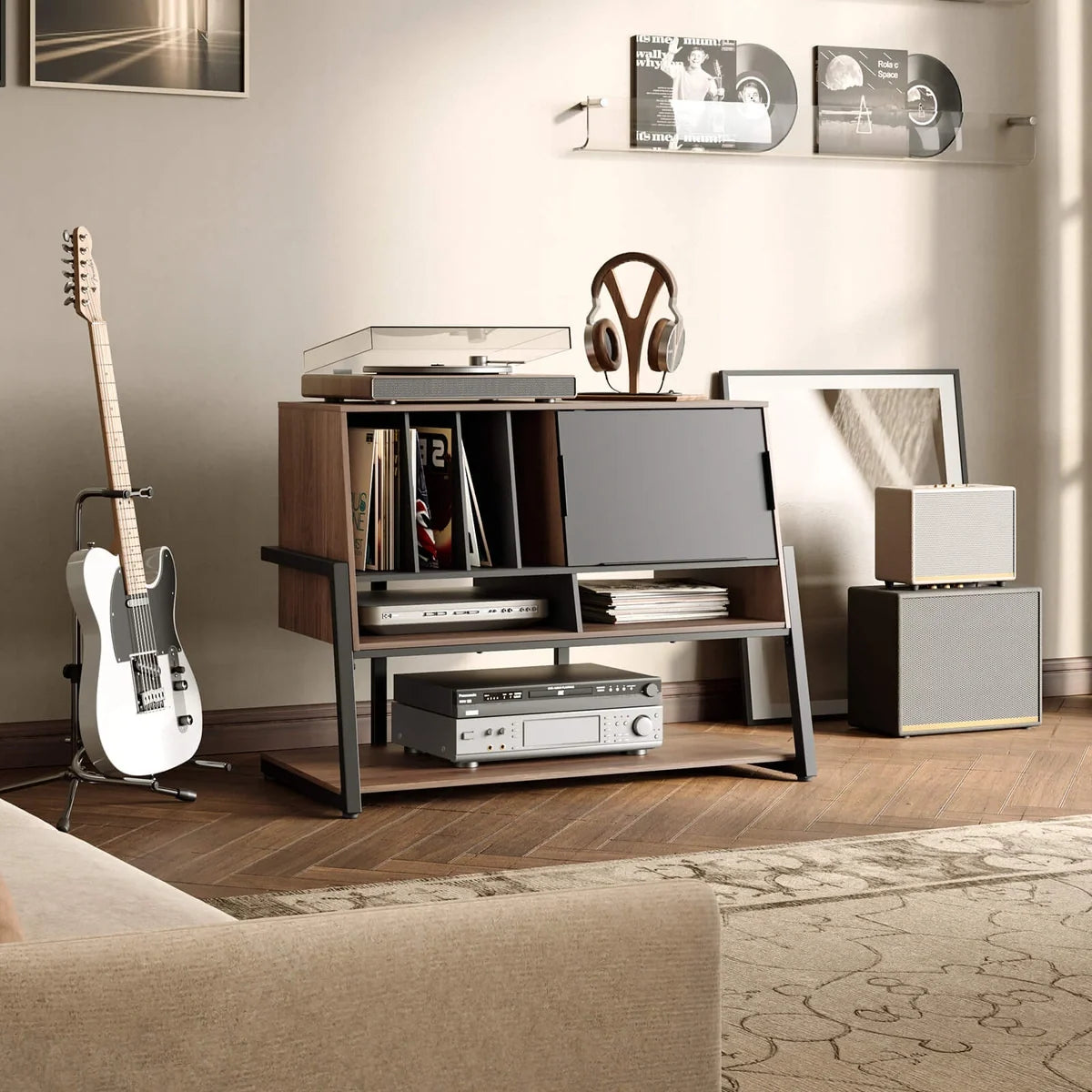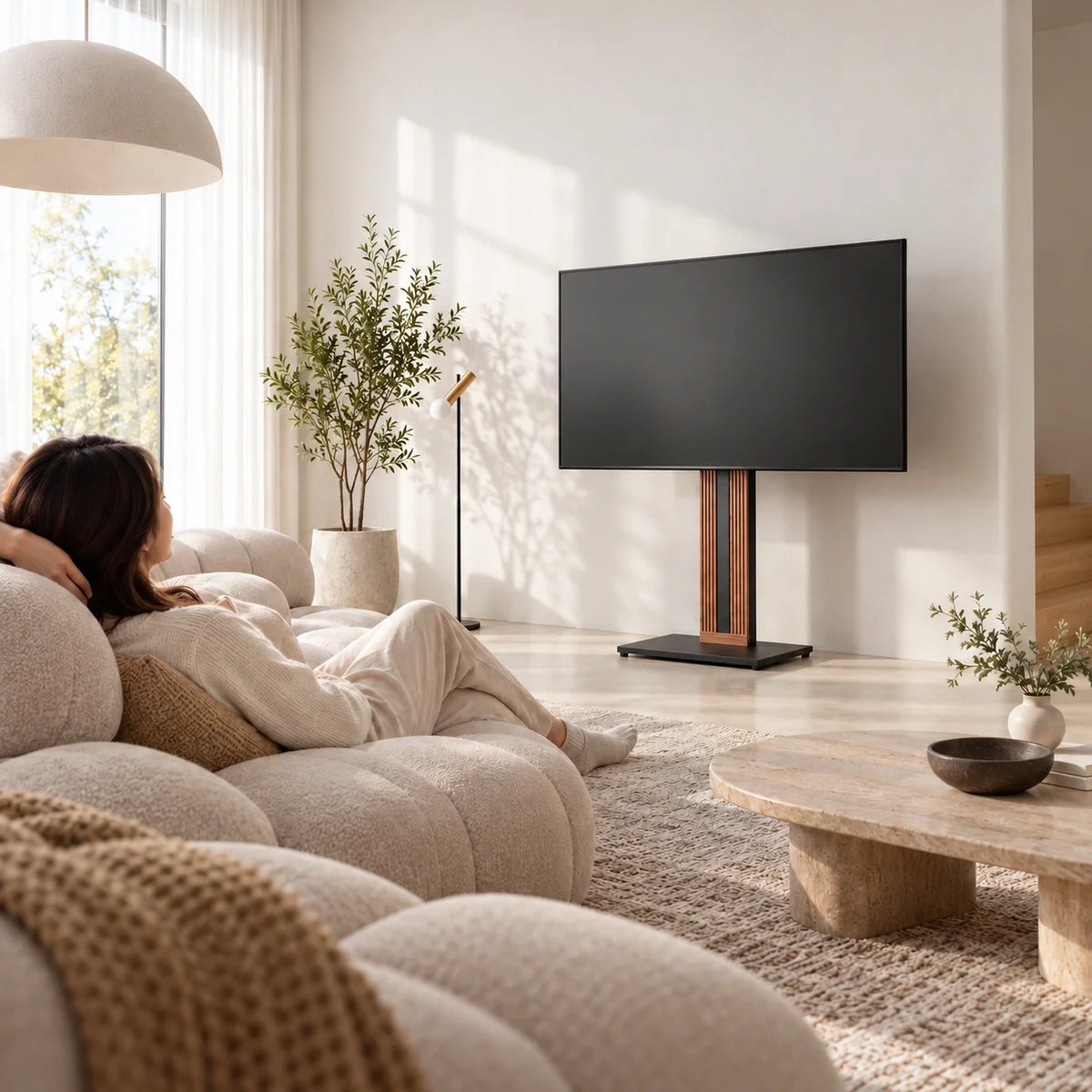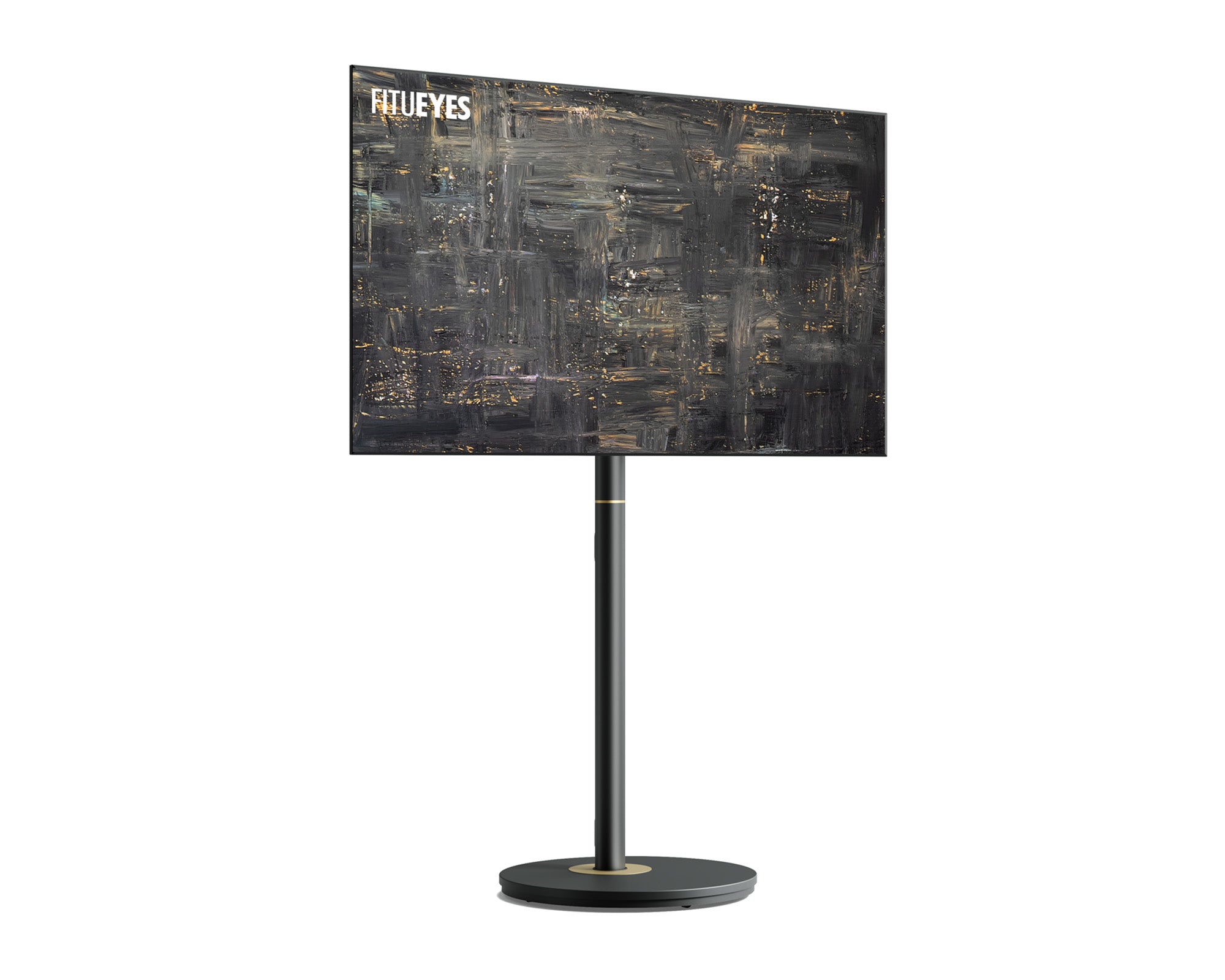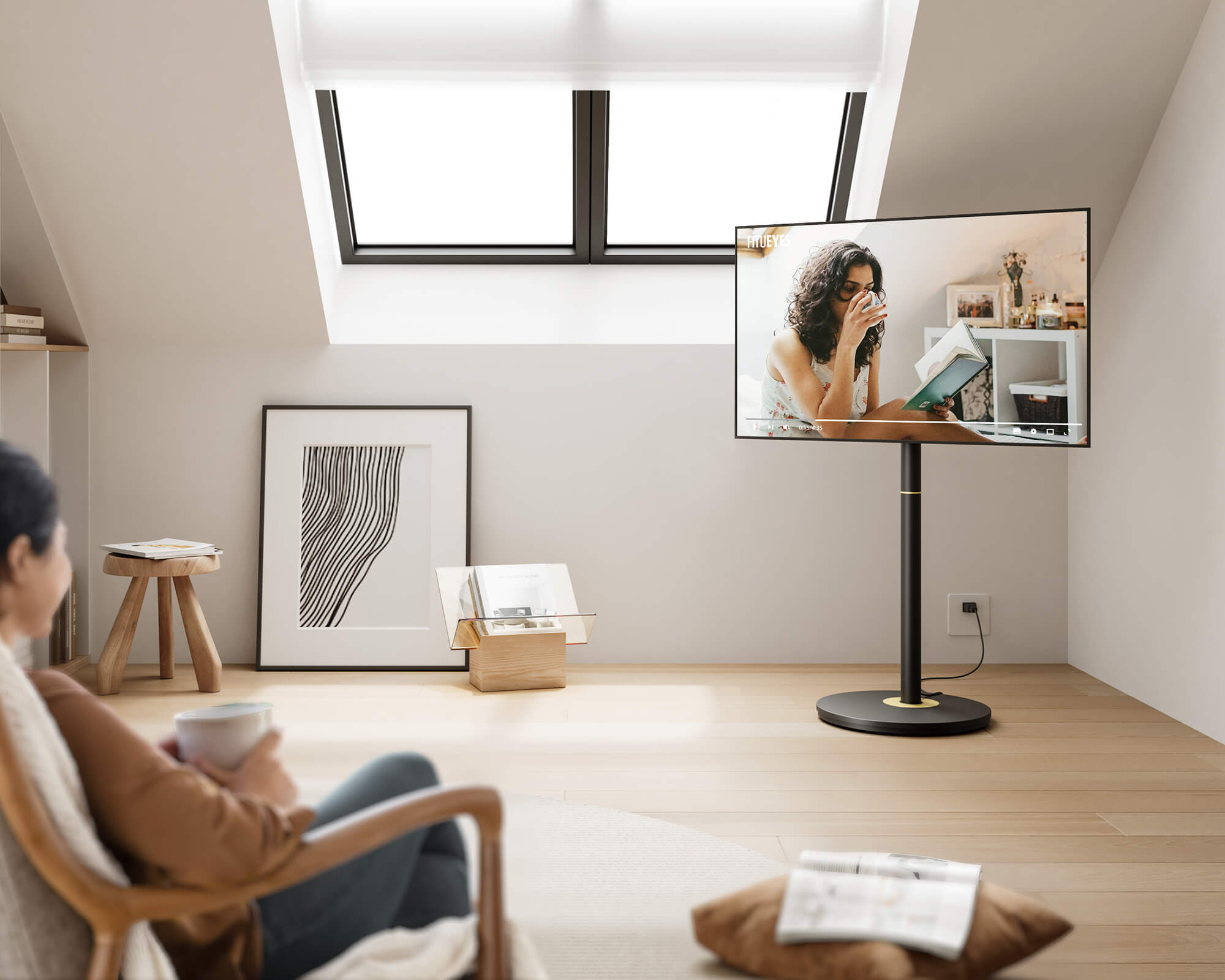



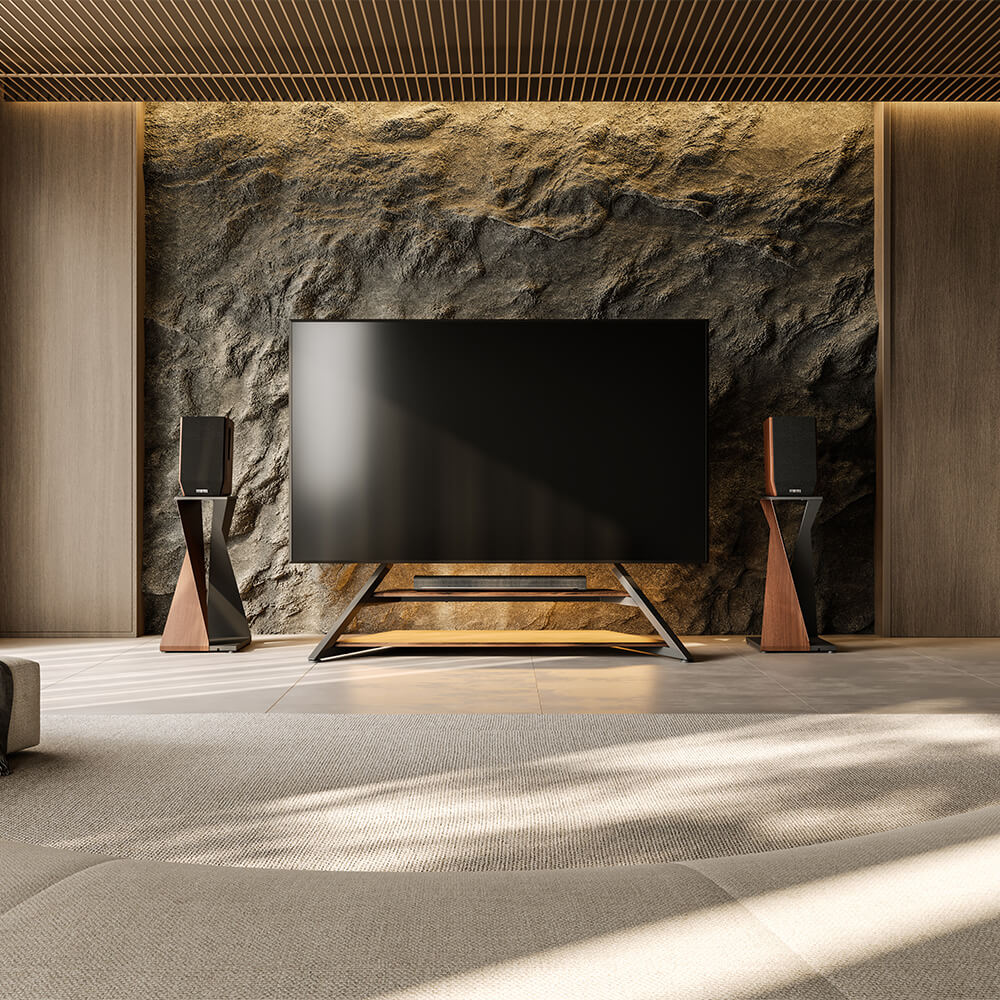
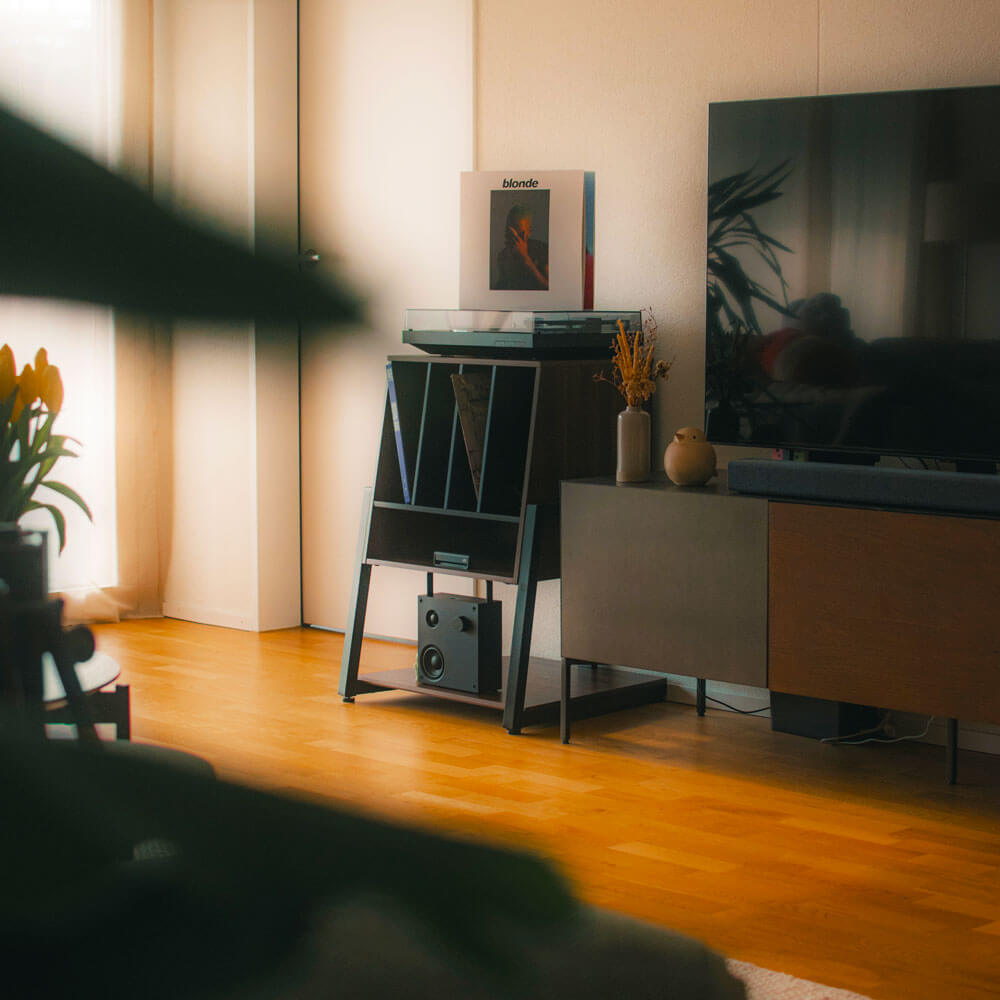
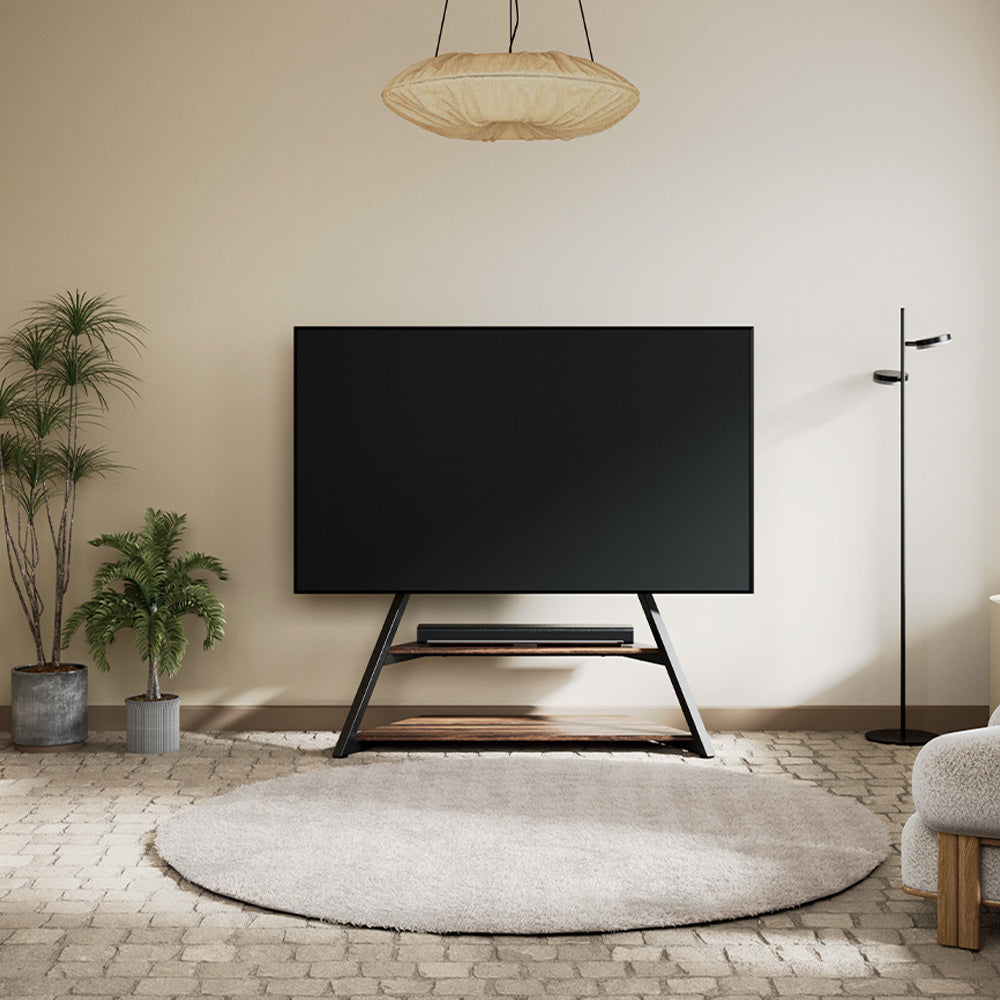
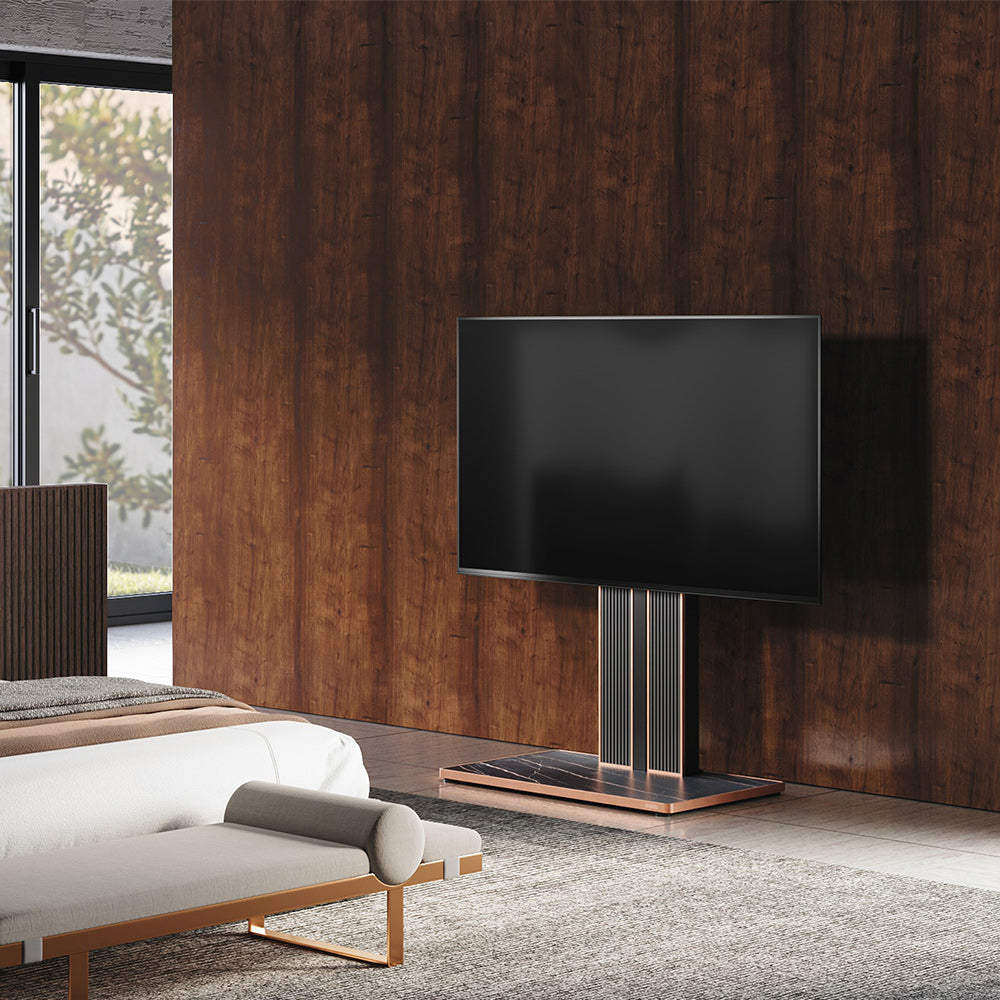
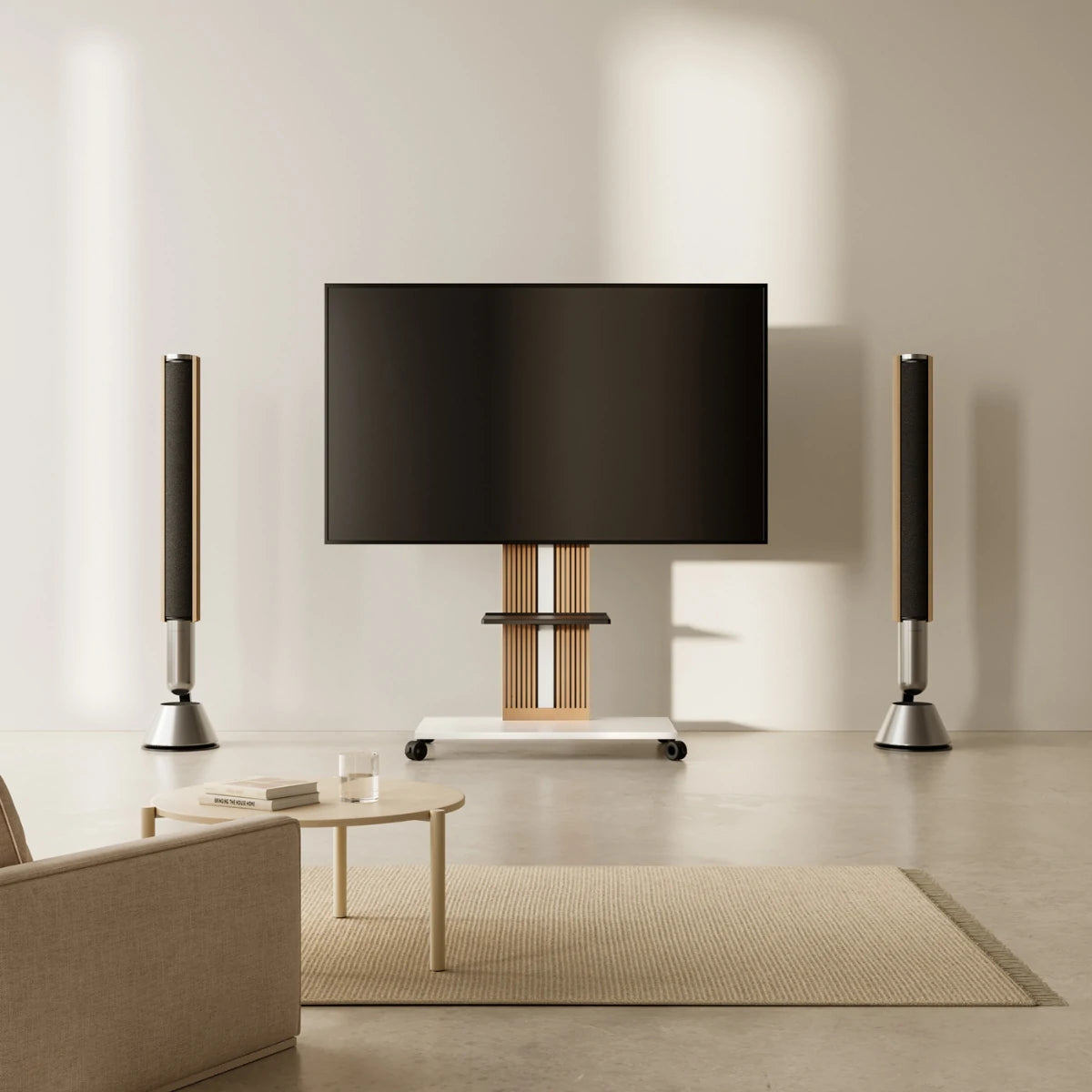
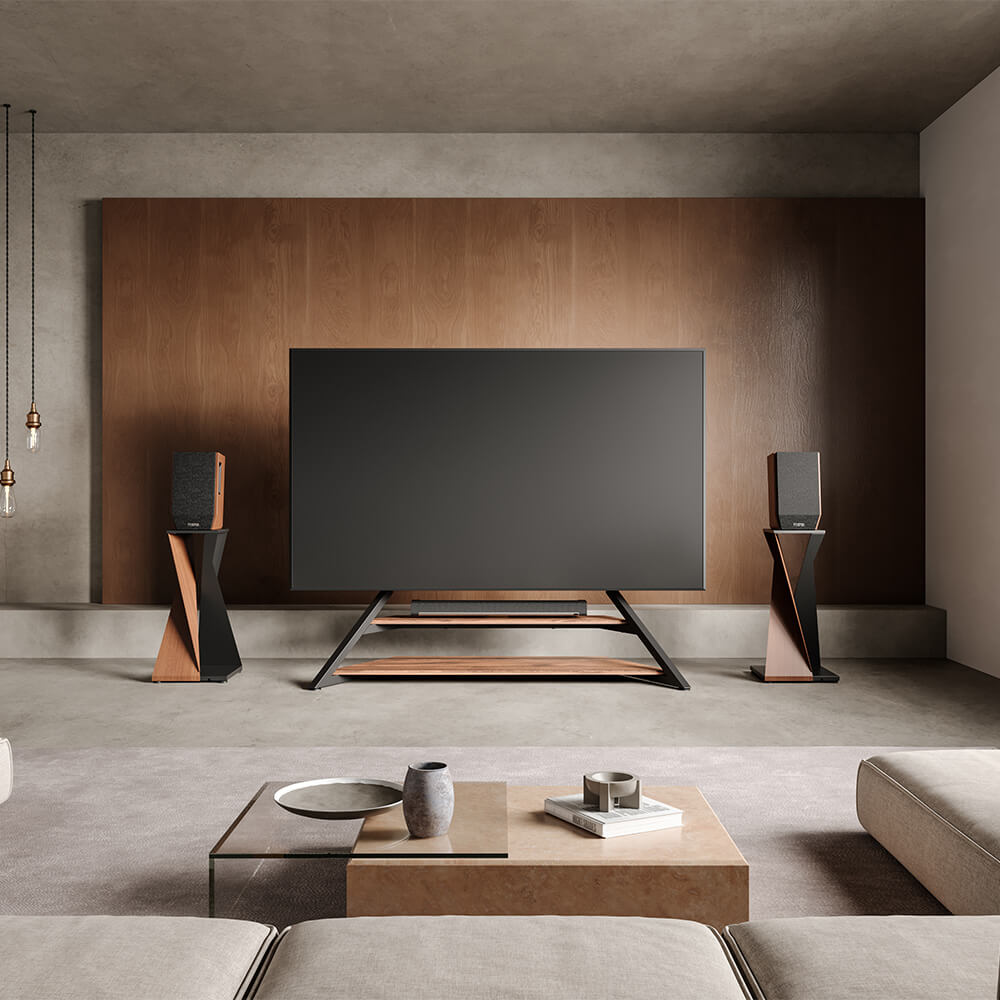
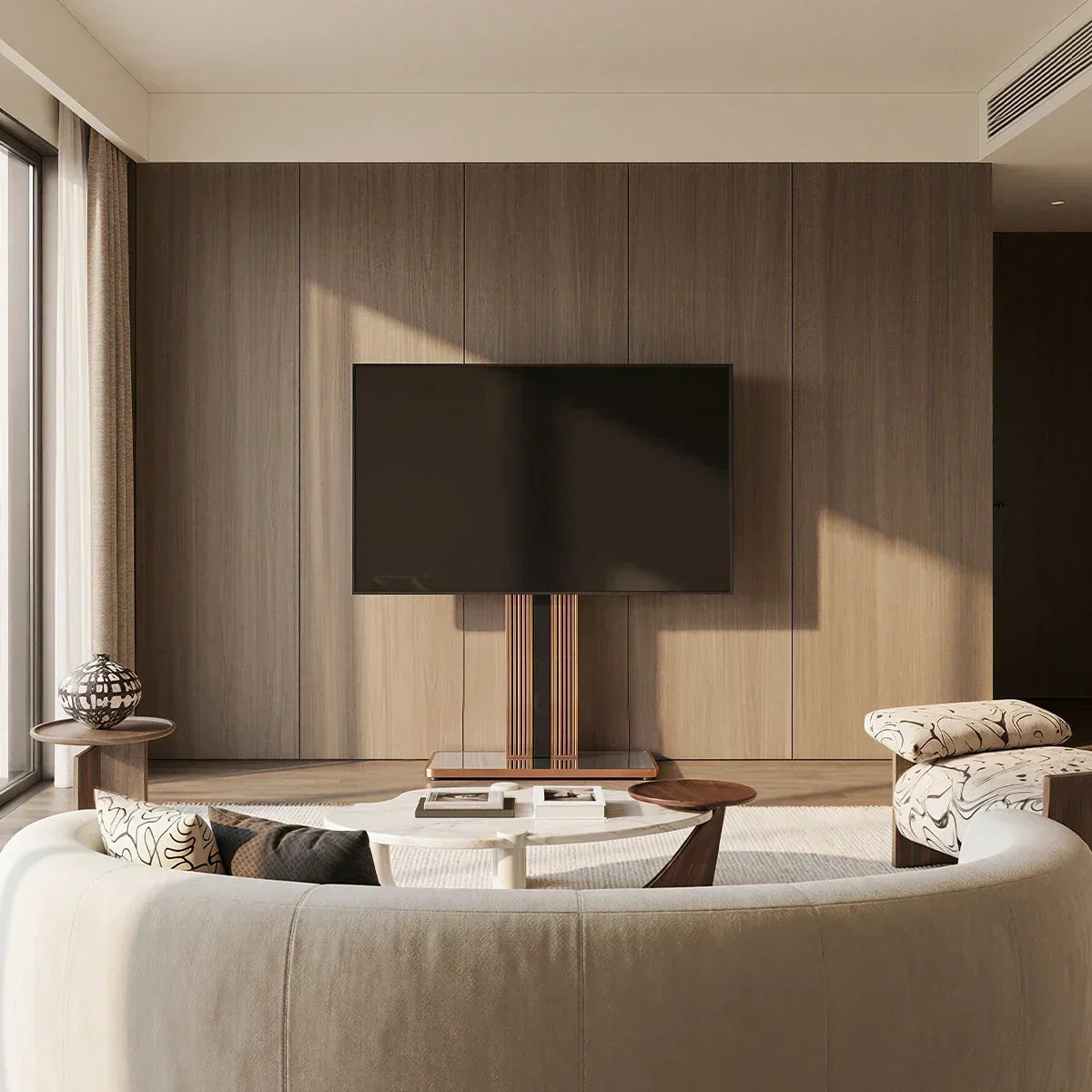
A rolling TV stand is better when the screen has a second destination and moves regularly. A fixed TV stand makes more sense when the room has one viewing zone and the screen only needs occasional angle or height adjustment. The deciding factor is whether your room has a useful route, another place to watch, and a workable plan for cables and devices.
Here, a fixed TV stand means a floor-supported VESA stand without casters, not a wall mount or a television on its original feet. Fixed does not mean the screen cannot swivel or change height. In this article, “rolling” and “fixed” describe whether the stand’s base can move across the floor. Features such as swivel, tilt, portrait rotation, and height adjustment vary by model and should be checked separately.
Rolling vs Fixed TV Stand: A Quick Comparison
Both rolling and fixed floor TV stands free the television from a wall or media cabinet, but they organize the room differently. A rolling stand creates a movable setup; a fixed stand creates a permanent viewing point that may retain some screen adjustment.
| Comparison point | Rolling TV stand | Fixed TV stand |
|---|---|---|
| Best suited to | Two or more defined viewing zones | One established viewing zone |
| Whole-unit movement | Can move the screen and attached equipment together | Remains in its chosen position |
| Space required | Needs a parking footprint and a clear travel route | Needs a suitable final footprint and screen clearance |
| Viewing adjustment | May move between zones; swivel, tilt, and height depend on the model | Cannot roll between zones; some models still swivel or adjust in height |
| Cables and power | Requires enough slack or a routine for disconnecting cables | Allows cables to follow a permanent path |
| Equipment | Shelves may let devices travel with the screen | Devices can remain on nearby furniture or fixed shelves |
| Main limitation | Mobility has little value without a destination and usable route | A permanent position is less convenient when room functions change |
The table shows where each type tends to fit, but the final choice depends on how those differences work in your room. Use the table as a starting point, then test each option against your room layout, viewing positions, and cable route.

When a Rolling TV Stand Makes More Sense
The strongest reason to choose wheels is a repeated task: moving the television between two useful positions. That might mean shifting it from a sofa toward a dining area, into a workout zone, or between meeting areas. If that describes your room, compare rolling TV stands by complete dimensions, caster design, shelf space, and published TV compatibility.
Suitable shelves can keep a streaming box, console, camera, or laptop with the screen. In a multipurpose room, that can be easier than rebuilding the setup whenever the activity changes.
Mobility also adds planning. Measure the narrowest doorway, turn, furniture gap, rug edge, and threshold. The television may be wider than the base. Decide which cords must be disconnected and which devices can remain secured. The destination also needs floor space, power, and a suitable viewing height.
For a large screen that regularly moves with its equipment, the Eiffel V2 FT88 rolling TV stand uses standard casters to move the complete setup between viewing areas. Its shelves keep devices with the screen, while concealed cable routing helps reduce loose cords during the move. Once parked, 14 mounting-height positions and 20 degrees of swivel to either side help adapt the view to the seating at that destination.
The Eiffel V2 FT88 supports most 55- to 88-inch TVs up to 132 pounds (about 60 kg), with VESA from 100 × 100 to 600 × 400 mm. The stand’s base measures about 39.3 by 22.8 inches (100 by 58 cm), so confirm that the base and the wider TV screen can both pass through the full route. Before buying, verify your TV’s weight and VESA pattern as well as the available floor space and viewing height.
When a Fixed TV Stand May Work Better
When the television already has one good position, a fixed base removes unnecessary planning. Cables can follow stable paths, and nearby furniture can hold equipment without requiring it to travel with the screen. Compare floor TV stands by base width and depth, available swivel or mounting-height adjustment, and compatibility rather than appearance alone.
A fixed stand can still adapt to viewers. Some models swivel or offer mounting-height choices while the base stays in place. Screen adjustment may be enough when the goal is to face a sofa and a nearby chair.
The trade-off is that the original position must be right. Measure the full base and check whether the screen can turn without hitting a wall, curtain, or shelf. Fixed does not automatically mean smaller, safer, or more stable; those qualities depend on the structure, assembly, rated load, floor, and instructions.
The Picasso FT65 fixed TV stand suits a defined viewing area where the base can remain in place. The screen swivels up to 20 degrees to either side, helping redirect the view between nearby seats, while the mounting height can be adjusted during setup to suit the primary viewing position.
The Picasso FT65 supports most 32- to 65-inch TVs weighing up to 77 pounds (about 35 kg). Before buying, verify your TV’s weight, VESA pattern, and desired mounting height, then check that the tripod base and the screen’s swivel path fit the intended location.
Which TV Stand Works Best in Different Rooms?
Room layout determines whether mobility solves a real problem or adds unnecessary planning.
A Small Living Room With One Viewing Zone
Choose a fixed stand when one corner or wall-adjacent position serves the sofa and there is nowhere useful for the television to travel. Swivel can redirect the screen without requiring a movement path.
A fixed stand can simplify the layout, but its full base still needs to leave doors, drawers, curtains, vents, and walkways clear.
An Open-Plan Space With Multiple Uses
A rolling stand becomes valuable when one display serves a lounge, dining area, desk, or exercise zone. Identify both parking positions, then check turns, rugs, thresholds, outlets, and cables.
Wheels add little if the TV has no other regularly used viewing location or practical reason to move between areas. They become useful when both locations and the route work.
A Bedroom That Needs a Better Viewing Angle
Decide whether the screen must change location or merely face a different seat. Swivel may be enough when the TV stays near one wall but faces the bed and a chair. Choose wheels when it must move toward a desk or park elsewhere.
Compare the screen-center range with eye level from the bed and chair. If one height cannot serve both, choose a wider adjustment range or prioritize the more-used position.

What to Check Before Buying a TV Stand
Once you know which type of stand you want, check these details before choosing a specific model.
- Start with your TV, not its screen size. Check the model label or manual for the TV’s weight and VESA pattern, then compare both figures with the stand’s limits. Also check whether the TV requires unusual screws, spacers, or other mounting hardware. A listed screen-size range is helpful, but it does not confirm compatibility on its own.
- Make sure the base fits where the stand will go. Compare the published base width and depth with the available floor space. Check that nearby doors and drawers can open, curtains and vents remain clear, and people can still walk past comfortably.
- Allow enough room for the full screen. Use the TV’s actual width to check its distance from walls, shelves, lamps, and doorways. If the stand swivels, leave additional clearance on both sides so the screen corners do not hit nearby objects.
- Choose a comfortable screen height. Sit in your usual viewing position and measure your eye level from the floor. Compare that number with the stand’s published TV-center height range. If the stand offers several height settings, check whether the height can be changed after installation or whether the TV must be removed first.
- Check the shelves and cables. Make sure each shelf is wide and deep enough for your console, streaming box, camera, router, or soundbar, and check its separate weight limit. Leave room around devices for airflow and plugs. Cables should reach the outlet without stretching when the screen swivels or the stand moves.
- If you chose a rolling stand, measure the route it will use. Check the narrowest doorway, furniture gap, corner, rug edge, and threshold against both the base dimensions and the TV’s full width. Also decide where the stand will plug in at each viewing position and which cables need to be disconnected before moving it. For a fixed stand, make one final check of the permanent position and the space needed for any swivel movement.
If compatibility is difficult, this guide can help you choose a TV floor stand using relevant TV and room measurements. Stop if the specifications, hardware, or instructions do not match; do not improvise a fit.
Find a TV Stand That Fits Your Space
The right choice should solve the room’s main limitation without creating a new one. Wheels should connect two usable viewing zones; a fixed base should simplify a permanent setup. Either stand must fit the TV, preserve comfortable sightlines, and leave doors, furniture, ventilation, cables, and walkways usable.
After confirming TV compatibility, base dimensions, viewing height, and any movement route, compare FITUEYES designs by the features your room actually needs. Treat finish and style as the final choice, after the stand has passed the practical checks.
FAQs About Rolling and Fixed TV Stands
Is a Rolling TV Stand Less Stable Than a Fixed TV Stand?
Not necessarily. Stability depends on structure, rated load, hardware, assembly, floor condition, and use. Follow the instructions for locking casters whenever a rolling stand is parked. Compare the rated capacity and setup instructions of the specific models you are considering, and use either type only on a floor surface approved by the manufacturer.
Do I Need Wheels If I Only Want to Change the Viewing Angle?
Not always. If the TV can stay in one location and only needs to turn toward a sofa, chair, or bed, a stand with enough swivel may solve the problem. Choose a rolling stand when the entire TV must move to a different viewing area, not simply point in another direction. In either case, check the model’s published swivel range or rolling route against your room before buying.
Can a Rolling TV Stand Damage Hardwood Floors?
Floor impact depends on caster material, total load, debris, finish, and movement technique. Check the product guidance, clean the route, unlock the casters before moving, and never drag a locked wheel. In homes with children or pets, avoid allowing them to climb on or lean against the stand, and use anti-tip or other safety accessories as instructed in the manual.
Can I Add Wheels to a Fixed TV Stand Later?
Only when the manufacturer approves that configuration. Casters change connection loads, height, clearance, and stability; a wheel that fits is not automatically suitable. If you want to begin with fixed feet but may need mobility later, choose a model designed for both configurations.
For that kind of flexibility, the FITUEYES Cantor FT78 TV Stand comes with foot pads by default and supports compatible casters purchased separately. Confirm the approved caster type and installation instructions for the exact model before converting it.