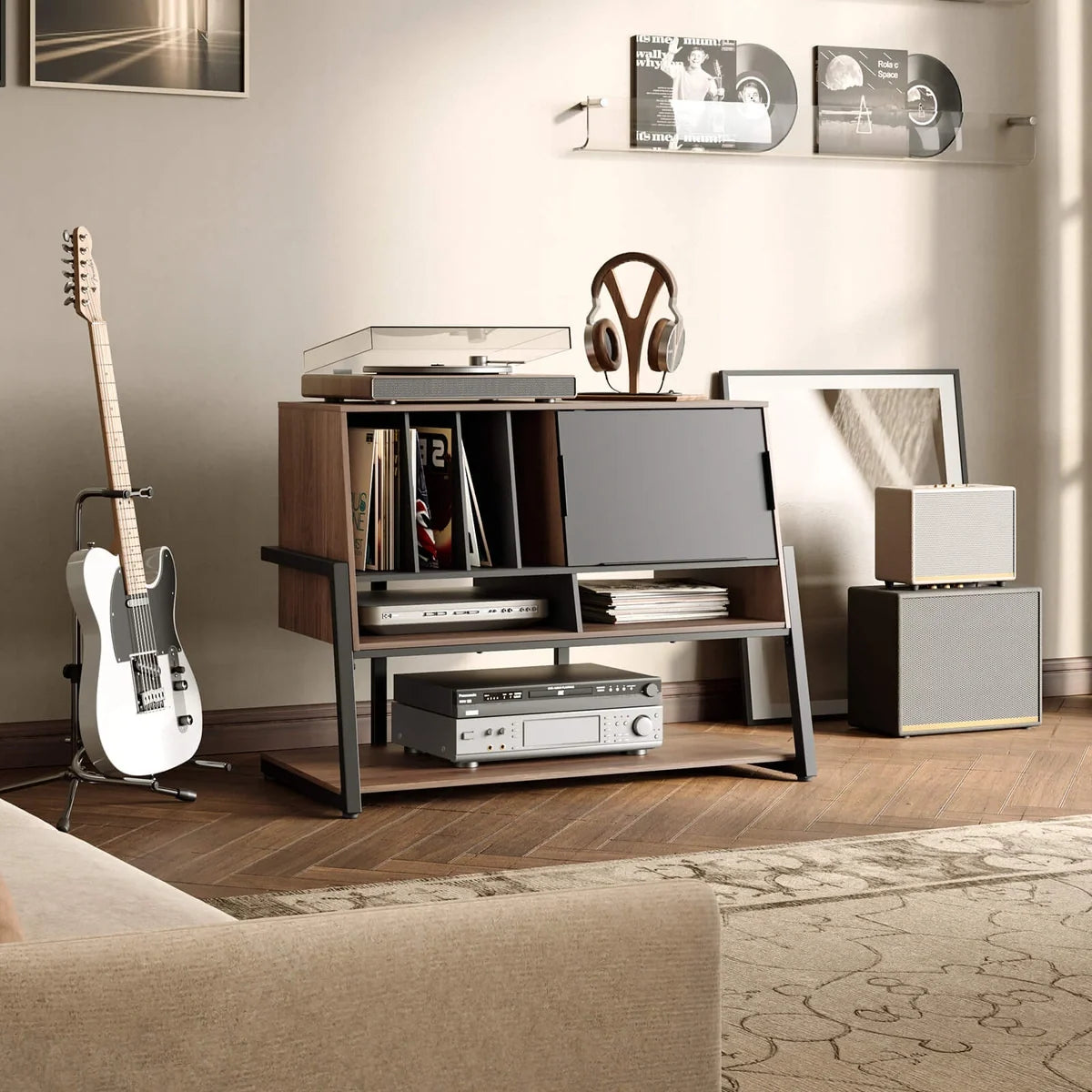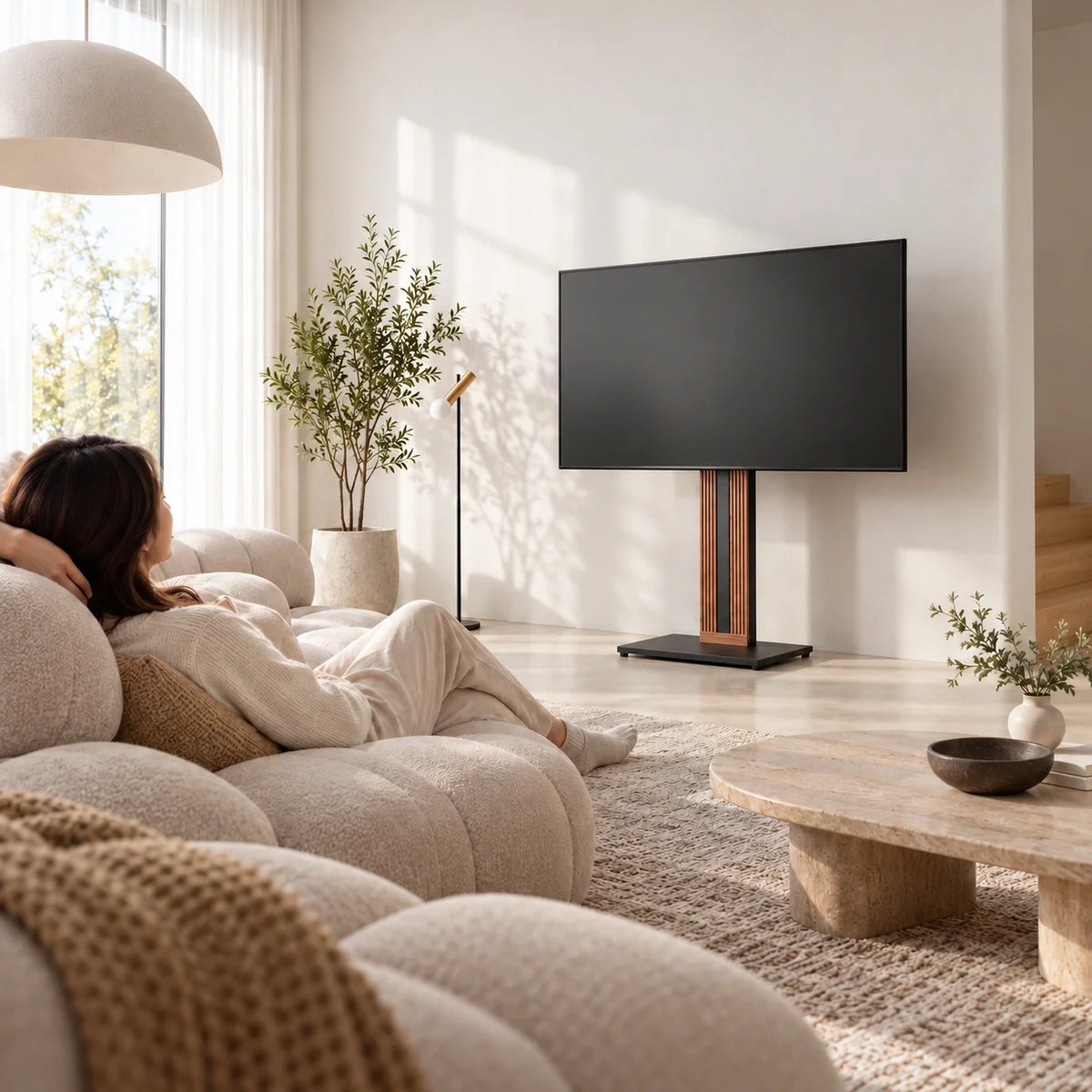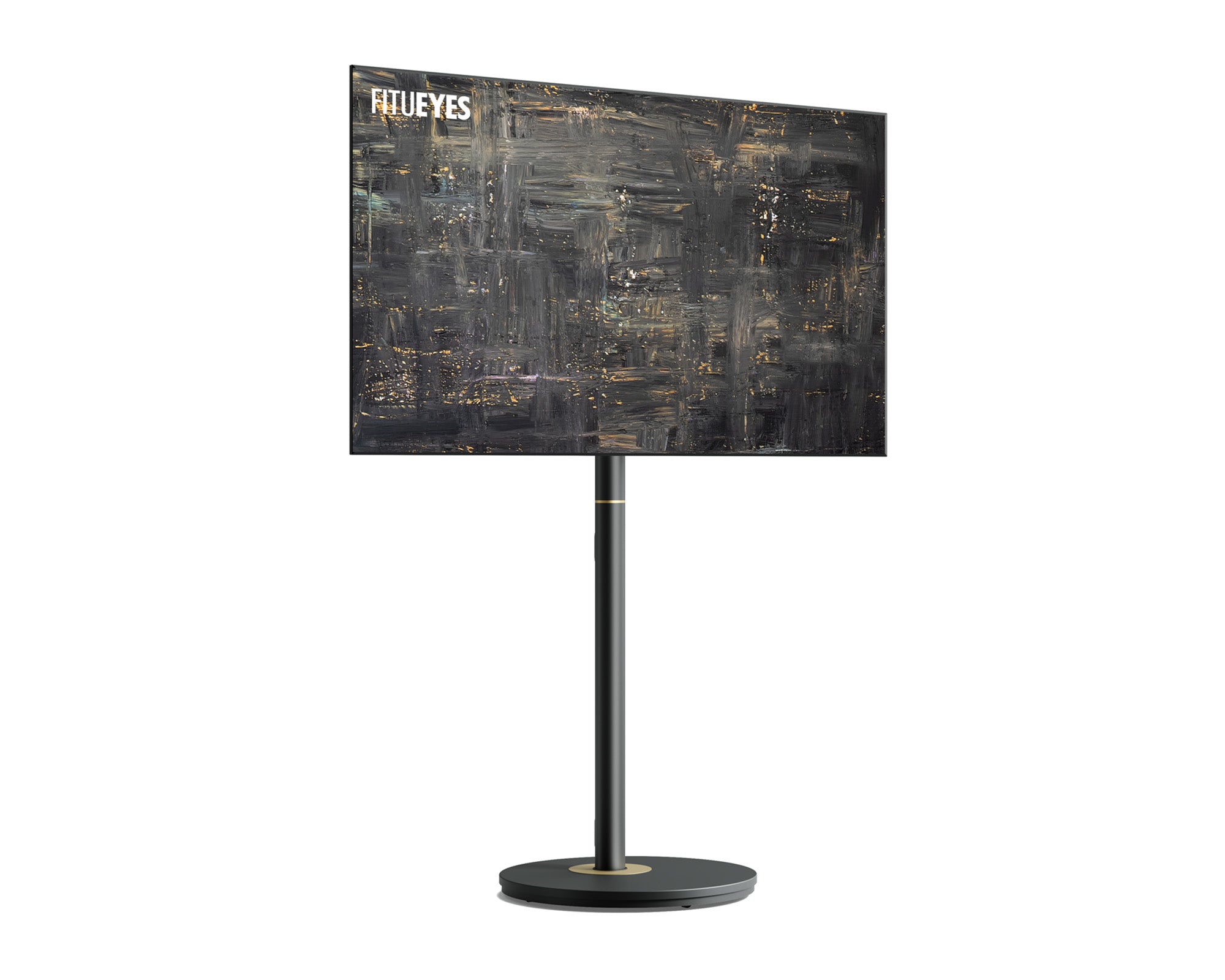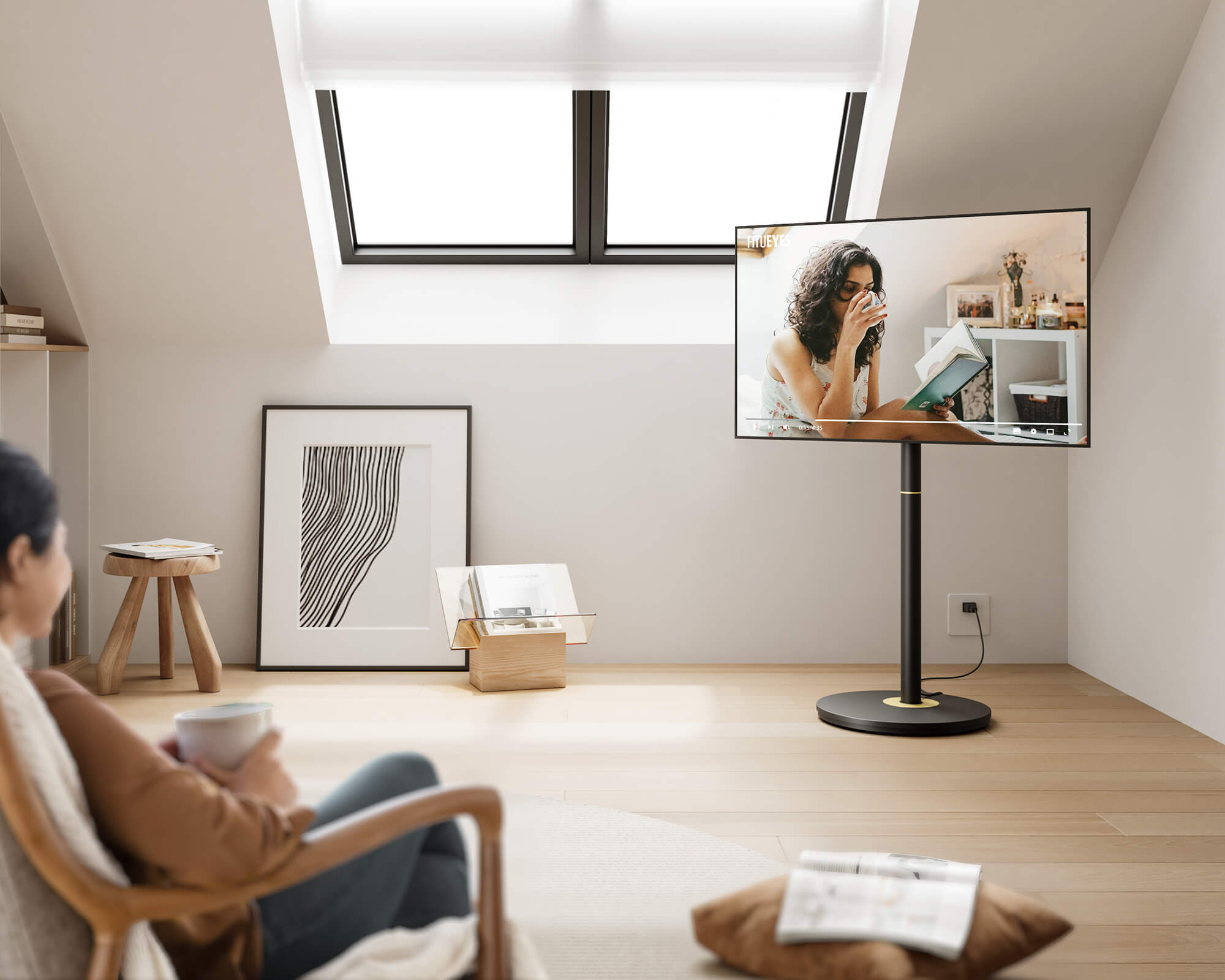



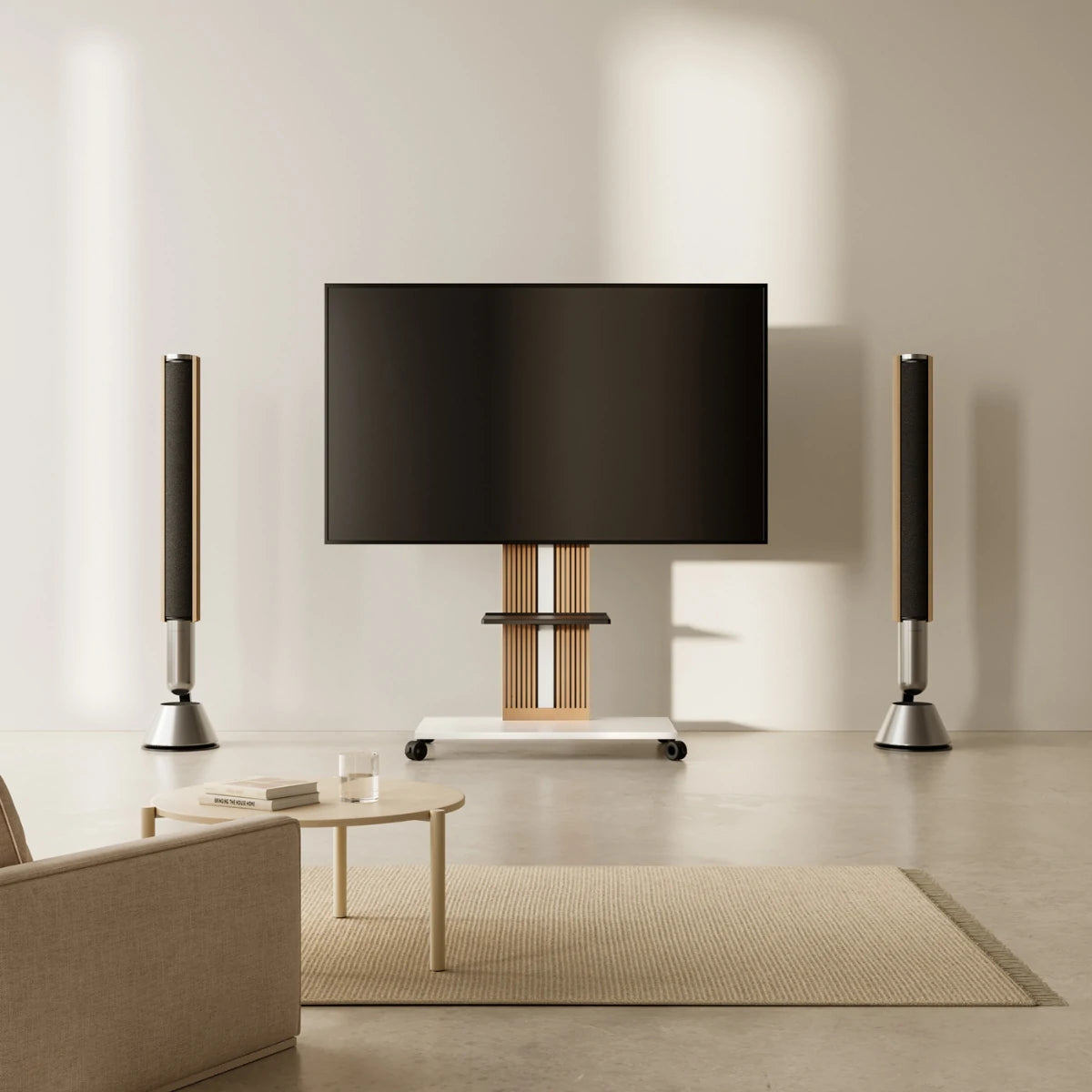

A universal TV stand is designed to work with a wide range of TV brands and models rather than one specific television. Most use adjustable brackets and standard VESA mounting holes to accommodate different TVs, but “universal” does not mean one stand fits every screen.
Whether a universal TV stand will fit your TV depends on the exact model, VESA pattern, supported screen-size range, weight capacity, and mounting hardware. These specifications need to be checked separately because matching one does not guarantee that the others will match.
Before comparing TV stands, find your TV’s full model number on the rear label, in the settings menu, or on the original box. Use the complete model code, including any suffixes, when checking the manufacturer’s specifications, since TVs within the same series can differ in VESA pattern, weight, and mounting details.
Match Your TV’s VESA Pattern to the Stand
If the TV manufacturer lists the VESA pattern, compare that exact horizontal × vertical combination with the stand’s supported VESA list. If it is not listed, measure the distance between the centers of the mounting holes horizontally and vertically, in millimeters.
A range such as “100 × 100 to 400 × 400” does not necessarily mean every combination between those dimensions is supported. For example, a stand may support 100 × 100 and 400 × 400 but not a less common pattern in between.
Look for your TV’s exact combination in the stand’s compatibility chart or supported VESA list. If it is not shown, treat compatibility as unconfirmed and ask the manufacturer before ordering. Use a VESA adapter only when it is approved for the TV, stand, and intended load.
Some universal stands allow their brackets to shift along a mounting plate, but adjustment does not replace a supported VESA match. Don’t drill, bend, or modify the mounting parts to force a fit.

Check Screen Size and Mounting Weight Separately
Screen size and mounting weight are independent compatibility checks:
- Screen size: Measure or confirm the diagonal distance across the visible display, from one corner to the opposite corner. This figure does not give the TV’s full outside width or height. Compare it with the stand’s stated screen-size range; a VESA match does not bring an out-of-range screen into the supported range.
- Mounting weight: Use the TV’s weight in its mounted configuration, not the shipping weight with packaging. Check whether the manufacturer’s listed weight includes the original feet or pedestal; for a TV attached through its rear mounting holes, the figure without those parts is generally the relevant one. If the documentation is unclear, ask the TV manufacturer which value applies.
A compatible stand needs to meet both limits as well as the TV’s VESA requirements. Meeting the weight limit alone does not make an unsupported screen size suitable, and vice versa.
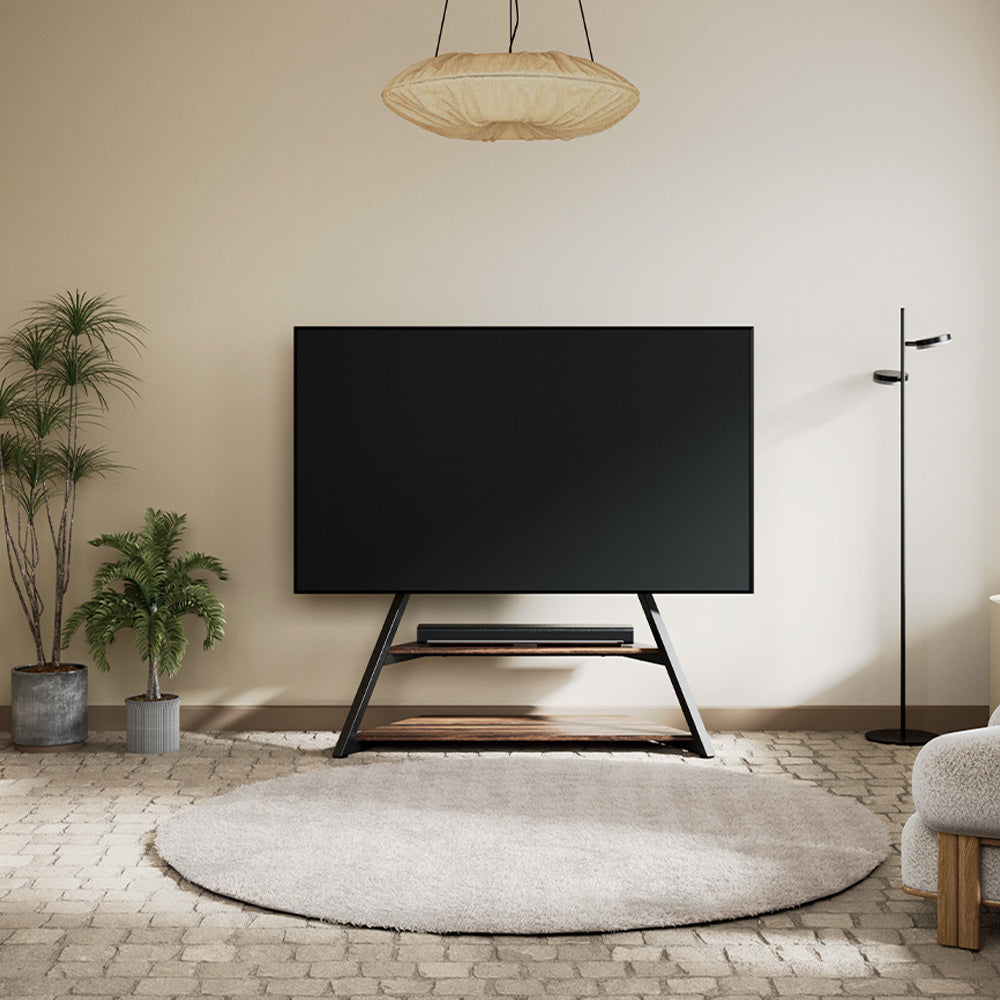
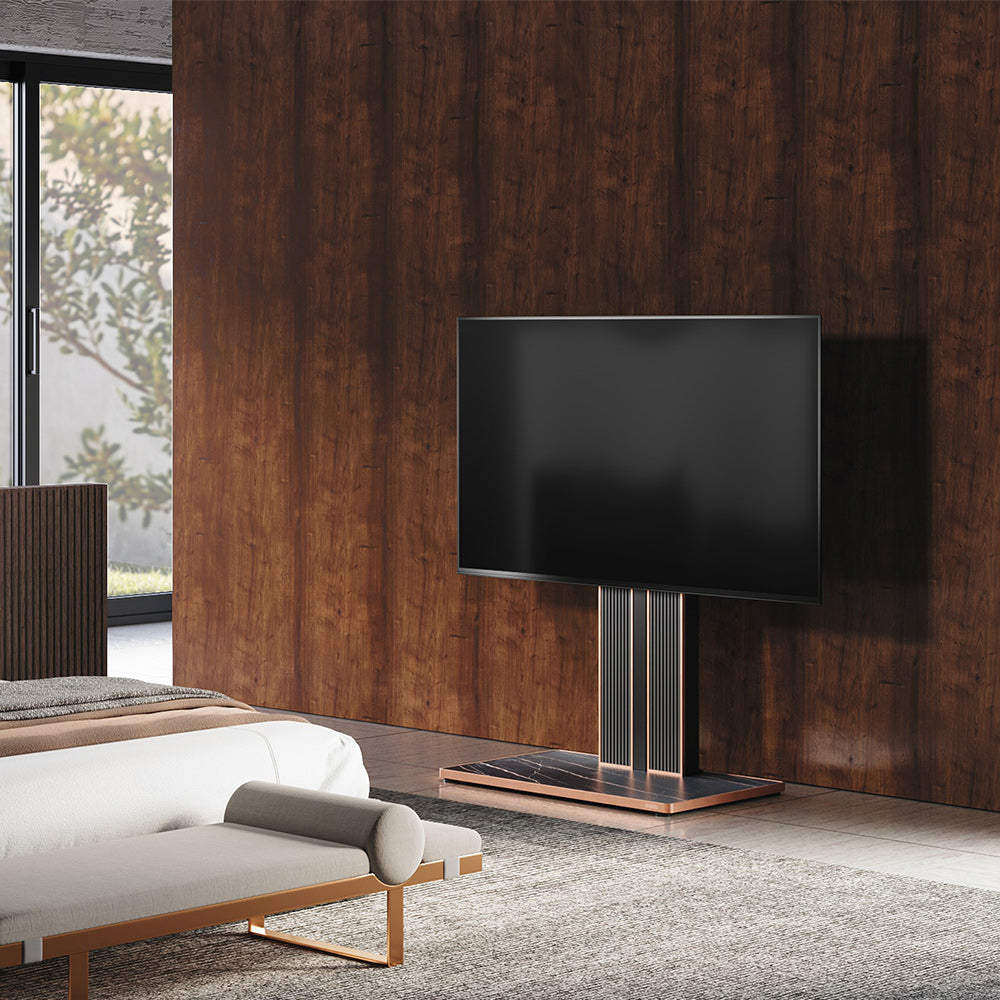
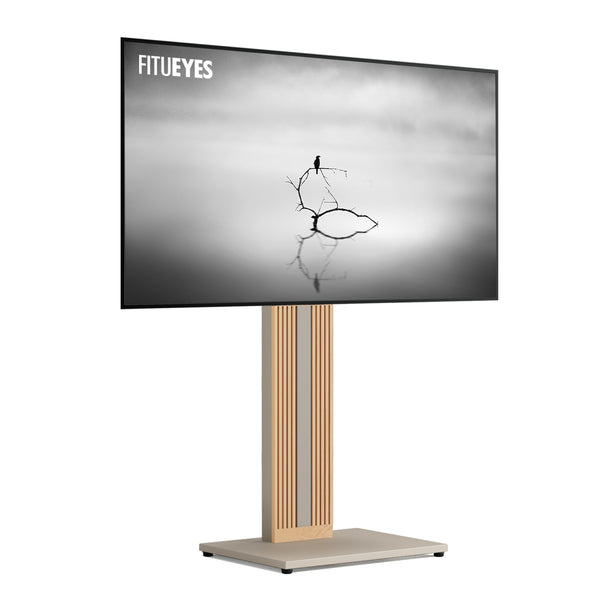
For a smaller floor setup—such as a bedroom corner, compact apartment, or narrow area beside existing furniture—the main constraint may be finding a stand that still covers the TV’s full set of specifications without taking up unnecessary floor space. The Zen FT65 floor TV stand is designed for compatible 32–65-inch TVs weighing up to 88 pounds, with listed VESA patterns from 100 × 100 to 400 × 400 mm. It is one option when those limits suit both the screen and the available space, but the TV’s exact VESA combination still needs to appear in the model’s supported list.
Check the Mounting Hardware and Rear Clearance
Once the VESA pattern matches, inspect how the brackets will meet the back of the TV. Recessed mounting holes, raised areas, or ports near the mounting points may change the screw, washer, or spacer arrangement required by the instructions.
Use the hardware combination specified for the TV and stand. A screw that is too long can damage the TV; one that is too short may not secure the bracket properly. Don’t force a screw that resists or guess at a replacement length. If the instructions don’t cover the TV’s mounting area clearly, contact the manufacturers with both model numbers and a photo of the rear panel.
Check clearance for plugs and cables as well. A connector may fit before mounting but become difficult to reach once the screen is attached. Allow space for the connections you use and for any movement the stand permits.

Make Sure the Stand Fits Your Space
After confirming VESA, screen-size, and weight compatibility, check how the chosen support method fits the available space. Floor stands, tabletop VESA stands, and wall mounts may use the same rear VESA holes, but each requires a different type of space and clearance check:
- Floor stand: Mark the published base dimensions on the floor with removable tape. Check the footprint against doors, drawers, outlets, walking routes, and the clearance needed if the screen swivels.
- Tabletop VESA stand: Measure the usable furniture surface and confirm that the furniture can support the TV and stand as directed.
- Wall mount: Confirm the wall structure and approved fixing method, then check nearby outlets, cable routes, and the clearance required for tilt or swivel movement.
For every support method, use the TV’s full outside width and height—not only its diagonal screen size—to check the surrounding space.
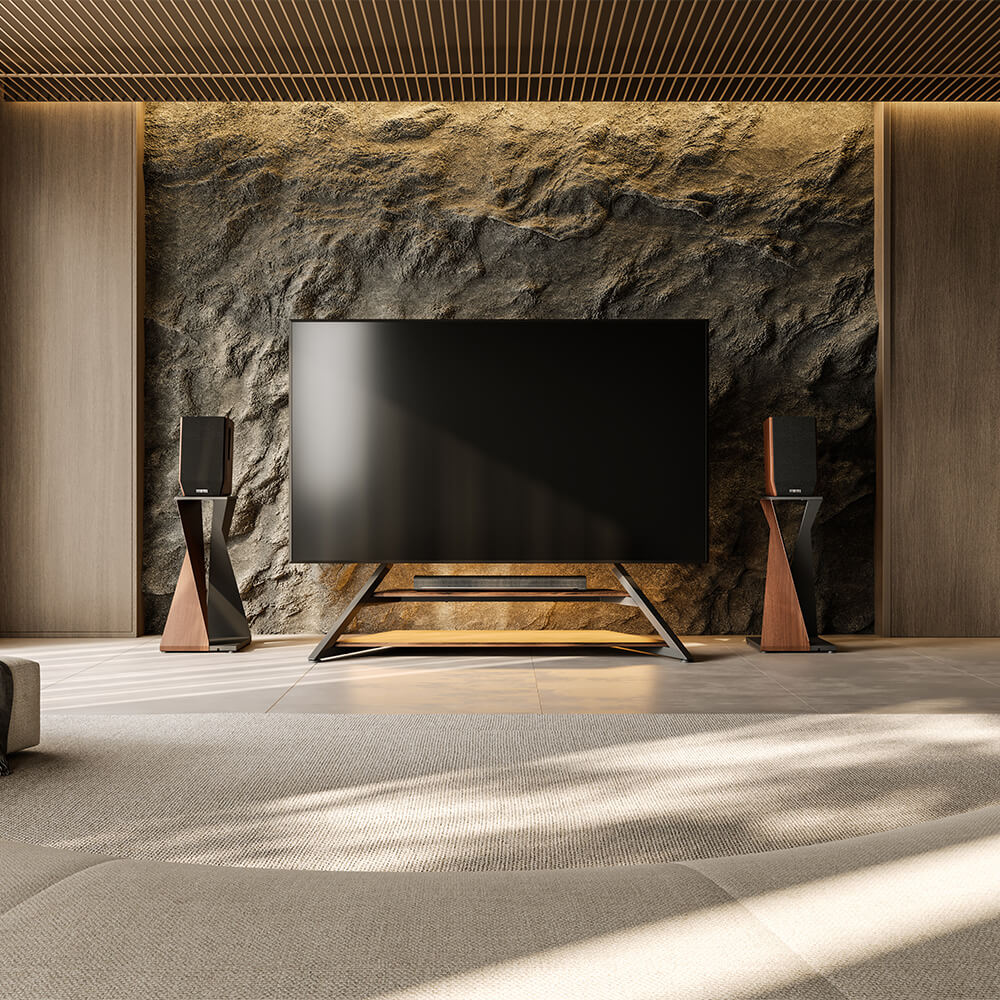
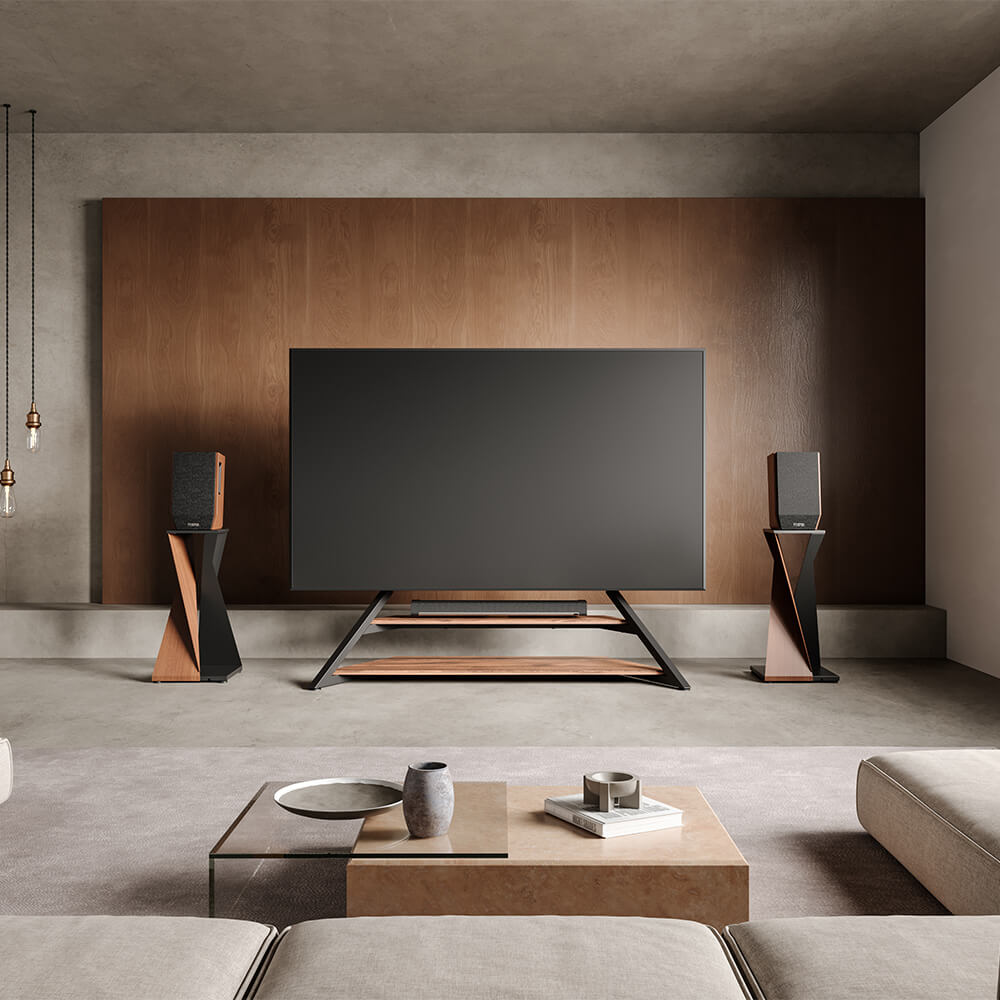
A very large screen in a living room or media area creates a different practical need: the stand must provide enough mounting capacity without letting the base take over too much of the available floor space. The Eiffel FT100 TV stand is designed for compatible 75–100-inch TVs weighing up to 187 pounds. Its base measures 1,375 × 534 mm, while the actual overall footprint will also depend on the width of the TV once installed.
If the Eiffel FT100 does not match your TV, available footprint, or preferred features, compare other floor TV stands using the measurements you have already taken. Focus on the individual model’s base dimensions, height options, VESA patterns, and mounting limits rather than relying only on a collection’s general screen-size label.
If you already have an original base from another television and are considering reusing it instead of a VESA-mounted stand, compatibility works differently. This guide to swapping TV bases between brands explains which attachment and support details need to match before an original base can be reused.
Choose a Stand for Both the TV and the Room
Once the required matches are confirmed, compare the features that affect daily use: the base footprint, viewing height, swivel or mobility, cable routing, and the way the design sits with the rest of the room.
FITUEYES offers floor, tabletop, and mobile stand styles for different layouts, but style comes after compatibility. Start with the category that fits the room, then verify the individual model’s VESA list, size range, weight capacity, hardware instructions, and dimensions before choosing.
FAQs
Do universal TV stands include the right screws for every TV?
A hardware kit may include several common screw sizes, but that does not establish the correct diameter, thread, or insertion depth for every television. Follow the TV and stand instructions; contact the manufacturers if the required combination is unclear.
Can a universal stand replace a TV’s missing original feet?
Yes, when the stand mounts through the TV’s rear VESA holes and the TV meets all of its listed limits. This is different from attaching replacement feet to the original base points, which are usually model-specific.
Should cables be connected before or after the TV is mounted?
Check the installation instructions and rear-port clearance first. Ports that will be difficult to reach may need their cables connected during installation, while final cable routing should leave enough slack for any permitted swivel, tilt, or height adjustment.