


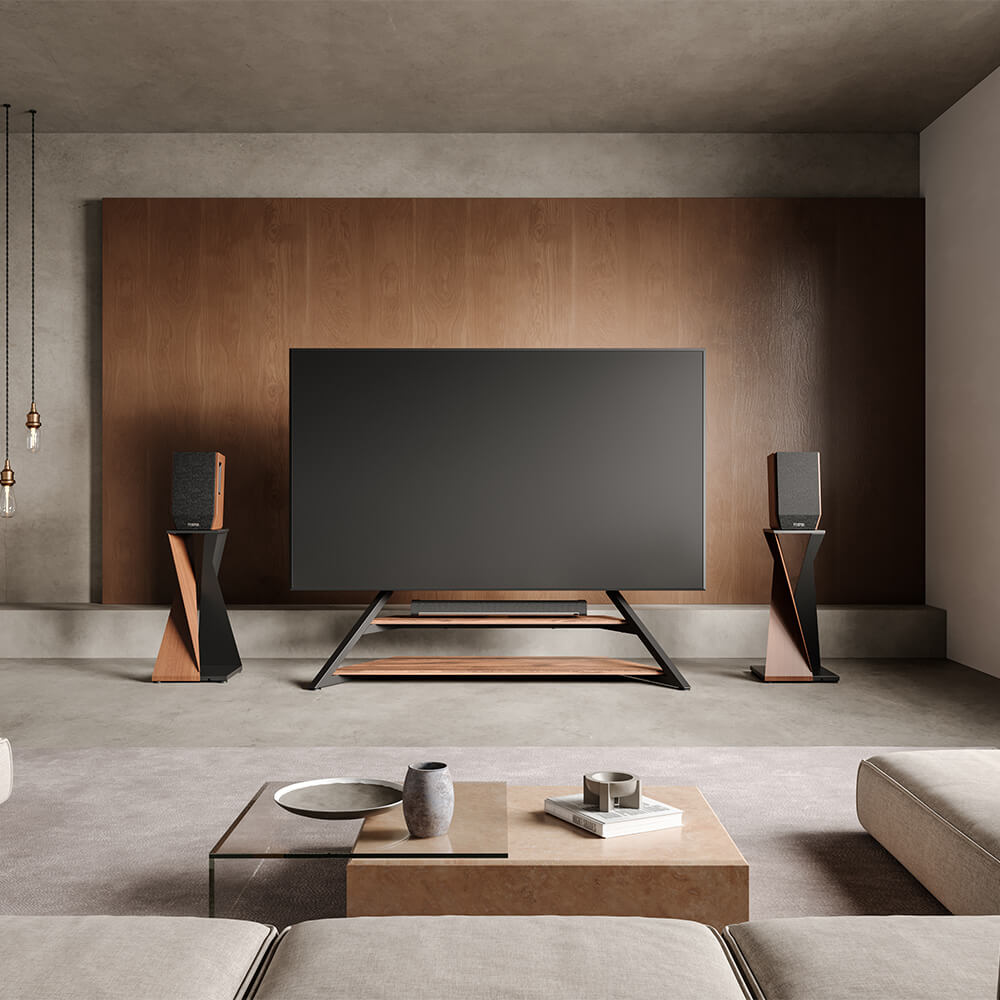
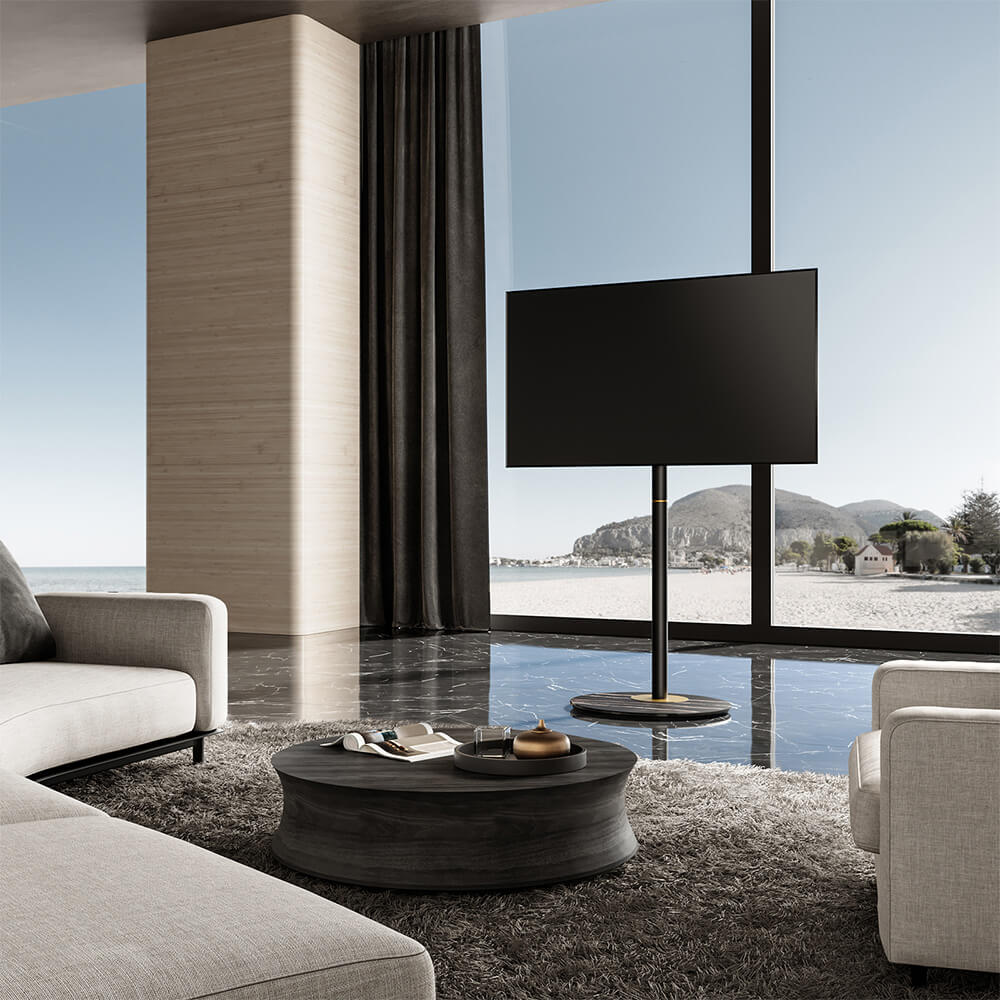
An adjustable TV shelf can describe several setups. If your screen needs to move higher or lower, check the TV mounting-height adjustment. If your console, streaming box, or soundbar needs a different position, check the equipment shelf’s adjustment range and usable space. Some TV cabinets also have movable interior shelves, so identify which part changes position before comparing products.
For a freestanding TV setup, the screen and equipment need to fit together. Your television model, seated viewing position, and existing devices provide the starting point. Once those requirements are clear, you can judge whether a stand with built-in shelves gives you enough flexibility or whether a compatible shelf accessory can complete an existing setup.
Start With the Screen Position Your Seating Requires
Begin from the seat you normally use. Sit in your relaxed viewing posture and measure from the floor to your eyes, then use that measurement as a reference when assessing screen position. A recliner or deep sofa can change your natural line of sight, so check the proposed position from that seat before choosing a mounting height. You can mark the approximate screen outline on the wall with easy-release tape to judge how it relates to your normal posture. This establishes the viewing position that the equipment shelf will need to accommodate.
Overall stand height measures from the floor to the top of the stand’s structure. Bracket height refers to the mounting hardware’s position, so check which point the product diagram uses as its reference. Screen-center height measures from the floor to the center of the mounted display and helps you judge how the television will sit in your line of sight. The position of your TV’s rear mounting holes affects this final measurement because those holes may sit above or below the center of the television. When comparing floor TV stands, match the VESA pattern and weight capacity first, then use the mounting diagram and your TV’s dimensions to check the resulting screen position. If fitting a large console underneath would push the screen above your comfortable viewing position, choose a different shelf layout.

Measure the Space Your Media Devices Need
Game Consoles and Streaming Boxes
Choose each device’s intended orientation before measuring it. A console placed vertically may require its own support accessory and a different clearance pattern from the same console placed horizontally. Follow the device manufacturer’s permitted arrangement, then measure its width, height, and depth with the required support attached. Connect the power and HDMI cables so you can include the plugs and their natural bends in the depth measurement. Check where air enters and leaves the case, and record the model’s ventilation requirements alongside the space needed to reach buttons, insert discs, and change connections. Together, these measurements describe the space the device needs in use.
A streaming box may occupy little shelf space but still need an accessible position. Its remote-control system, connection layout, and ventilation openings can influence placement. Check whether a support column would obstruct a rear-facing port or make a frequently used connection difficult to reach. If two devices will share one shelf, compare their combined arrangement with the usable surface and the clearances required by both manufacturers. Drawing their outlines on paper helps reveal whether the proposed layout is practical.
Soundbars
For a soundbar, measure the positions of its supporting feet as well as its overall width. A bar wider than the shelf needs an arrangement that the manufacturer permits, with the intended support points resting securely on the surface. Compare its height with the television’s lower edge and remote sensor, then check the sound path. Upward-firing speakers need the clearance specified for that model. These checks establish whether a shelf beneath the screen is suitable or whether the soundbar needs a separate mounting solution.
| Device | Record these measurements | Check during normal use |
|---|---|---|
| Game console | Dimensions in the approved orientation, including its support | Ventilation, disc access, and connected plugs |
| Streaming box | Case dimensions and connection space | Remote reception, controls, and ventilation |
| Soundbar | Dimensions and supporting-foot positions | Screen visibility, sensor access, and speaker clearance |
Check Whether the Shelf Can Support Your Devices
Compare your measurements with the shelf’s usable surface and rated load. Rounded corners, raised edges, brackets, and support columns can reduce the area available beneath a device’s feet. An irregular shelf therefore needs more than a maximum width measurement. Check the surface where the equipment will actually sit, along with the space behind it for connections. You can make a paper template from the published shelf dimensions and place your device measurements on it before buying. If the product information leaves a crucial dimension unclear, request it before deciding.
Check the equipment shelf’s load allowance separately from the television mounting capacity. Include everything placed on that shelf, including power supplies and accessories. Then examine how the shelf adjusts and which positions are permitted. Some designs offer fixed mounting points, while others provide adjustment along a column. A useful setting must support the equipment while preserving its ventilation and operating space. For a separately purchased accessory, confirm the exact stand model, shelf version, and required hardware. Similar-looking fittings do not establish compatibility, and a shelf should only be installed in positions approved for that system.
Choose Built-In Shelves When the Equipment Must Move With the TV
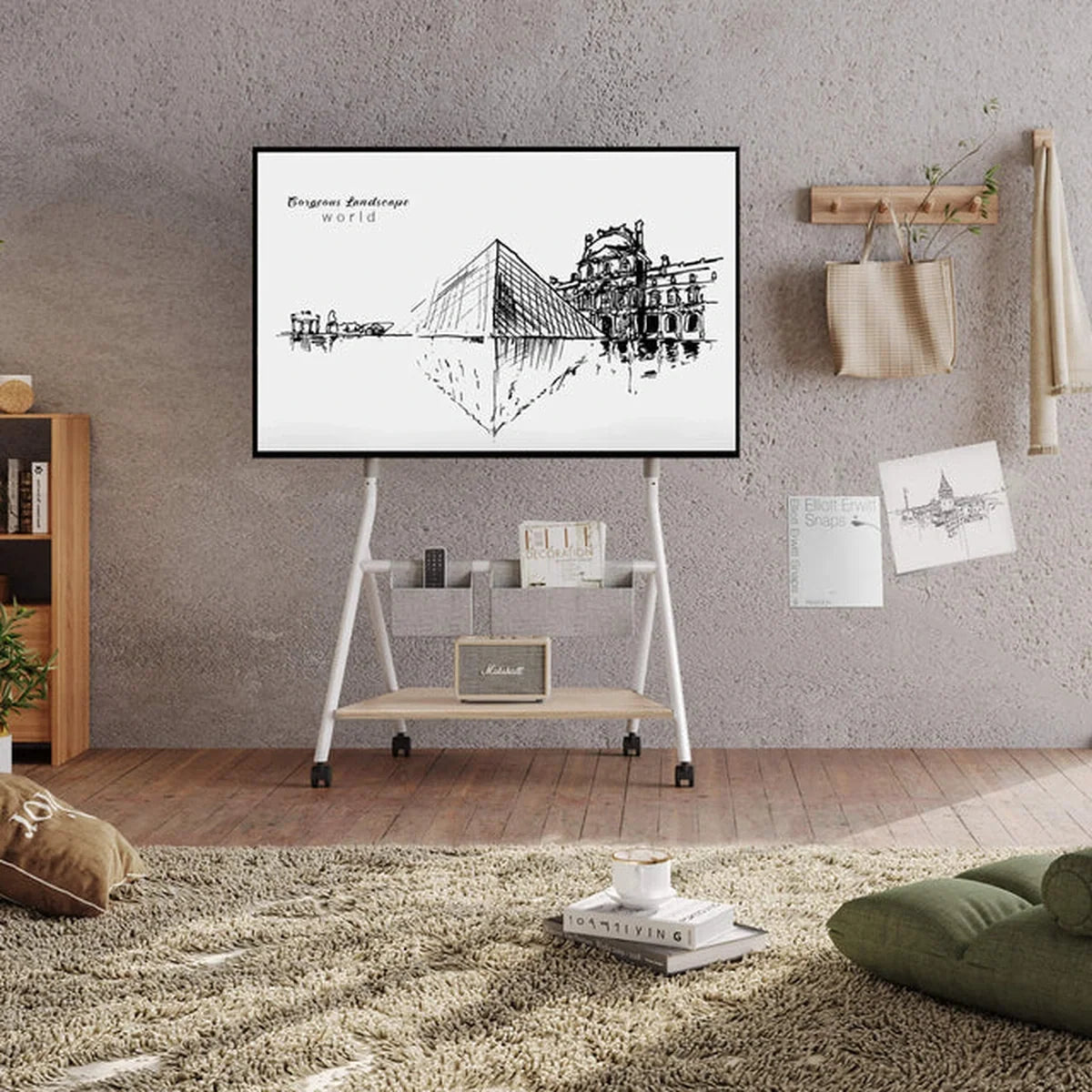
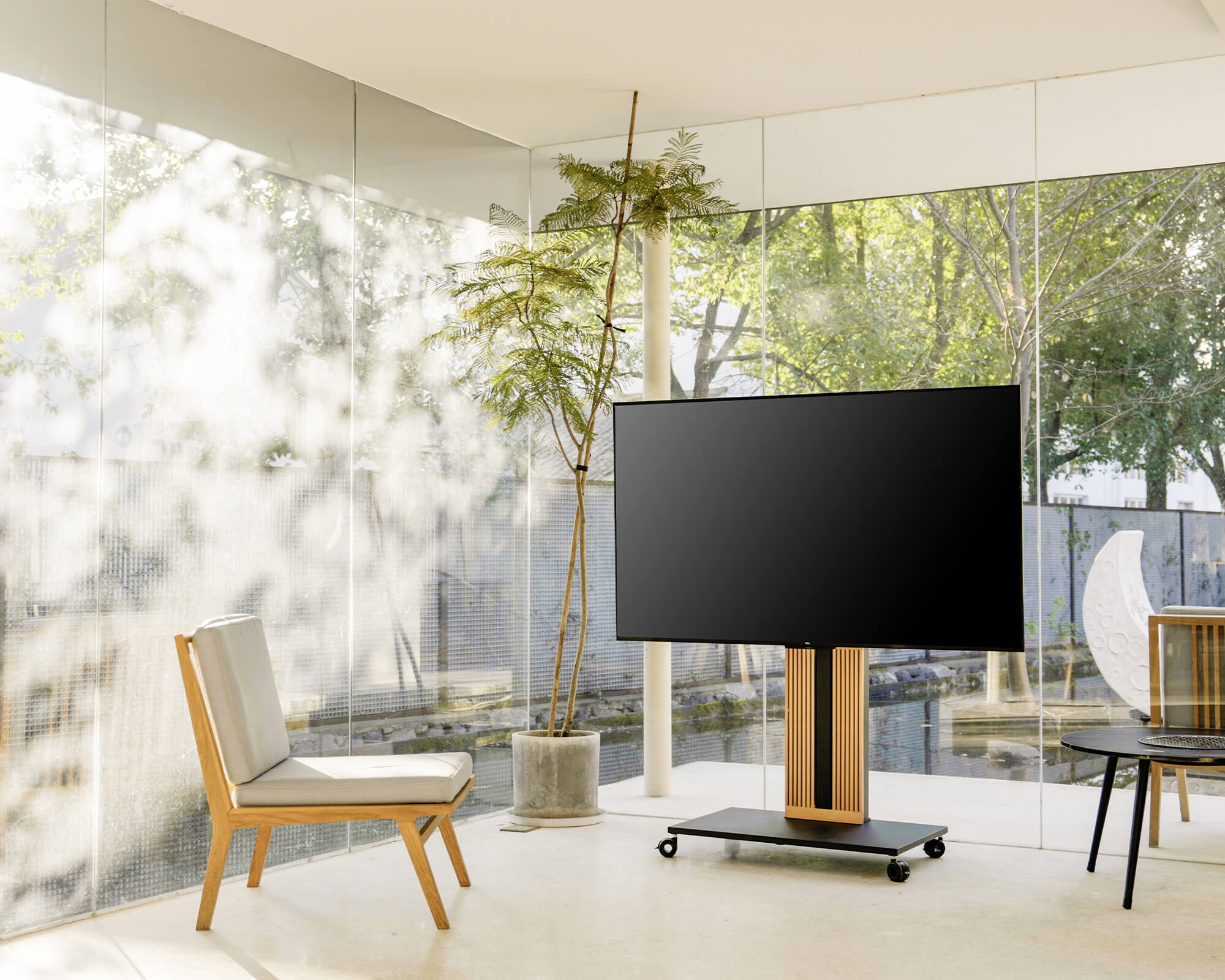
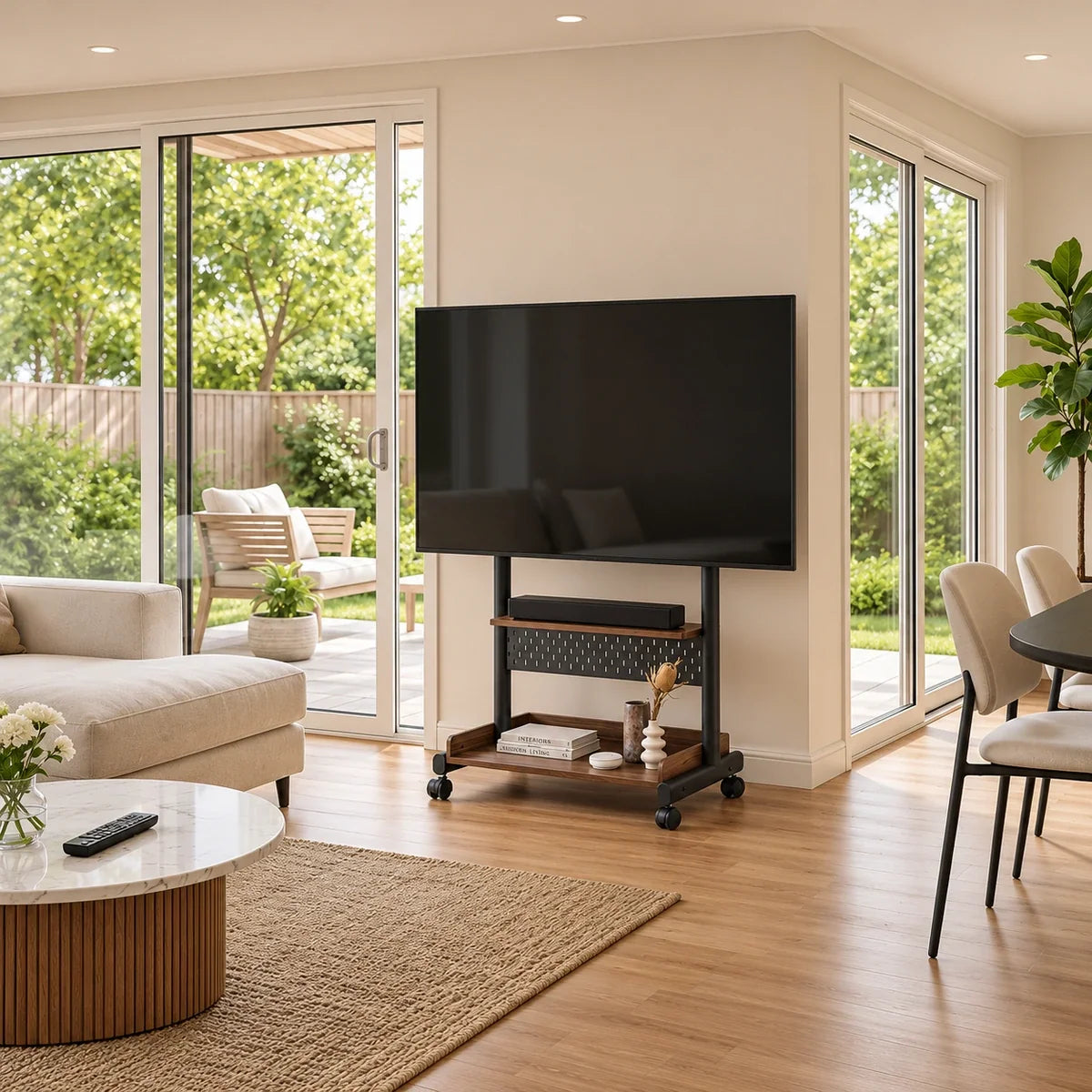
When the television serves more than one viewing area, a rolling TV stand with equipment shelves lets the screen and its connected devices move together. Decide which devices need to travel with the television, then compare rolling TV stands by their shelf space, load limits, and overall dimensions. Measure the narrowest doorway and any furniture gaps along the intended route, checking clearance for both the base and the television’s full width. If the setup cannot pass through, clear the obstruction, choose another route, or plan a stationary position. Avoid choosing a cart solely because its wheeled base fits through the doorway, as the screen may extend beyond it.
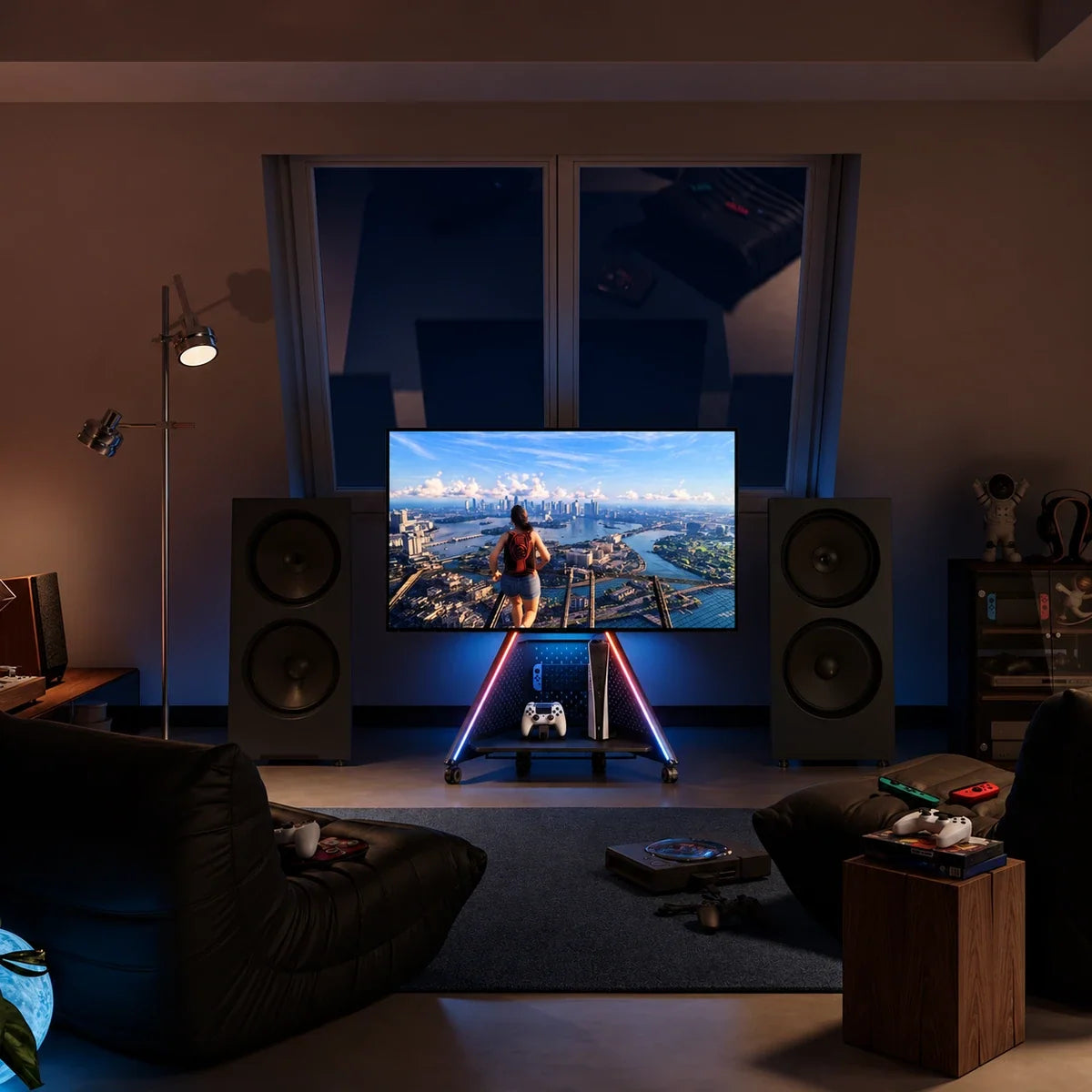
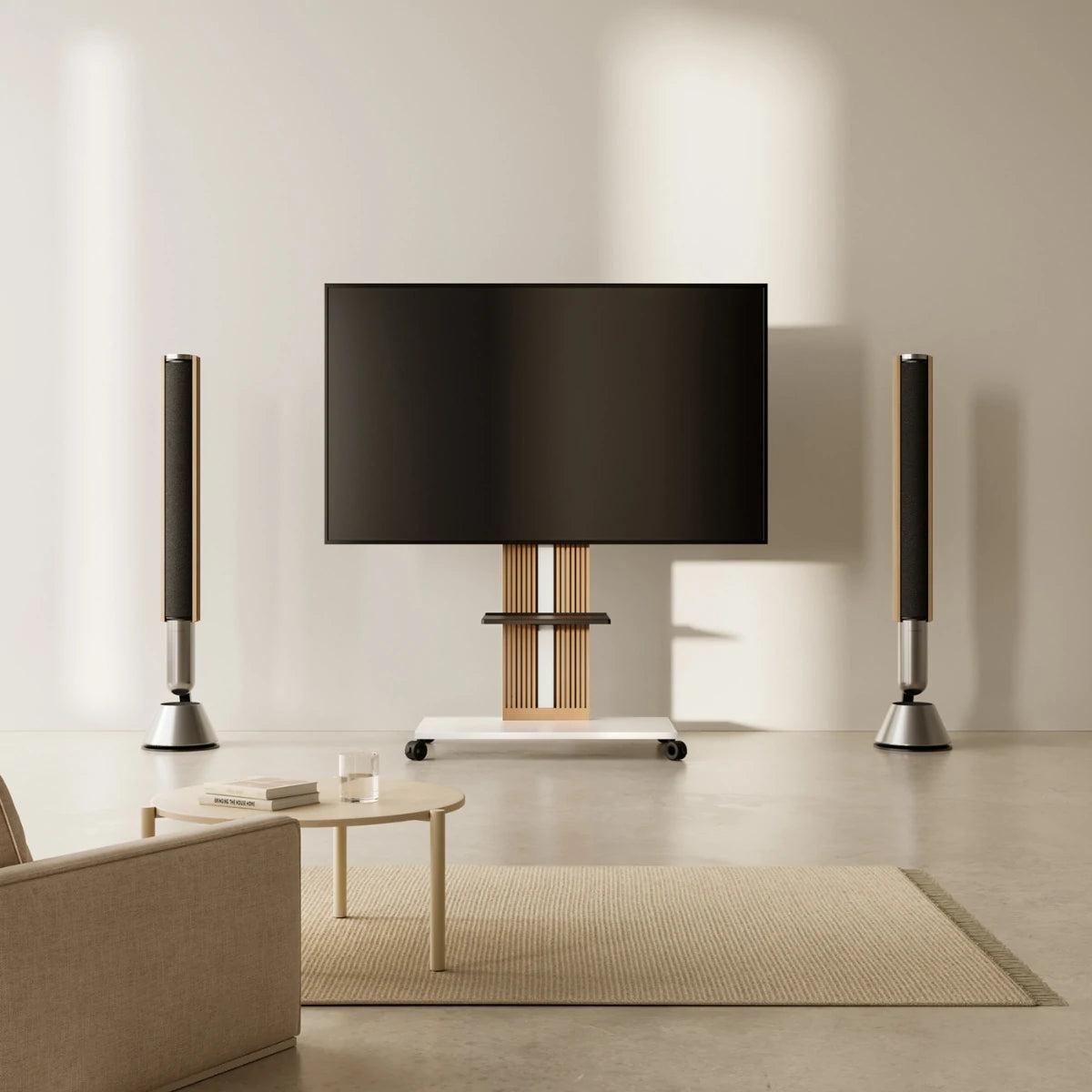
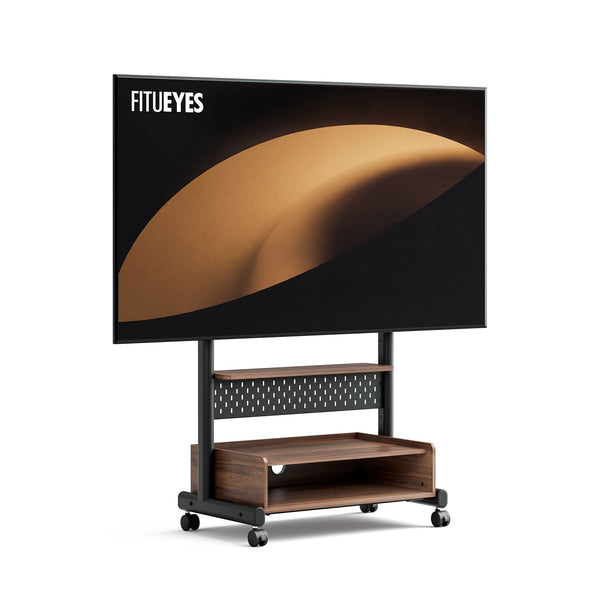
When your console or streaming box needs to move with the television, the K TC85 TV Cart keeps the screen and equipment on one mobile structure. Its height-adjustable equipment shelf measures 25.98 inches (66 cm) wide and 7.09 inches (18 cm) deep, giving you a defined surface to compare with your device’s dimensions and supporting feet. The pegboard provides storage for controllers and accessories, while integrated cable management organizes connections along the frame. Lockable casters let you reposition the setup and secure the wheels once parked. The reinforced dual-column frame supports televisions weighing up to 132 lbs (60 kg), with VESA patterns from 100 × 100 mm to 600 × 400 mm. Match your television’s mounting specifications to the cart, then check the selected shelf configuration’s load allowance and available clearance for your equipment.

Check the Screen and Shelf Positions Together
Use the candidate stand’s dimensions to compare the planned shelf position, device height, required clearance, and screen’s lower edge. Where several mounting positions are available, check the combination you intend to use. A shelf may fit a console at one screen height but leave insufficient ventilation at another. If the television can swivel or tilt, examine the movement you expect to use and check for interference with the equipment, brackets, and plugs. Each device should remain supported and accessible throughout the permitted arrangement.
Trace the cables through that layout as well. Allow enough length for the intended screen movement and keep connections clear of moving hardware. With multiple shelves, check the operating space around every device after all levels are included. Equipment that fits individually can become crowded when stacked into one arrangement. Once the dimensions work, a plan for organizing media devices and cables can help you distribute the equipment and keep frequently used connections accessible.
A Screen and Shelf Setup That Works Together
A well-matched setup gives the television a comfortable position and each device a usable place. Once screen height, equipment space, and accessory compatibility are confirmed, the stand’s proportions and finish can help the viewing area feel connected to the room. FITUEYES brings television support and audiovisual furniture into that everyday setting, with designs for different equipment and placement needs. Use your confirmed measurements to choose a configuration that supports how you watch, play, and use the space.
FAQs
Can I adjust a TV shelf while equipment is sitting on it?
Check the stand or accessory instructions before loosening any hardware. Remove equipment and disconnect cables that could pull tight during adjustment. If the shelf shares supporting hardware with the television, establish whether the screen also needs to be removed or supported. Secure the shelf as instructed before replacing the devices.
Can I add a second shelf to my TV stand later?
Confirm that an approved second shelf is available for your exact model. Check the permitted number of shelves, mounting positions, and load requirements, then compare the remaining space with your devices’ operating clearances. If the manufacturer does not specify an additional-shelf arrangement, request confirmation before ordering the accessory.
Can an equipment shelf be installed above the TV?
Use that position only when the stand and shelf instructions explicitly support it. Check the attachment points, load allowance, and clearance from the screen, ventilation openings, and camera. If the accessory is approved only for placement below the television, use a separately supported storage solution for equipment that needs a higher position.