


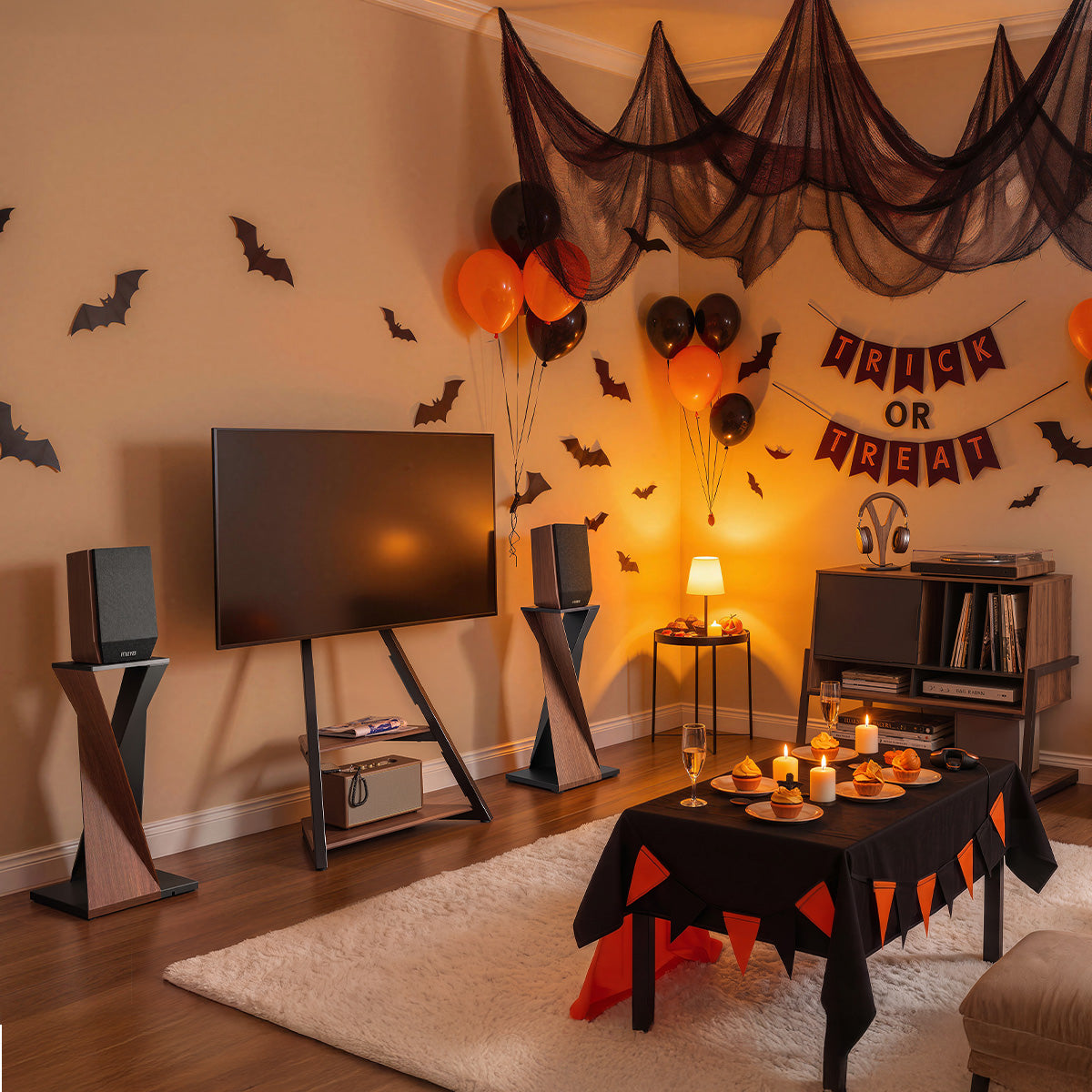
A Halloween movie night setup starts with comfortable seating, a clear view of the screen, and lighting that makes the room feel different from an ordinary evening. Build around the furniture you already enjoy, then decide what the gathering actually needs. An extra chair might call for a small layout change; a reflection on the screen might need a lamp moved; an otherwise comfortable room may need only a few seasonal details. A furniture upgrade earns its place when it solves a problem you will still appreciate having fixed after Halloween.
Whether friends are joining you for a horror classic or the family is settling in for something less frightening, arrange the room in that order: seating first, television placement second, lighting next, and decorations last. This keeps each decision connected to the way people will use the space. You can spend on the details that matter without replacing furniture simply because a holiday is approaching.
Keep What Already Makes Movie Night Comfortable
Start with the sofa, favorite chair, and everyday lighting that already make the living room pleasant. For an evening with your household, these may need little adjustment beyond putting blankets within reach and making space for snacks. Think about what usually interrupts a film: perhaps someone has nowhere to put a drink, a lamp reflects in the picture, or the remote disappears between cushions. Addressing those familiar annoyances gives the evening a better foundation than buying decorations first, and it helps distinguish a practical need from something that merely looks appealing in a seasonal display.
If guests are coming, bring in the extra chairs before adding decorations, then check the screen from each seat in the position people will actually use. If someone has an awkward view, first turn the chair toward the television or move it slightly forward; staggering the seats may also prevent one viewer from sitting directly behind another. These adjustments can make the existing TV position work, so try them before rearranging the whole room. Use the actual chairs rather than estimating from empty floor space, since their backs and legs affect how much room remains.
Once the sightlines work, check what happens when someone gets up for a drink or leaves during the film. Keep a clear route that does not require stepping over cables or squeezing past the television. If the arrangement cannot provide both a usable view and a clear passage, reconsider the number or position of the seats before moving the TV. When everyone can watch and move around comfortably, keep the main furniture arrangement and put your attention into lighting and atmosphere.

Upgrade the TV Area Only When the Layout Needs It
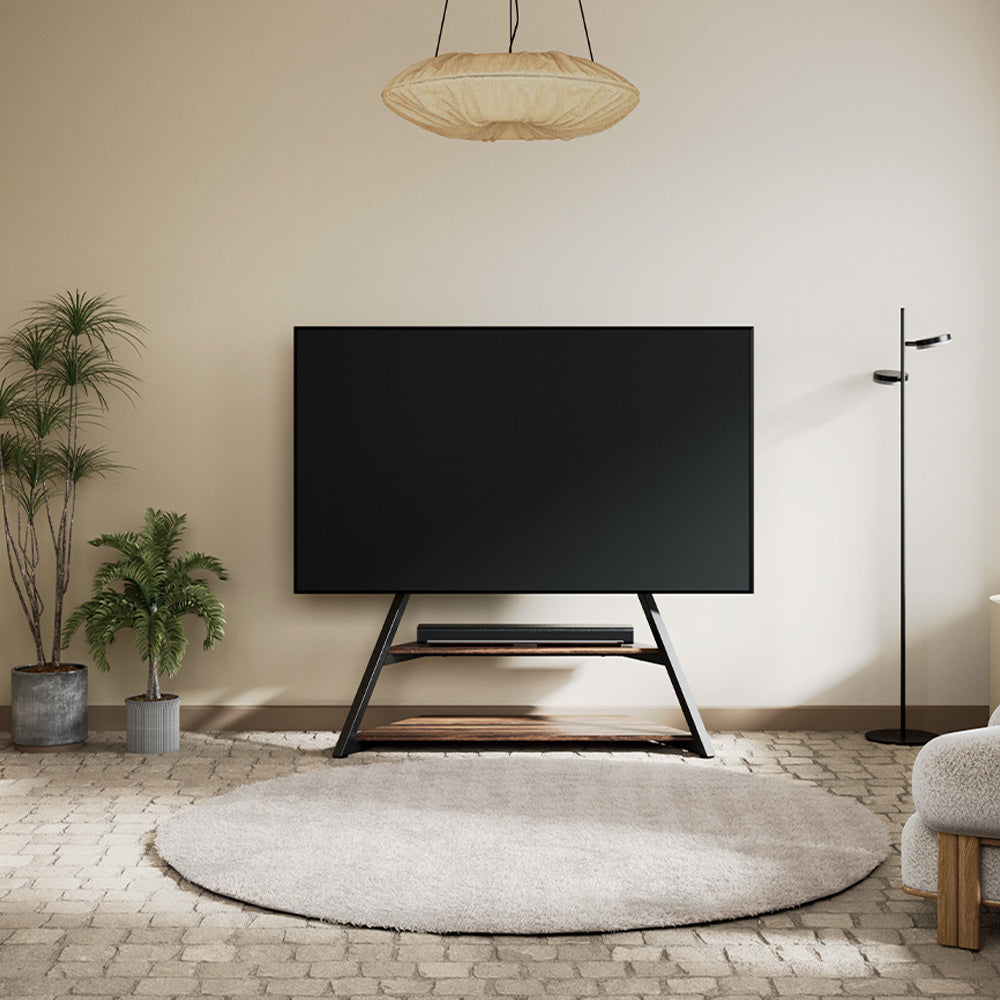
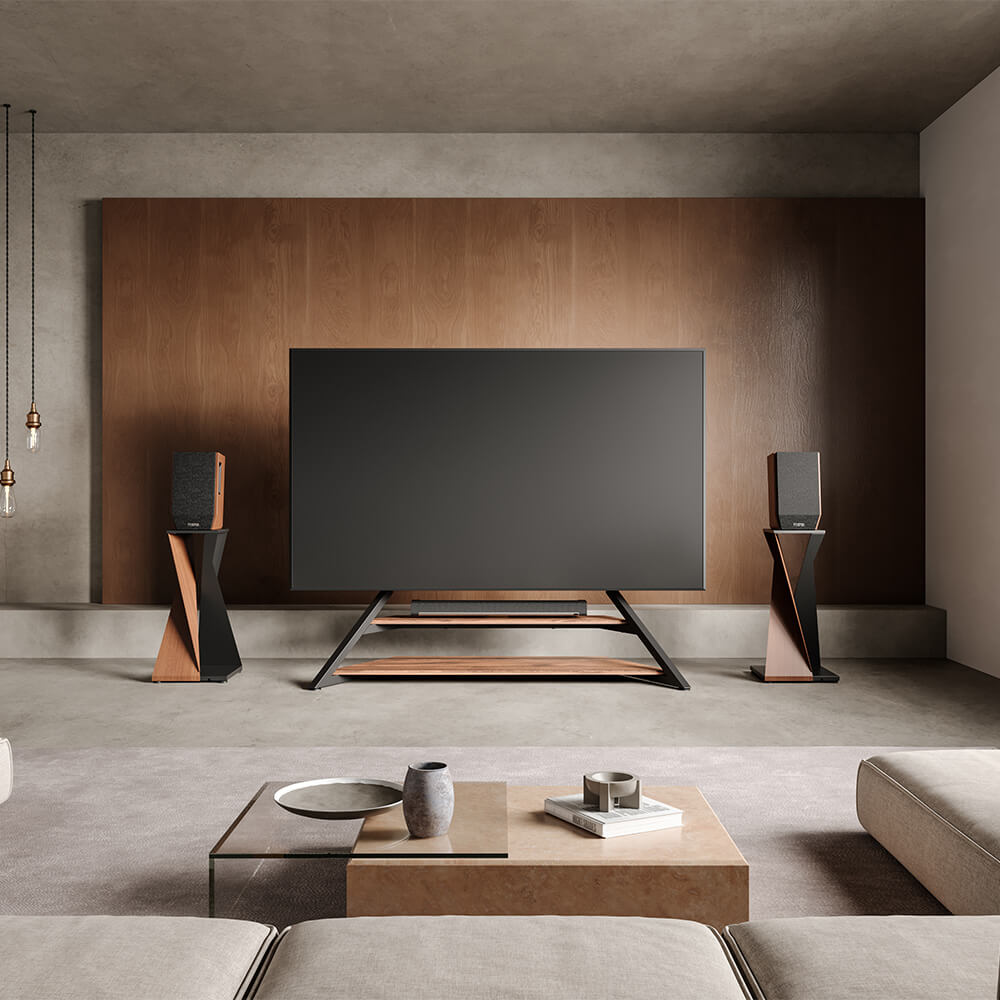
A gathering can reveal an everyday problem that deserves more than a temporary fix. A large cabinet may leave too little room for seating, or the television may sit in a position that has never worked well with the sofa. Decide what you want to improve before looking at new furniture. Once you have a stand in mind, make sure it can support your television, then use its published dimensions to check how much space it would occupy beside the planned seats. For a stand with a TV mount, this includes checking the television’s weight and VESA mounting pattern against the stand’s specifications. If the proposed arrangement gives guests more room without compromising your usual view from the sofa, the upgrade has a purpose beyond Halloween.
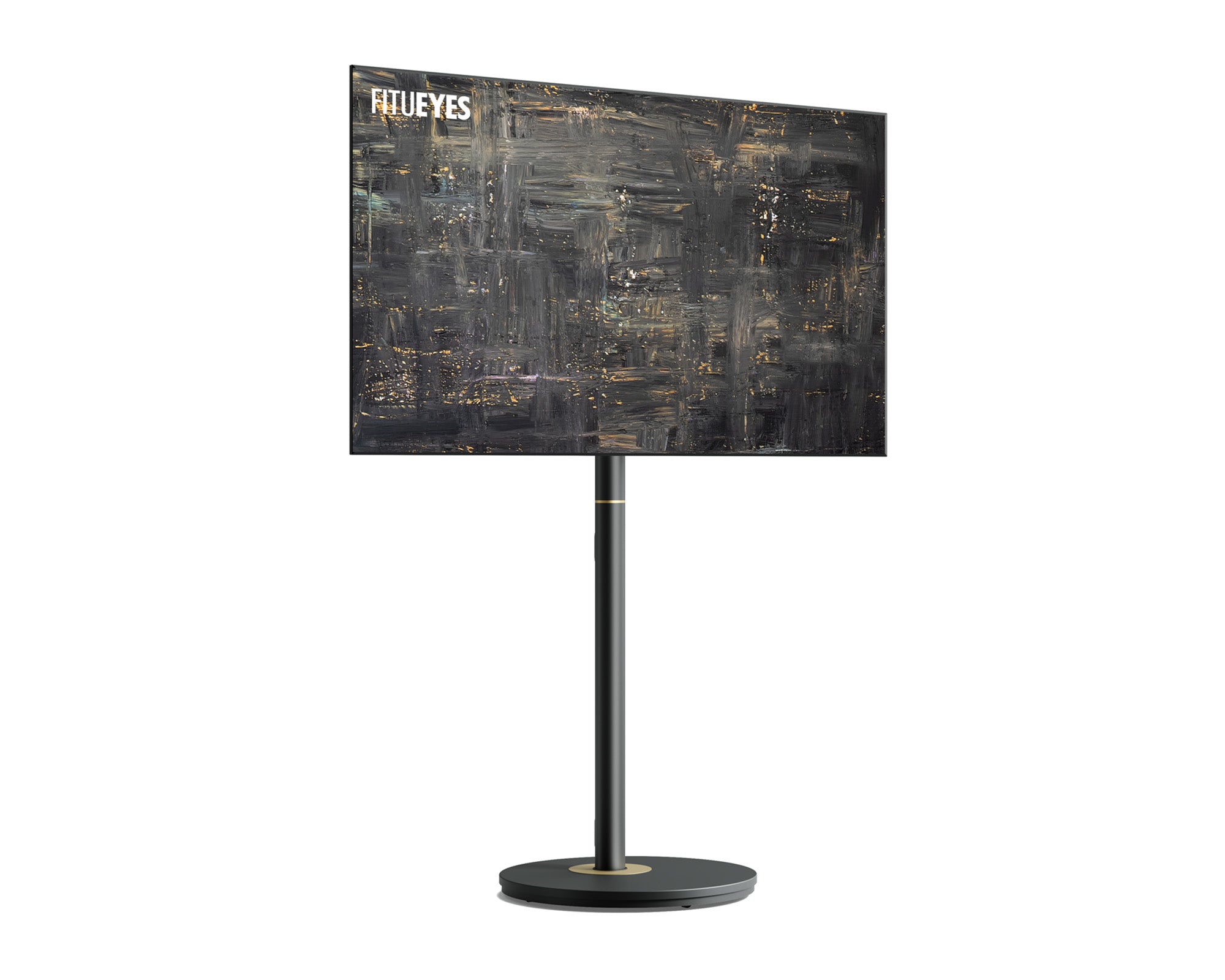
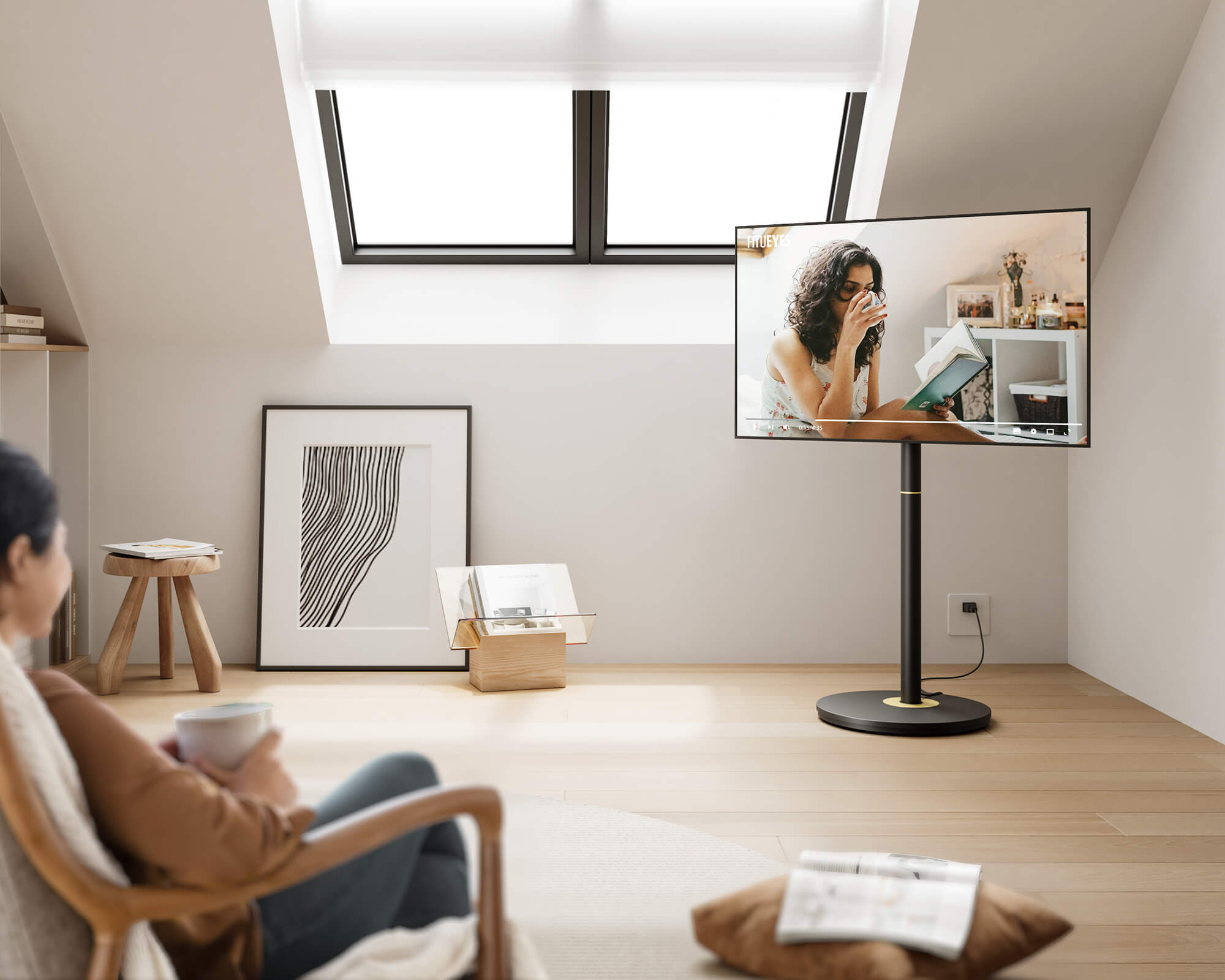
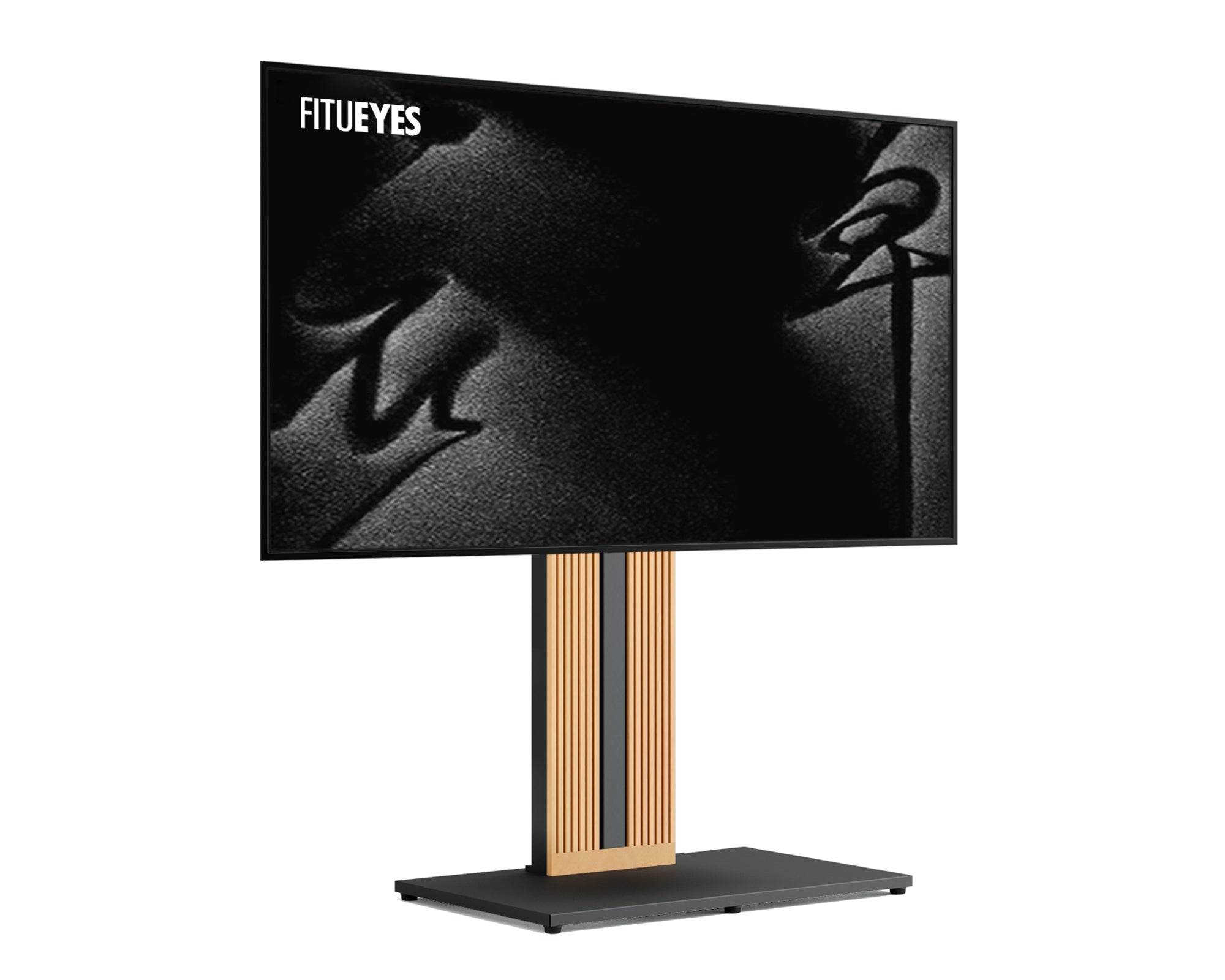
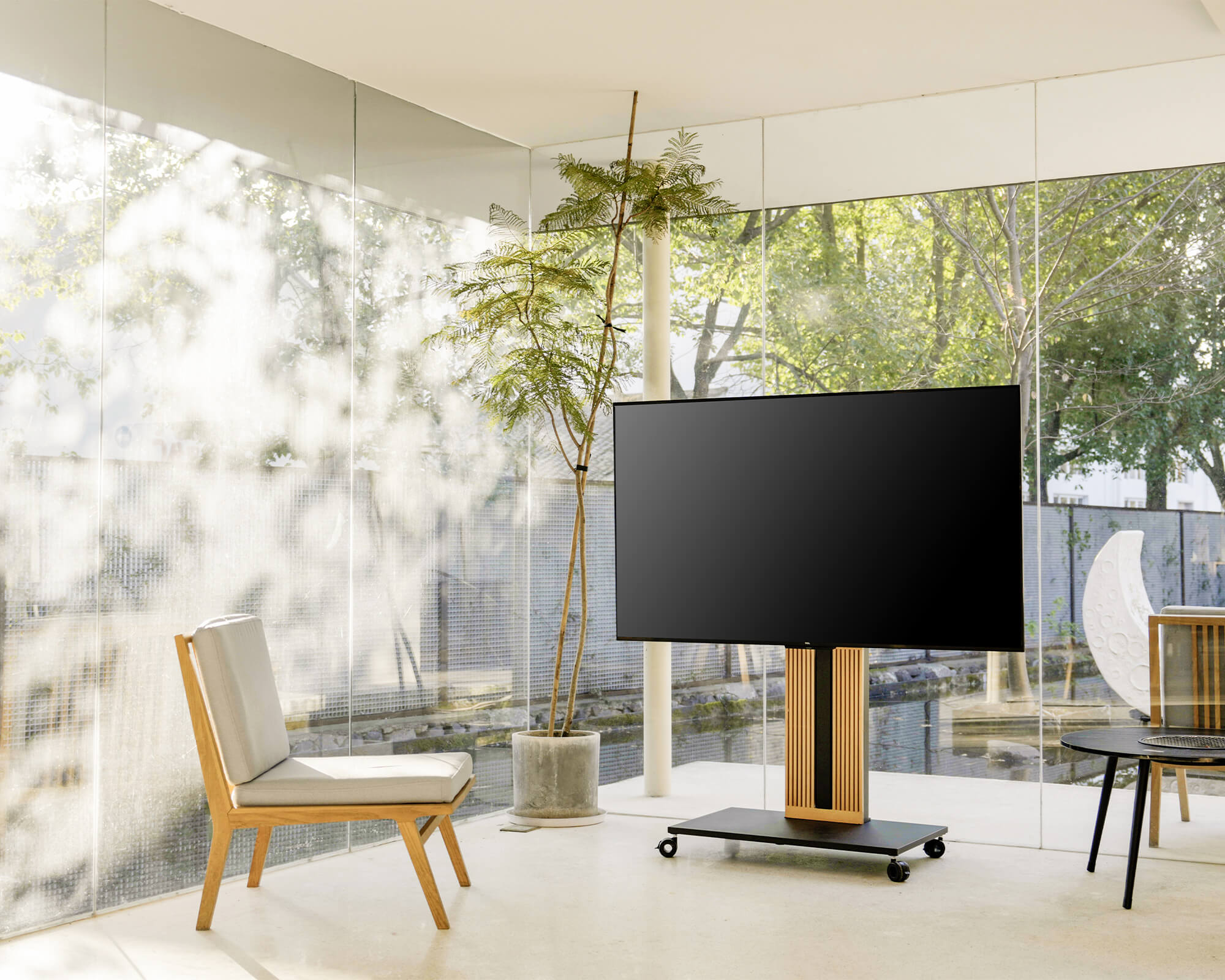
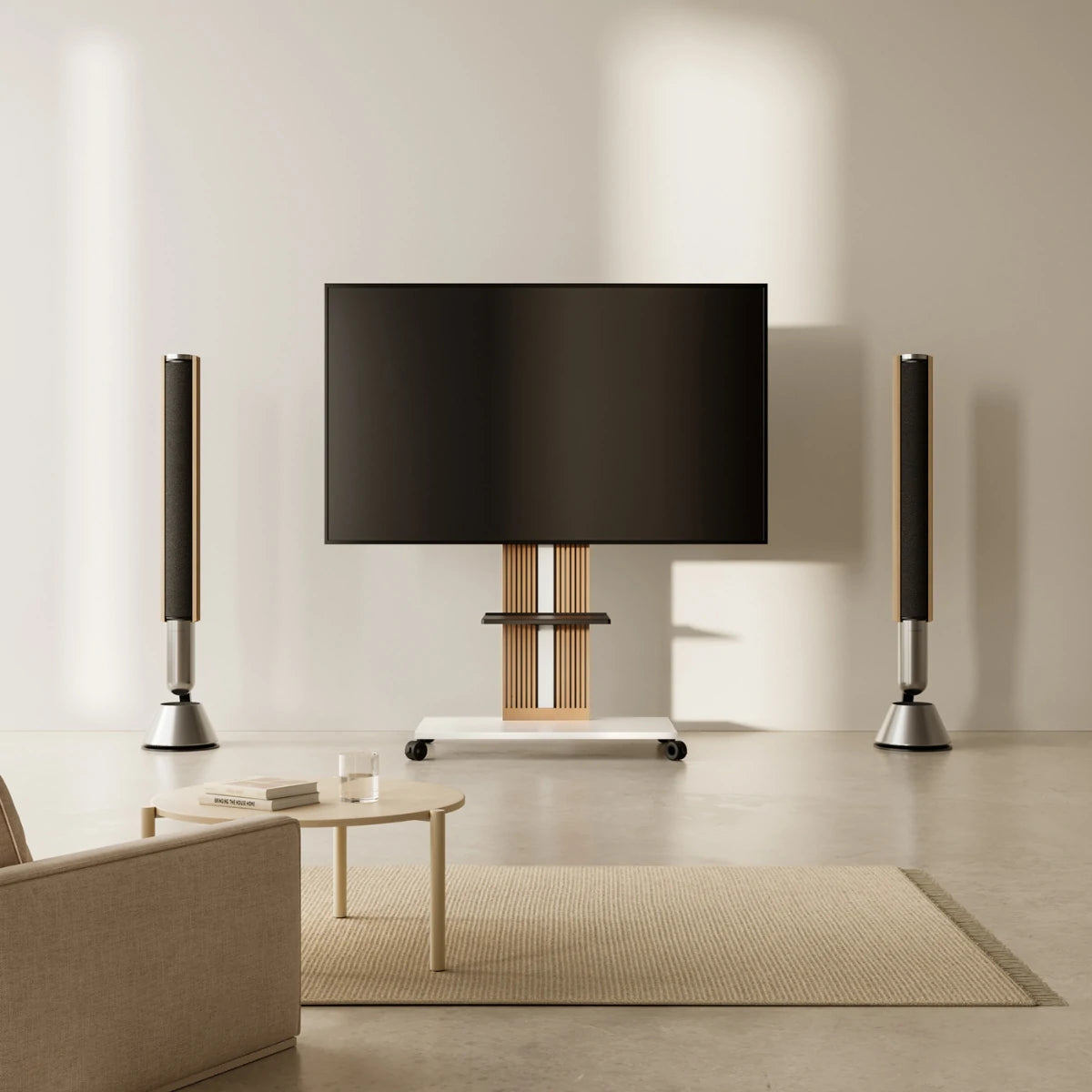
Moving the screen away from a cabinet also means finding a place for the TV box and its cables. Concealed storage behind the Master V2 FT65 TV stand’s magnetic cover keeps those connections together and accessible, while its wheeled base allows the setup to be repositioned when the seating arrangement changes. Plan the route to the outlet before moving it, following the model’s moving instructions, and account for any equipment that still needs separate shelving. Before settling on the arrangement, check the view from your usual sofa position as well as the extra guest seats. That way, the change improves everyday viewing as well as Halloween movie night.
Adjust Existing Lighting Before Adding More
Test the room after dark with the seats in place and a dim scene playing on the television. Switch the lamps on and off individually so you can identify which one causes a reflection, then try changing that lamp’s position or brightness. Return to the seat where you noticed the reflection and check whether the adjustment has cleared it. This may reveal that your existing lights already provide everything needed for the evening. Keep enough illumination for people to find drinks and move around comfortably, with the screen remaining the main focus.
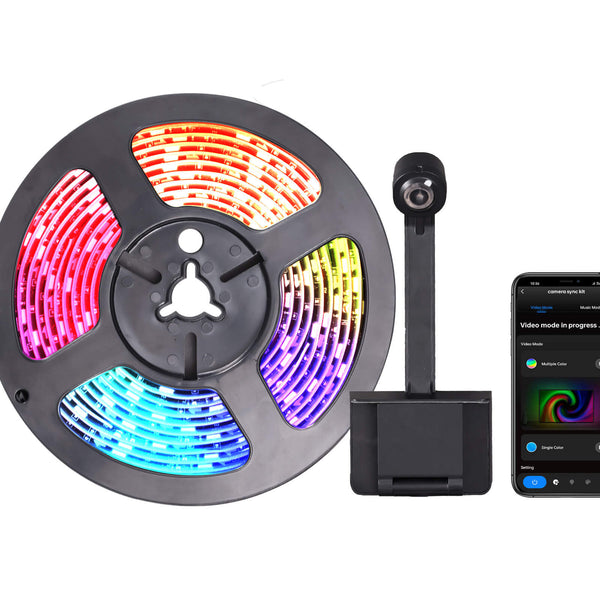
With side tables reserved for snacks and drinks, a glow behind the television can add Halloween color without taking up another surface. The camera on the LED Strip Lights P12V reads colors from the screen and carries them into the backlighting, making the wall around the TV part of the movie-night atmosphere. Its selectable lighting scenes also give you a way to set the mood as guests arrive. Once the film begins, adjust the brightness from your usual seat so the glow complements the picture and darker scenes remain easy to follow.
Before attaching the strip, choose the version intended for your TV size and plan where the camera, controller, and power cable will sit. Follow the kit’s installation instructions, keeping connections accessible and cables clear of the stand’s moving parts. Test the finished lighting with a dark scene and the room’s usual lamps on, then check the effect from each seat. If the changing colors draw attention away from the film, lower the brightness or select a calmer lighting scene.
Add Seasonal Details Around the Finished Setup
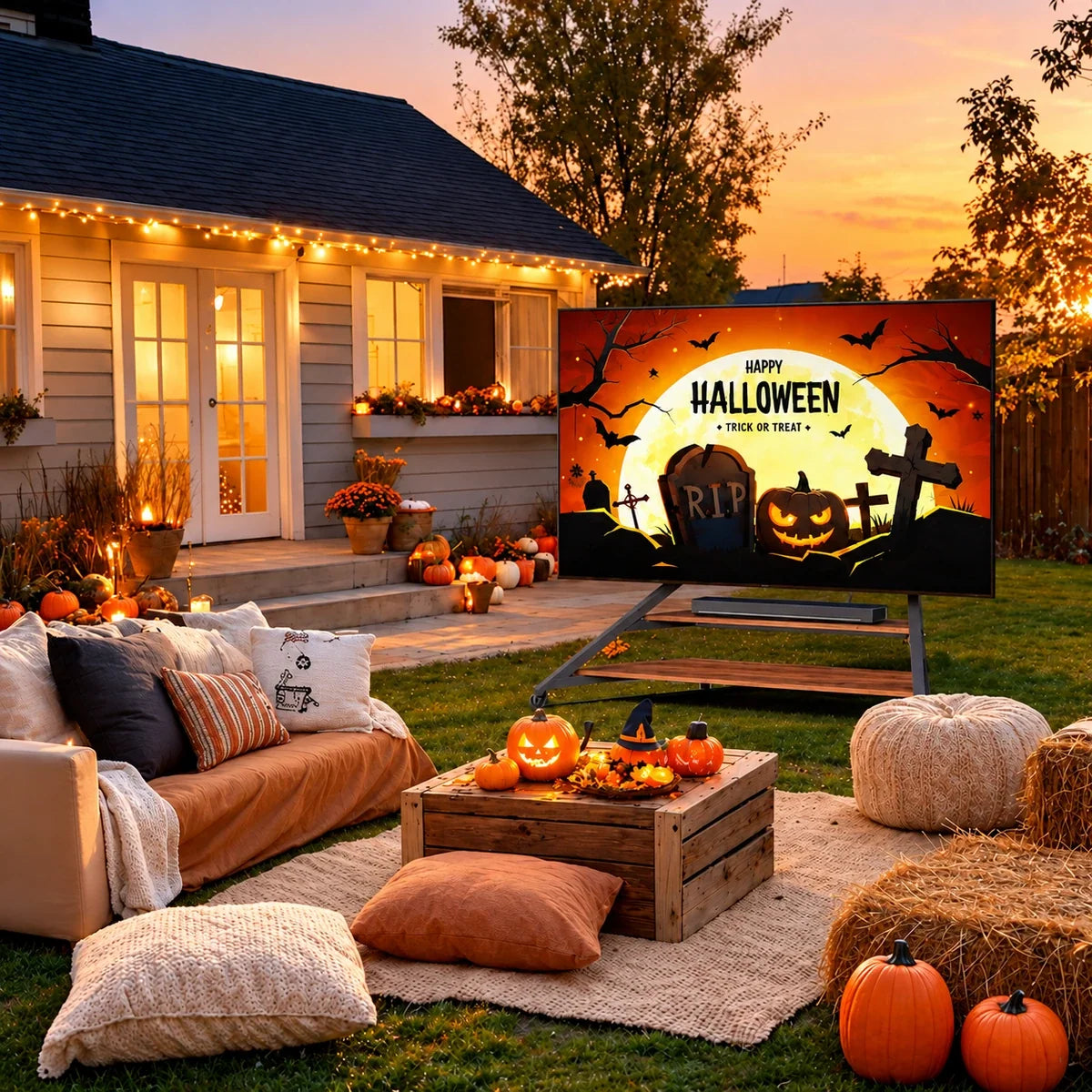
With seating and lighting settled, choose one or two places to carry the Halloween theme. A side table or a shelf near the television is usually easier to style than every surface at once. Begin with colors already in the room: warm wood can work with amber light and a dark throw, while pale upholstery can provide a quiet background for pumpkins or deeper accents. Repeating a small number of colors helps the decorations feel connected. A familiar blanket or cushion may already do part of that work, leaving only a few reusable pieces to add.
Keep these details within the space left after the room’s practical needs are met. The picture, remote receiver, and ventilation openings should remain clear, and decorations should not interfere with moving components. Give snacks and drinks their own suitable table or tray so guests can reach them without leaning across electronics. If you need help choosing a few coordinated accents, these simple Halloween styling ideas offer ways to combine pumpkins, textiles, and gentle lighting. Select details that are easy to gather up afterward, so the next morning’s living room needs a quick reset rather than another rearrangement.

A Refresh That Lasts Beyond Halloween
The changes worth keeping are the ones you notice on an ordinary evening: a better view from your favorite chair, a convenient place for connected equipment, or lighting you enjoy using after the decorations are gone. Before calling the setup finished, sit down and watch a few minutes of the film. Check whether the room feels comfortable in use, not only whether it looks ready for guests. That final trial is a chance to move a distracting light or clear a crowded table.
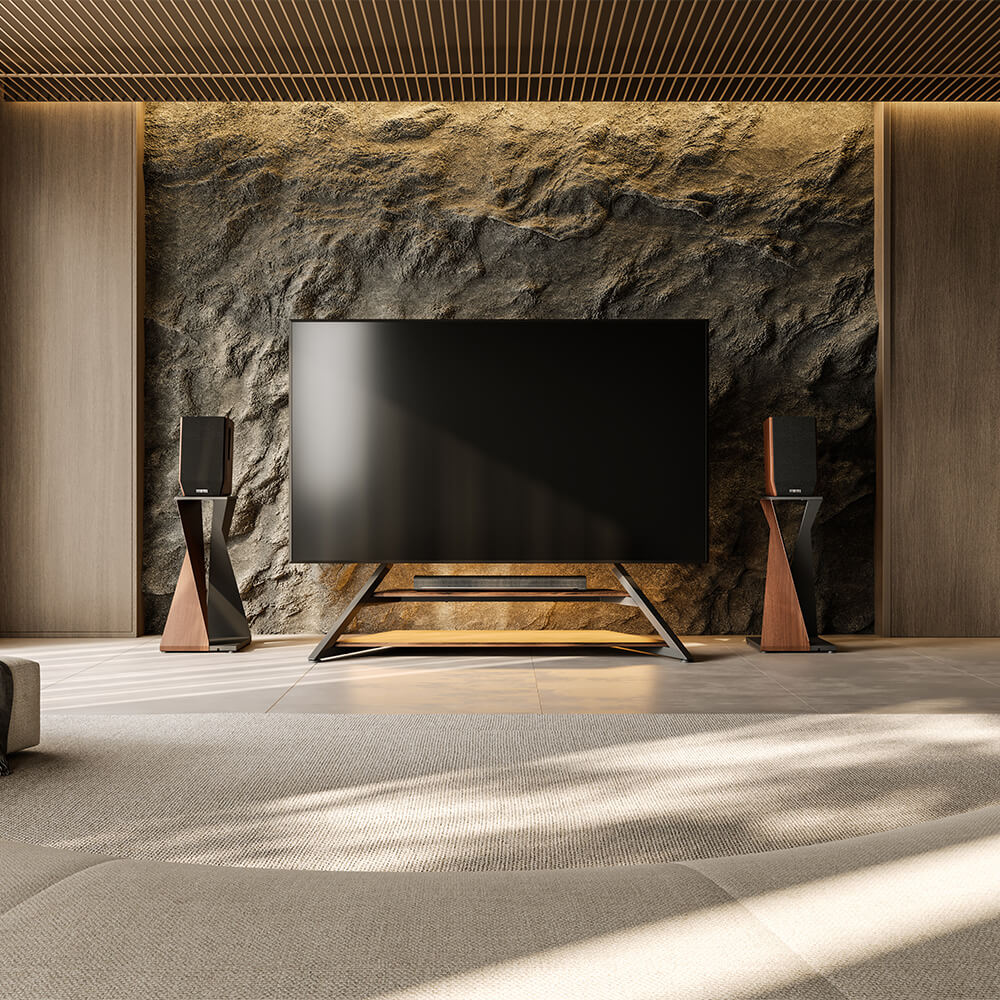
If the process has revealed a lasting furniture need, explore FITUEYES with that specific improvement in mind. Consider the television you own, the arrangement that works for your seating, and the materials and colors already present in the room. A stand can then contribute both practical support and a shape or finish you enjoy throughout the year. The pumpkins can return to storage while the more comfortable movie-night arrangement stays.
FAQs
Do I Need a Wall Directly Behind the TV for Backlighting?
A wall is not required to operate the lights, but it provides the surface that makes the glow behind the screen visible. A light-colored, matte wall generally gives a clearer effect than a dark wall or a window. If your TV stands in an open-plan area with no wall behind it, use a shaded lamp to illuminate a nearby wall or corner instead. Keep the television in the position that works for viewing rather than moving it solely for a backlighting effect.
How can I eliminate annoying screen glare and reflections during dark, atmospheric movie scenes?
You can eliminate screen glare by playing a dark scene from your primary viewing spot and turning lamps off individually to pinpoint which light causes the reflection. Once identified, move the lamp away from the viewing angle or slightly adjust your TV stand’s angle to keep direct light off the screen. Additionally, adding bias lighting behind the television—such as LED strip lights—illuminates the wall surrounding the display to improve atmosphere and reduce eye strain without creating direct reflections on the front glass.