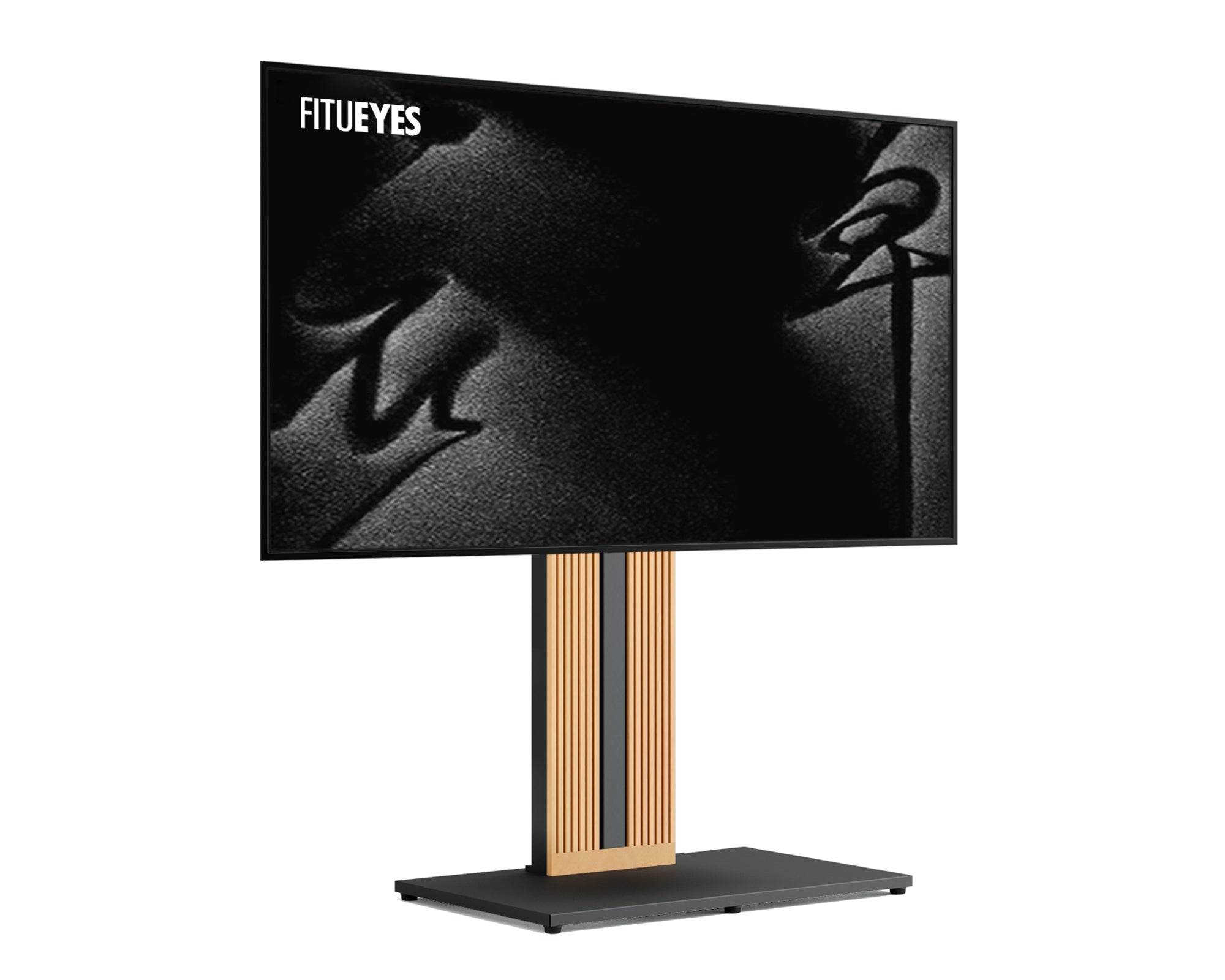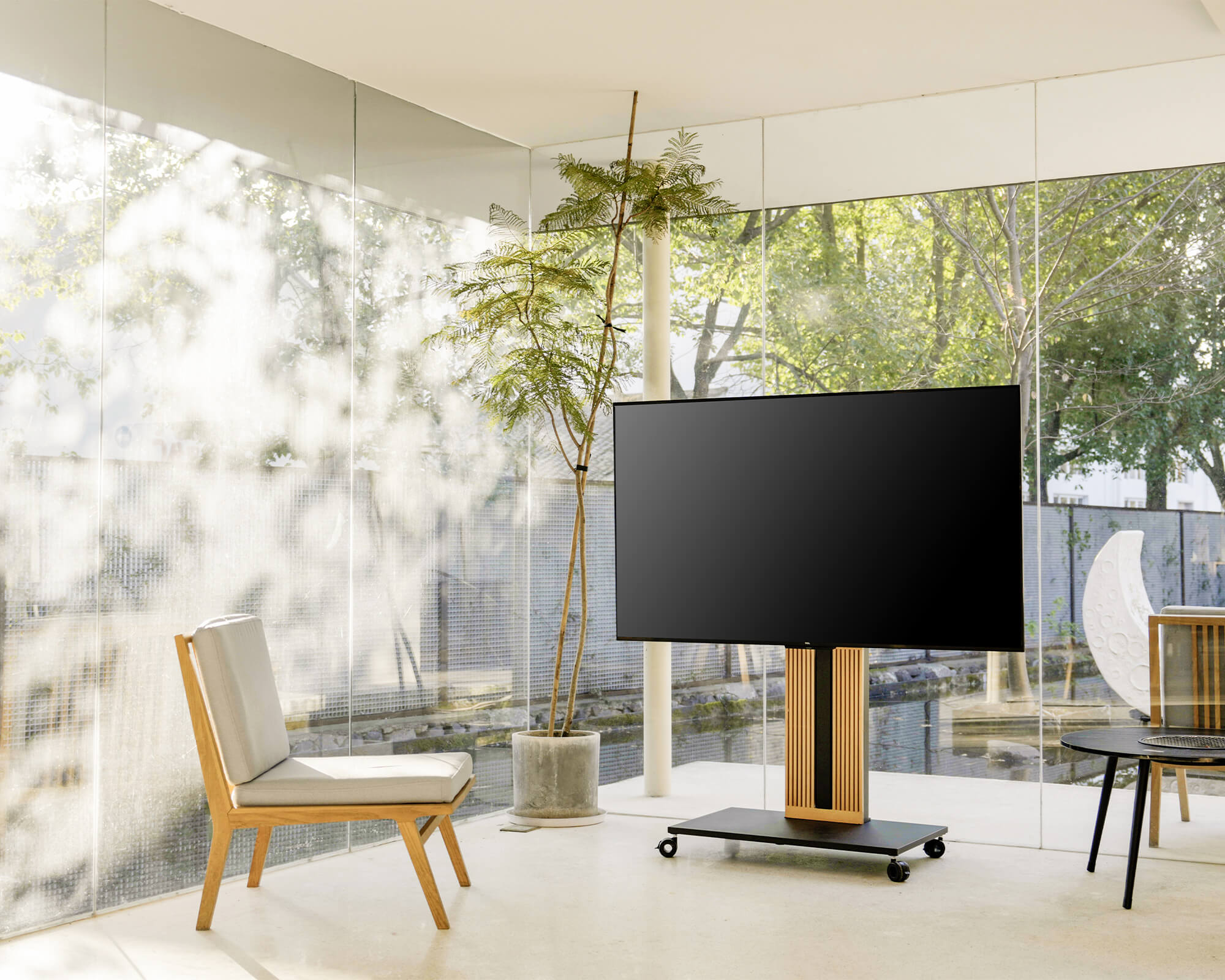



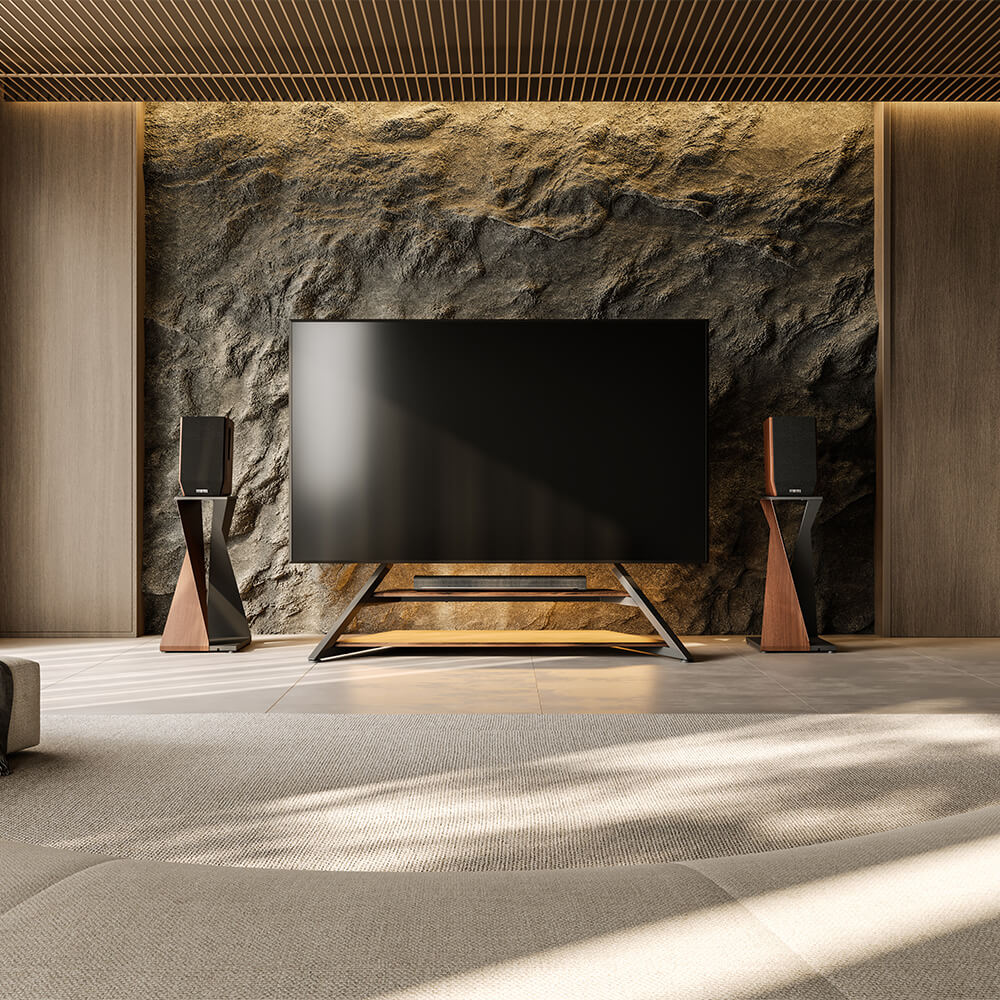

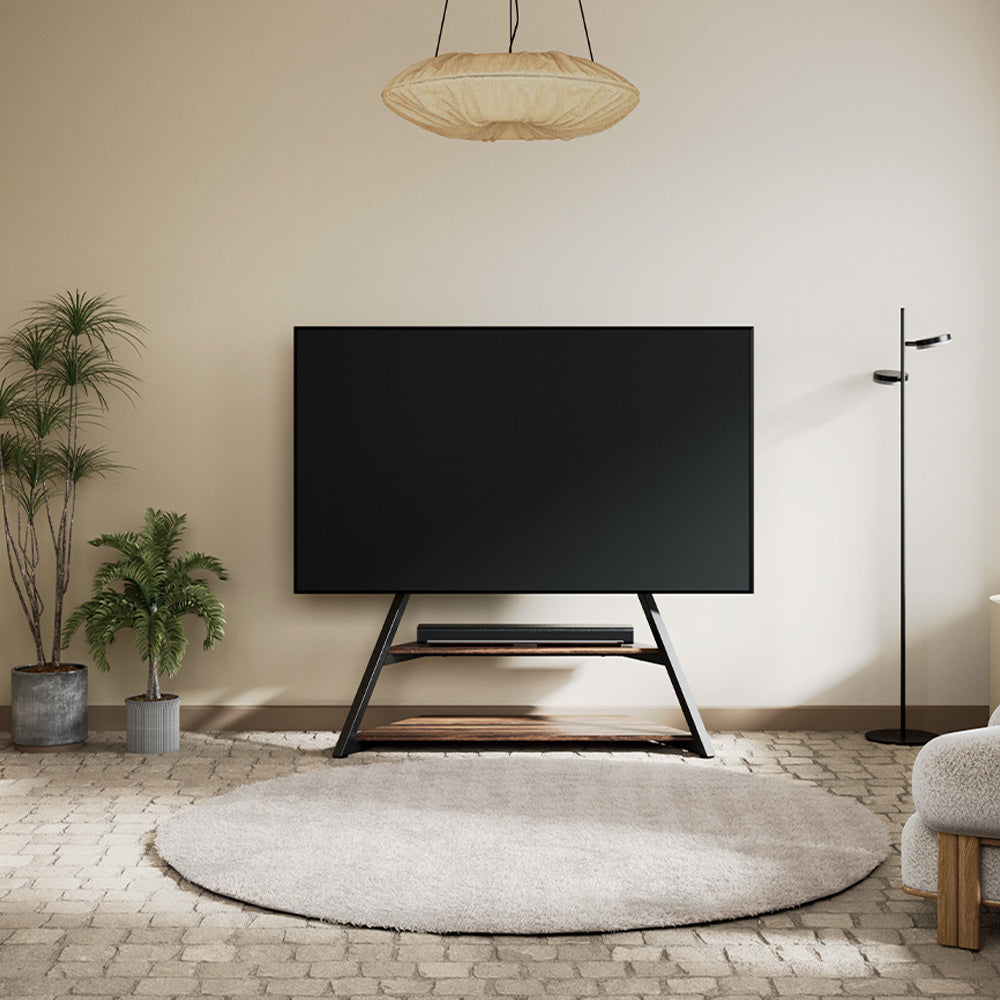
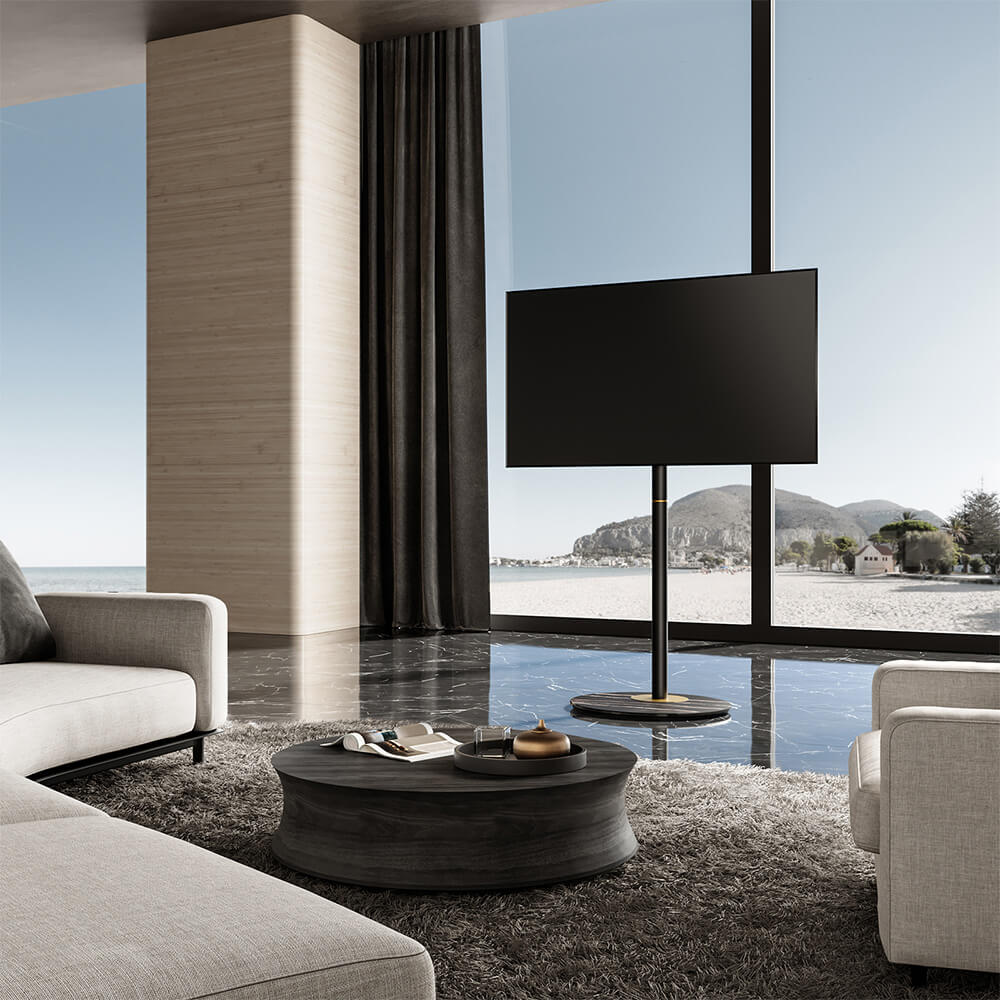
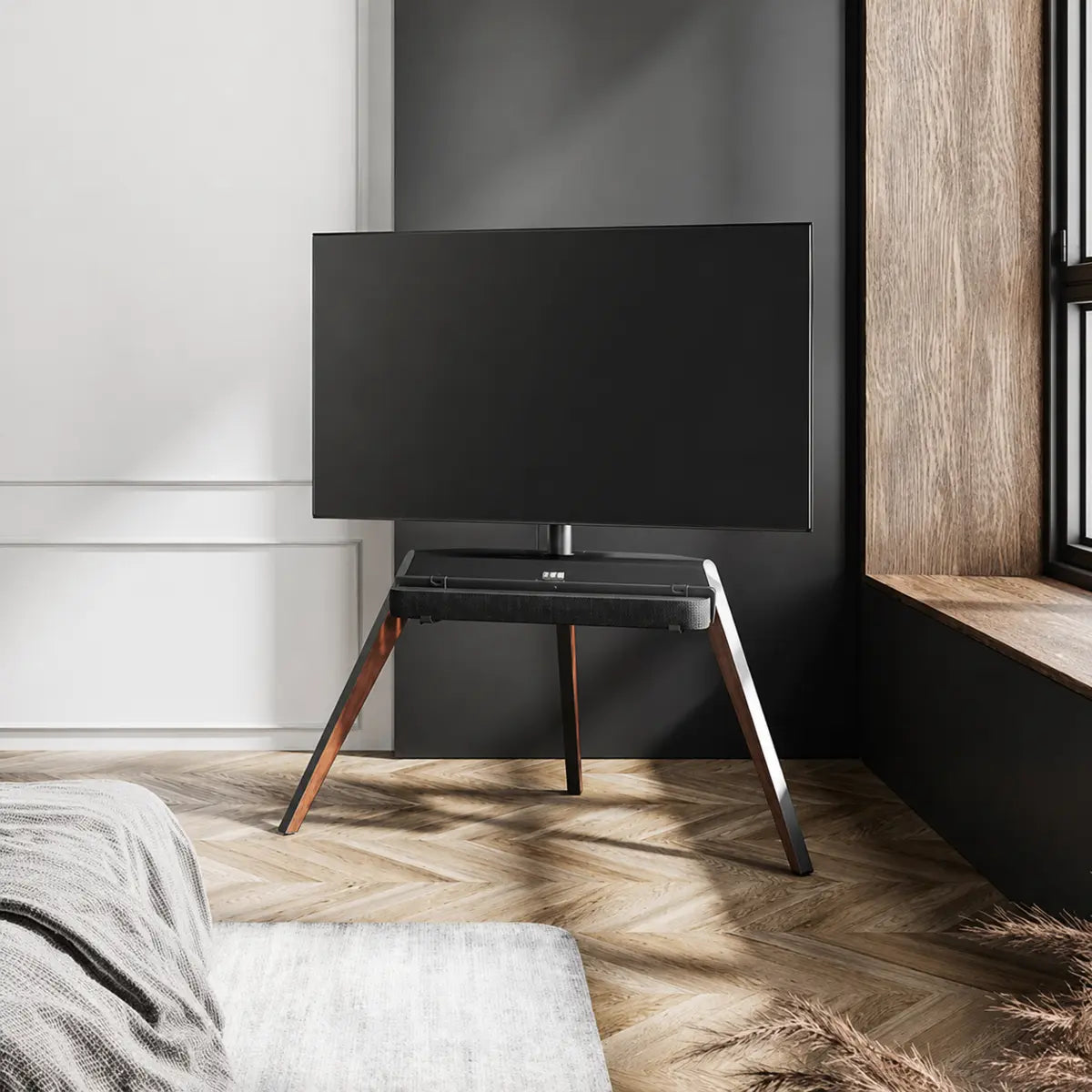
To mount a soundbar to a TV stand, confirm that the stand accepts the bracket and that the bracket supports the soundbar’s weight and mounting points. Center the soundbar below the TV without covering the screen, remote sensor, ports, or upward-firing speakers. Secure and level it, then route the cables with enough slack for safe swivel movement.
Choose a Compatible Soundbar Setup
Decide whether you need a mount and check how the stand, bracket, and soundbar connect. If the stand supports optional add-ons, review the available TV stand accessories to see whether its series offers a dedicated shelf or soundbar mount. A bracket described as universal for soundbars may still fit only certain TV stands.
Choose Between a Shelf and Soundbar Mount
A shelf is a flat platform built into or attached to the TV stand, while a soundbar mount is a dedicated bracket or tray that secures the soundbar to the stand or TV mounting structure.
A shelf requires no soundbar mounting holes and may hold another small device, provided nothing blocks the speakers, controls, ventilation, or ports. A mount frees shelf space and may offer better height adjustment or allow the soundbar to turn with a swiveling TV. However, it requires exact checks of stand compatibility, weight capacity, and attachment points.
Secure the shelf or bracket firmly and use any supplied foam or rubber pads at the designated contact points. If a shelf still rattles, add a suitable non-slip isolation pad beneath the soundbar without blocking ventilation. Choose a shelf for simple, flexible placement and a mount for more precise positioning or synchronized movement.

Confirm Stand and Mount Compatibility
Check whether the mount is designed for your exact stand model, where it attaches, and whether it interferes with height adjustment, swivel movement, or cable routing.
Compatibility has two sides. A bracket may support several soundbar brands while fitting only certain TV stands. For Picasso FT78 or FT88 owners, the Picasso Soundbar Mount S1 is the corresponding accessory. It accepts different soundbar attachment styles but is not universal for other stands.
For another stand, use a manufacturer-confirmed bracket or verify its attachment points and load limit. Do not drill holes or force an incompatible bracket to fit.
Check Weight, Points and Clearance
After confirming the stand side, check three details on the soundbar side:
- Weight: Stay within the bracket’s rated capacity. VESA describes TV mounting-hole spacing, not soundbar support.
- Mounting points: Identify rear threads, bottom keyholes, or the need for a tray. Check that the hardware matches.
- Clearance: Keep the TV’s lower edge, IR receiver, HDMI eARC and optical ports clear. Do not cover the soundbar’s controls, ventilation, connectors, or upward-firing drivers.
Position the Soundbar for Clear View and Sound
Set the TV height and angle before positioning the soundbar. Check the screen from where you normally watch, such as sitting on a sofa or reclining in bed. Keep your head and neck relaxed, and position the screen within your natural line of sight. In bright areas, reduce glare by adjusting the screen angle or lighting rather than raising the TV too high.
Next, center the soundbar beneath the screen and adjust its height until it sits close to the TV without covering the picture. There is no universal gap, so check the TV frame and soundbar design. Aim the soundbar toward the center of the main seating area and leave open space above upward-firing drivers. People seated far to either side may hear slight differences in sound balance.
Finally, test the remote from your usual seat. If the soundbar blocks the IR receiver, adjust its bracket before changing the comfortable TV height or angle. Small adjustments may be needed to balance viewing, sound, and remote control.
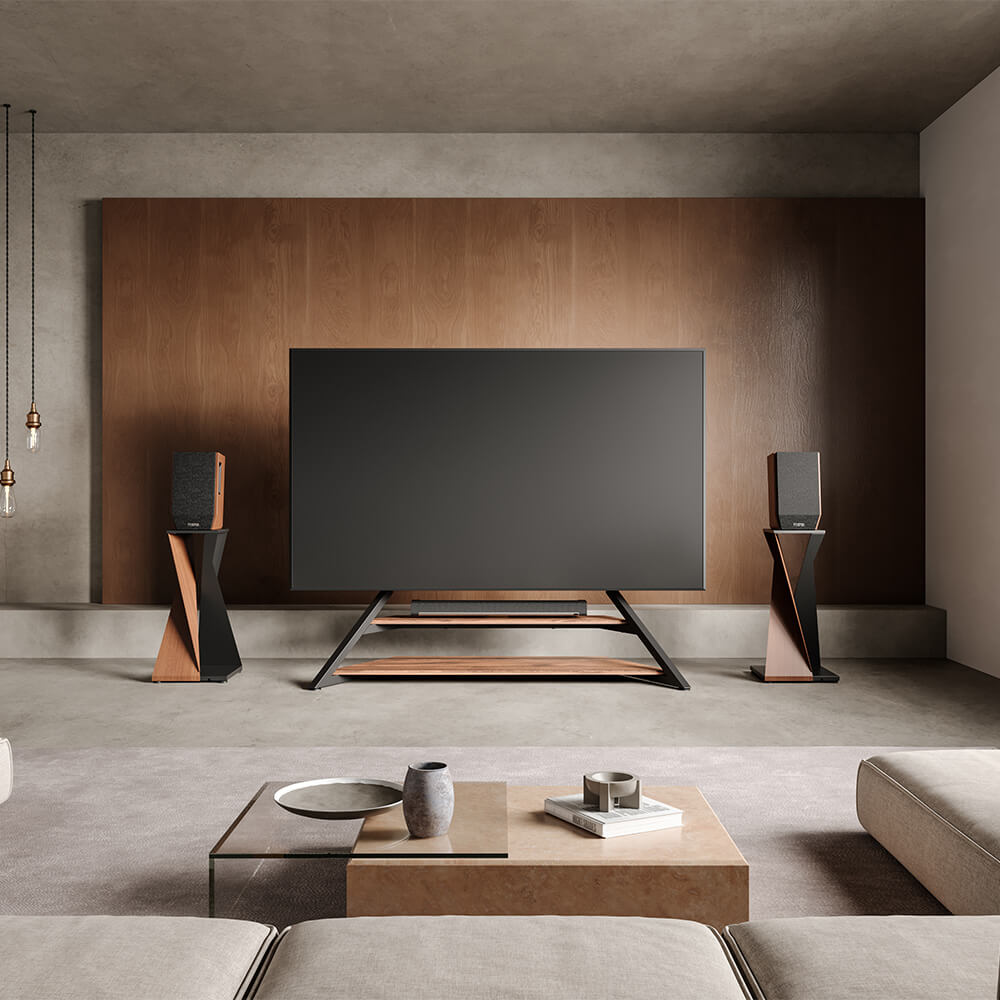
For systems with separate speakers or a subwoofer, this guide to pairing a TV stand with a sound system explains how to arrange them around the stand.
Mount and Connect the Soundbar
Follow both manuals. Ask for help if the TV must be removed or is difficult to lift.
Prepare Hardware and Cable Paths
Unplug both devices, clear the area, and lay out the hardware and tools. Locate the HDMI, optical, and power ports. Check that each cable can reach with enough length for adjustment and swivel movement, but do not secure it yet. Use only specified attachment points and never drill into the TV or stand.
Attach and Center the Soundbar
Loosely attach the bracket to the stand. Fit the soundbar using the method confirmed earlier, such as rear threads, bottom slots, or a support tray.
Keep the fasteners loose enough to make small adjustments. Center the soundbar beneath the TV, place a level across its top, and inspect the support arms for twisting or sagging.
Connect, Tighten and Isolate Vibration
Connect the audio and power cables before the ports become difficult to reach. Place supplied foam or rubber pads between the soundbar and metal contact surfaces. They reduce rattling and protect the finish but cannot compensate for incompatible hardware. Level the soundbar, tighten the fasteners evenly by hand, and leave a small gap below the TV casing.
Secure Cables and Test TV Movement
Guide the connected audio cable toward the TV along the stand’s cable-management path and the power cable toward the outlet. Secure both with integrated clips or hook-and-loop straps, avoiding tight bundles, sharp bends, swivel joints, lift mechanisms, and rolling casters.
Leave a relaxed loop near moving sections. Too little slack can strain plugs and ports when the TV turns, while too much cable can hang near the base and snag.
Before completing the installation:
- Rotate the TV through its full range and confirm that no cable tightens, twists, or catches.
- Test the remote from your usual seat to ensure the IR receiver remains visible.
- Check that every plug stays fully seated throughout movement.
- Play dialogue to verify that sound appears centered on the screen.
- Play bass-heavy content and listen for rattling or bracket movement.
- For a rolling stand, move it a short distance and check that no cable drags near the wheels.
Recheck the fasteners after the first few uses, especially if the stand is moved often.

Complete Your TV and Soundbar Setup
FITUEYES designs audiovisual furniture to bring screens, sound equipment, movement, and living spaces into balance. For stand series that offer model-specific audio accessories, planning the TV and soundbar together can make placement and cable management easier from the beginning.
If you are creating a new entertainment area, explore the available designs and compare TV size, VESA compatibility, height adjustment, swivel range, cable management, and series-specific accessories before choosing a stand.
FAQs About Soundbar Mounting
1. Can a Soundbar Be Wider Than the TV?
Yes, if the mount supports its full weight and the extended ends do not hit walls, furniture, or anything within the TV’s swivel path. The difference is mainly visual and does not prevent the soundbar from working correctly.
2. Must the Soundbar Match the TV Brand?
No. Different brands usually work together through HDMI eARC, ARC, or optical connections. Confirm that both devices share a connection type and support the audio format you want. Matching brands may add convenient control features, but it is not required.
3. Should I Use HDMI eARC or Optical?
Use HDMI eARC when both the TV and soundbar support it. It can carry higher-bandwidth audio formats and often allows the TV remote to control the soundbar through HDMI-CEC. Use an optical cable when eARC is unavailable or causes compatibility problems. Optical works well for basic stereo and surround sound, but it supports fewer advanced audio formats. Choose the connection before mounting so the cable can reach both ports without tight bends or tension.
4. Recalibrate After Moving the TV Stand?
Yes, especially after moving the system to another part of the room. Its new distance from walls and seating can change the sound, so rerun the soundbar’s room-calibration routine if available.