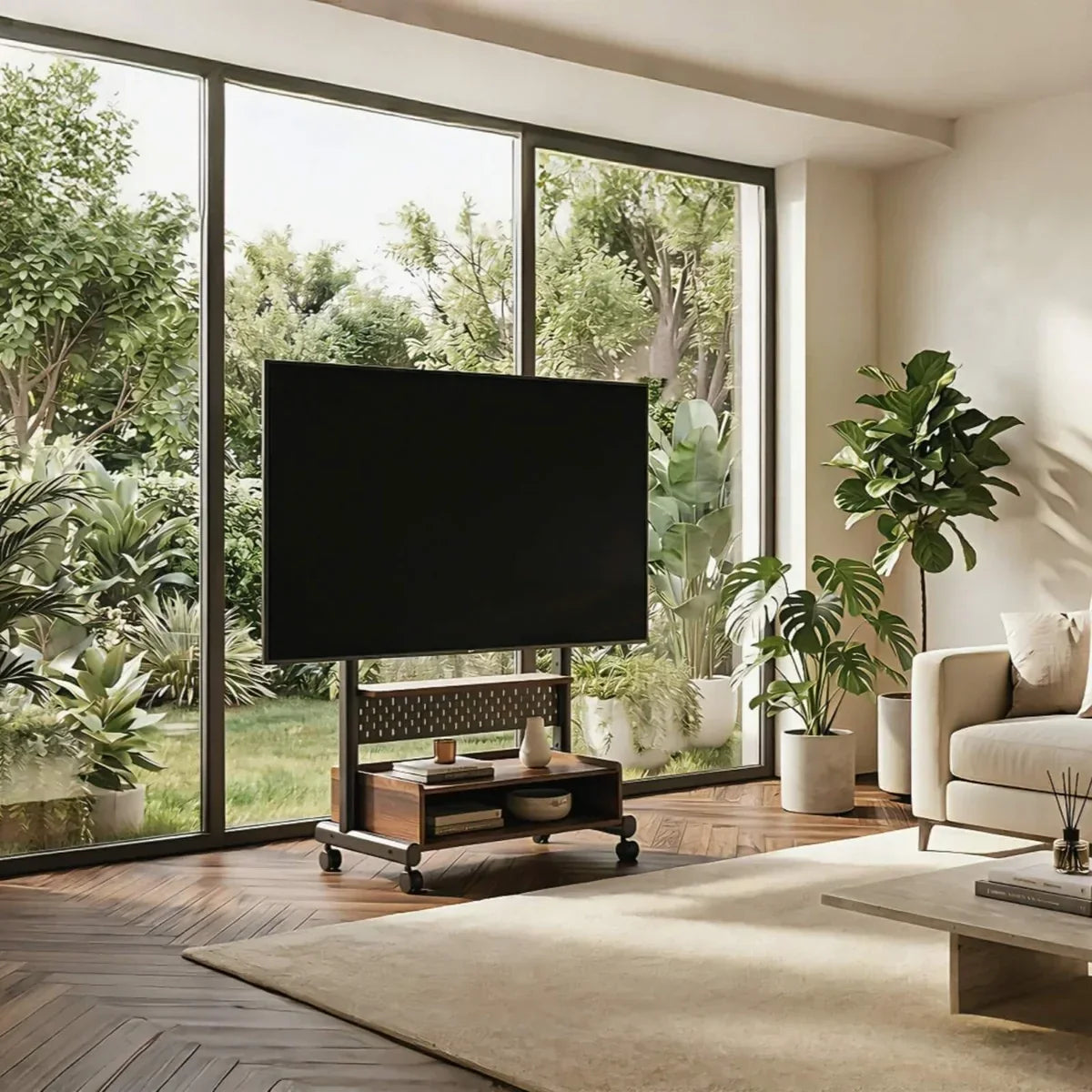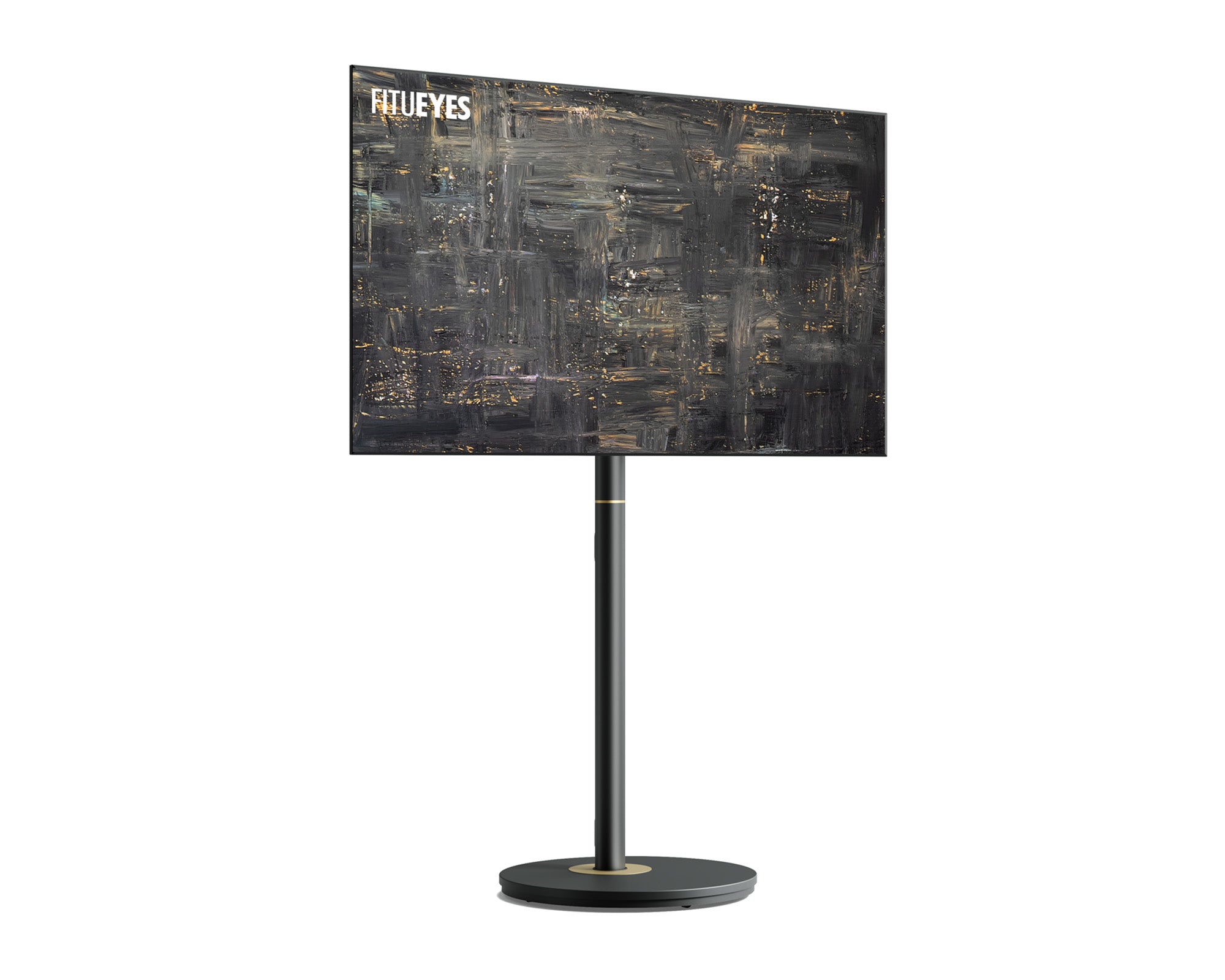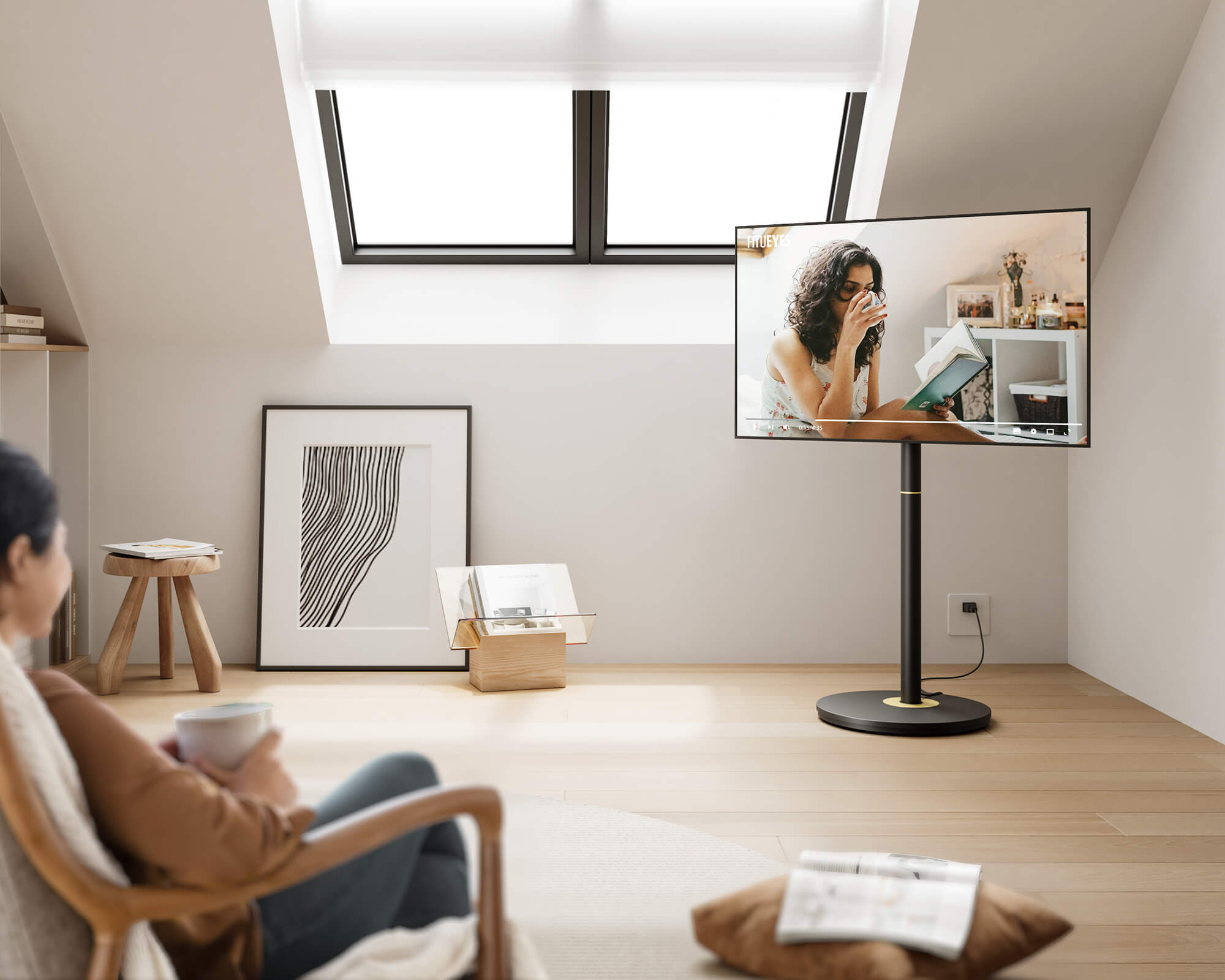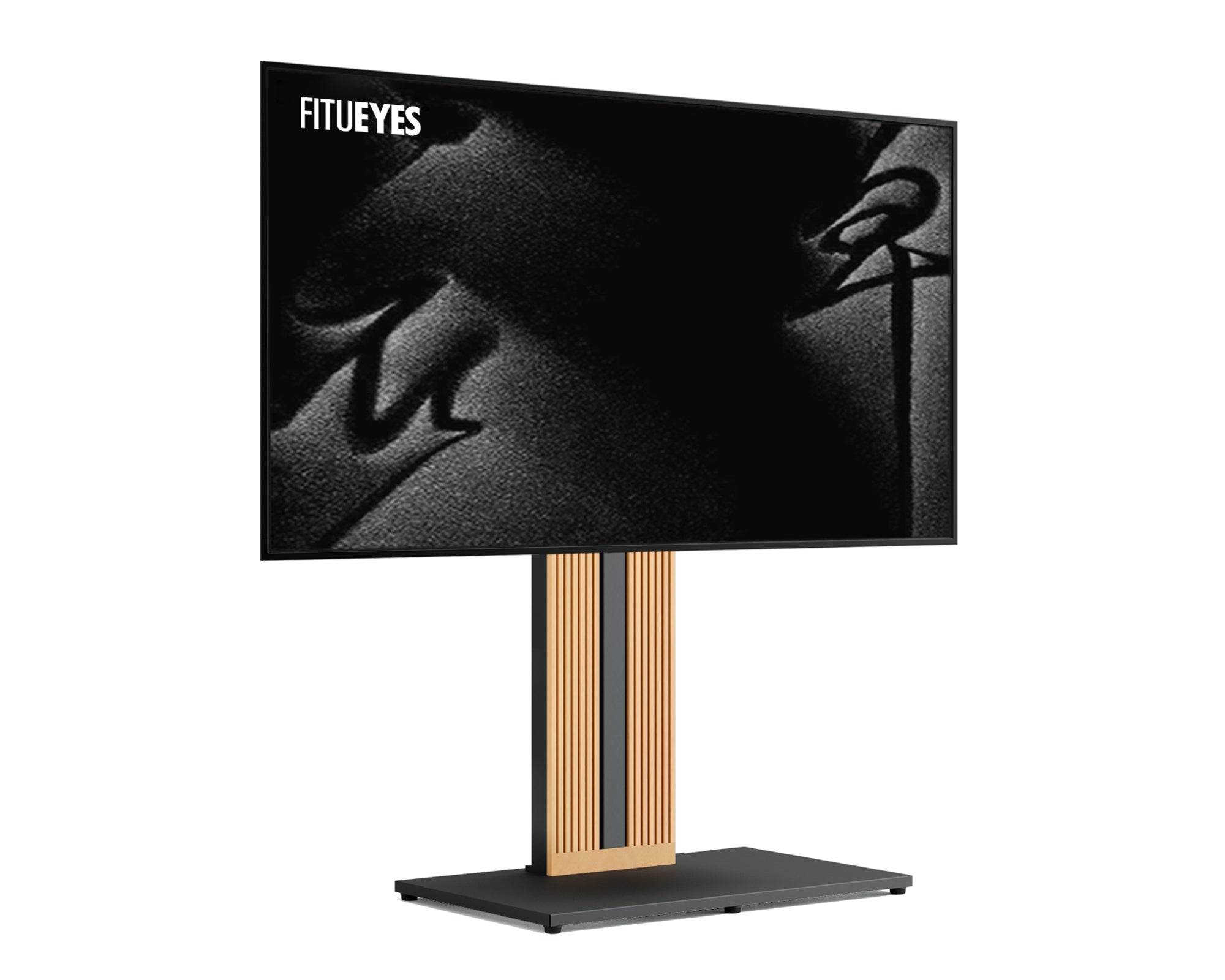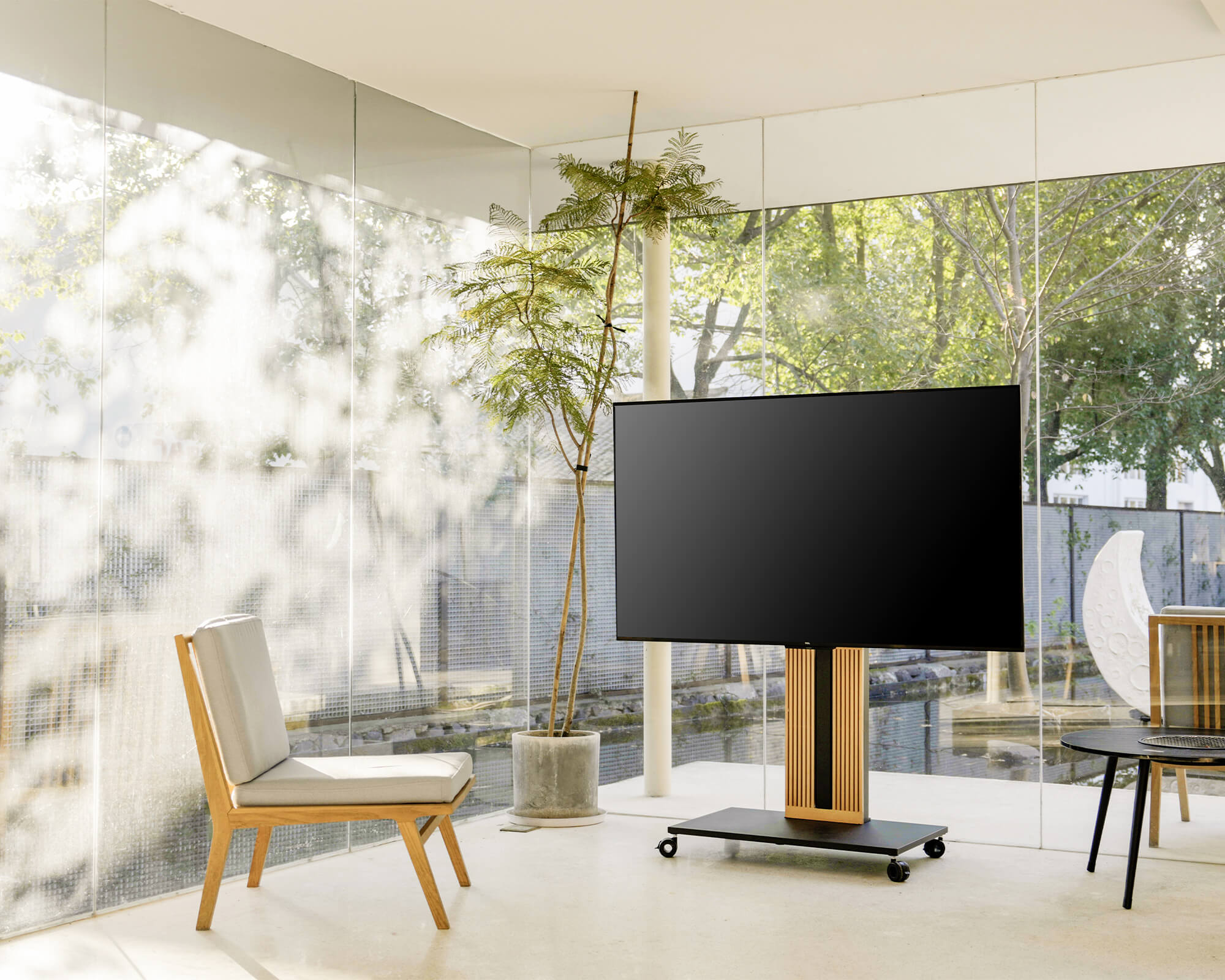



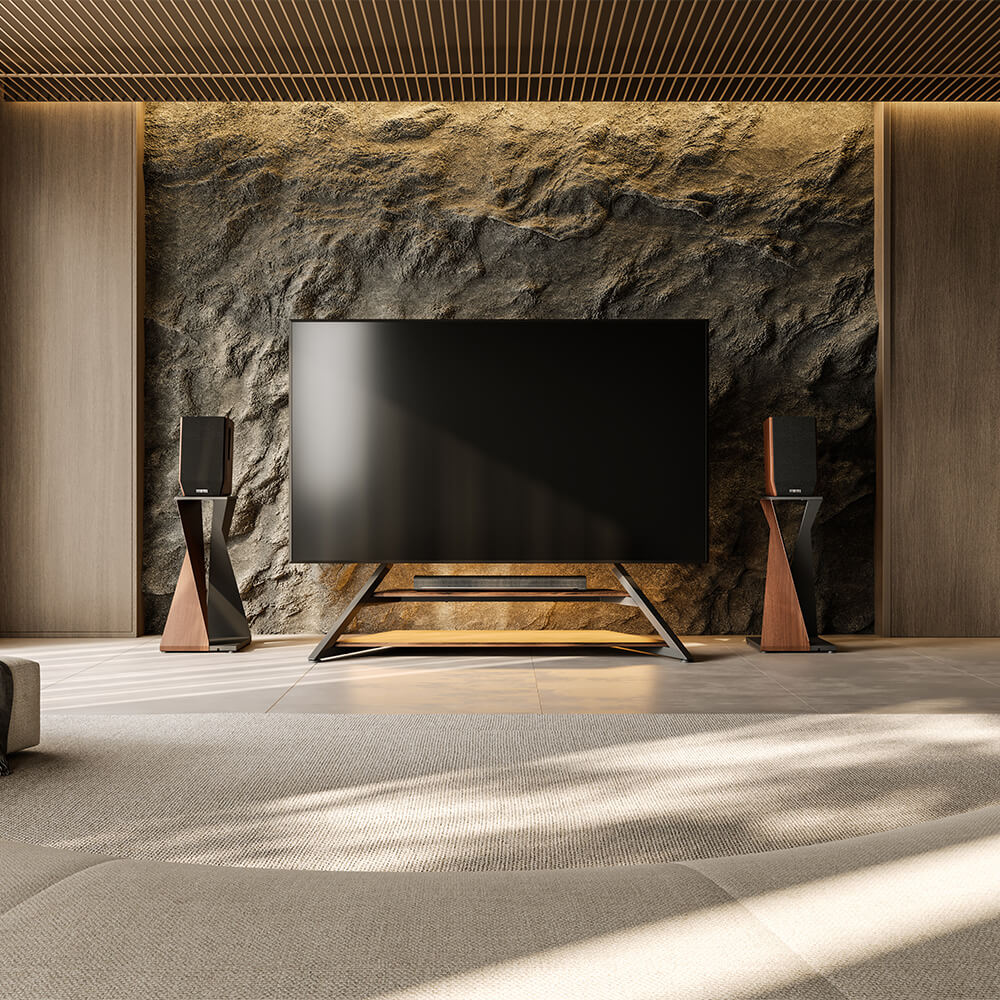
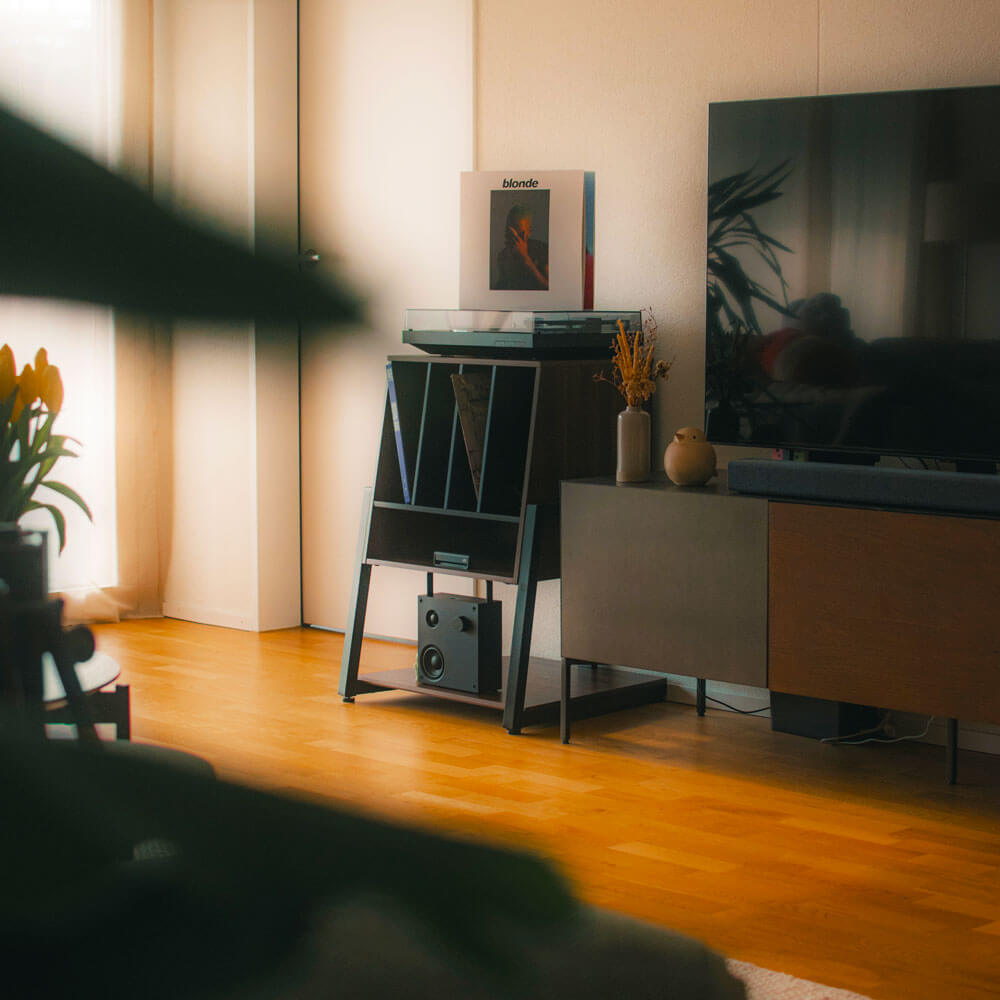
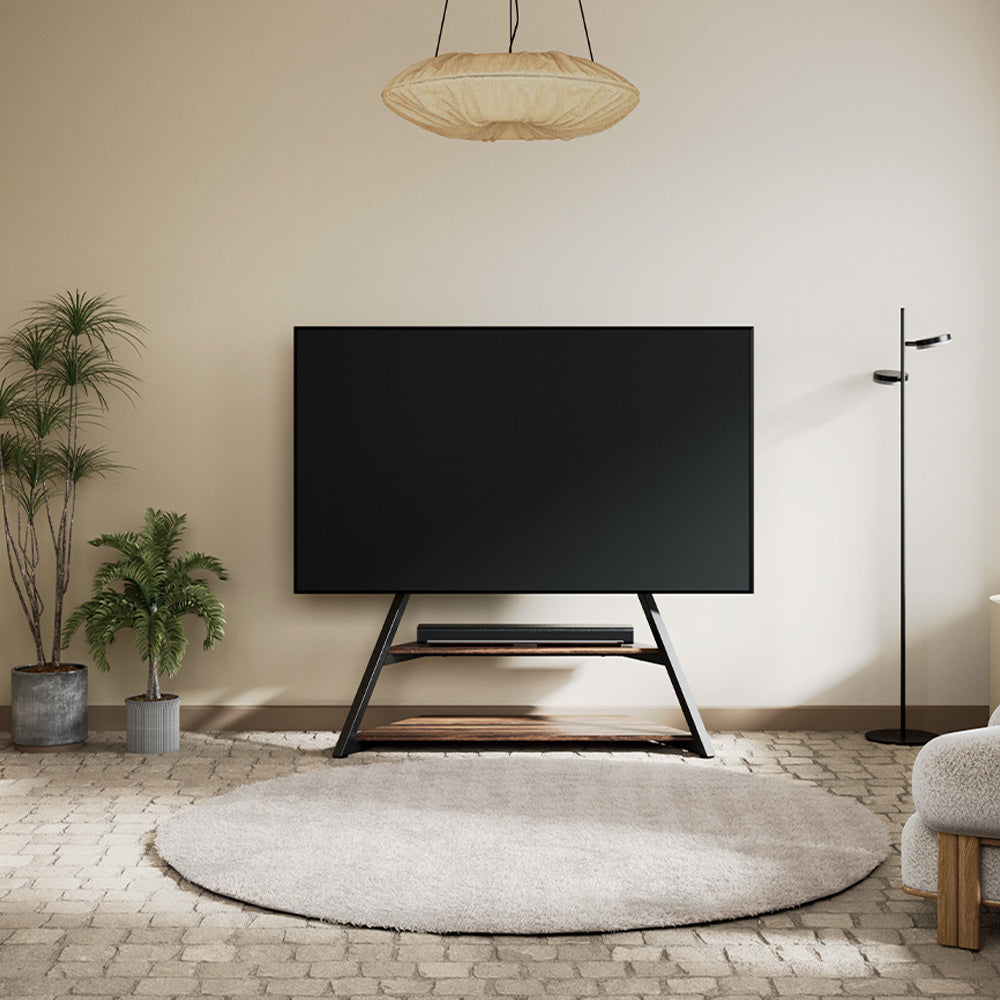
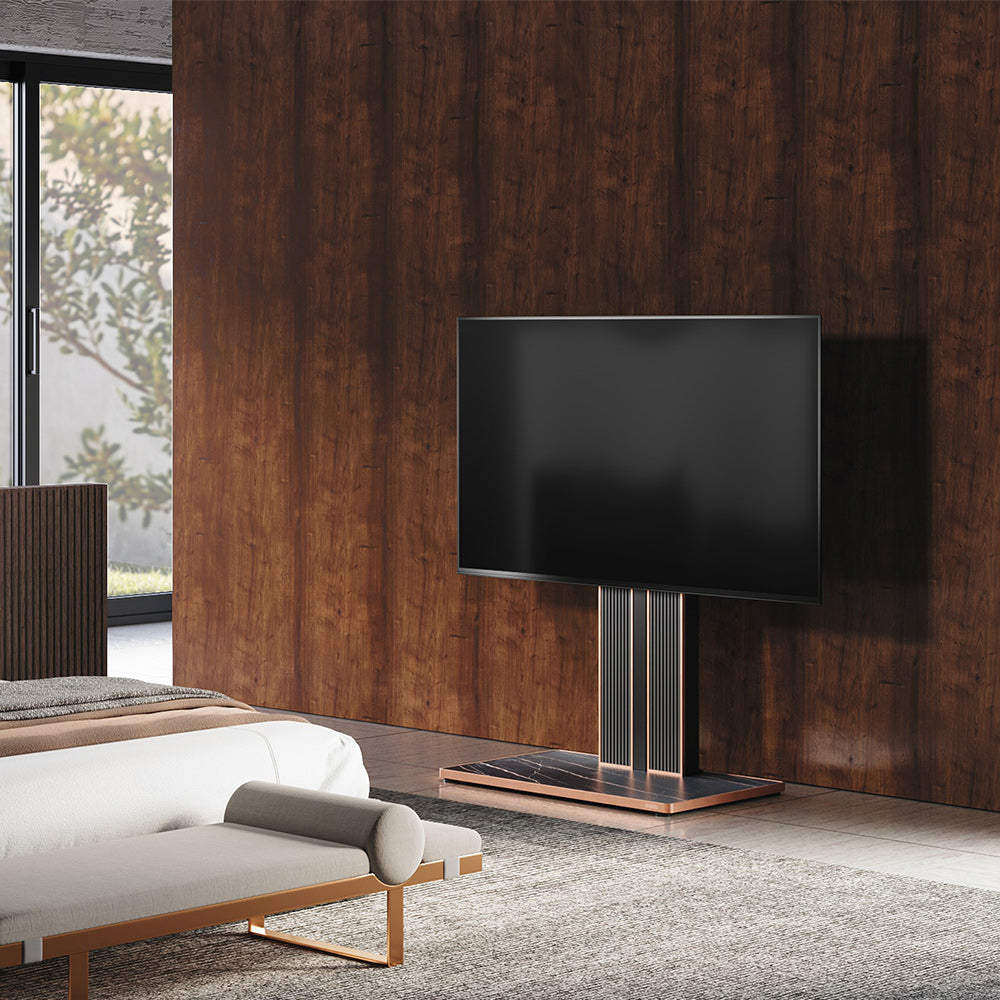
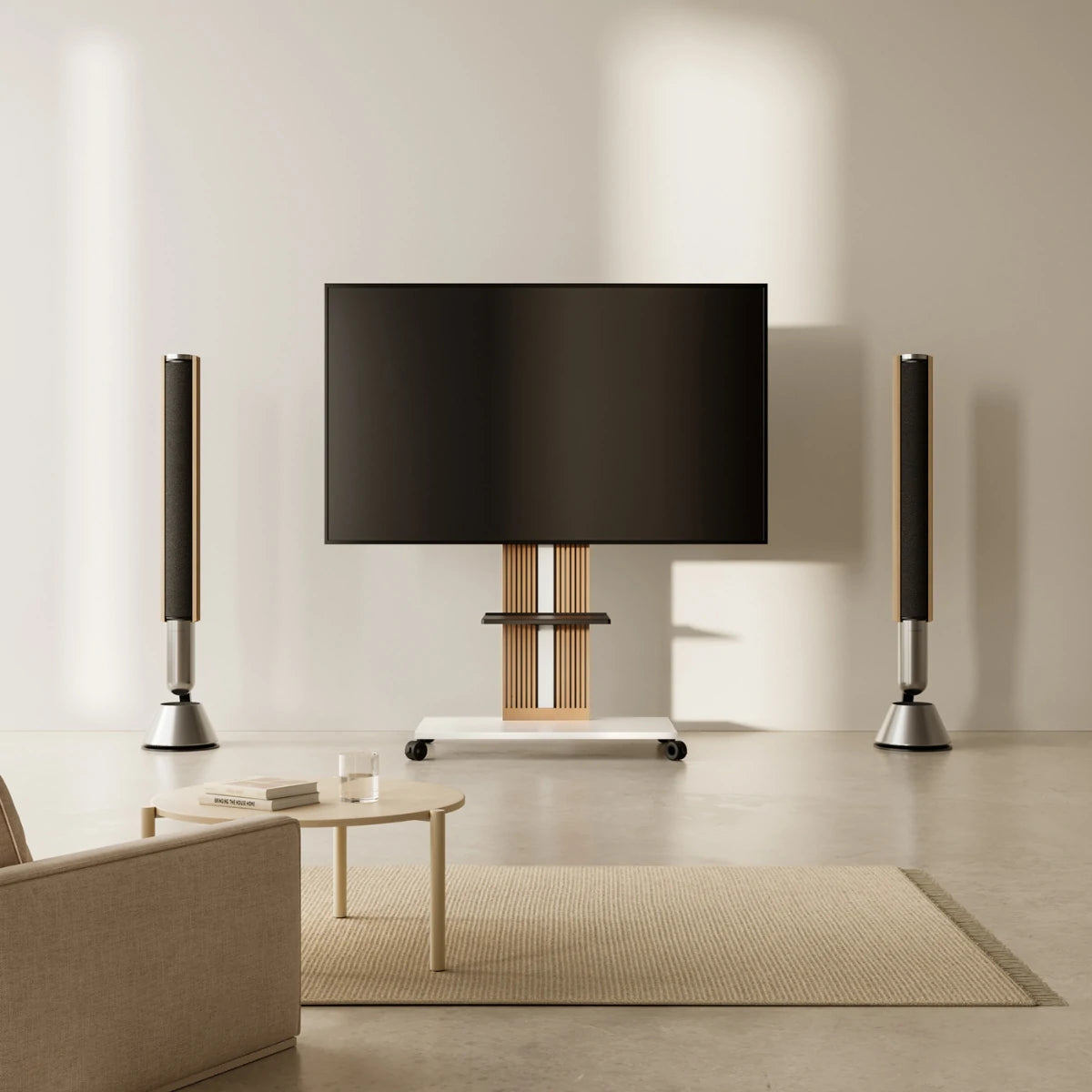
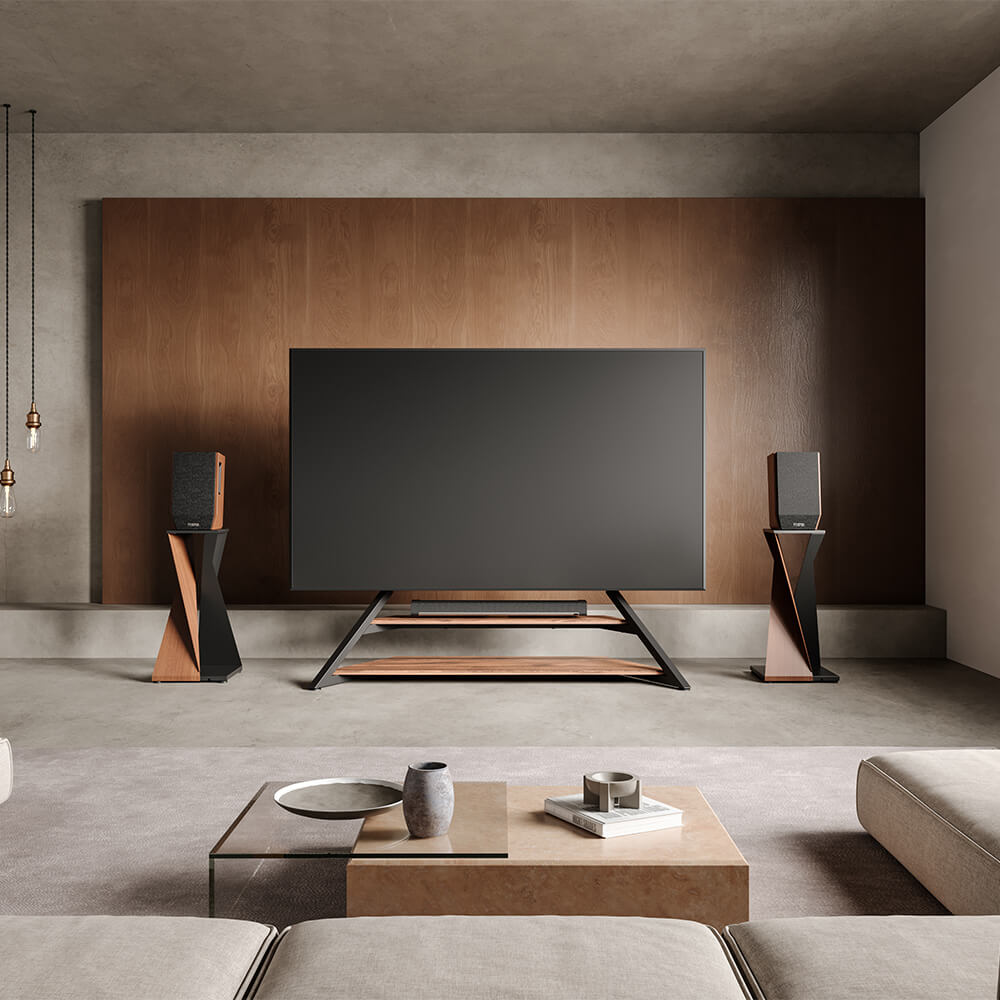
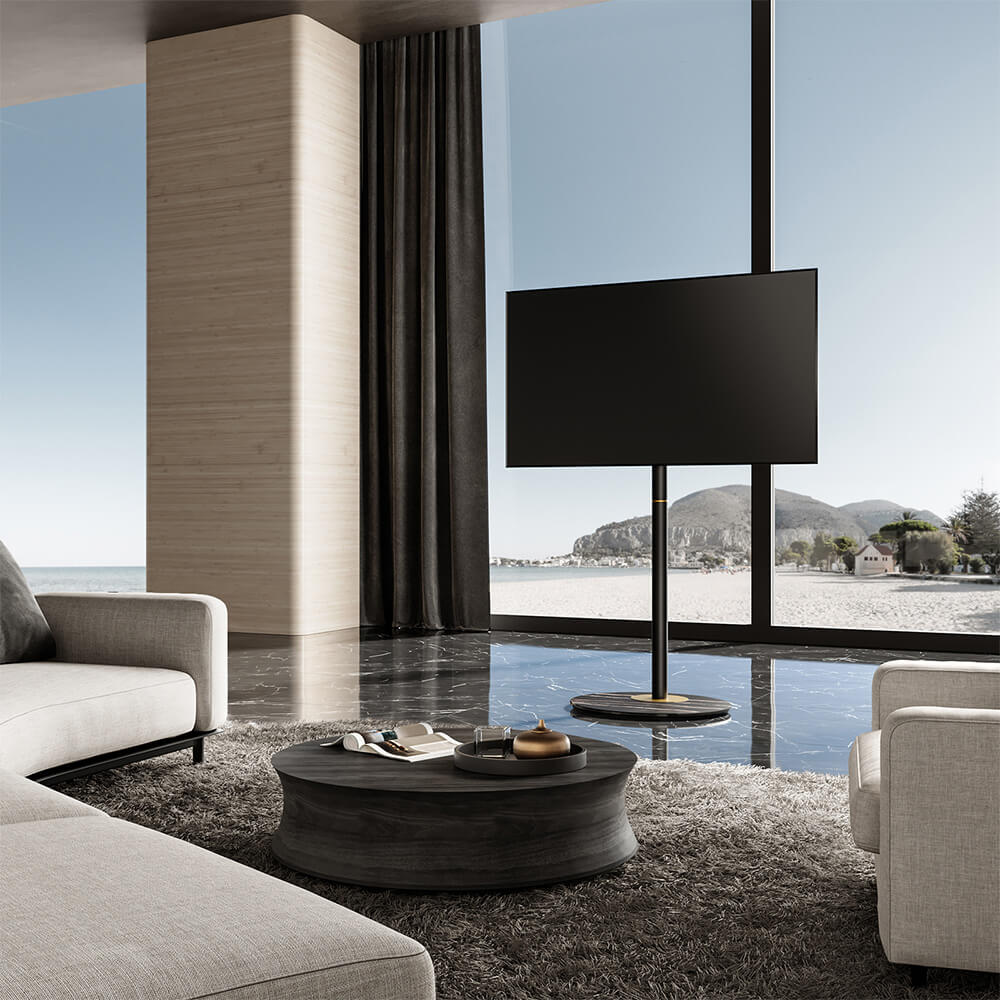
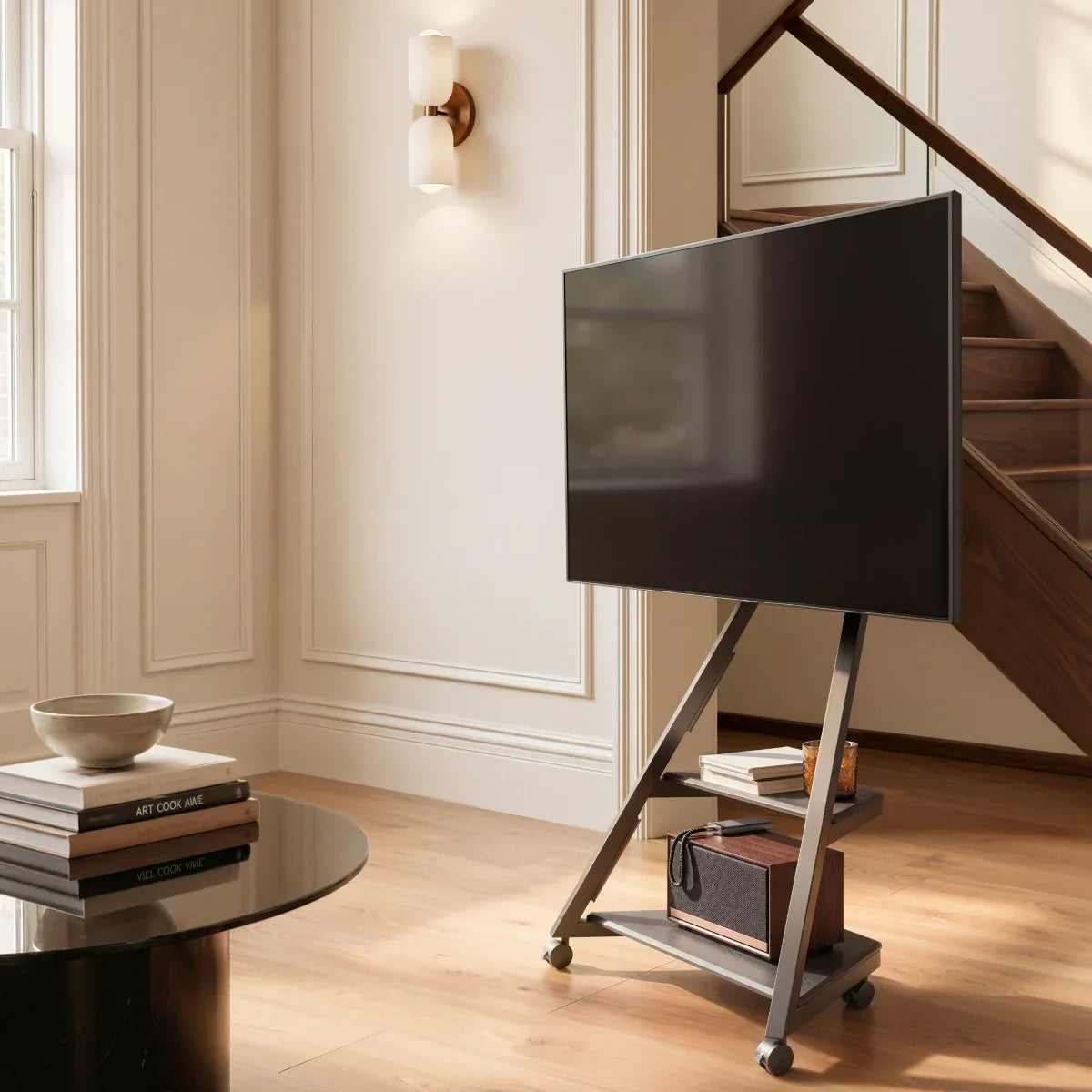
A TV stand can work as a room divider when you want to define two zones without blocking light or closing off the room. Position it along the functional boundary, face the screen toward the main viewing area, and keep the base and cables outside normal walking routes.
This guide focuses on freestanding VESA-mounted TV stands. A media console can also divide a room, but it requires separate checks for the furniture’s usable depth, load capacity, TV-foot spacing, and rear finish.
Use this approach when an open visual boundary is enough. If the second zone needs privacy, concealed storage, or acoustic separation, use shelving, a cabinet, or a separate partition instead. If a TV stand fits the goal, decide whether the screen will remain fixed, swivel, or move with the complete stand, then test its position, footprint, movement clearance, and power route.
Decide What Kind of Divider You Need
Start with what each side of the divider needs to do. A TV between a living and dining area may only need to make the zones feel distinct while preserving conversation, daylight, and an open sightline. The same arrangement can separate a lounge from a work or exercise area when neither side needs to be hidden.
A slim stand suits this type of light division because it creates a clear focal point without filling the boundary with furniture. Once you know an open boundary is enough, compare floor TV stands by base dimensions, screen position, cable routing, and TV compatibility.
If the second zone needs privacy, concealed work materials, or substantial storage, use a shelving unit, double-sided cabinet, or separate partition for the boundary. The television can remain against a wall or sit in front of that division. A VESA-mounted TV stand should not be expected to perform the work of a storage cabinet.

Choose a Fixed, Swiveling, or Rolling Setup
Choose one side as the primary viewing zone. If the sofa is the main place for longer viewing, aim the screen toward it and use any available horizontal adjustment for smaller corrections between seats.
The required movement depends on where the secondary viewing position sits:
| Room arrangement | Function to check |
|---|---|
| One main viewing area | A fixed screen position may be enough |
| Two seating areas on the same side | Check the stand’s published horizontal swivel range |
| Viewing areas on opposite sides | Verify that the stand supports the required rotation angle, or plan to safely reposition the complete stand |
| A room that regularly changes function | Consider a rolling stand and a defined parking position |
A typical small horizontal swivel range will not turn the screen toward a viewing area behind the TV. If the required angle is not supported, repositioning the complete stand also requires a safe movement route, a defined parking position, and a plan for disconnecting any cables that do not move with the stand.
Do not treat every reference to “rotation” as the same function. Caster movement, horizontal screen swivel, tilt, and portrait rotation describe different motions. Compare the movement your room requires with the exact function and range stated for the stand.
A screen that only needs to turn toward nearby seating does not necessarily require the entire stand to move. If that is the main task, this guide to swivel TV stands for open-concept viewing covers screen-angle selection in more detail.
Whole-stand movement is useful when the room itself changes function. The TV might face the sofa for everyday viewing, move toward an open area for a workout, and return to a side position when the floor needs to be clear. In that case, the route and parking location matter as much as the wheels.
If this matches the way the room is used, compare rolling TV stands by their complete dimensions, equipment storage, cable management, and TV compatibility. The next step is to test the intended route and parking position in the room.
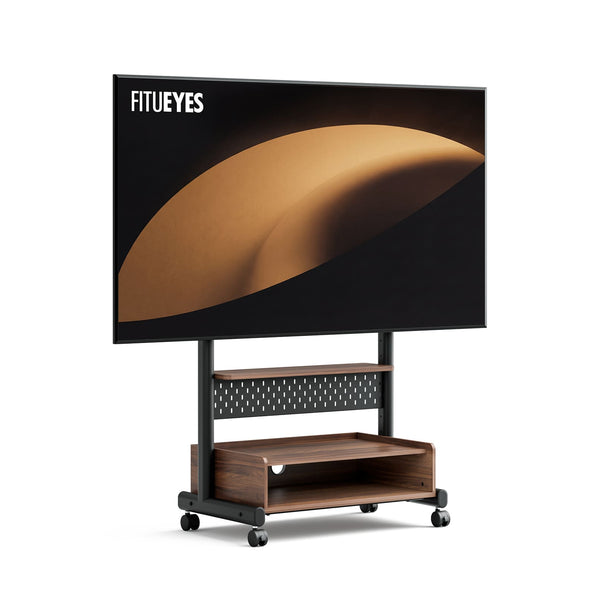
When the screen and connected devices need to move together, the K TC85 TV Cart adds casters and equipment storage for compatible 40–85-inch TVs weighing up to 132 lb, with listed VESA patterns from 100 × 100 to 600 × 400 mm. Its larger structure is better suited to a planned movement route than a narrow permanent divider line, so check the complete width, device storage, thresholds, and parking position before choosing it.
Before moving the cart, disconnect any power or signal cable that does not travel with it. Do not let an attached cord limit the route or pull against the TV, connected device, or outlet.
Test the Divider Position and Movement Route
A position that looks generous on a floor plan may feel crowded once the television and its support occupy the middle of the room. Test the complete setup after deciding whether the screen will remain fixed, swivel, or move with the stand.
- Mark the stand’s published base width and depth on the floor with removable tape.
- Measure the television’s full outside width, then represent it across the divider line with string or cardboard.
- Walk the normal routes between the sofa, table, doors, and nearby furniture. Open any doors or drawers that could meet the screen or base.
- If the screen swivels, mark the space its corners will pass through. If the complete stand moves, walk its full route and check furniture gaps, rugs, thresholds, floor transitions, tight turns, and the parking position.
- Trace a route from the television to a permanent outlet without crossing a doorway or the main walking path.
Move the divider line if someone must turn sideways to pass, a door cannot open fully, the screen blocks an important sightline, the required movement is obstructed, or the power cable would cross a walking route. Measure both the base and the television: a narrower stand cannot fix a screen that is still too wide for the position.
Plan the Visible Back and Cable Route
When the television leaves the wall, its rear becomes part of the room. Inspect the proposed setup from the second zone, not only from the viewing seat. Exposed adapters, loose wires, and oversized devices may be more noticeable from behind than they are from the sofa.
Route power and signal cables through or along the stand’s intended cable-management path, then toward the outlet without crossing the base or a walking route. Leave enough slack for the stand’s verified swivel or movement, but keep loops away from joints, wheels, and passages.
Use a permanent outlet that the TV’s original power cord can reach safely. Do not place an extension cord under a rug or treat it as permanent wiring. If the divider position has no suitable power route, move the divider line or ask a qualified electrician about an appropriate outlet.
Streaming boxes, game consoles, speakers, and other devices need a supported shelf or compatible mount. Check the available dimensions and load capacity rather than resting equipment on a structural part that was not designed for storage. Keep the TV’s vents and input ports accessible, then check cable reach and ventilation again with the devices in place.

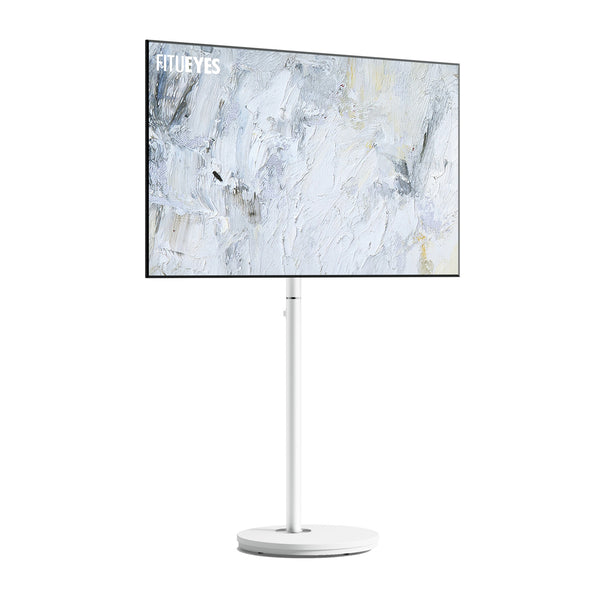
When the rear of the stand remains visible, concealed storage can keep small devices and loose cables from becoming part of the view. The Master V2 FT48 TV Stand supports 24- to 48-inch TVs up to 44 lb (20 kg), with VESA patterns from 75 × 75 to 200 × 200 mm. Its magnetic cover conceals space for a set-top box and cable management, helping the back of the setup remain more organized when it is visible from the second zone. This makes it a practical option for smaller open-plan layouts where the TV functions as part of the room divider.
Check the Complete Setup
Before choosing a product, confirm that:
- the selected position leaves enough room for normal walking routes;
- the television does not block an important sightline;
- nearby doors and drawers can open fully;
- the screen faces the primary viewing zone;
- the screen or complete stand has enough clearance for its intended movement;
- power reaches the setup without crossing a passage;
- the TV’s size, weight, and VESA pattern match the stand;
- connected devices have supported positions; and
- the rear of the setup remains acceptable from the second zone.
Compare Stands for the Final Layout
Once the room position, viewing direction, movement, cable route, and TV compatibility are clear, compare only the stands that meet those conditions. FITUEYES offers fixed, swiveling, and rolling designs for different open-plan layouts. Check the individual model’s dimensions, supported TV specifications, movement range, and storage before deciding which design suits the room.
FAQs About Using a TV Stand as a Room Divider
How do you power a TV placed in the middle of a room?
Start with a divider position that the TV’s original power cord can reach from a nearby permanent outlet without crossing a doorway or walking route. Route the cord down the stand and along the edge of the usable area where possible. If reaching the proposed position would require a cable to cross open floor, move the divider closer to an outlet. For a permanent TV position farther into the room, ask a qualified electrician whether a floor outlet or another code-compliant power point can be installed. Do not run an extension cord under a rug or treat it as permanent wiring.
Which viewing height should you use for two different zones?
Use the zone where people watch for longer as the height reference. Measure the seated viewer’s eye level, then compare it with the stand’s published floor-to-screen-center range. If the sofa and dining chairs produce substantially different viewing heights, prioritize the main zone instead of creating an uncomfortable compromise for both. An adjustable-height TV stand gives you more flexibility during setup, but check whether its height must be selected during assembly or can be changed after the television is mounted.
Can you add a soundbar to a TV stand room divider?
Yes, if the soundbar has a supported position. Check whether the stand accepts a compatible soundbar mount or provides a shelf with sufficient width and load capacity. Confirm that the speaker will not block the screen or remote sensor. If those conditions are not met, place the soundbar on separate furniture facing the main viewing zone.