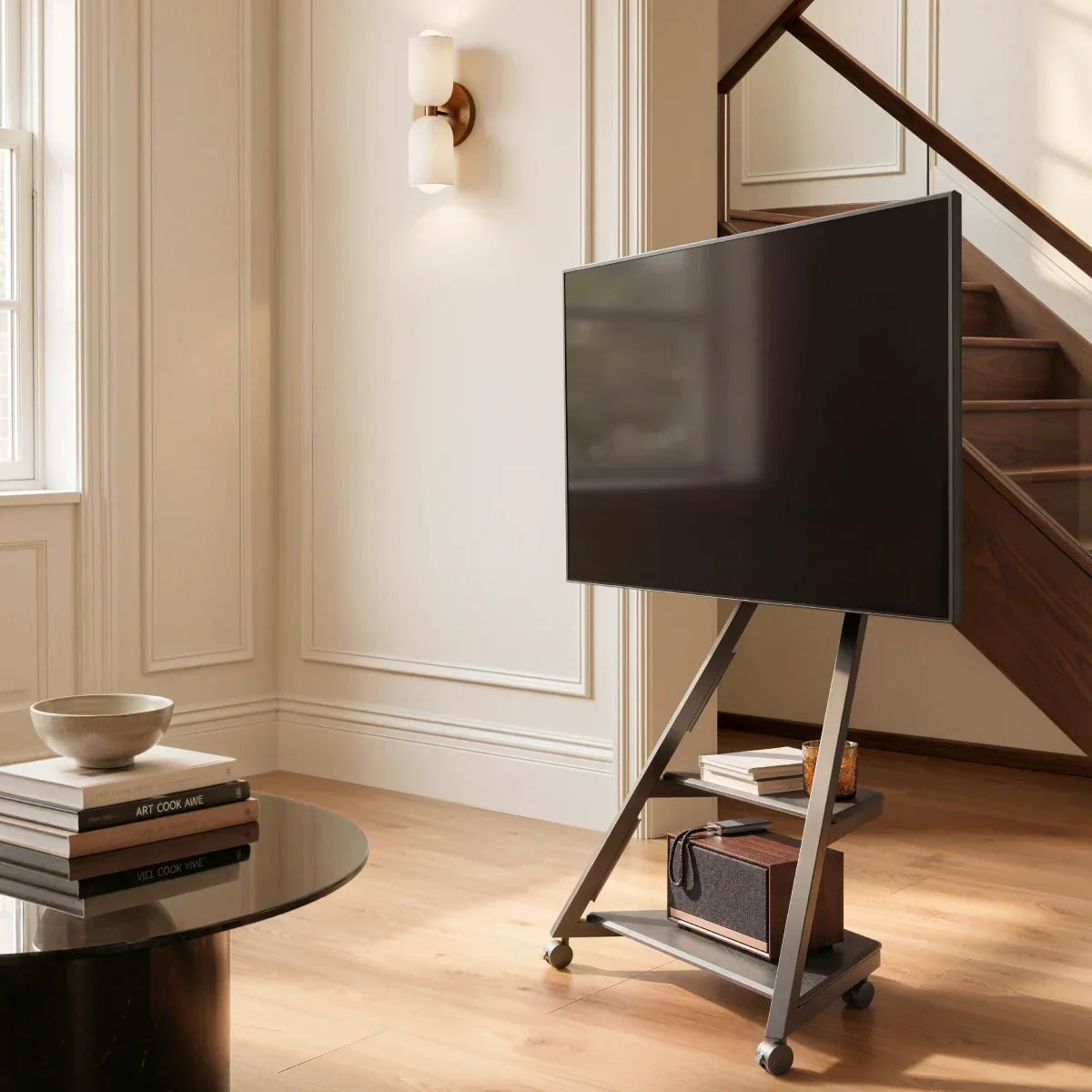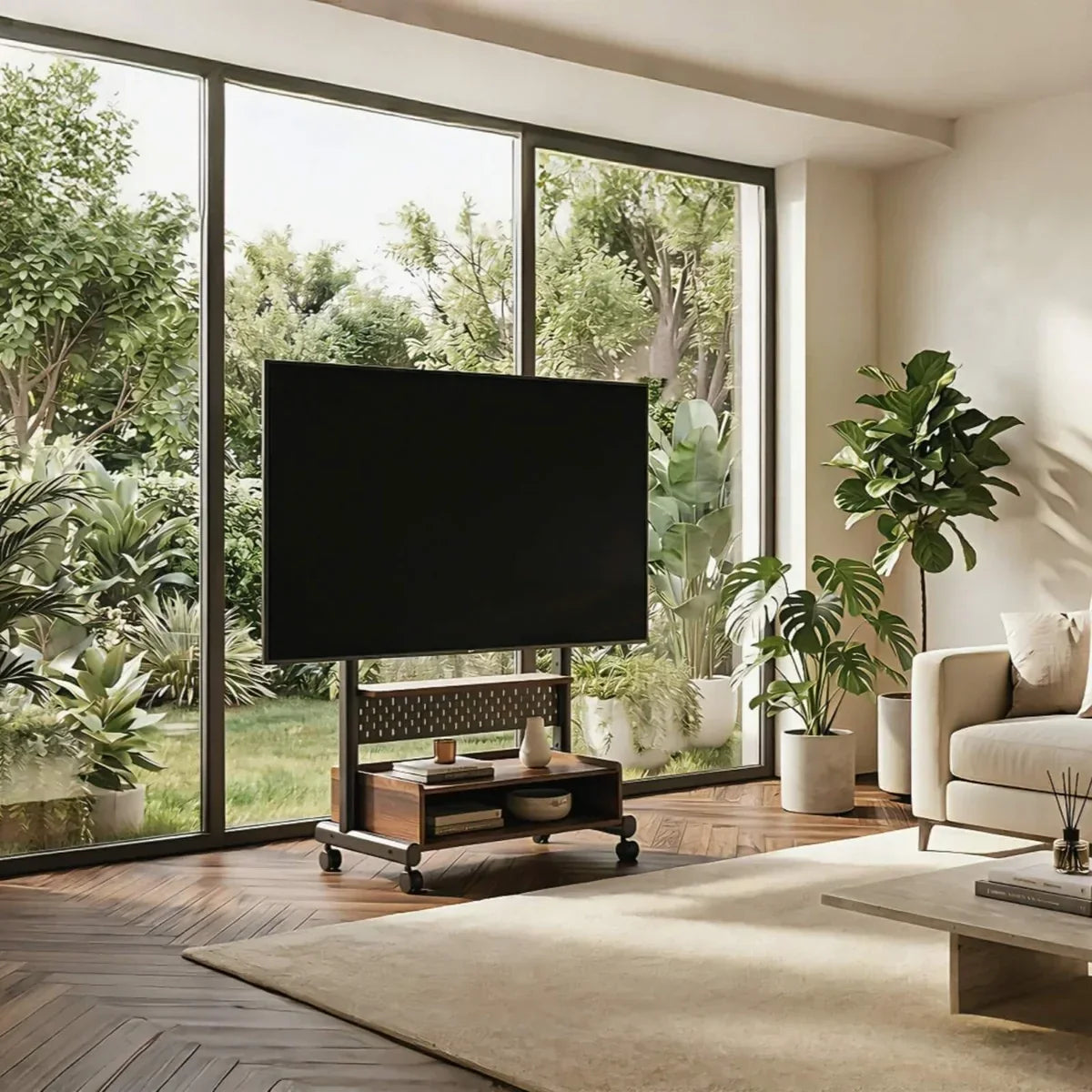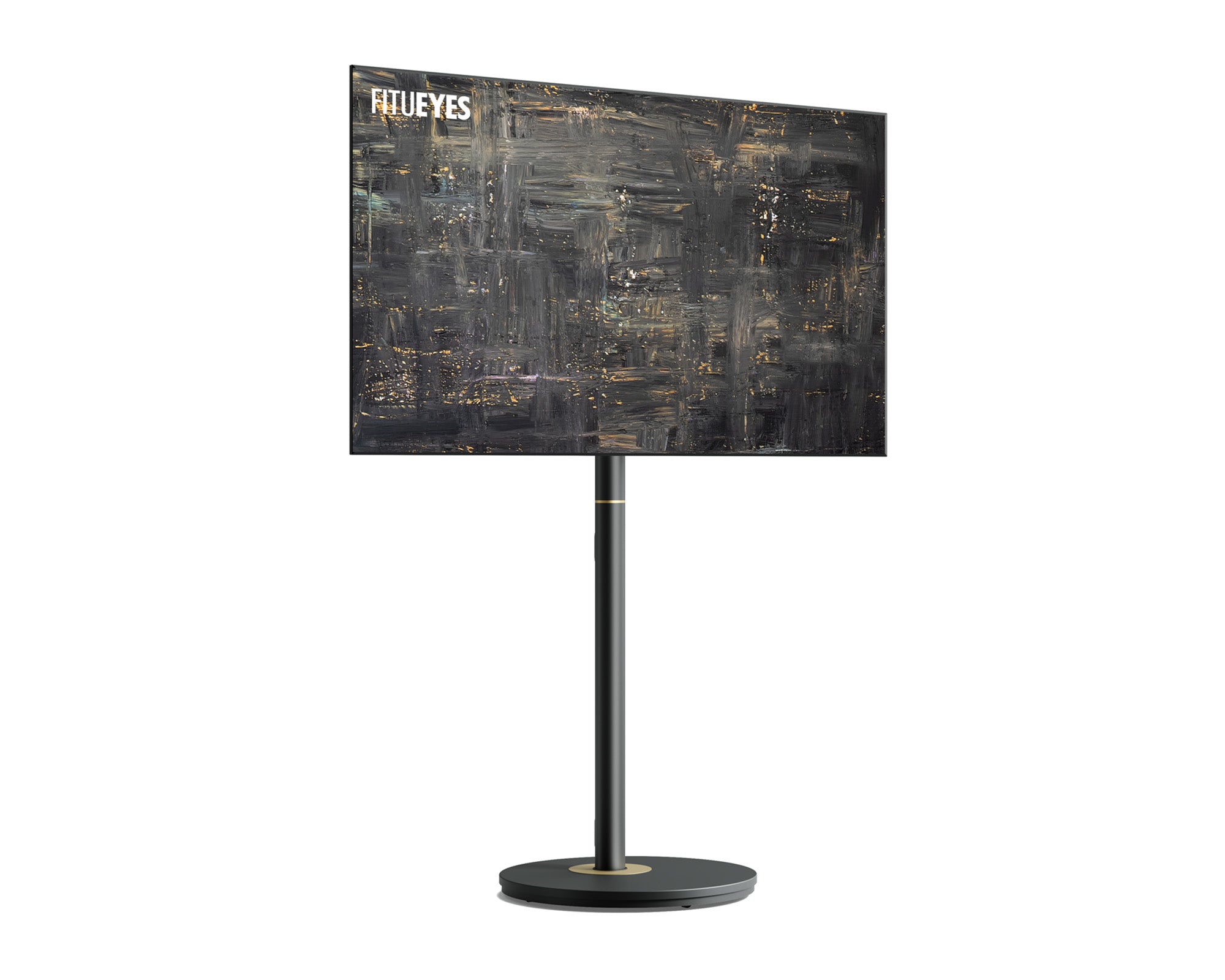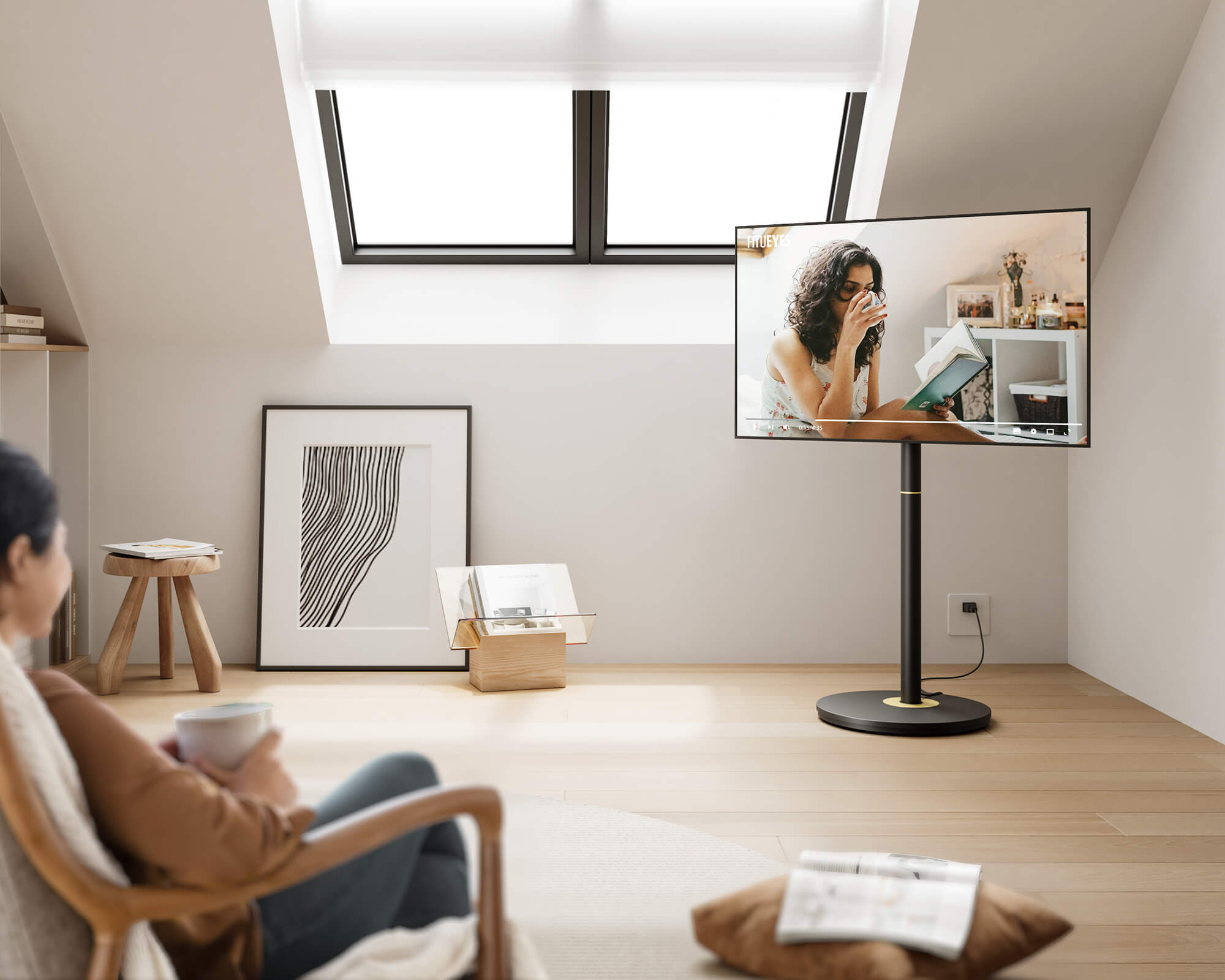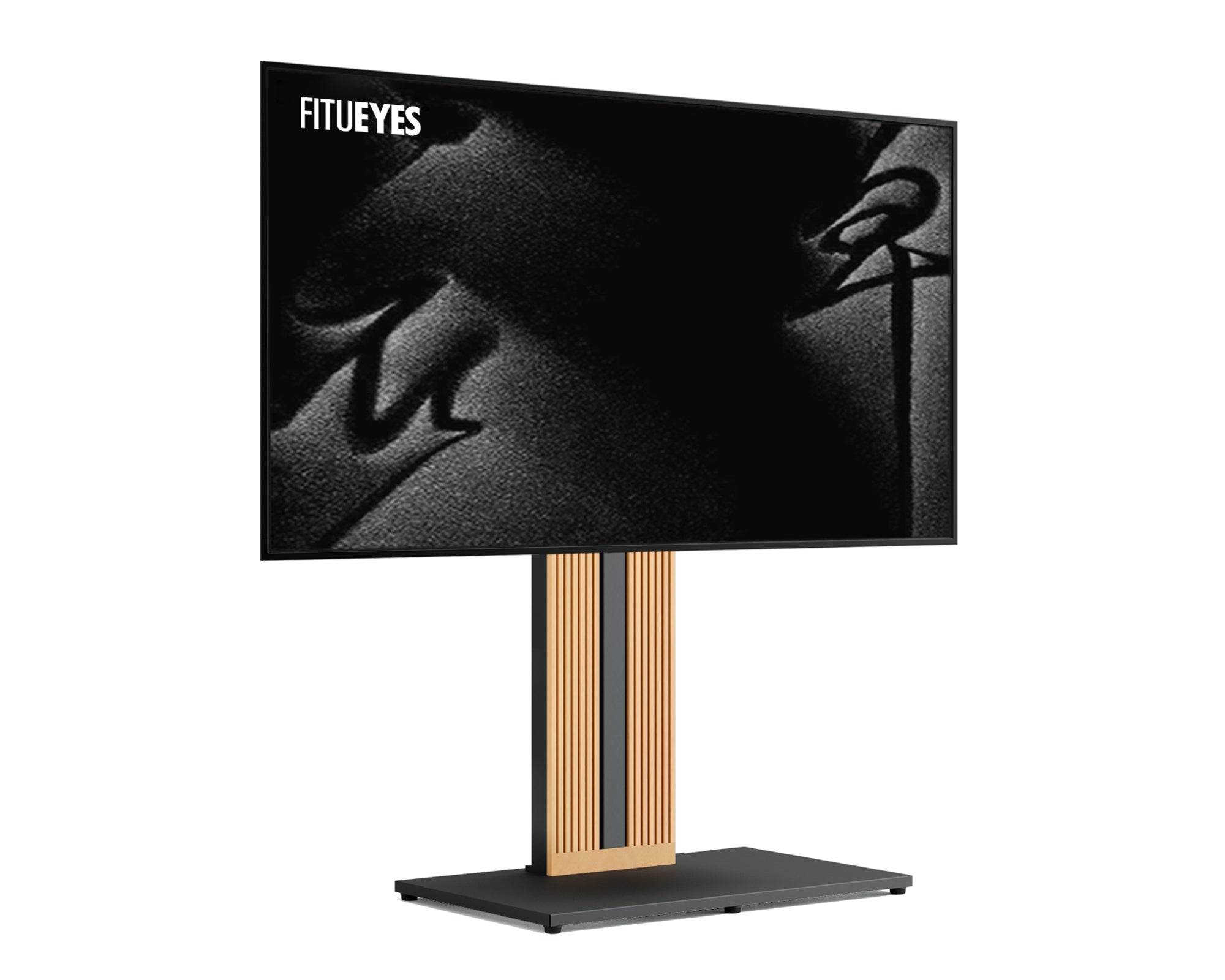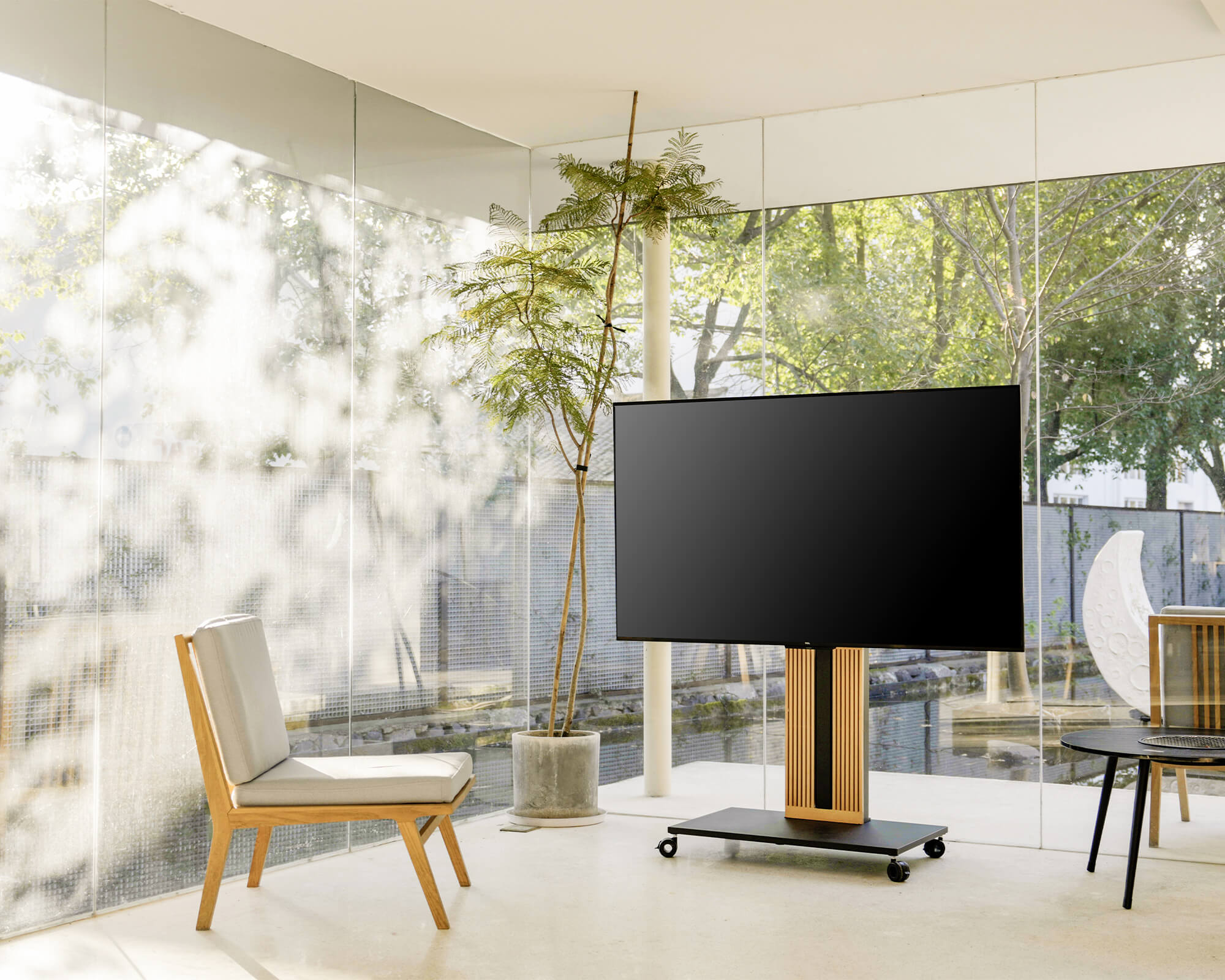



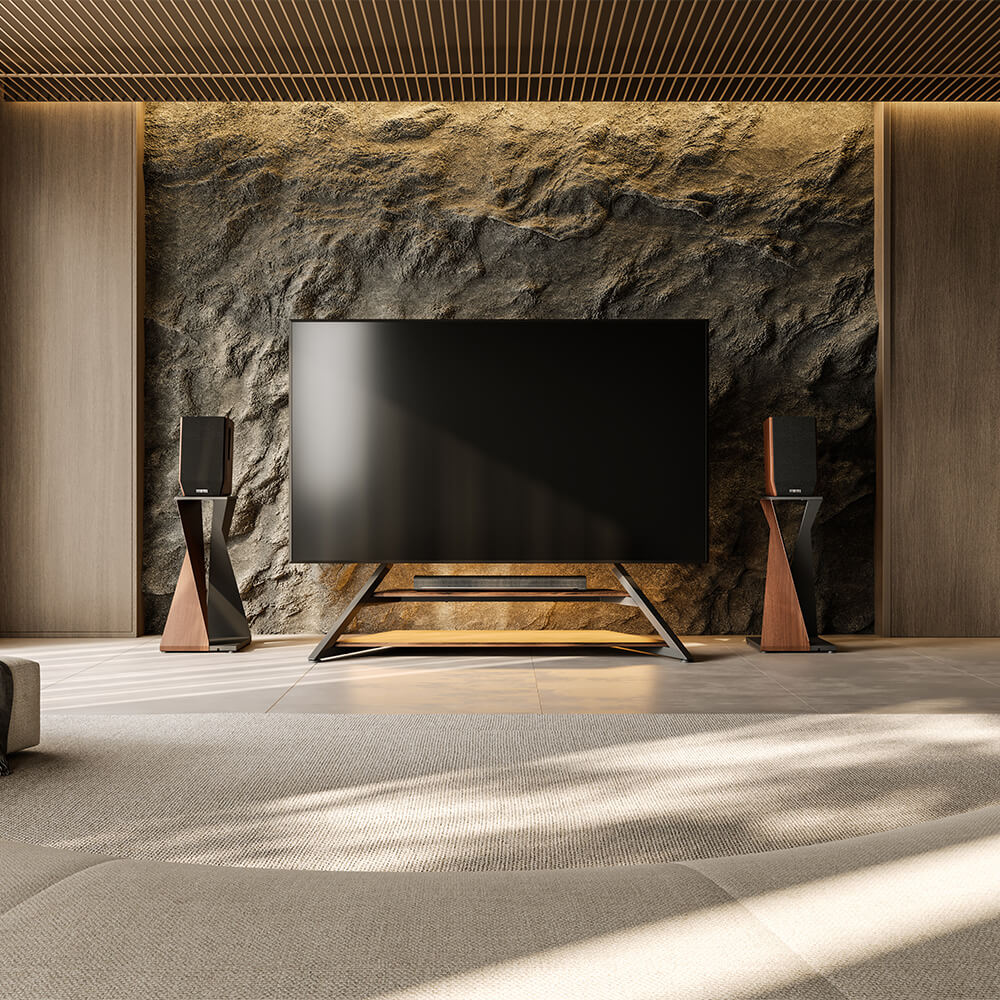
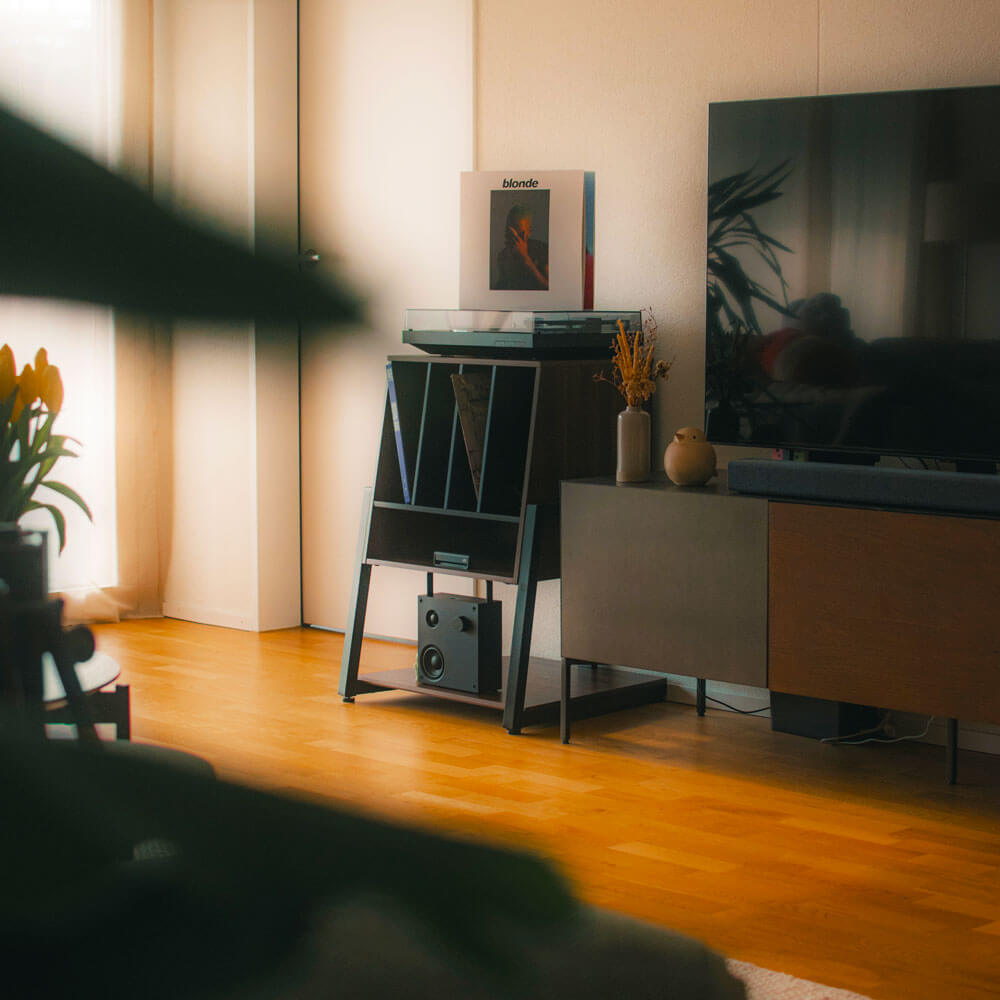
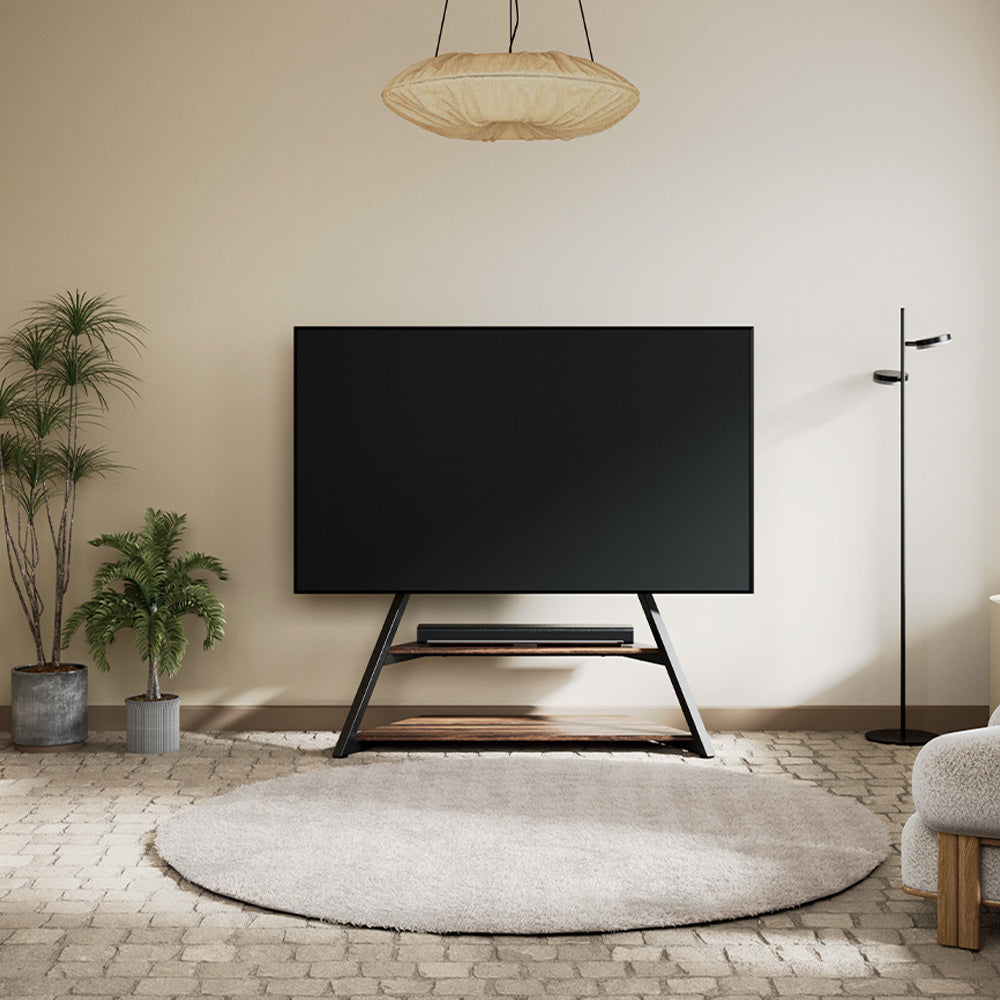
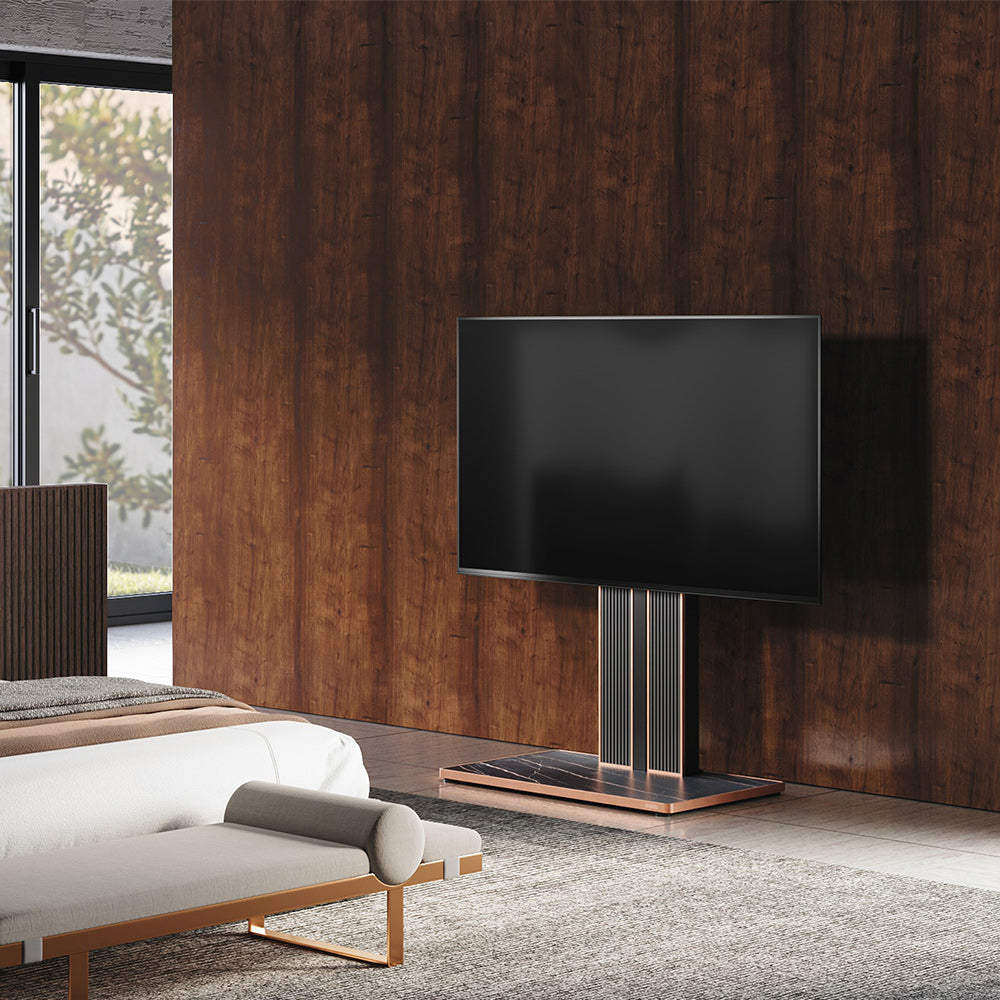
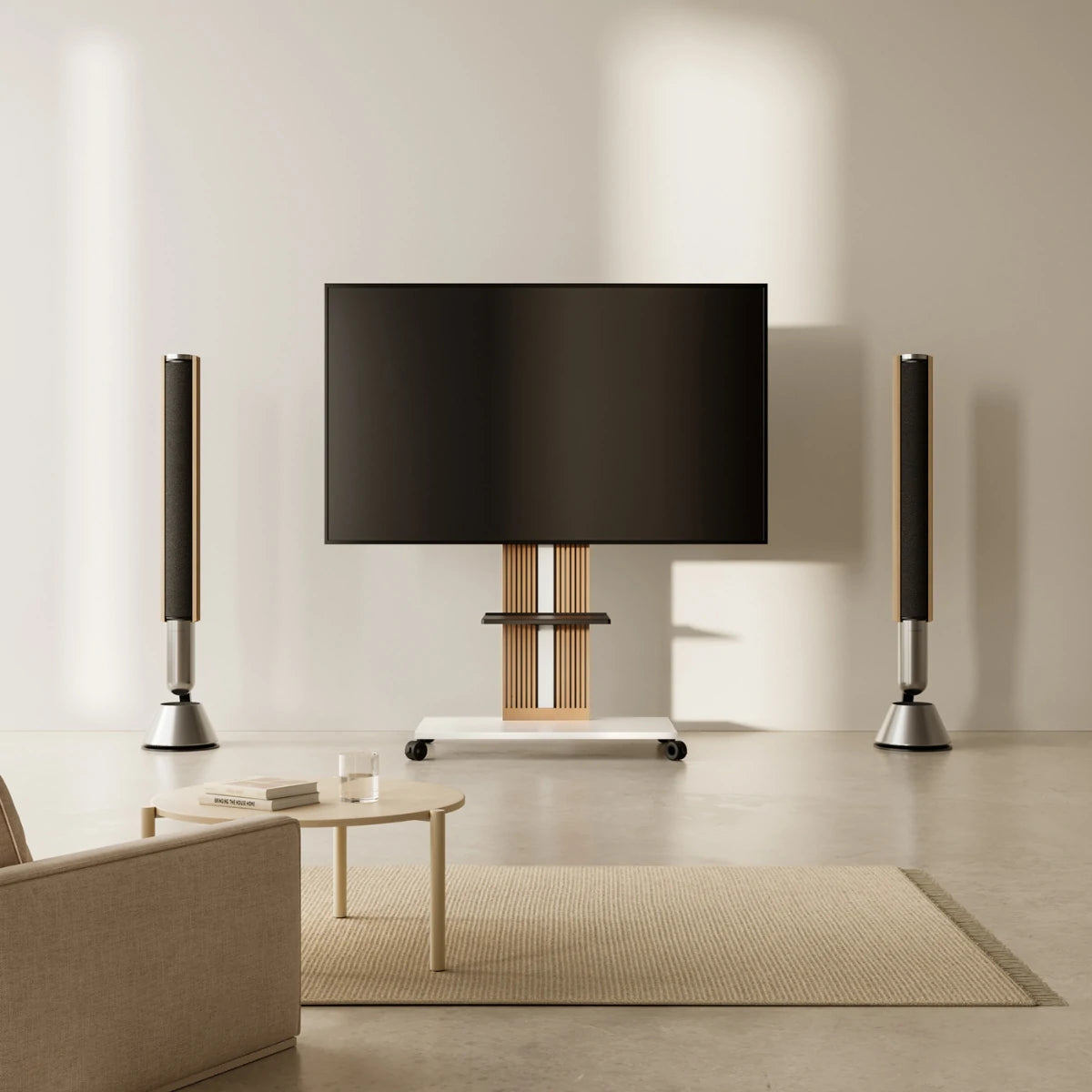
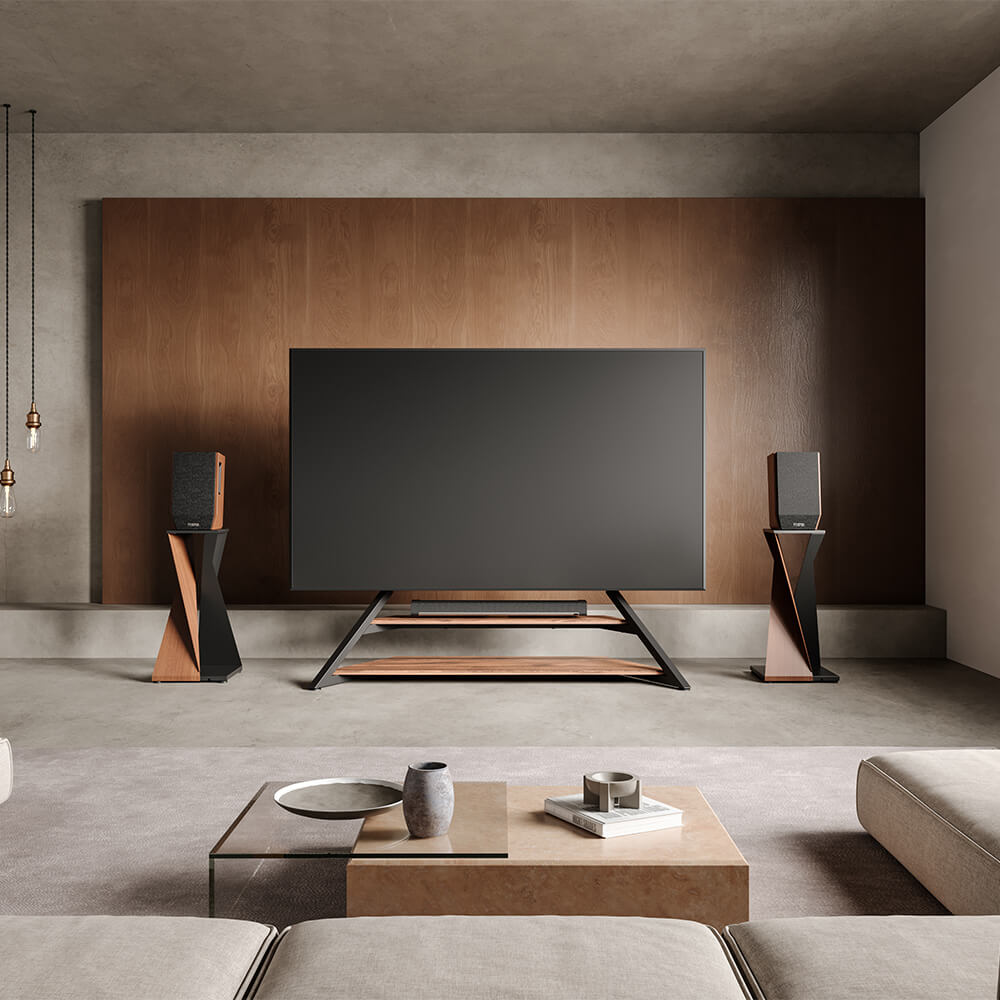

Tripod and easel TV stands are closely related terms often used interchangeably for artistic freestanding TV mounts. A tripod description usually emphasizes three distinct legs or points of contact with the floor. An easel description usually emphasizes an A-frame silhouette or a vertical spine supported by A-shaped legs. One stand can combine both ideas, which is why the product names often overlap.
Start with your own setup rather than the label. Confirm your TV’s weight and VESA mounting pattern, then consider where the stand’s legs will sit, whether the screen needs to turn toward different seats, and how your soundbar, streaming box, and cables will be handled. Those details reveal far more than the words “tripod” or “easel.”
Where Can the Two Labels Differ?
“Tripod” usually describes how the stand meets the floor: three distinct legs or three separated contact points supporting the television around a central mount. The legs may be narrow and individually defined, but the name alone does not reveal their spacing, their angle, or how far one support extends behind the screen.
“Easel” usually describes the frame and visual idea. It may use a broader A-shaped structure, an upright central spine with A-frame legs, or a rear brace that makes the television resemble a canvas on an artist’s easel. An easel-style stand can still have three floor contact points, so the categories are not mutually exclusive.
Neither label confirms the material, load rating, mounting system, height positions, screen movement, or space required by the legs. Use the names to understand the general design language, then compare the actual parts and specifications.

Compare the Stand’s Legs, TV Mount, and Screen Movement
The most useful comparison begins with parts you can identify, measure, and match to your room.
How Do the Stand’s Legs Use Floor Space?
Look for the overall width and depth of the assembled stand, not merely the width of a front crosspiece. If a rear leg extends toward the wall, check the required clearance behind the screen. For a corner position, compare the distance between all three contact points with the available floor area rather than assuming that any tripod will tuck neatly into the angle.
The leg arrangement also affects daily movement around the TV. A wide front leg may approach a walkway, while a long rear leg may conflict with a wall outlet, baseboard heater, curtain, or existing cable route. If the manufacturer publishes a dimension drawing, use it to identify which measurement belongs to the legs and which belongs to the screen or mounting frame.
How Does the TV Attach to the Stand?
Most products in this category support the television through mounting holes on its back rather than through the TV’s original feet. That makes three checks essential: the TV’s actual weight without its tabletop feet, its VESA hole pattern, and any model-specific mounting requirements in the TV manual.
Screen-size ranges are useful for narrowing a shortlist, but they are not proof of compatibility. Two televisions with the same advertised diagonal size can have different weights and mounting-hole positions. The stand’s supported VESA pattern and load rating must both include your exact television.
Inspect how the mounting plate relates to your TV’s rear connections as well. A compatible VESA pattern does not help if a bracket blocks a required HDMI port or if the television needs a spacer arrangement that the installation instructions do not support. Confirm port access and the specified hardware before assembly.
Check what the published height describes. “Adjustable height” may mean several mounting positions rather than free movement after installation. Compare the stated screen-center positions with your seated eye level and confirm when adjustments must be made.
How Does the Screen Move After Installation?
A swivel function can be useful when a sofa and dining area share one room, or when the screen needs to turn away from window glare. Check the permitted left-to-right angle rather than assuming the entire stand rotates. Swivel, tilt, and portrait rotation are different movements; a product offering one does not automatically offer the others.
If the television must move between rooms, a rolling TV stand is a more direct solution. A stationary tripod is not a rolling stand and should not be carried with a television attached unless its instructions expressly allow it.

Match the Stand to Your Room and Existing Equipment
Apply those measurements to the intended position. Reject it if any support enters a doorway or busy walking route. A design that looks visually light can still disrupt the room when its legs occupy the wrong places.
Next, use your normal viewing position. A fixed direction may be enough for one sofa; an L-shaped sectional, dining table, or open kitchen may make horizontal swivel useful. Check whether its stated movement reaches the seats you actually use.
Account for equipment separately. A streaming box needs supported, ventilated placement; a soundbar needs its own surface or a compatible accessory. Cable management determines how wires travel—it does not create device storage. Decide where each device will rest and how its power and signal cables will reach the television.
For a game console or receiver, make sure its ventilation openings and cable connections remain accessible after the television is installed.
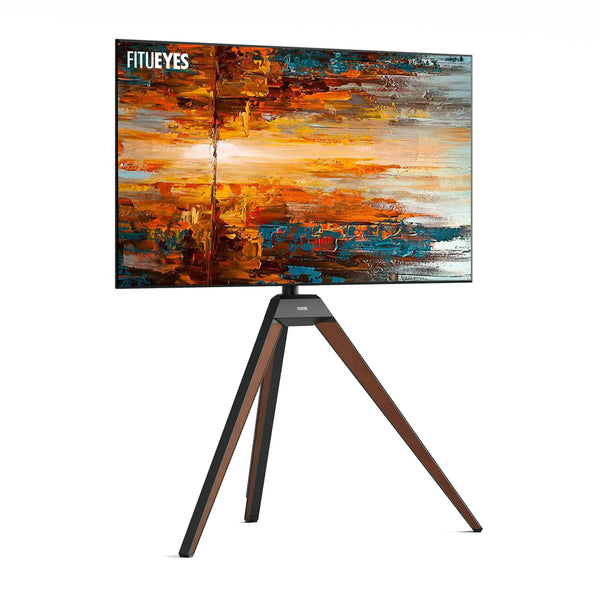
For a room that suits an open, furniture-like stand, the Picasso FT65 TV stand brings the two design ideas together with an easel-style frame and a solid beech wood tripod support. It accommodates 32–65-inch TVs, weighing up to 77 lbs (34.9 kg) and supports VESA patterns from 200 × 100 to 400 × 400 mm. Its ±20° horizontal swivel can redirect the screen toward nearby seating, while a magnetic rear panel keeps compatible power and signal cables less visible. The remaining question is whether those specifications and the stand’s leg arrangement suit your particular TV and room.
This design may not suit every setup. A media cabinet may be more practical when you need several shelves, closed storage, or space for a receiver and game consoles. If you are still deciding between those broader categories, a general guide can help you choose a TV stand before you compare individual models.
The Label Matters Less Than Structure and Compatibility
Whether a product is called a tripod TV stand, an easel TV stand, or both, the choice should end with the same evidence: the TV matches the stand’s weight and VESA limits, the legs work in the intended floor area, the screen reaches the required viewing direction, and every device has a supported place and workable cable route. You do not need to choose between the two labels first. Choose the leg layout, mounting limits, viewing movement, and equipment support that fit your setup. The Picasso Series is how FITUEYES interprets this overlapping design language, but the right model is the one that passes those checks in your room.
FAQs
Can an easel TV stand sit on carpet?
It can if every leg remains level and does not sink unevenly. Before mounting the TV, place the empty assembled stand in its intended position, press near each leg, and check for rocking. If it shifts or tilts, move it to a firm, level surface rather than trying to correct it with loose pads. After mounting the TV, check again that the complete setup remains level and stable without rocking.
Can I add a soundbar to an easel TV stand?
Yes, if the stand supports a compatible soundbar bracket and the installed bar will not block the TV’s sensor. For a compatible Picasso setup, the Picasso Soundbar Mount S1 is one option; confirm the exact stand model, the soundbar’s weight, and its mounting-hole spacing. If they do not match, use a separate supported surface instead of an improvised attachment.
Can an easel TV stand support a curved TV?
Possibly, but the screen shape alone does not confirm compatibility. Check the curved TV’s weight, VESA pattern, required screws and spacers, and the clearance between its back panel and the stand’s mounting brackets. If the brackets press against the curved housing or the approved spacer arrangement is unclear, stop and confirm the installation with the TV or stand manufacturer.