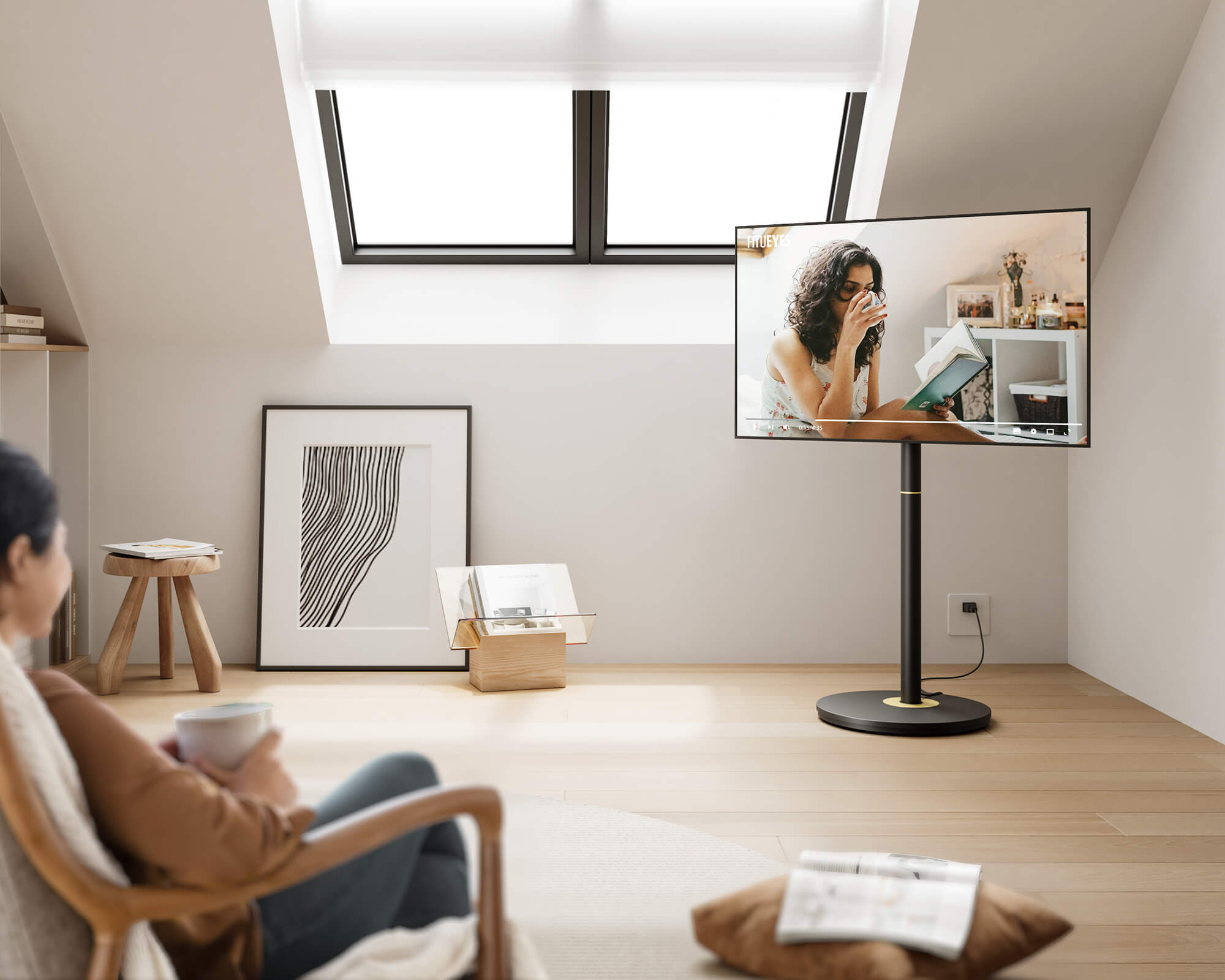



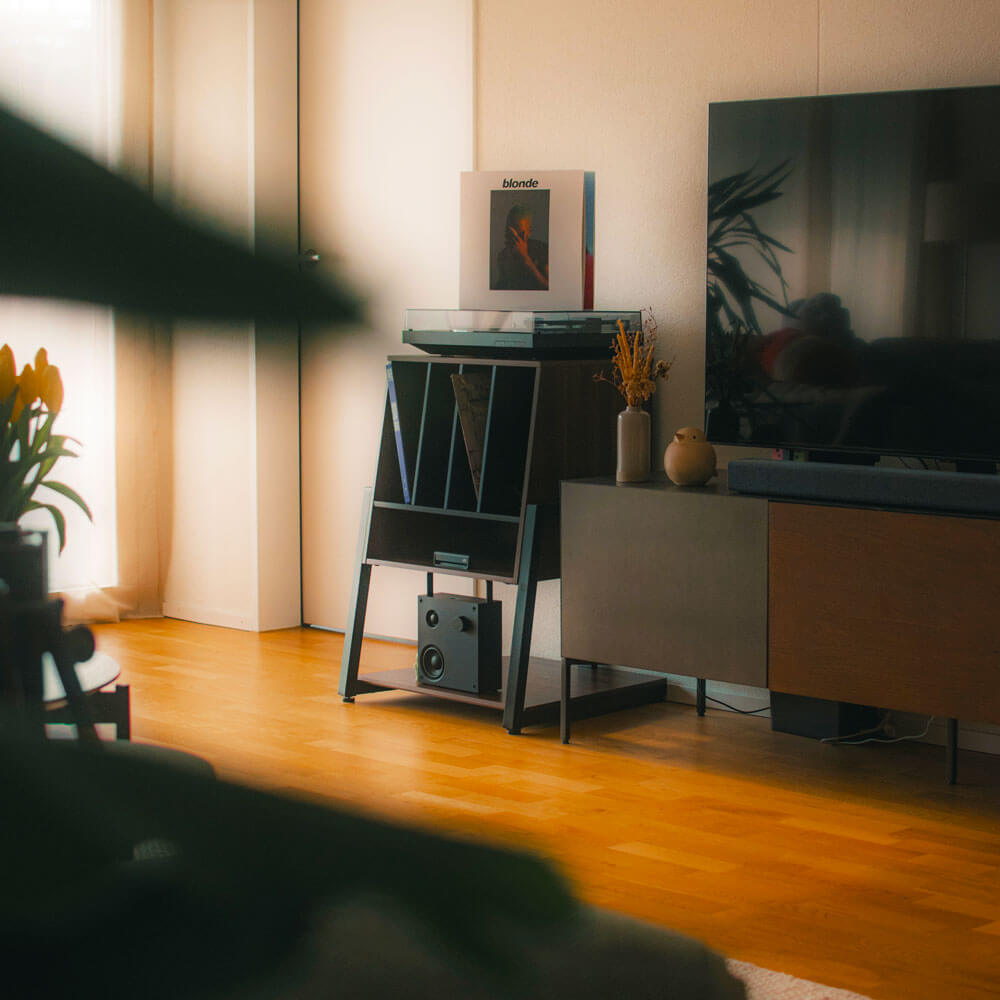
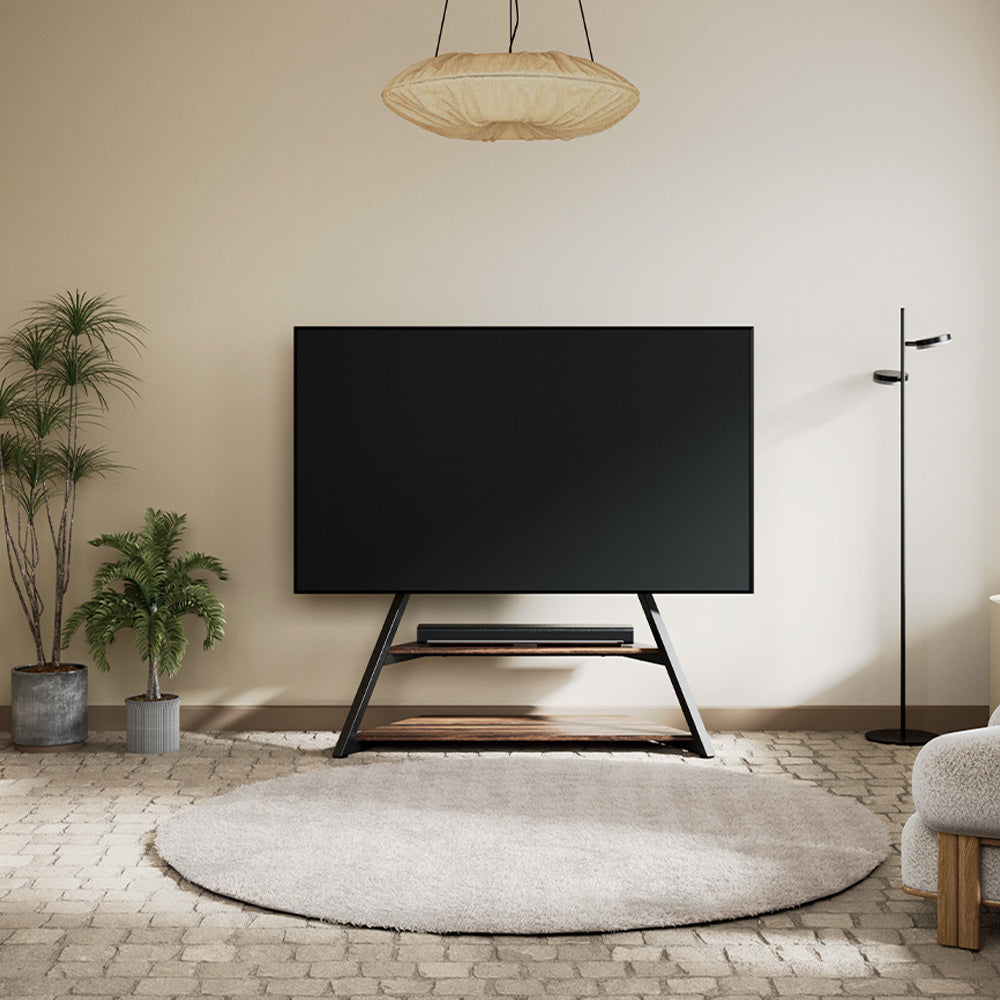
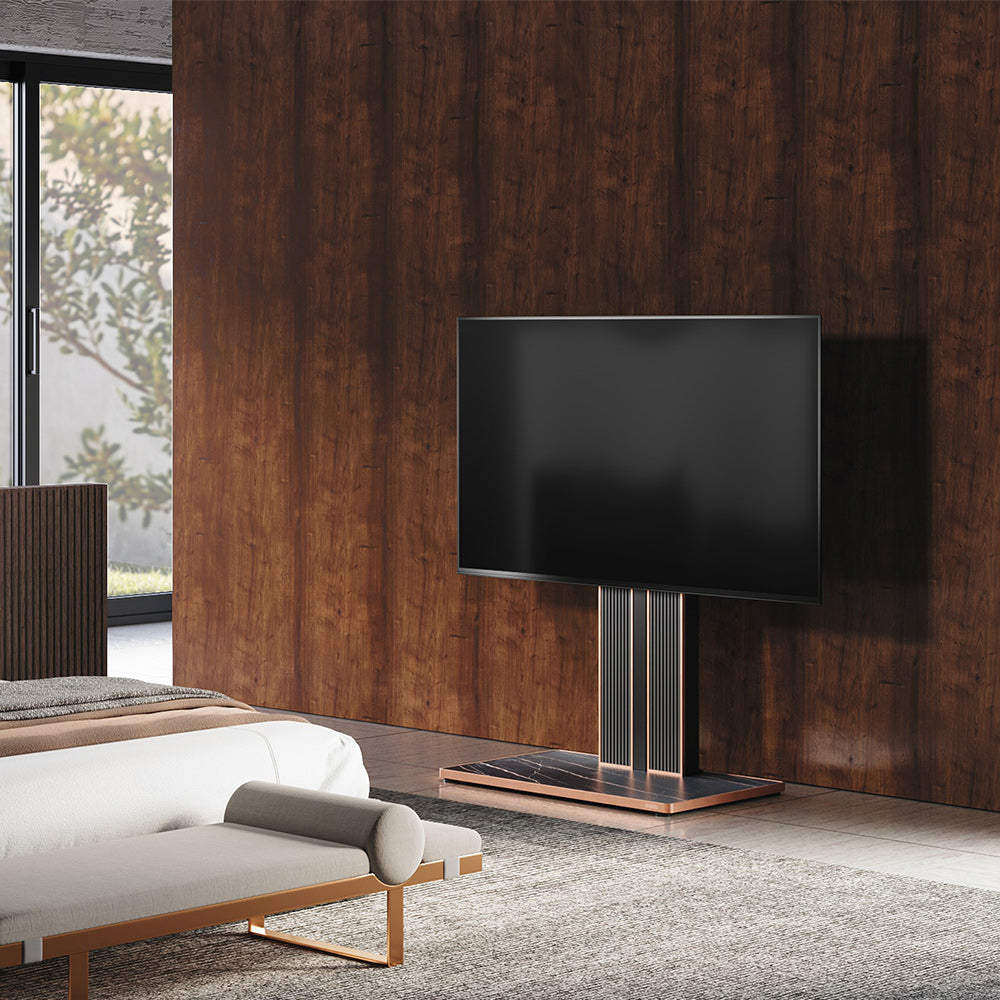
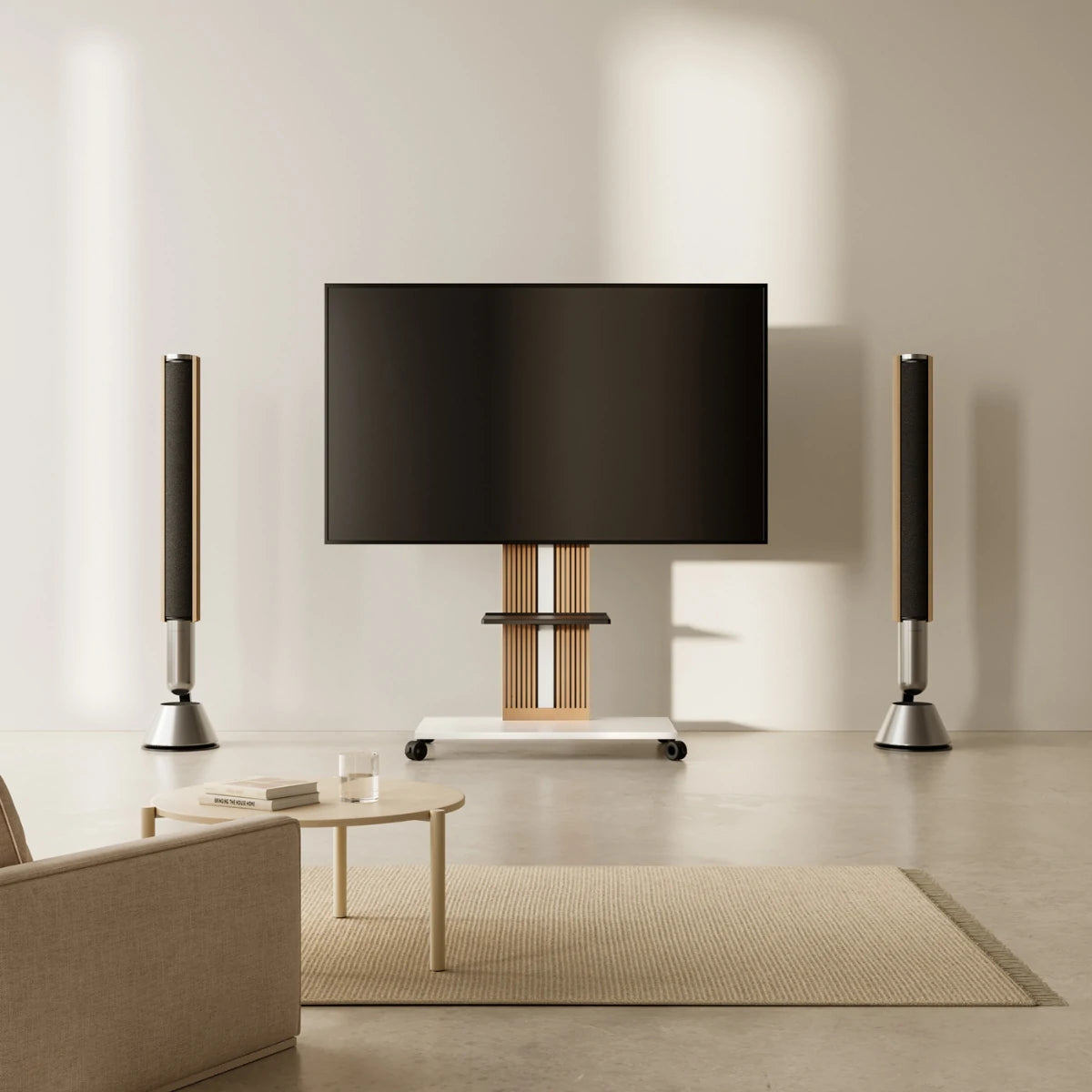
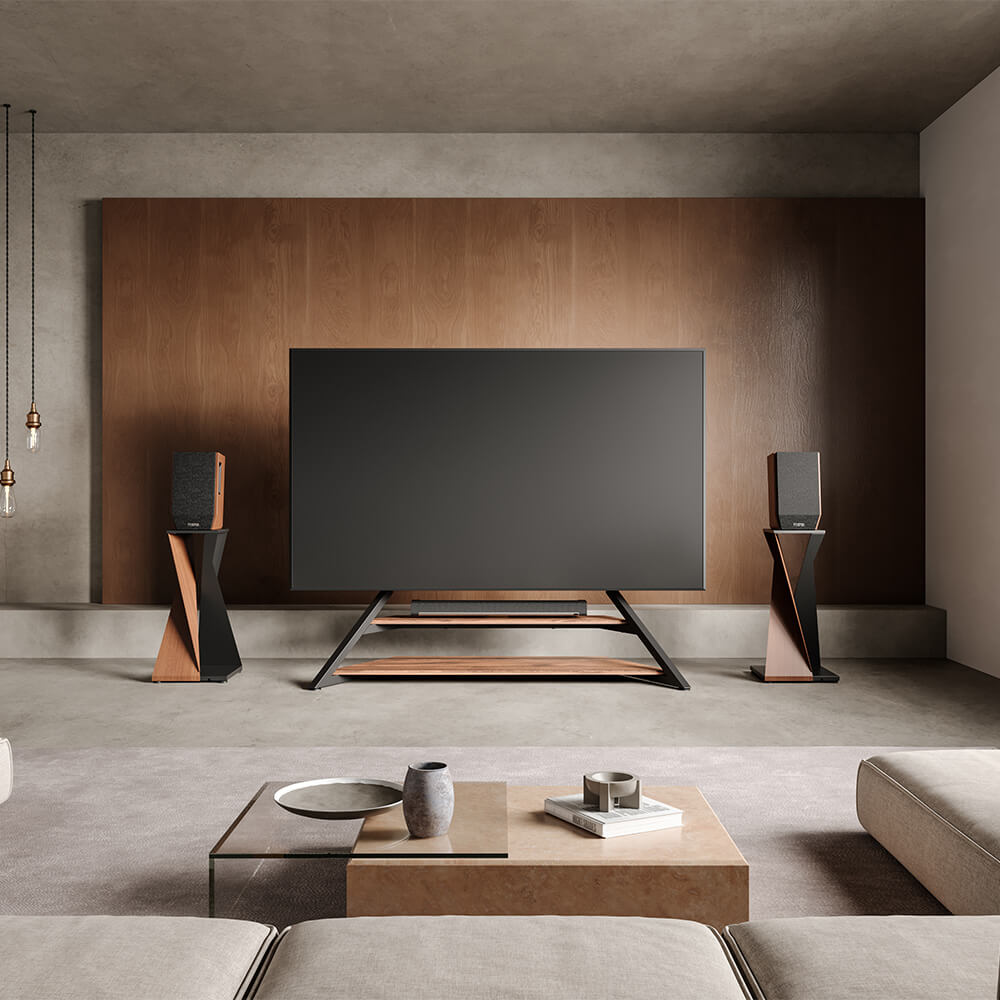

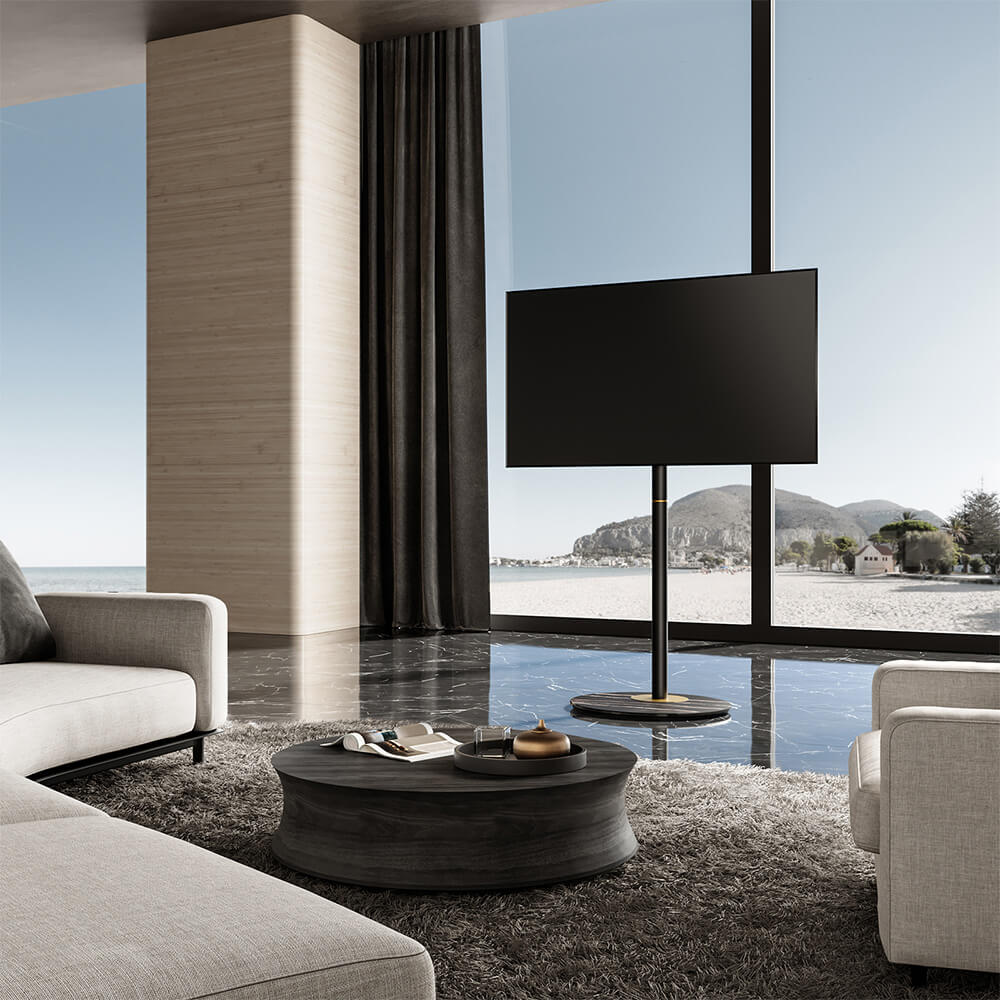
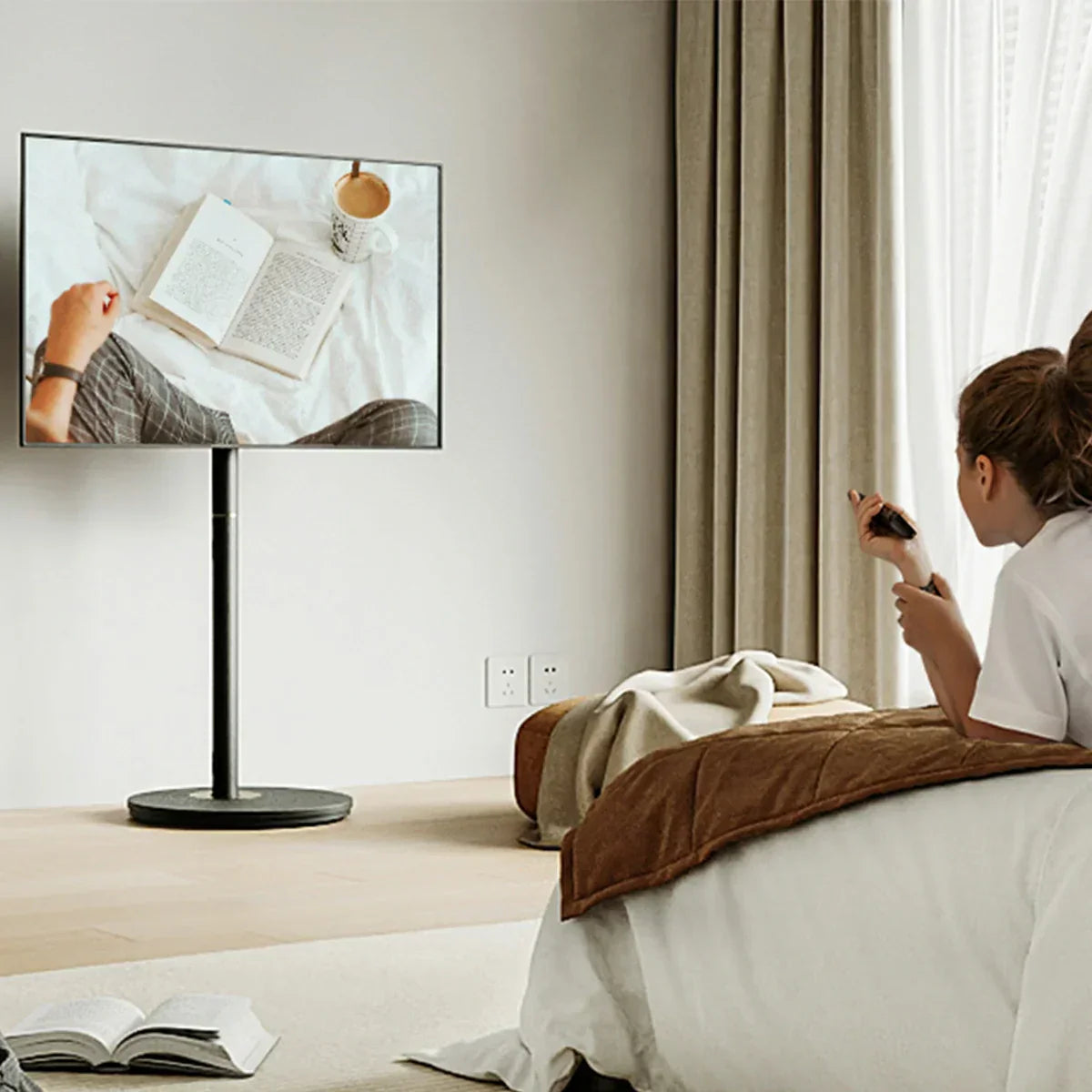
After a long day navigating through traffic or managing busy schedules, the thought of sinking into the sofa and relaxing in front of the TV feels like a luxury. It’s our little escape, until we find ourselves tilting our necks upwards, sliding lower into the cushions, or twisting just to get a better angle. Using a swivel TV stand or adjustable TV stand can help position your screen perfectly, making those cosy movie nights free from stiffness and neck strain.
The truth is, the way we set up our TV and furniture plays a bigger role in our comfort than most of us realise. A few centimetres too high or too low, a sofa placed just a bit too far, over time, these small things add up. The good news? Repairing it is not that difficult. A few simple checks and tweaks, and we can create a space that is good to look at with minimal strain to the neck, and still stylish enough for our living room.
1. Keep the Screen at a Natural Eye Level
It’s tempting to mount the TV high up, especially if you’ve got a nice feature wall or want it clear of the kids’ reach. But if the middle of the screen sits well above your eye line when you’re seated, your neck muscles are going to feel the strain.
In most cases, the ideal height for the center of the TV screen is about 40 to 45 inches off the ground, aligning with the natural resting position of your eyes. Take a minute and test it out, sit up, looking forward, and pretend where the center of your TV ought to be. That’s your target spot.
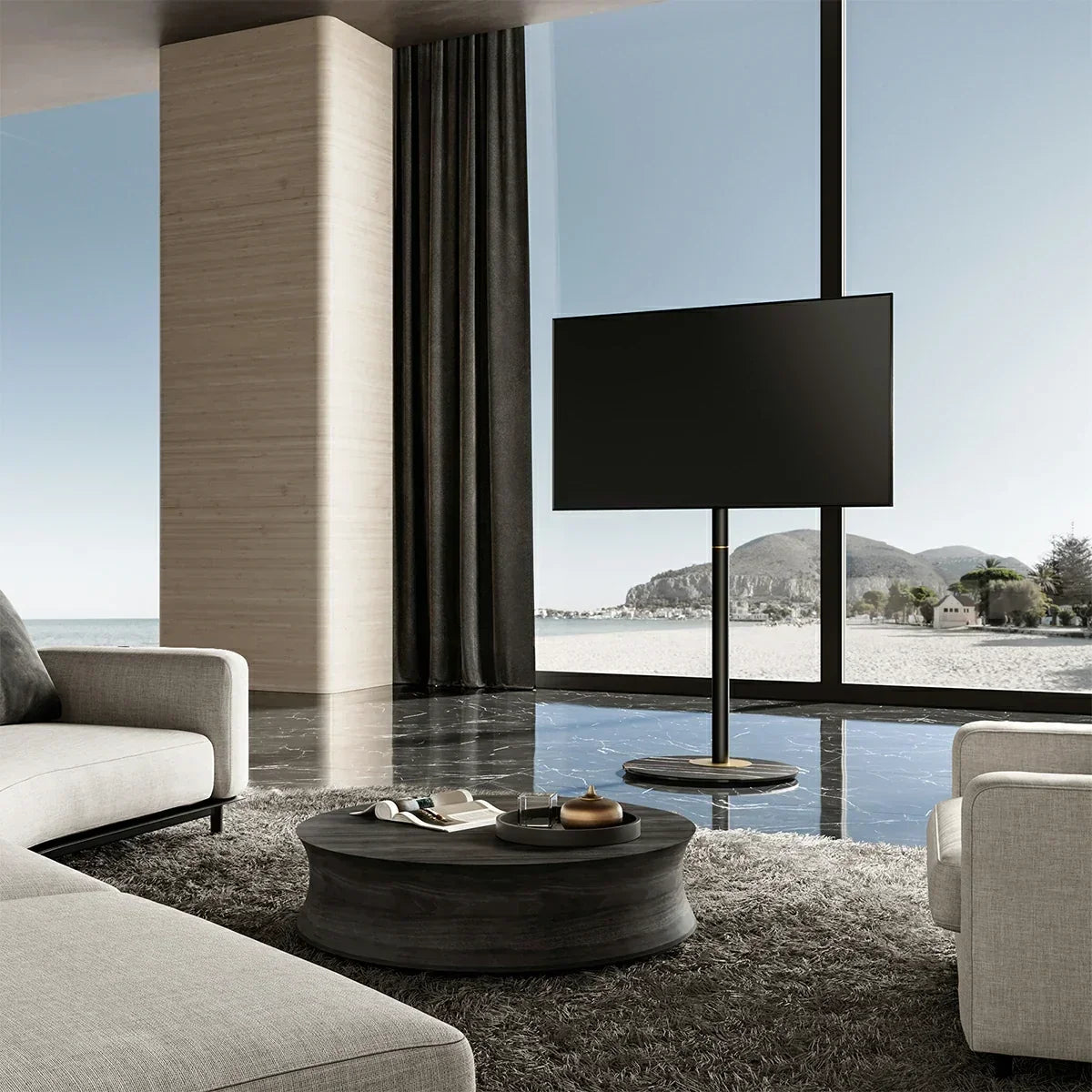
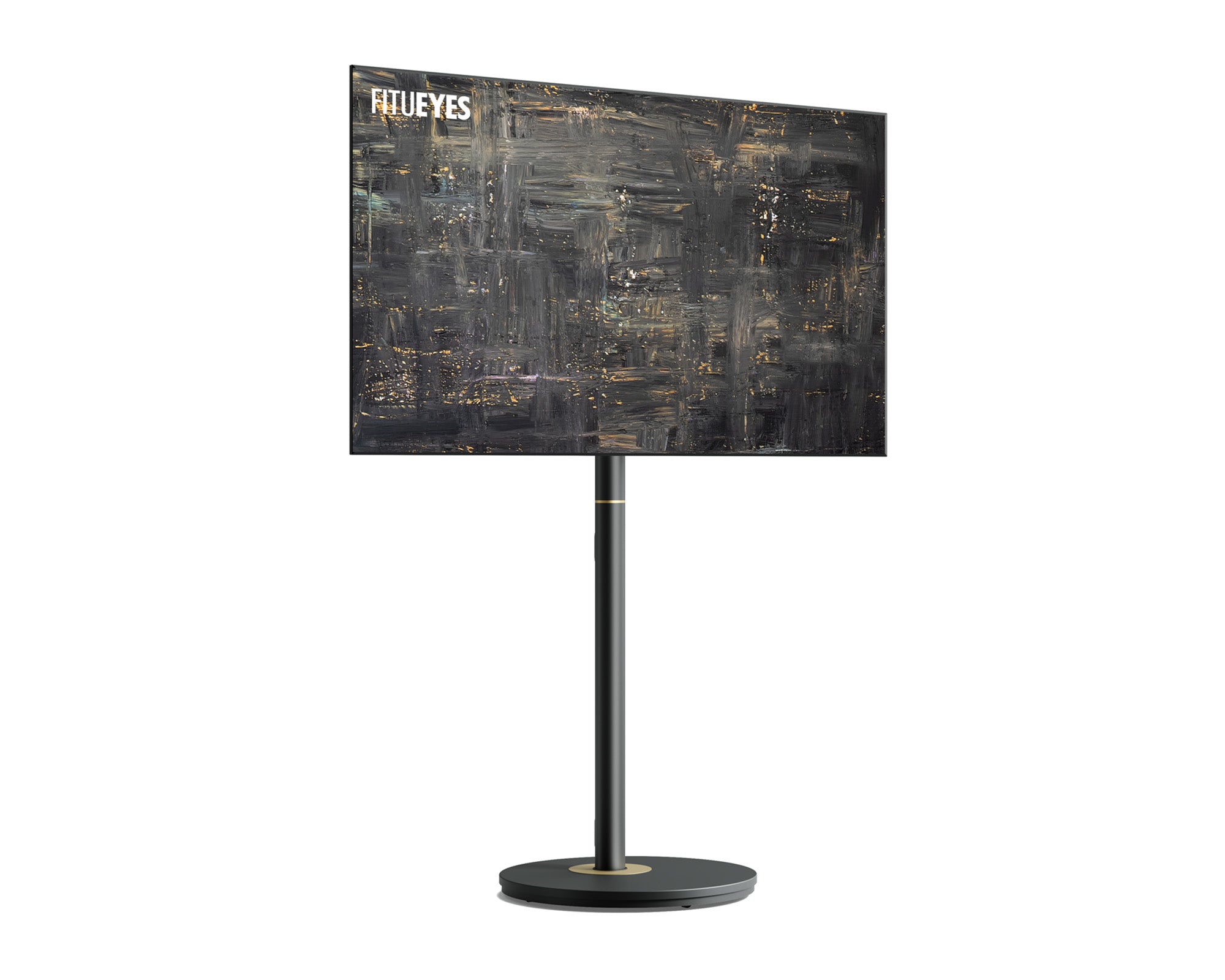
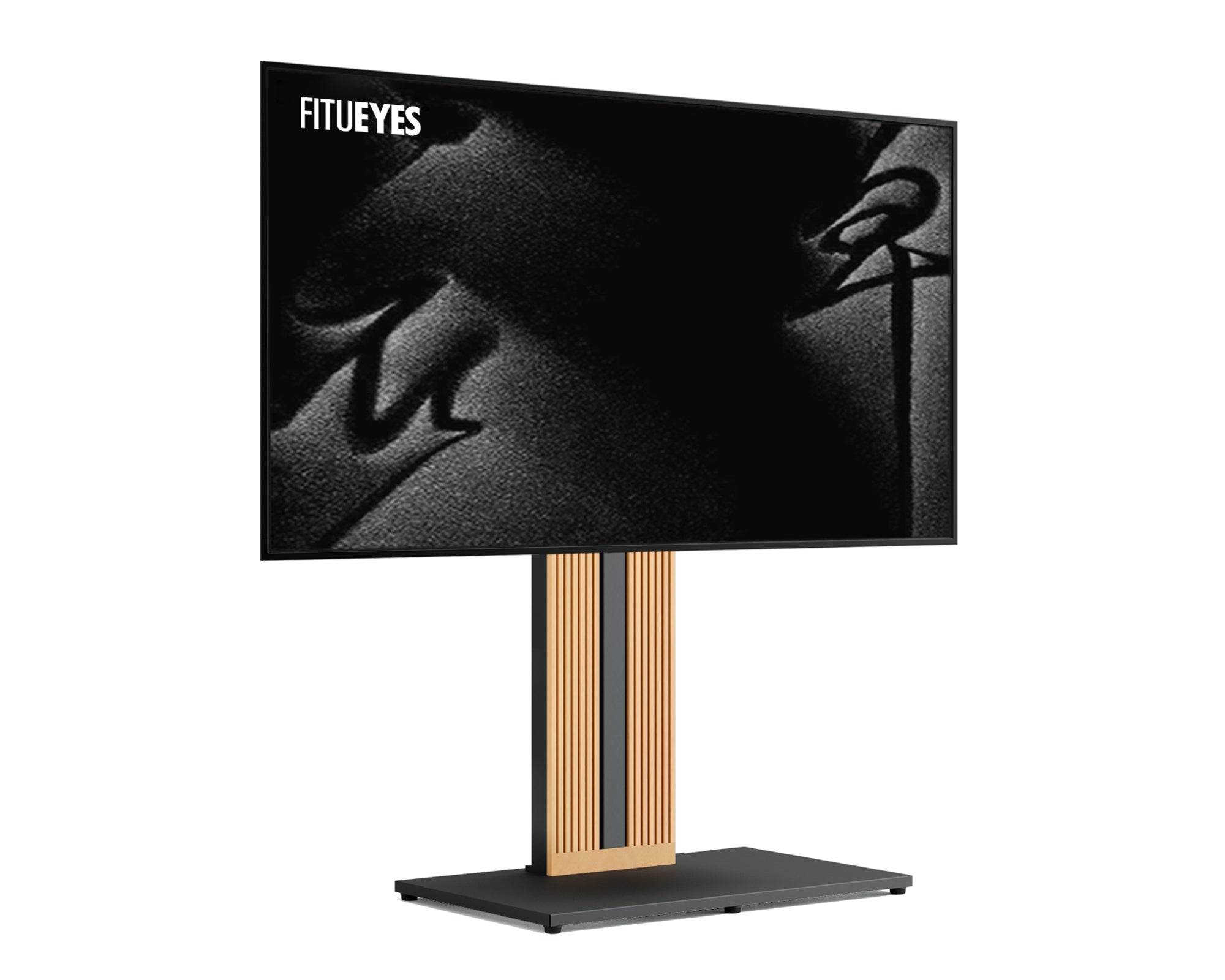
Height adjustable TV stands, and wall mounts with tilt and swivel functions are lifesavers here. Some models, including universal swivel TV stands, let you tweak the height and angle without needing to call a handyman every time you move the furniture around, ensuring the screen is at the ideal viewing distance for TV.
2. Check the Viewing Distance
Most of us have experienced such a case when the screen is either too close that we can touch it like in our laps, or too far that we begin straining at the captions. The sweet spot depends on your screen size. To achieve the ideal viewing distance for TV, your sofa should be 1.5 to 2.5 times the diagonal length of your television. This ensures a comfortable angle whether your TV is on a swivel TV stand or mounted on the wall.
Space can be limited in many urban apartments or smaller homes across the US, so it might be worth considering a smaller TV size if you don’t have enough room to sit at an ideal distance.

3. Choose Seating That Works for Your Body
It’s not just the TV height that matters — what you sit on can either help or hurt your posture. Very deep sofas cause slouching, and chairs that lack support for the head cause forward craning of the neck.
Opt for chairs and sofas that provide lower back support and prevent the head from leaning forward. Unless a new set of furniture is in the picture, they can at least support an old sofa using a few cushions that are firm in nature. Recliners are great too, as long as you can adjust them so your neck feels relaxed.
Recommended Reading: Struggling with mismatched furniture heights? If your current setup has you looking down and straining your neck, check out our guide on When Your TV Stand Is Lower than the Sofa: How to Optimize Your Living Room Layout for quick and stylish fixes.
4. Fight the Glare
Anyone who’s tried watching TV in a room with direct sunlight knows the struggle of dealing with glare and reflections. Without thinking, we start leaning at odd angles just to see better.
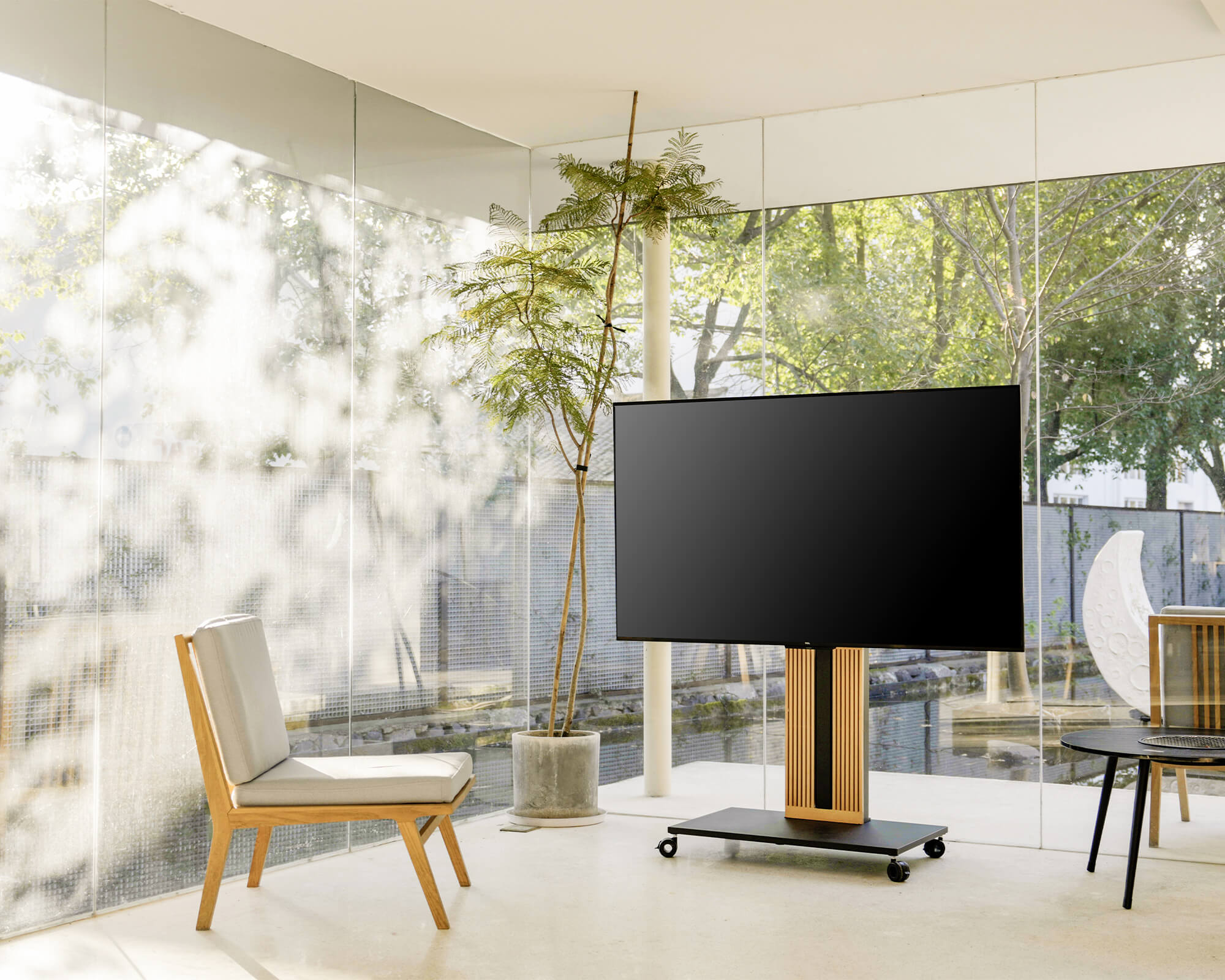
Glare can be reduced by not orienting your TV directly face on with a large window. In case that happens, sheer curtains, blinds, or even a coat of tint on the window can help keep your living room clear without making it look like a cave.
5. Keep it Bendable
Life is dynamic. One week, you might be hosting friends for a game or movie night; the next, it’s just you enjoying a quiet evening. Using a universal swivel TV stand allows you to easily rotate and adjust the TV for any seating arrangement, and modular or lightweight furniture helps maintain a flexible layout.
The adjustability of the design is low, but through the use of lightweight chairs and stands on wheels as well as modular sofas, the arrangement can change to accommodate a solitary viewer or a large group.

6. Pay Attention to the Entire Room, not Only the Television
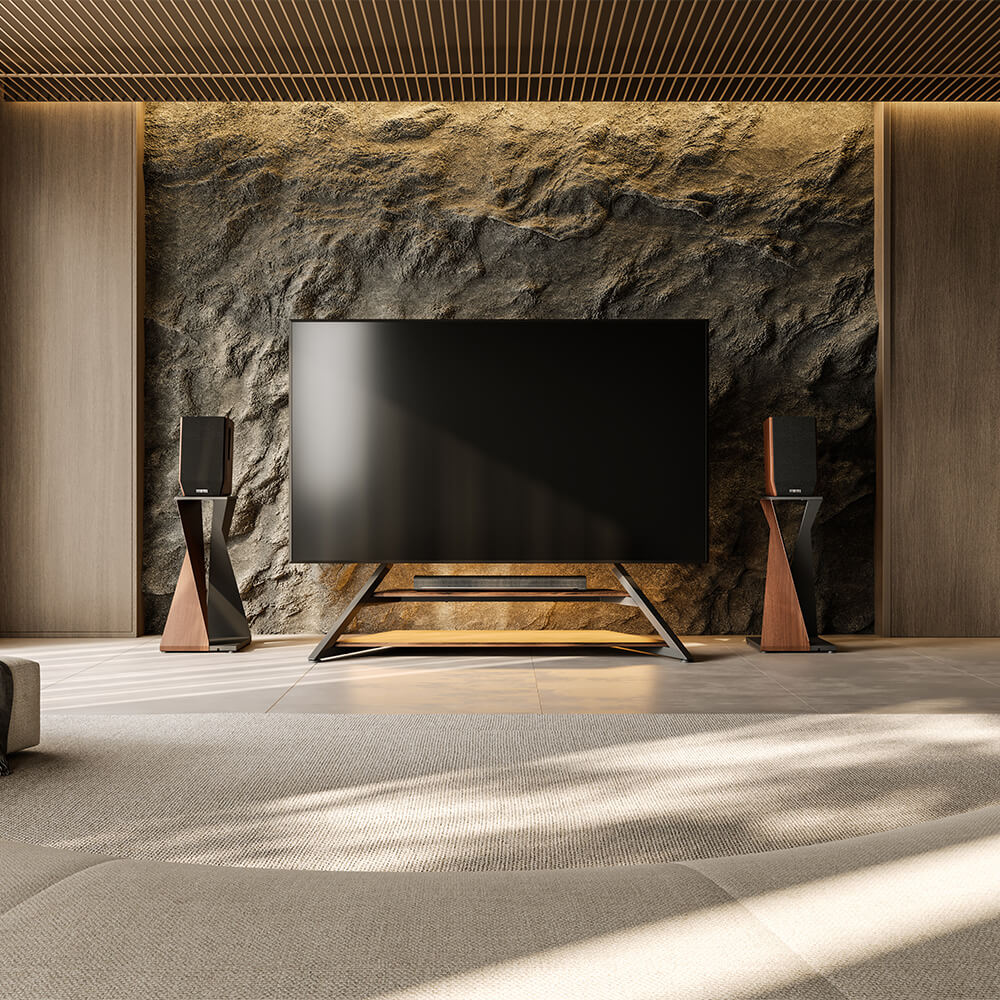
The Television must not be a monstrosity hanging over the living room, but a natural part of the room on par with its furniture. Consider the overall layout of your living space. Many US homes have open-plan living and dining areas, and a universal swivel TV stand helps integrate the TV seamlessly into the room’s design while complementing the rest of your furniture and décor. A stand or console that matches the rest of your decor can help everything blend nicely.
7. Remember to Move
Take regular breaks from watching. Stretch your neck, arms, and eyes to avoid strain and ensure you remain comfortable during extended periods of viewing. It will only take a couple of minutes; however, this helps more than most people understand.
Final Word
Neck pain from watching TV is avoidable and typically signals that your seating or TV setup needs adjustment. With the right control over height, distance, seating, and light, we are able to get comfortable with every movie, match, or drama marathon.
Your living room should promote relaxation, not discomfort. It does not have to be difficult, and every viewing experience can be as good as it looks with a little thought and the right adjustments.