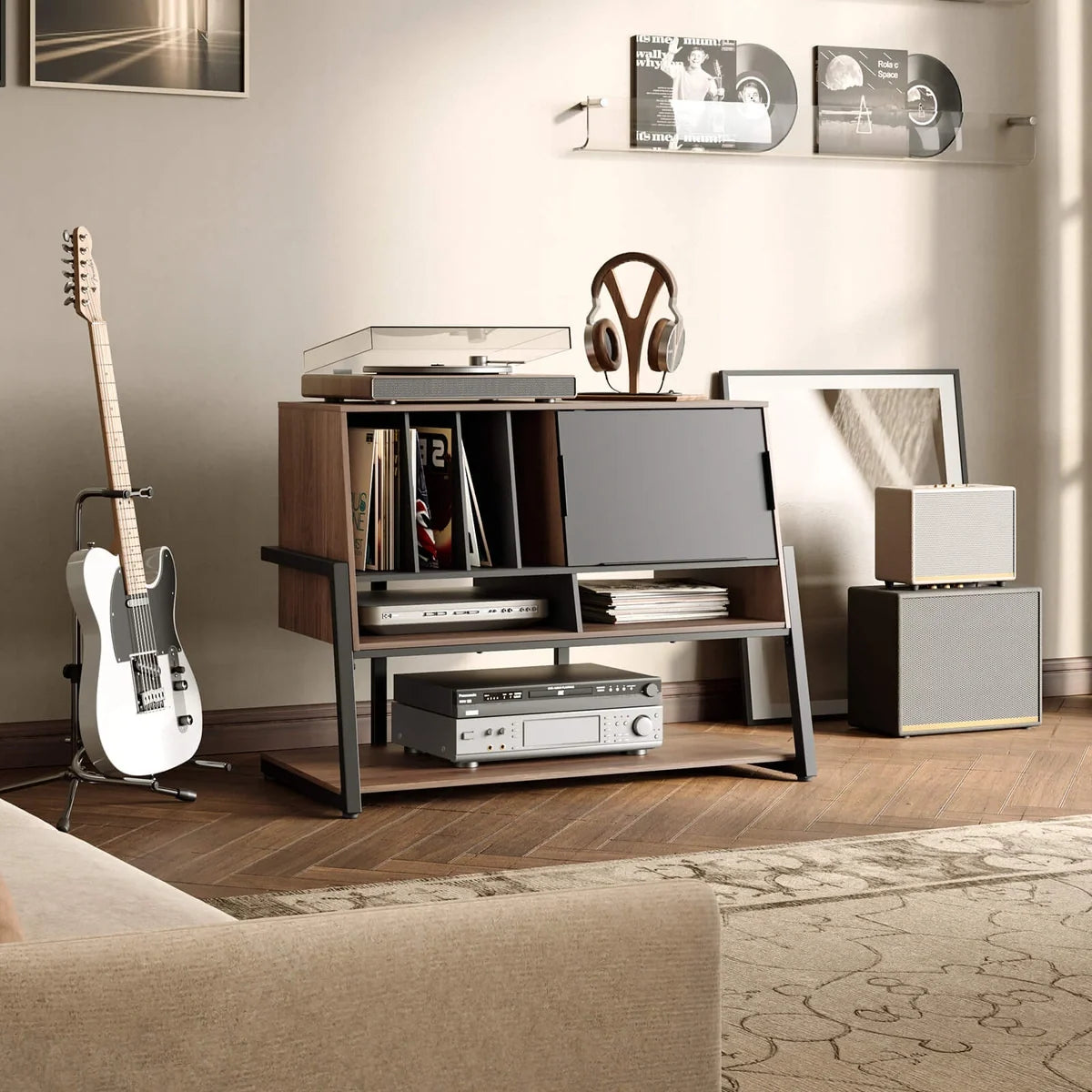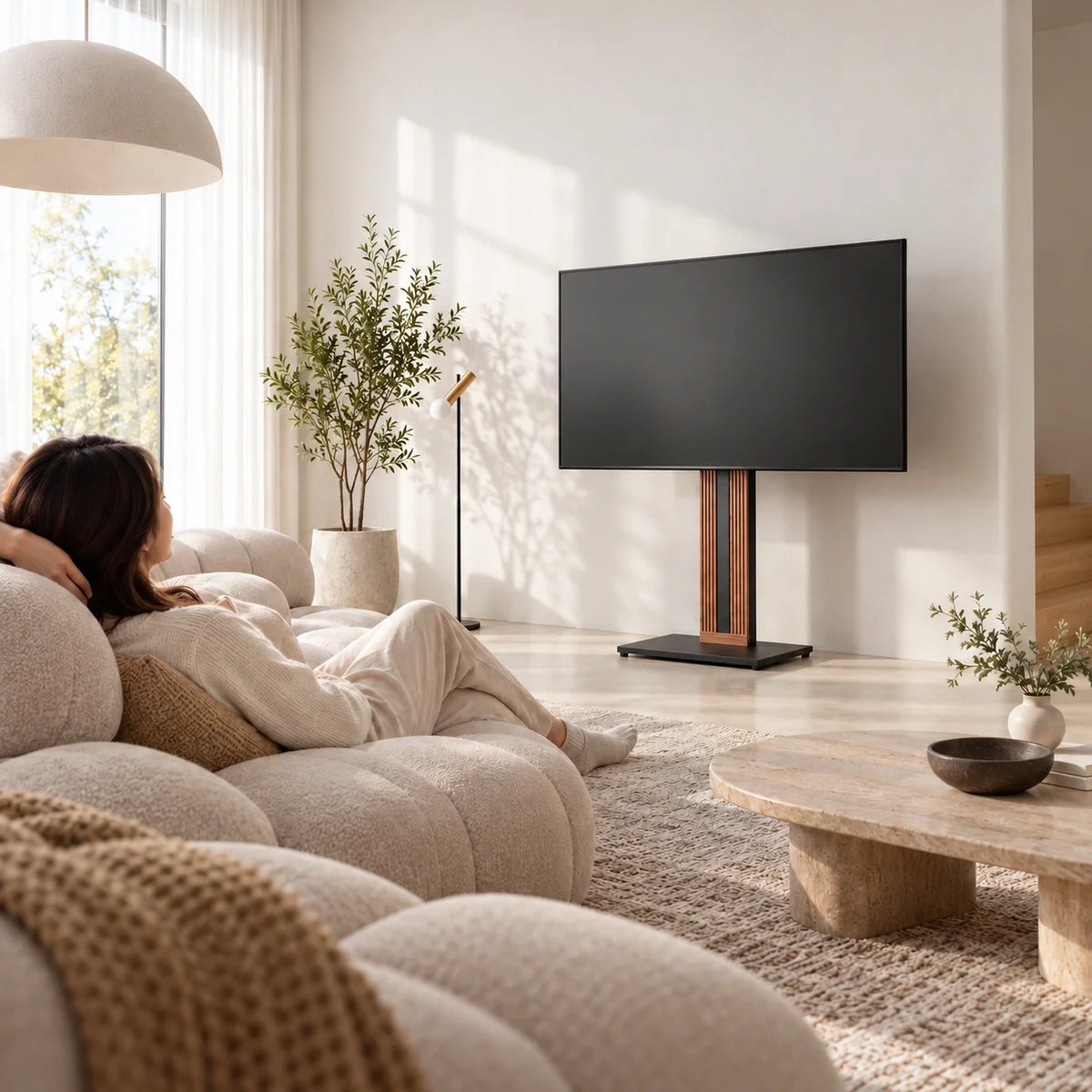



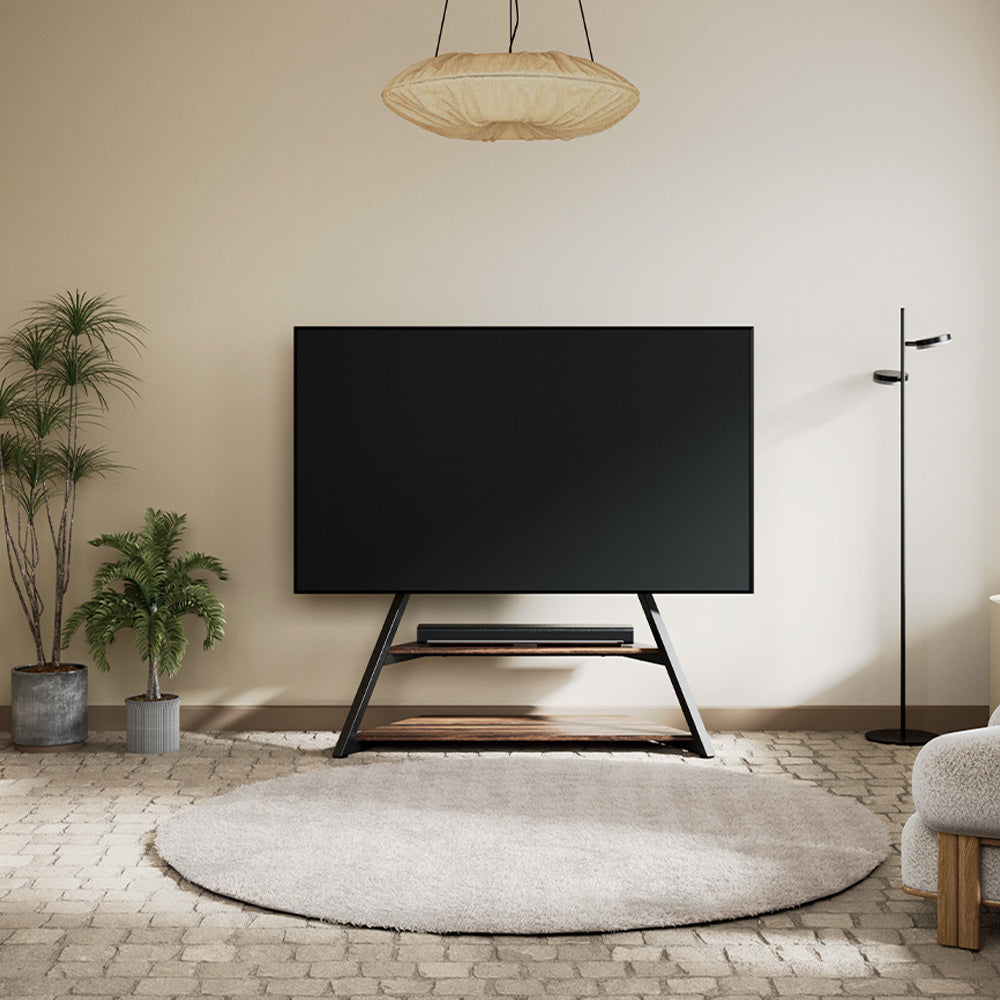
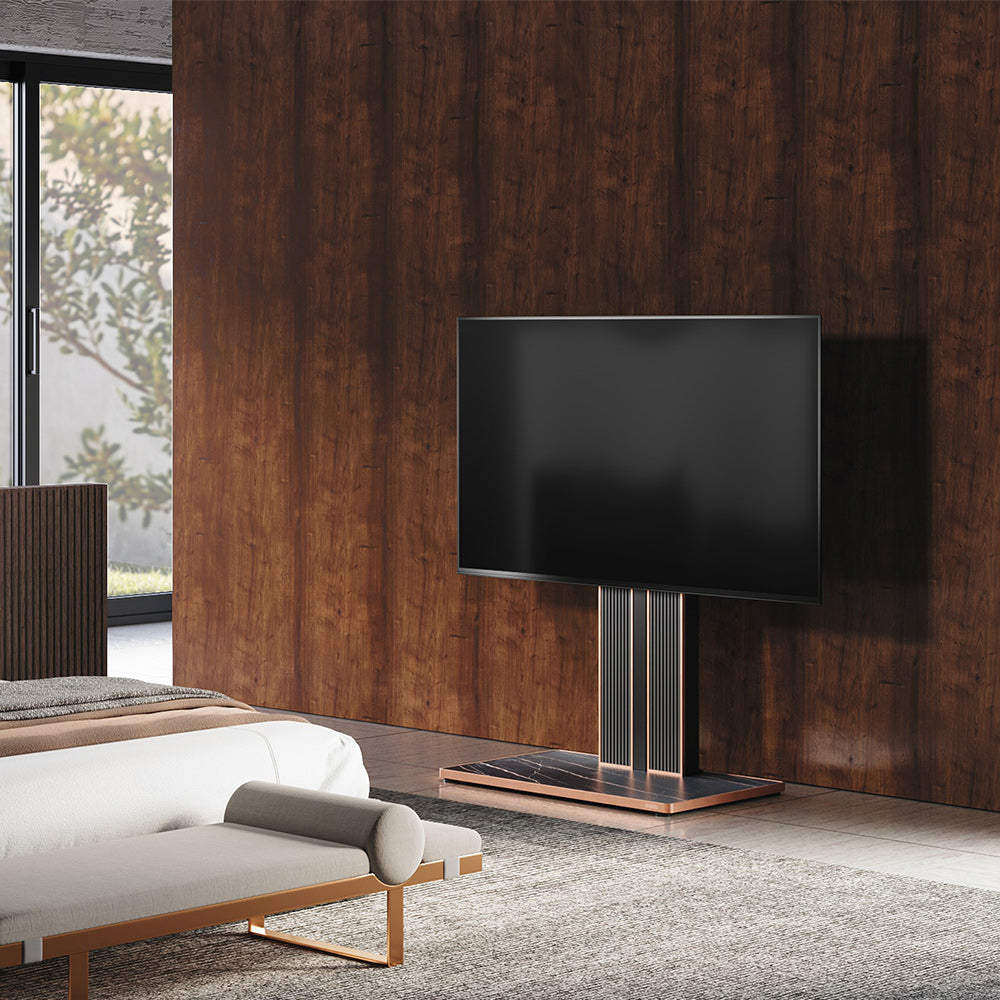
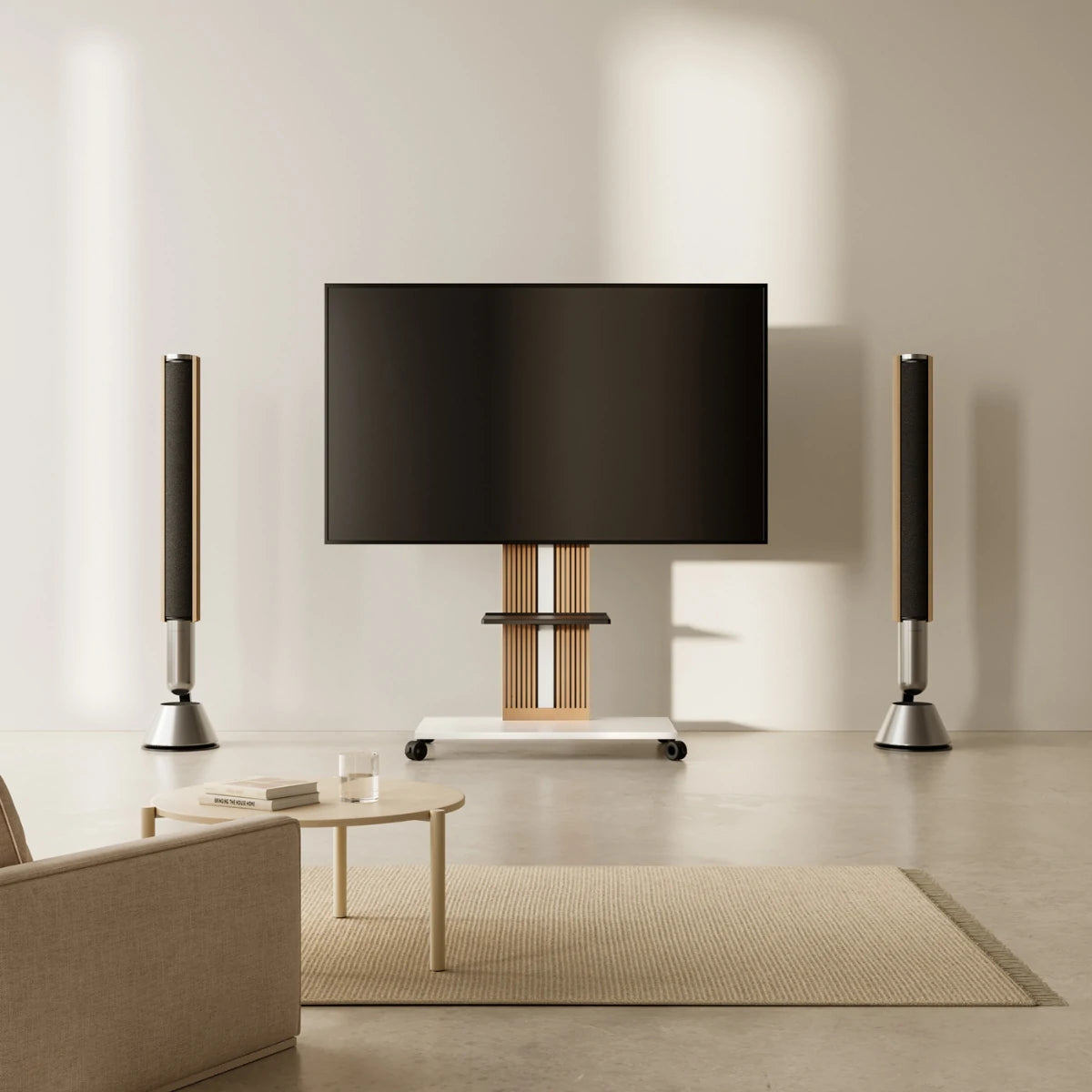
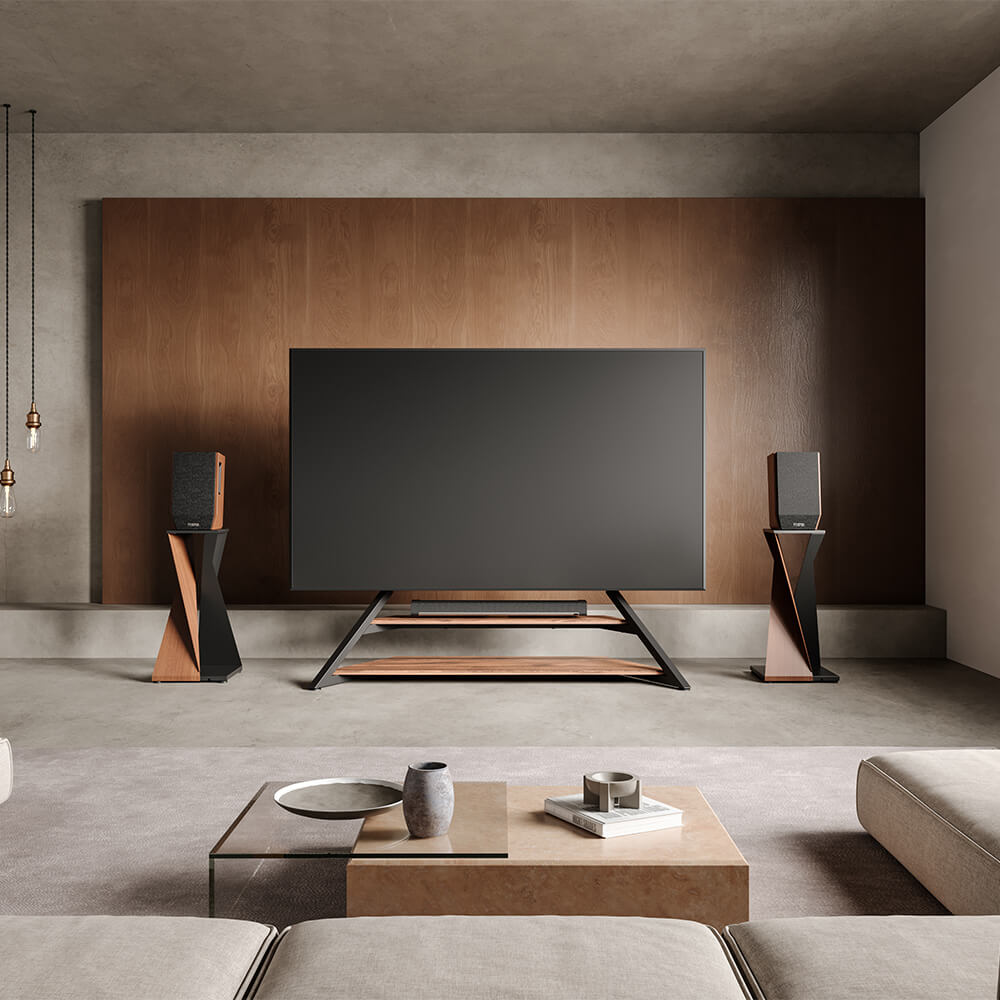
The best TV stand decor ideas start with adding less, not more. Clear away nonessential items first, keep the area closest to the screen simple, move taller elements toward the outside, and leave some open space instead of filling every gap.
A practical way to style the area is to work outward in stages: clear the stand, place the electronics you actually use, add back only the decor the setup needs, then check the result from your normal viewing position. If the area still feels crowded after that, the stand itself may be part of the problem.
Clear Clutter Before You Decorate
Start with a reset test. Temporarily remove every decorative item and leave only the TV, stand, and electronics you regularly use. This gives you a clean baseline and helps you see whether the area needs decoration or simply has too many competing objects.
Sort what you removed into three groups: keep visible, relocate, or remove. A soundbar may need to stay because you use it every day. Spare controllers, charging cables, extra remotes, and similar items may still be useful but do not need permanent display space. Objects with no clear function or visual purpose can usually leave the TV area altogether.
Give every necessary device a defined place, then return to your normal seating position. If the reset version already feels calmer and complete, do not replace everything you removed with new accessories. The solution is less on the stand, not different decor.

Match Decor to Your TV Setup
After the reset test, look at what is still in the TV area before putting any decor back. The TV, stand, soundbar, speakers, game console, and other visible equipment already shape how full the setup feels.
If those essentials already occupy most of the stand or draw enough visual attention, keep the remaining surface mostly open. If the setup still looks bare, identify one area that needs something rather than decorating every available gap.
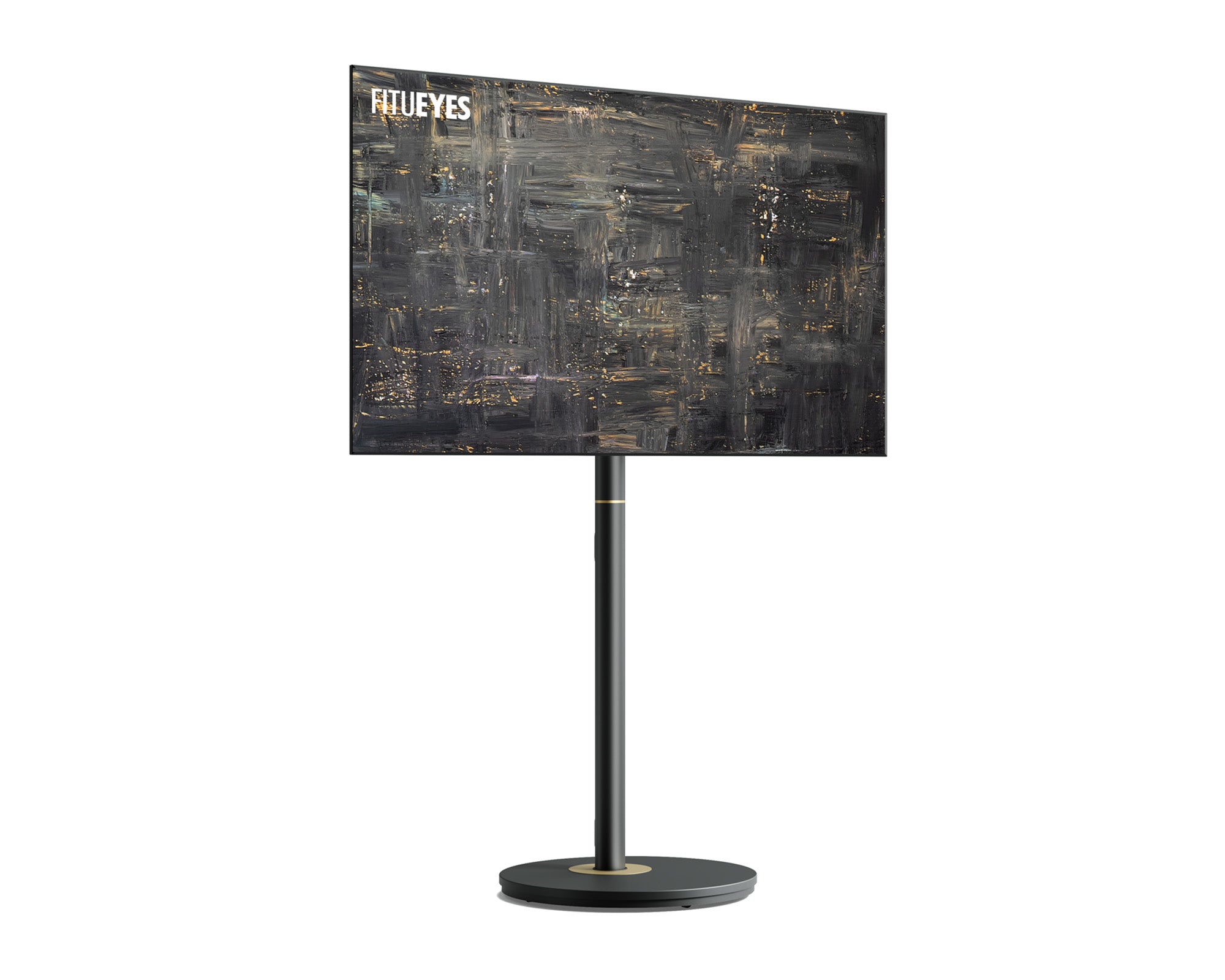
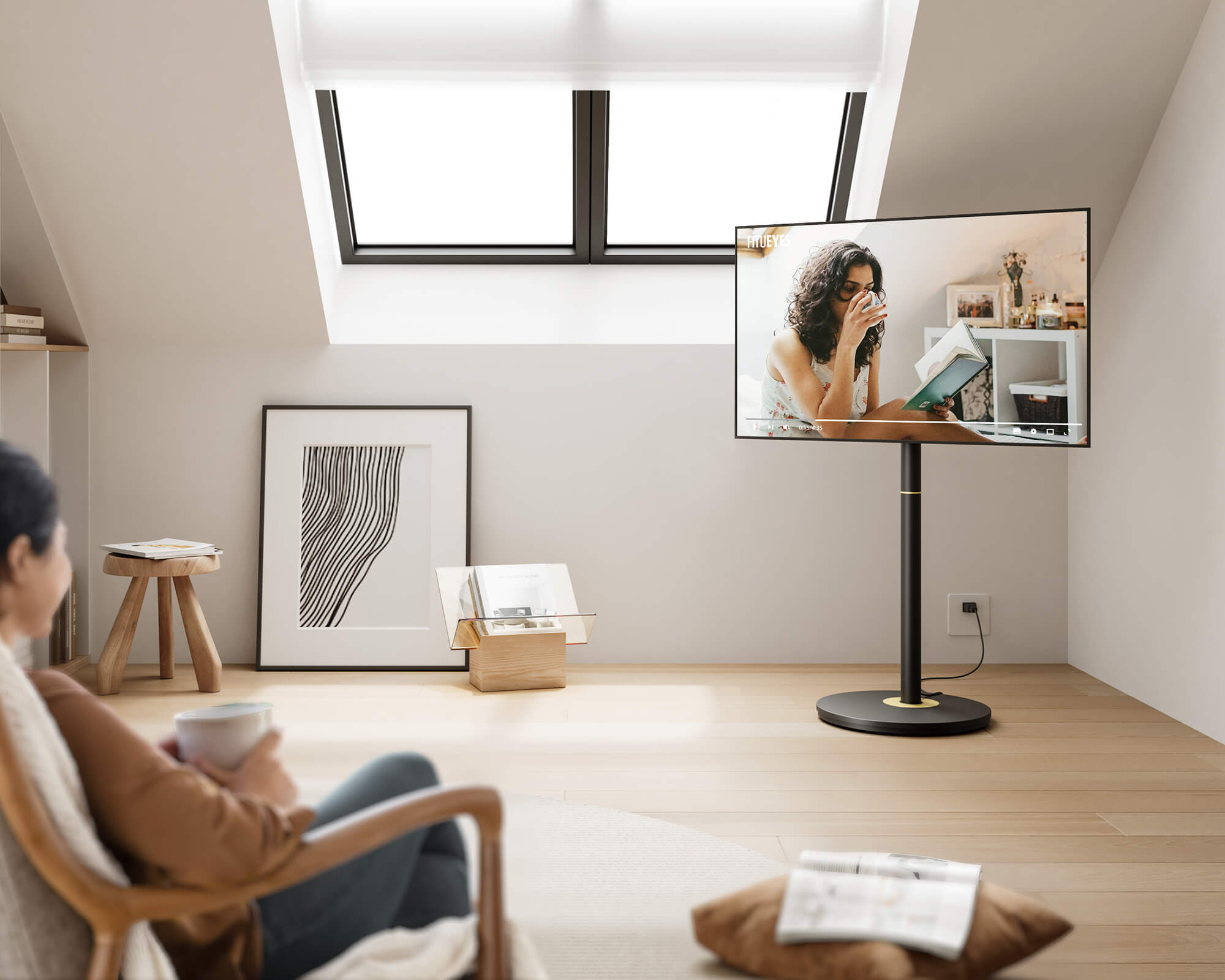
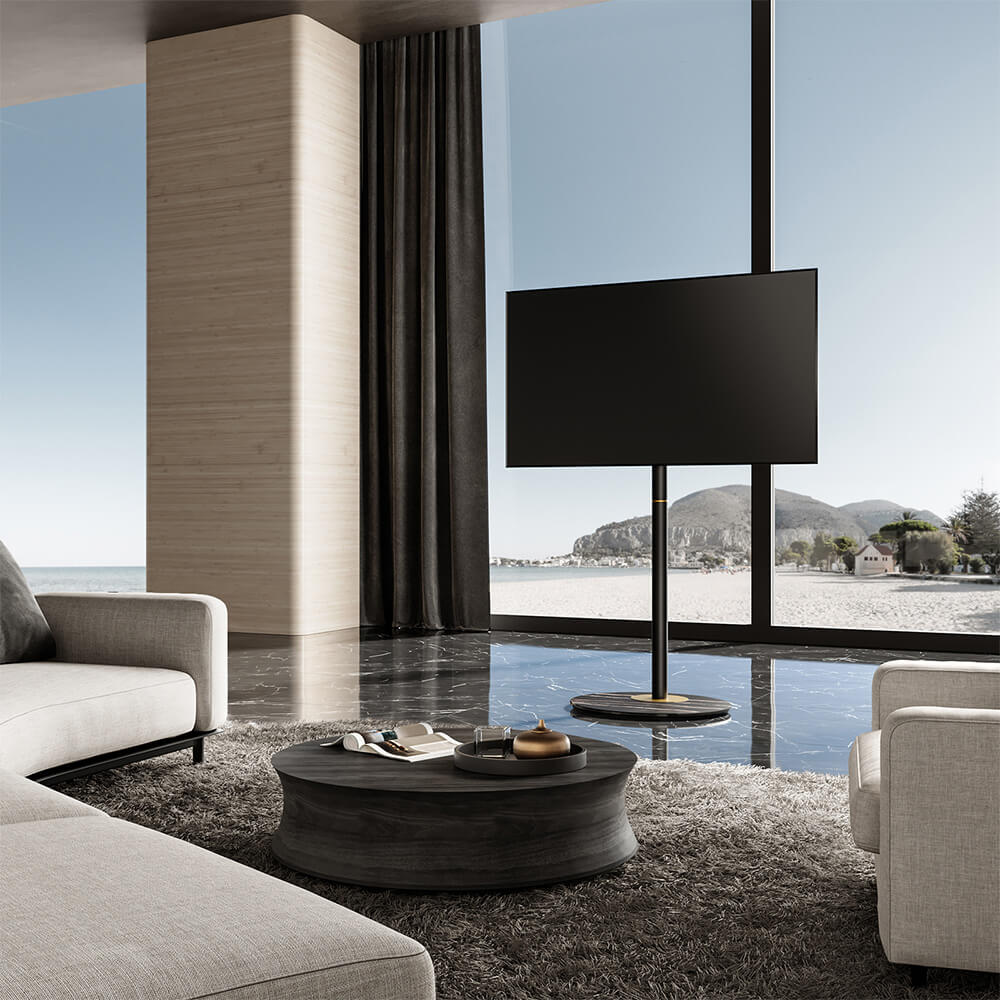
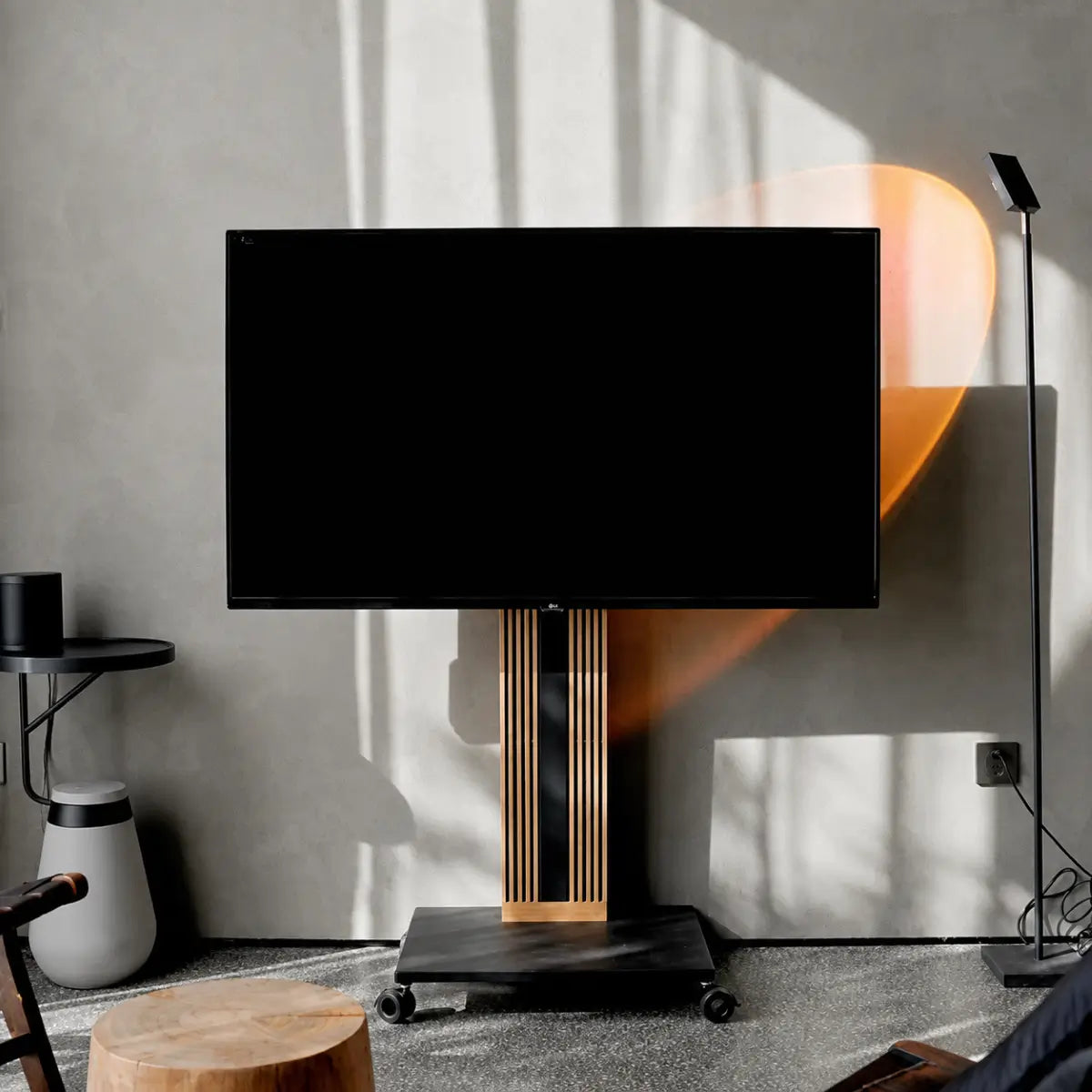
The stand itself also affects where decor belongs. A wide surface may have room for one or two small groups, while a compact floor or easel-style stand may work better with no decor directly on it. Different TV stands therefore need different styling approaches: use the space the stand naturally provides instead of trying to make every setup follow the same formula.
Once you know how much open space is genuinely available, decide what—if anything—should go back on the stand.
Choose What Decor Goes Back on the Stand
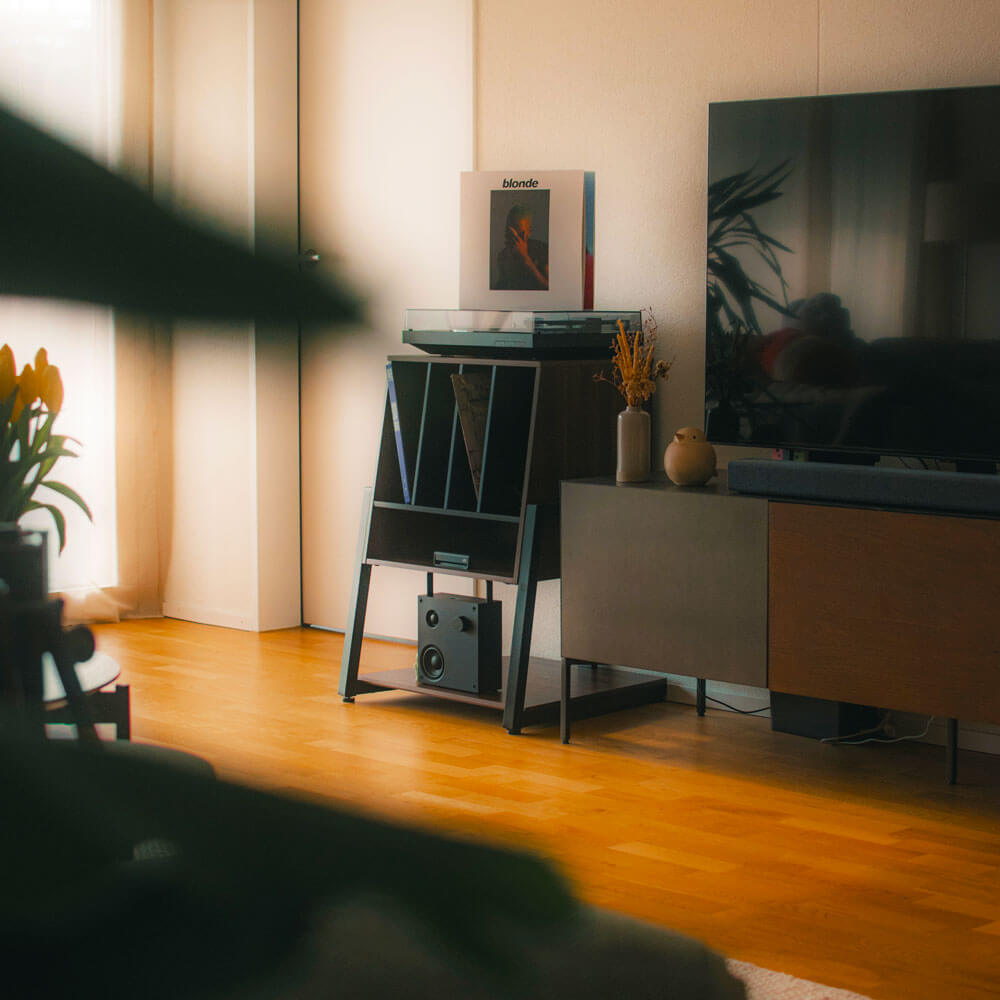
Add decor back one piece or one small group at a time. A simple group might be two or three related small objects placed close together rather than scattered across the surface.
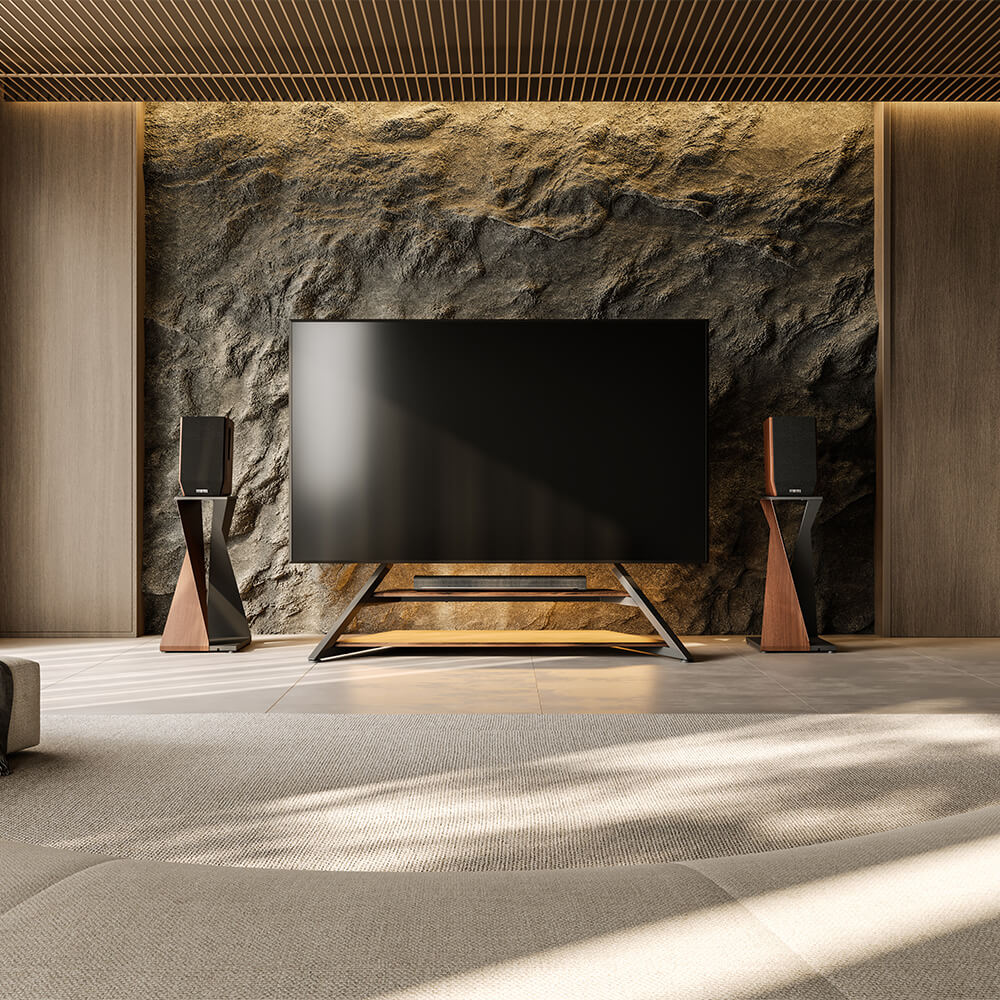
Start with the area that still looks noticeably empty. A low group can soften a bare section of the stand, while a taller object near the outer edge can add height. Keep objects closest to the screen low so they do not compete with the picture or interfere with a soundbar or TV sensor.
Do not create a matching group on the opposite side automatically. A speaker, lamp, plant, or nearby furniture may already provide enough visual weight there.
If you are deciding which functional items are worth keeping visible, this guide to balancing décor and functionality looks more closely at devices, plants, lighting, books, and accessories around the TV.
Check the Result From Your Sofa
Now judge the setup from where you actually watch TV.
Look at the TV area for a few seconds and notice what catches your eye first. The screen should remain the main focus. If one decorative group or one side of the setup draws your attention first, simplify that area rather than adding something elsewhere to balance it.
Then judge the overall result. If the stand feels balanced and the wider TV area also feels complete, stop. If the stand itself looks balanced but the surrounding TV zone still feels noticeably empty, leave the stand as it is and look beyond its surface instead.
If the TV Zone Still Feels Empty, Look Beyond the Stand
If the stand itself looks balanced from your sofa but the wider TV area still feels unfinished, do not solve that by adding more small objects to the surface. Look at the space beside and around the TV instead.
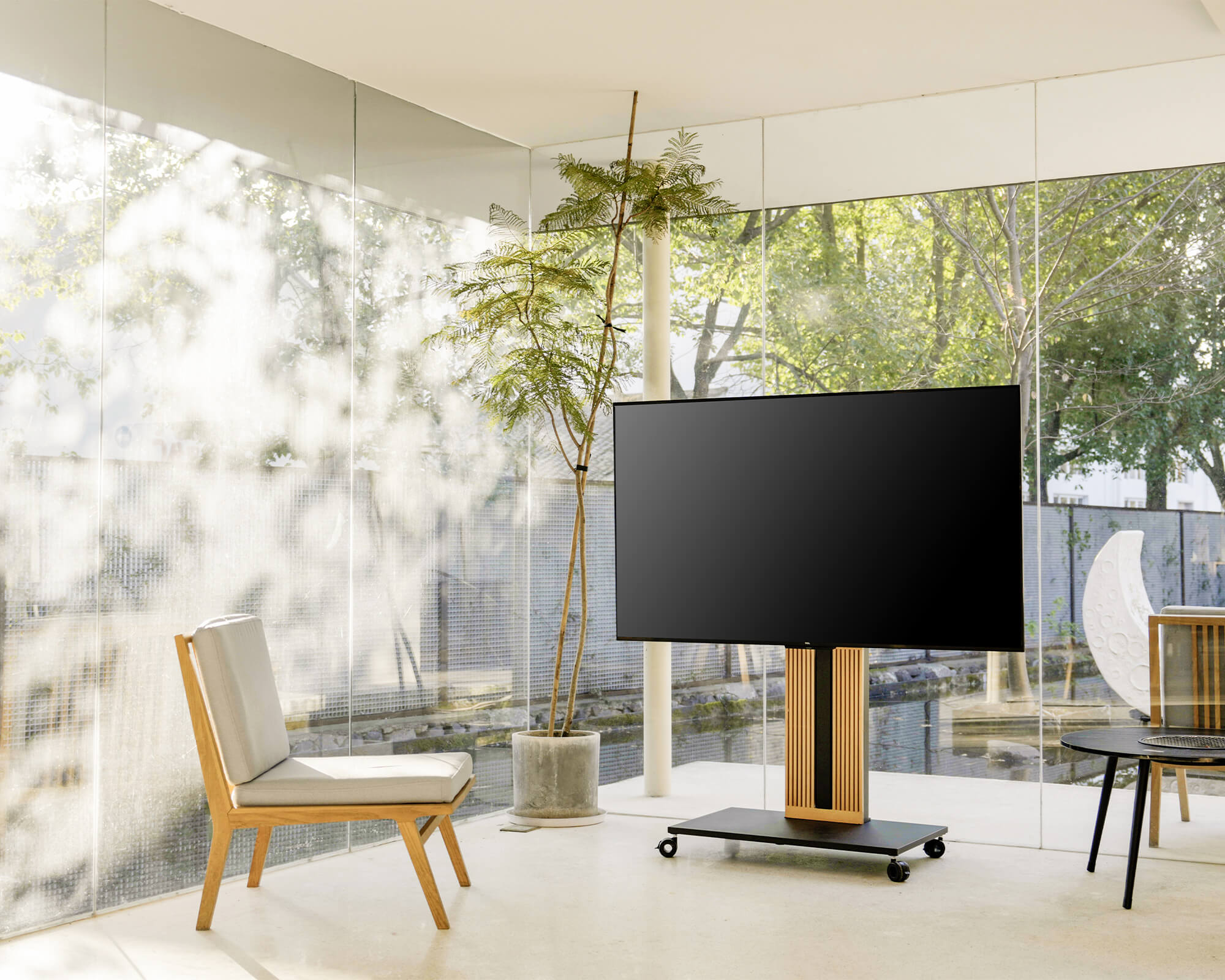
If the area needs more height, one floor lamp or plant near the outer edge can provide it without crowding the space below the screen. If nearby furniture already gives one side enough visual weight, leave that side alone rather than trying to fill every gap.
Use the same rule with compact floor or easel-style stands. A lack of display surface does not mean the setup is missing decor. Add something around the stand only when the wider TV zone genuinely needs height, softness, or connection to the rest of the room.
Check again from your normal seat. If the TV area now feels complete without distracting from the screen, stop there.
If the Area Still Feels Cluttered, Check the Stand
If the TV zone still looks crowded after you have cleared the surface and reduced the decor, identify what is still causing the problem before replacing the stand. The cause usually falls into one of four categories:
- The stand still looks too large when empty. A slimmer structure may reduce the visual bulk.
- Cables, plugs, or small media devices remain exposed. Better cable and device management may help more than additional decor.
- The stand forces the TV or nearby furniture into an awkward position. A different footprint or useful viewing adjustment may improve the layout.
- Your devices need more storage. Keep storage as a priority; switching to a minimalist stand could make the problem worse.
The important step is to identify which problem remains. A slimmer stand will not fix missing storage, and more accessories will not solve exposed wiring.
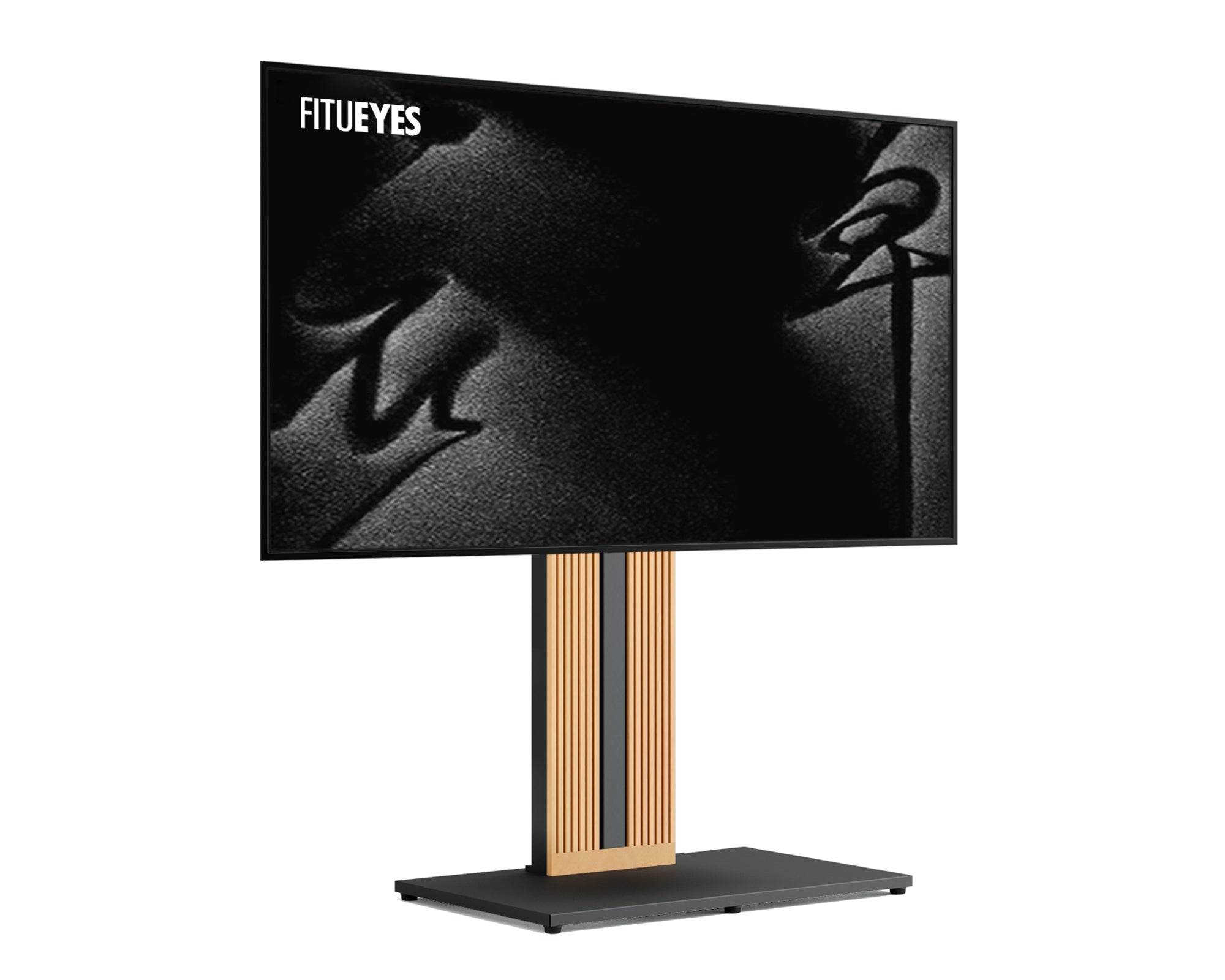
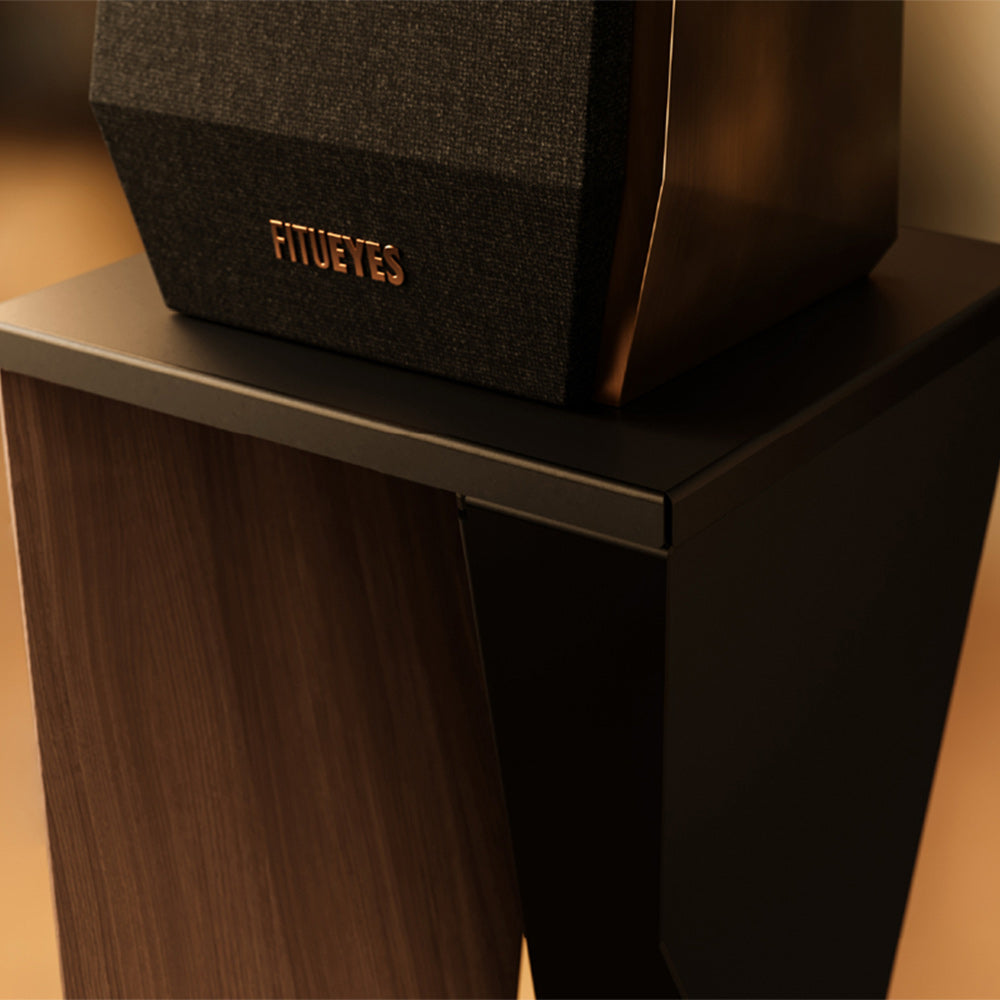
If exposed cables, plugs, and small media devices are the main issue, look for a stand that manages those items directly. The Zen FT65 TV Stand, for example, uses a hollow stand structure to route and conceal cables inside the frame, helping keep wiring from breaking up the TV area visually. Its detachable back panel with built-in storage can also keep plugs and small TV equipment out of sight. If visual bulk or viewing position is also part of the problem, its slim freestanding frame, height adjustment, and ±30° swivel provide additional ways to adapt the setup without rearranging the room around the TV.
Only consider changing the stand when its structure solves a problem that decorating alone cannot fix.

Let the Stand Work With the Room
If simplifying the decor makes the TV area feel balanced, stop there. If the stand itself is still creating visual bulk, exposed wiring, or an awkward layout, changing the setup may make more sense than continuing to decorate around the problem.
FITUEYES designs TV stands for different room layouts and viewing needs. If the stand is still part of the problem, explore the designs with that specific issue in mind—whether you need cleaner cable management, a slimmer footprint, or more useful viewing adjustment.
Before changing stands, confirm TV size, VESA compatibility, weight capacity, and stability. Everything else should support the way the room is actually used.
FAQs
1. Should TV stand decor match the rest of the room?
Not exactly. Instead of matching every item, repeat one or two colors, materials, or finishes already used elsewhere in the room, such as a wood tone, metal finish, or accent color. This helps the TV area feel connected to the rest of the space without making the arrangement look overly coordinated.
2. Should a TV stand be wider than the TV?
For a traditional cabinet-style stand, a surface somewhat wider than the TV can create a grounded proportion. Measure the TV's actual width rather than its advertised diagonal size. With floor or easel-style stands, focus instead on TV compatibility, base stability, and how the stand fits the available floor space.
3. Does a TV have to be centered?
No. Start with the main seating position, viewing direction, windows and glare, doors, walkways, and fixed room features. If those conditions favor an off-center TV, there is no need to force it into the geometric center of the wall.