



What is the best solution for your TV? It’s depends on your lifestyle:
- Choose a Traditional Media Console if you need maximum storage for physical DVDs, cables, and game consoles, but don't mind sacrificing floor space.
- Choose a Wall Mount if you own your home, want a permanent "flush" look, and are comfortable using power tools to drill into studs.
- Choose a Floor TV Stand (The Modern Hybrid) if you want the sleek, floating look of a mount without drilling holes. This is the ideal choice for renters, open-concept homes, and design enthusiasts who value flexibility.
Home entertainment has evolved. With TVs getting bigger (65, 75, even 85 inches) and apartments getting smaller, simply buying a big wooden box is no longer the only option. Whether you are trying to avoid "thermal throttling" for your PS5, save your security deposit, or simply declutter your living room, this guide will help you navigate the world of Media Consoles and TV stands to find the perfect match for your space.

The Big Three: Media Consoles vs. Wall Mounts vs. Floor Stands
Before you click "Add to Cart," you need to understand the three main categories. The terms are often used interchangeably, but they solve very different problems for different types of people.
The Traditional Media Console (The Storage King)
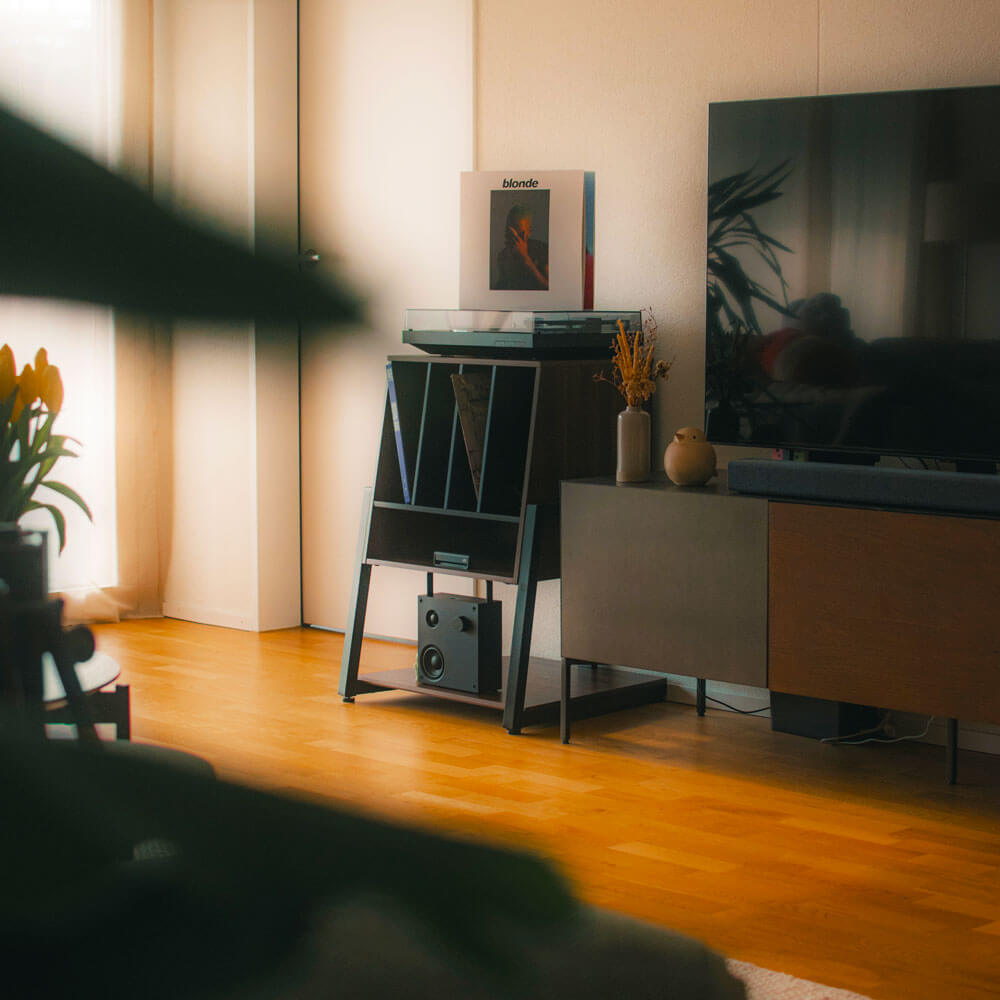
A Media Console (often called a credenza or entertainment center) is the classic choice. It is usually a low, wide cabinet featuring drawers, doors, and shelves.
- The Pros: It offers excellent "hidden storage." If you need to hide a mountain of physical DVDs, game controllers, and messy cables, a console can swallow the clutter.
- The Cons: They have immense "Visual Weight." In a small apartment or open-concept room, a solid block of wood blocks light and covers the floor, making the room feel significantly smaller and more cramped.
- Best For: Homeowners with large living rooms who prioritize storage over floor space.
The Wall Mount (The Minimalist Dream)
Wall mounts bolt your TV directly to the wooden studs behind your drywall, creating a floating effect.
- The Pros: It looks incredibly sleek and takes up zero floor space.
- The Cons: It is a permanent commitment. Installing one requires tools (drills, stud finders, levels), skill, and damaging your walls. If you rent, this is often a lease violation. If you want to rearrange your furniture six months later, you can't—unless you enjoy patching drywall and repainting.
- Best For: Homeowners who are 100% certain their room layout will never change.
The Floor TV Stand (The Modern Solution)
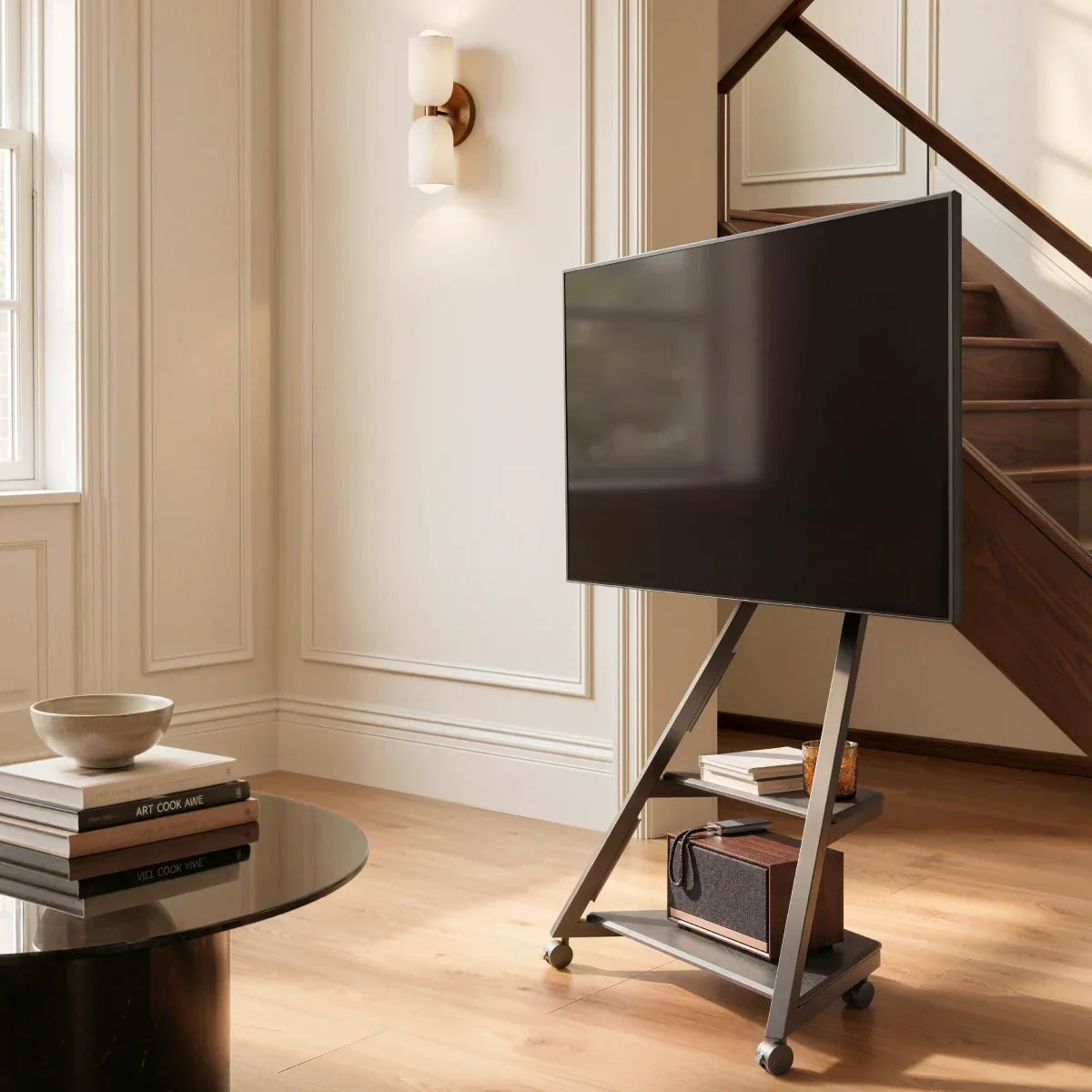
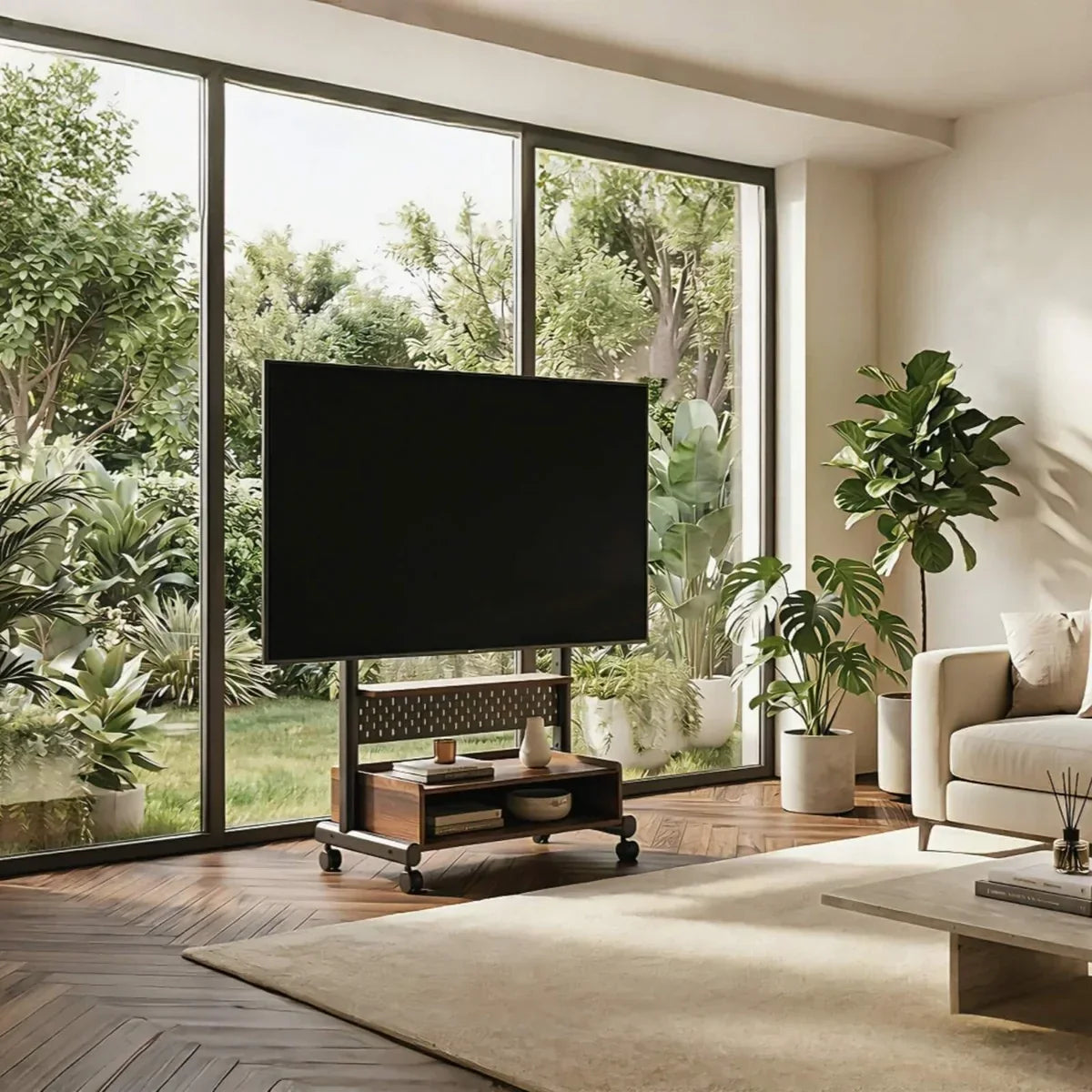
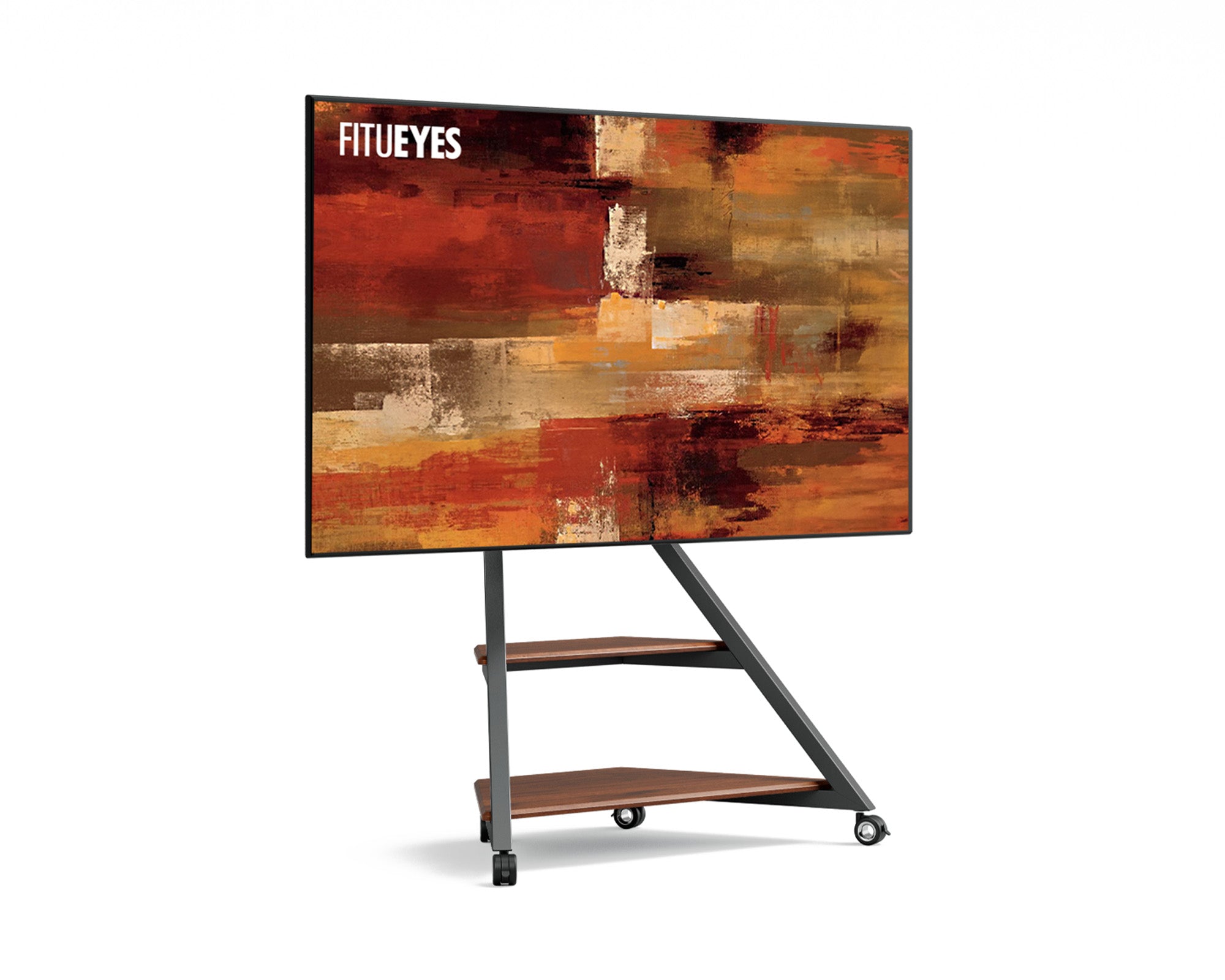
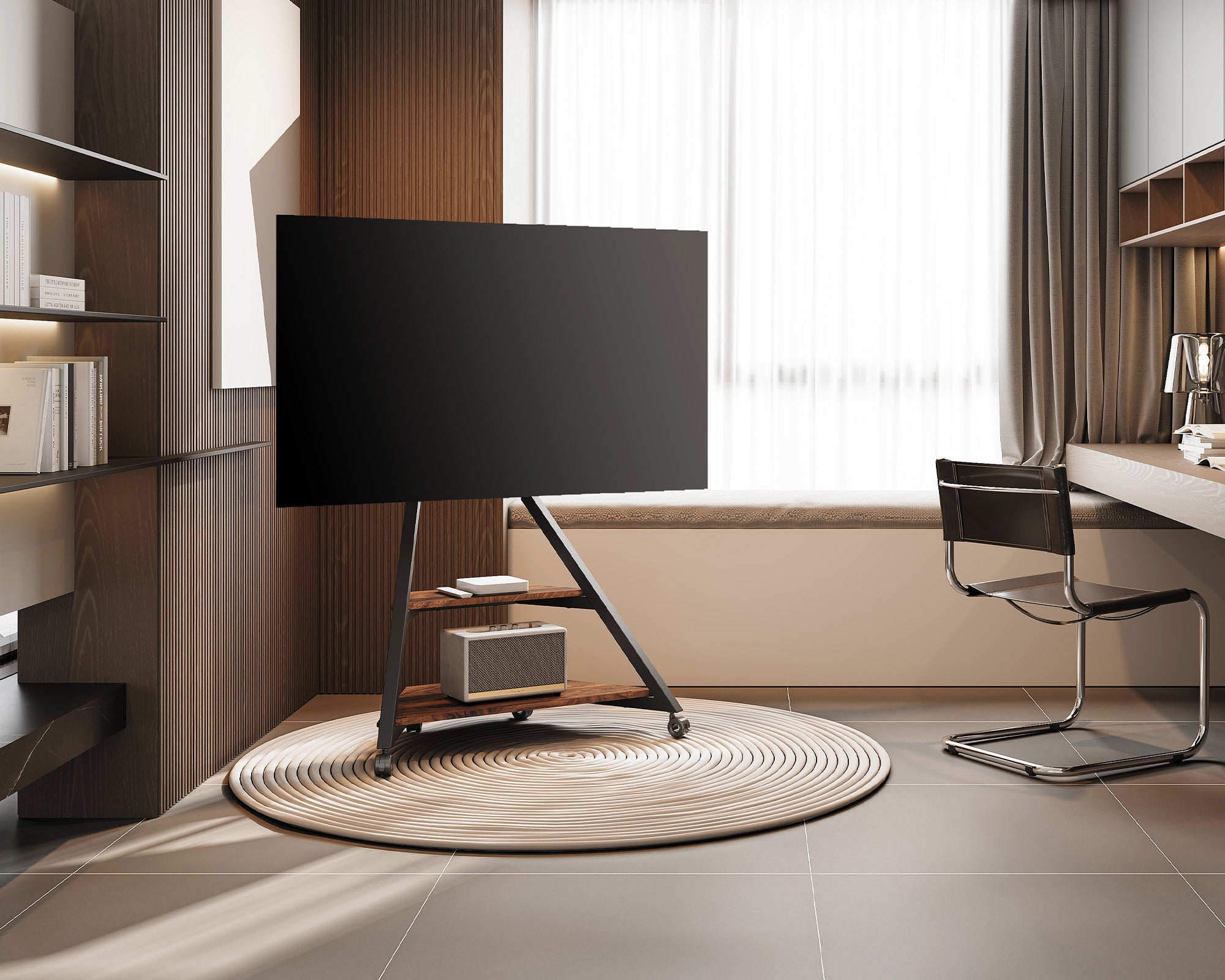
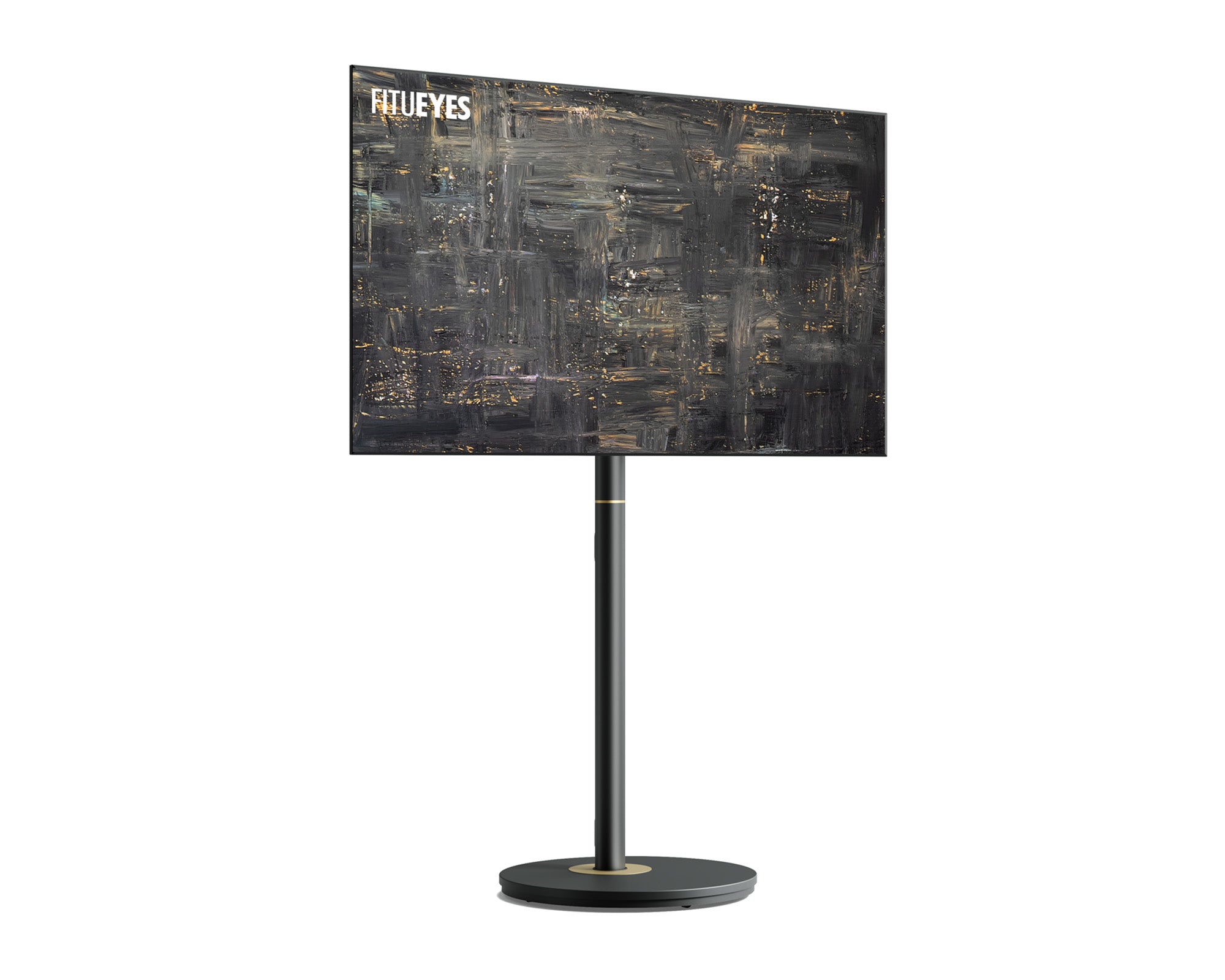
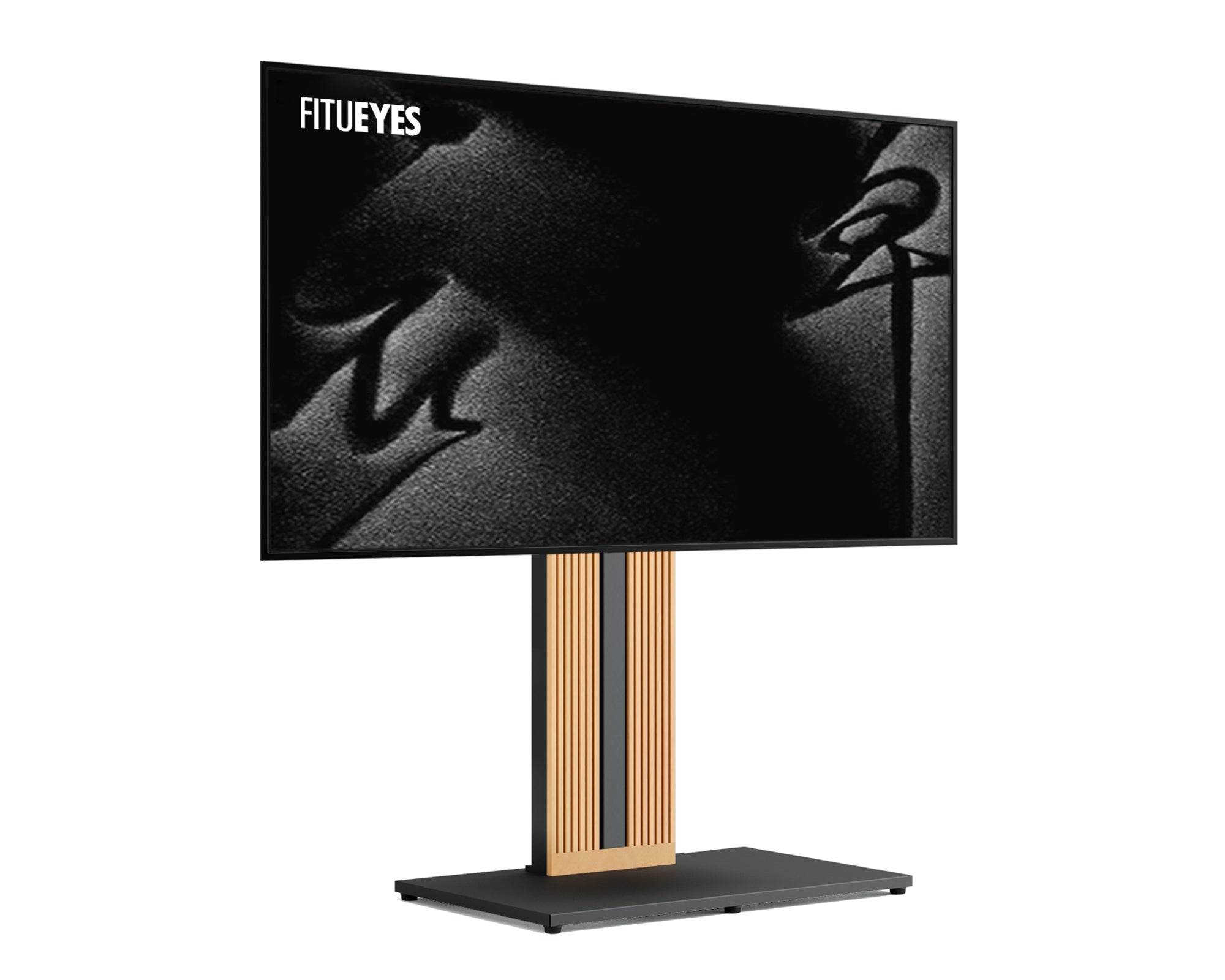
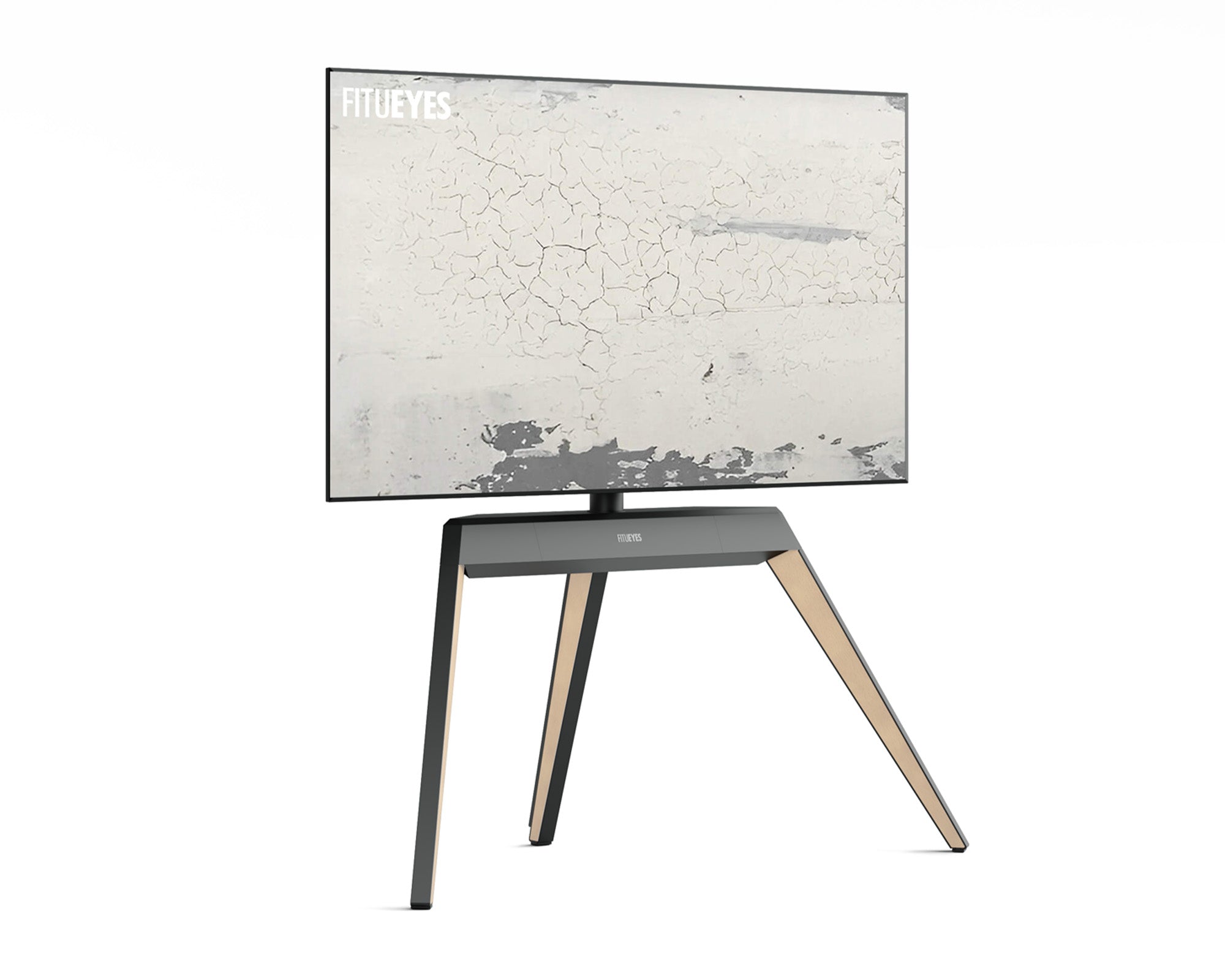
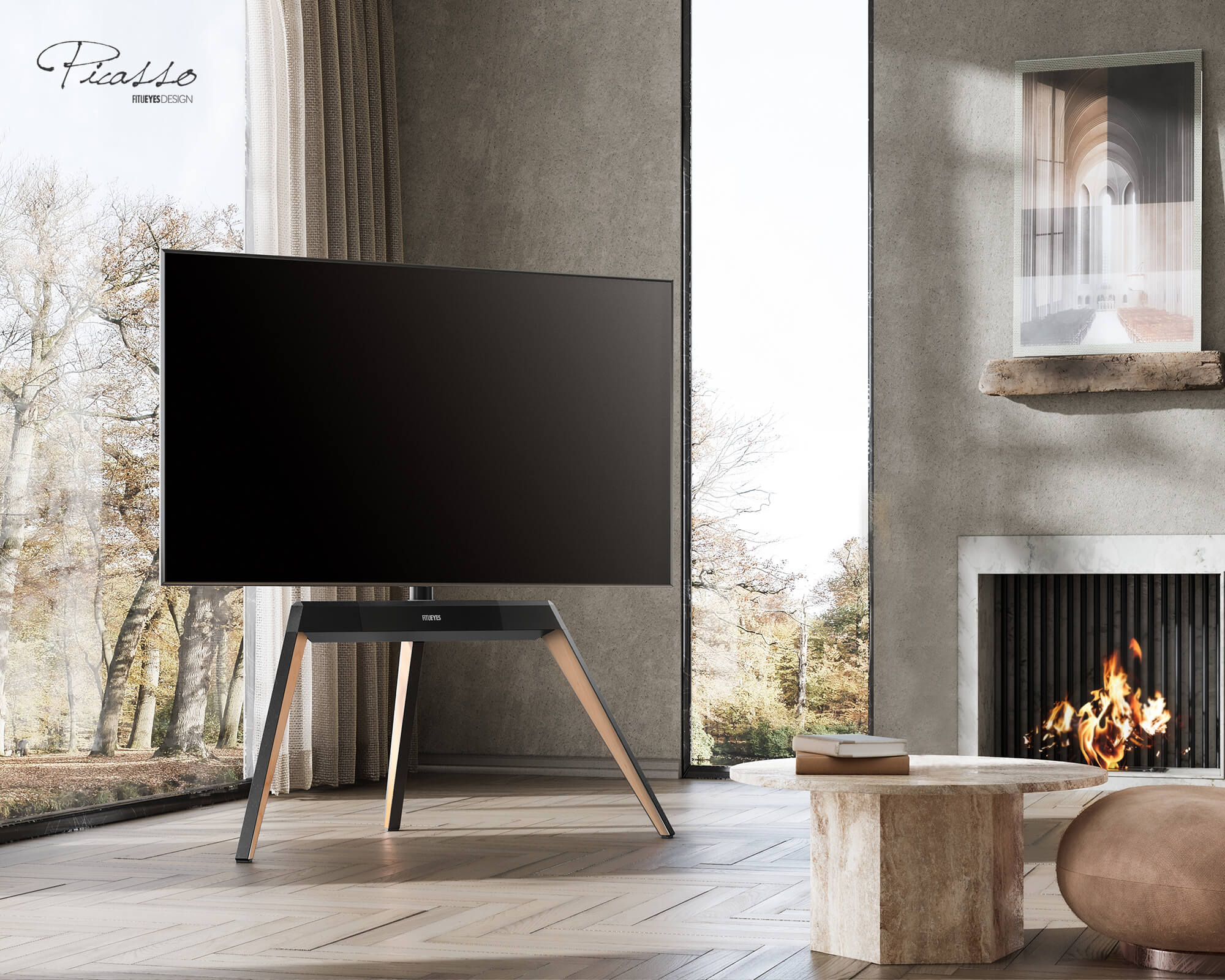
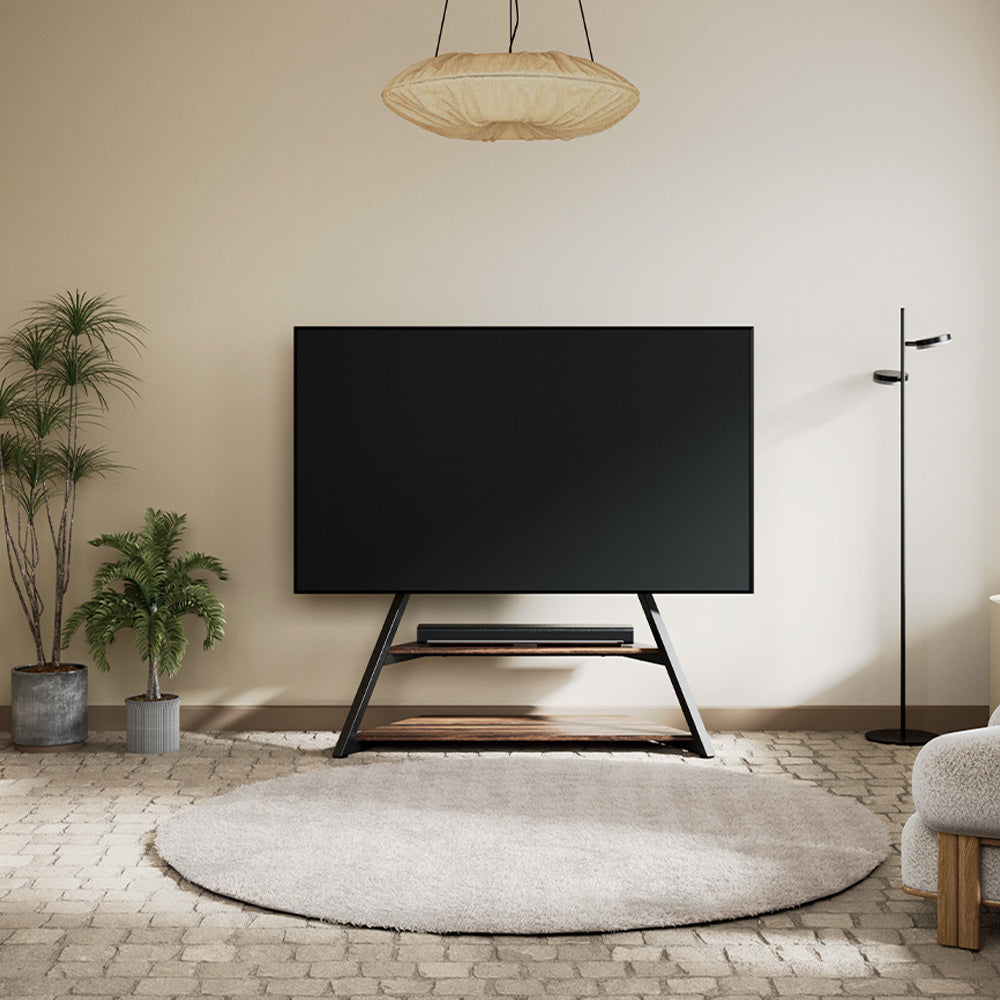
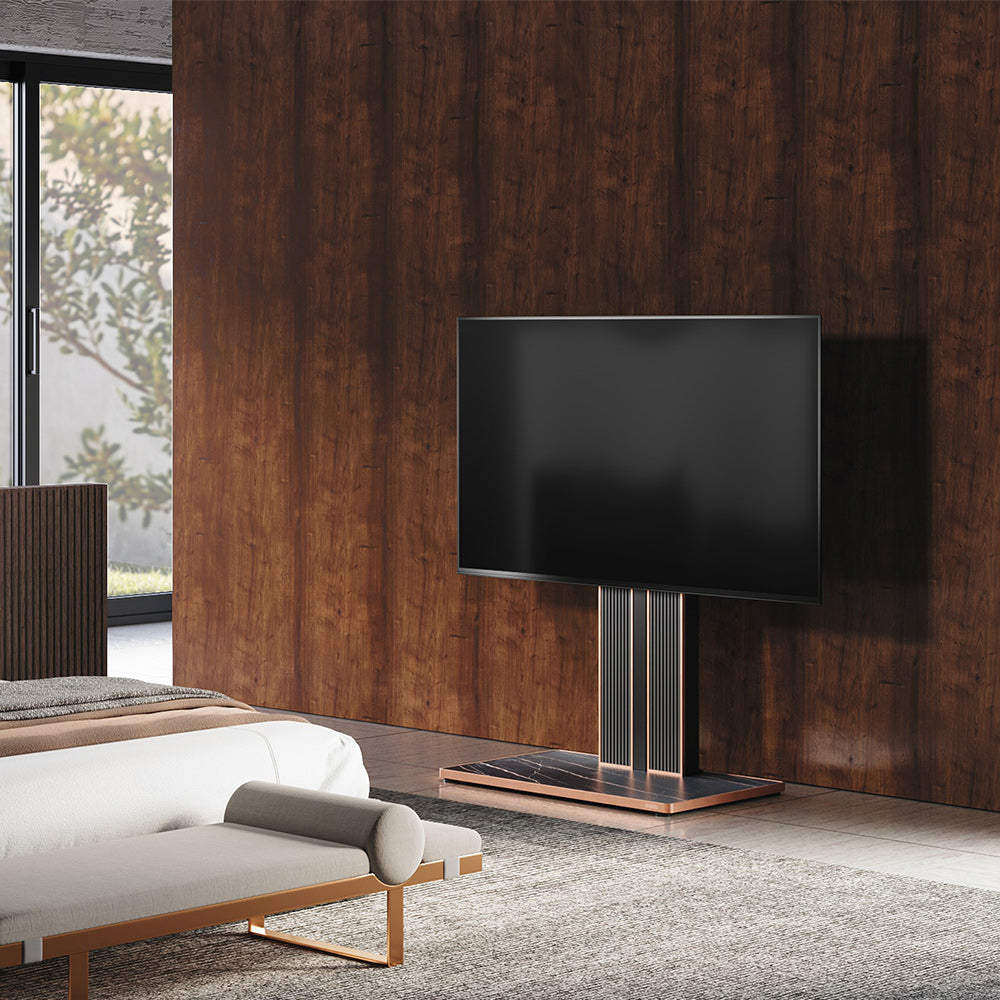
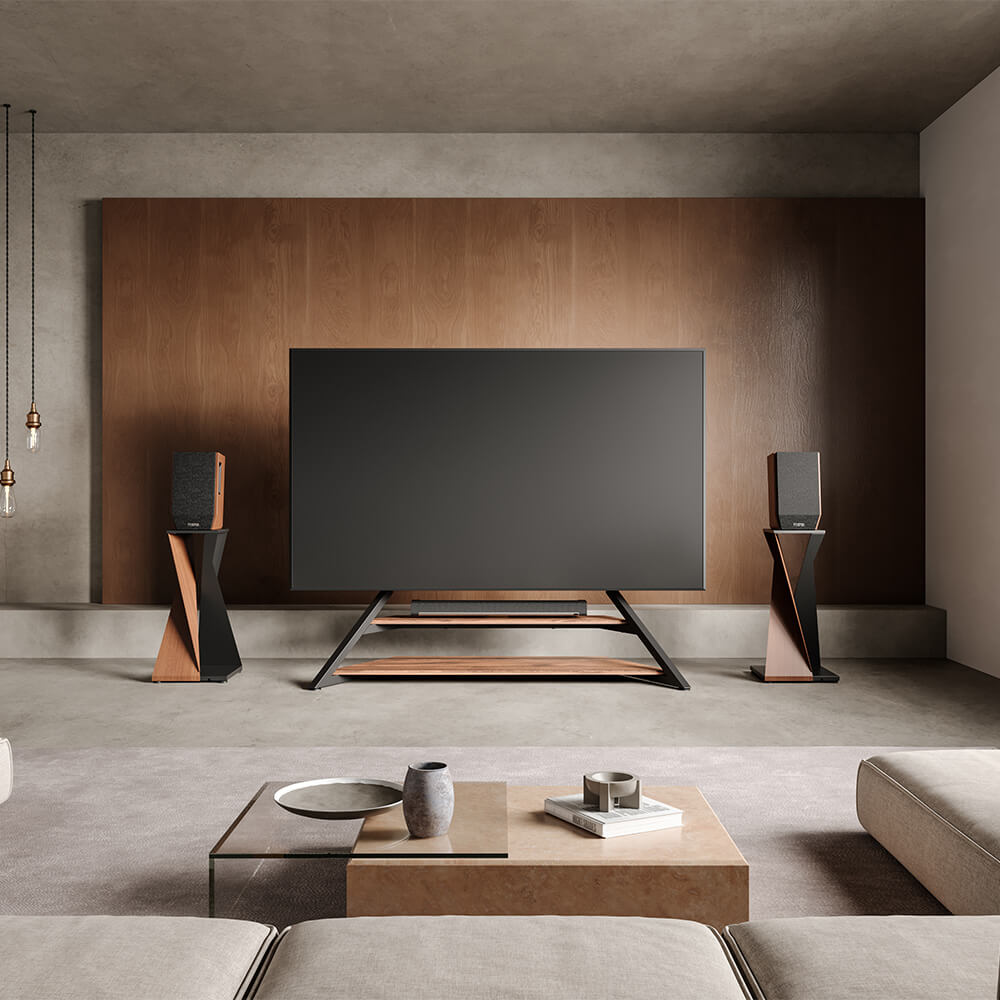
This is the evolution of TV furniture—and where FITUEYES specializes. Think of a Floor TV Stand (like our Eiffel or Master Series) as a hybrid.
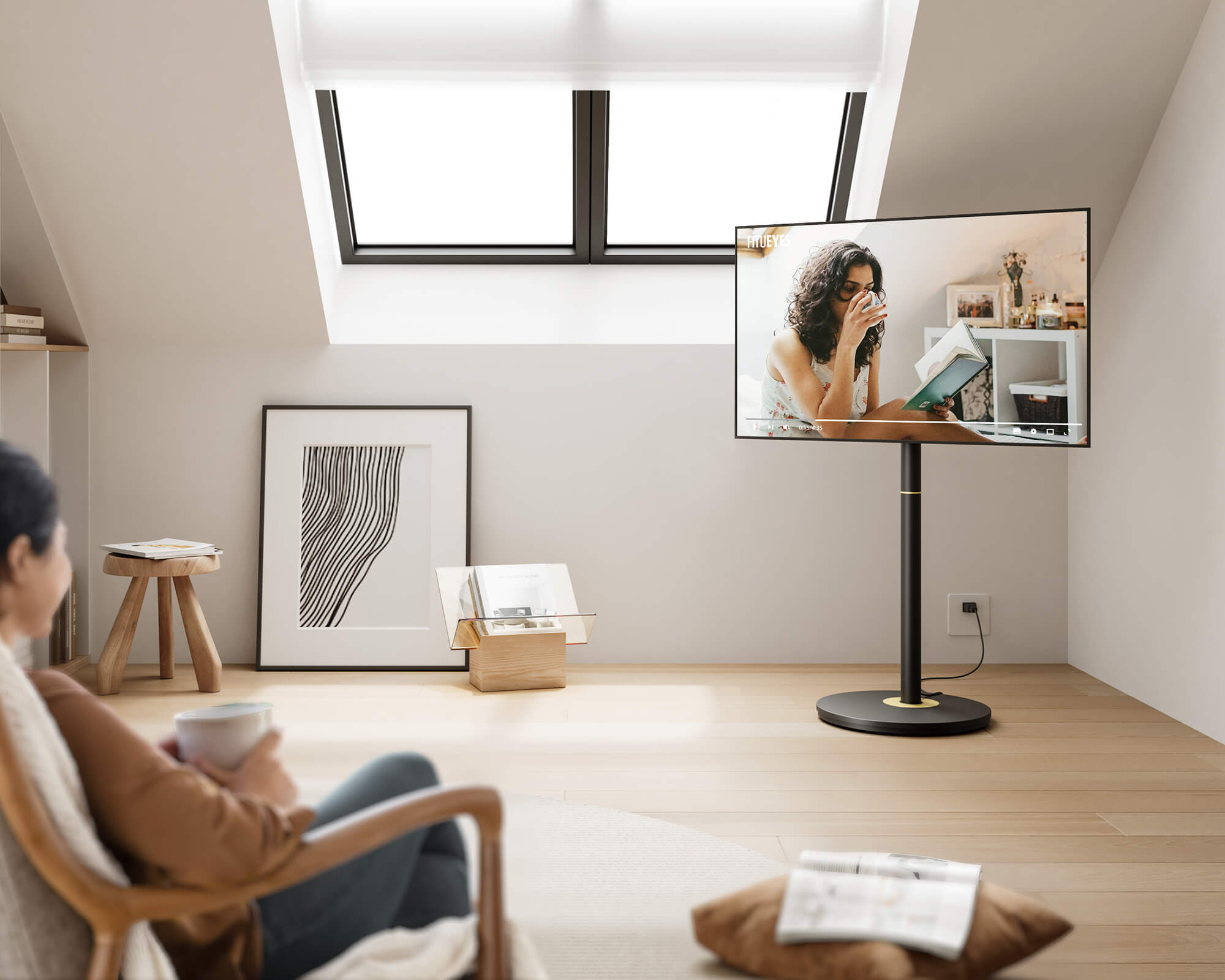
- The Pros: It gives you the sleek, floating look of a wall mount but stands on the floor like a piece of furniture. You get height adjustability and swivel features without drilling a single hole.
- The "Magic" Trick: Because these stands have a minimal footprint and "negative space" (you can see the wall behind them), they trick the eye into thinking the room is bigger than it actually is.
- Best For: Renters, design enthusiasts, and anyone who wants flexibility without the hassle.
5 Things No One Tells You About Choosing a TV Stand
Most buying guides stop at "style" and "size." But to make the ultimate decision, you need to think about how you actually live with the product. Here are five insider insights that traditional furniture stores won't tell you.
1. The "Thermal Throttling" Factor
If you are a gamer with a PS5/Xbox Series X or an audiophile with a high-end receiver, putting your gear inside a closed Media Console is risky. Electronics generate heat. When enclosed in a wooden cabinet, that heat has nowhere to go. This can cause "thermal throttling" (where your device slows down to prevent melting) or loud fan noise.
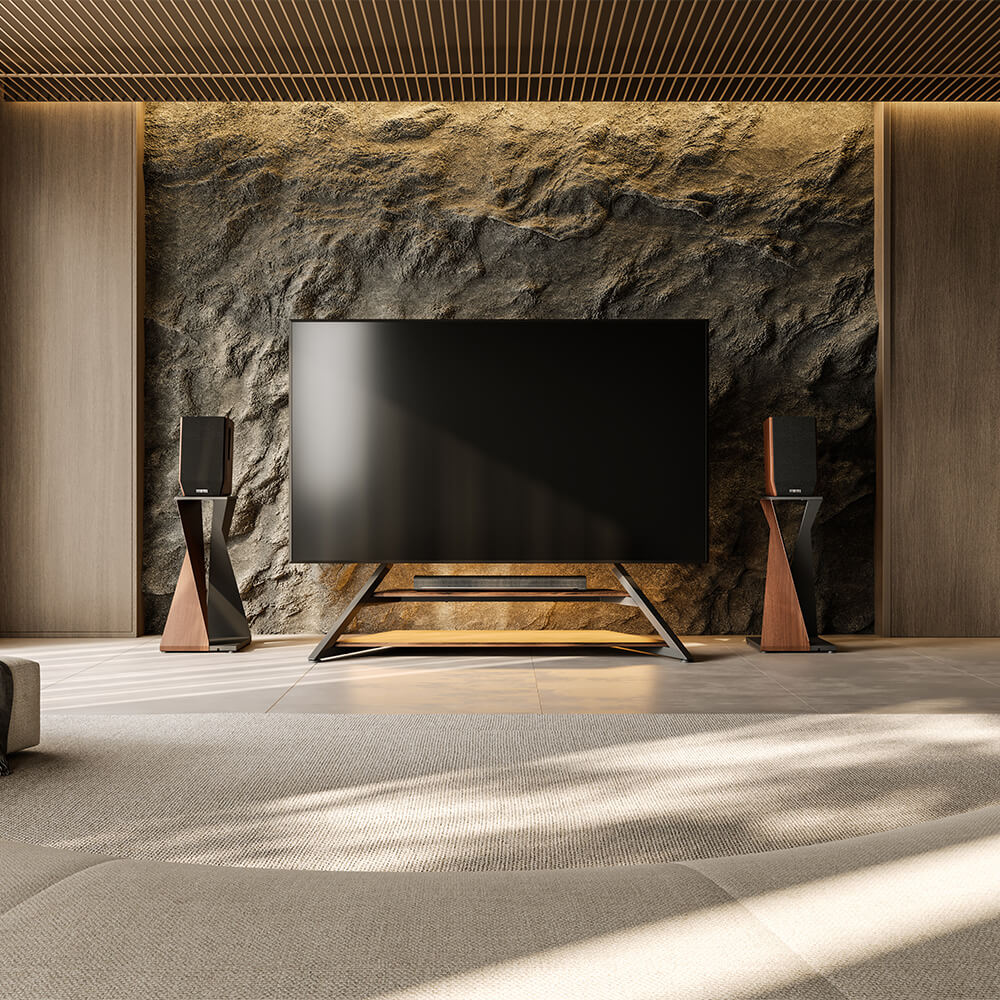
- The Solution: Choose an Open Air Design. Choose FITUEYES Eiffel Gaming FT65 TV Stand you can place your devices on open shelves, allowing for 360-degree passive cooling. Your tech stays cool, quiet, and fast.

2. The Renter’s Calculator (The True Cost of Drilling)
Wall mounting seems cheap—a bracket is only $30. But let’s audit the real cost.
- The Math: Bracket ($30) + Stud Finder ($20) + High-Power Drill ($50+) + Drywall Repair Kit upon moving out ($15) + Stress = Over $115 and a ruined Saturday.
- The Fix: A floor stand is a one-time purchase that requires zero extra tools and zero repair costs. Plus, when you move to a new apartment, you simply pick it up and take it with you.
3. The Robot Vacuum Test
Do you hate moving heavy furniture to vacuum? Traditional Media Consoles sit low to the ground, creating a "dead zone" of dust bunnies underneath that robot vacuums cannot reach.
- The Fix: Look for a stand with high clearance, like our Picasso Series. Your Roomba can clean 100% of the floor underneath without you lifting a finger.
4. Visual Weight and "Negative Space"
Interior designers use a concept called "Negative Space" to make small rooms feel airy. A boxy cabinet consumes space. A silhouette stand creates space.
- The Design Hack: By exposing the baseboards and the wall behind the TV, a floor stand creates a visual continuity that expands the room. It turns your TV into a piece of art rather than a piece of furniture.
5. Dynamic Viewing Distance
With 4K and 8K TVs, you can sit closer to the screen to see the detail without seeing pixels. But a wall mount locks your distance forever.
- The Fix: A mobile or lightweight stand allows you to pull the TV two feet closer for an immersive "Movie Night Mode," and then push it back against the wall for daytime casual viewing.

Technical Check: Will My TV Actually Fit?
Nothing is worse than the anxiety of "will it fit?" Fortunately, you don't need to be an engineer to figure this out. You just need to check two specific numbers.
Ignore Screen Size—Check the Weight
Here is the biggest myth: “I have a 65-inch TV, so I need a stand that is 65 inches wide.” False. TV screen size is measured diagonally. Stand width is measured horizontally.
- The Rule: Focus on Weight Capacity. As long as your TV weighs less than the stand’s limit (e.g., our Master Series holds up to 77 lbs), you are safe. A 55-inch stand can easily and safely hold a 65-inch TV if the base is weighted correctly.
Recommended Reading: Confused about the "Golden Ratio" of TV sizing? If you want to make sure your setup looks perfectly balanced, check out our deep dive: TV Stand Size Guide: How Wide Should Your TV Stand Be?
The VESA Mystery Solved
"VESA" sounds complicated, but it is just the standard distance between the four mounting holes on the back of your TV.
- Step 1: Look at the back of your TV. You will see four screw holes in a square or rectangular pattern.
- Step 2: Measure the distance between the top two holes in millimeters (e.g., 400mm).
- Step 3: Measure the distance between the top hole and the bottom hole (e.g., 400mm).
- Result: You have a VESA 400x400 pattern.
Matching the Stand to Your Lifestyle
Different rooms have different "traffic flows." A stand that works in a bedroom might be terrible for a gaming setup.
The Small Apartment or Corner Nook
Corners are often dead space. A wide rectangular Media Console creates awkward gaps behind it when shoved into a corner.
- The Recommendation: The FITUEYES Picasso or Eiffel Series. The leg design allows you to push the TV deep into a corner, reclaiming valuable floor footage in studio apartments.
The Open-Concept Living Room
Do you have a kitchen that flows into the living room? Do you want to watch the game while cooking?
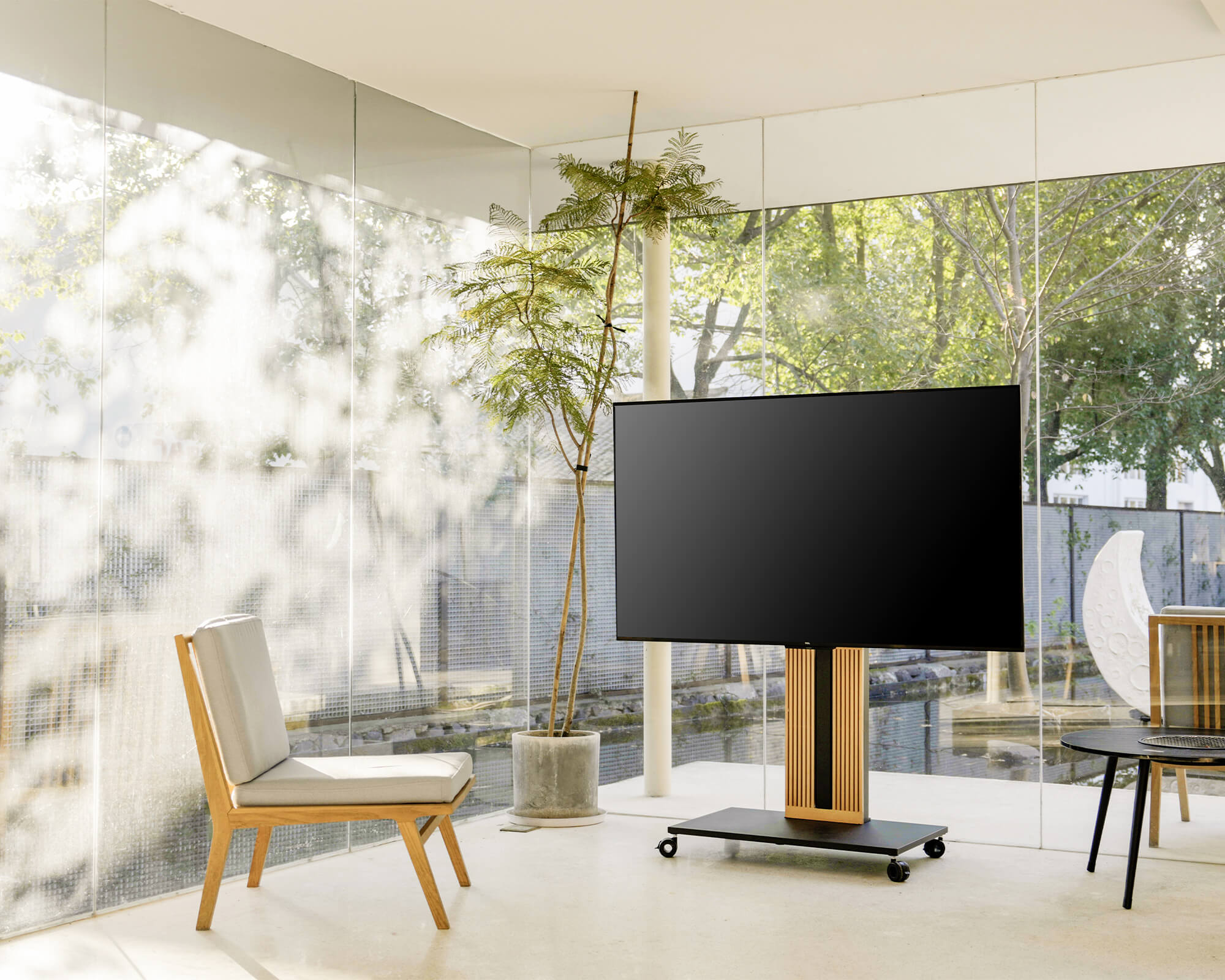
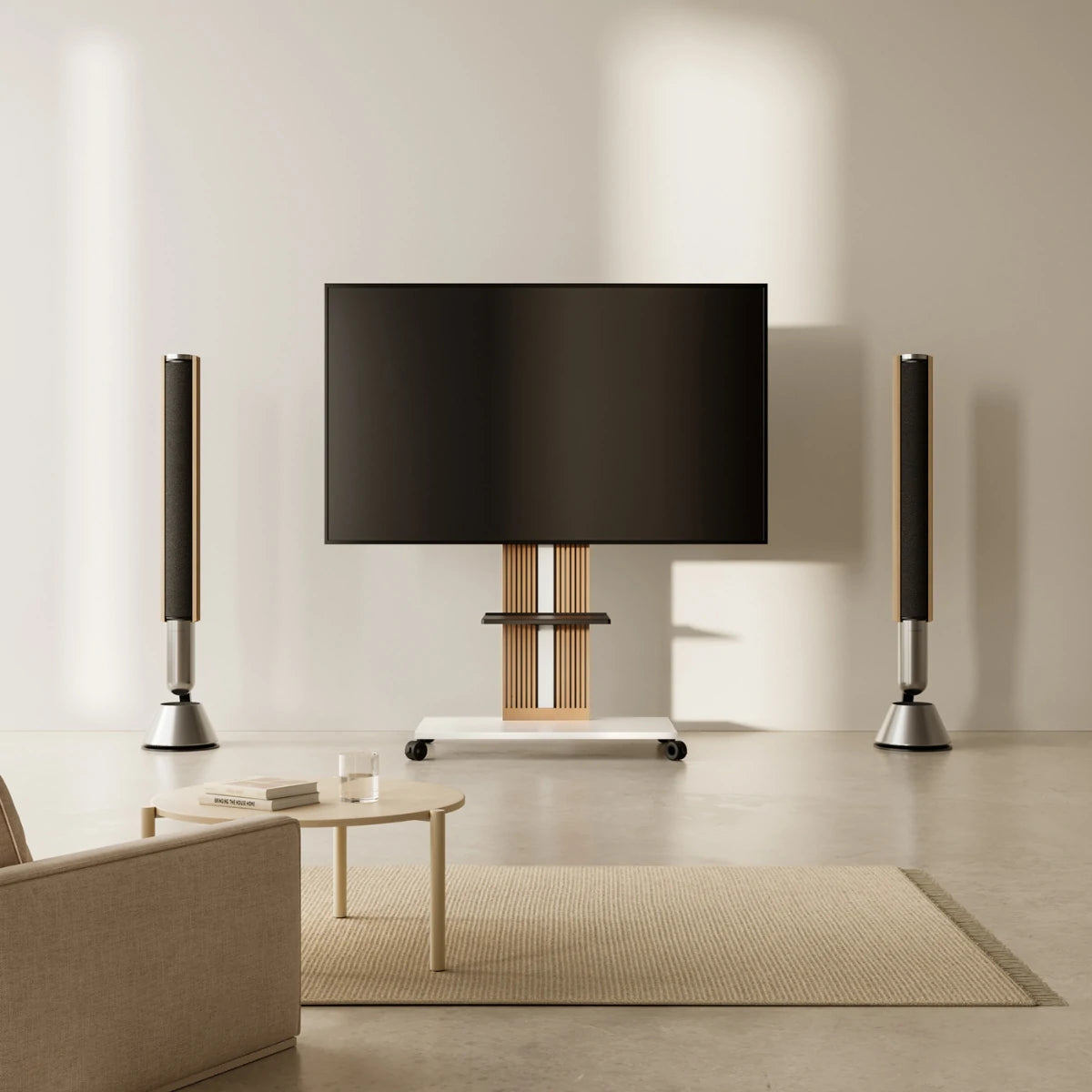
- The Recommendation: A Rolling TV Stand. With high-quality lockable wheels, you can rotate the TV toward the kitchen for breakfast news, then roll it back to the couch for evening movies.
The Bedroom Sanctuary
Watching TV in bed requires a different height than watching from a sofa. A standard cabinet is often too low, forcing you to pile up pillows to see over your feet.
- The Recommendation: A Height-Adjustable Floor Stand. You can raise the screen to the perfect eye level for bed viewing without drilling holes in your rental bedroom wall.

Installation Reality: DIY Without the Tears
We believe that buying furniture shouldn't ruin your weekend. If you have ever fought with an IKEA instruction manual for 4 hours, you know the pain.
15 Minutes to Setup
FITUEYES stands are designed for non-technical users. Because we use a modular design (Base + Column + Bracket), most of our customers are set up in under 20 minutes, usually just an Allen key and a screwdriver.
Safety First (Kids & Pets)
If you have a toddler or a "zoomies" prone cat, the fear of a TV tipping over is real.
- The Stability Engineering: We build our bases using premium materials—Solid Wood, Heavy-Duty Metal, and Tempered Glass. These substantial materials are not just for aesthetics; they are scientifically designed to lower the center of gravity, making the stand incredibly stable and resistant to tipping during normal use.
- The Fail-Safe Recommendation: While our stands are engineered to stay planted, we know that active households prioritize 100% peace of mind. If you purchased a rolling TV stand, we recommend keeping the casters locked when the TV is stationary. For families with young children or large pets, we recommend purchasing a standard third-party anti-tip strap to anchor the stand to the wall for maximum safety in high-activity zones.
FAQs About Media Consoles
Q: Do I need to hire a professional to install a Floor TV Stand?
A: Absolutely not. These are designed for DIY assembly. If you can build a simple LEGO set, you can build a FITUEYES stand.
Q: Will the stand hide my messy wires?
A: Yes. Look for features like "Integrated Cable Management." This means the main support column is hollow, allowing you to run HDMI and power cords inside the metal tube. The result is a clean look where the wires vanish, unlike open-back Media Consoles where wires dangle visibly.
Q: Can I use these stands if I have a Curved TV?
A: Yes! Most FITUEYES universal mounts come with a hardware kit that includes "spacers" or stand-offs. These bridge the gap for curved backs, ensuring a secure fit without putting pressure on the screen.
Ready to ditch the bulky cabinet?
Your TV deserves a support system that is strong, stylish, and flexible enough to move with you. Whether you need to save space in a rental or protect your gaming gear from overheating, there is a better way to display your screen.
Explore the FITUEYES Collection, today and find the stand that turns your TV into a masterpiece.