



A 55-inch TV is about 48 inches wide, 28 inches tall, 1.5–3 inches deep, and weighs 30–50 lbs. The most common mistake is assuming a "55-inch TV" is 55 inches wide — but that number is the diagonal of the screen, not the width. Once you size around the real 48-inch width, choosing a stand becomes simple.
This guide gives you the full dimensions of a 55" TV, answers the most common width and height questions, and shows exactly what size and type of stand fits best.
55-Inch TV Dimensions (Width, Height, Depth, Weight)
Here are the typical measurements to plan around. Always confirm the spec sheet for your exact model, since bezels and panels differ between brands.
| Measurement | Typical 55" TV |
|---|---|
| Diagonal (screen) | 55 inches |
| Width | ~47.9–49 inches (≈48") |
| Height (panel only) | ~27.9 inches (≈28") |
| Depth (without base) | 1.5–3 inches |
| Foot-to-foot spacing | ~40–44 inches |
| Weight | 30–50 lbs |
| Common VESA pattern | 200×200 to 400×400 mm |
How Wide Is a 55-Inch TV?
A 55-inch TV is about 48 inches (47.9–49") wide. The width is always smaller than the 55-inch diagonal, so this is the number to use when checking whether a TV fits a wall space or a cabinet.

How Tall Is a 55-Inch TV?
The panel of a 55-inch TV is about 28 inches (27.9") tall. Add a couple of inches if the TV sits on its included feet, depending on the stand design.
How Big Is a 55-Inch TV Overall?
In full, a typical 55-inch TV is roughly 48" wide × 28" tall × 1.5–3" deep, weighing 30–50 lbs. That footprint — not the diagonal — is what determines the stand you need.
Screen Size vs. Actual TV Size
It's easy to confuse the diagonal screen size with the TV's full physical size. The screen measurement only counts the visible display area, not the bezels or casing. Newer TVs with ultra-thin bezels are slightly more compact than older sets, which can matter when you're fitting a screen into a tight space. When you check compatibility, always work from the measured width, not the advertised class size.
Ideal Viewing Distance for a 55-Inch TV
For a 4K UHD set, sit roughly 4.5–7 feet from the screen — the higher pixel density lets you sit closer without seeing pixelation. For a 1080p set, sit a bit farther back, around 7–11 feet. Use whichever range matches your room to plan placement and stand height.
What Size TV Stand Do I Need for a 55-Inch TV?
This depends entirely on the type of stand, because cabinets and floor stands follow opposite rules.
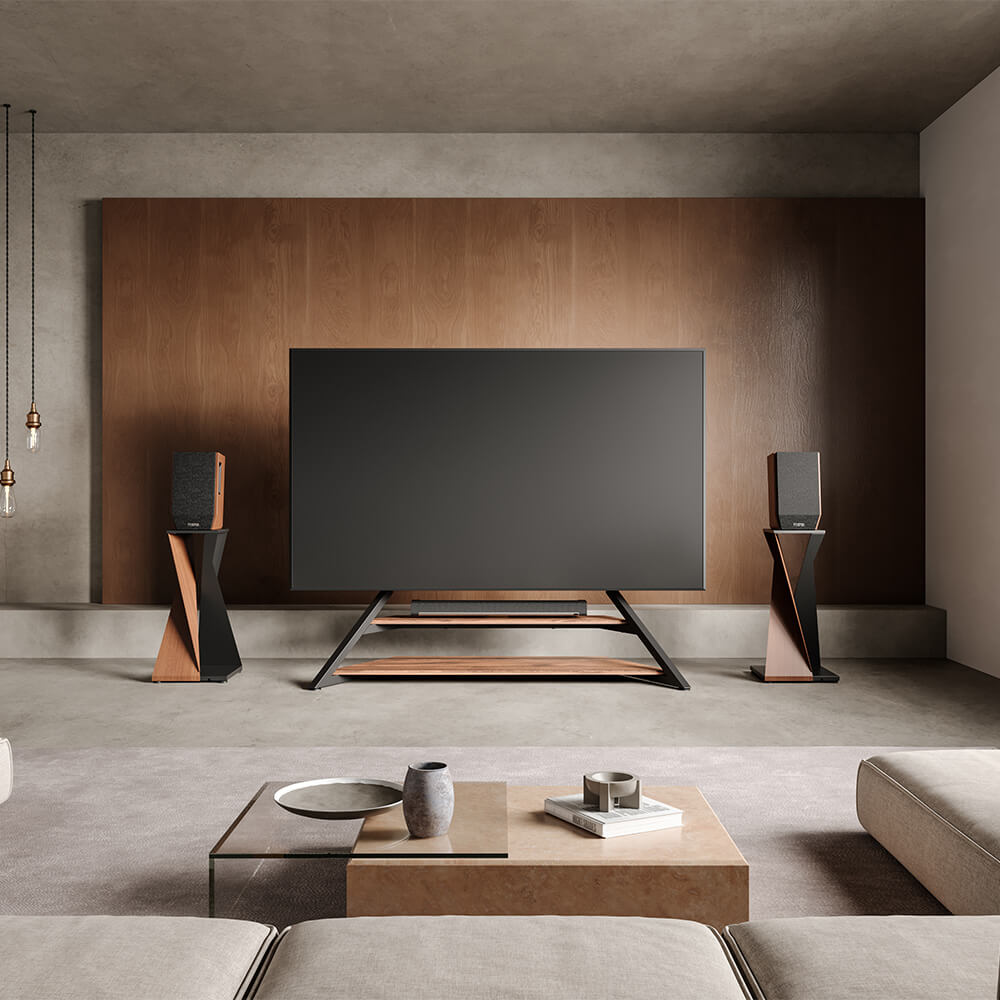
For a cabinet or console, width is everything. Choose one 2–6 inches wider than the TV's actual width — so at least 50–54 inches for a 55" TV. That overhang keeps the setup balanced, leaves room for a soundbar, and avoids the top-heavy "mushroom" look of a wide TV on a narrow cabinet.
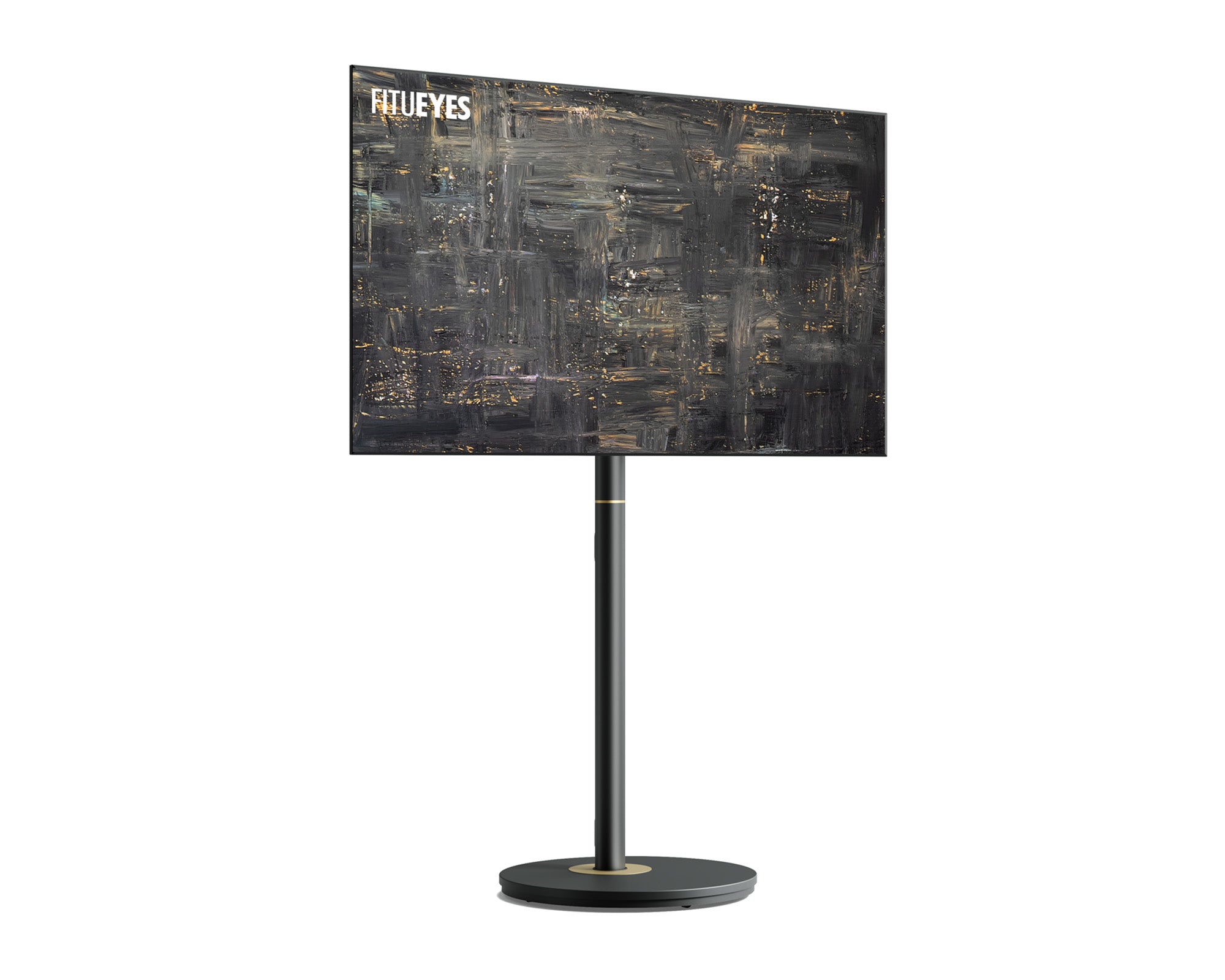
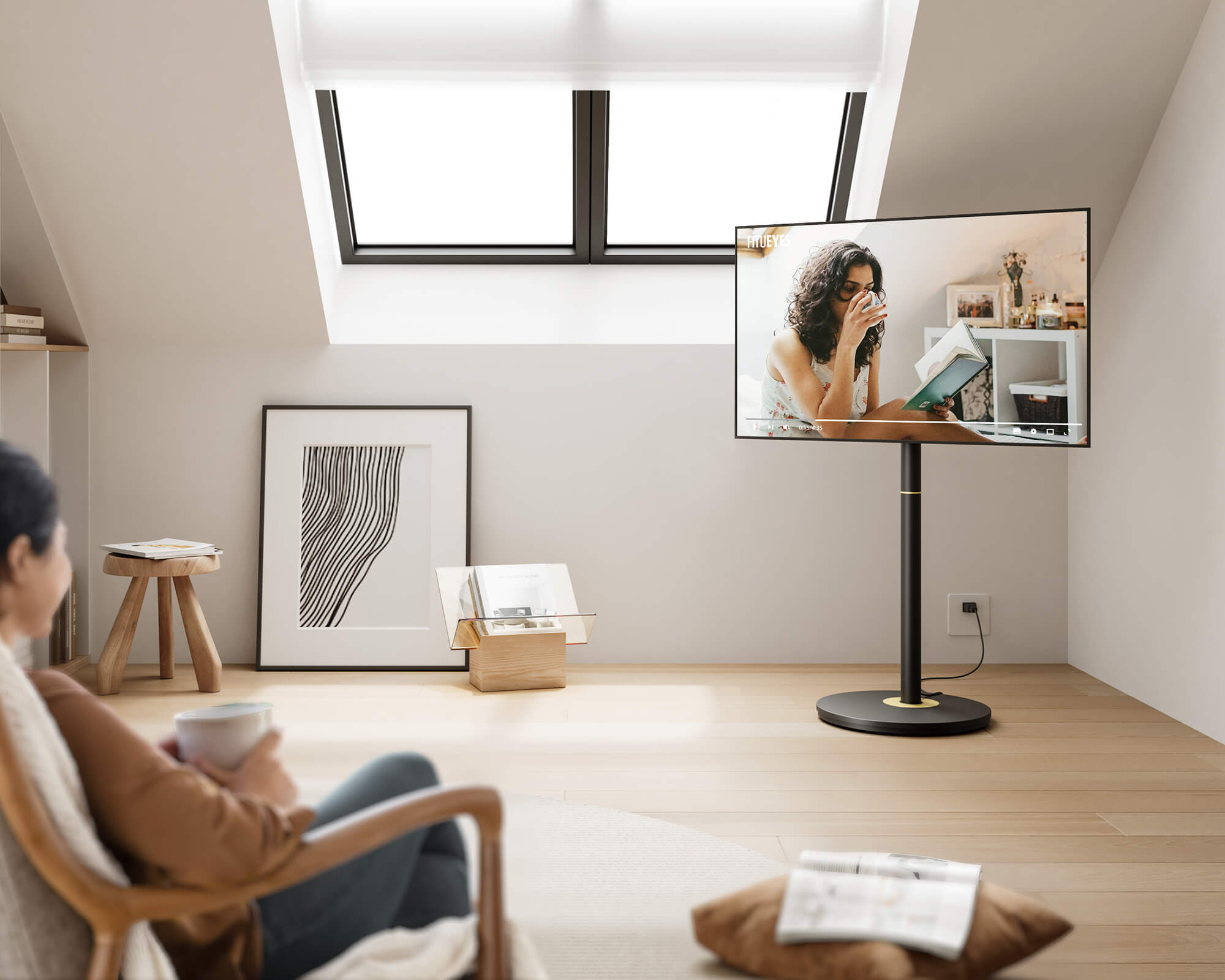
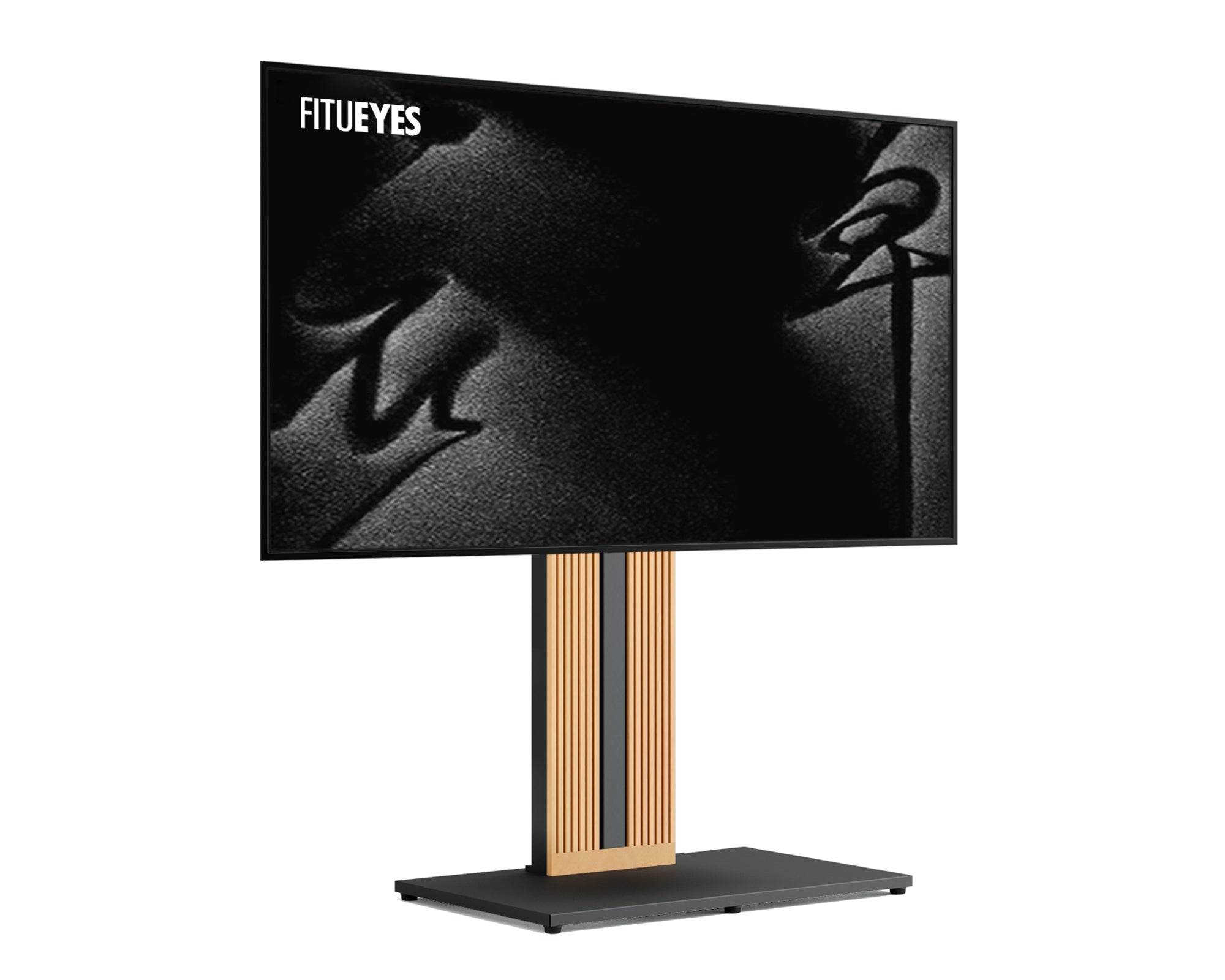
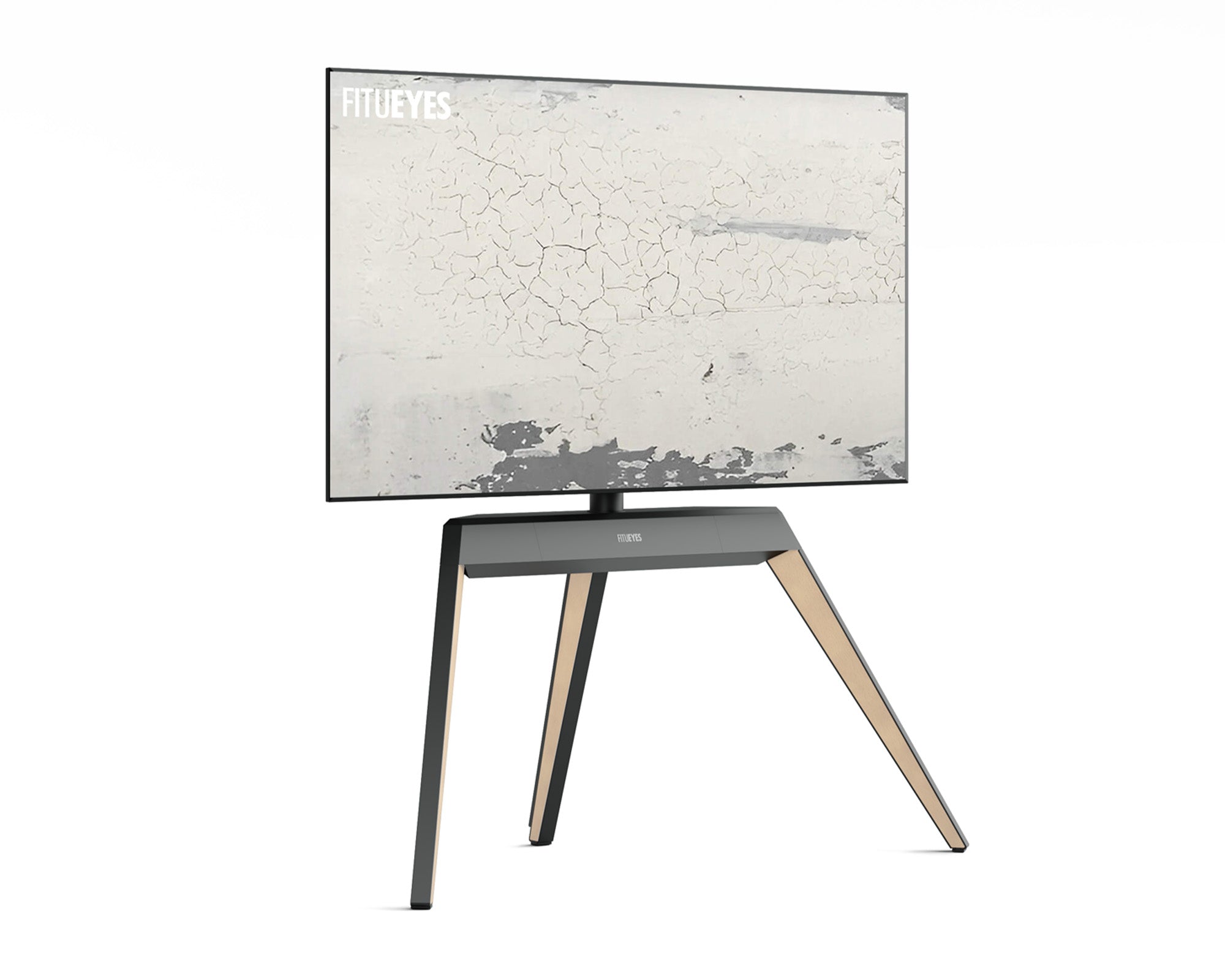
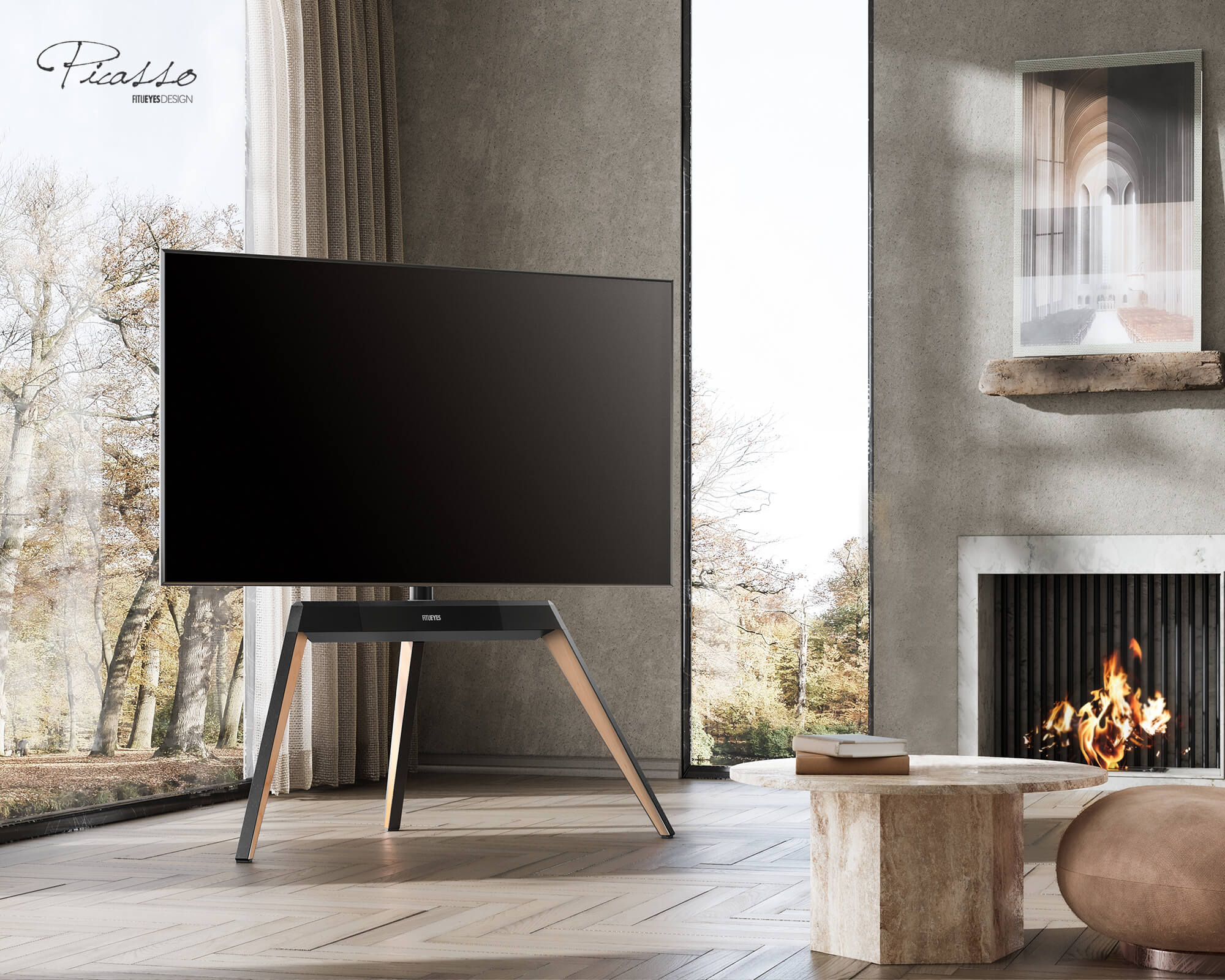
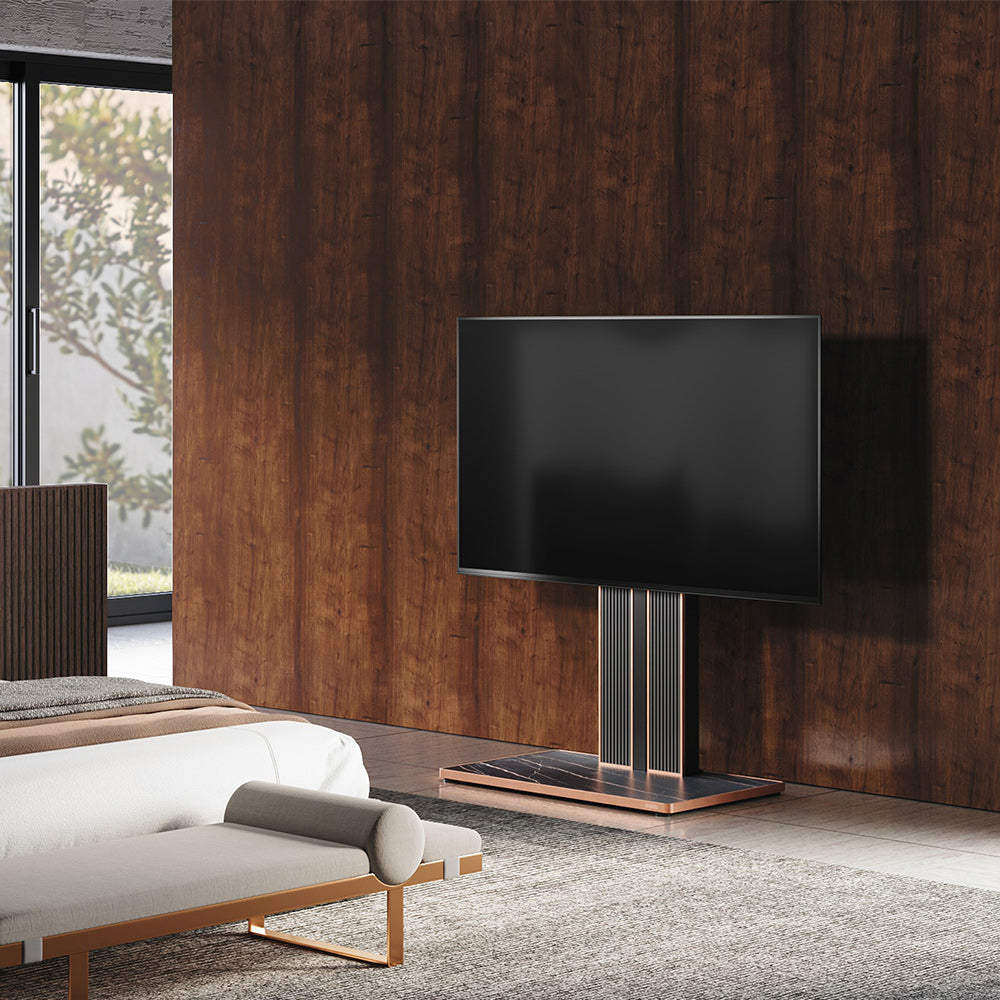
For a VESA floor stand (like FITUEYES), width stops mattering. The TV bolts to a central pillar via its back-panel VESA holes, so the base acts as a counterweight rather than a platform. That's why a 55" TV sits safely on a stand with a base of just 20–30 inches, saving real floor space versus a 50-inch-wide console. What matters instead is VESA compatibility and weight capacity.
For the full width chart across every screen size from 32" to 85", see our guide on what size TV stand do I need.
Getting the Height Right
Aim to keep the center of the screen 42–48 inches from the floor — level with your eyes when seated on a standard sofa. Too low and you'll look down; too high and you'll strain upward. Many FITUEYES floor stands add height adjustment so you can dial this in for a low couch, a high bed frame, or a standing desk. More detail in our guide on how high should a TV stand be.

VESA and Weight: The Two Specs That Decide Fit
- Weight capacity. A 55" TV weighs 30–50 lbs. Pick a stand rated for at least 1.5× your TV's weight plus accessories — so a 45-lb TV calls for a 70-lb-plus capacity.
- VESA pattern. This is the spacing between the four mounting holes on the back of your TV (e.g., 200×200 or 400×400 mm). Find it in your manual or measure it, then confirm it's within the stand's range. Most 55" TVs sit between 200×200 and 400×400, which virtually every FITUEYES universal stand supports — across Samsung, LG, Sony, TCL, Hisense, and more.
Types of Stands for a 55-Inch TV
A 55" screen fits almost every style, so the right pick comes down to your room:
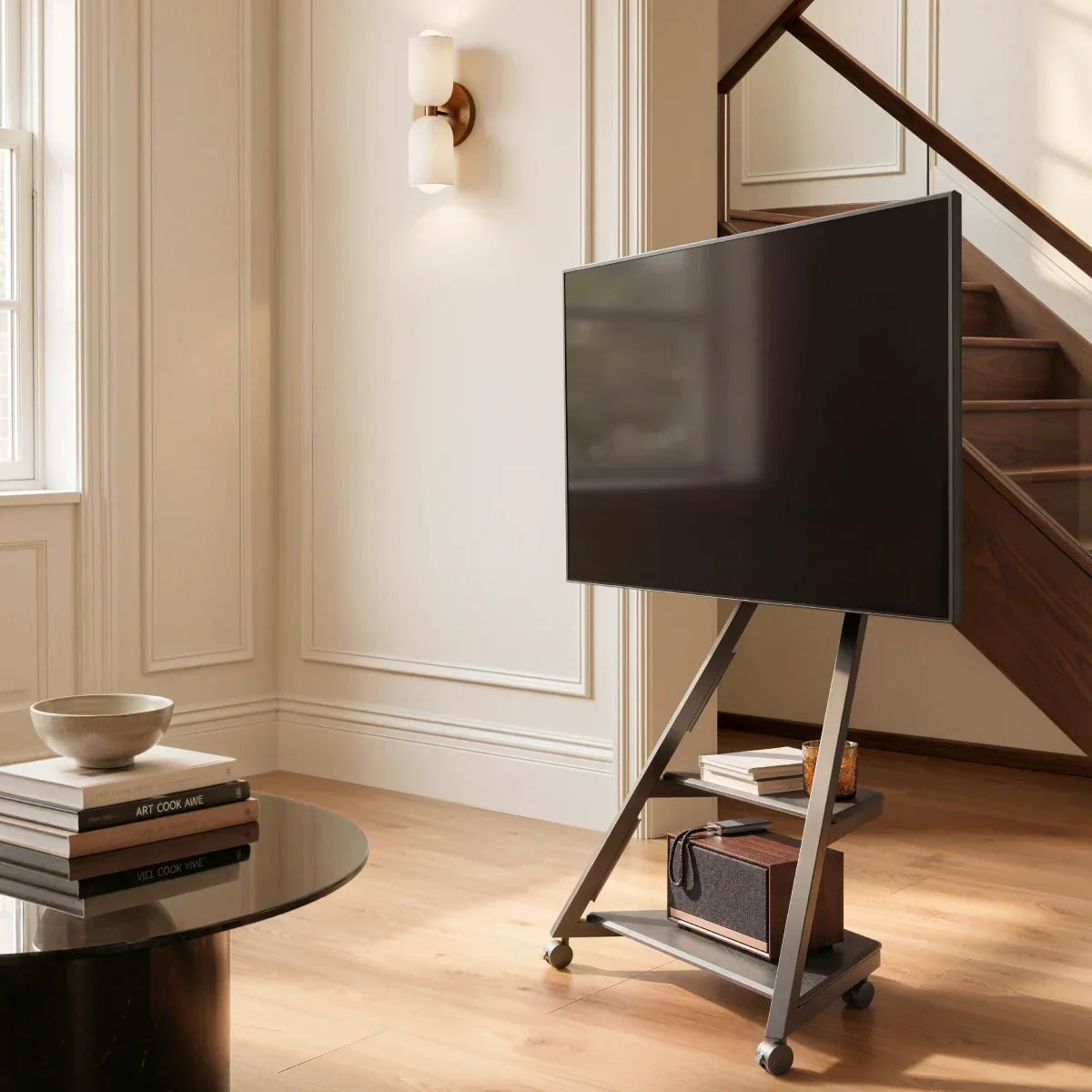
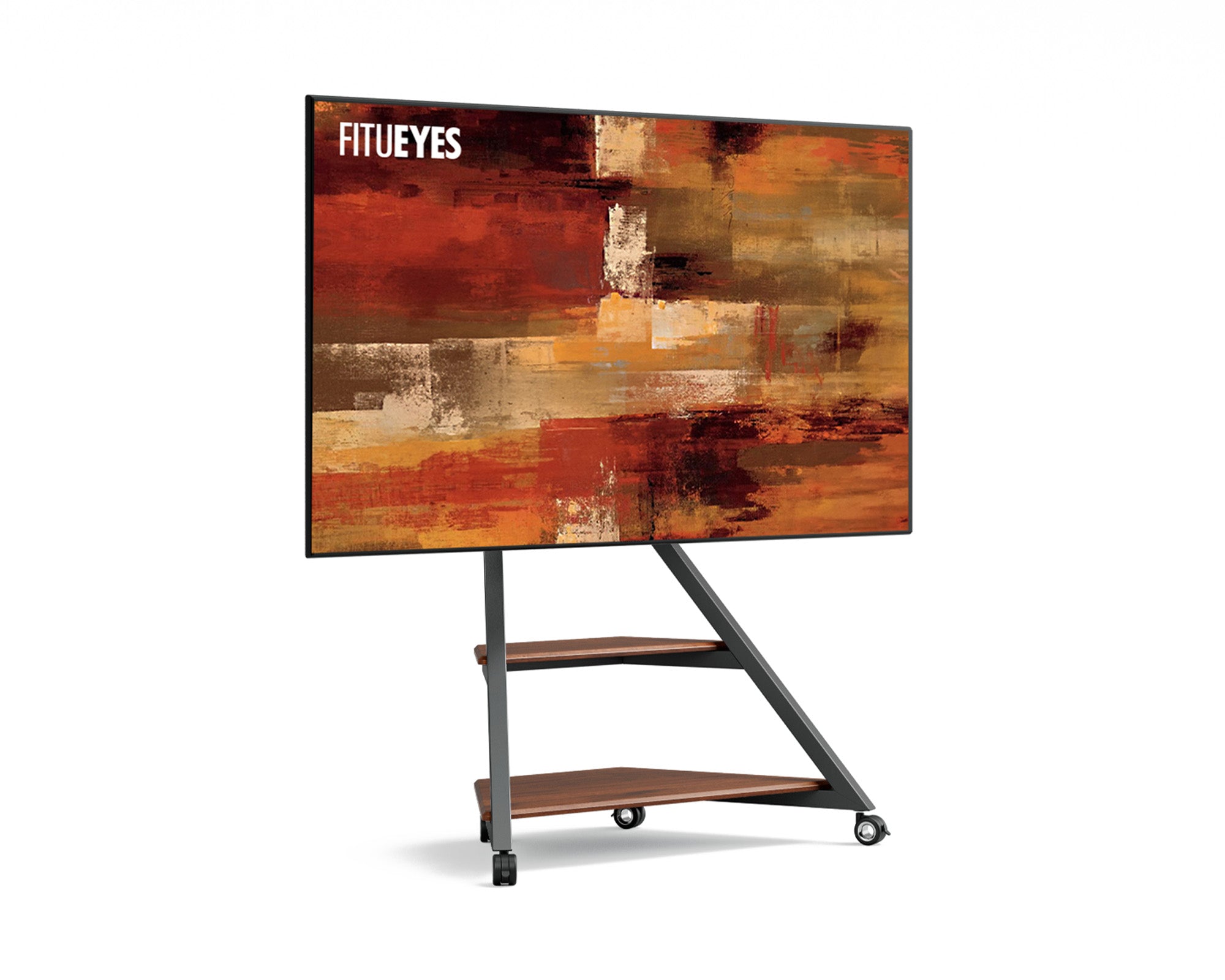
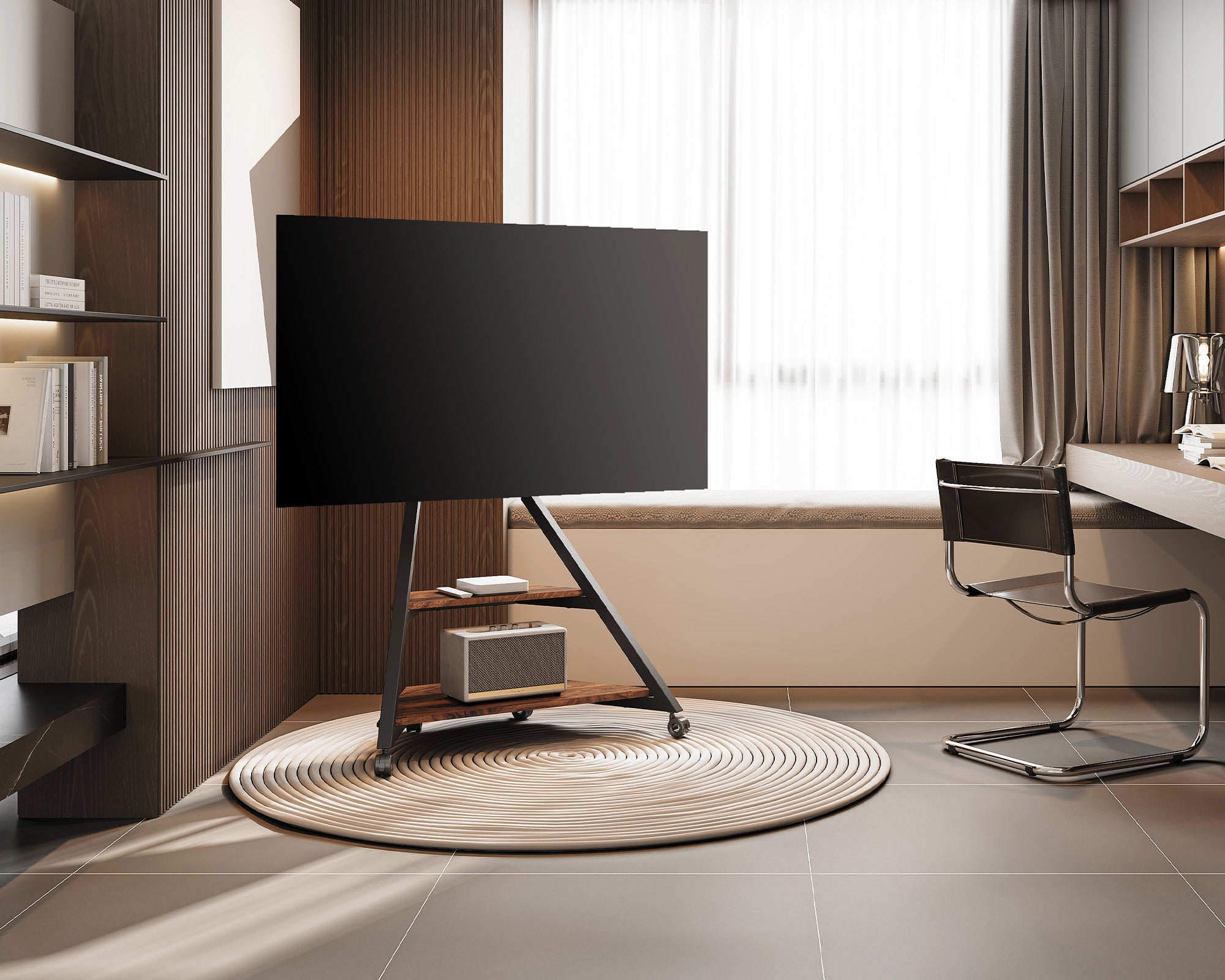
- Floor stands — Freestanding with a weighted base and no wall drilling; ideal for renters and brick or concrete walls. FT65-series models such as the Eiffel, Zen, and Picasso hold 32–65" screens, so a 55" TV fits with room to spare.
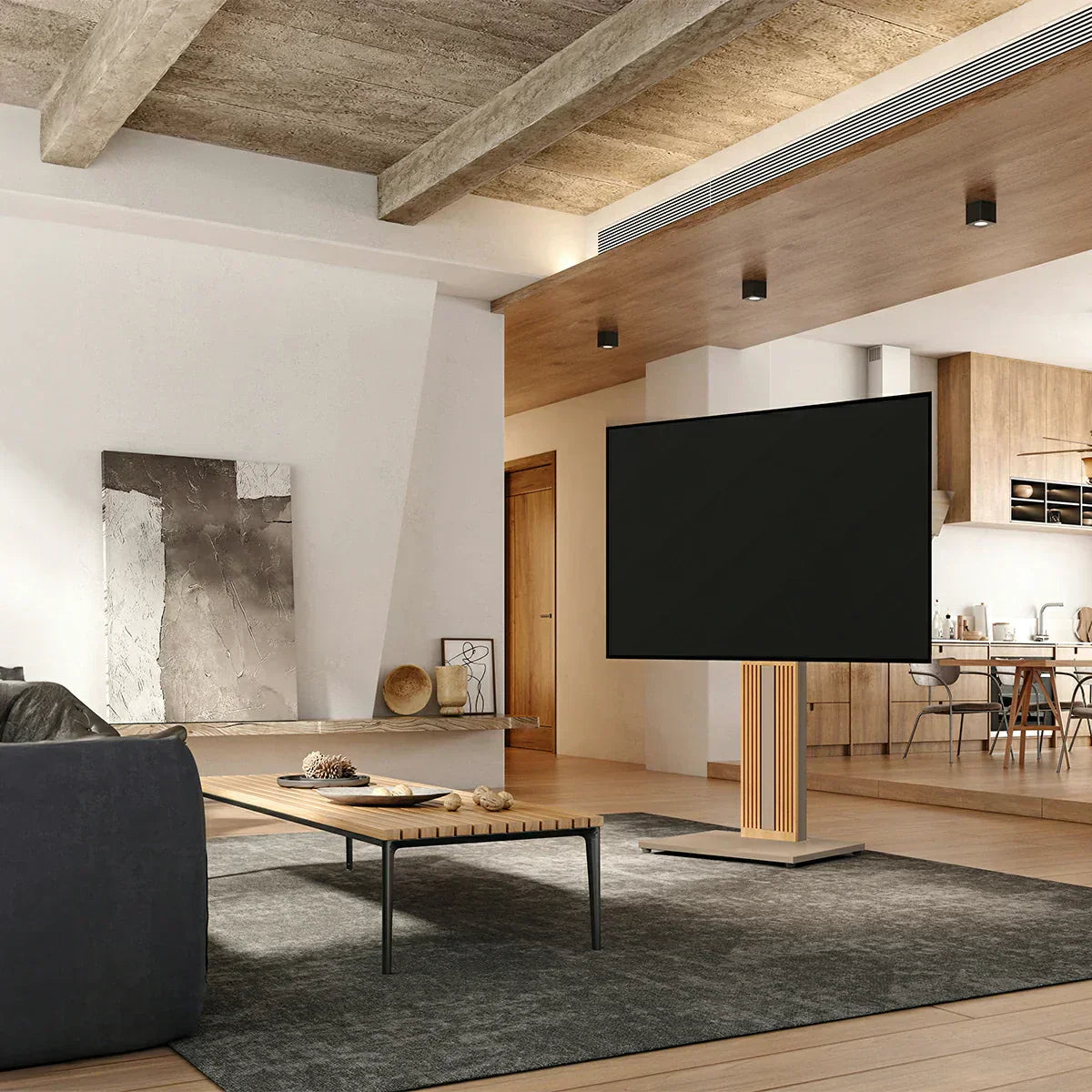
- Swivel stands — Tilt and rotate the screen toward a sofa, bed, or kitchen — perfect for open-plan rooms.
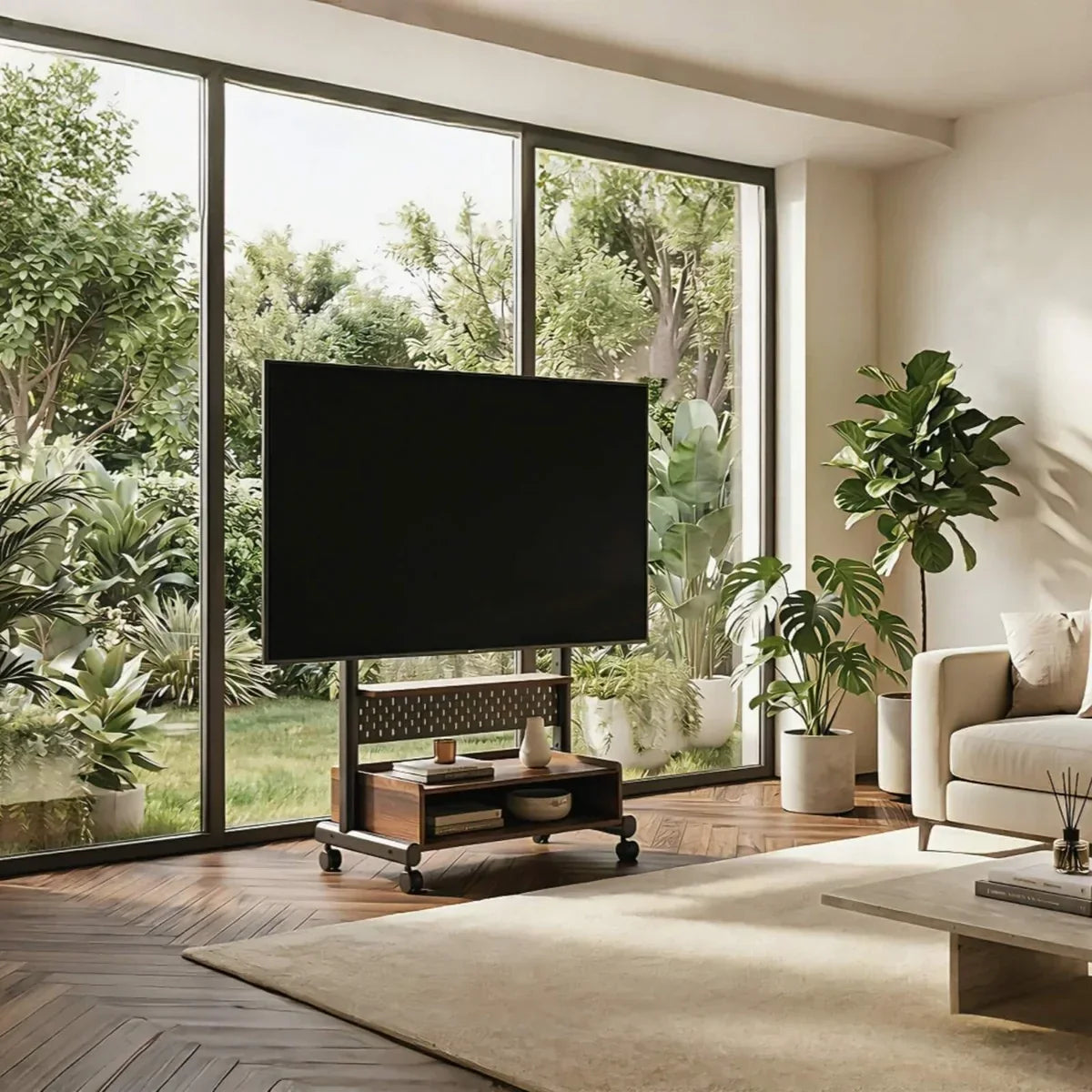
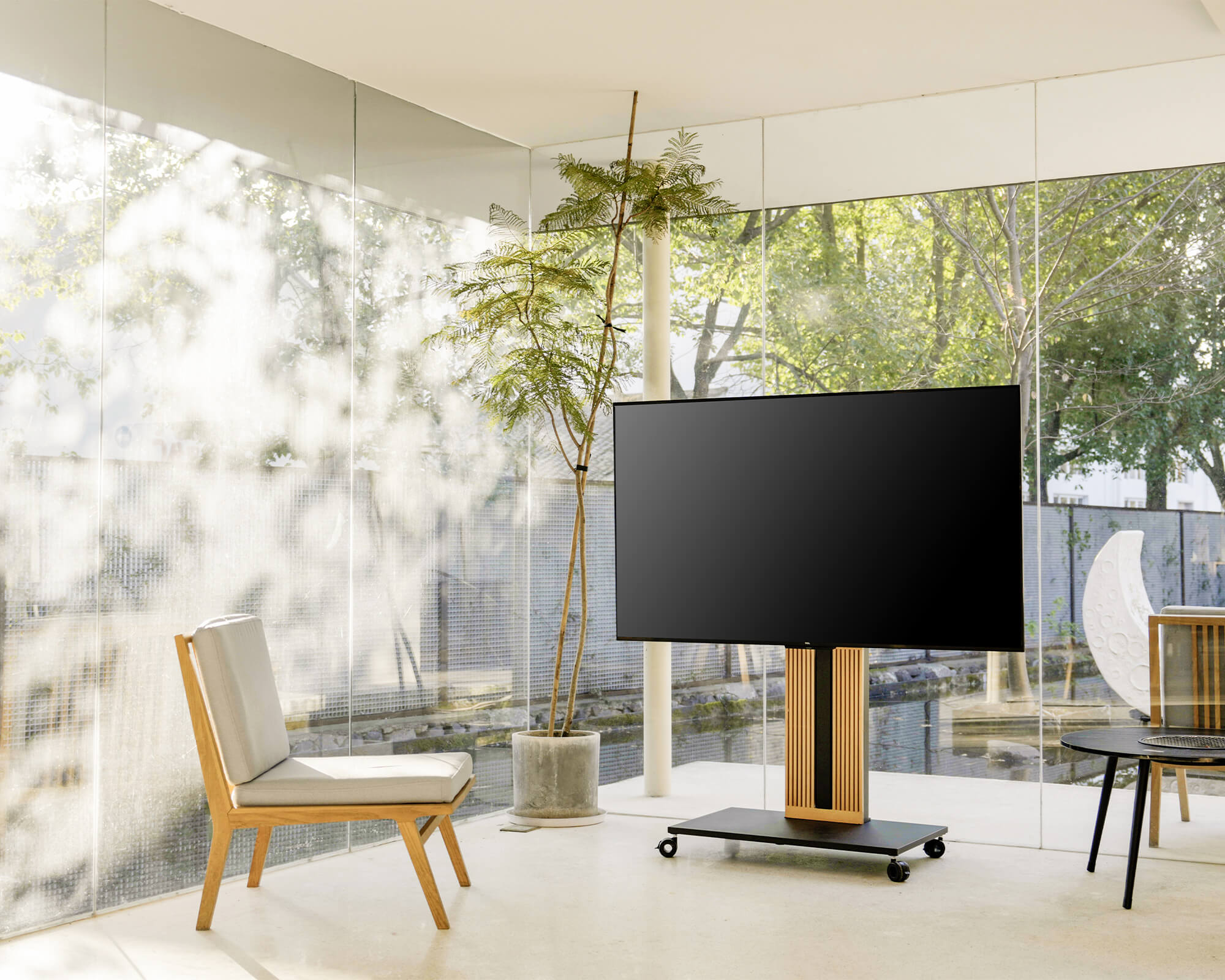
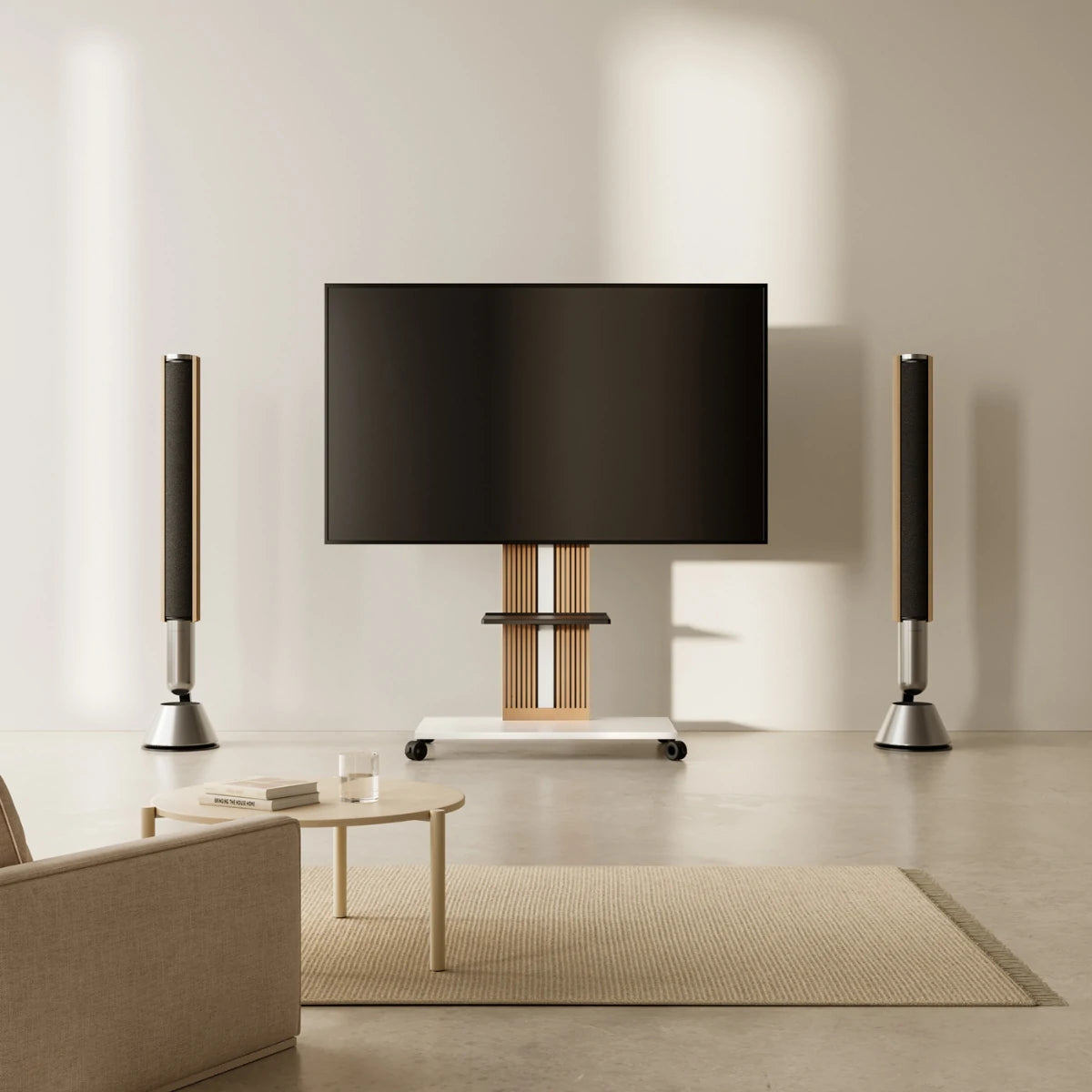
- Rolling stands — Lockable wheels let you move a 55" setup between rooms or outdoors.
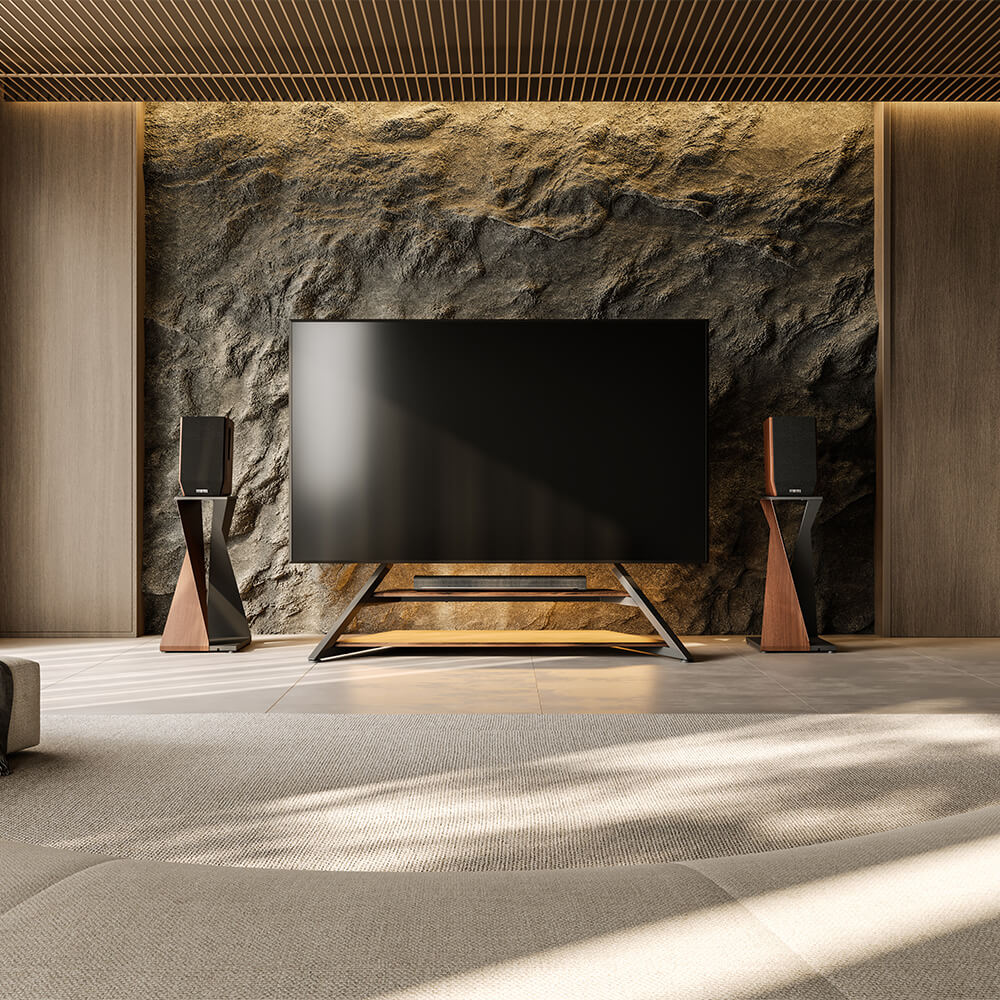
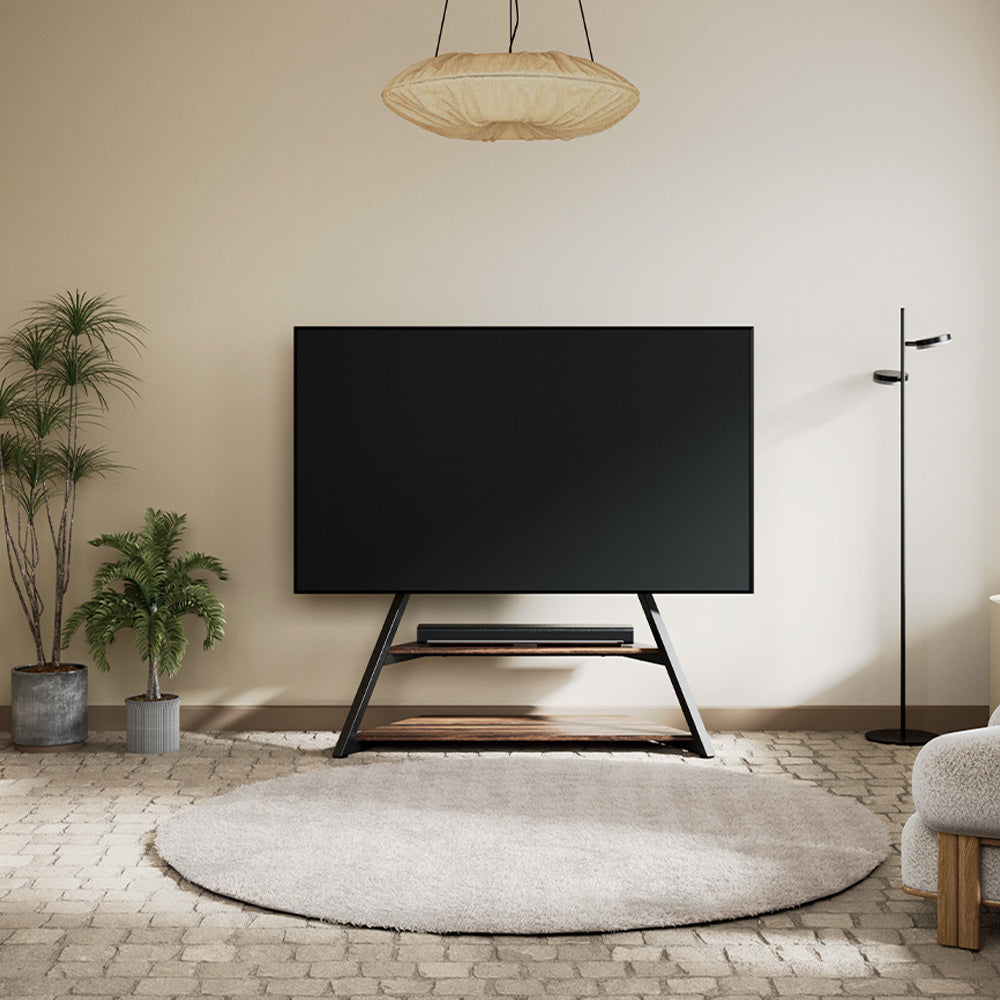
- Corner & console stands — Tuck into a corner or anchor a larger room with extra storage, depending on your layout.
Compare every style in our full range of TV stands for 55-inch TVs.
If you're weighing a stand against mounting the TV to the wall, our article on TV Stand vs Wall Mount breaks down the pros and cons of each.
Materials: What to Look For
The build affects both looks and durability. Steel is the strongest option and the backbone of FITUEYES stands, holding large TVs securely on a narrow footprint. Tempered glass gives a clean, modern look, usually paired with a steel frame. Wood is warm and traditional, good for console-style stands. For a 55" TV, prioritize a reinforced steel core for the mount and base — that's what keeps a tall, freestanding setup rock-solid.
Common Mistakes to Avoid
- Buying a 55-inch-wide stand. Your TV is ~48" wide, not 55". Sizing to the diagonal leaves you with an oversized cabinet and wasted space.
- Ignoring VESA or weight capacity. A stand that looks sturdy but doesn't match your VESA pattern — or is rated below your TV's weight — isn't safe at any width.
- Choosing a cabinet narrower than the TV. This looks unbalanced and risks tipping. If you can't go wider, add anti-tip hardware — or switch to a VESA floor stand, where overhang isn't a concern.
- Skipping cable management. Tangled cords undo a clean setup; look for built-in channels or a hollow pillar that routes wires out of sight.

FAQs
1. How wide is a 55-inch TV?
About 48 inches (47.9–49"), since the 55-inch figure is the diagonal, not the width.
2. What size TV stand should I buy for a 55-inch TV?
For a cabinet, choose 50–54 inches wide (2–6 inches wider than the ~48" TV). For a VESA floor stand, width isn't a factor — it just needs the rated weight capacity and a matching VESA pattern.
3. Can a 55-inch TV fit on a 40-inch stand?
On a cabinet, 40 inches is too narrow and unsafe without anti-tip hardware. On a VESA floor stand, yes — a 40-inch (or narrower) base is perfectly stable because the weighted base counterbalances the TV.
4. How much does a 55-inch TV weigh?
Most weigh 30–50 lbs depending on brand and panel type. Always check your model's spec sheet and choose a stand rated well above that.
5. How do I mount my 55-inch TV on a stand?
Match the included bracket to your TV's VESA pattern, confirm the stand's weight rating exceeds your TV's weight, and bolt the panel to the mount per the instructions.
Summary
A 55-inch TV measures about 48" wide, 28" tall, and 30–50 lbs — so size your stand to that 48-inch width, not the 55-inch diagonal. For a cabinet, go 50–54 inches wide; for a VESA floor stand, focus on weight capacity and VESA fit instead. Get those right and your setup stays stable, comfortable, and visually balanced.
Ready to upgrade? Explore the full range of TV stands for 55-inch TVs to find the perfect fit for your space.