


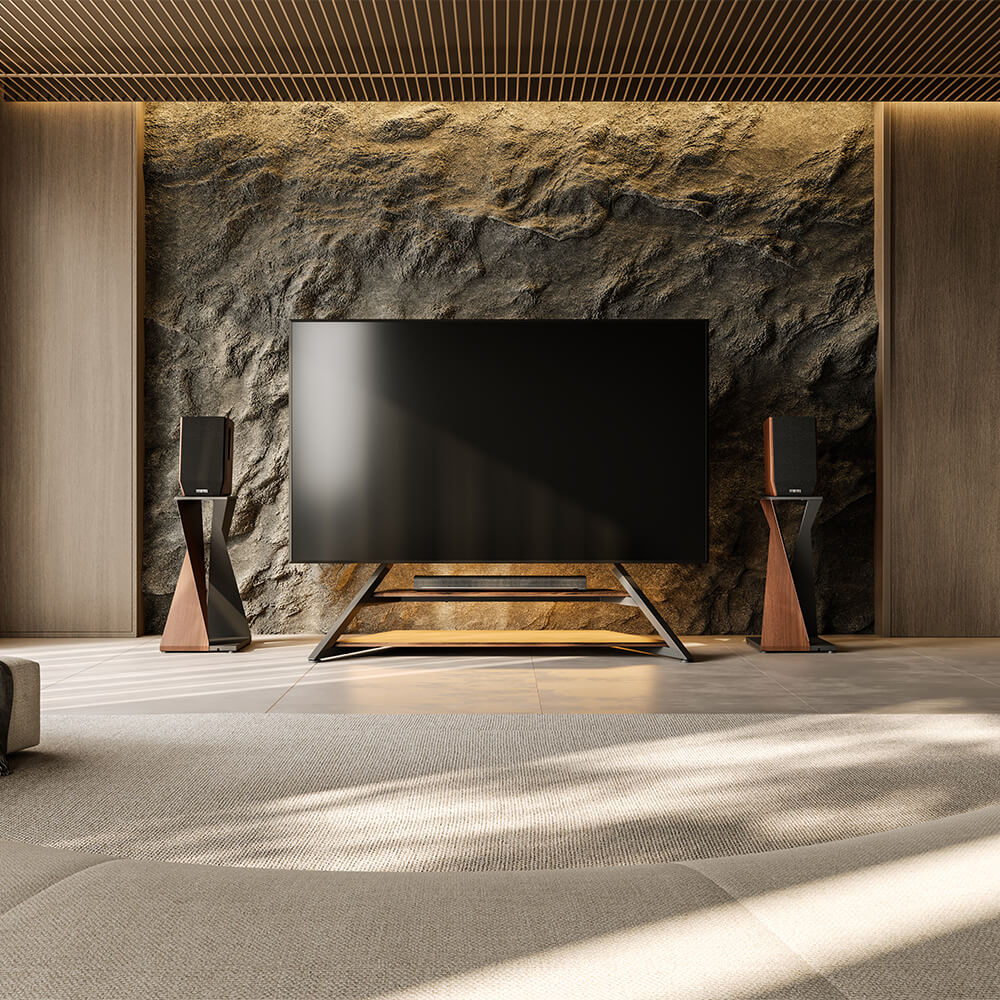
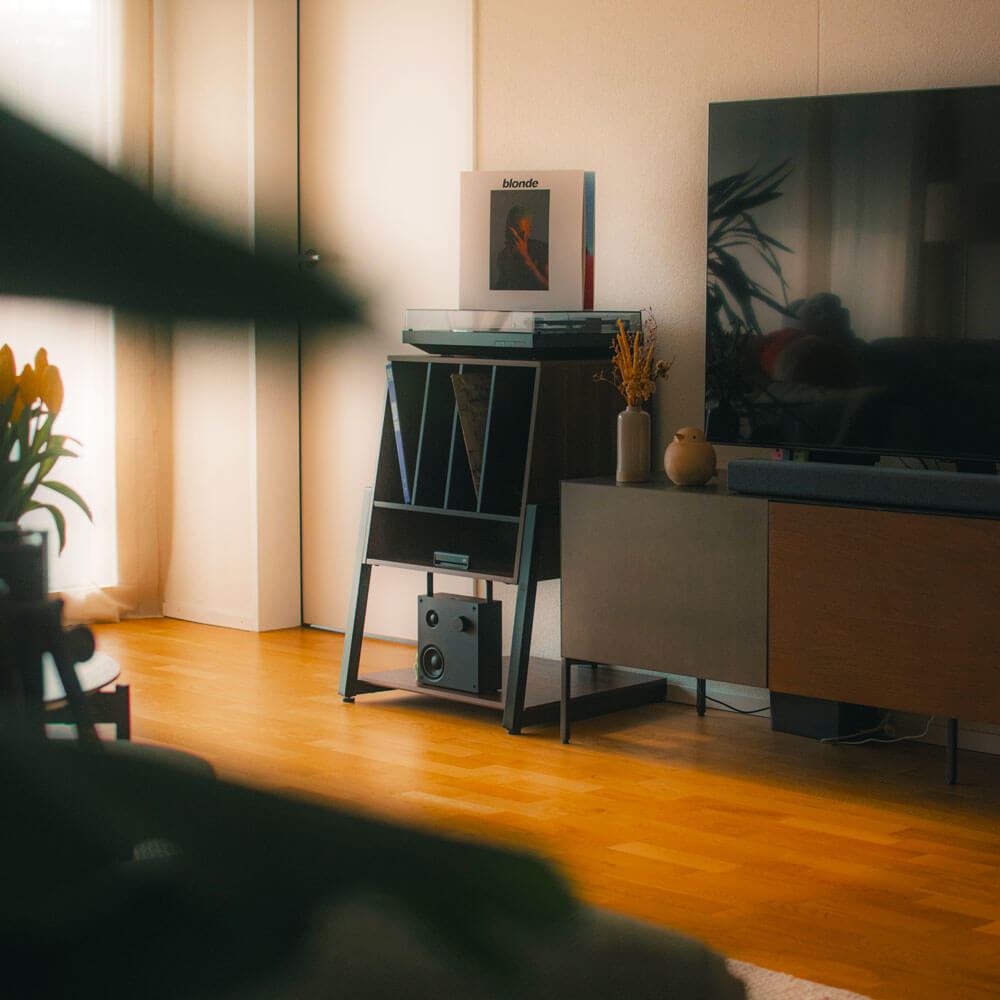
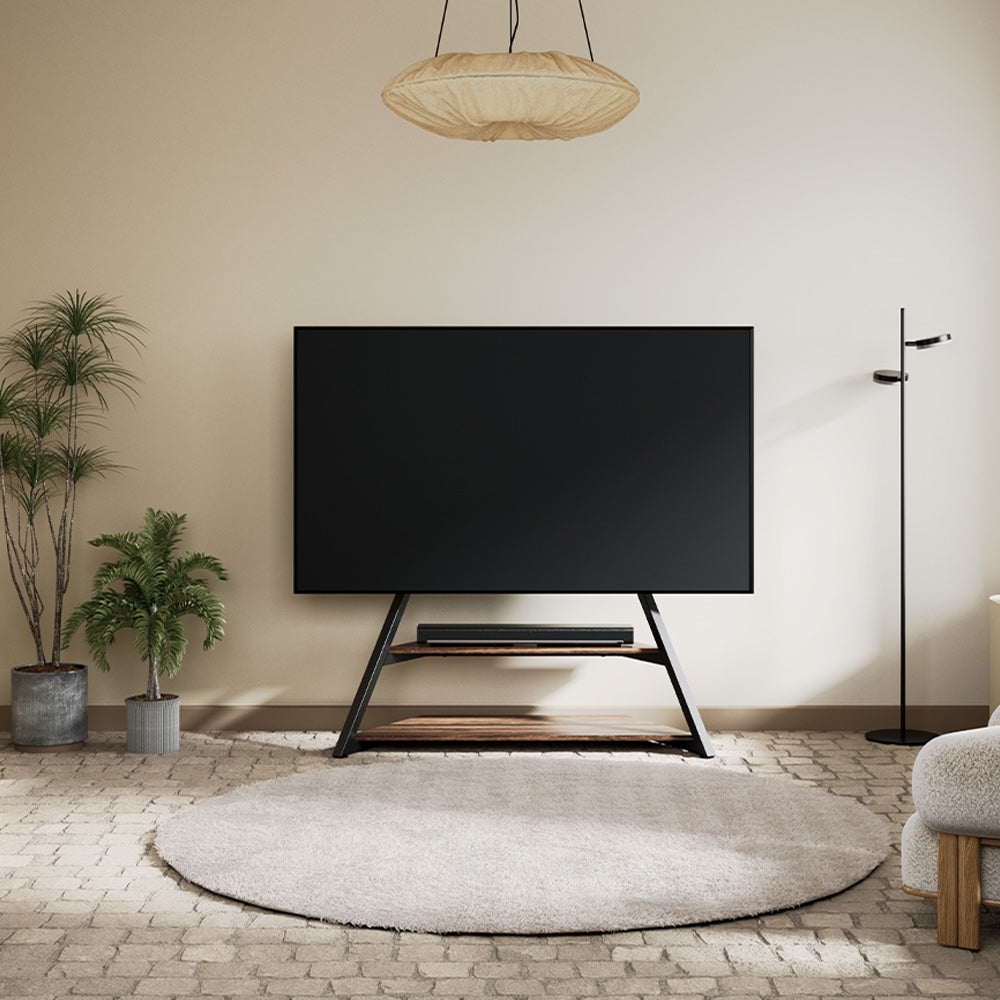
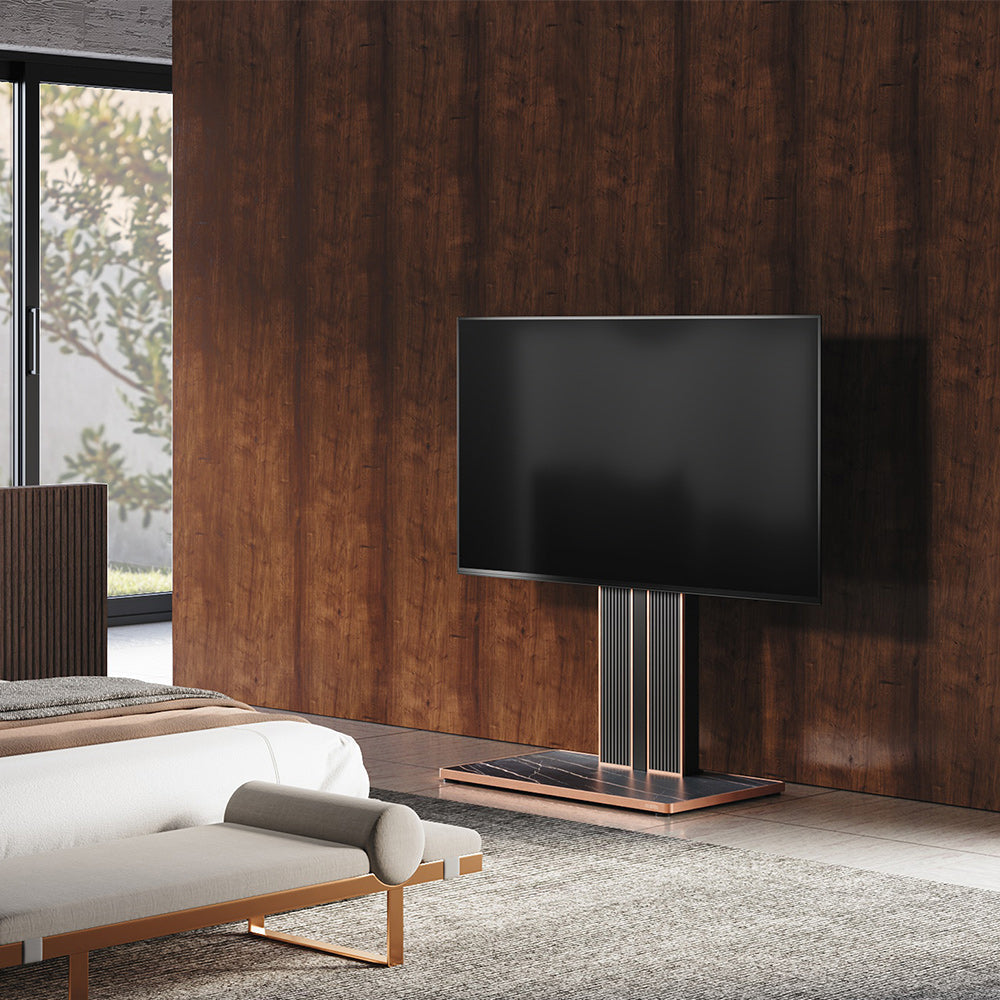
A comfortable PS5 TV setup gives the screen a suitable height and position, provides usable space for the console, and keeps gaming accessories easy to reach. When playing GTA VI, you should be able to follow the action, read the map, and switch between gameplay and menus from your normal playing position. Build the arrangement around those everyday tasks.
Start by checking what your current television support allows you to change. A cabinet may already provide the right screen position and equipment space. If its height, storage layout, or fixed position limits the arrangement, a gaming TV stand can offer another approach. Establish your screen, lighting, and equipment requirements first so each upgrade has a clear purpose.

Position the TV for Comfortable PS5 Gaming
Set the TV’s Height and Facing Direction
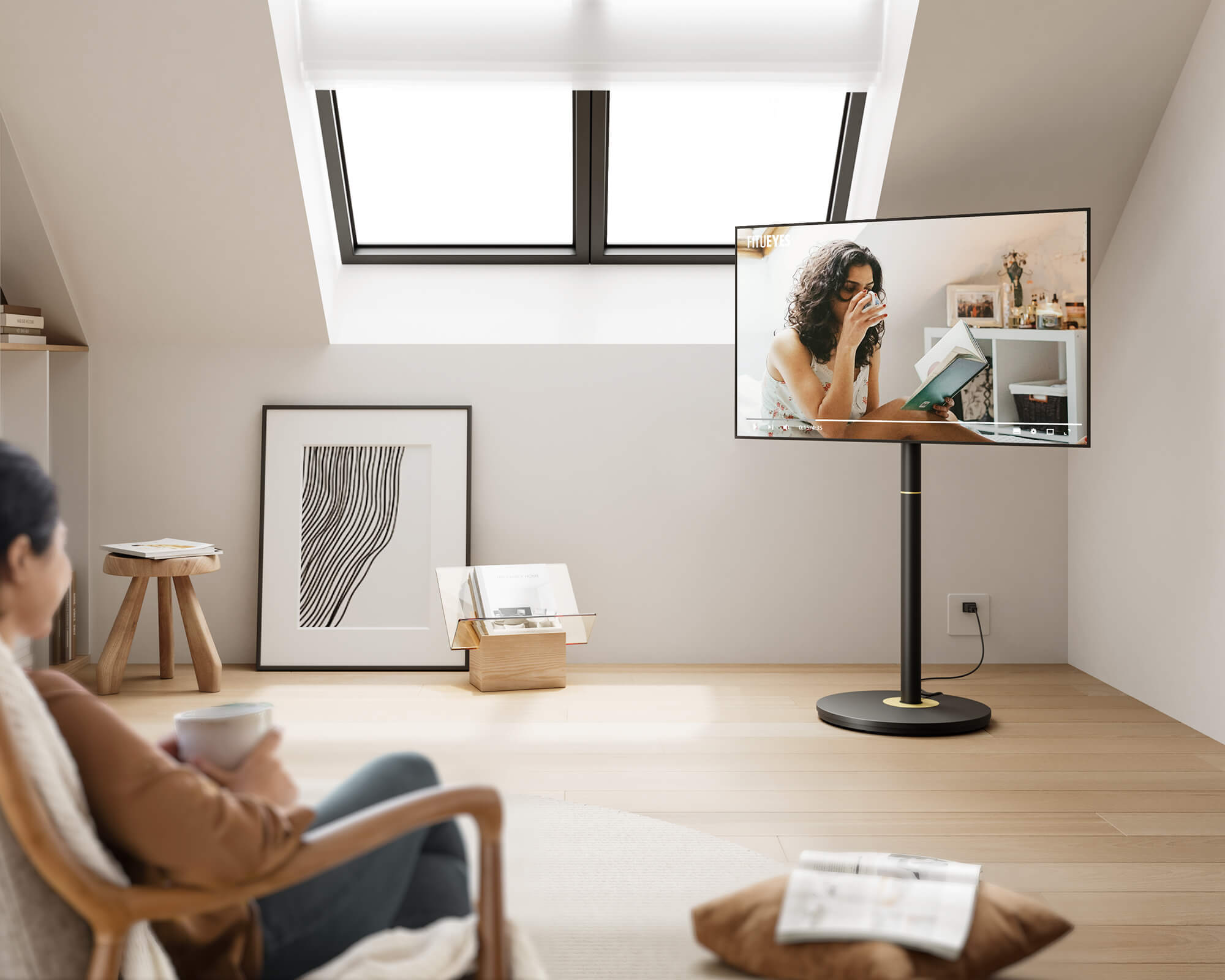
Face the television toward the main gaming position so following the screen does not require keeping your head turned. Sit naturally with the controller in your hands and assess where your gaze meets the display. Seated eye level provides a useful starting reference, but your usual posture matters. Check from a reclined position if that is how you normally play, and account for any head or back support that changes your line of sight.
Compare the required screen position with the adjustment available from your furniture or stand. Screen-center height measures from the floor to the middle of the display, while overall stand height describes the supporting structure. The location of the television’s rear mounting holes also affects where the screen sits. When assessing floor TV stands, match the TV’s exact weight and VESA pattern, then check the achievable screen position in the mounting diagram. Confirm that the screen and base leave nearby doors, drawers, and walking routes usable.
Check GTA VI Map and Menu Readability From Your Gaming Seat
Open the GTA VI map or a menu and look at information you regularly use. Check whether you can read it while remaining comfortably supported by your seat. If you repeatedly lean forward, review the available interface or text settings, then try a small change in viewing distance. Repeat the same reading task after each adjustment so you can identify what helped.
Return to ordinary gameplay before settling on a distance. You should be able to read the information you need and follow the wider image comfortably. Avoid choosing the position from a single paused screen. Use both detailed interface elements and regular gameplay, then note the screen-center height and approximate distance that work. These measurements will guide the support and equipment arrangement.
Adjust Room Lighting Around the Gaming Screen
Control Window and Lamp Reflections
Check the television at the time you normally play. From your chosen seat, look for recognizable reflections from windows, ceiling lights, or lamps, particularly during darker images. Adjust the relevant blind or light first, then return to the same seat and image to assess the result. If you reposition the television, recheck the comfortable height and distance established earlier, along with clearance around its supporting structure.
A bright window behind the television needs a different response from a lamp reflected on the screen. Use shading to reduce the bright background, then balance the remaining room lighting. Work through one light source at a time so you can connect each adjustment with its result. Keep enough accessible lighting for finding accessories and moving around the room, especially when the rest of the home is still in use.
Add Ambient Lighting That Suits Actual Gameplay
Once distracting light sources are controlled, adjust any decorative lighting around the screen. Begin with a gentle effect and check the map, menus, and regular gameplay from your usual position. The setting should remain comfortable as the image changes. If the light reflects in the display or draws attention away from it, change its position, reduce its brightness, or choose a steadier effect.
RGB lighting can give the space a more expressive atmosphere, but the most animated mode may not be your preferred everyday setting. Compare dynamic and steady effects during normal play. A familiar baseline makes it easier to start a session, while leaving you free to choose something more energetic when you want it. Reassess the effect when switching between daytime and evening lighting.
Choose a Gaming TV Stand That Brings the Setup Together
Check TV Compatibility and Console Space
Use the screen position you established to assess whether your existing furniture meets the requirements. If you need another support, check the television’s weight, VESA pattern, mounting-hole position, and the stand’s permitted mounting configurations together. A screen-size range helps narrow the options, while the detailed specifications establish whether your television can be mounted correctly at a suitable height.
Then identify your PS5 model and its approved horizontal or vertical arrangement. Include the required support accessories when measuring the console, and account for power and HDMI plugs behind it. Keep the vents unobstructed, leave at least 10 cm of free space around each side, and follow the ventilation instructions for your model. Controls, frequently used ports, and the disc drive where fitted should remain accessible. Check the equipment surface’s usable dimensions and load allowance separately from the television mounting capacity.
| Part of the setup | What to record |
|---|---|
| Television | Weight, VESA pattern, and preferred screen-center position |
| PS5 | Model, orientation, support accessories, and ventilation requirements |
| Supporting surface | Usable width and depth, load allowance, and operating access |
| Connections | Plug space, cable route, and access for disconnection |
| Accessories | Storage and charging positions for controllers and headset |
Match the Stand’s Features to Those Requirements
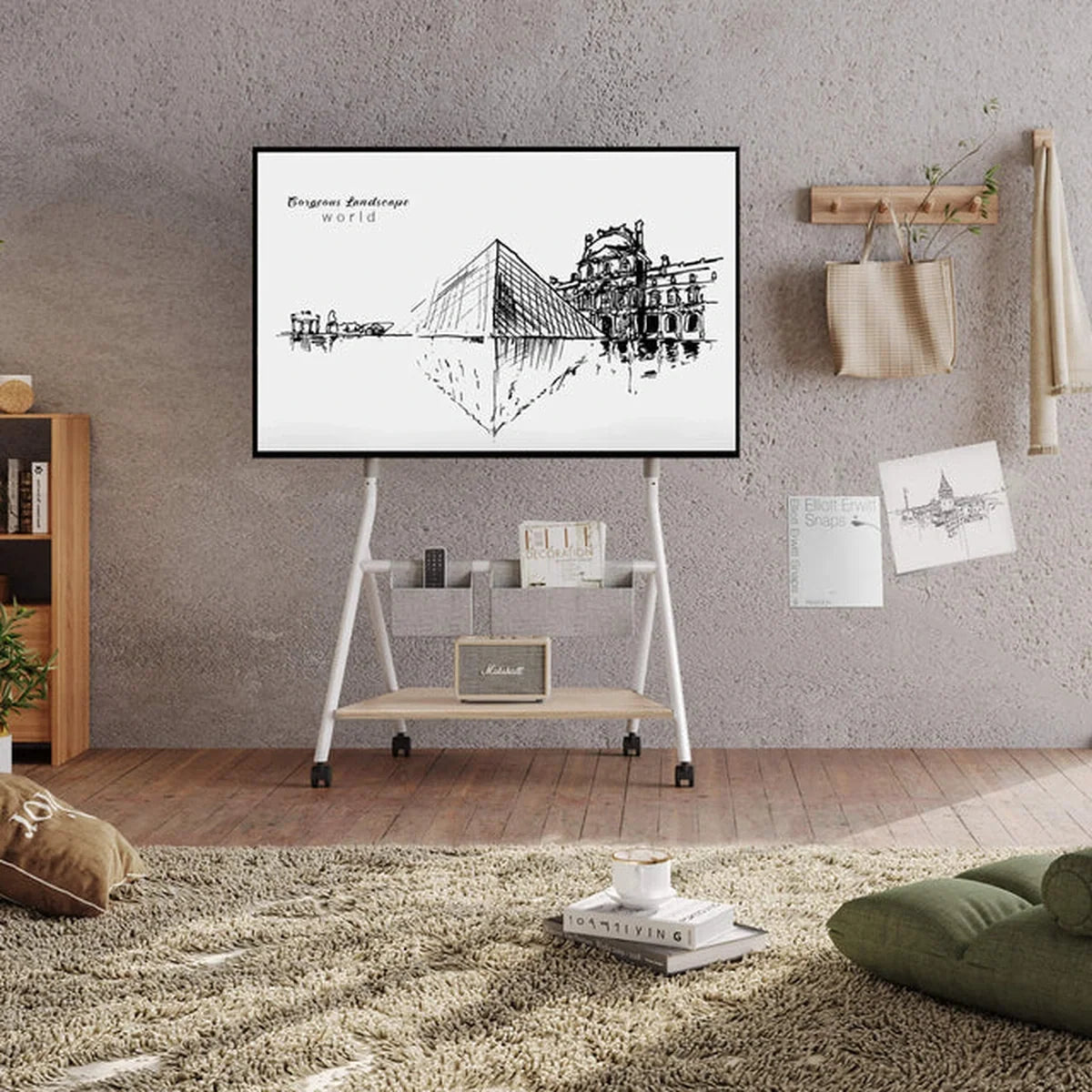
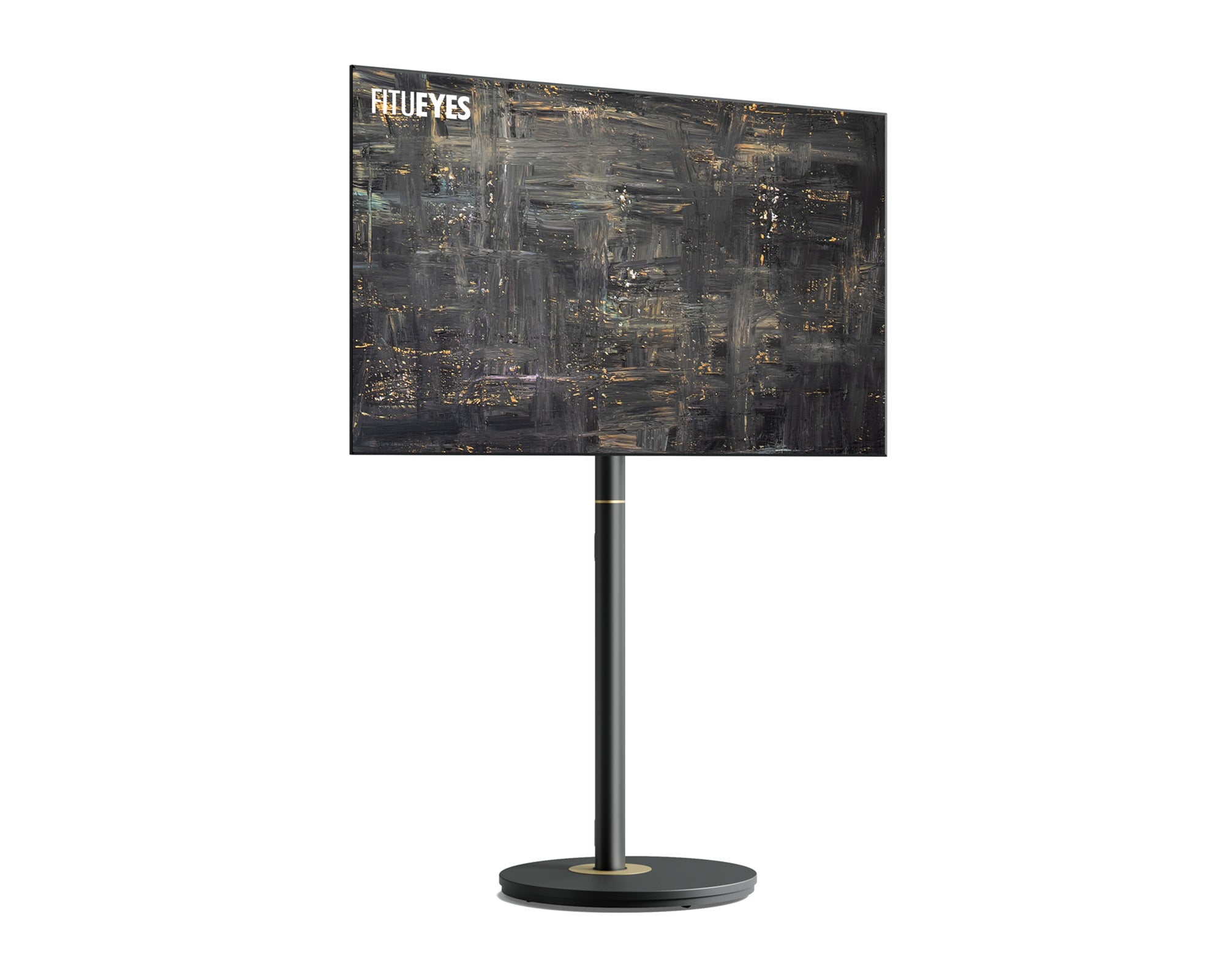
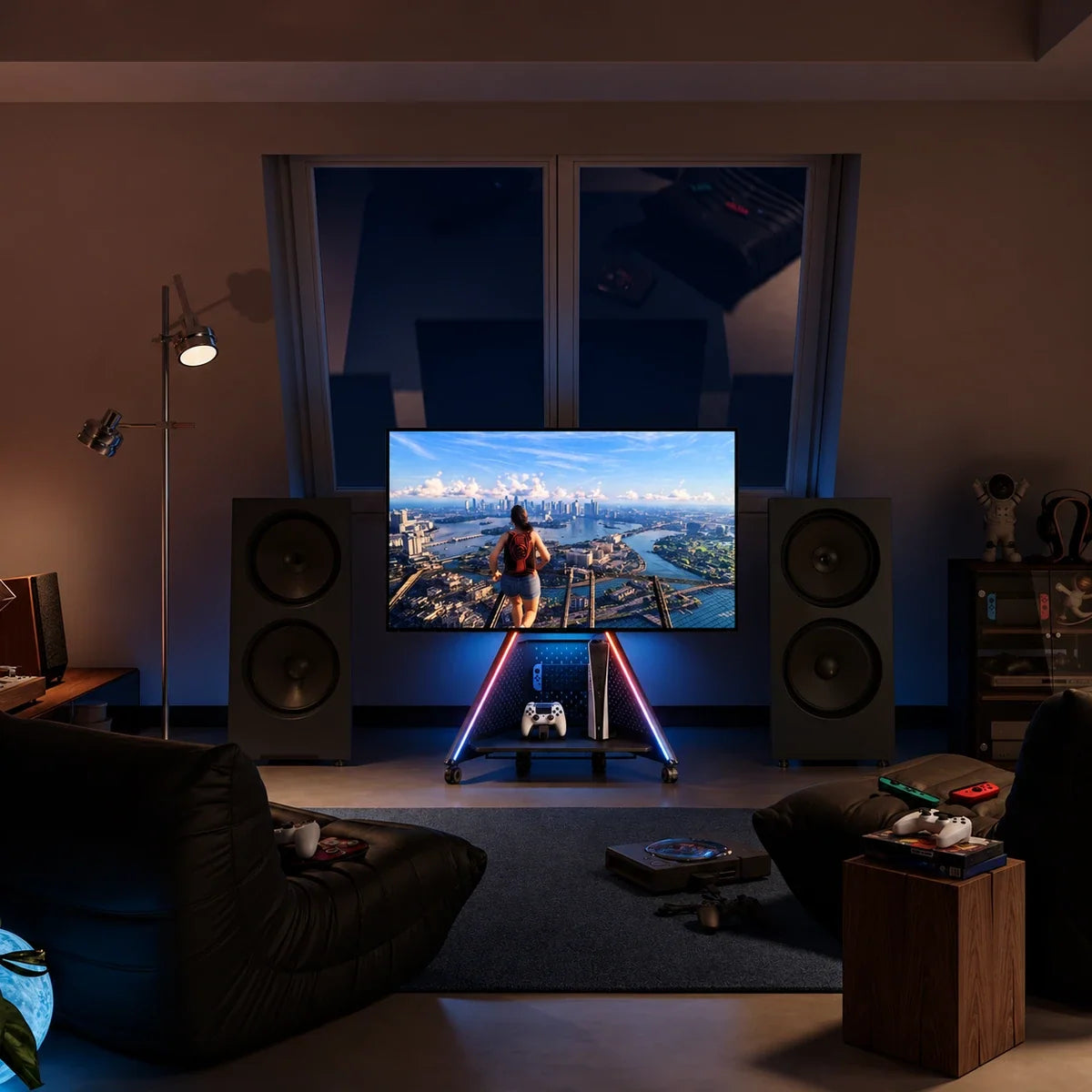
For a setup needing adjustable screen support and organized gaming equipment, the FITUEYES Eiffel Gaming FT65 TV Stand brings those functions into one structure. It supports most 32–65-inch televisions weighing up to 88 lbs (40 kg), with VESA patterns from 100 × 100 mm to 400 × 400 mm. Its screen-center height adjusts from 37.4 to 45.3 inches (95–115 cm), providing a range to compare with your playing position. Modular pegboard storage and cable routing organize accessories and connections, while a tray holds a separately purchased power strip. Built-in, app-controlled RGB lighting provides an atmosphere you can adjust around the screen. Lockable casters serve rooms where the complete setup needs to change position. Check the PS5’s supporting space and ventilation separately, and establish the stand’s facing direction before parking it because the screen mount does not swivel.

With any candidate stand, use these features selectively. Height adjustment matters when it achieves the required screen position. Storage matters when the equipment and its operating space fit. Mobility matters when there is a practical route between useful positions. Compare those results with what your existing furniture already provides before deciding which change is worthwhile.
Plan Access, Charging, and Any Movement
Arrange accessories around the actions you repeat. Give the main controller and headset consistent places, and check that retrieving them does not catch nearby cables or obstruct the console. Position charging connections so cables reach comfortably while remaining outside walking routes. Keep commonly changed plugs accessible, group permanent connections along the structure, and preserve enough cable length for the permitted screen position.
If the setup needs to move, compare rolling TV stands with the complete route. Measure the television’s full width as well as the base and allow room for turns. Change the route or parking position if clearance is insufficient. Follow the movement instructions, disconnect fixed connections as required, and engage the wheel locks once parked. Where the remaining issue involves surrounding furniture, a plan for a home gaming corner can help you reconsider the wider layout.
A Gaming Space That Fits the Way You Play
A well-planned gaming space connects screen position, console support, accessory access, and lighting. Once those requirements are confirmed, furniture can help the arrangement feel integrated with the room. FITUEYES combines television support with audiovisual furniture design, offering ways to organize equipment around everyday play. Choose from your measured needs, then refine the arrangement through regular use.
FAQs
Should I change the TV’s picture settings after rearranging my PS5 setup?
Check the picture settings on the HDMI input connected to your PS5. If the television offers a Game Mode or low-latency setting, enable it according to the TV’s instructions. Revisit HDR calibration if you have changed relevant display settings, then check bright and dark gameplay scenes from your final viewing position. Keep important details visible without making the image uncomfortably bright.
Where should I charge my controller if the cable cannot reach my gaming seat?
Set up a charging position beside the console or near the seat, with the cable kept outside walking routes. If you prefer playing wirelessly, recharge between sessions using a compatible charging method. For wired play, choose a suitable cable that reaches comfortably without becoming taut, and route it so standing up will not pull the controller or console.
How can one setup work for both PS5 gaming and everyday television?
Choose a screen position that works for the main viewing seats, then save appropriate picture settings for each input or activity where supported. Give gaming accessories fixed storage positions so switching activities is straightforward. Keep charging cables outside shared walking routes and leave everyday controls accessible.