


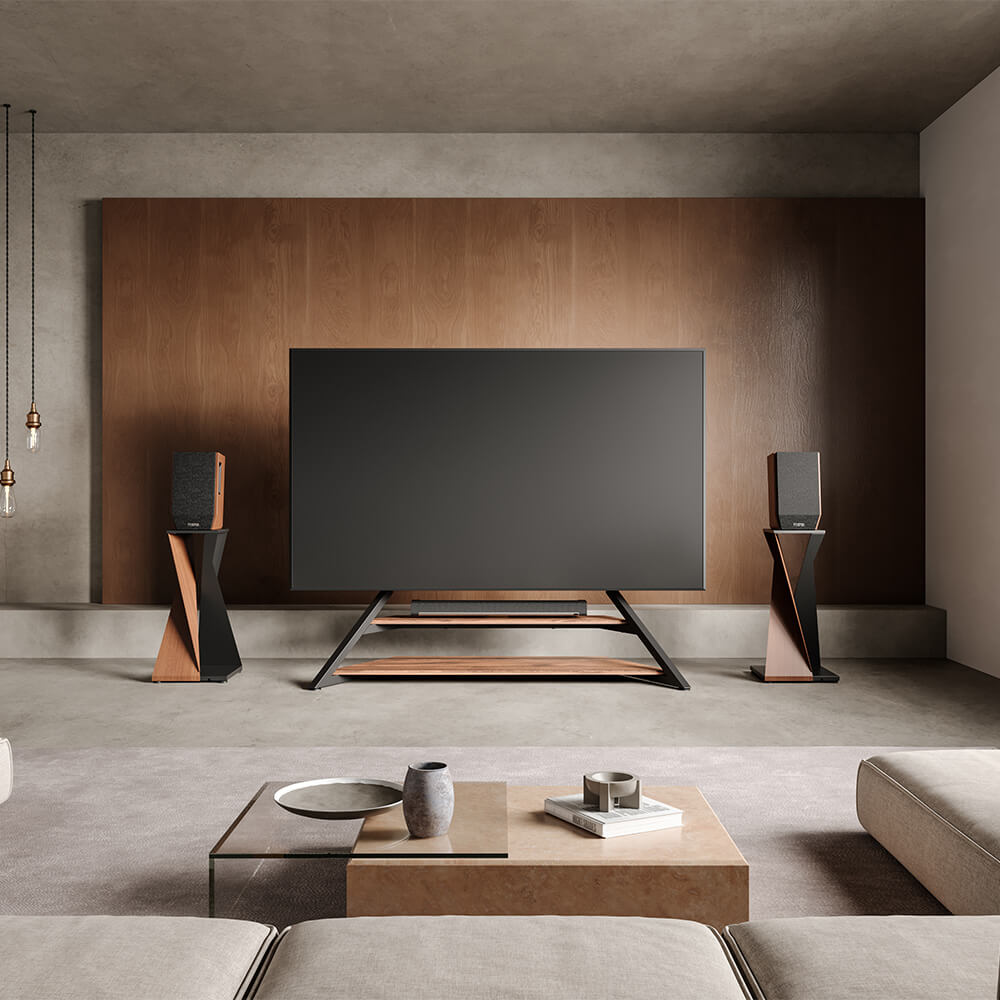
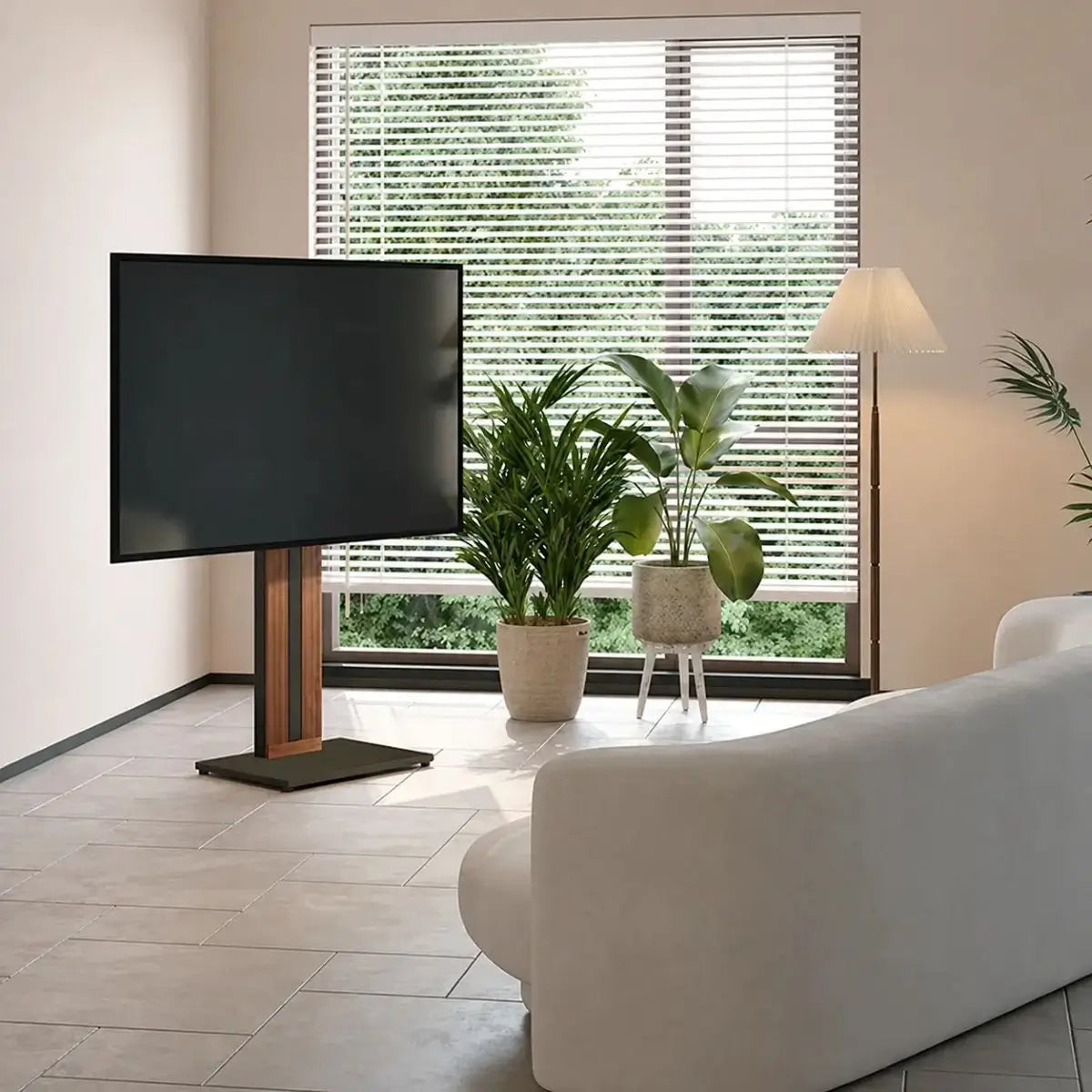
The best lighting around a TV uses soft, indirect light behind or beside the screen, supported by warm, dimmable lamps outside the reflection path. This reduces the sharp contrast between a bright screen and a dark wall while giving the surrounding area enough depth to feel welcoming and finished.
The furniture supporting the screen also affects the layout. A freestanding TV stand leaves more flexibility for floor lamps, wall lights, and cable routing when drilling is not practical. Whether the television is wall-mounted or placed on a stand, its height, nearby lighting, cables, and furniture should be planned as one visual area. This guide covers practical lighting ideas, suitable color temperatures, glare-free placement, and flexible arrangements for different living rooms.
What Makes Lighting Around a TV Feel Balanced?
Balanced TV-area lighting does not mean making every surface equally bright. The screen should remain the main focal point, while nearby lights soften the darker parts of the room. A useful setup has three loose layers: general light for moving around, focused light for reading or other tasks, and accent light around the TV wall.
Place these sources at different heights. A ceiling fixture provides general light, a floor lamp softens a dark corner, and a low backlight adds depth behind the screen. Keep exposed bulbs out of the viewing line and repeat similar color temperatures so the room feels calm.
Which Living Room Lighting Ideas Work Best Around a TV?
The most effective living room lighting ideas around a TV are usually simple. Instead of surrounding the screen with as many lights as possible, choose a few sources that serve clear purposes and remain comfortable during evening viewing.
Soft Backlighting and Hidden Shelf Lighting
An LED strip behind the TV creates a soft halo by directing light onto the wall rather than toward the viewer. The strip itself should remain hidden. A similar effect can be created beneath a floating shelf or media console. Keep the brightness low enough that the light frames the screen without drawing attention away from it.
Floor and Table Lamps for a Balanced Layout
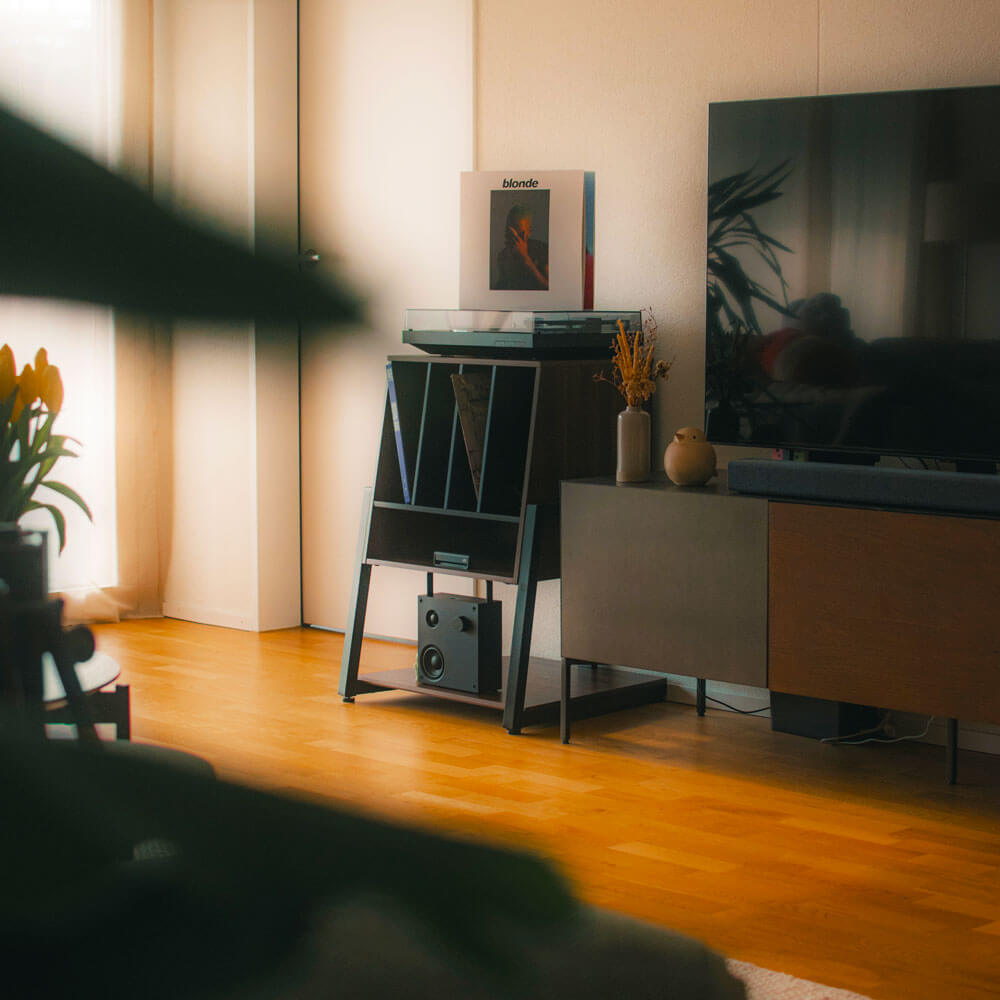
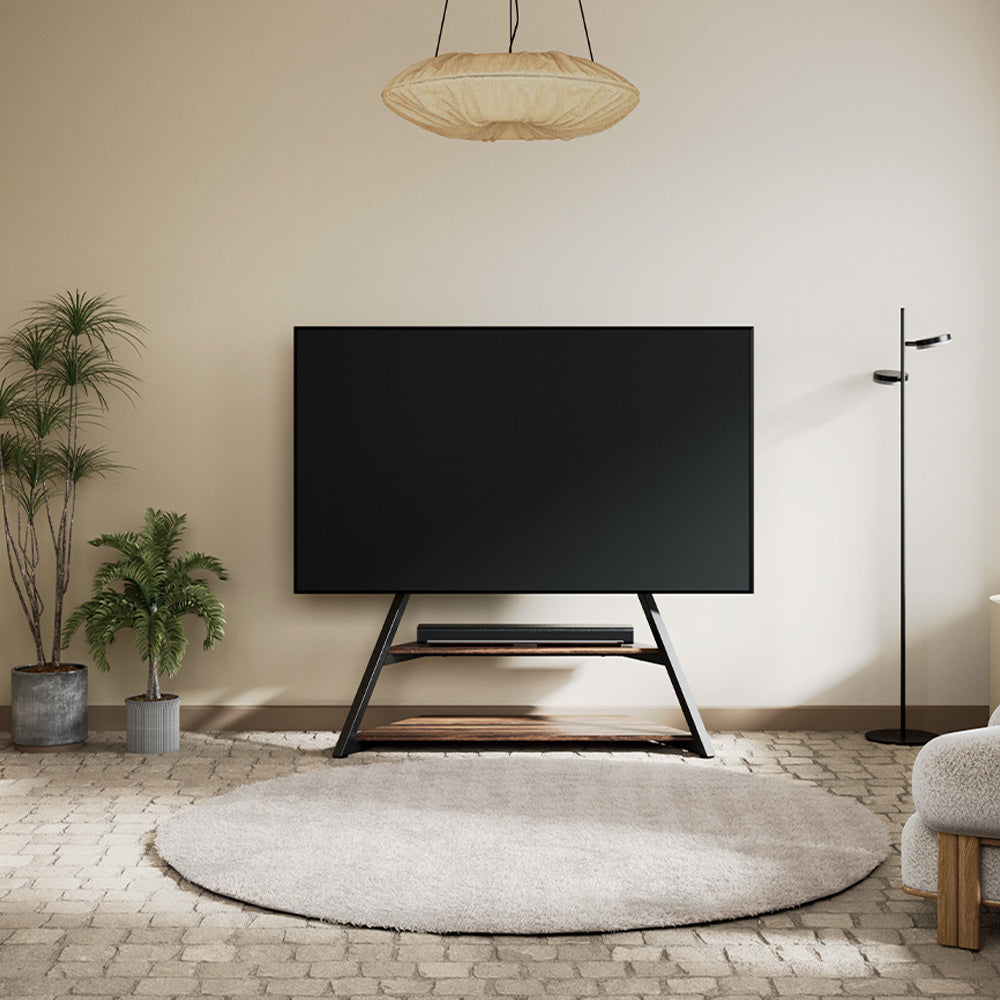
A shaded floor lamp placed slightly behind or beside the TV can soften a dark corner without reflecting on the screen. In a smaller room, one table lamp may be enough. A plant, speaker, or decorative object on the other side can provide visual weight for a relaxed asymmetrical layout.
Wall Sconces and Wall-Washing Lights
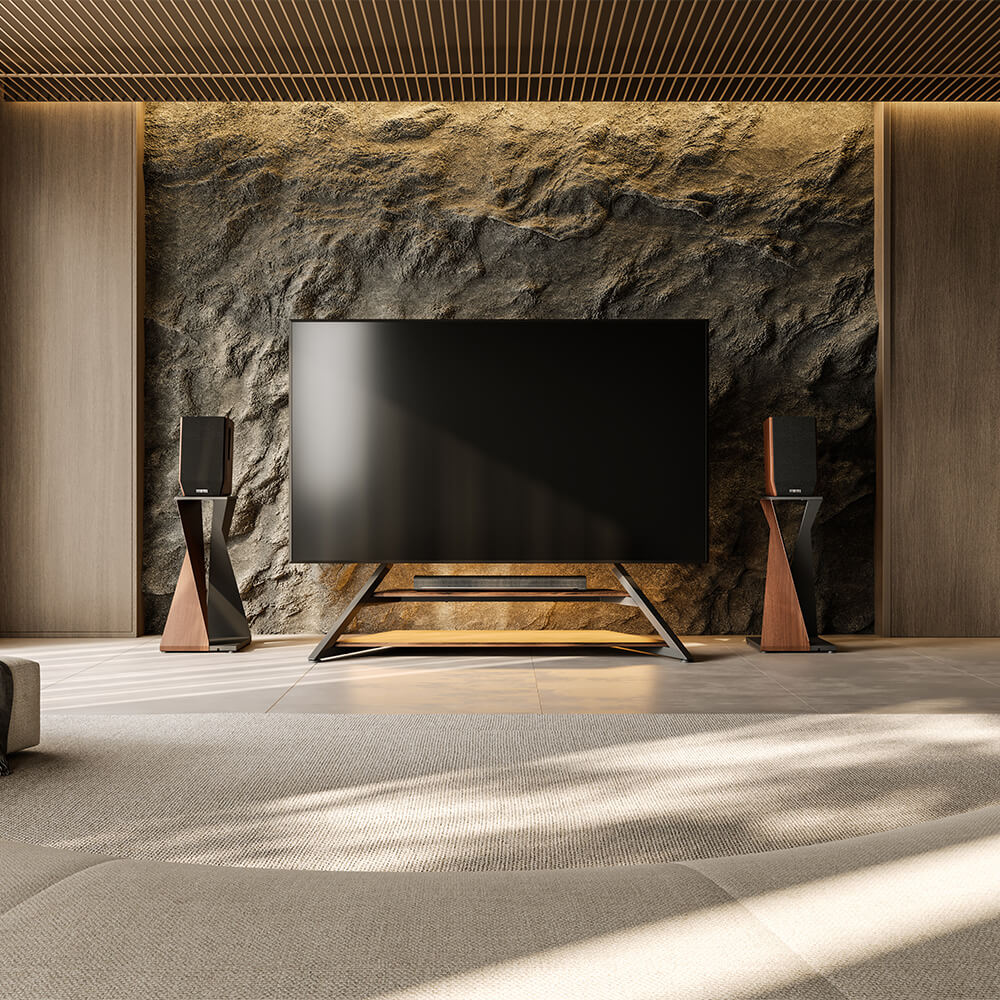
Wall sconces work well when there is enough space on both sides of the television. Choose fixtures that direct light upward, downward, or through a shade instead of exposing the bulb. On wood slats, stone, or textured paint, a gentle wall-washing light can reveal the surface and make the TV wall feel warmer when the screen is off.
Dimmable Ceiling Lights and Smart Scenes
Ceiling lights are not automatically unsuitable for a TV room. The problem is usually excessive brightness or poor direction. Dimmable recessed lights and adjustable track lights can work when aimed away from the screen. Smart controls also make it easy to save separate settings for movie nights, reading, entertaining guests, and everyday cleaning.
Rental-Friendly Lighting Without Drilling
Renters can use plug-in sconces, rechargeable table lamps, removable LED strips, and slim floor lamps. These options add light without permanent wiring or wall damage and are easy to reposition. Conceal loose cords behind the stand or route them along the baseboard.

What Color Temperature Works Best Around a TV?
For a warm living room, 2700K to 3000K is the most practical range. Light near 2700K feels softer and more relaxed, while 3000K provides slightly clearer illumination for rooms also used for reading, conversation, or temporary work.
Consistency matters more than choosing one exact number. A warm floor lamp beside a noticeably cool ceiling light can make the room feel disconnected. Use bulbs from the same color family within the main sightline and choose dimmable fixtures whenever possible. The background light should support the screen, not become the brightest object on the wall.
Where Should Lights Be Placed to Prevent TV Glare?
Place lights behind the TV, beside it, or behind the main seating position whenever the room allows. Avoid exposed bulbs directly opposite the screen. A simple check is to turn the television off and sit in the usual viewing seat. Any lamp clearly reflected in the black screen may need to be moved, dimmed, shaded, or redirected.
Windows also affect glare. Curtains or blinds may be more effective than adding another lamp when daylight falls directly across the television. Screen angle and viewing position matter as well. For a fuller room-planning guide, see Where to Place Your TV Stand to Avoid Glare.
How Can You Create a Flexible and Uncluttered TV Layout?
A living-room layout usually feels uncomfortable for one of four reasons: the TV takes up too much space, the screen only works from one seat, nearby lights create reflections, or cables remain visible around the furniture. Small apartments need to preserve floor space, while rental homes need flexibility without permanent wall drilling. In larger rooms, the screen may need a wider viewing angle for different seats.
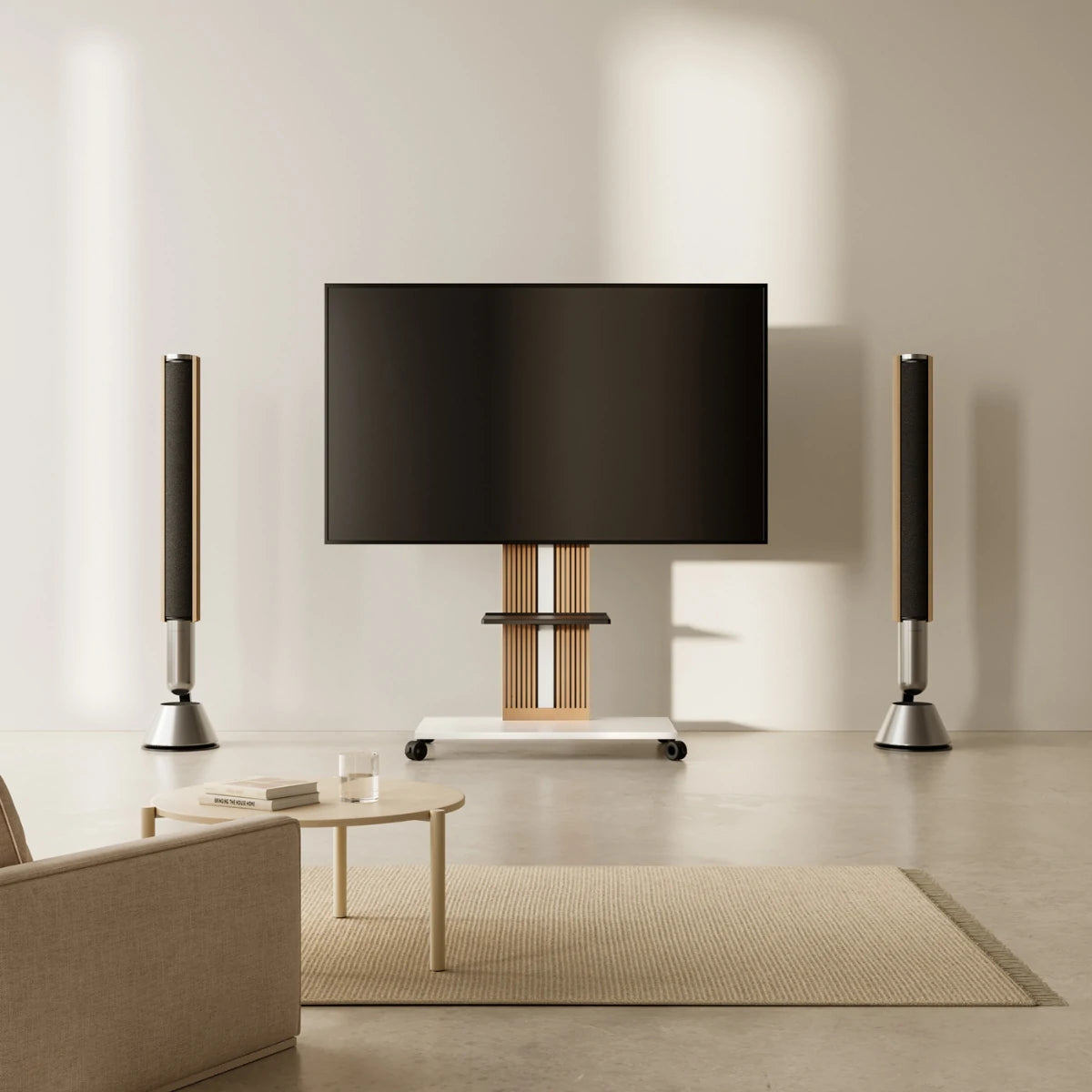
Once the lighting positions are clear, the furniture supporting the screen becomes part of the same decision. A bulky cabinet can leave little room for a floor lamp, while a fixed wall mount makes the screen harder to reposition when daylight or seating changes. If you need a smaller footprint, adjustable viewing, and a cleaner route for cables, a slim freestanding stand is often the more practical choice.
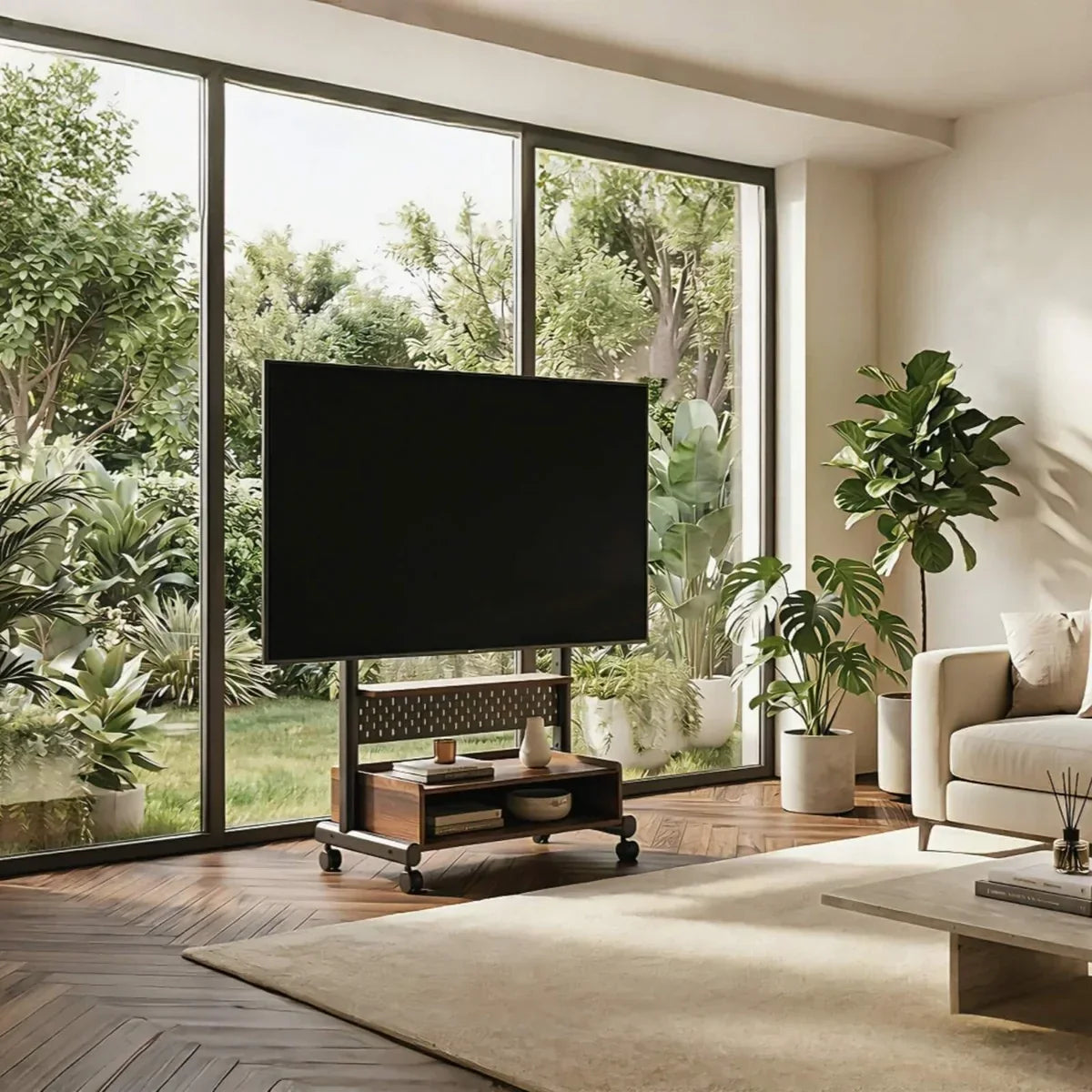
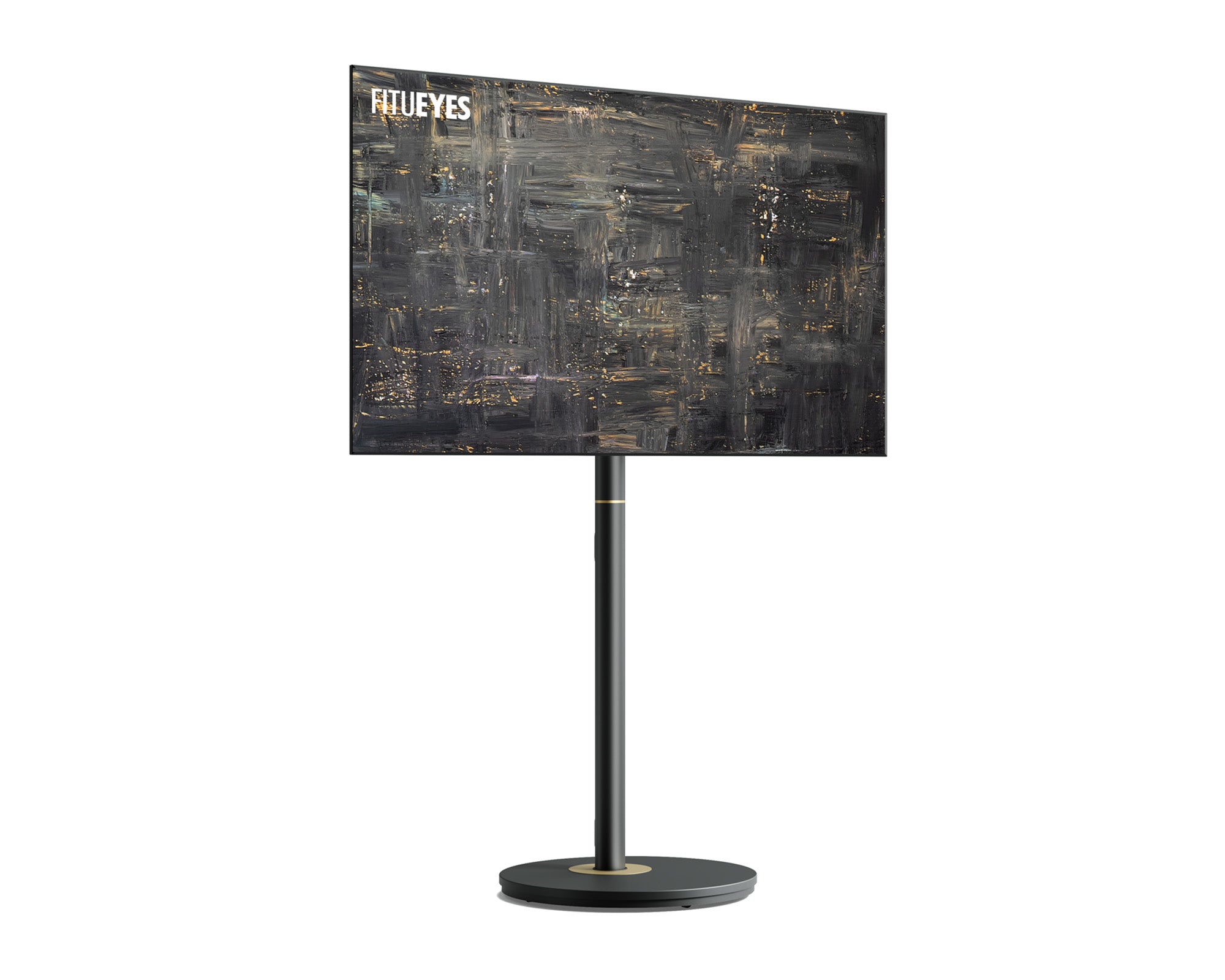
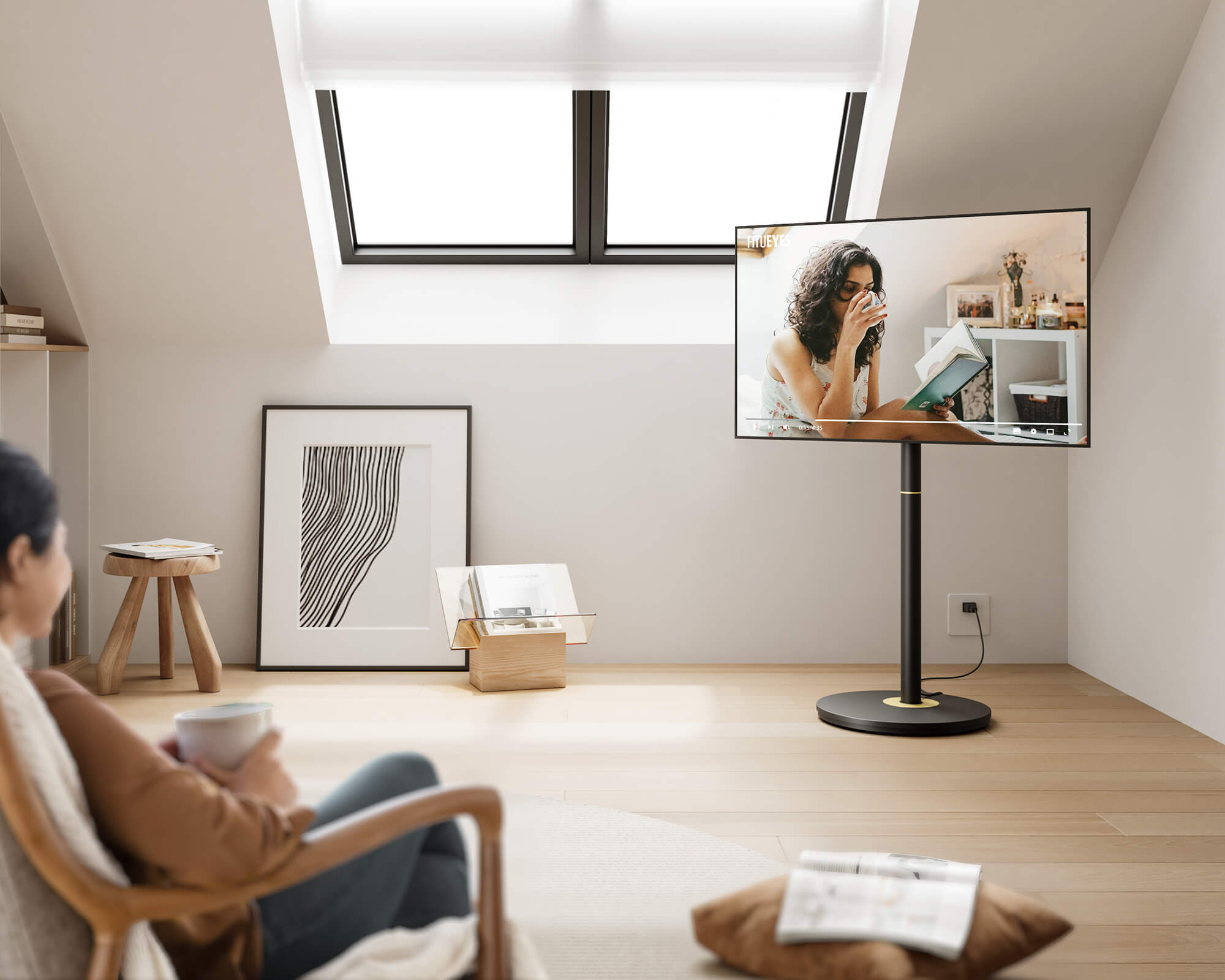
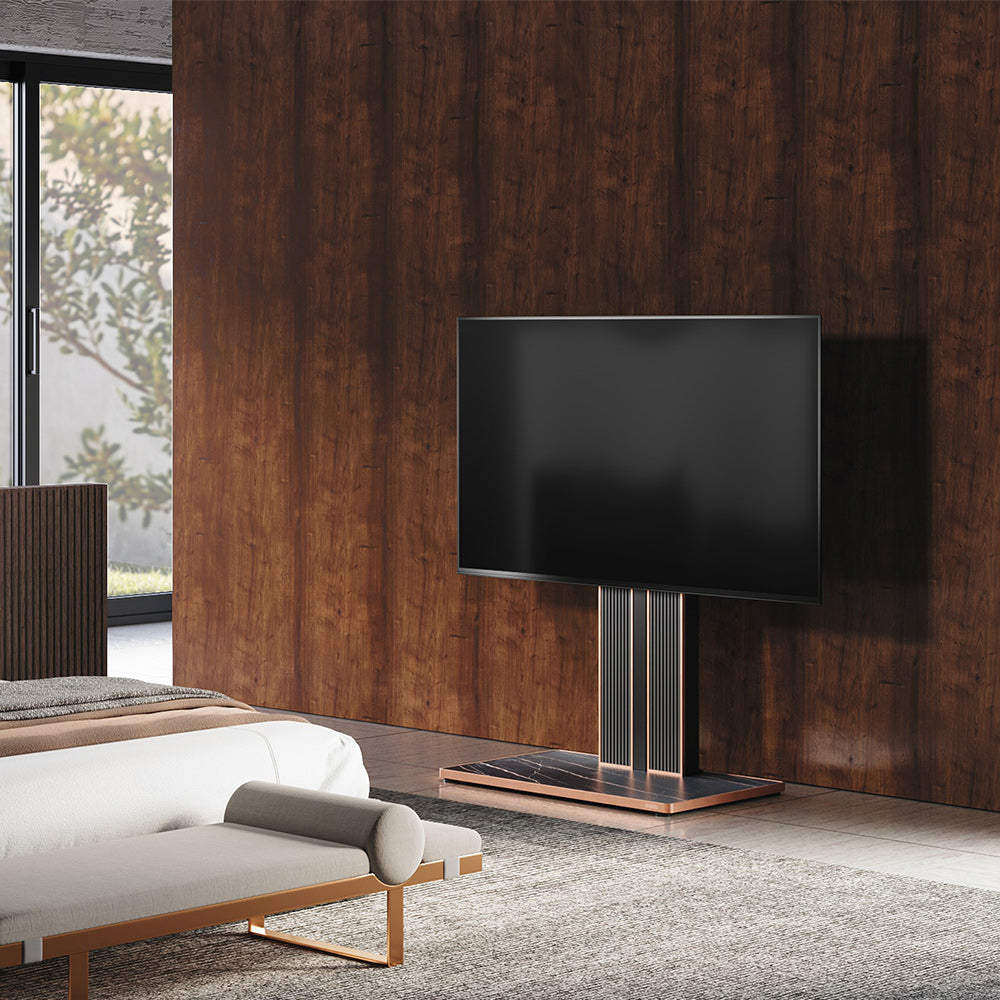
The Zen FT65 TV Stand is designed for this type of flexible living room. It supports most 32- to 65-inch TVs weighing up to 88 pounds and fits VESA patterns from 100 × 100 to 400 × 400 mm. Adjustable height helps align the screen with the seating, while the ±30° swivel makes it easier to direct the TV away from windows or bright lamps. Its slim vertical profile leaves more usable space around the screen, and the walnut and Morandi grey options suit warm, neutral interiors without the visual weight of a traditional media cabinet.
Concealed cable management gives TV power cords, HDMI cables, and lighting wires a clear route behind the stand. This keeps the glow around the screen visible without exposing the equipment that powers it. Because the stand does not require wall drilling, the TV can also be repositioned when the seating, lighting, or purpose of the room changes.
With the screen position and cable path settled, lamps can be placed for comfort rather than used to disguise clutter. The result is a TV area that adapts to different seats and lighting conditions while still looking orderly when the screen is off.

Create a Warmer TV Area
Warm, balanced TV lighting depends on restraint. Indirect light, a consistent color temperature, careful fixture placement, and concealed cables usually achieve more than a wall crowded with competing effects. The TV stand should support that sense of order rather than feel like technical hardware placed in the middle of the room.
FITUEYES draws inspiration from architecture, art, and modern interiors to create stable TV stands that feel at home in everyday living spaces. Thoughtful proportions, flexible viewing positions, and integrated cable routing help the screen sit naturally alongside lamps, furniture, and décor. Each stand is designed for straightforward DIY assembly with clear instructions and the necessary hardware, while 24-hour online customer support is available for setup and product questions. Explore the FITUEYES range to find a stand that suits your television, lighting plan, and living-room style.
FAQs
1. Does wall color affect TV backlighting?
Yes. Light-colored and matte walls spread a backlight more evenly, while dark paint absorbs more light and may require a slightly brighter setting. Glossy finishes can create visible hotspots, so lower the brightness or increase the distance between the light source and wall.
2. Can backlighting work when a TV is placed in a corner?
Yes, but the two walls may reflect light differently because they are not equally distant from the screen. Start with a low brightness setting and check the effect from your usual seat. If one wall appears much brighter, reposition the strip farther from that edge or use a shaded lamp behind the stand for a softer, more even glow.
3. Are LED strips or light bars better behind a TV?
LED strips create a more continuous glow and work well when the TV sits close to a flat wall. Light bars are easier to reposition, making them more suitable for corner layouts or freestanding TVs. Choose according to the space behind the screen and how often you expect to move the setup.