


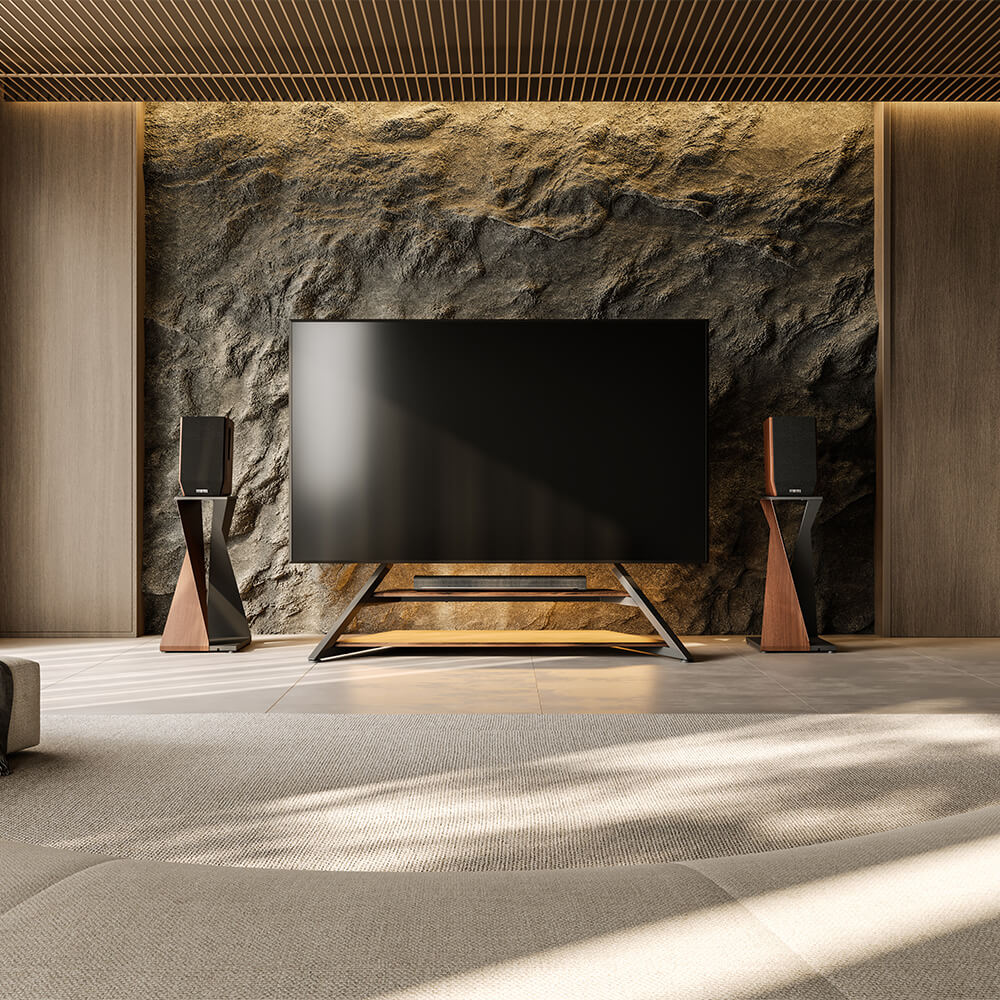
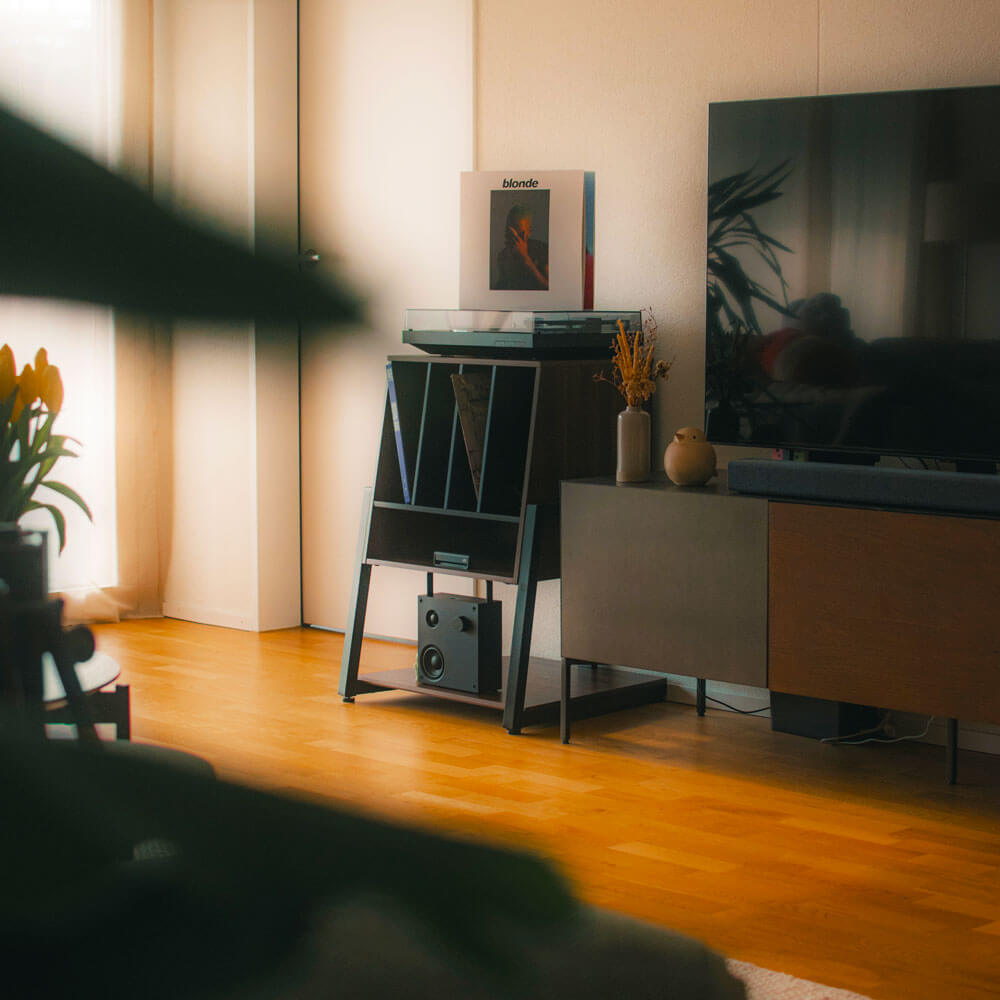
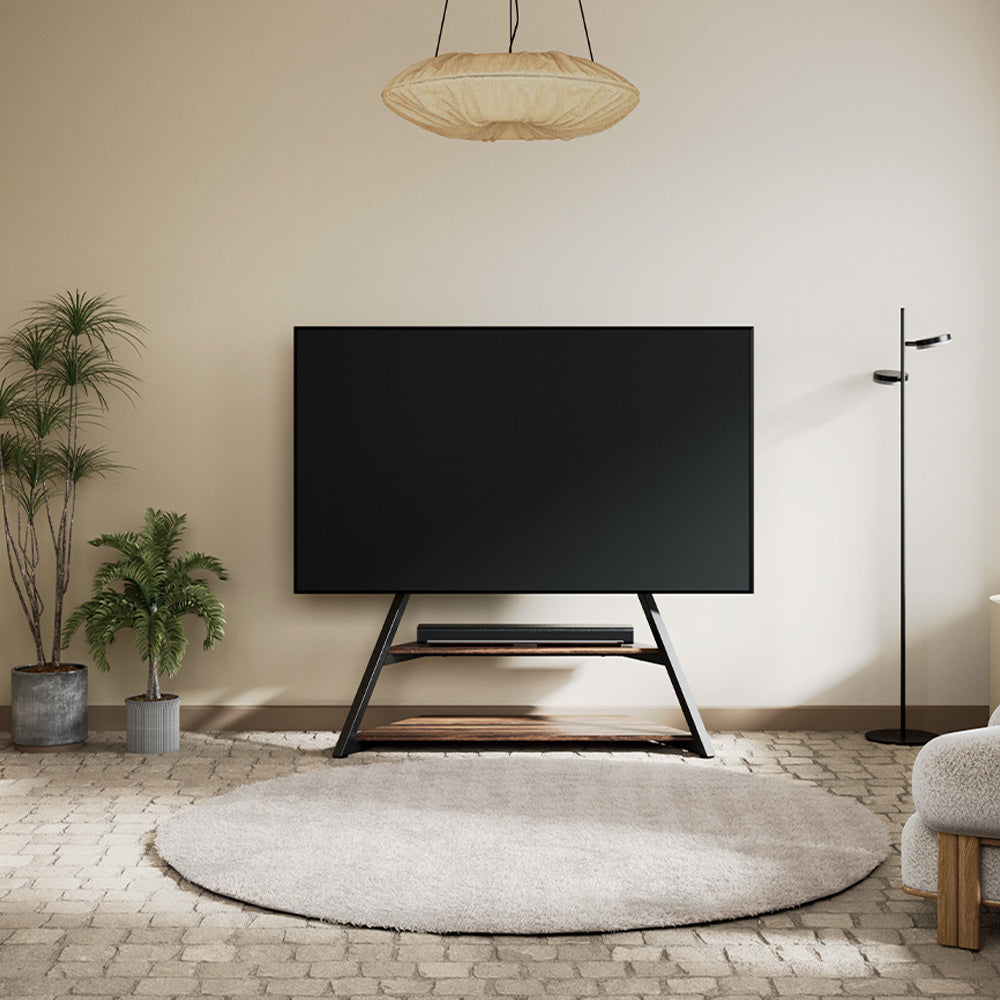
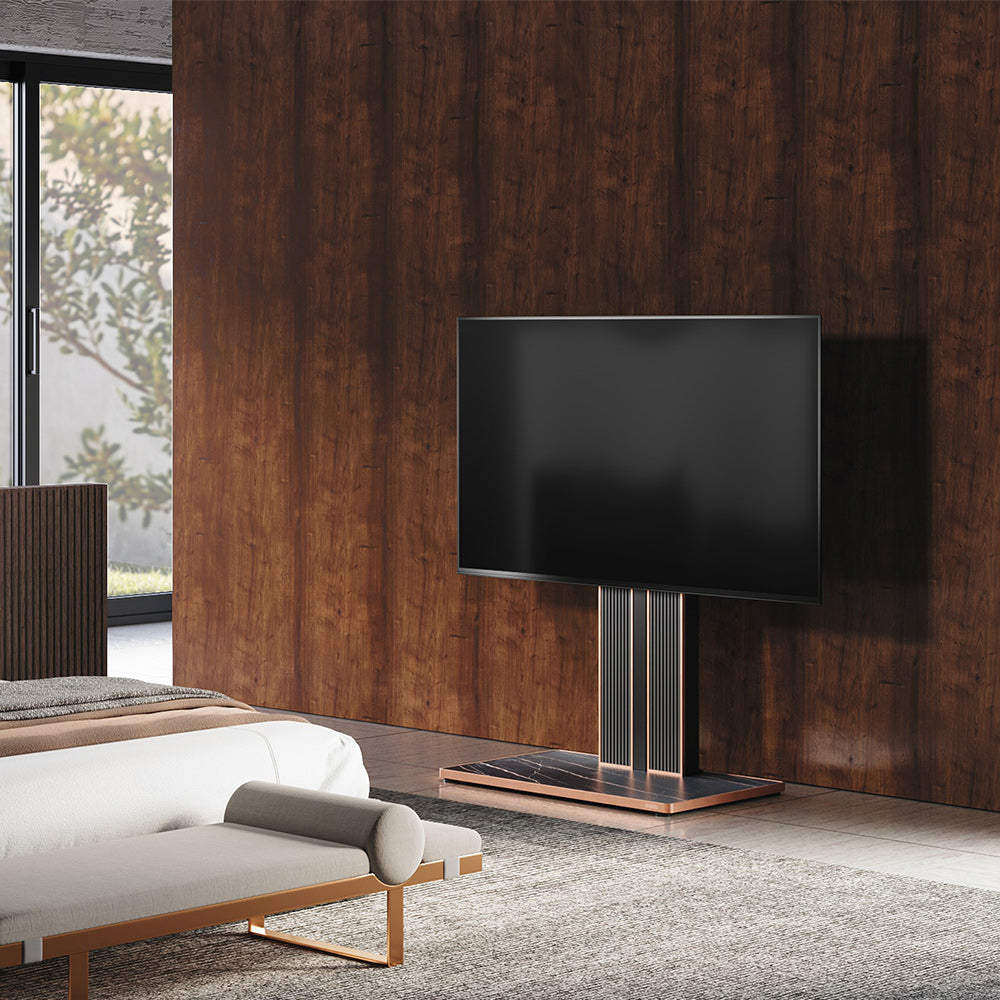
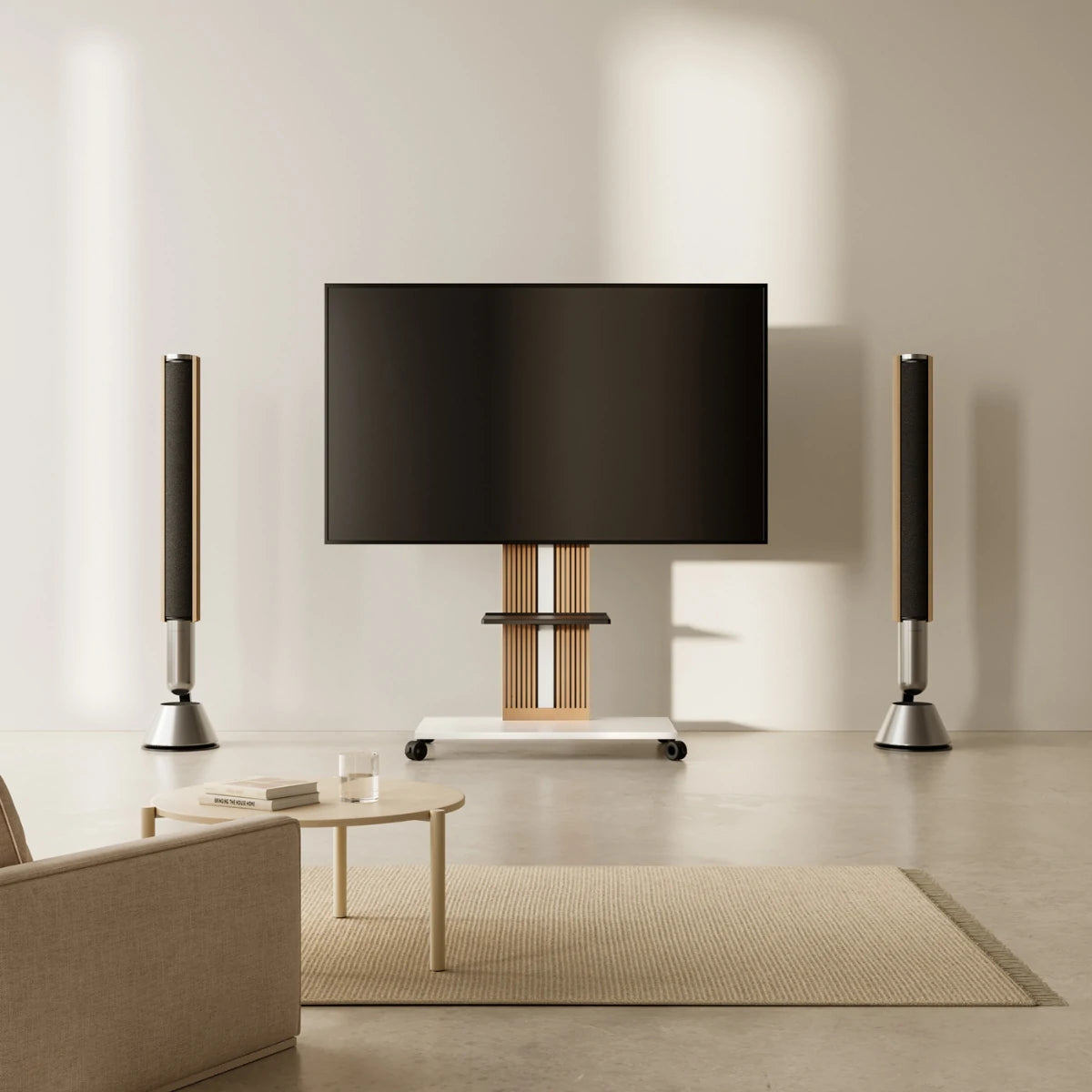
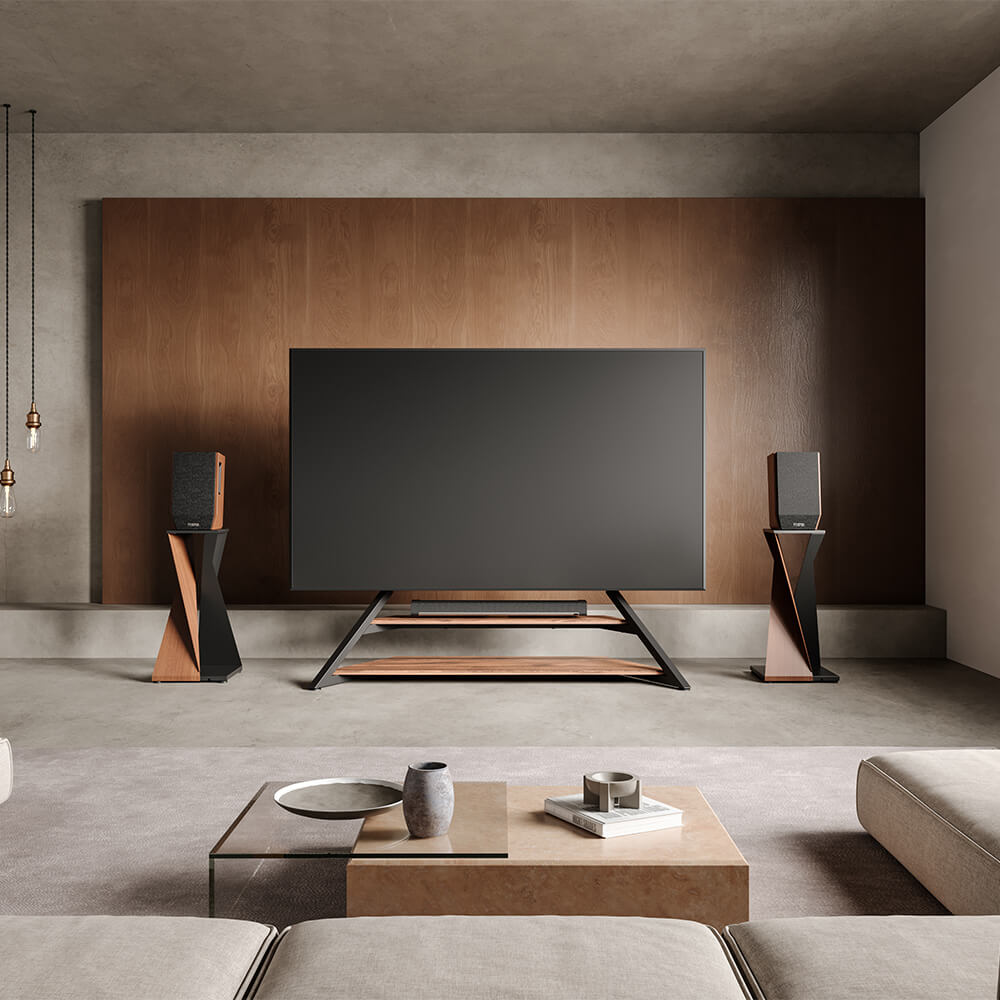
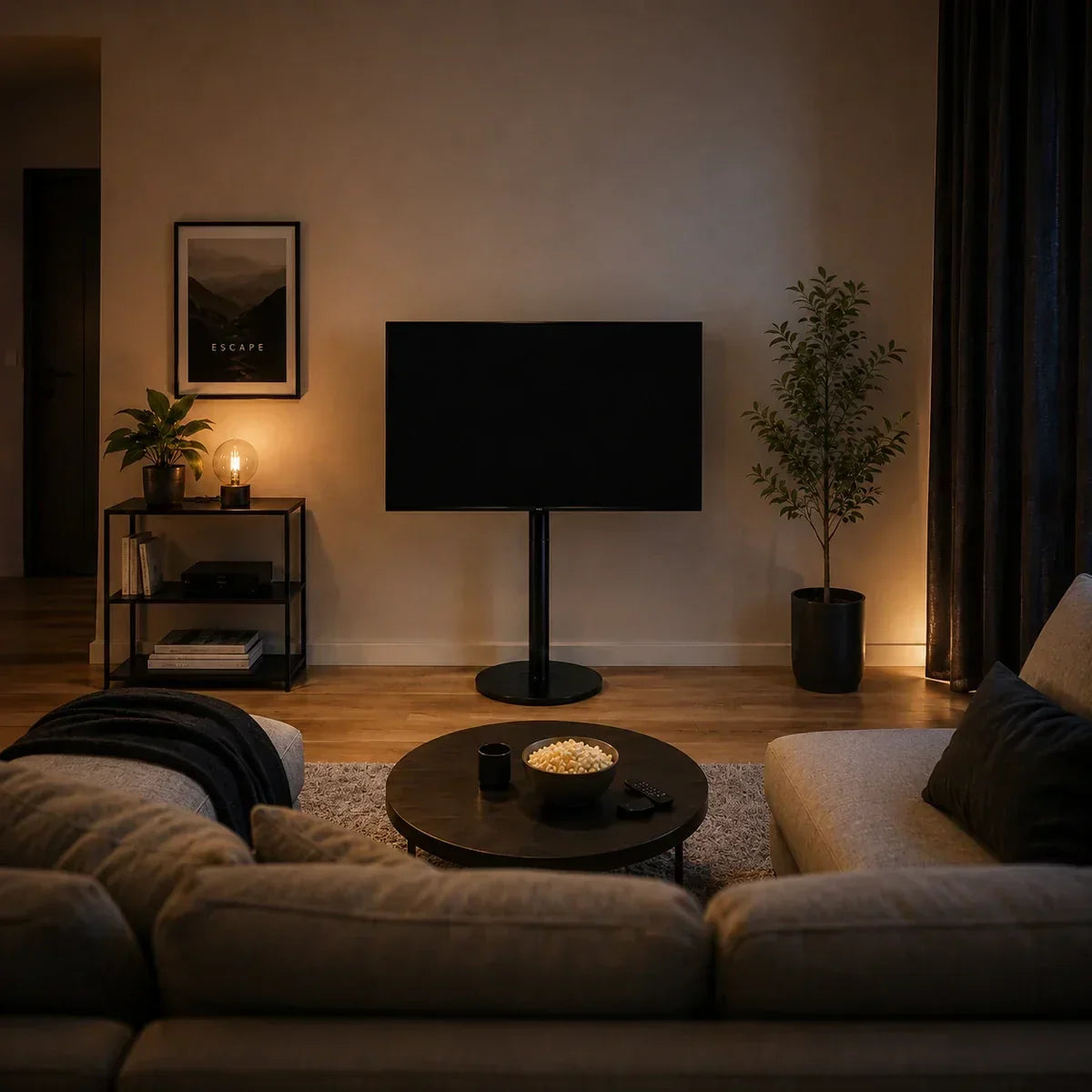
A good small living room home theater setup starts with choosing a TV position that avoids glare and blocked walkways. Next, place the main seat at a comfortable viewing distance and set the screen near natural eye level. Finally, leave enough room for the soundbar, media devices, cables, and everyday movement.
A straight wall works well in many square or rectangular rooms. However, a corner or adjustable freestanding stand may work better when doors, windows, furniture, or multiple viewing areas limit the layout.
Measure the Usable Space
Start by marking the parts of the room that cannot move. Include doors and their opening paths, windows, fireplaces, radiators, built-in cabinets, power outlets, and the main routes to other areas. The longest wall may still be a poor TV position if sunlight reaches the screen or the opposite sofa blocks a doorway.
Next, measure the full footprint of everything the room needs. Include the sofa depth, coffee table, TV support, speakers, and any media equipment. Do not rely only on the advertised TV size because it refers to the diagonal screen measurement rather than the television’s actual width.
Also consider how the room works when no one is watching TV. Space may still be needed for conversations, gaming, exercise, work, or children’s activities. These uses determine whether the screen can remain in one fixed direction.
If a full-width console would leave too little room to move around, compare the footprint of different small TV stands before committing to the layout.
Finally, use painter’s tape to mark the television on the wall and the furniture footprint on the floor. Sit in the main seat, open nearby doors, and walk through the room. This simple test often reveals layout conflicts before any furniture or equipment arrives.
Choose the TV Position
The best TV position depends on the room’s fixed features, seating direction, and daily traffic. Compare the available options rather than automatically choosing the largest wall.
Use a Straight Wall
A straight wall usually creates the simplest viewing arrangement. It works best when the wall faces the main sofa, receives limited direct light, and allows people to move around the seating area without crossing between viewers and the screen.
The TV does not have to sit in the exact center of the wall. It should align with the main viewing area instead. A slightly off-center position may improve the walkway or leave room for a lamp, storage cabinet, or doorway.
Also consider the room’s other focal points. If the space includes a fireplace, artwork, or a strong outdoor view, the television does not need to dominate the entire room.
Make a Corner Work
A corner can work when doors and windows divide the walls into short sections or when the longest wall needs to remain available for the sofa, shelving, or a desk. However, you should test the full layout rather than assume that any corner will save space.
Use the floor outline from your earlier room test to check whether the TV stand or angled screen enters the main route through the room. Make sure the screen can face the main sofa without sitting too close to either wall.
Next, confirm that the power cable can reach an outlet without crossing an open walkway and that nearby furniture will not block access to the back of the television. Sit in the main sofa position to make sure the corner placement does not require a sharp head turn.
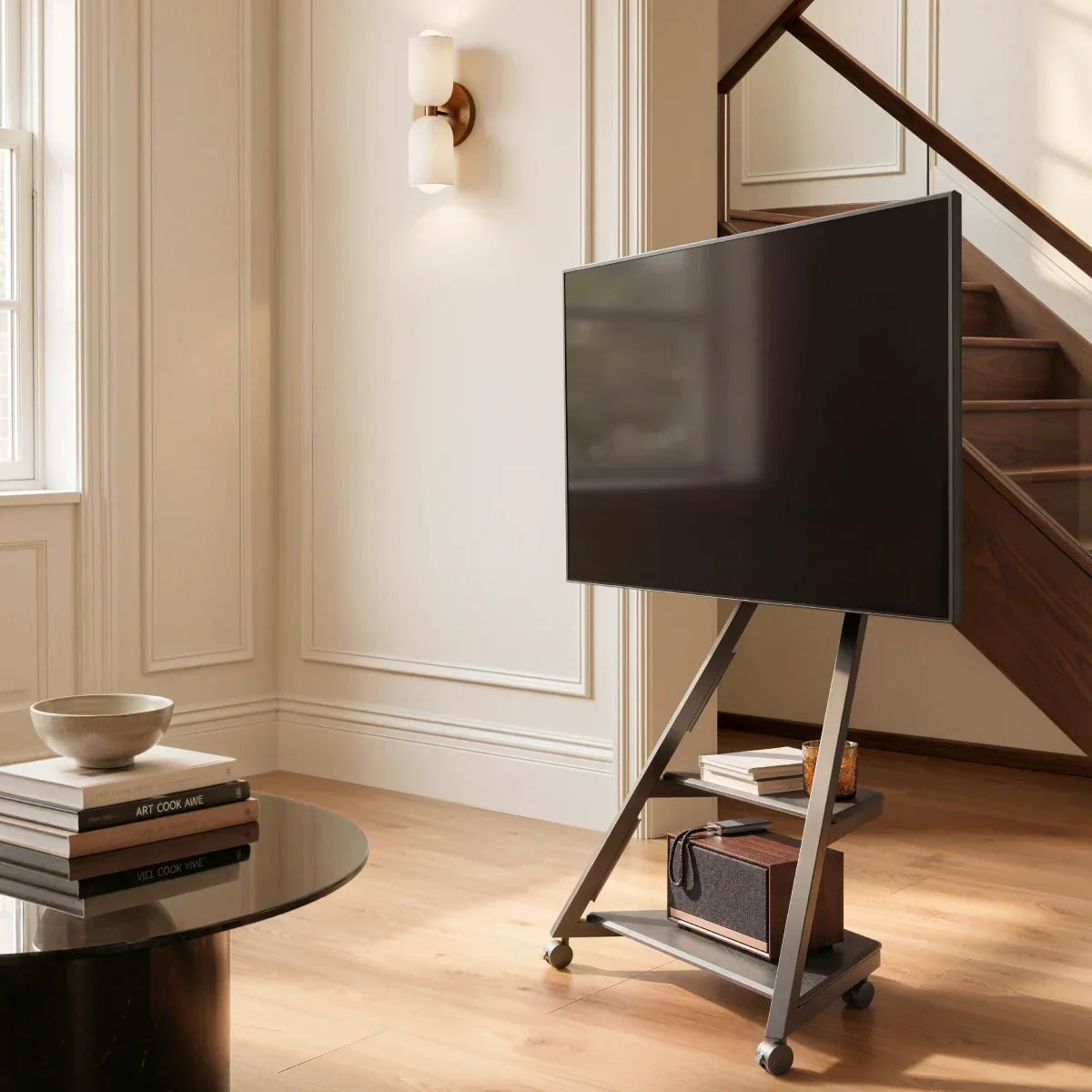
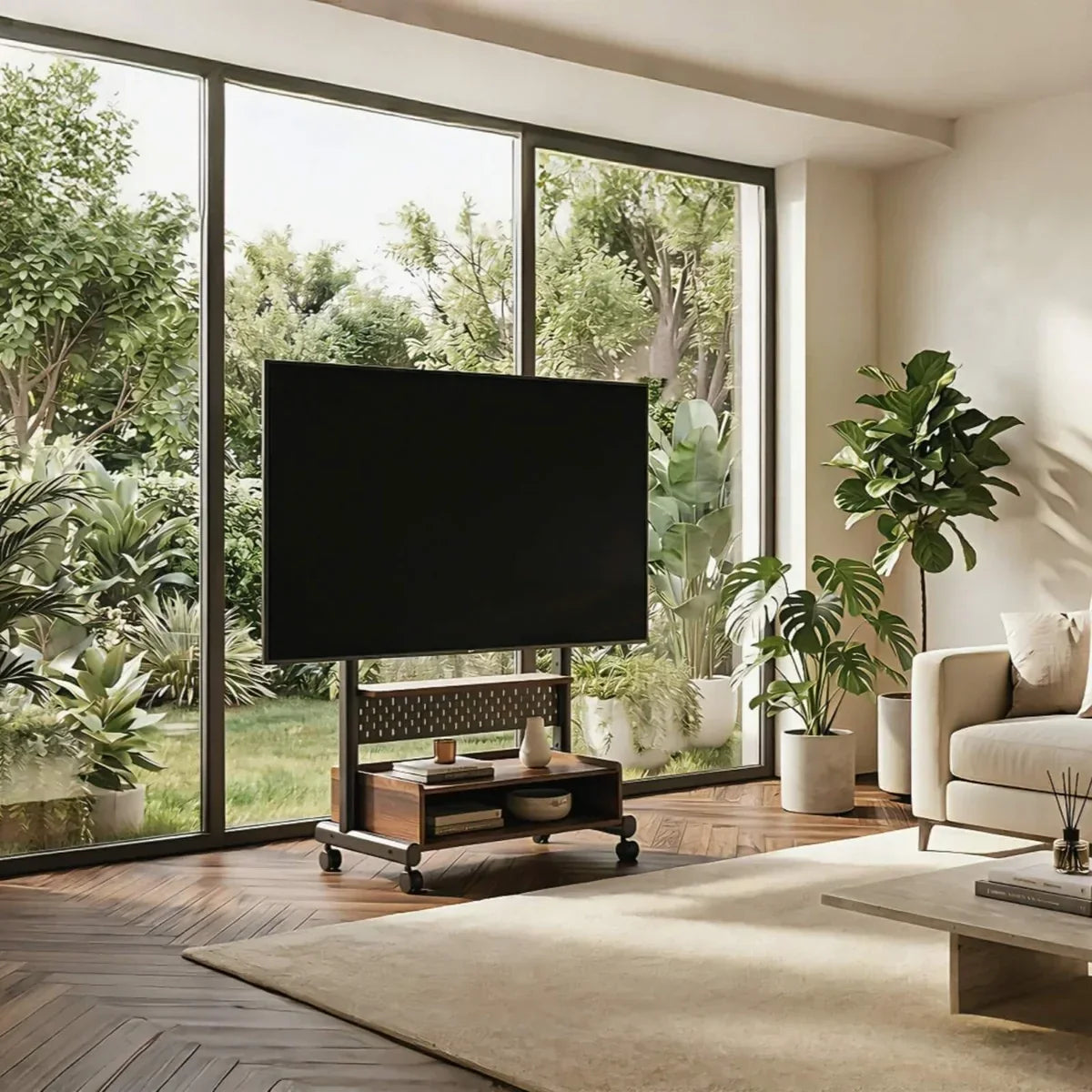
Traditional corner cabinets can be difficult to reposition once they hold a large television. Their fixed height may also leave the screen too high or too low for the sofa. The concealed wheels on the Master V2 FT65 TV stand make small position changes easier, while its TV center height can be adjusted from 1000 to 1200 mm. This lets you refine both the footprint and viewing height after the rest of the furniture is in place.
Keep the Screen Flexible
An adjustable TV position can help when the living room connects to a dining space, kitchen, or exercise area. It also works well with an L-shaped sofa, where some seats approach the screen from the side.
Start by choosing one primary viewing direction. Then check which secondary areas need a clearer angle. The television may face the sofa during a movie, turn toward the kitchen during casual viewing, or shift toward an open floor area during exercise.
Angle adjustment helps the screen face different zones, while height adjustment helps when the sofa and dining chairs place viewers at different eye levels. Together, these adjustments reduce the need to move large furniture whenever the room serves another purpose.
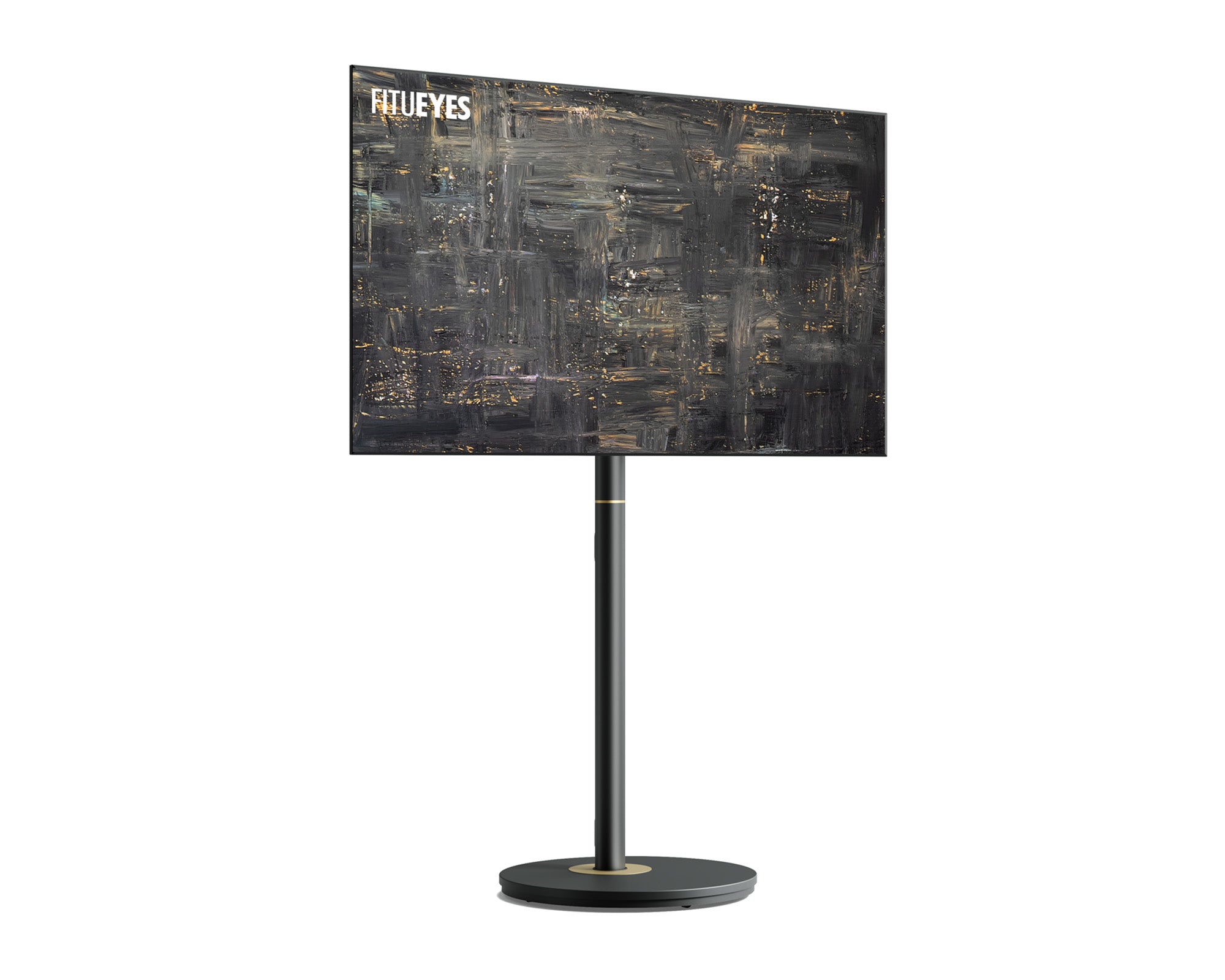
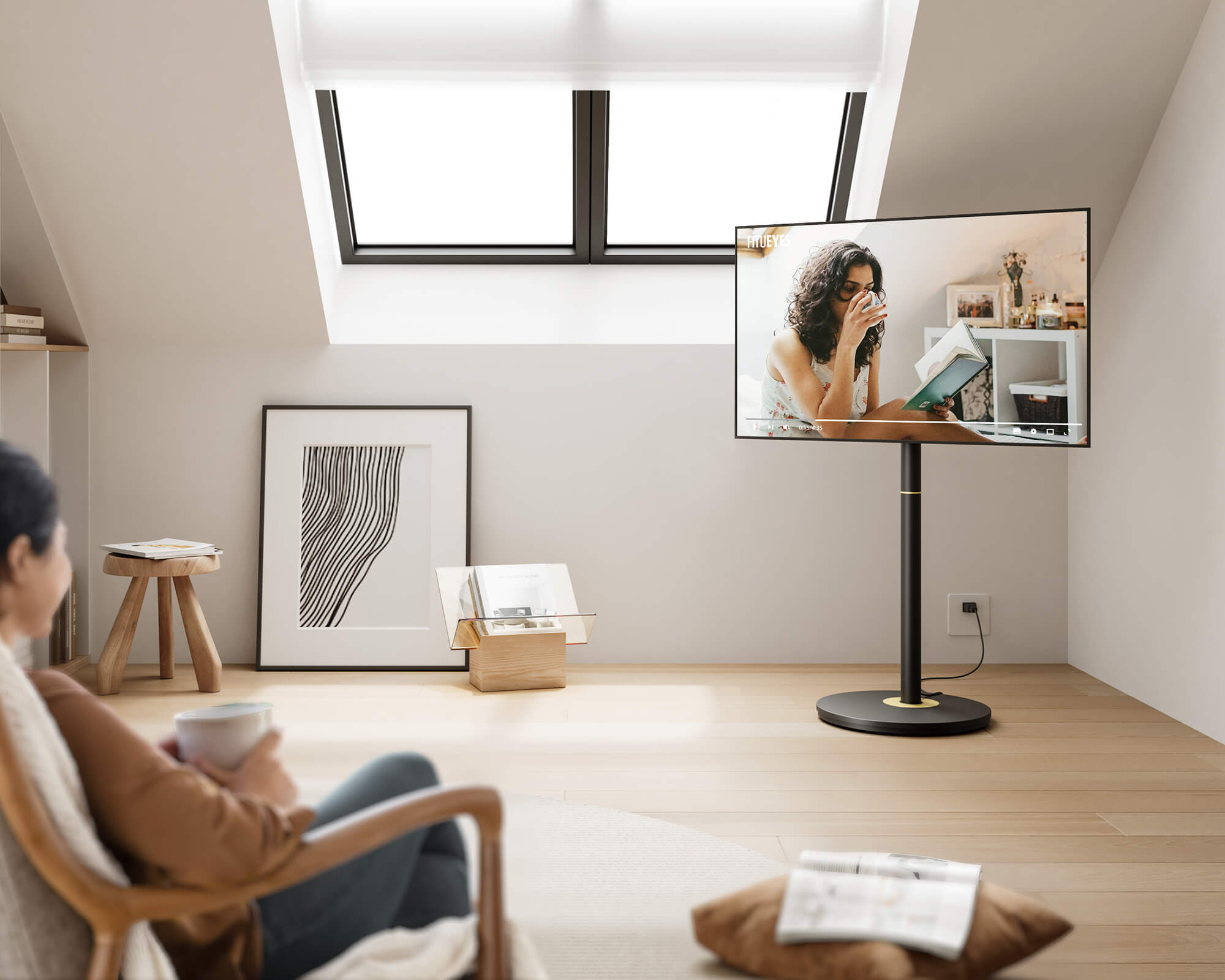
For a room with seating at different angles and heights, the Zen FT65 TV stand offers a ±30° swivel range and five height positions. Its TV center can be set between 1050 and 1250 mm, allowing you to adjust both the screen direction and viewing height without locking the room into one permanent arrangement.

Set TV Viewing Distance and Screen Height
Choose the main viewing seat before adjusting the television. Measure from the viewer’s eyes to the screen, rather than from the sofa edge or the TV stand base.
Use the suggested range below as a starting point to reduce repeated trial and error.
|
TV Size |
Suggested Viewing Distance |
|
43 inches |
About 1.4–1.7 m |
|
50 inches |
About 1.5–1.9 m |
|
55 inches |
About 1.7–2.1 m |
|
65 inches |
About 2.0–2.4 m |
The lower end supports a more immersive 4K view, while the upper end suits viewers who prefer more distance or often watch lower-resolution content. Treat these ranges as starting points for standard 16:9 TVs.
If needed, move the freestanding TV stand slightly within the reserved floor area while keeping its base clear of furniture and walkways.
For height, measure the viewer’s seated eye level from the floor. The following screen-center heights provide practical testing points for common living room seating:
|
Screen-Center Height |
Suitable Starting Point |
|
About 100–105 cm |
Low sofa or shorter viewer |
|
About 110 cm |
Standard living room sofa |
|
About 115–120 cm |
Upright sofa or taller viewer |
Choose the closest stand setting, then confirm that your relaxed gaze falls within the central area of the screen without lifting or lowering your head. Sofa height, cushion depth, posture, and the TV mounting position may require a small adjustment.
For more detailed guidance on viewing distance, eye level, sofa position, and neck comfort, use this TV and furniture placement guide.
Plan Seating, Sound, and Walkways
Once the primary sofa and television have been aligned, keep them as the anchor for the rest of the room. This section should refine the surrounding layout rather than restart the placement process.
Keep the main route between the entrance, sofa, kitchen, balcony, and other rooms clear. A person should not need to step around a TV base, speaker, subwoofer, or loose cable every time they cross the room.
Place occasional chairs and secondary seats where they support conversation and casual viewing. They do not all need to face the screen directly. Where a side seat has a limited view, adjust the television angle when the stand allows it instead of turning the entire furniture arrangement toward the TV.
Avoid filling the space behind or beside the main sofa with unnecessary equipment. A small gap can make cleaning easier and leave room for a future speaker, floor lamp, or side table without changing the primary viewing position.
Next, test the soundbar and device locations. Confirm that the soundbar does not cover the screen, remote sensor, or stand hardware. You should also be able to reach device controls, replace an HDMI cable, or reconnect a streaming box without moving the television.
Finally, keep cables away from walkways and places where children or pets can pull them. In an apartment, avoid placing a subwoofer directly against a shared wall or deep in a corner, where bass may travel more strongly through the structure.
Create a Flexible Everyday Theater
A successful small home theater does not contain the biggest possible screen or the largest number of speakers. Instead, it allows the television, seating, sound equipment, and daily movement to work together without constant compromise.
Plan around how the room is used first, then choose a TV support solution that fits that layout. A flexible setup will also remain useful if you replace the sofa, add new equipment, move home, or change how you use the room.
A small home theater works best when the screen supports the room rather than taking it over. Once you understand your available space and viewing habits, explore FITUEYES for adaptable TV stand designs that can fit into everyday life without forcing the rest of the room into one permanent arrangement.

Small Home Theater FAQs
1. How Can You Hide TV Cables?
The FITUEYES floor TV stands featured in this guide include built-in cable management. You can route the TV power cord and HDMI cables into the rear of the stand, guide them down through the central column, and let them exit near the base.
Feed the cables through before completing the final setup, and leave a little slack behind the television so height or angle adjustments do not pull on the connectors. At the base, direct the cables toward the nearest outlet or media device to keep them away from open walkways.
2. How Can You Reduce Home Theater Noise for Neighbors?
To reduce home theater noise for neighbors, move the subwoofer away from shared walls and corners, place an isolation pad underneath it, and lower the bass or activate Night Mode during evening viewing. Sitting closer to the screen can also make dialogue clearer at a lower volume. Acoustic panels may reduce echo inside the room, but they will not fully stop sound from passing through the building structure.
3. What Lighting Works Best for a Small Home Theater?
A small home theater works best with soft, adjustable lighting that does not reflect on the screen. Place bias lighting behind the television and use dim side lamps when people need to move around. After turning on the TV, sit in the main seat and check for reflections from windows, ceiling lights, and table lamps. Reposition or dim any source that remains visible on the screen.
4. How Can You Prevent Home Theater Equipment from Overheating?
You can prevent home theater equipment from overheating by leaving open space around game consoles, amplifiers, streaming devices, and other heat-producing equipment. Avoid stacking devices tightly or placing them in a sealed cabinet. Keep ventilation openings clear, remove dust regularly, and open the cabinet or add quiet ventilation if the enclosure becomes noticeably warm during use.