


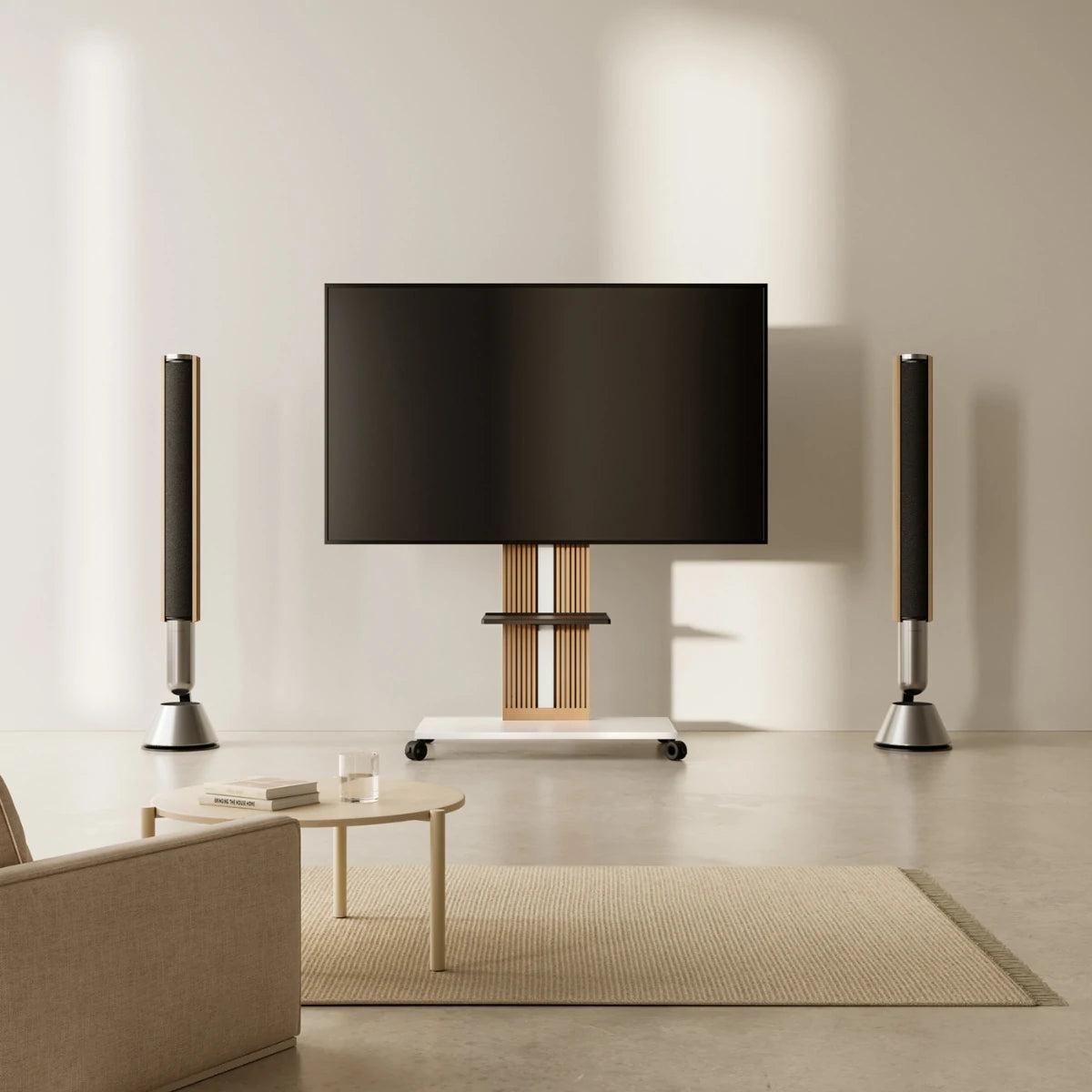
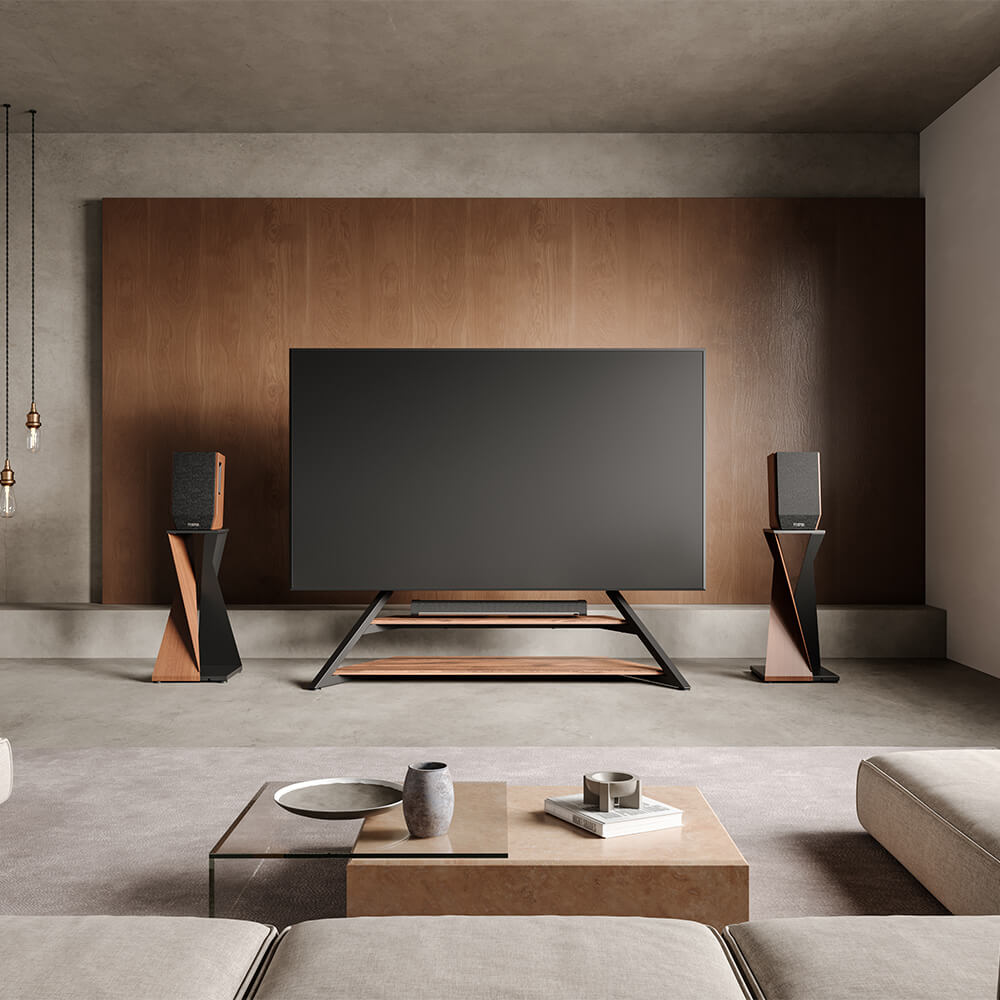
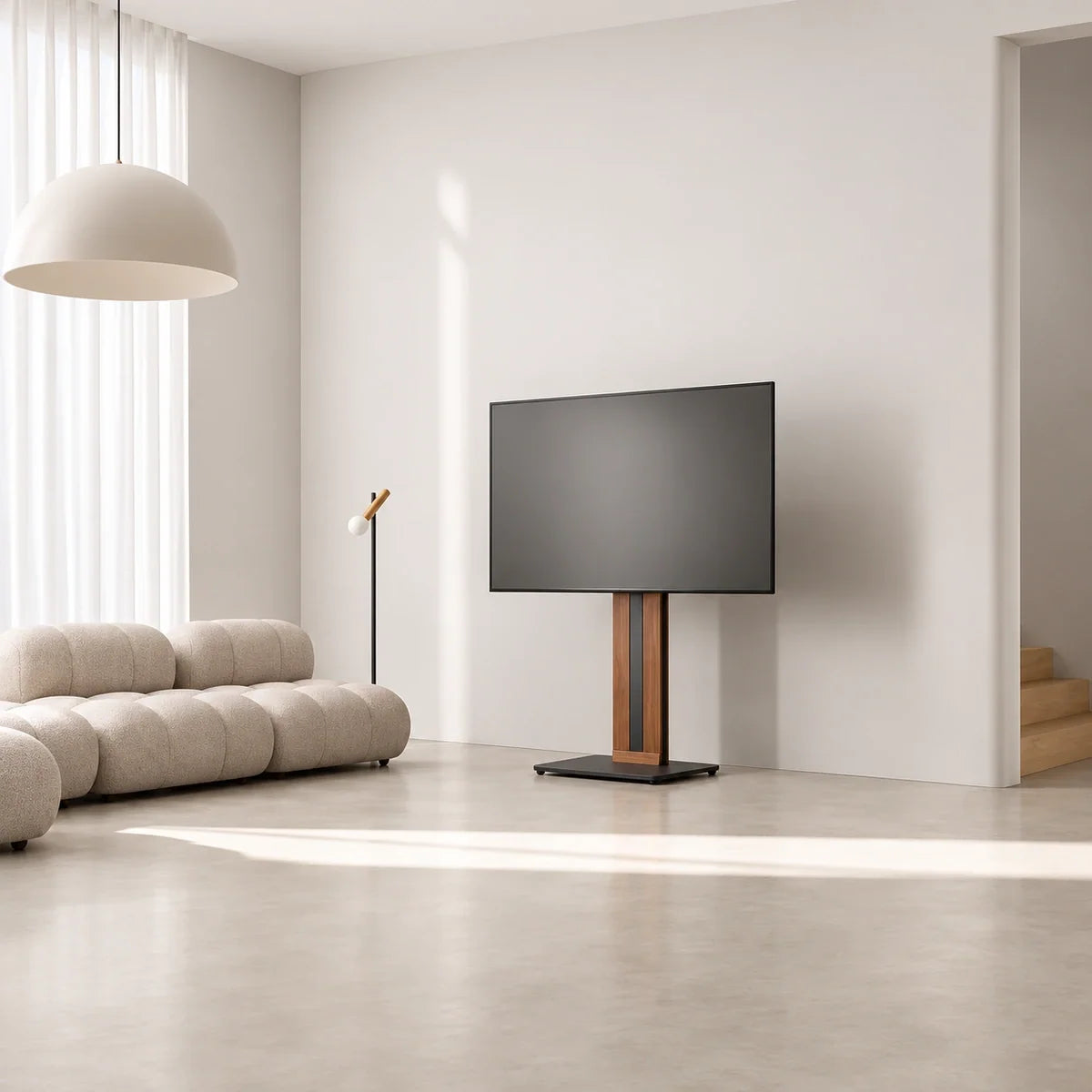
Keep your original TV legs if your cabinet supports them properly, the screen sits comfortably, and your devices have enough room. A TV pedestal stand becomes worth considering when the feet do not fit the furniture you want to keep, you need to change the screen’s position, or you want a simpler setup with less furniture. The useful question is what replacing the legs would improve in your room.
Start with the arrangement you already have: whether the cabinet is staying, where you watch from, and which devices need to remain near the screen. Those conditions help you decide whether to keep the original support or choose a replacement with specific capabilities.
What Is a TV Pedestal Stand?
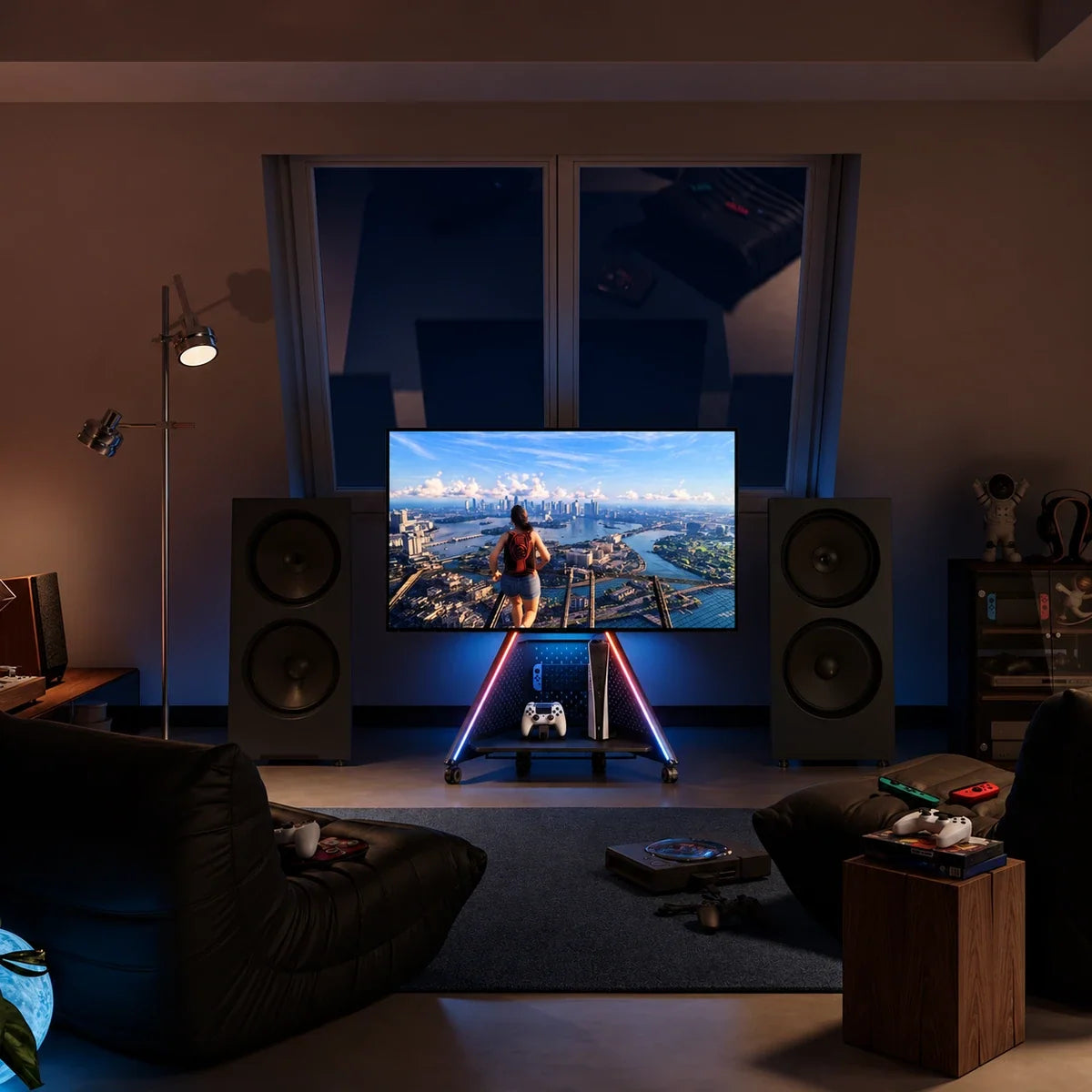
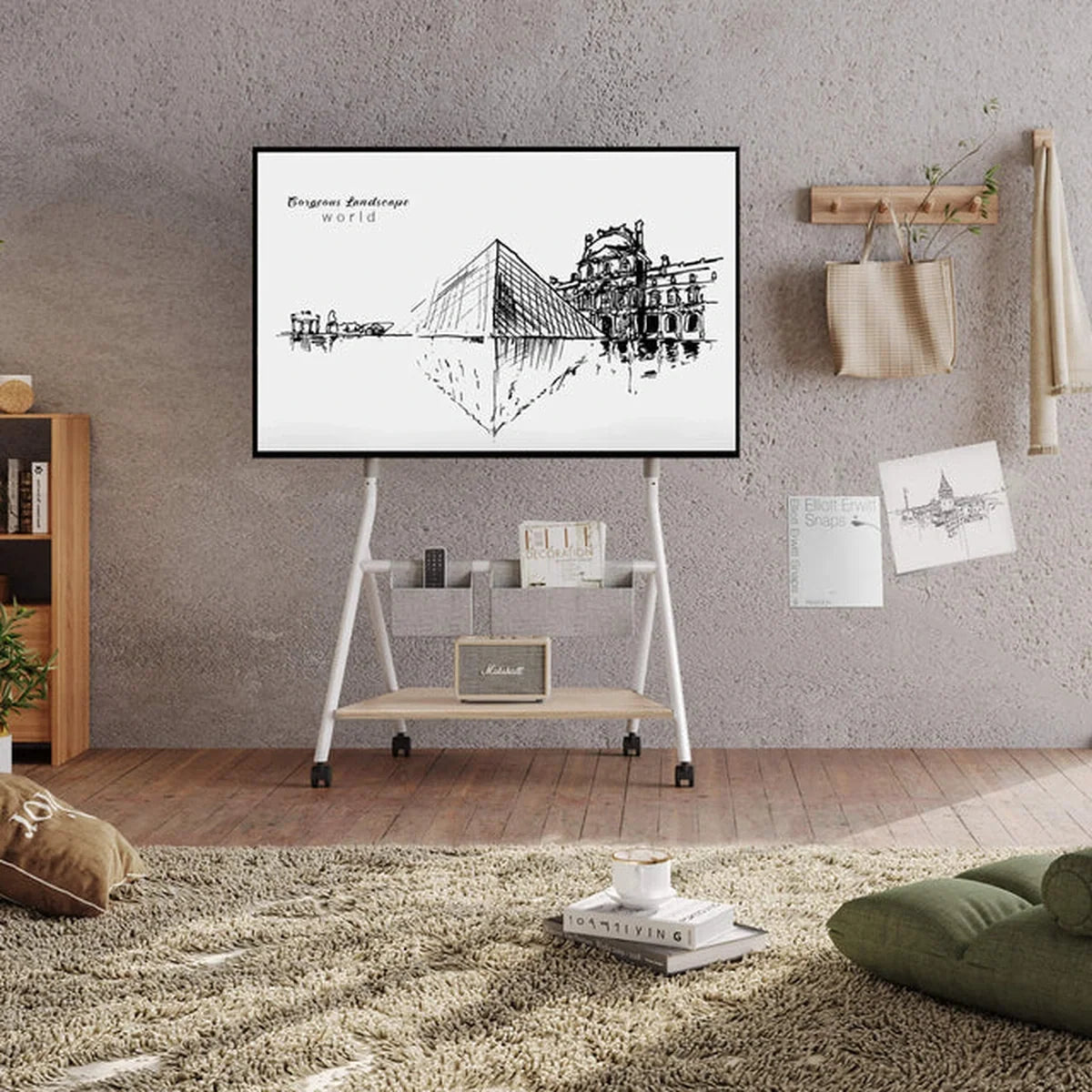
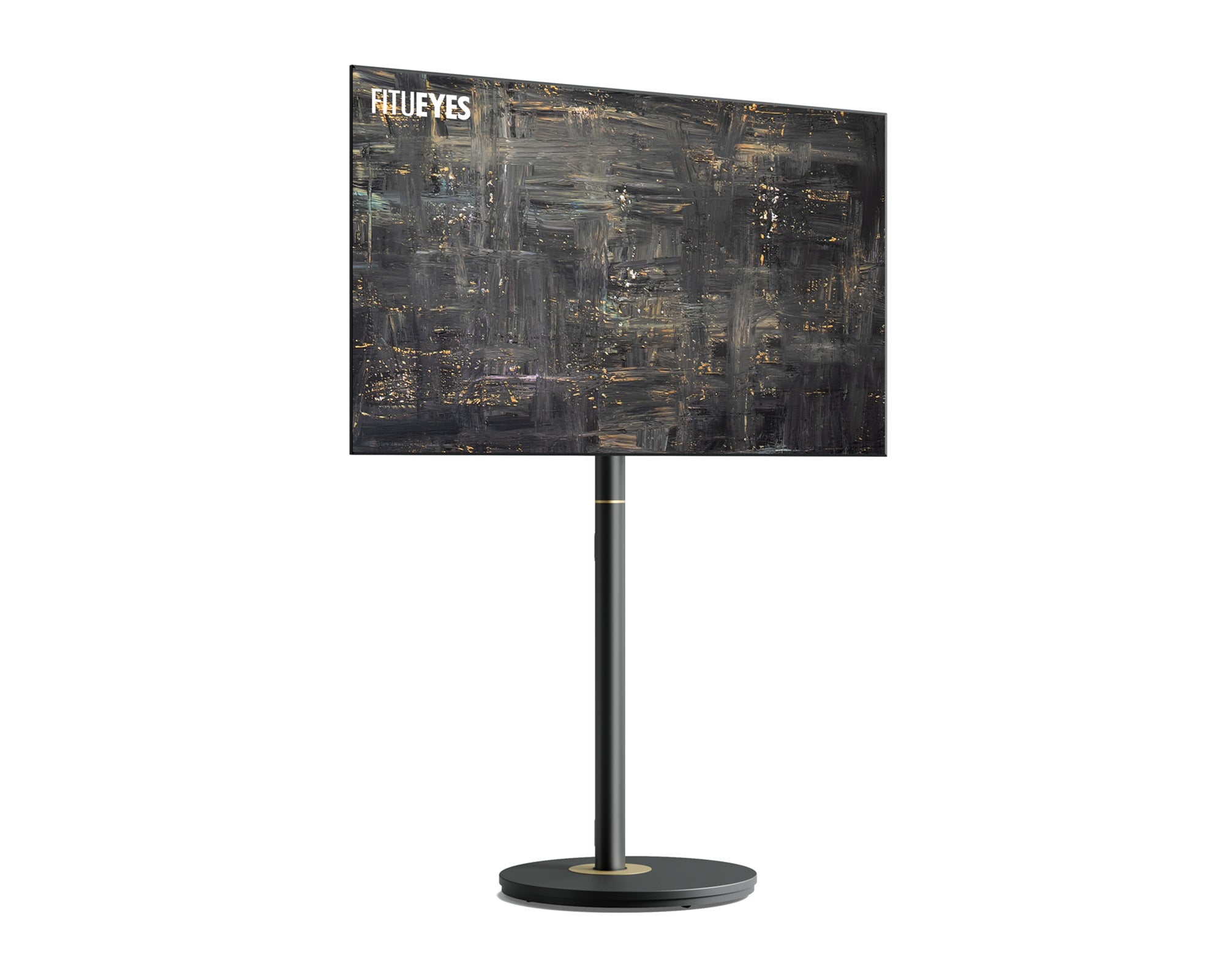
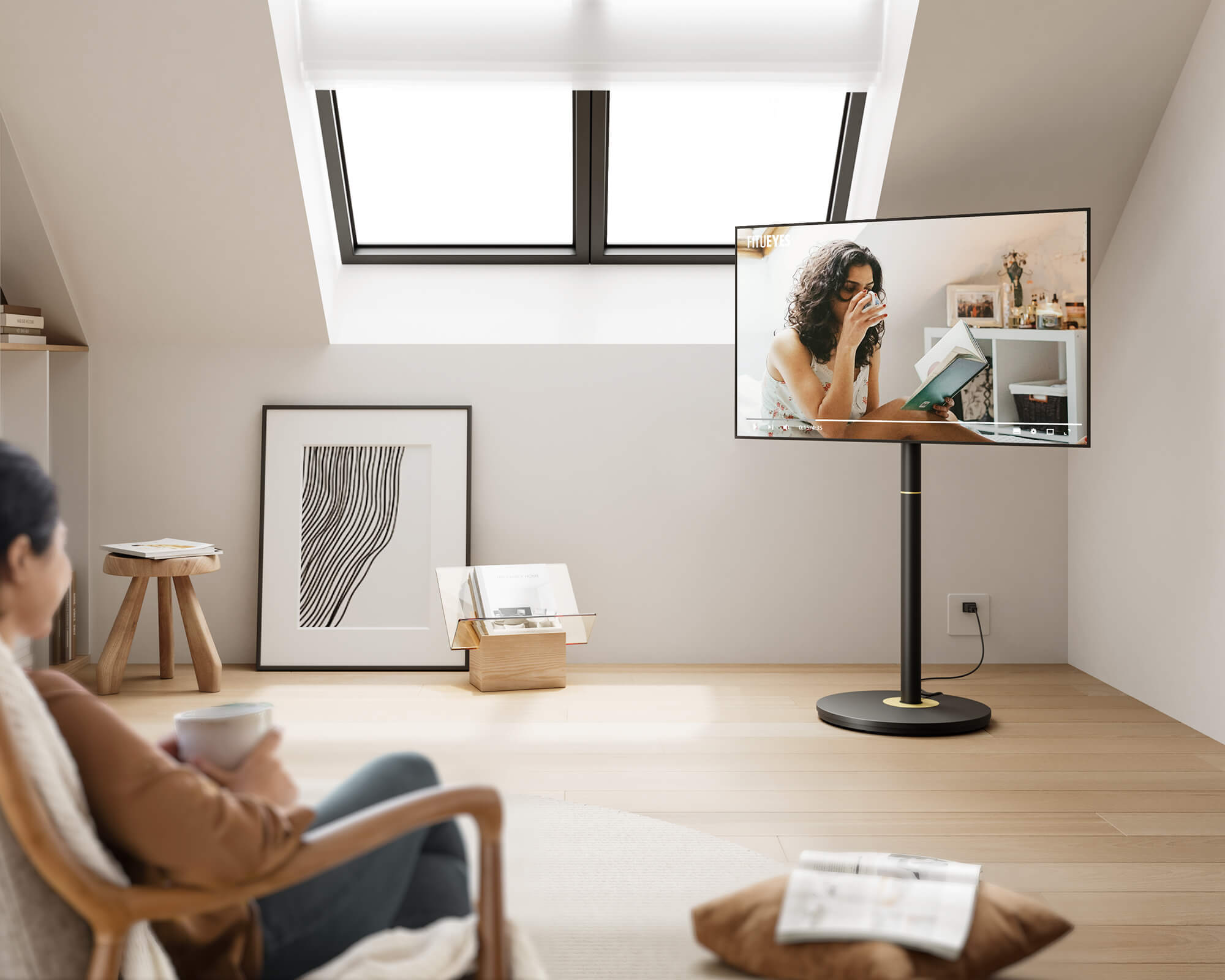
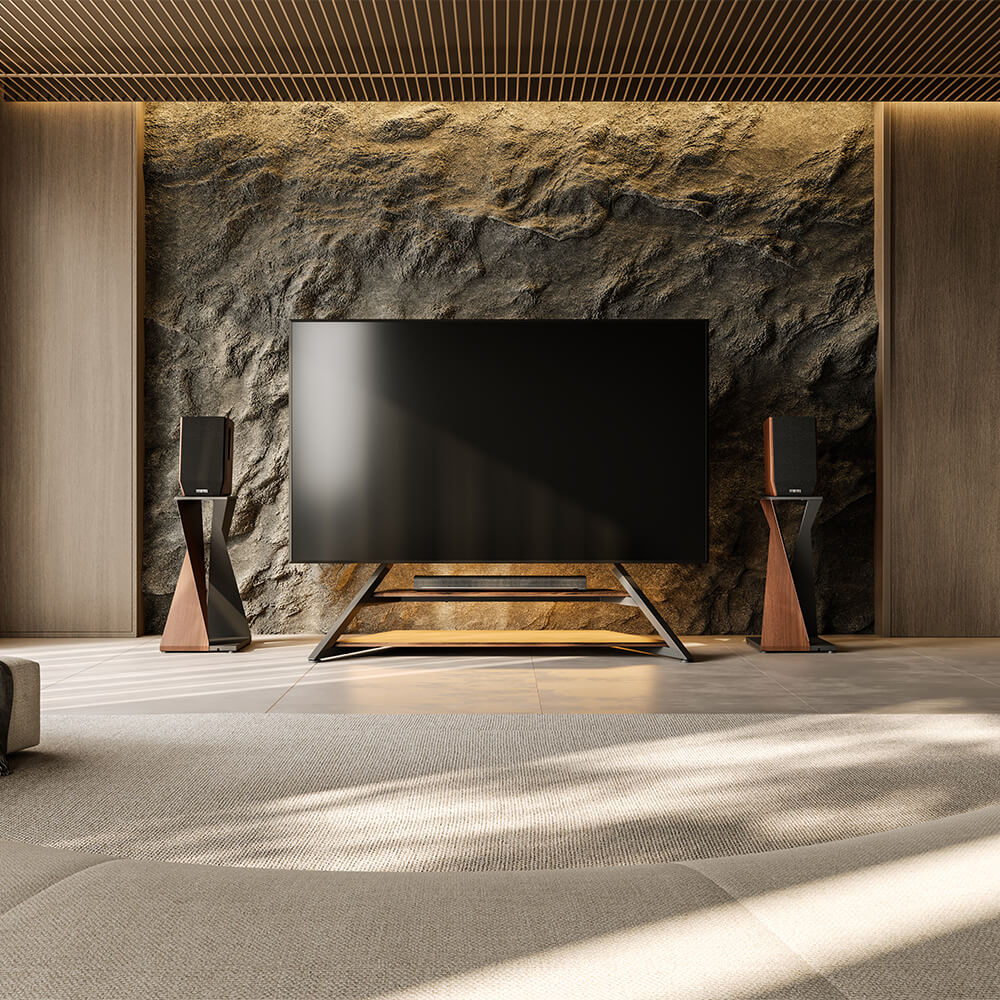
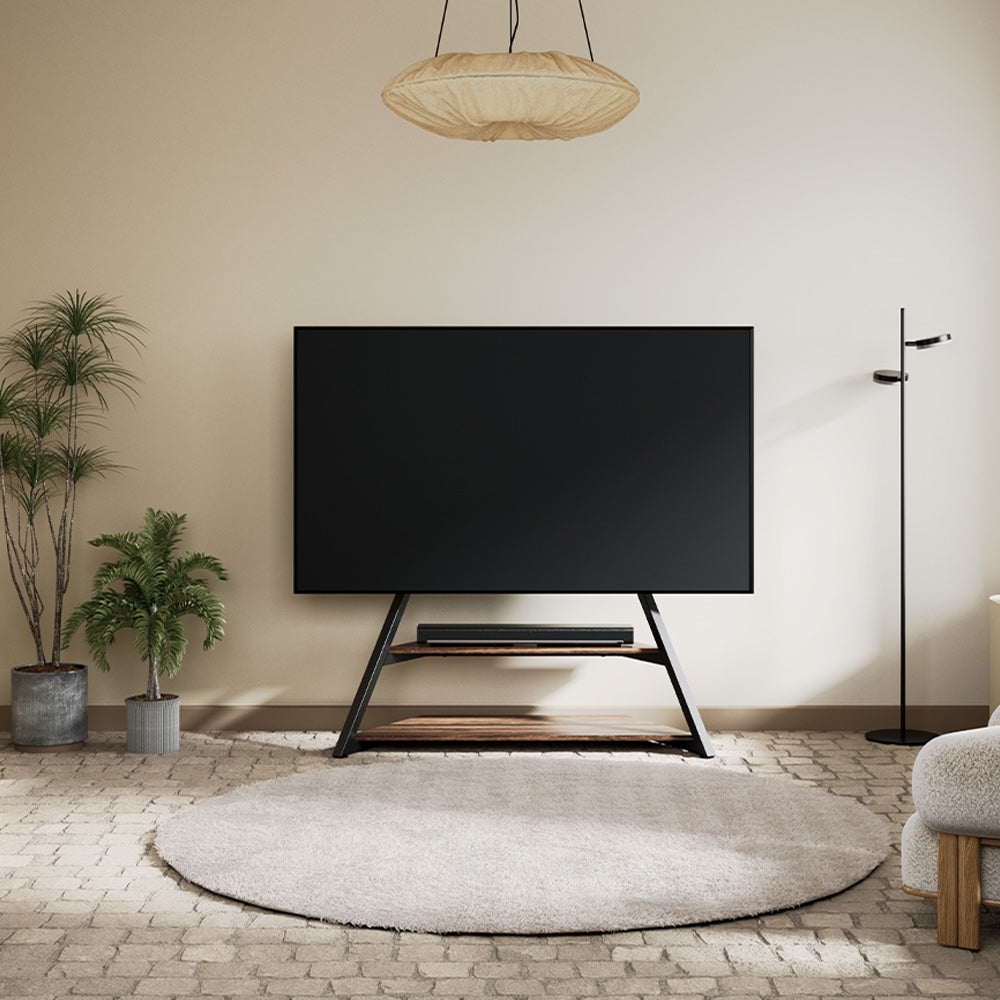
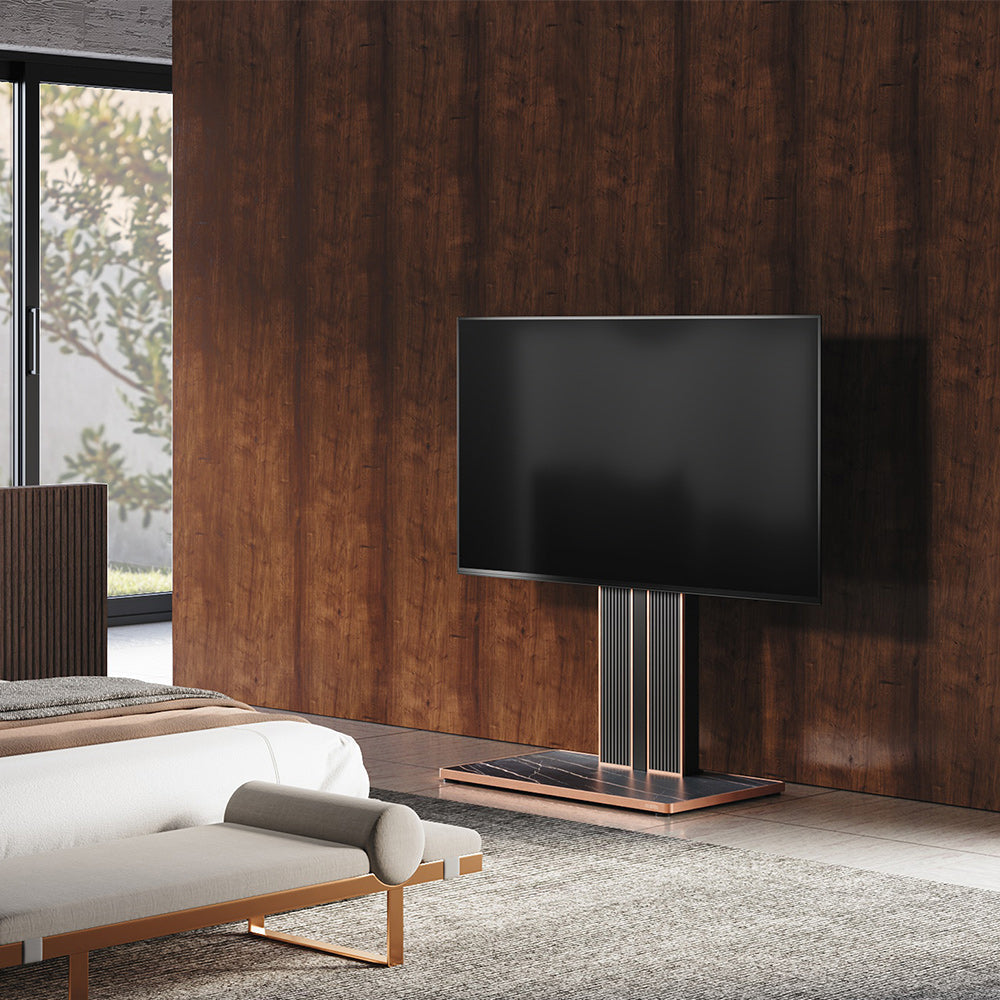
A floor TV pedestal stand supports the television through brackets attached to its rear mounting holes. A central column connects the mounting assembly to a floor base, allowing the screen to stand independently of a cabinet. This gives you more freedom to position the television around your seating and existing furniture, since its support no longer depends on a cabinet surface accommodating the original feet.
Different floor TV stands with mounts serve different arrangements. Selectable mounting heights can help position the screen above nearby furniture, horizontal swivel can accommodate an off-center seat, and concealed cable routing can organize connections running down the column. Shelves and compatible accessories can also provide space for selected devices. Match those features to your intended setup, checking the television’s mounting requirements, the stand’s floor dimensions, and the equipment space you need.
What Are Original TV Legs?
Original TV legs attach to designated points on the television and transfer its weight to the furniture underneath. When the correct, undamaged feet sit fully supported on a suitable cabinet, they provide a straightforward way to keep using the furniture and equipment arrangement you already own. The cabinet can hold a soundbar, game console, controllers, and other belongings, with no separate mounting project needed.
Their suitability depends on the feet’s spacing and depth, the furniture’s load capacity, and the resulting screen position. Before replacing them, check the television’s manual for alternative settings: some models allow narrower foot spacing or a higher mounting position. An approved adjustment may resolve a cabinet-fit or soundbar-clearance problem while preserving your existing arrangement.

TV Pedestal Stand vs. Legs: What Changes If You Switch?
A useful TV pedestal stand vs. legs comparison looks at the complete setup. Changing the support can improve screen placement, but the room-space result depends on whether the cabinet stays and where its contents go.
| What changes? | Floor TV pedestal stand | Original TV legs |
|---|---|---|
| Supporting structure | Floor base, column, and compatible TV mount | Correct feet and suitable furniture |
| Screen height | Determined by the stand’s mounting positions | Determined by furniture height and the TV’s foot settings |
| Viewing direction | Some models offer horizontal swivel | Depends on the original TV design and furniture position |
| Space used | Floor base; may allow cabinet removal | Furniture large enough to support both feet |
| Equipment placement | Shelves, accessories, or separate furniture | Existing cabinet surfaces and compartments |
| Installation | Mounting compatibility and stand assembly | Correct feet, hardware, and furniture support |
| Additional cost | Stand and any necessary accessories | Often no purchase if the setup already works |
The greatest reduction in furniture usually comes when you can remove a cabinet you no longer need. If it stays, a pedestal may still improve the screen’s position or free its top surface for other uses. Evaluate that combined layout, including the floor base and access to drawers, before deciding what you gain from switching.
Which Option Fits Your Existing Setup?
Your TV Legs Don’t Fit the Cabinet You Want to Keep
You may have a low cabinet that suits the room and holds everything you need, while a newer television’s feet spread beyond its usable surface. Check for an approved narrower foot position first. If neither setting fits, independent floor support lets you keep the cabinet for storage and position the screen around your seating. The next step is to check how the stand’s base and column fit around the furniture, with enough space to open doors and reach connections.
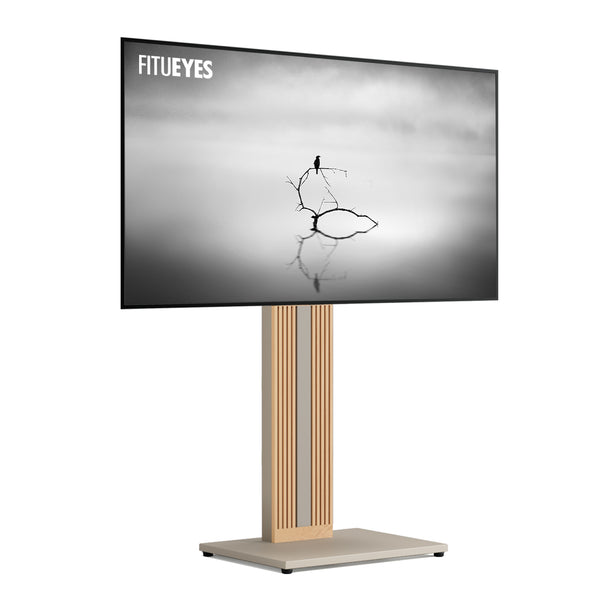
The central column of the Zen FT65 floor TV stand gives the television its own support while the cabinet continues holding your equipment. Selectable mounting heights help align the screen with the furniture and seating, its ±15° swivel accommodates a slightly off-center sofa, and concealed cable routing organizes connections between the screen and devices below. It supports televisions weighing up to 88 lbs (40 kg) with supported VESA patterns from 100 × 100 to 400 × 400 mm. Check your television’s exact mounting pattern and installation requirements, then compare the stand’s base dimensions and available screen positions with your cabinet. Mark the proposed floor area with tape to confirm that the arrangement preserves furniture access and screen clearance.
Your Current Setup Already Gives You the Height and Storage You Need
If both original feet sit fully supported on suitable furniture, the screen feels comfortable from your main seat, and your devices have enough room, keeping the legs is a practical choice. The cabinet already provides support and storage as one arrangement, so replacing the feet may bring little benefit. Before purchasing anything, check whether the television offers an approved alternative foot position or height setting; that adjustment may provide the soundbar clearance or cabinet fit you need.
Separate a screen-position problem from a storage or organization problem. A crowded cabinet may improve after rearranging devices and cables, while an unsuitable viewing position may justify different support. If you are still deciding whether to retain the furniture itself, the guide to TV stand and TV cabinet differences explores how storage needs affect that choice.
You Want the Screen to Turn Between the Sofa and Dining Table
In an open living and dining room, the television may stay in one position while viewers move between nearby seats. If the original legs provide no suitable rotation, a floor pedestal with horizontal swivel can help direct the screen toward the seat in use while the furniture stays in place. This works particularly well when the room needs a modest change in viewing direction and you already have a suitable location for the television and its devices.

Compare swivel TV stands using the two viewing positions you actually use. Check the required turning angle, the model’s rotation range, and the clearance behind both screen edges. Leave sufficient cable slack for the permitted movement, following the installation instructions. If you also plan to remove the cabinet, confirm where the soundbar, streaming box, or game console will sit before choosing the stand. The finished arrangement should support both viewing positions and keep essential devices accessible.
The Right Support Solves a Specific Problem
Original legs work well when the furniture, screen position, and equipment arrangement already meet your needs. A replacement TV stand earns its place by resolving a limitation you can identify, whether that involves cabinet fit, viewing direction, or removing furniture. Once independent floor support is the right choice, FITUEYES offers designs that connect screen placement with everyday living spaces. Choose around the improvement you want to make, with television compatibility and the complete room arrangement guiding the final decision.
FAQs
Can You Position a Floor TV Pedestal Stand Behind a TV Cabinet?
Yes, if the stand and cabinet dimensions allow it. A pedestal can sit behind the cabinet with its base extending into the open space underneath, allowing the cabinet to remain in front for equipment and storage. Measure the cabinet’s underside clearance against the full height of the stand’s base assembly, including feet or fitted casters. Also check the available width and depth between furniture legs, supports, and any low plinth.
The base must rest fully on the floor, with clearance above it and no pressure from the cabinet. Confirm that the column, screen, and cables remain clear of the furniture throughout any permitted screen movement. If the base will not fit freely underneath, reposition the furniture or choose a different configuration; do not raise the cabinet on improvised supports.
Can I Reuse the Screws from My Original TV Legs?
Check before reusing them. Foot attachment points and rear mounting holes can require different screw diameters, thread pitches, and lengths. Follow the television’s mounting requirements alongside the installation instructions for your stand, including specified spacers and washers. If the requirements conflict or the correct screw engagement is unclear, ask the manufacturer before installing the screen.
What Can I Do If the Mounting Brackets Block a TV Port?
Stop before forcing a connector into the obstructed space. If the stand’s instructions allow alternative bracket positions, check whether an approved position clears the port while maintaining the required mounting points and screw engagement. Adjust the brackets only with the television safely supported as instructed.
If the bracket clears the port but leaves too little room for a straight plug, a compatible right-angle cable or adapter may help; confirm connector orientation, signal requirements, and available clearance first. If the bracket covers the port opening itself and no approved position clears it, contact the stand manufacturer or exchange the mounting system. Do not cut or drill the bracket.