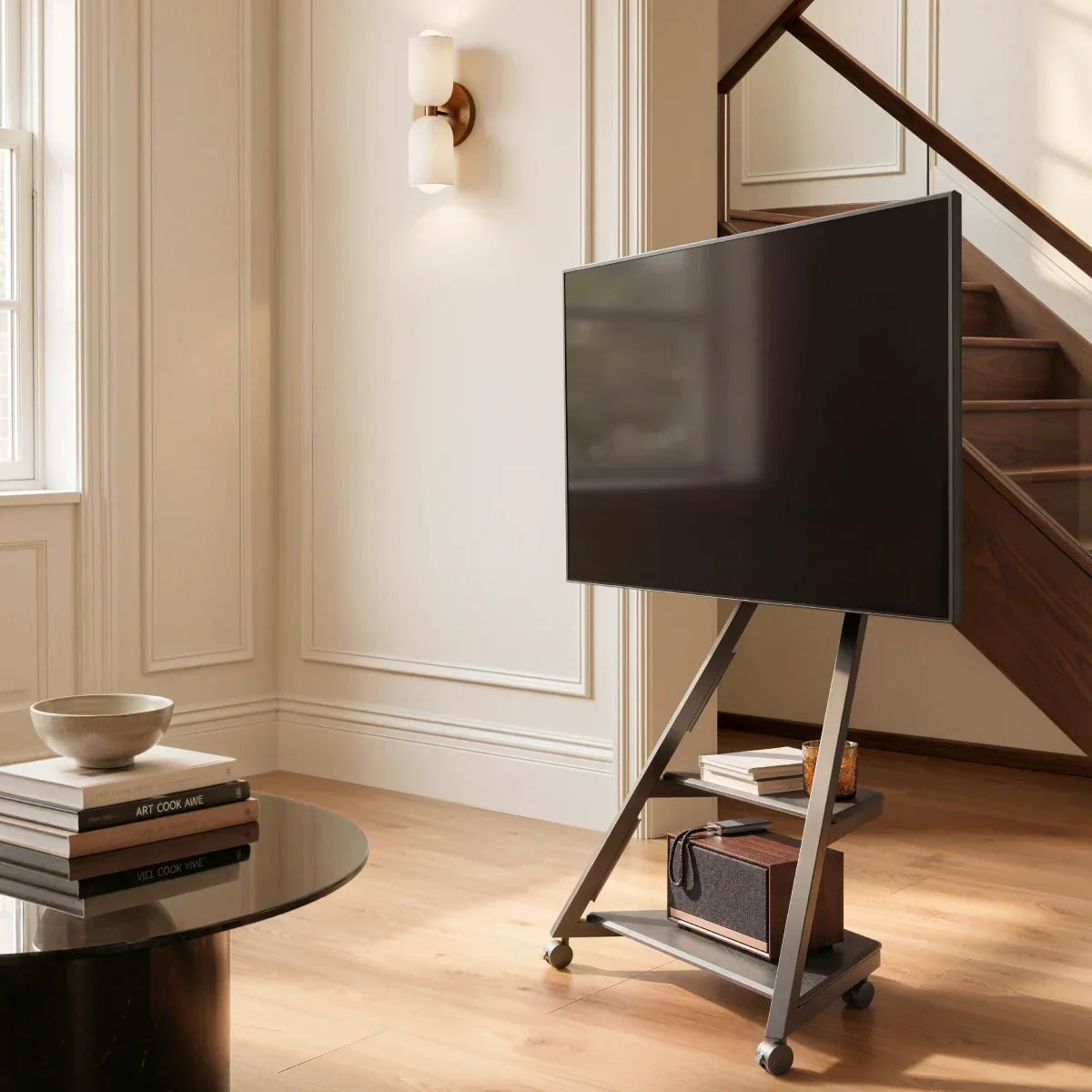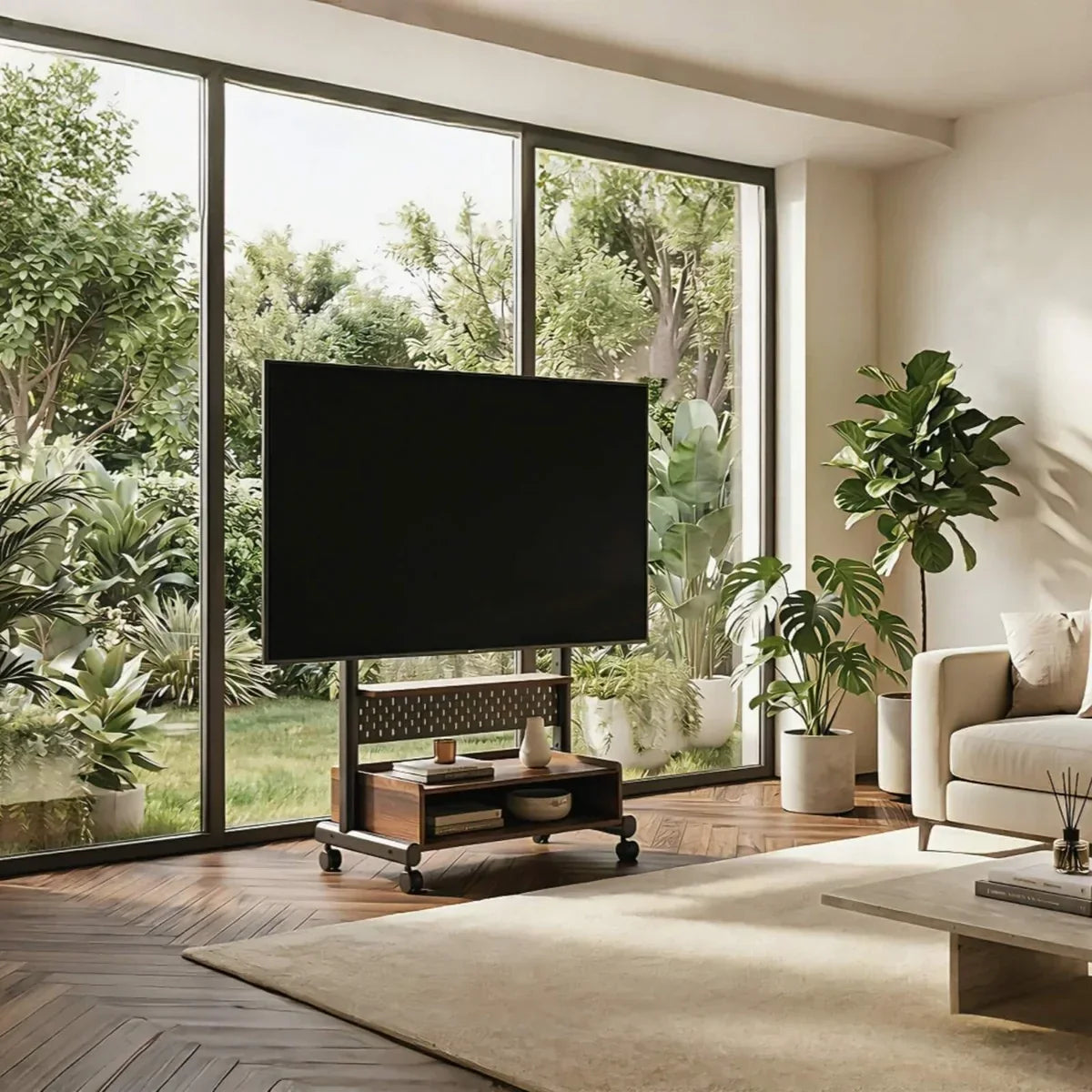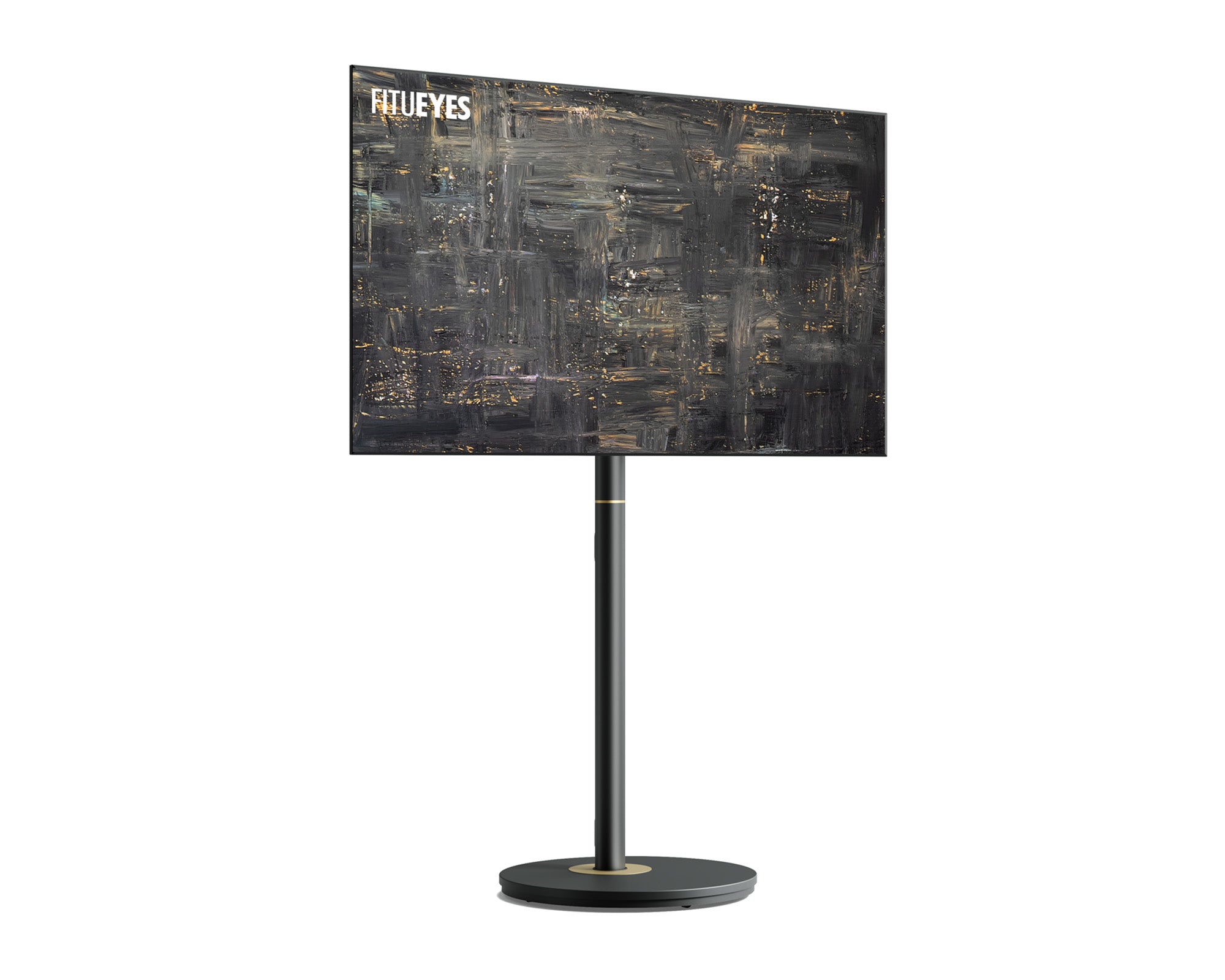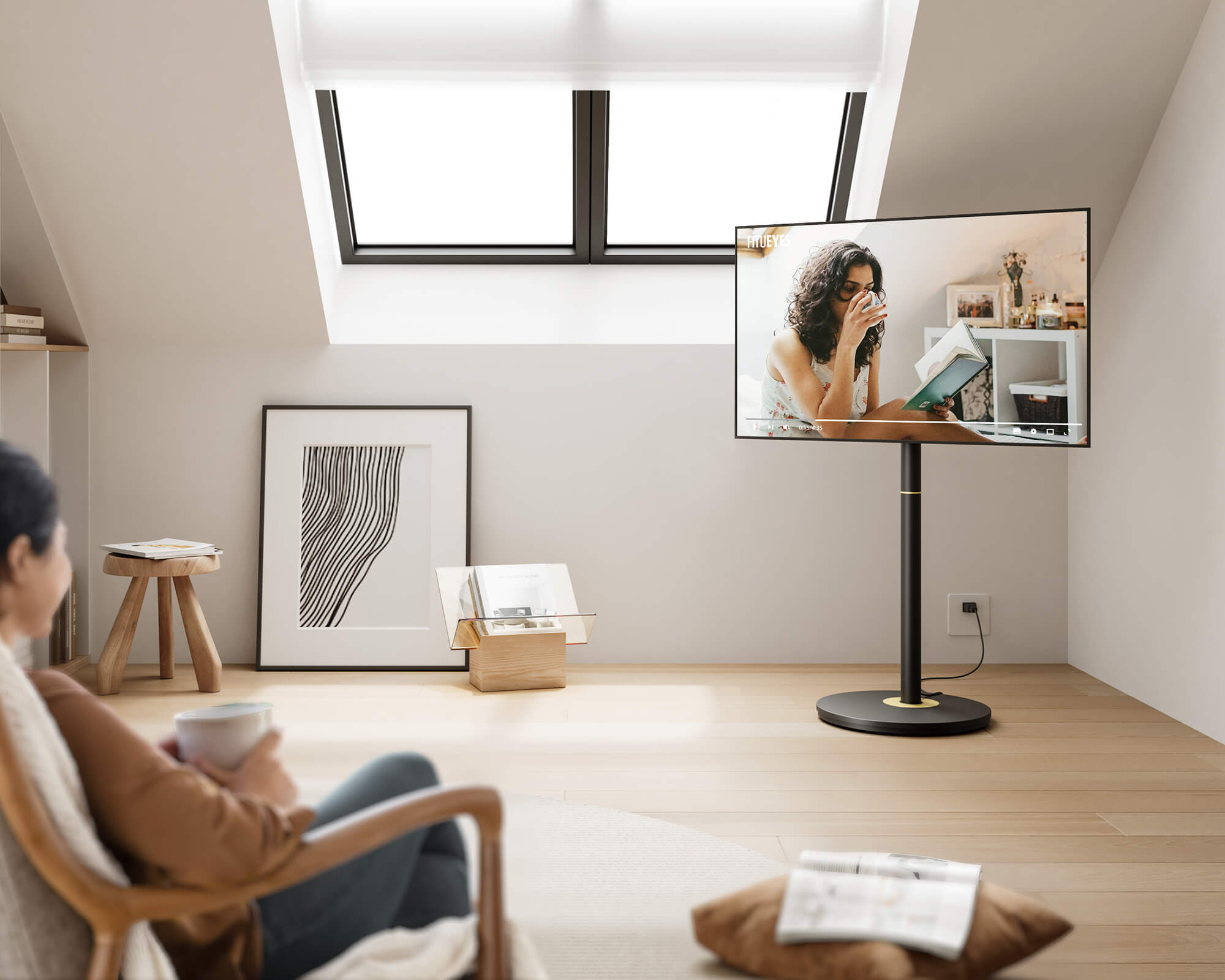



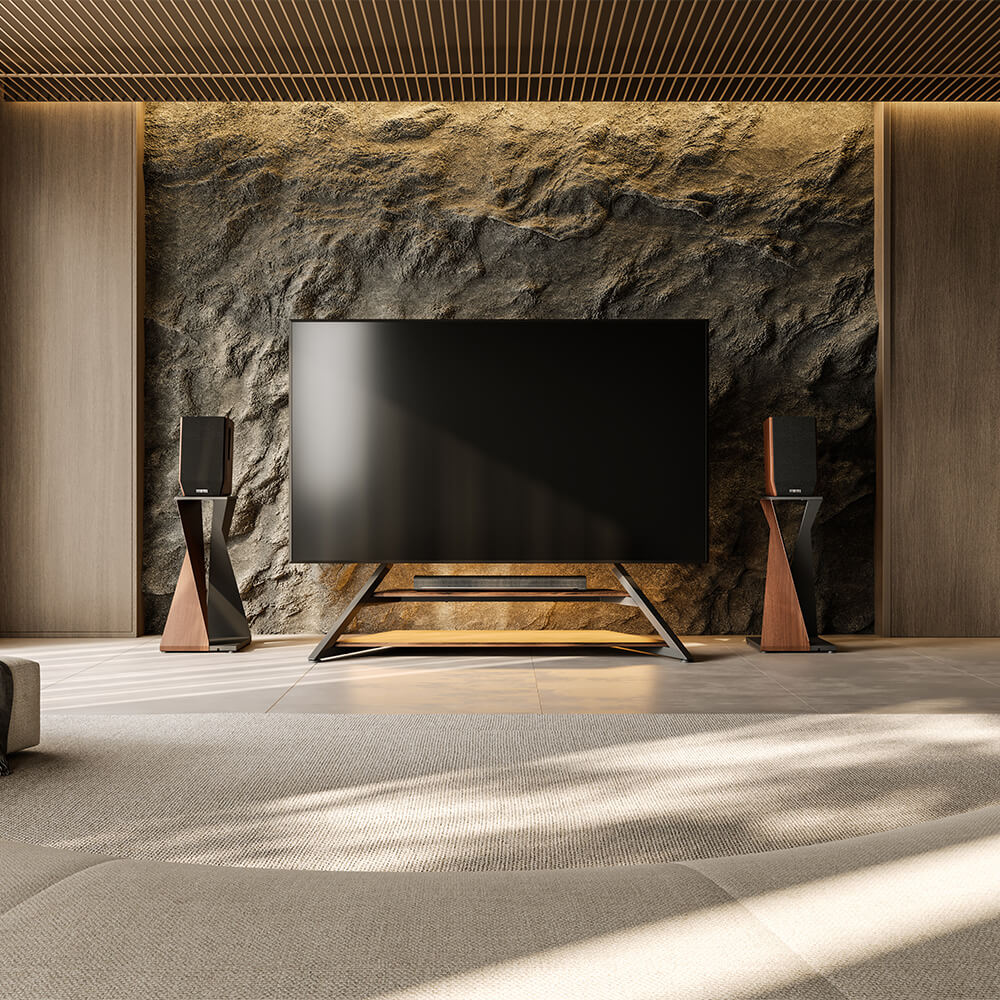
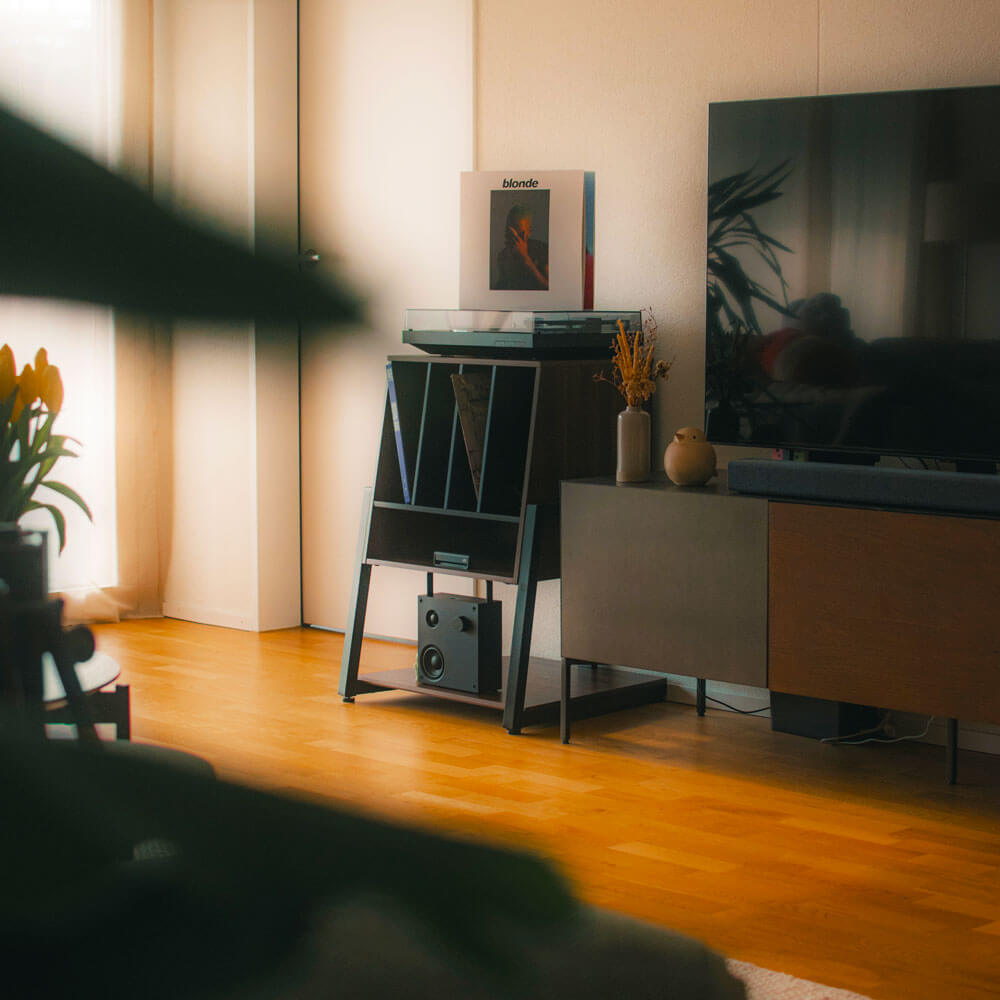
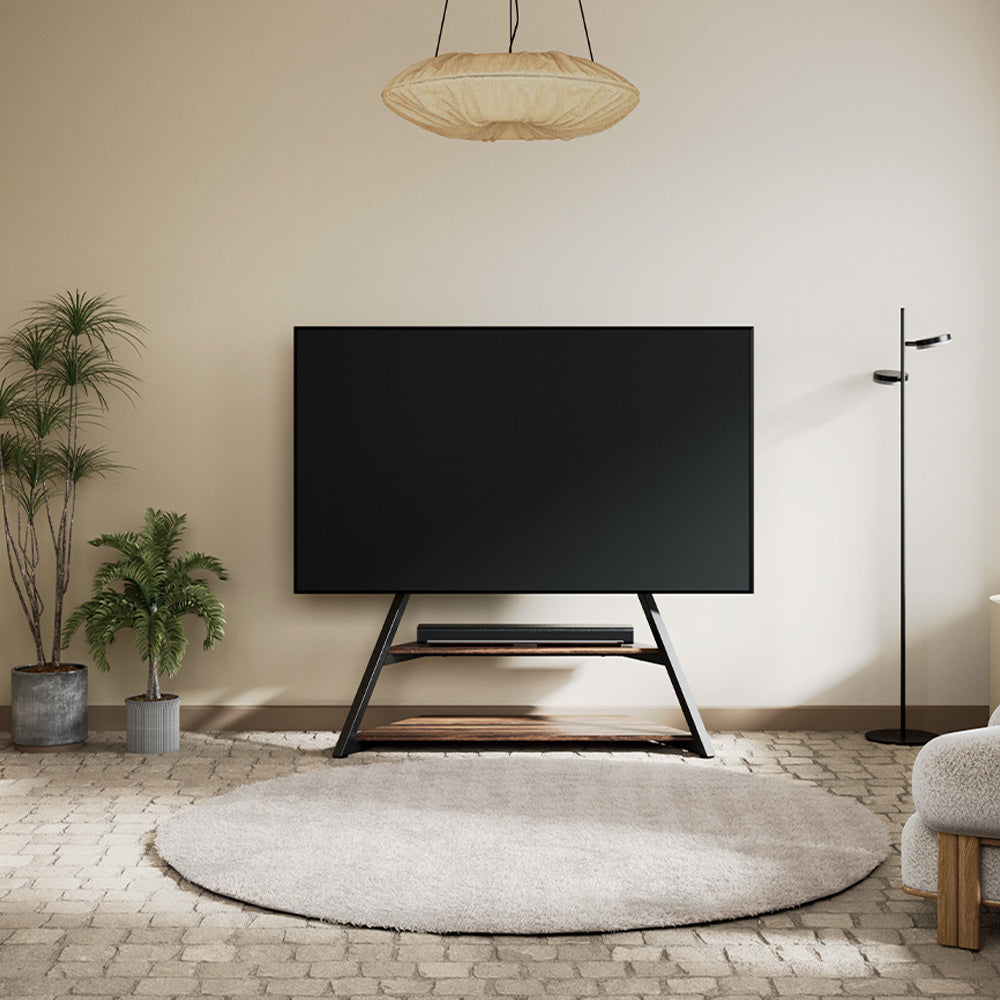
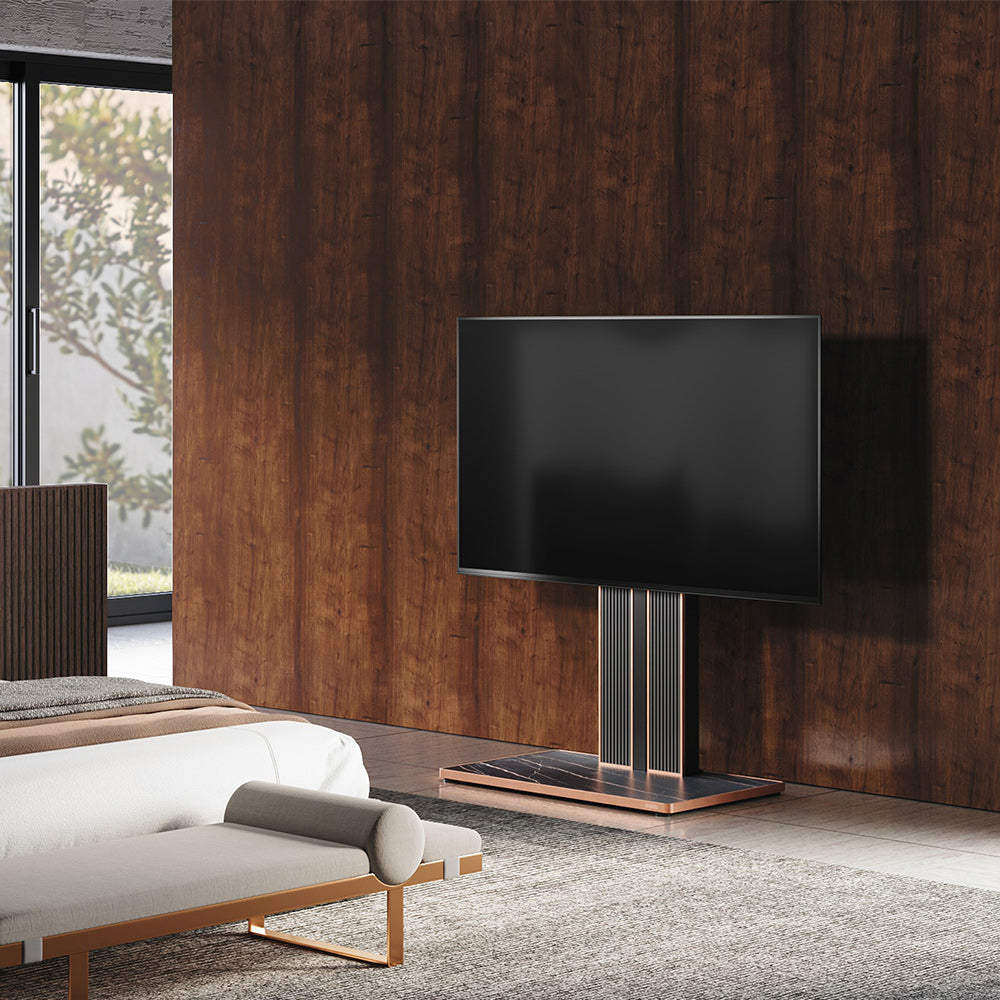
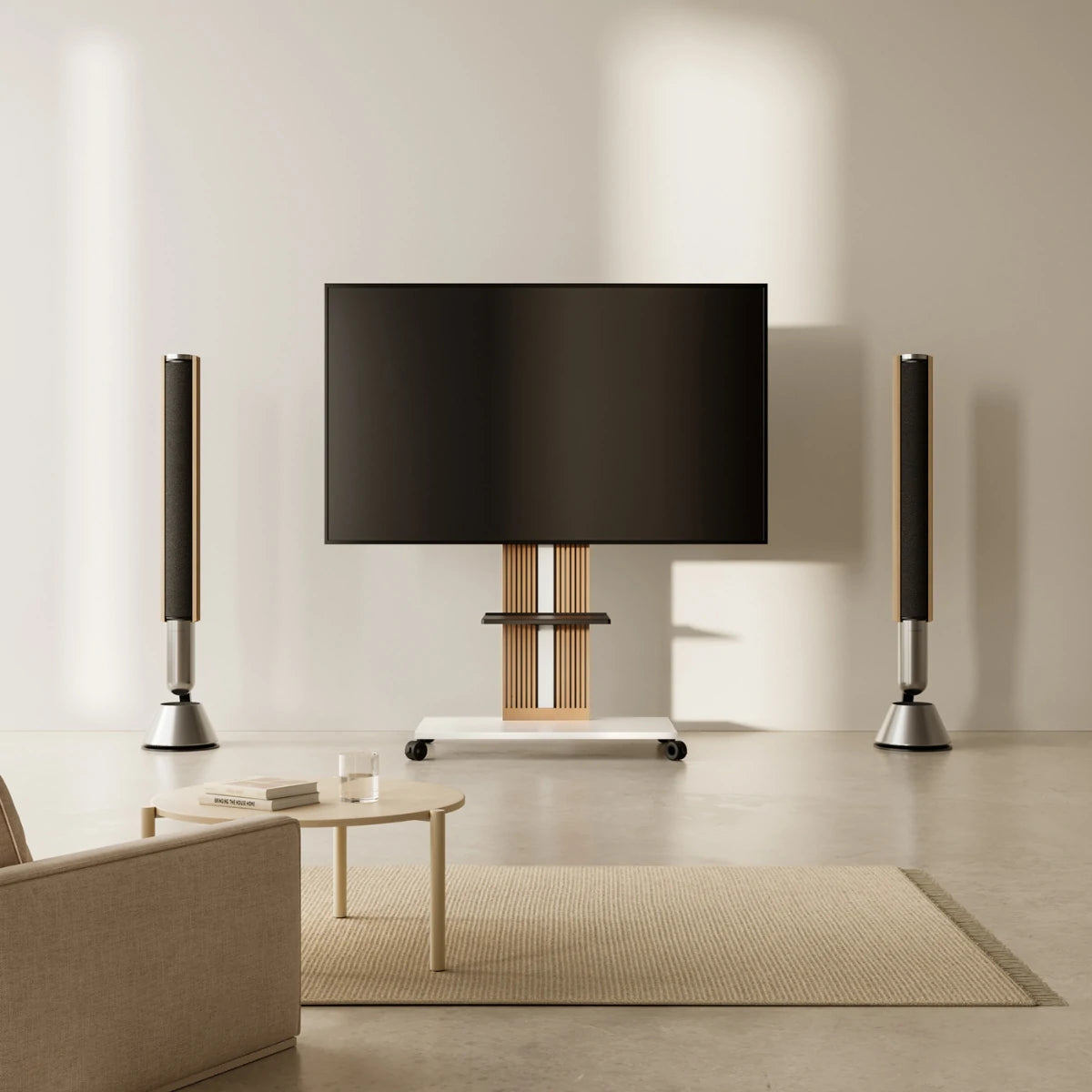
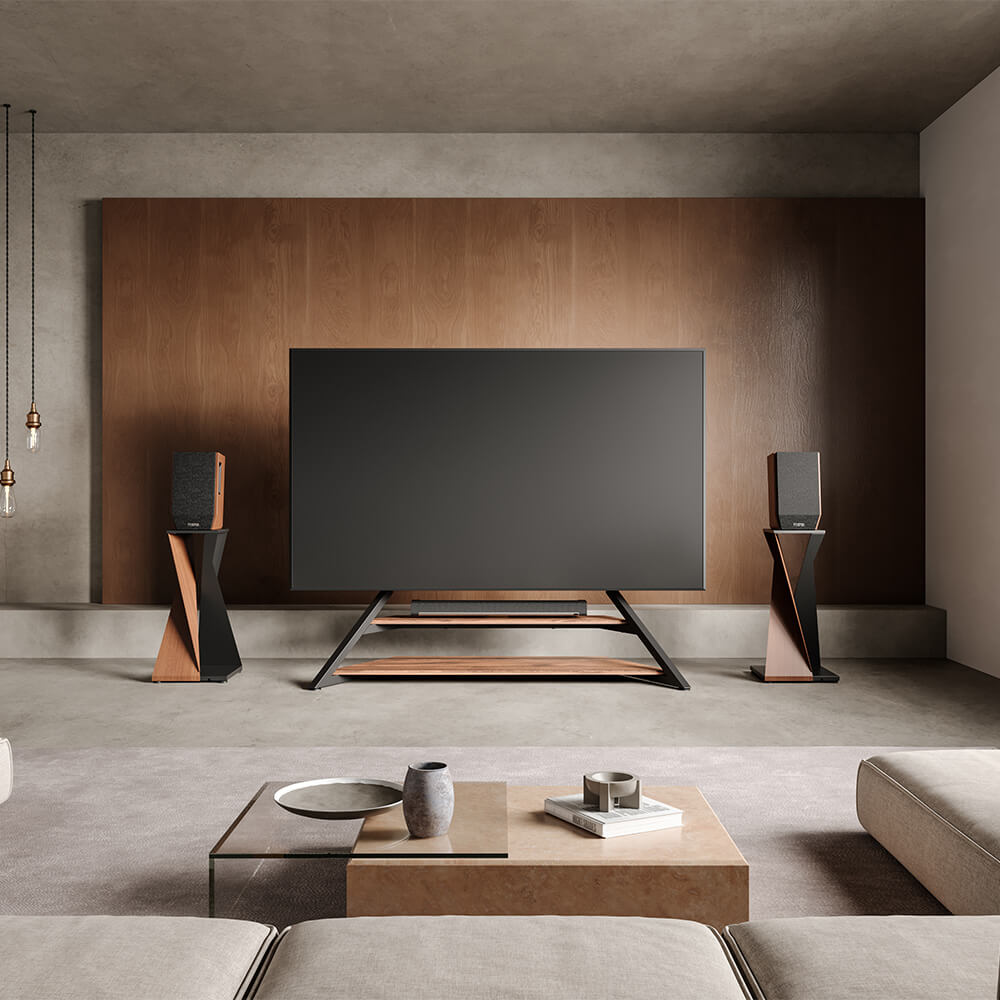
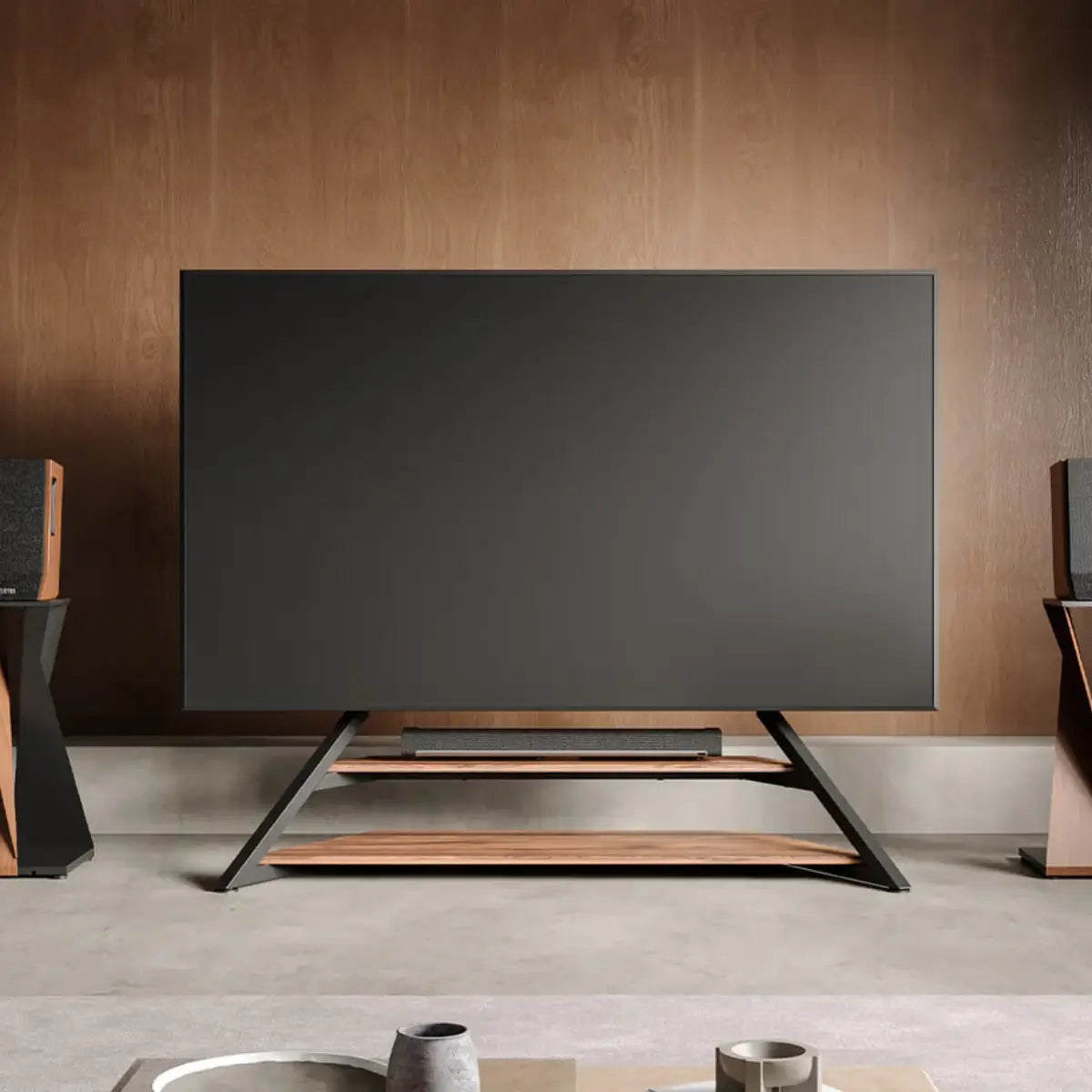
The right TV stand fits your TV securely, sits at a comfortable viewing height, matches your room, and gives you the storage you need. The quickest way to get there: pick a stand 2–3 inches wider than your TV (or, for a floor stand, one that matches your TV's VESA pattern), keep the screen center at eye level, confirm the weight capacity, then choose a style that suits your space. Here's the full process in six steps.
1. Start With the Right Size
Measure your TV's width, height, and depth — including the frame — before you shop. For a cabinet or console, choose one at least 2–3 inches wider than your TV for balance and stability. For a VESA floor stand, width matters far less, because the TV bolts to the back panel rather than resting on a surface — there, the key specs are VESA pattern and weight capacity.
A rough starting point by TV size:
| TV Size | Recommended Stand Width (cabinet) |
|---|---|
| 32–50" | 28–45" |
| 55–65" | 50–60" |
| 70–75" | 60–70" |
| 80–85" | 70"+ |
For the full width chart and the diagonal-vs-width math, see our dedicated guide on what size TV stand do I need.

2. Get the Height Right
A stand that's the right width but the wrong height still causes neck strain. Aim to keep the center of the screen 42–48 inches from the floor, level with your eyes when seated. Height-adjustable floor stands make this easy to dial in for a low sofa, a high bed frame, or a standing desk. For the full breakdown — including average stand heights and how to calculate yours — see how high should a TV stand be.
3. Match the Stand to Your Room
Your stand should fit the room, not fight it:
- Small spaces & apartments — Slim floor stands and corner designs keep walkways clear and use otherwise-wasted space. Browse our small TV stands for compact rooms.
- Large living rooms & home theaters — A wider console or a tall floor stand anchors the wall so the setup doesn't look lost.
- Renters — A freestanding, no-drill floor stand gives a wall-mounted look without touching the walls or losing a deposit.
4. Check Weight Capacity and VESA
Two specs decide whether a stand is safe for your TV:
- Weight capacity. Choose a stand rated for at least 1.5× your TV's weight plus accessories. A 55" TV (30–50 lbs) calls for a 70-lb-plus rating.
- VESA pattern. This is the spacing between the four mounting holes on the back of your TV (e.g., 200×200 or 400×400 mm). Confirm the stand supports your pattern. Universal FITUEYES stands cover the common range across Samsung, LG, Sony, TCL, Hisense, and more.
5. Choose a Style That Fits Your Home
Pick a look that ties into your existing furniture rather than competing with it:
| Style | Best For | Typical Materials |
|---|---|---|
| Modern | Minimalist homes | Glass, steel |
| Rustic | Warm, cozy rooms | Solid wood |
| Mid-century | Retro-modern looks | Walnut, oak |
| Industrial | Lofts & urban spaces | Metal, dark wood |
For a 55"+ TV on a freestanding stand, a reinforced steel core keeps a tall setup rock-solid while staying visually light.

6. Look for the Right Features
The extras that make daily use better:
- Swivel & tilt — Angle the screen toward any seat and cut glare from windows.
- Cable management — Built-in channels or a hollow pillar route wires out of sight.
- Storage — Shelves for a soundbar, console, or streaming box.
- Mobility — Lockable wheels let you move the setup between rooms.
What's the Best TV Stand?
There's no single "best" stand — the right one depends on your situation:
- Best for renters & no-drill setups: a freestanding VESA floor stand.
- Best for small apartments & dorms: a slim or corner stand that saves floor space.
- Best for big 65–85" TVs: a heavy-duty steel floor stand with a high weight rating.
- Best for flexibility: a rolling, swivel, height-adjustable model.
Explore the full range of TV stands to match one to your room and screen.
FAQs
1. Can my TV be wider than my stand?
On a cabinet, it's not recommended — it looks unbalanced and risks tipping. On a VESA floor stand, the TV mounts to the back panel, so a narrower base is perfectly safe.
2. What's the ideal TV stand height?
Set the center of the screen at seated eye level, usually 42–48 inches from the floor.
3. Which stand is best for a small apartment?
A slim floor stand or a corner design keeps the space open while still holding a full-size TV.
4. Do I need to drill into the wall?
No — every freestanding FITUEYES stand holds your TV without wall drilling, which is ideal for renters and brick or concrete walls.
Final Takeaway
Choosing a TV stand comes down to six checks: size it wider than your TV (or to its VESA pattern), set the screen at eye level, fit it to your room, confirm weight and VESA, pick a complementary style, and look for swivel, storage, and cable management. Get those right and you'll have a setup that's safe, comfortable, and built to last. Ready to choose? Browse our full collection of TV stands.