



Yes, you can physically put a 65-inch TV on a 55-inch stand, but it’s usually not recommended. A 65-inch TV is around 57 inches wide, so on many 55-inch stands the screen will either overhang or sit right at the edge. This can create safety risks, look unbalanced, and make cable management harder. For both safety and style, most people are better off using a TV stand that is at least as wide as the TV, or upgrading to a model designed for 65-inch TVs.
In this article, we’ll walk through when a 65-inch TV on a 55-inch stand might work, what the main risks are, and what better alternatives you have if your stand is simply too small.
Is It Safe to Put a 65-Inch TV on a 55-Inch TV Stand?
Weight Limits and Stability Risks
The first thing to think about is safety. A bigger TV usually means more weight and a larger center of gravity. If the stand is too small or not strong enough, the TV can wobble or even tip forward.
Key points to check:
-
Weight capacity
Look at the manufacturer’s specifications for your 55-inch stand. It should clearly state a maximum weight limit. Compare that number with your 65-inch TV’s weight.
Ideally, the stand’s capacity should be comfortably higher than the TV’s weight, not just barely enough.
-
Width of the base or feet
Many modern TVs have feet spaced far apart. If one or both feet are right at the edge of the stand, any bump or pull on the cable can cause the TV to shift.
-
Floor and surface
If the stand is on a thick rug, an uneven floor, or a slippery surface, the risk of wobbling and tipping goes up.
If your TV’s weight is close to the stand’s limit, or the feet are almost hanging off the edge, then technically “it fits,” but it’s not a safe long-term setup.
How to Reduce Tipping Risk (Anti-Tip Straps, Wall Anchors)
If you still want to try this combination, add extra safety measures:
-
Anti-tip straps
Secure the TV to the wall or to the back of the stand using anti-tip straps. These inexpensive accessories can dramatically reduce the risk of the TV falling forward, especially in homes with kids or pets.
-
Wall anchors or brackets
If possible, use a low-profile wall bracket to lightly secure the TV while it sits on the stand. Even partial anchoring can improve stability.
-
Heavier items low down
Place heavier items (like game consoles, amplifiers, or books) on the lower shelves of the stand. This lowers the center of gravity and makes the whole setup more stable.
These steps don’t solve the size mismatch completely, but they can help make a too-small stand a little safer.
65-Inch TV vs. 55-Inch Stand: Size and Dimensions
Even if weight is fine, you still need to think about physical dimensions and how everything actually fits together.
Typical Dimensions of a 65-Inch TV
The “65 inches” in a TV’s name refers to the diagonal of the screen, not the width.
Most 65-inch TVs have:
-
Width: roughly 56.7–57.2 inches (144–145 cm)
-
Height (without stand): around 32–33 inches (81–84 cm)
-
Depth: usually less than 3 inches for the panel, but the stand or feet add more depth
This means a 65-inch TV is generally wider than many 55-inch TV stands, or at best almost edge-to-edge.
How Wide Should the TV Stand Be?
As a rule of thumb:
-
The TV stand should be at least as wide as the TV, and preferably a little wider.
-
Many people prefer the stand to extend 1–3 inches beyond the TV on both sides. This gives:
-Better visual balance
-More room for soundbars or décor
-A slightly wider, more stable footprint
To make it more concrete, here’s a simple size reference:
|
TV Size |
Approx. TV Width |
Recommended Minimum Stand Width |
|
55" |
~48" |
50–55" |
|
60" |
~52–53" |
55–60" |
|
65" |
~56.7–57.2" |
60" or wider |
So while a 65-inch TV might sit on some 55-inch stands, most size guides will still recommend a 60-inch or larger TV stand for a 65-inch screen.

What Happens If the TV Stand Is Smaller Than the TV?
Safety Concerns When the Stand Is Smaller
When the TV is wider than the stand, a few problems can appear:
-
Overhang and tipping
If the TV feet are close to the edge (or slightly beyond), an accidental bump, tug on a cable, or even energetic kids and pets can cause the TV to shift or tip.
-
Uneven weight distribution
The weight may not be centered properly, which puts extra stress on parts of the stand and reduces long-term durability.
-
More vulnerable to vibrations
Slamming doors, walking nearby, or powerful subwoofers can cause a too-large TV to wobble more on a too-small stand.
Aesthetic Issues: Overhang and Visual Balance
Even if nothing actually falls over, a 65-inch TV on a 55-inch stand often looks wrong:
-
The TV seems to “dwarf” the furniture underneath.
-
There’s no visual border on either side, so the whole wall can look top-heavy.
-
It’s harder to place décor, speakers, or a soundbar in a way that feels balanced.
For many people, the living room TV wall is a focal point. A mismatched combination can make your space feel cramped or awkward instead of modern and airy.
Cable Management on a Too-Small Stand
Bigger TVs tend to come with more devices and cables:
-
Streaming boxes
-
Game consoles
-
Soundbars or AV receivers
-
External drives and more
If your 55-inch stand is already short on shelf space, adding a 65-inch TV will:
-
Leave less room for components
-
Make it harder to route cables behind or through the stand
-
Increase the chance of messy, visible cable clutter under and around the TV
Good cable management isn’t just about looks—tidy cables are less likely to be pulled accidentally, which also protects your TV from sudden tugs and jolts.
What If You Still Want to Use a 55-Inch Stand?
If you don’t want to replace the furniture right away, you can at least reduce the risk and inconvenience as much as possible.
Checklist Before Placing a 65-Inch TV on a 55-Inch Stand
Before you lift the TV onto the stand, go through this checklist:
-
Stand width ≥ TV feet spacing
Make sure the TV’s base or feet sit fully on the surface. Nothing should be hanging off the edge.
-
Weight capacity is comfortably sufficient
The TV’s weight should be clearly below the stand’s maximum capacity, with a safety margin.
-
Solid, stable top
Avoid thin panels, very old furniture, or hollow structures. Check that the top panel doesn’t bend, creak, or sag.
-
Safe positioning
Don’t place the stand where it’s likely to get bumped—such as right next to a doorway, in a narrow hallway, or in a busy walkway.
-
Reasonable access to power and outlets
Avoid stretching cables across walking paths or pulling tightly against the wall, which can create tripping and tipping risks.
If any of these points fail, it’s a sign that the combo is more risk than it’s worth.
Simple Ways to Reinforce Your Existing Stand
If things are borderline but not terrible, you can make a small stand a bit more secure:
-
Add anti-tip straps
Attach anti-tip straps from the TV to the wall or to the back of the stand to prevent forward falls.
-
Reinforce the structure
Add a support leg or brace under the center of the stand if the top panel seems to flex under load.
-
Improve grip and reduce sliding
Use non-slip pads under the stand’s feet to keep it from sliding on hardwood or tile floors.
-
Optimize placement
Center the TV on the stand as much as possible, and avoid pushing the screen too far forward toward the front edge.
These improvements don’t change the fact that the stand is small, but they can help reduce day-to-day risk.

Better Alternatives When Your Stand Is Too Small
Instead of constantly worrying about whether your TV might tip over, many people eventually choose to solve the problem at the source: upgrade to a stand designed for 65-inch TVs, or mount the TV on the wall.
Upgrade to a Stand Designed for 65-Inch TVs
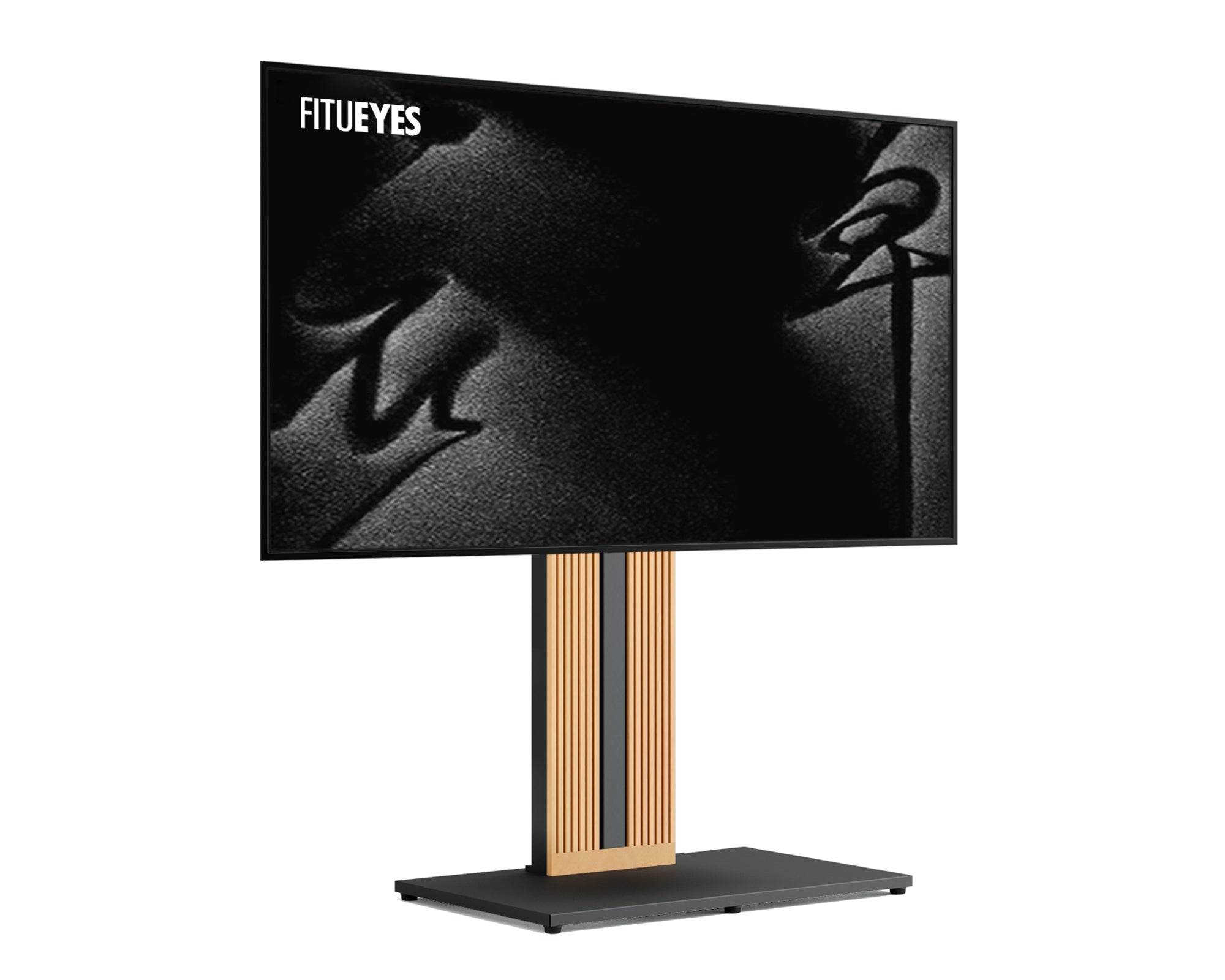
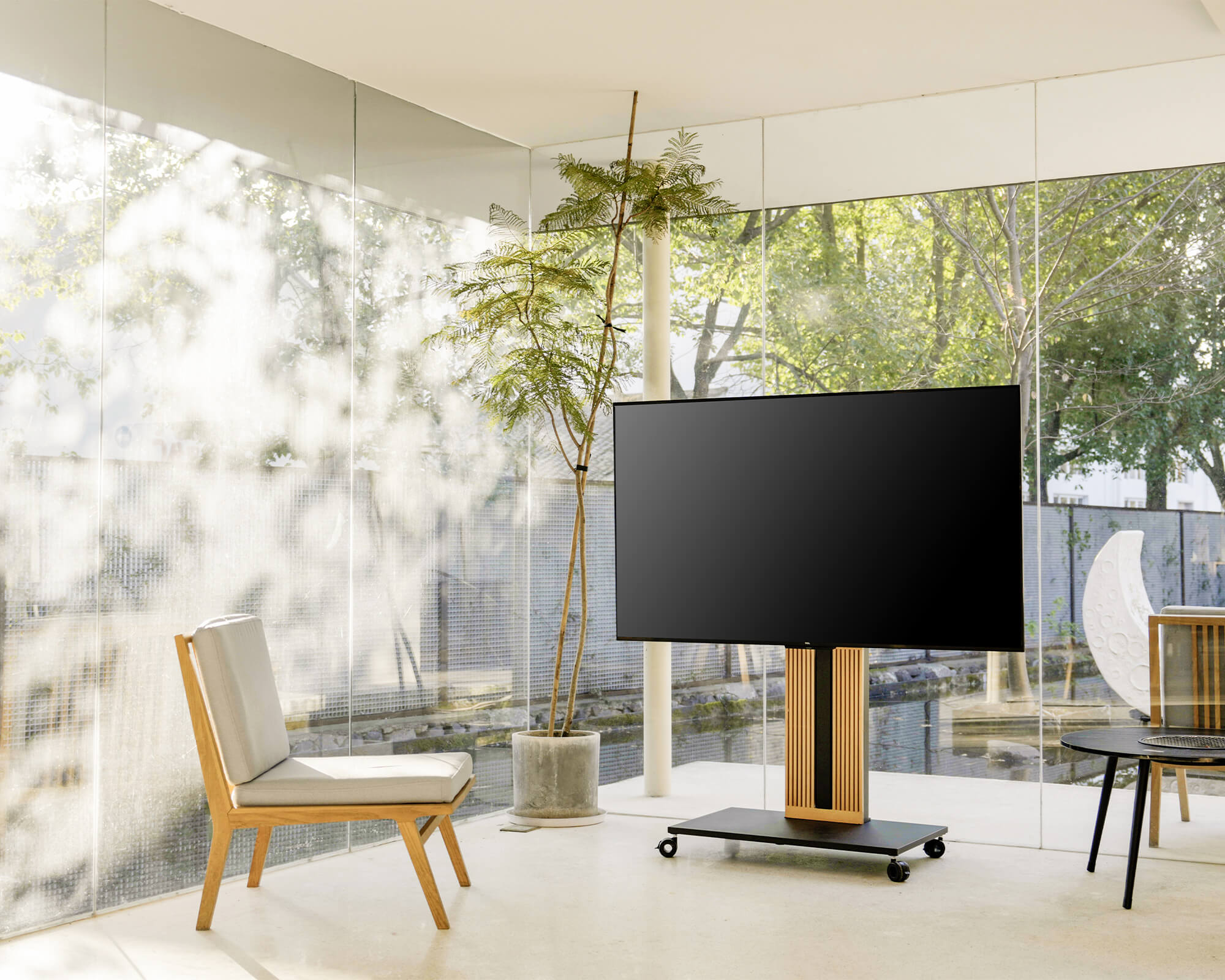
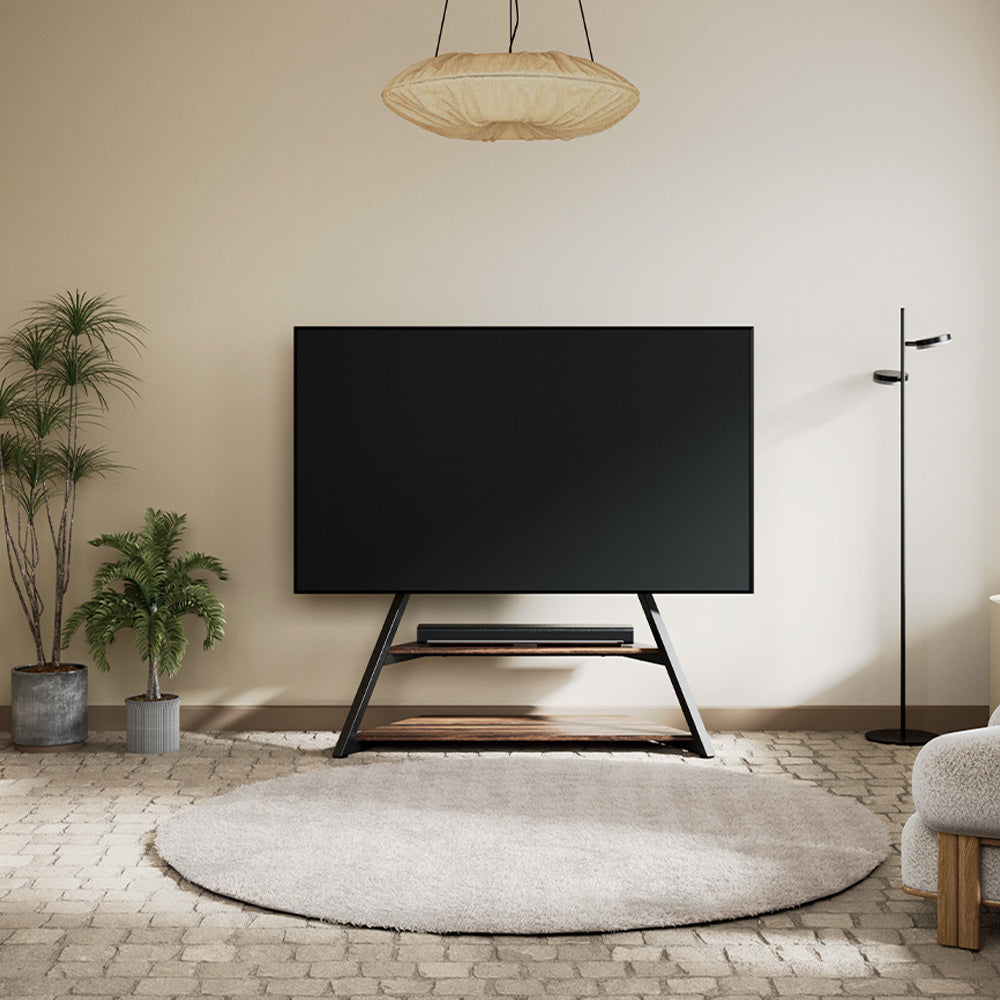
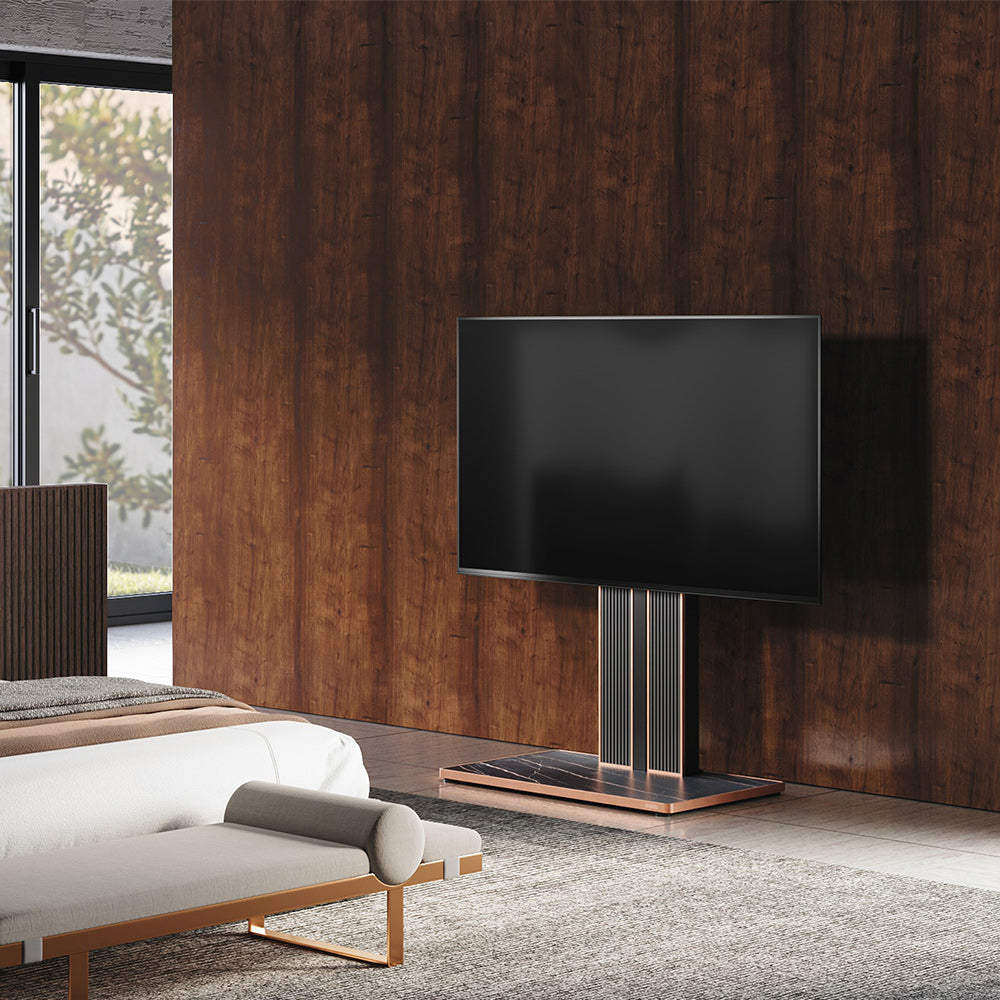
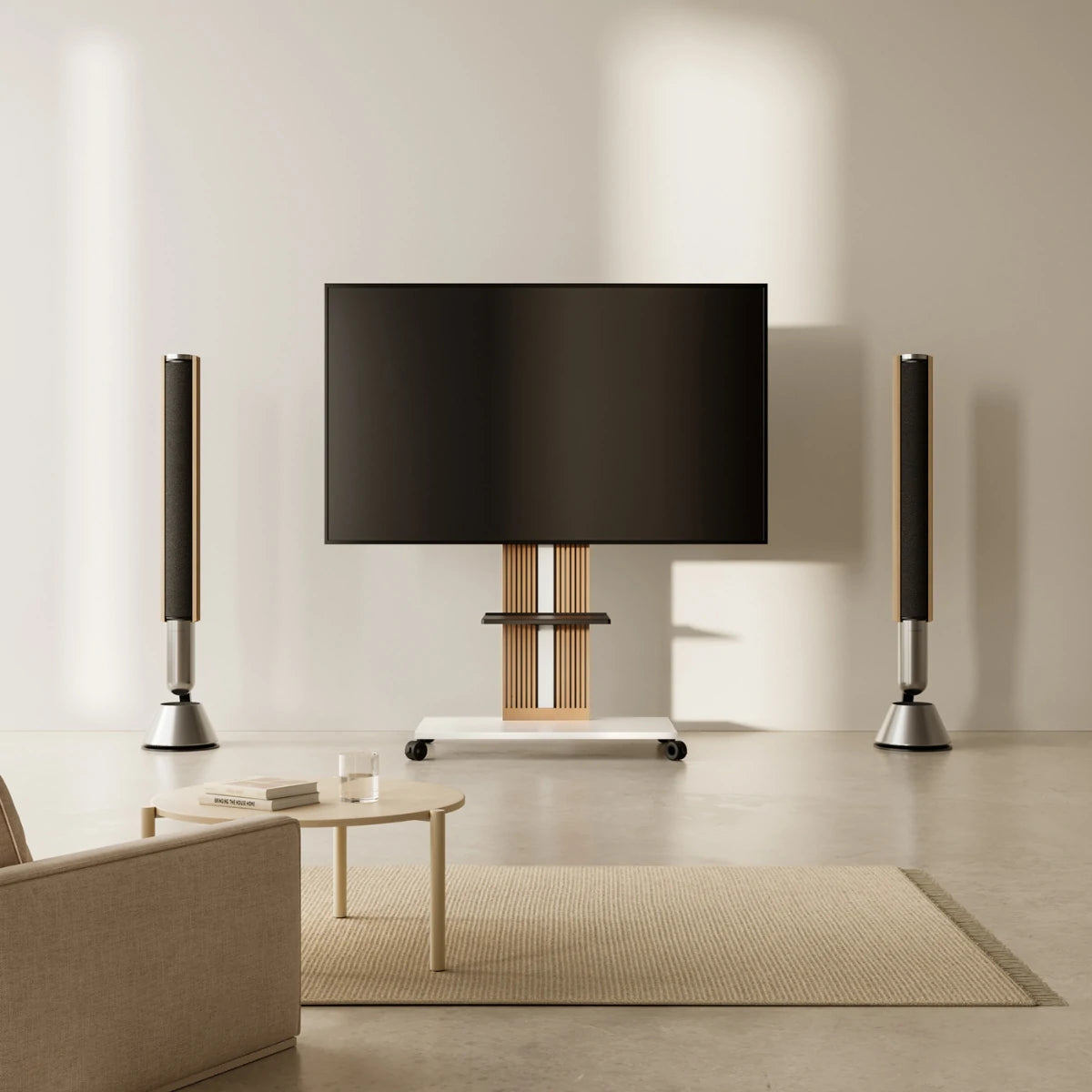
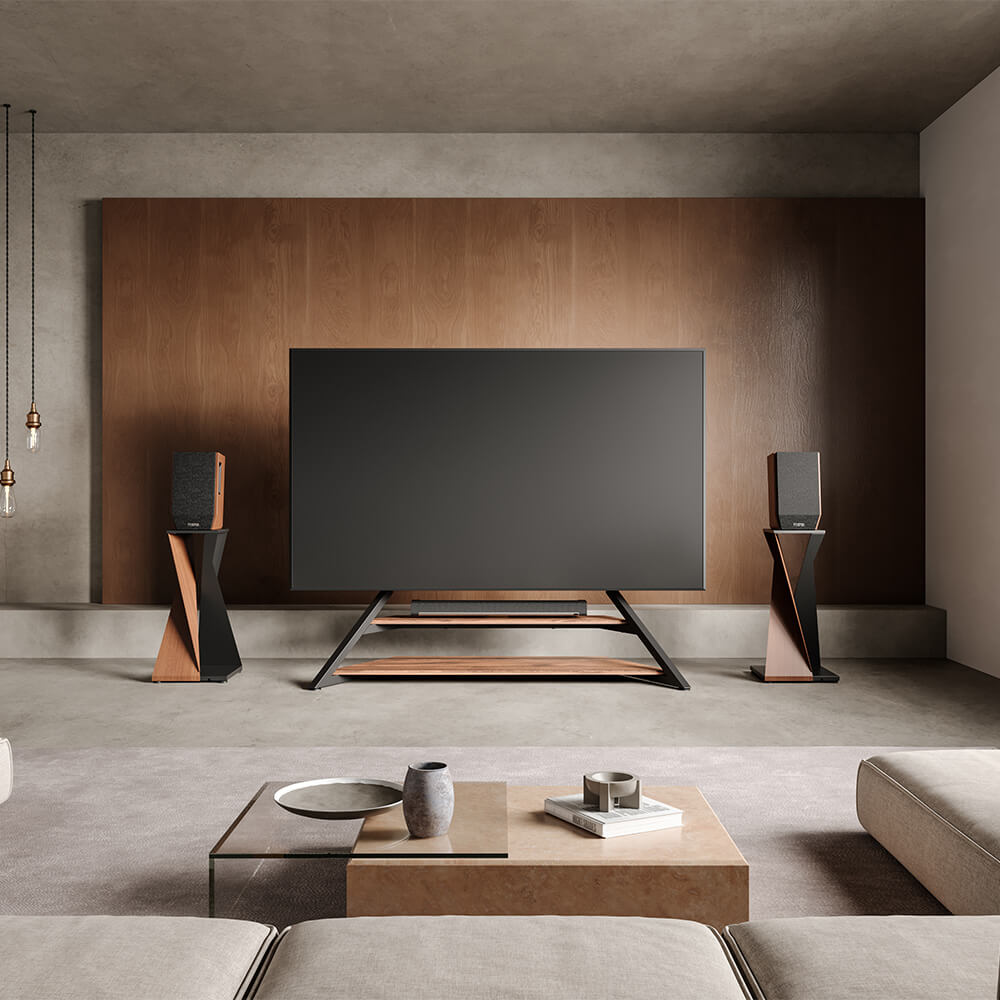
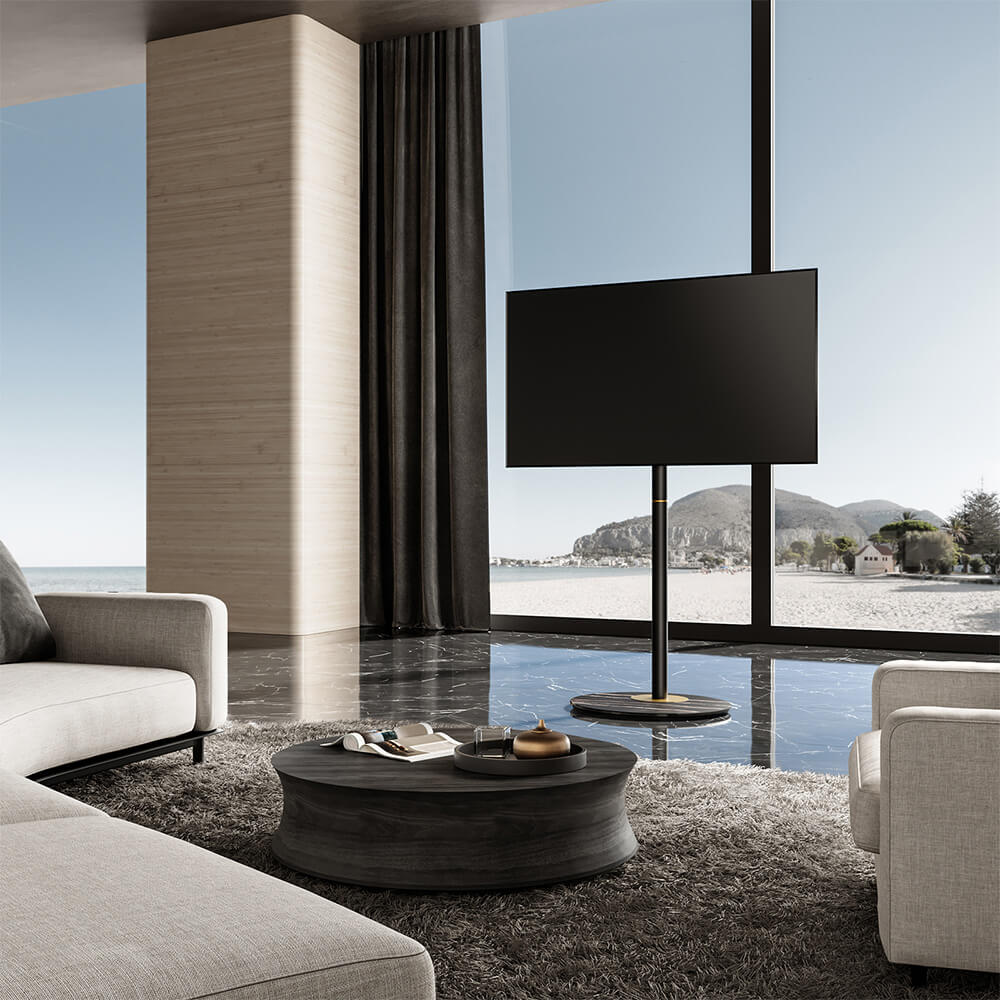
If you prefer a floor-standing setup and want both safety and style, the most straightforward solution is to choose a FITUEYES tv stand that’s actually designed for a 65-inch TV. A properly sized stand will support the weight of your screen, keep the feet fully on the surface, and give your living room a more balanced, high-end look.
For example, the FITUEYES Zen FT65 TV Stand is a dedicated solution for larger screens:
-
Size matched to 65-inch TVs
Its width and support structure are optimized for big screens, so the TV won’t sit unnervingly close to the edge.
-
Strong load-bearing design
A sturdy metal frame and stable base give significantly better support than a typical 55-inch stand.
-
Thoughtful cable management
Shelves and cable paths are designed to hold consoles, streaming boxes, and audio gear while keeping cords tidy.
-
Clean, modern aesthetics
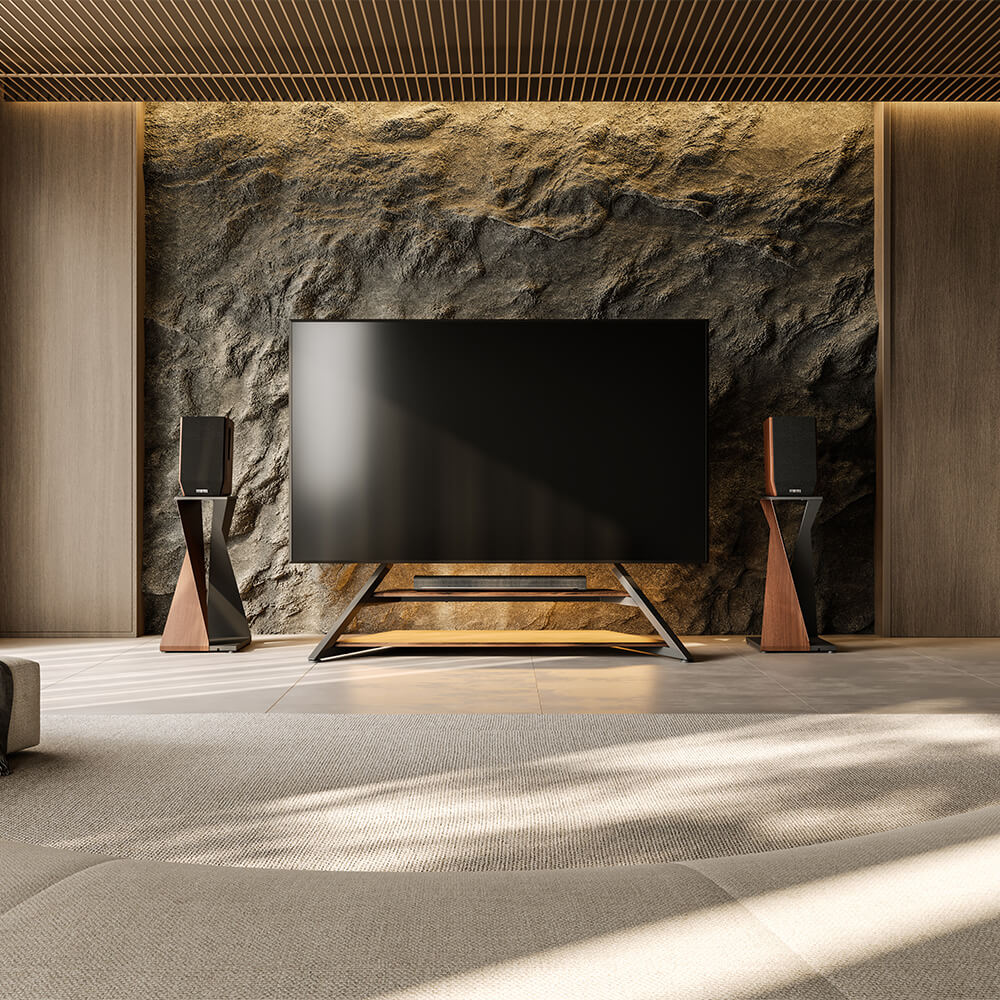
Minimalist lines and balanced proportions help your 65-inch TV look like part of a cohesive design, rather than a giant screen perched on too-small furniture.
If you’ve already invested in a 65-inch TV, choosing the right stand is what makes that investment feel complete, secure, and visually polished.
Wall-Mount Your 65-Inch TV and Use the Stand for Storage
Another smart option is to mount your 65-inch TV on the wall and repurpose the original 55-inch stand purely for storage and décor.
Benefits include:
-
Dramatically reduced tipping risk
-
A clean, modern look with more flexible wall space usage
-
The stand can focus on holding consoles, speakers, and decorations
-
TV height can be set precisely for comfortable viewing
If your wall construction allows for a proper load-bearing bracket, this approach gives you the visual benefits of a larger stand without having to replace your current furniture immediately.
FAQs
1. Will a 65-inch TV fit safely on a 55-inch TV stand?
It might physically fit, but it’s often not ideal. You need to check:
-
Whether the TV’s feet are fully supported
-
Whether the stand’s weight capacity is sufficient
-
Whether there is any overhang
If the TV feels wobbly or the feet are right at the edge, it is not a safe setup.
2. How much wider should a TV stand be than a 65-inch TV?
A good guideline is for the stand to be at least as wide as the TV, and preferably a little wider.
For a 65-inch TV (about 57 inches wide), a 60-inch or wider stand usually looks and feels more balanced.
3. Is it okay if my TV overhangs the stand a little bit?
A small amount of overhang on the screen, with the feet fully supported, can be acceptable.
However, if either foot is very close to the edge or partially hanging off, even a small overhang becomes a safety issue. Always prioritize stable support over saving a bit of space.
4. How can I make a small TV stand safer for a large TV?
You can improve safety by:
-
Using anti-tip straps or wall anchors
-
Placing heavier items on lower shelves to stabilize the stand
-
Ensuring the stand sits flat and doesn’t rock
-
Avoiding high-traffic areas where the TV could be bumped
These steps help, but they don’t fully replace having a properly sized stand.
5. Should I upgrade my TV stand if I buy a 65-inch TV?
If your current stand is significantly narrower than the TV or close to its maximum weight capacity, upgrading is strongly recommended. A stand designed for 65-inch TVs, such as the FITUEYES Zen FT65 TV Stand, will deliver better safety, durability, and a more polished look in your living room.
Related Reading
How to Choose the Right TV Stand Size?
Learn how to match TV size, stand width, and room layout so your setup stays safe, balanced, and visually clean.
Final Thoughts
So, can you put a 65-inch TV on a 55-inch stand? Yes, sometimes you can—but that doesn’t mean you should.
You need to consider:
-
Weight capacity and stability
-
Actual width and any overhang
-
Safety for kids and pets
-
Cable management and everyday use
-
How the setup looks in your room
If you’ve checked all these boxes and added some extra safety measures, a 65-inch TV and a 55-inch stand can work temporarily. But if you want a setup that feels solid, looks balanced, and lets your big-screen TV really shine, upgrading to a stand made for 65-inch TVs—or wall-mounting the screen—is usually the smarter long-term choice.