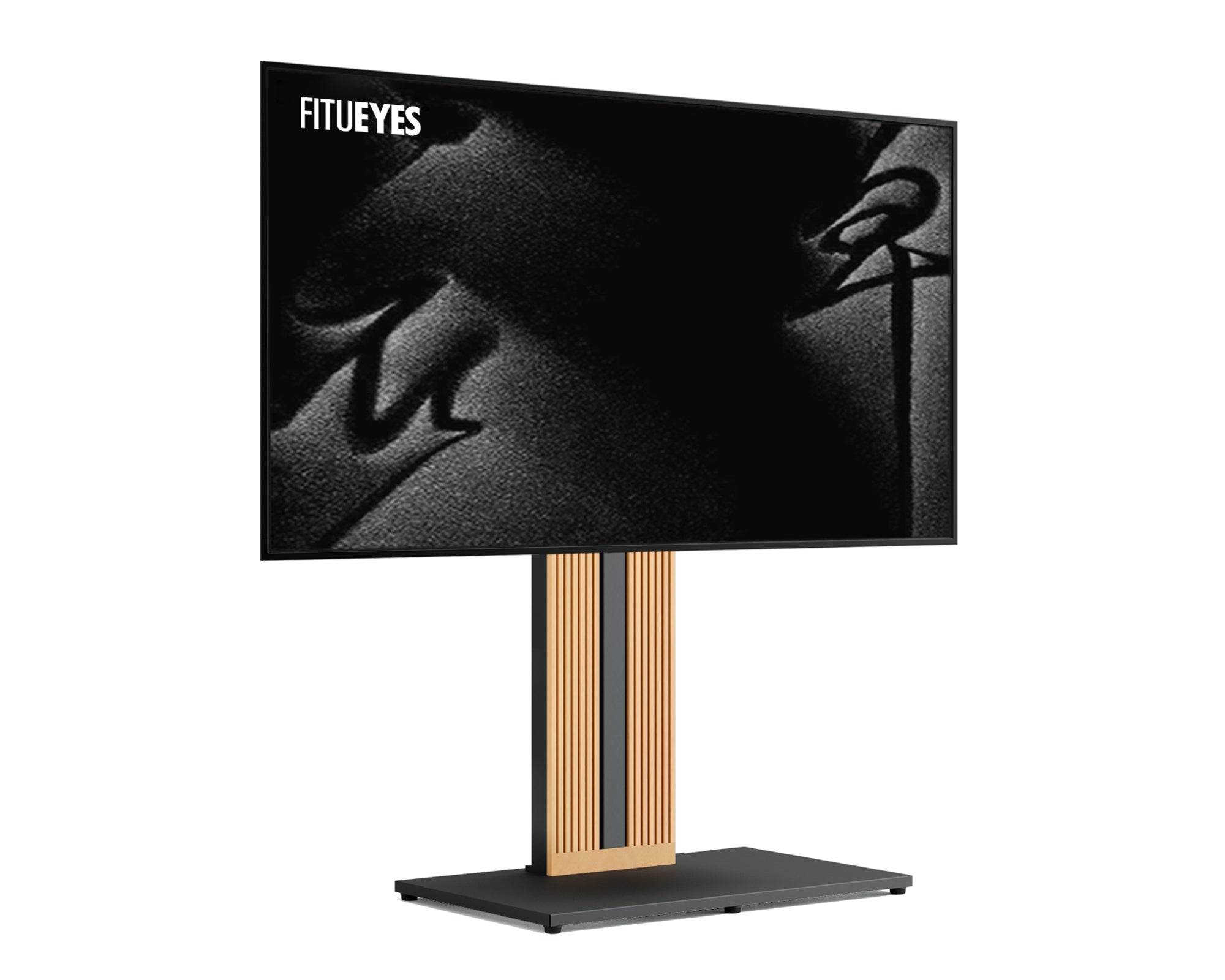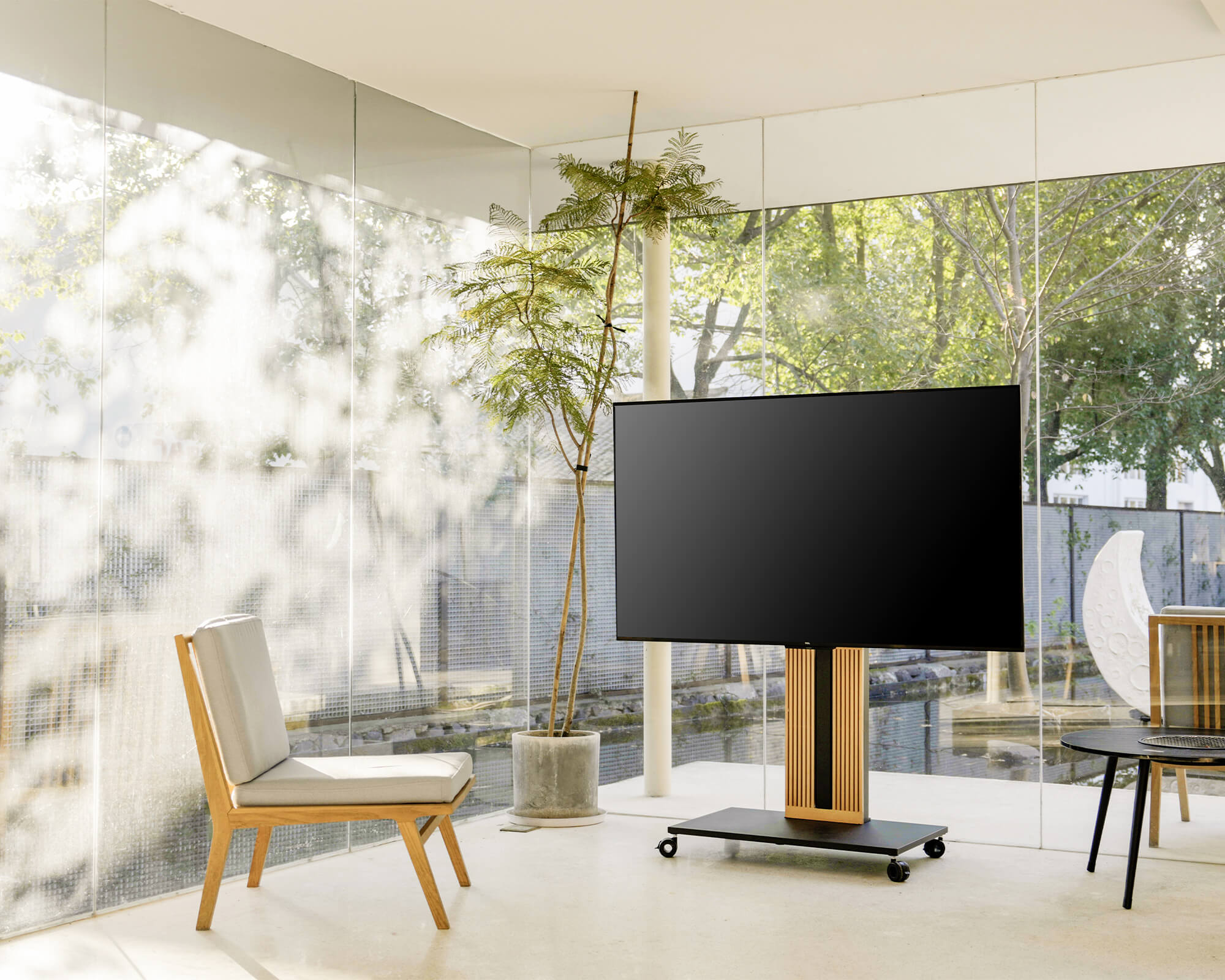



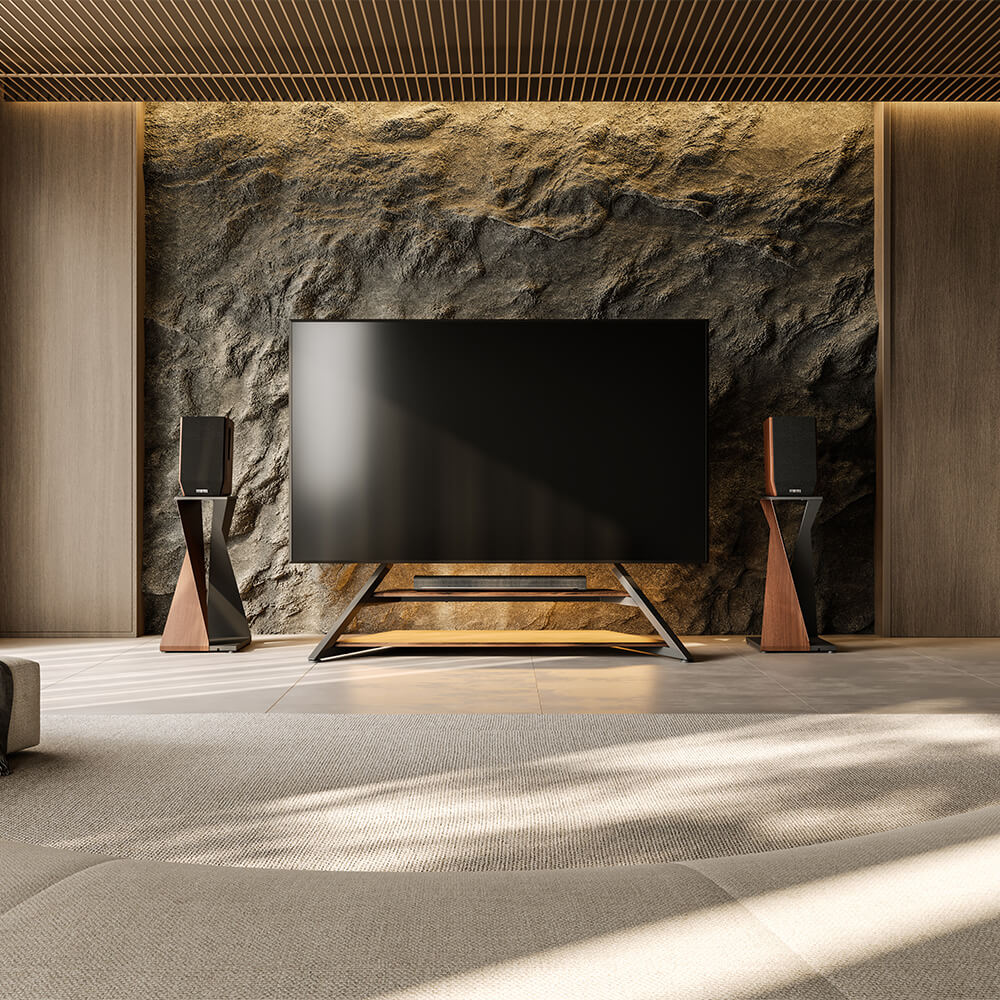

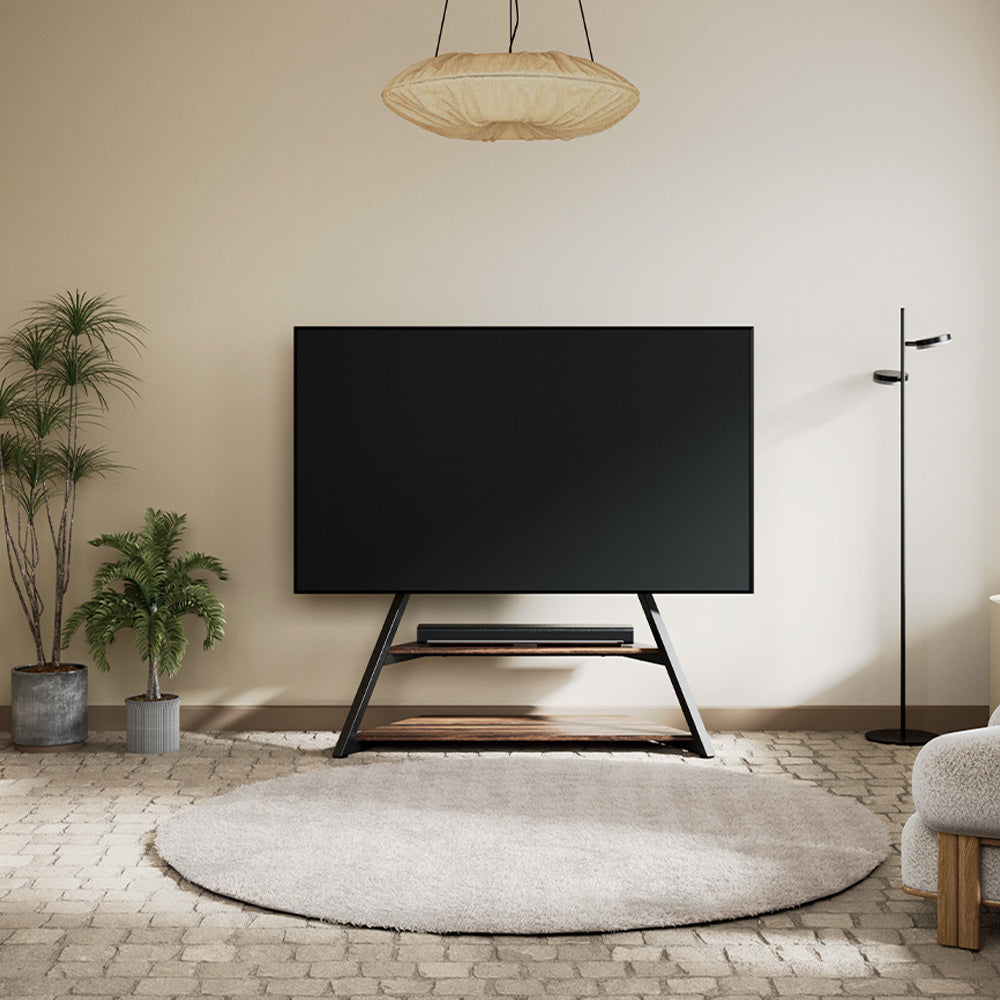
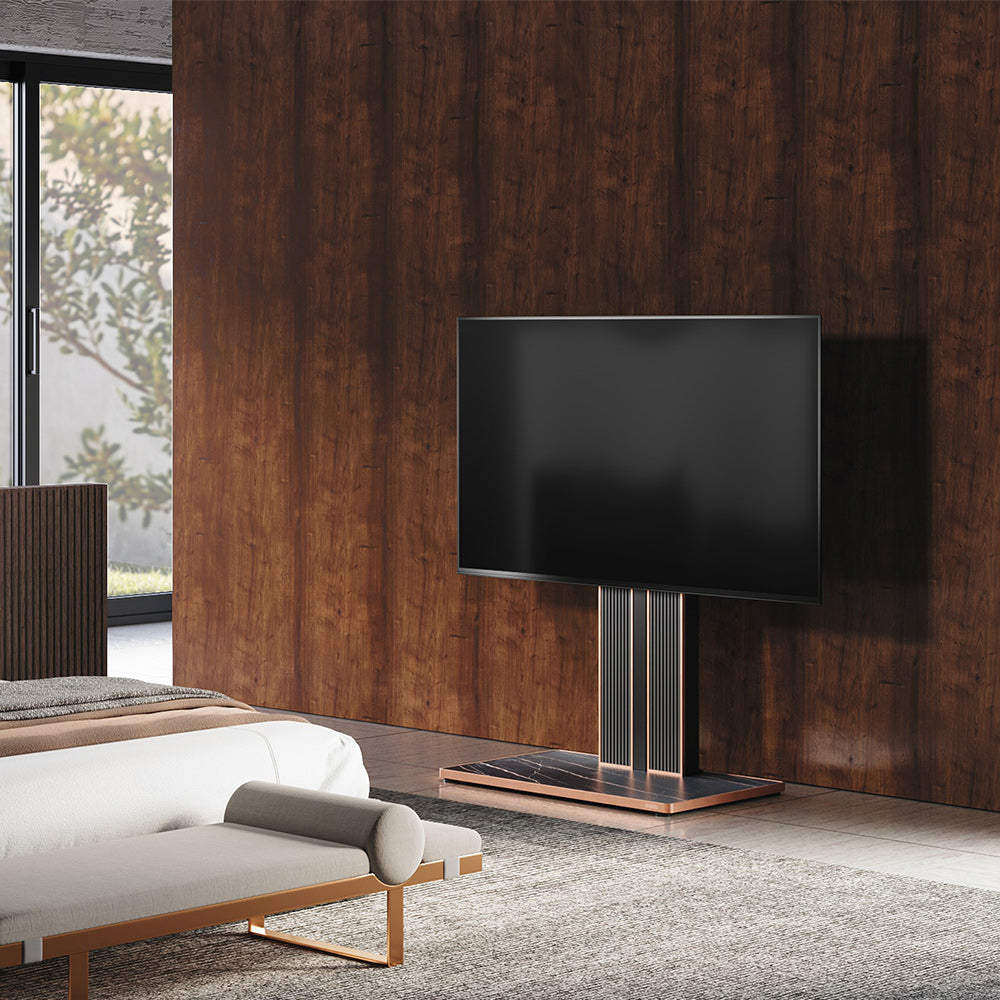
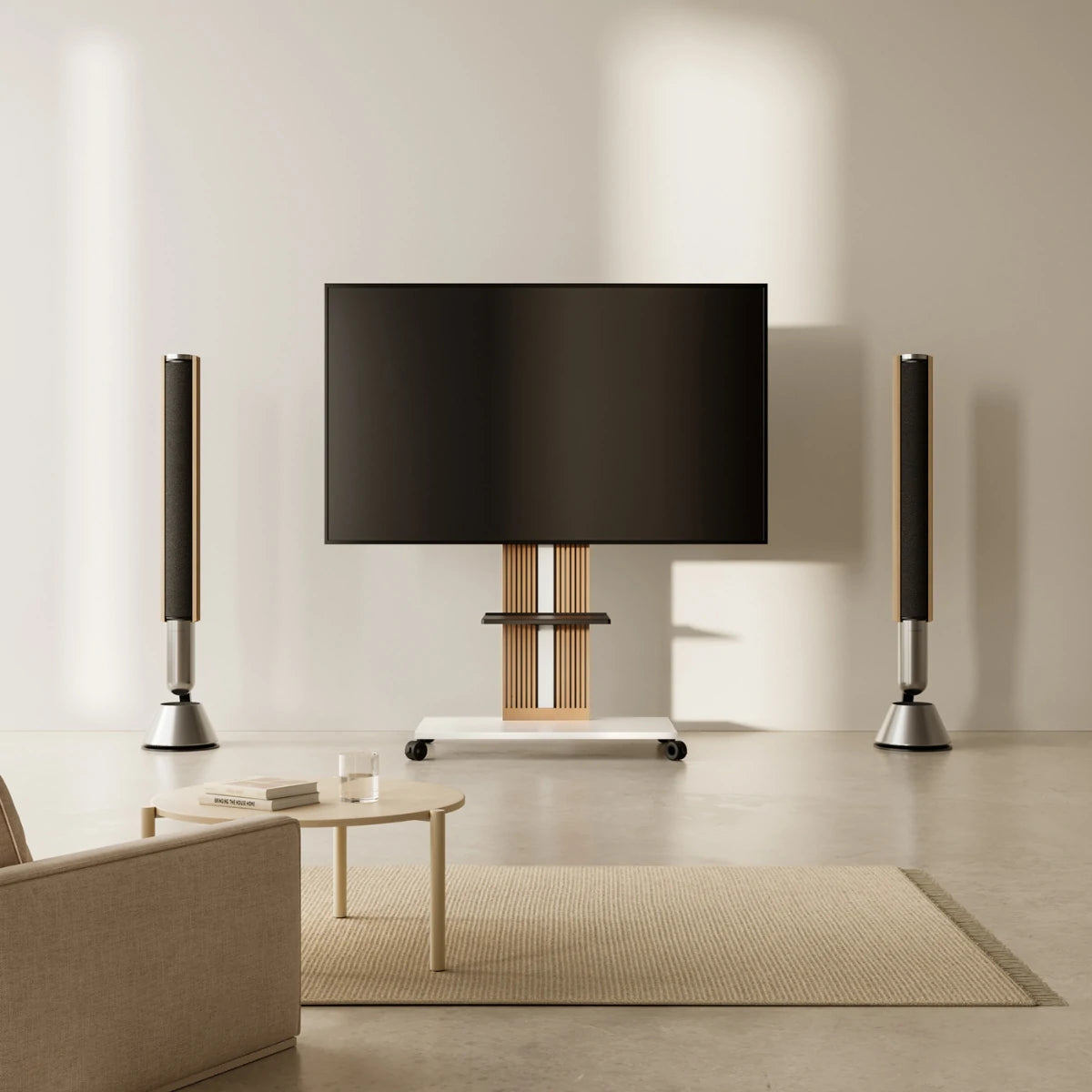
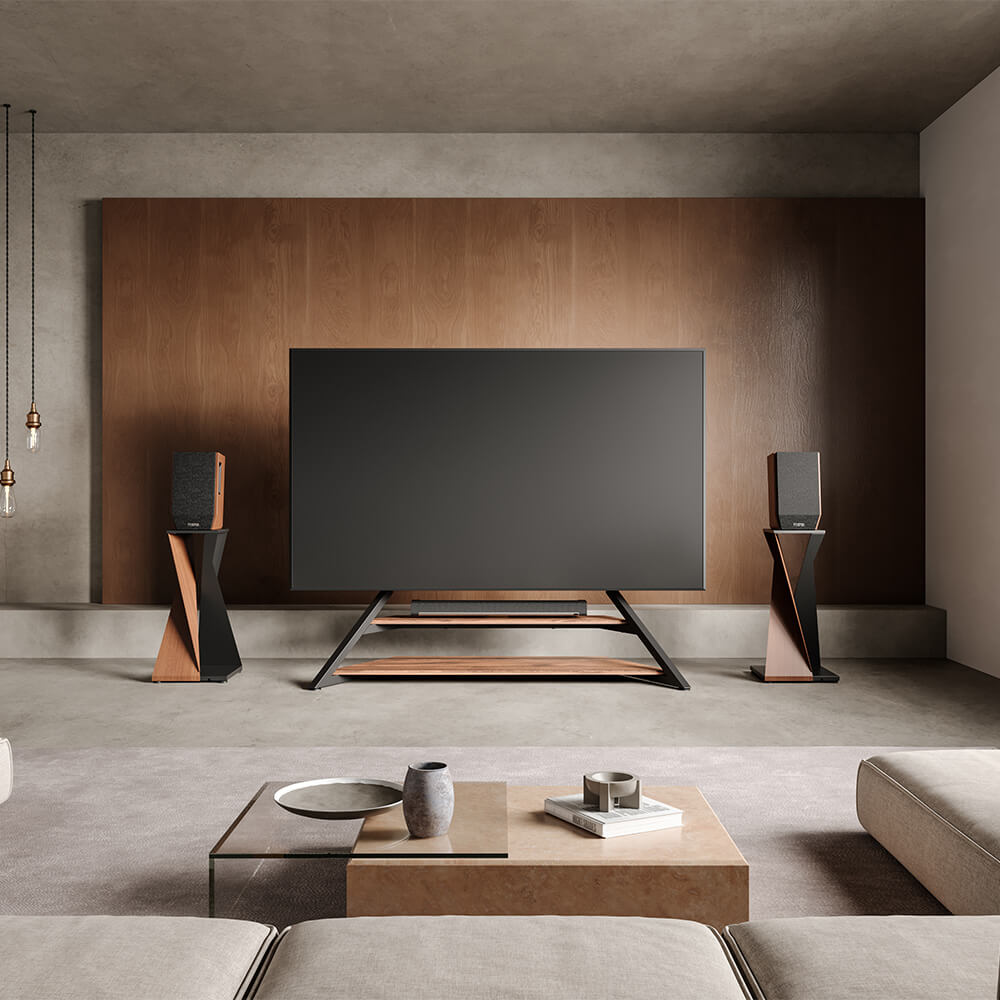

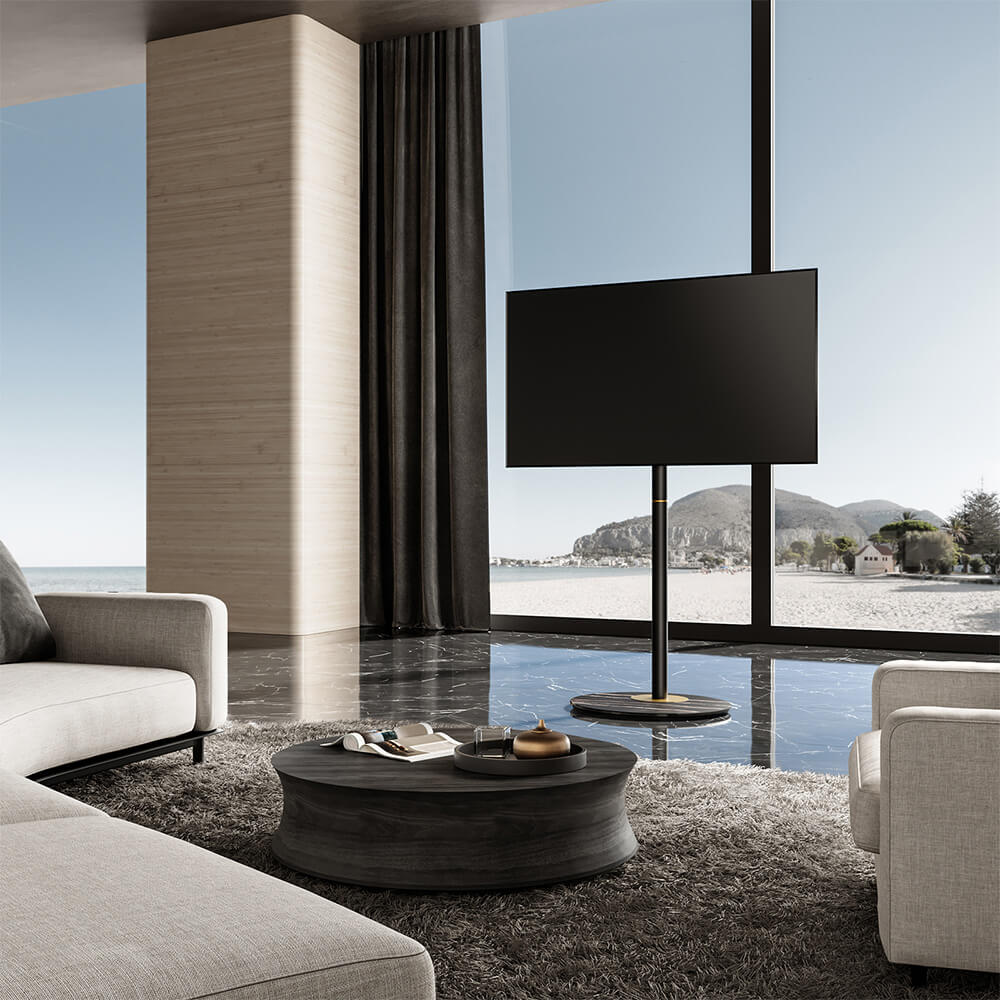
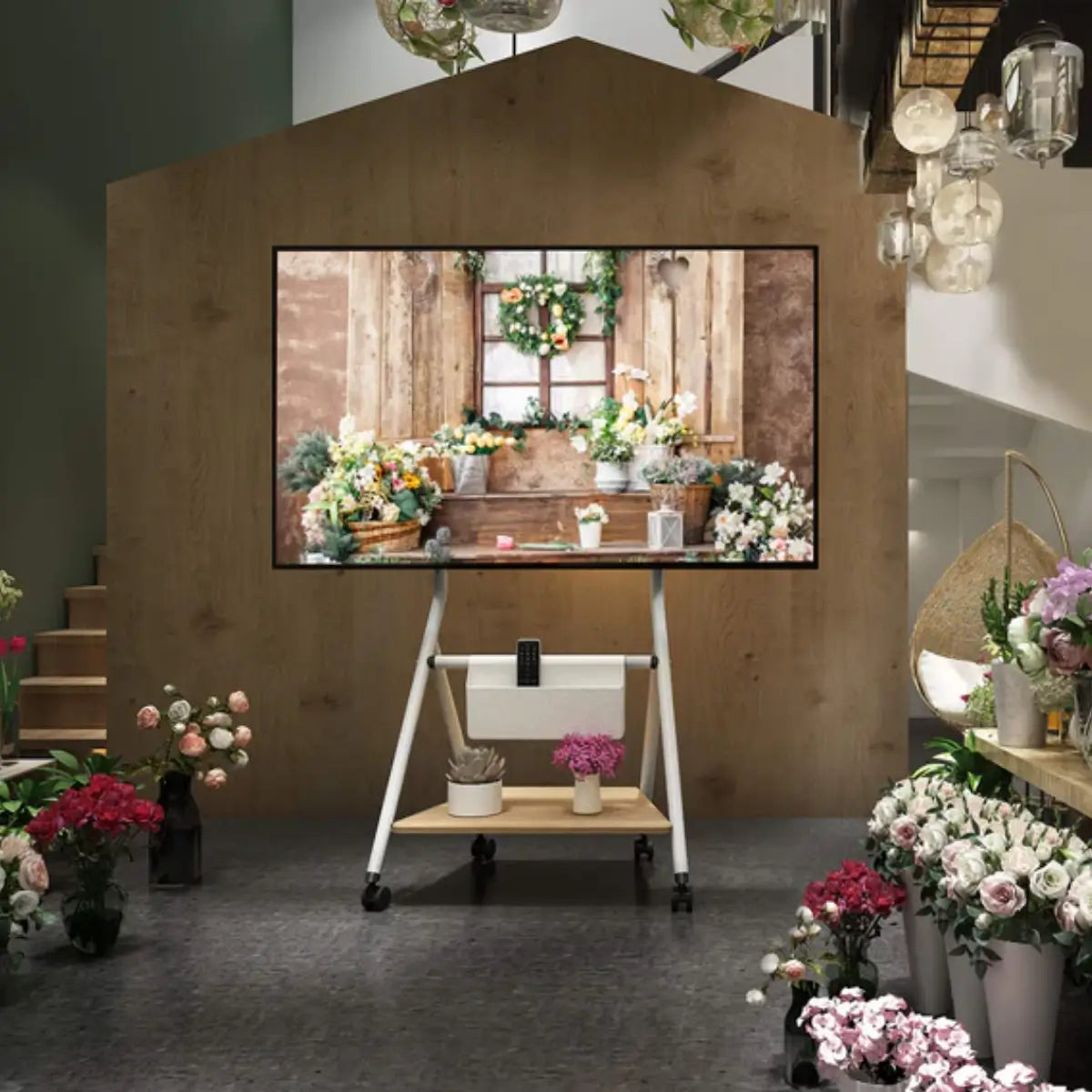
Choosing a TV stand for a 65-inch TV is actually simpler than it looks. In short, you’ll want:
-
A stand that’s 5–10 inches wider than your TV for stability
-
A height around 40–42 inches, so the center of the screen is at eye level when you’re seated
-
A weight capacity that’s at least 25% higher than your TV’s weight
-
Enough storage and cable management to keep your space clean and functional
If your TV stand checks these boxes, it will be safe, comfortable to watch, and visually balanced in your room. In the rest of this guide, we’ll walk through each of these points in detail so you can confidently choose the right TV stand for your 65-inch TV.
Key Considerations for Choosing the Right TV Stand
Size and Compatibility
Ensuring that your TV stand fits your 65-inch TV is the first step. A 65-inch TV typically measures about 57–60 inches in width, so your TV stand should be slightly wider to ensure balanced support and prevent instability.
Tip: The TV stand should be 5–10 inches wider than your TV’s width for the best fit. For instance, if your TV measures 60 inches, a stand with a width of 65–70 inches will provide ideal stability.
Weight Support and Durability
Since a 65-inch TV can weigh between 50–75 pounds, it’s essential to choose a stand made from durable materials, such as solid wood, metal, or high-quality engineered wood. This ensures that the stand will support the weight of your TV and other accessories without compromising safety.
Recommendation: Opt for a TV stand that supports at least 25% more weight than your TV. For example, if your TV weighs 70 pounds, choose a stand that can support around 90 pounds to ensure long-term durability.
Design and Style: Matching Your TV Stand to Your Room
Finding the Right Style to Match Your Home
The right TV stand can complement your room's décor and serve as a visual centerpiece. Whether you prefer a modern, industrial, rustic, or minimalist style, there are plenty of TV stand designs to choose from.
Pro Tip:
-
For modern interiors, choose sleek metal, glass, or floating TV stands.
-
For traditional or rustic spaces, wooden stands with natural finishes add warmth and a timeless feel.
Matching the Stand to Room Size
When choosing a TV stand, it’s crucial to match its size to the proportions of the room. A TV stand that is too large can overwhelm a small room, while a small stand can look underwhelming in a large space.
Tip:
-
In smaller rooms, consider compact designs that still provide essential storage.
- In larger spaces, a longer or more substantial stand can help balance the wall and anchor the room.

Storage and Cable Management
Storage Solutions for Media Devices
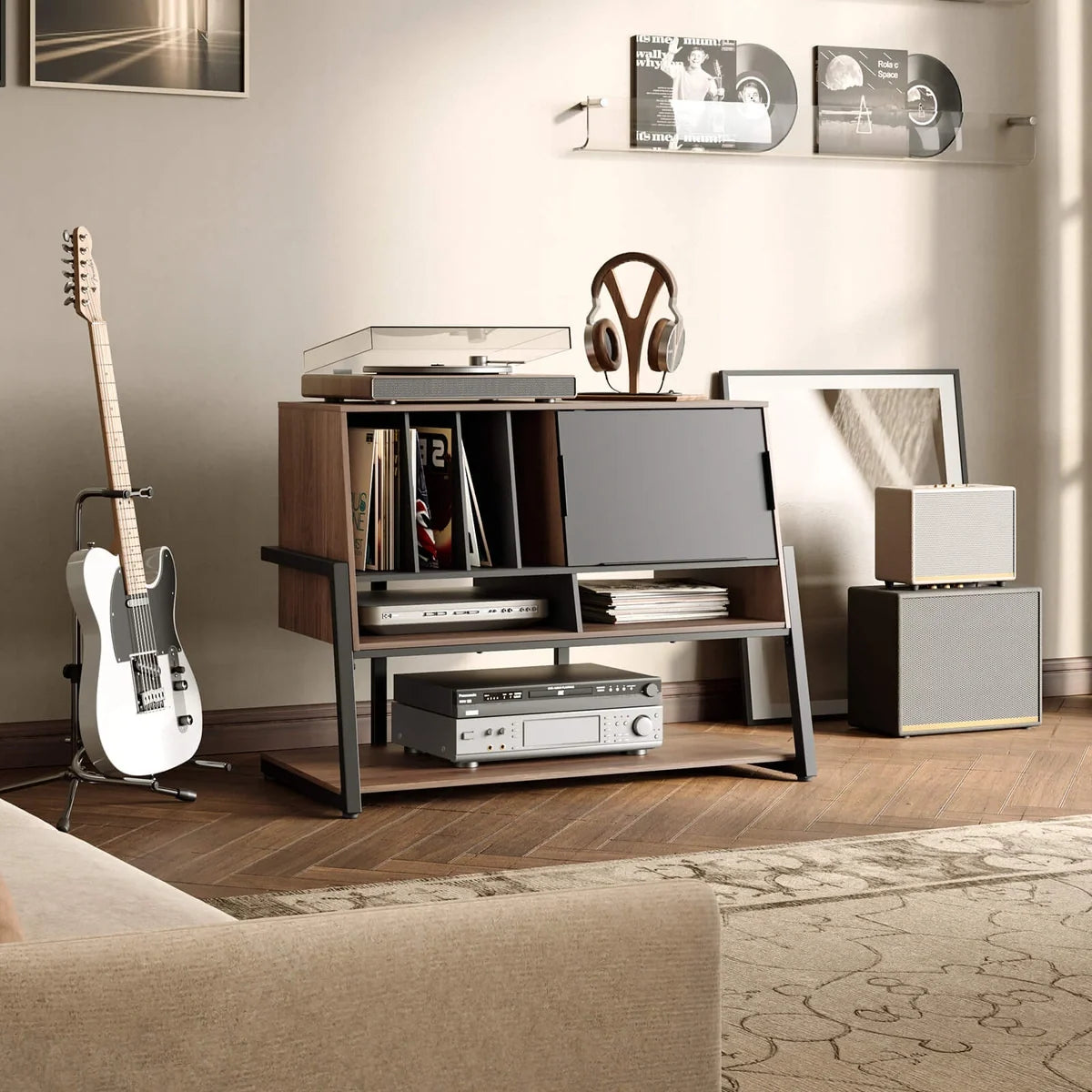
If you have multiple media devices such as gaming consoles, streaming boxes, soundbars, or DVD/Blu-ray players, you’ll need a TV stand with adequate storage. Look for stands with shelves, drawers, or cabinets to keep everything organized.
Tip:
-
For easy access to your devices, consider stands with open shelving.
- If you prefer a cleaner, minimalist look, choose closed cabinets or doors that hide the clutter.
Managing Cable Clutter
Cable management can be a challenge when you have several connected devices. Choose a TV stand that offers built-in cable management systems like cable holes, cord channels, or cable trays.
DIY Tip: If your stand lacks built-in cable management, you can still keep things tidy using cable ties, adhesive clips, or cable sleeves to group wires and route them neatly behind the stand.
Height and Viewing Angle
The Right Height for Comfortable Viewing
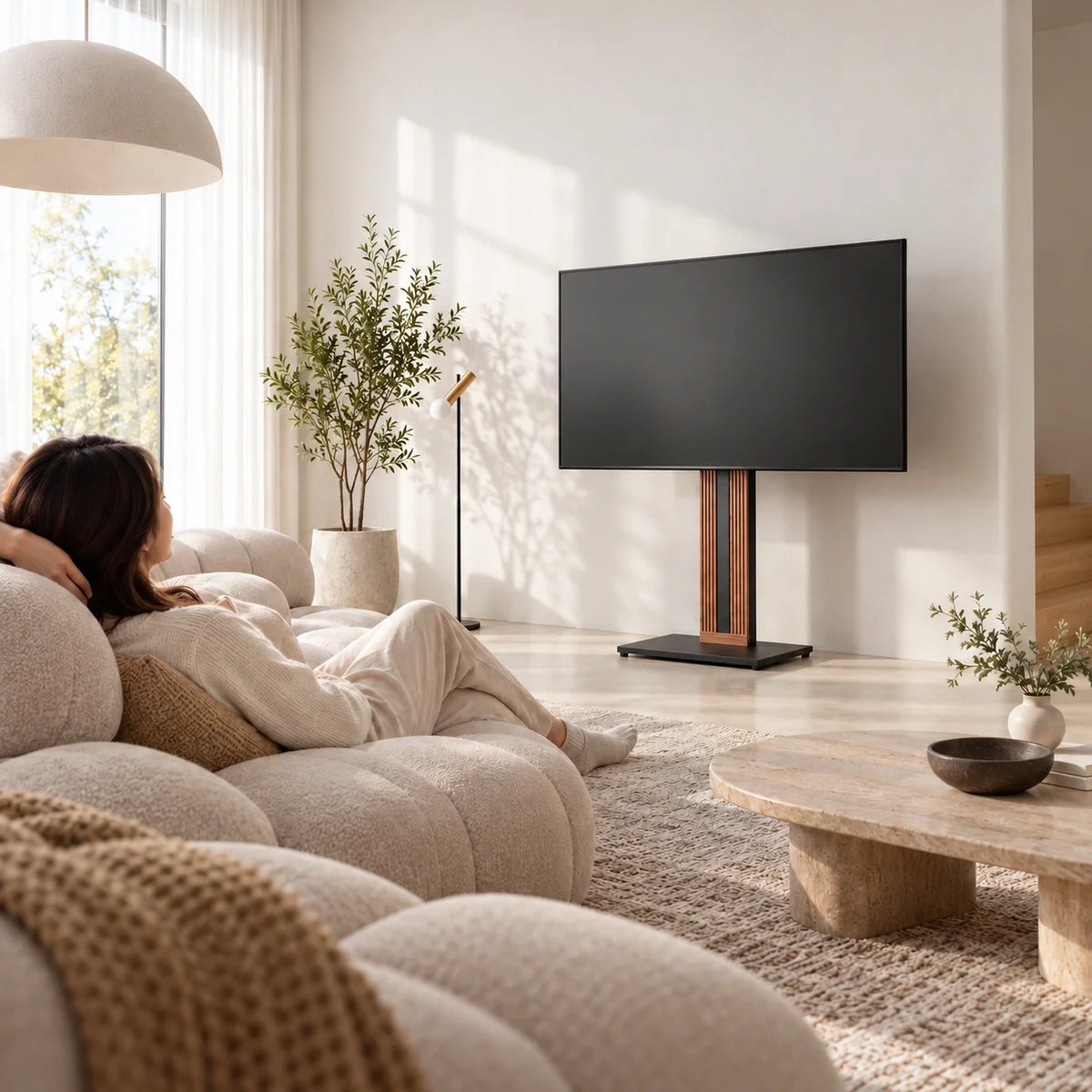
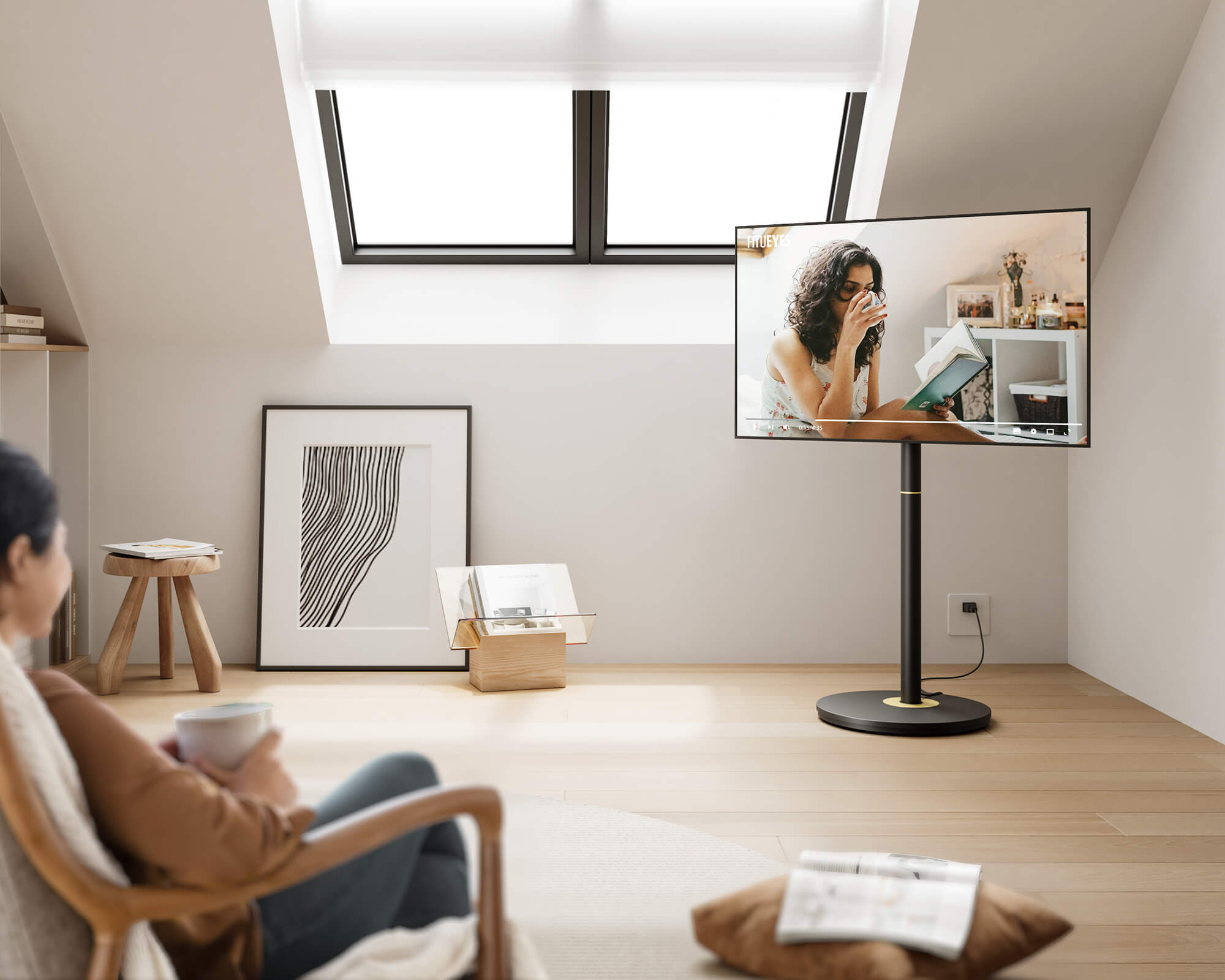
The height of the TV stand is crucial for ensuring a comfortable viewing experience. Ideally, the center of your 65-inch TV should be at eye level when seated, which usually means the stand should be around 40–42 inches high, depending on your seating height and sofa.
Tip: Look for stands with adjustable mounts or swivel features if you want more flexibility. These allow you to fine-tune the viewing angle and height so everyone in the room gets a comfortable view.
Assembly and Setup
Assembly Made Easy
Some TV stands require assembly, which can be time-consuming—especially for larger, more complex designs. If you prefer a hassle-free setup, look for pre-assembled options or models known for simple assembly.
Tip:
-
Check product descriptions and reviews to see how users rate the assembly process.
- If assembly is necessary, consider paying for assembly services or choosing stands that come with clearly labeled parts and step-by-step instructions to make the process smoother.
Budget and Price Range
Finding the Best Value for Your Money
TV stands come in a wide range of prices. You don’t have to buy the most expensive option, but you do want a good balance of quality, design, and functionality.
Here’s what you can generally expect in different price ranges:
-
Budget ($100–$300):
Basic wooden or MDF stands with simple designs and limited features. Suitable for smaller rooms or temporary setups.
-
Mid-Range ($300–$600):
More durable materials like solid wood, metal frames, or higher-quality finishes. Better storage options and often improved cable management.
-
Premium ($600+):
High-end materials such as solid oak, walnut, or designer finishes. May include advanced features like integrated mounts, motorized lifts, LED lighting, or built-in sound systems.
Tip: Focus on durability, stability, and layout (shelves, cabinets, cable management) over brand names. A well-built mid-range stand often delivers better value than an overpriced designer piece with similar functionality.

Future-Proofing Your TV Stand
Adapting to Future TV Upgrades
If you plan to upgrade to a larger TV in the next few years, it’s smart to choose a TV stand that can grow with you. Some stands are designed with adjustable components or extra width to handle larger screens.
Tip:
-
Look for universal stands or those rated for TVs up to 70 or 75 inches if you anticipate upgrading.
- Choose models with adjustable mounts or extendable tops so you don’t have to replace the entire stand when you buy a new TV.
FAQs About TV Stands for 65-Inch TVs
How wide should a TV stand be for a 65-inch TV?
For a 65-inch TV, your TV stand should ideally be 5–10 inches wider than the TV itself. Since most 65-inch TVs are about 57–60 inches wide, a stand in the 65–70 inch range usually provides the best visual balance and stability.
Can I put a 65-inch TV on a smaller TV stand?
Technically, you can place a 65-inch TV on a smaller stand if the base fits, but it’s not recommended. A stand that is narrower than the TV can look unbalanced and may increase the risk of the TV being bumped or tipping over. For safety and aesthetics, always choose a stand that’s at least as wide as, and preferably wider than, your TV.
What is the best height for a TV stand for a 65-inch TV?
The best height is the one that puts the center of the screen at your eye level when you’re seated. For most sofas and seating setups, this usually means a TV stand height of around 40–42 inches. If your seating is lower or higher than average, you may need to adjust slightly.
Is it better to wall-mount a 65-inch TV or use a TV stand?
Both options work, and it depends on your room and preferences:
-
A TV stand gives you extra storage for devices, décor, and media, and makes it easy to move the setup if you rearrange the room.
-
A wall mount saves floor space and can create a clean, minimalist look, but you’ll need to manage cables and may lose some storage.
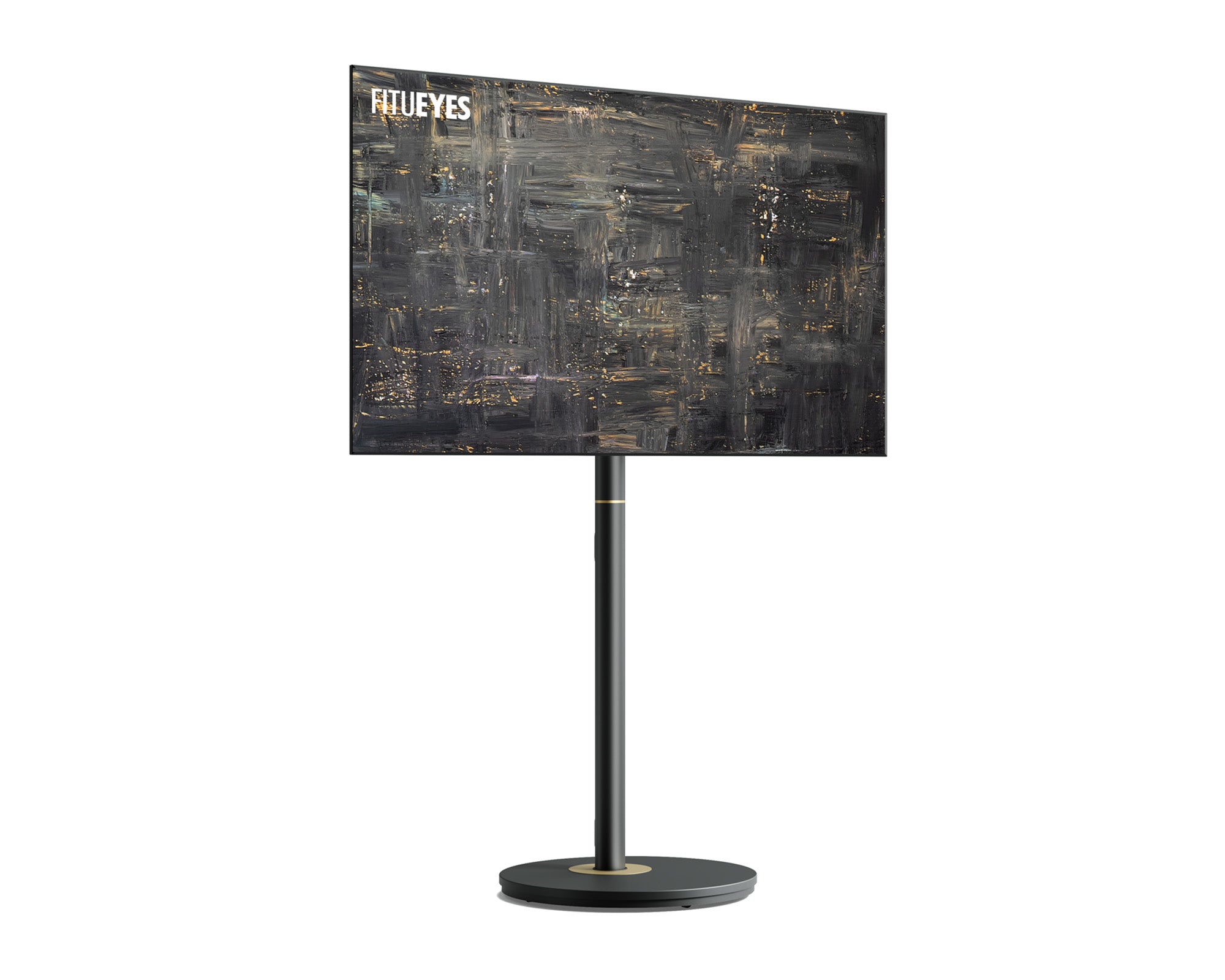
Many users choose a TV stand with a built-in mount, which combines the clean look of a wall mount with the storage of a stand.
What materials are best for a 65-inch TV stand?
For a 65-inch TV, prioritize sturdy materials like:
-
Solid wood (oak, walnut, rubberwood)
-
Metal frames
-
High-quality engineered wood with a strong structure
These materials provide better support and durability than very thin or low-quality MDF. Always check the weight capacity rating rather than relying on appearance alone.
How do I know if a TV stand is strong enough for my TV?
Check the product specifications for maximum weight capacity and compare it to your TV’s weight. Ideally, the stand should support at least 25% more than your TV weighs. For example, if your TV weighs 60–70 pounds, look for a stand rated for 75–90+ pounds to ensure stability and long-term safety.
Recommended reading: How Wide Is a 65-Inch TV? Comprehensive Guide for TV Stands and Setup – this article explains the actual width of a 65-inch TV and how much space you really need for your stand and wall. It’s a quick check to see if your room and furniture are truly ready for a 65-inch screen.
Conclusion
Choosing the right TV stand for a 65-inch TV comes down to a few key questions:
Is it wide and strong enough? Is the height comfortable to watch from your sofa? Does it match your room and handle your devices and cables?
Once you’ve checked size, weight capacity, style, storage, and future flexibility, you’ll be able to pick a stand that not only supports your TV safely but also makes your living room feel more organized and visually balanced.
If you're looking for a stylish and functional option for a 65-inch TV, the FT65 TV Stand is a strong candidate. It combines modern design with practical features such as storage shelves and cable management, helping your living room stay neat while enhancing the overall aesthetic of your entertainment area.