


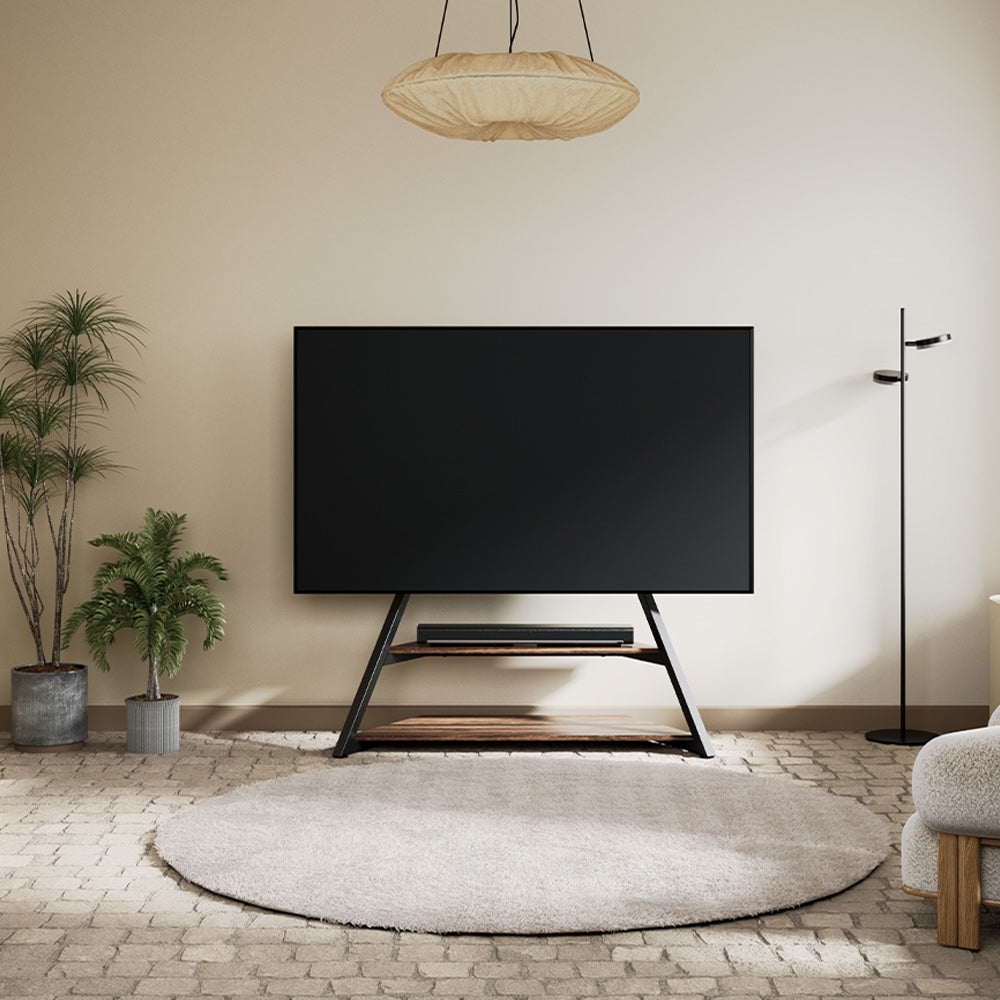
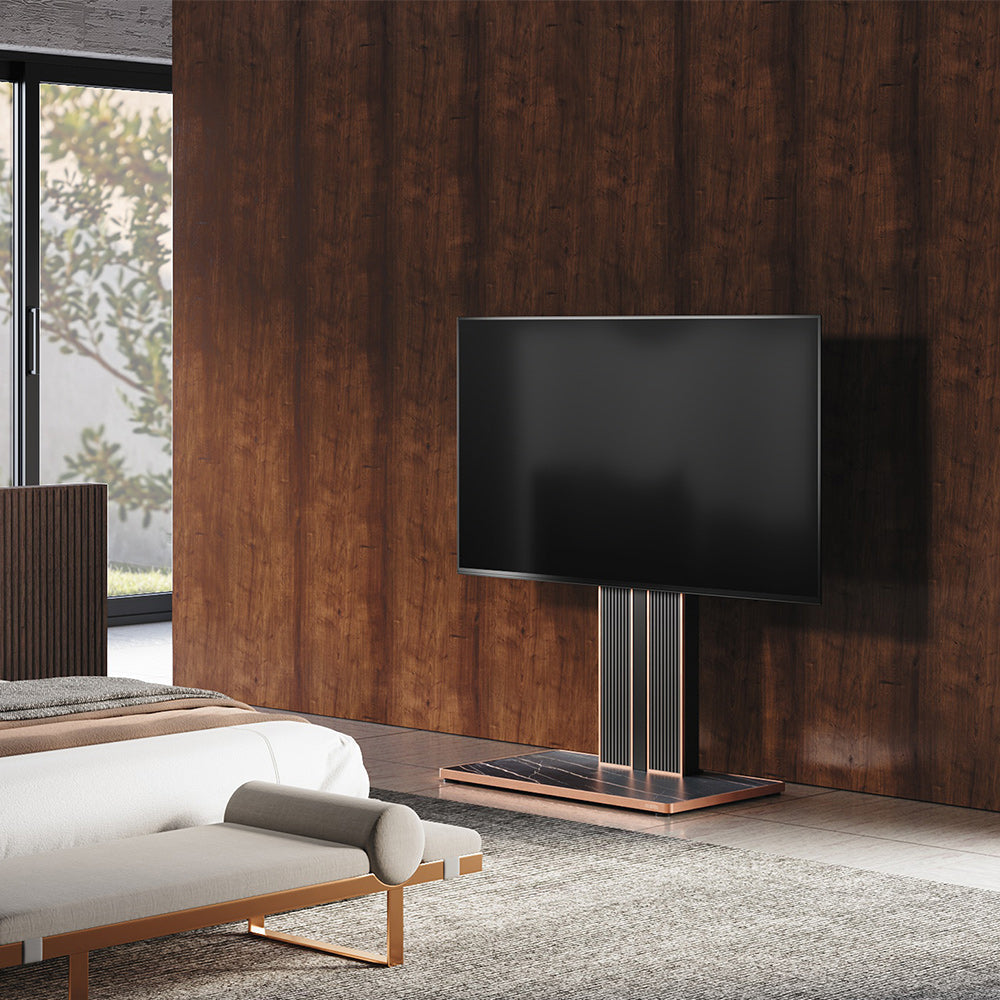
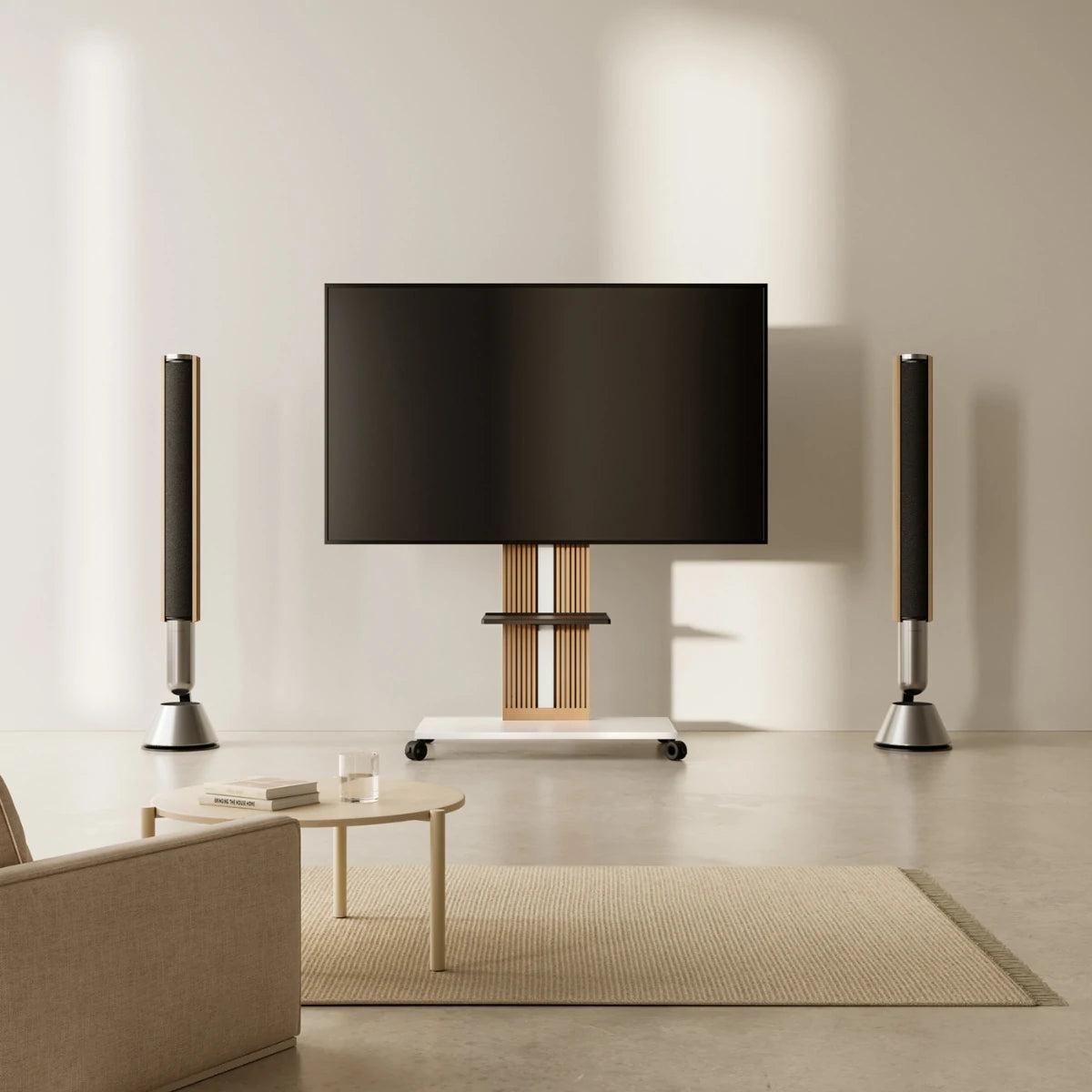
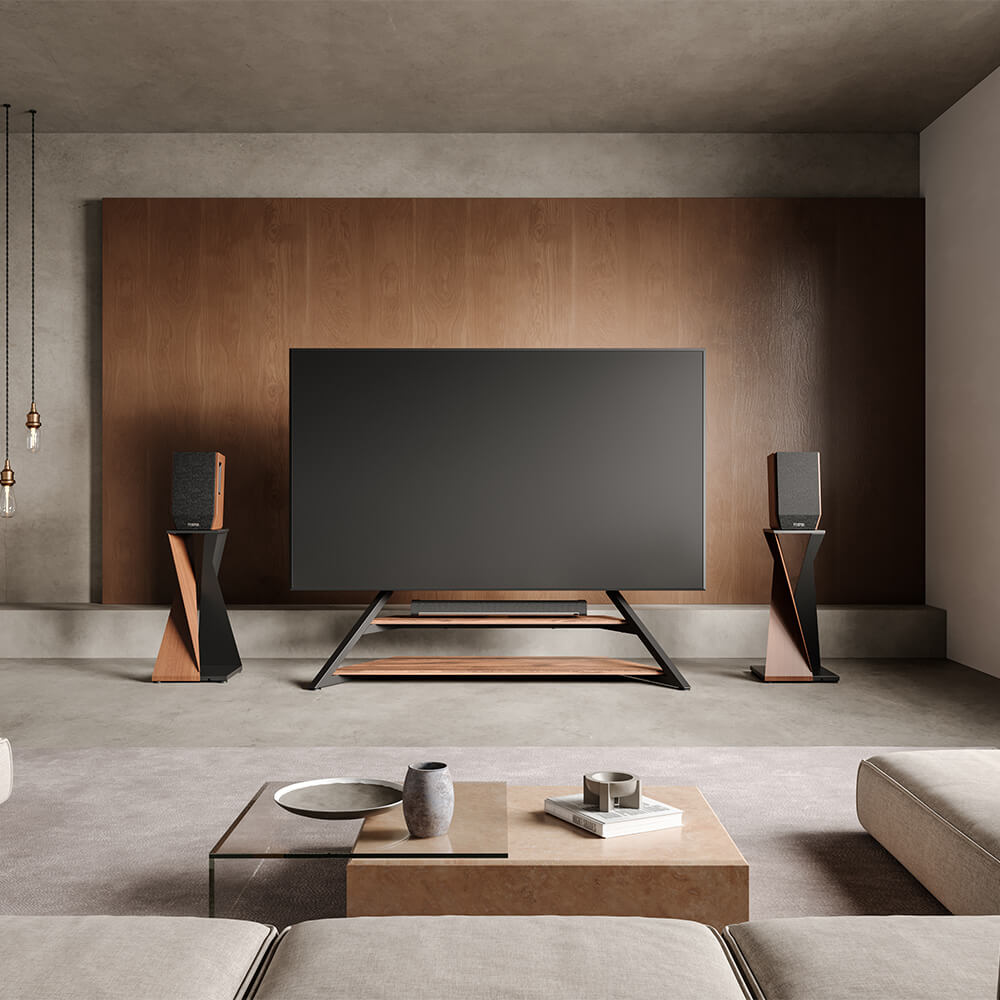

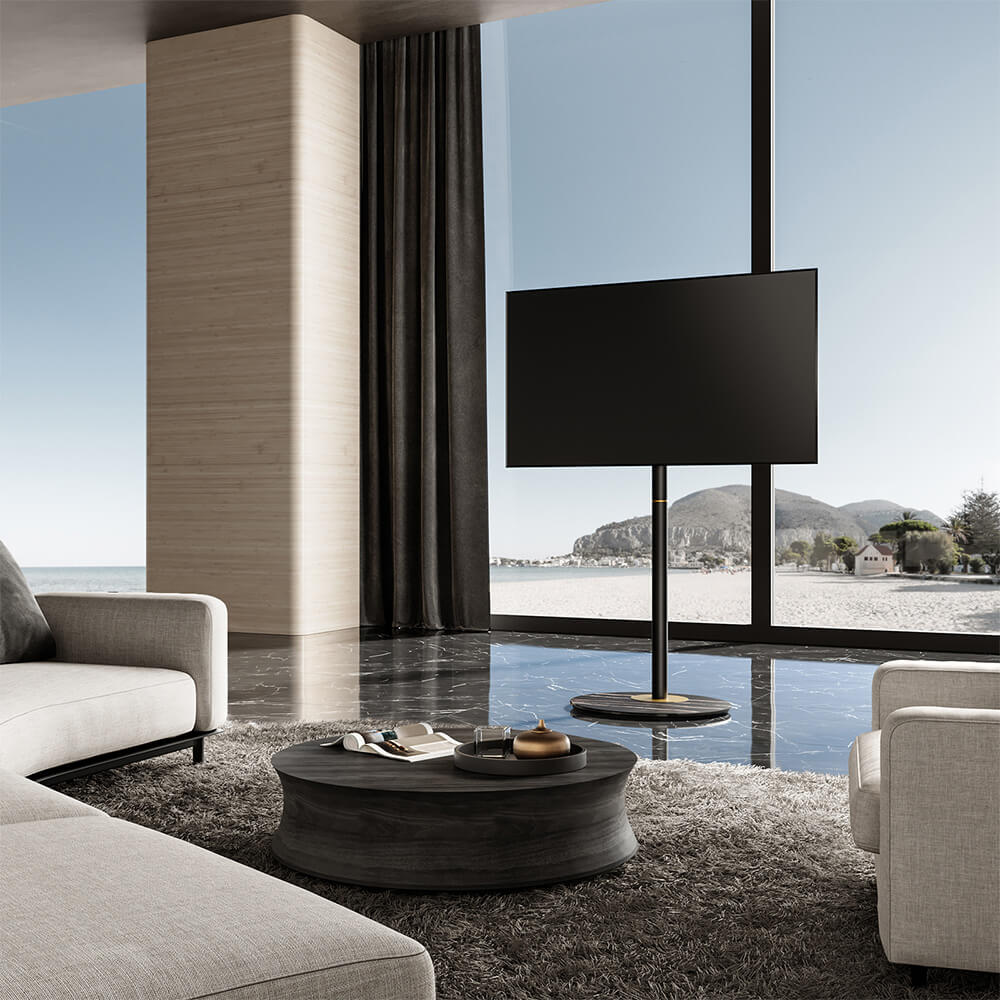
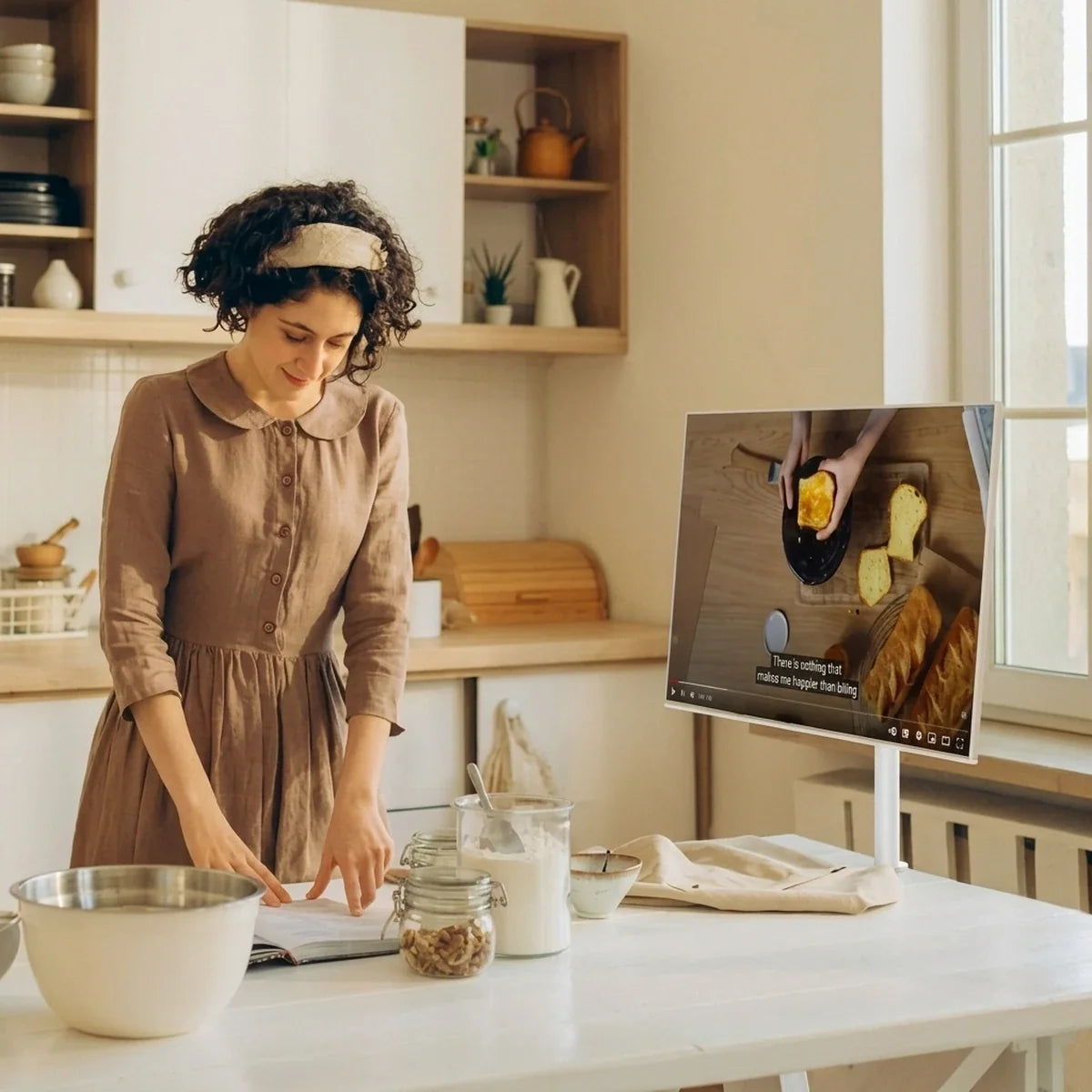
A TV in the kitchen can sit on a suitable wall, stand at the room’s edge, or face the kitchen from an adjoining dining area. To keep counters available, identify a viewing position outside the preparation zone, then choose a support that preserves cabinet access and walkways. The result should let you enjoy the screen while the kitchen continues to work normally.
Breakfast television needs a clear view from your chair, while a cooking demonstration should be visible from somewhere you can pause between steps. Establish the main viewing position before choosing equipment. In an open-plan home, the most practical screen location may already be outside the kitchen.

Best Counter-Free Spots for a Kitchen TV
A suitable wall outside the cooking and washing areas. A clear wall facing the breakfast bar or dining table can preserve both counter and floor space. Check the television’s full outline against nearby cabinetry, including doors when open. A strip beside the refrigerator may look promising until the screen projects into the door’s path. Keep the television away from likely splashes, cooking heat, steam, and appliance exhaust, following its installation requirements alongside those of surrounding appliances. Mounting above a worktop does not automatically make the position suitable.
A floor position at the kitchen’s edge. Look beside the dining area or beyond the end of a cabinet run, then assess the space during normal activity. Open the dishwasher and refrigerator, stand where you would unload them, and walk toward the table carrying an empty tray. Include the television’s width when checking clearance, since its edges can extend beyond the stand. Reject a location that works only while a drawer stays closed or a dining chair remains tucked away.
An adjoining dining or living area. The television does not need to be inside the kitchen to serve it. Sit at the breakfast bar or stand at your usual pause point and check whether an island, tall cabinet, or occupied chair interrupts the picture. If seeing the screen requires stepping into a doorway or turning sharply away from your usual position, choose another location.
Compare kitchen TV ideas against these conditions before judging appearance. Mark a stand’s published floor dimensions with tape, or outline the television on a candidate wall, and repeat the checks with those boundaries visible. This makes it easier to distinguish genuinely available space from an area that merely looks empty.
Wall Mount vs. Floor Stand for a Fixed Spot
A fixed spot means the television normally stays in one part of the room; the screen may still turn or tilt. Once you have identified a usable location, compare how each support would work there.
| What to Compare | Wall Mount | Floor Stand |
|---|---|---|
| Available space | Suitable wall and installation clearance | Clear floor space for the support and screen |
| Installation | Appropriate wall fixings and compatible hardware | Assembly and TV-to-stand compatibility checks |
| Viewing adjustment | Depends on the mount’s tilt and swivel functions | Depends on the stand’s tilt and swivel functions |
| Changing location | Usually requires removal and reinstallation | Depends on the stand’s design and instructions |
| Kitchen access | Check cabinet doors against the installed screen | Check appliances, chairs, and walking routes |
For wall mounting, confirm the wall construction, fixing hardware, television weight, and VESA mounting pattern before installation. Allow access to connectors and space for permitted screen movement. A high position above cabinetry may keep surfaces clear, but it still needs to meet ventilation requirements and provide a comfortable view. An empty wall is only useful when all those conditions can be satisfied.
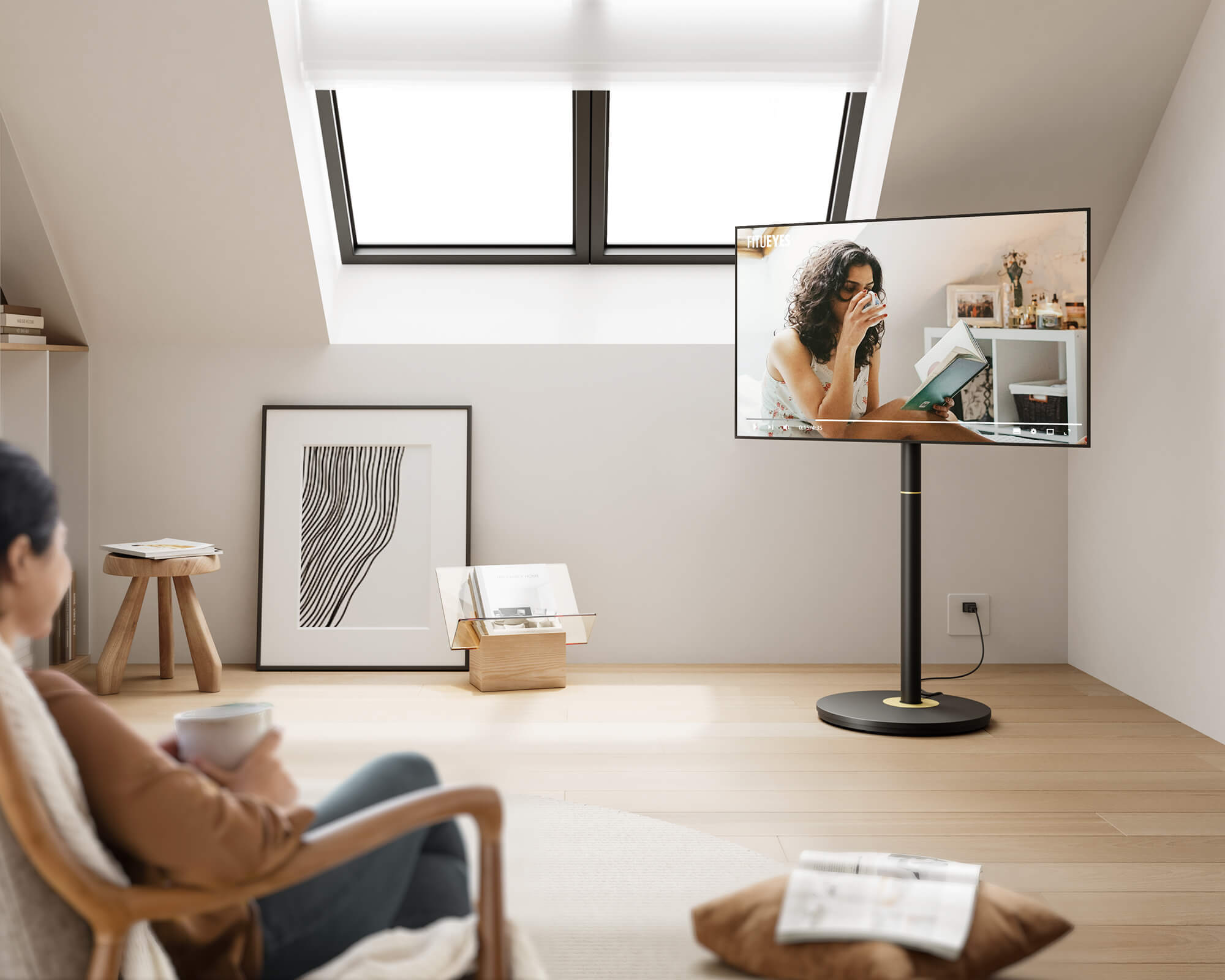
For floor support, include the stand’s legs or base plate, the screen width, and attached accessories in your measurements. Beside a breakfast bar, pull the stool out and sit down before accepting the position. If the support can remain still while the screen faces different viewers, compare swivel TV stands by their horizontal turning range. Follow the screen’s outer edges through that movement to check for contact with walls or furniture. Vertical tilt changes the angle up or down; it cannot replace left-to-right movement between different viewing directions.
Using a Rolling TV Stand When Space Is Tight
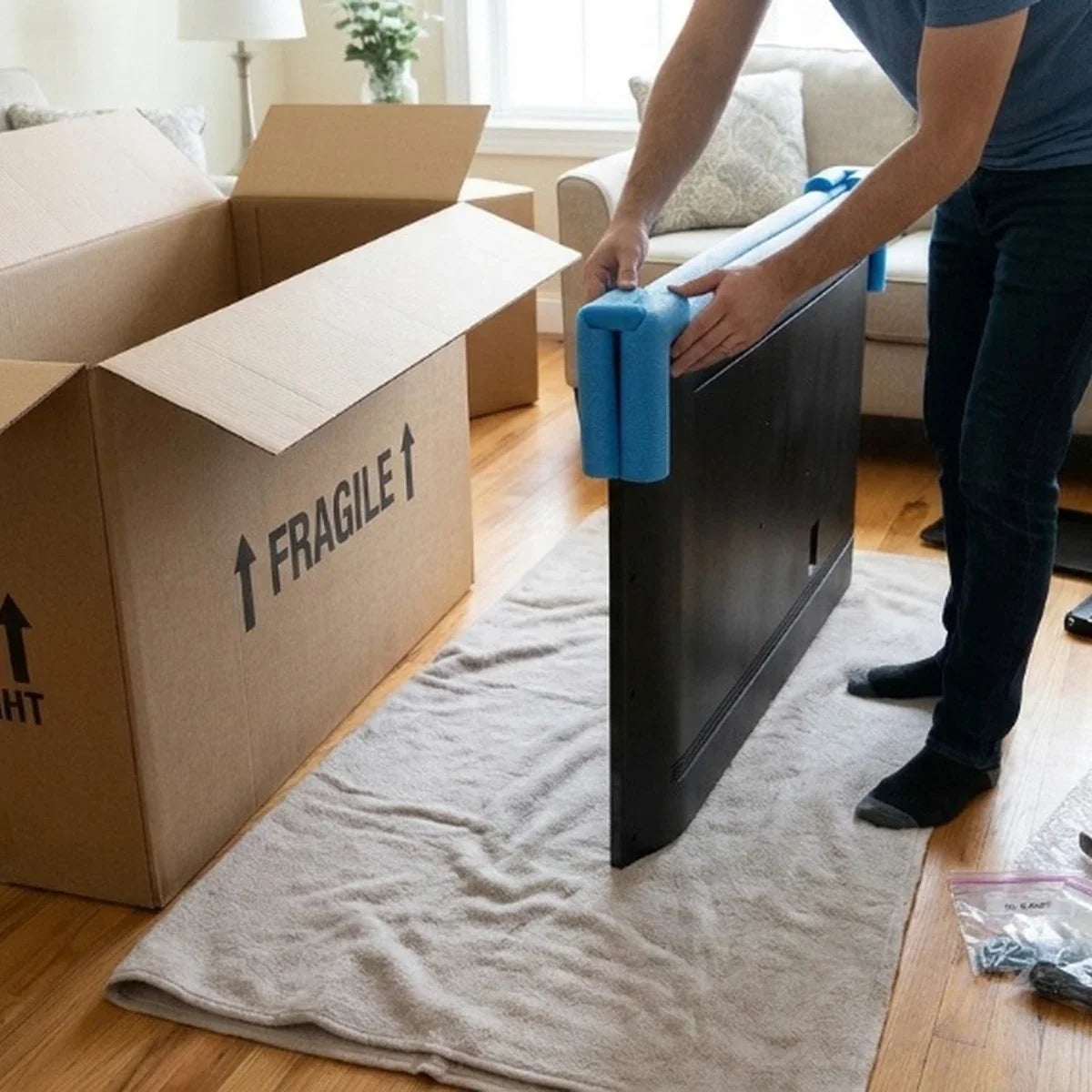
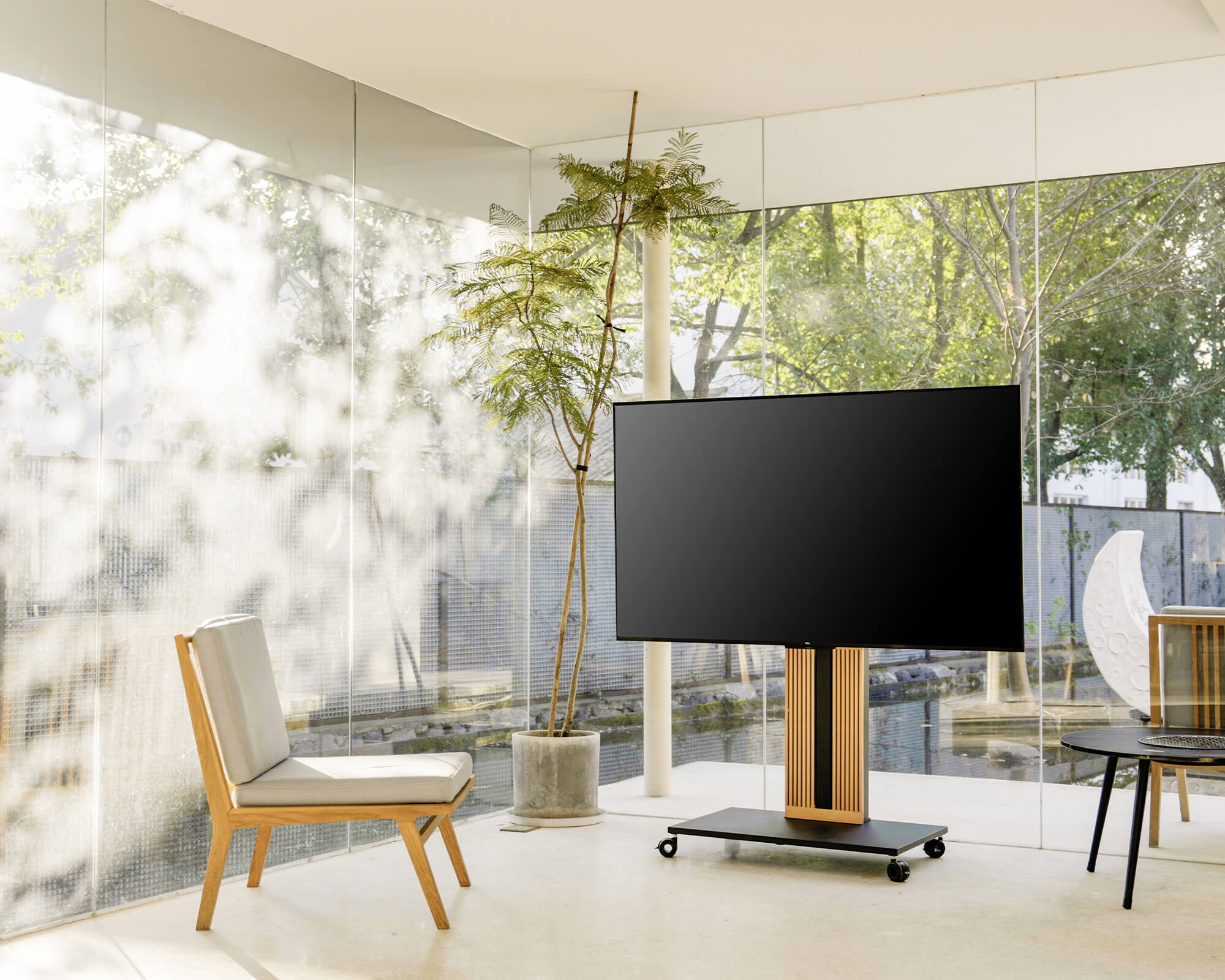
A rolling stand works when a viewing position is temporarily available and the television has somewhere else to stay afterward. It does not create usable space in a passage that must remain open throughout the day. Establish both locations before comparing rolling TV stands, then check the connecting route. Measure narrow openings and turns using the screen width as well as the stand dimensions, and inspect rugs, thresholds, and floor changes. If the route involves stairs or lifting the assembled TV over an obstruction, plan another arrangement.
Power needs to work at each location without a cable crossing the route between kitchen and table. Before moving the stand, disconnect connections that cannot travel with it and secure loose leads away from wheels and furniture. Consider where any external device will be supported too; cable management does not automatically provide equipment storage. If preparing the TV for every move becomes cumbersome, a permanent position outside the kitchen may work better.
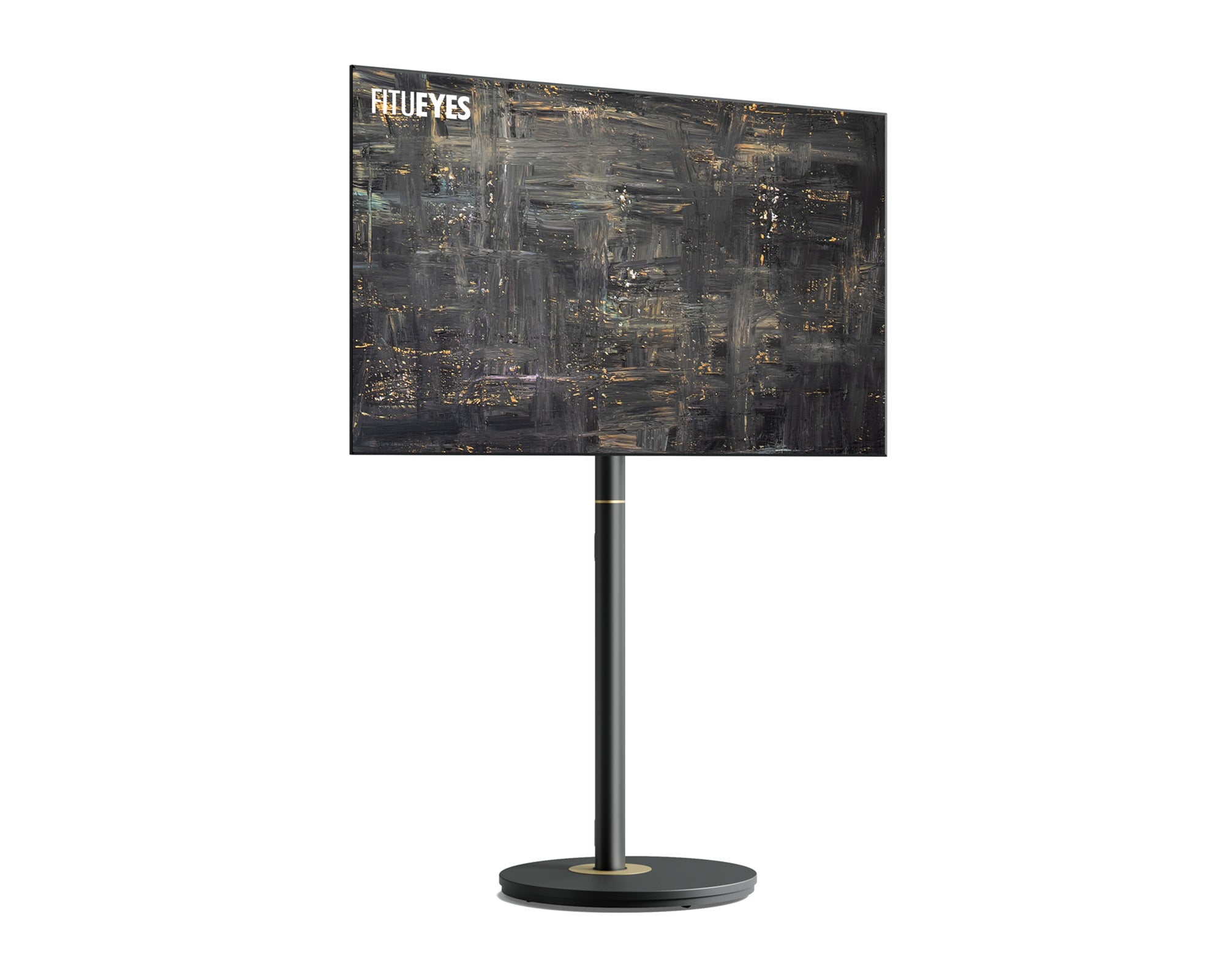
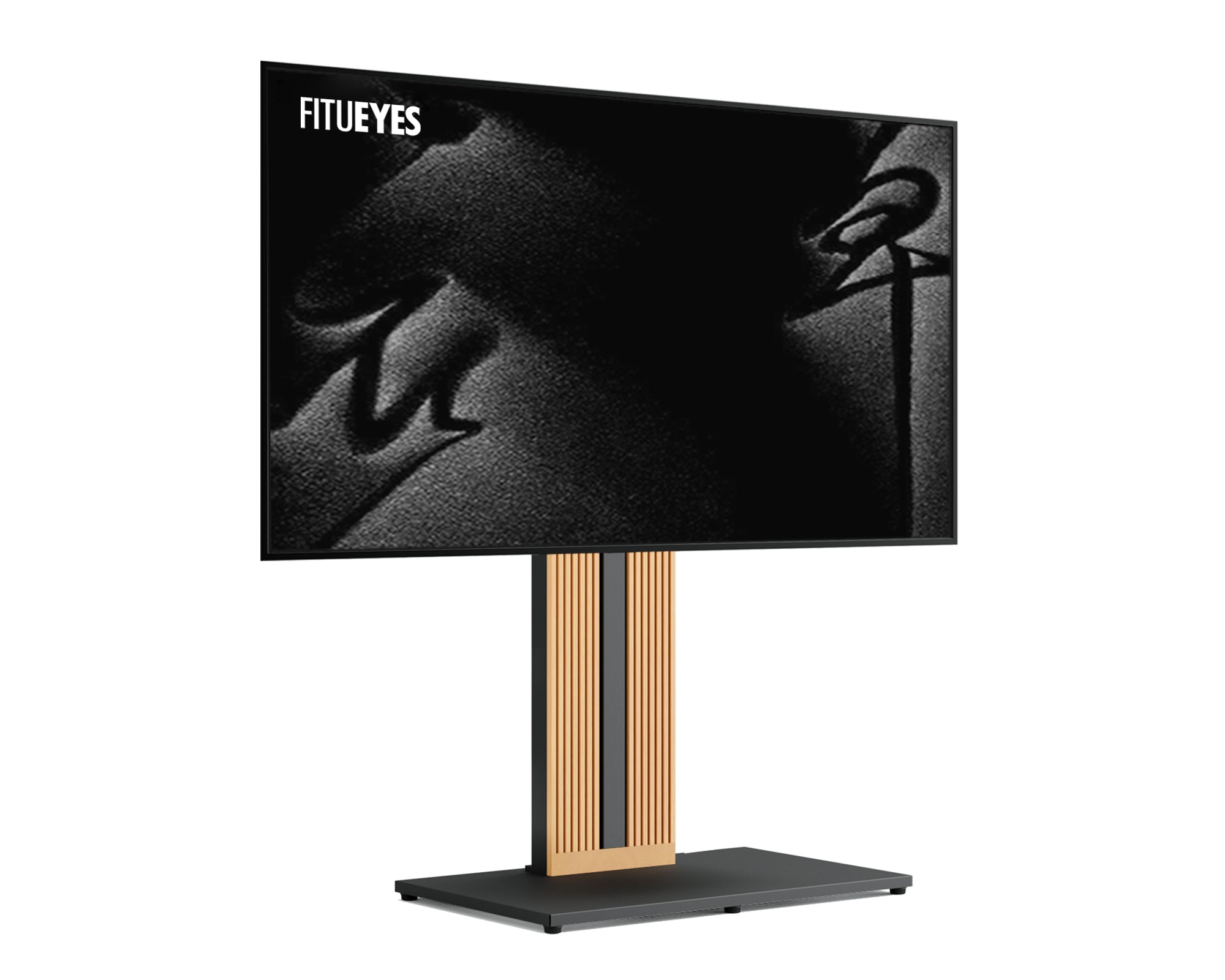
For a smaller television that needs to leave the counter and return to a parking position, the FITUEYES Master V2 PRO FT48 TV Stand combines wheels with an integrated locking system. It accommodates compatible 24–48-inch televisions weighing up to 44 lbs (20 kg), with VESA patterns from 75 × 75 to 200 × 200 mm. Its ±15° tilt provides vertical-angle adjustment after positioning. Confirm the TV’s exact mounting pattern and weight, together with the floor and moving route; screen size alone does not establish compatibility.

Getting the Height, Sightline, and Glare Right
Return to the main viewing position after selecting the location and support. Judge breakfast viewing from the occupied chair and occasional standing use from where you pause between tasks. Set the screen so the picture is visible without sustained upward or downward head movement. For cooking demonstrations, pause playback before completing each step and return to the screen when your hands are free. The arrangement should support those pauses, not encourage continuous viewing while using knives or handling hot cookware.
Test visibility with familiar subtitles, menu labels, or details in a cooking video. Identify the cause of any difficulty before adjusting: a cabinet hiding the picture needs a clearer sightline, while text that remains too small may require reconsidering distance or screen size. If seated and standing views conflict, prioritize the position used most often. Repeated height changes should not be assumed practical unless the support is designed for that operation with the television installed.
Check reflections at the times you normally use the kitchen, with the usual lights switched on. A window or task light may appear on the screen from one seat and disappear from another. Adjust the permitted screen angle, return to the affected position, and assess the result. Where windows strongly influence placement, these tips for positioning a TV near a window explain the additional tradeoffs. Preserve earlier clearances: improving the picture must not bring the screen into a cabinet’s opening path.
Flexible TV Support for Everyday Kitchen Life
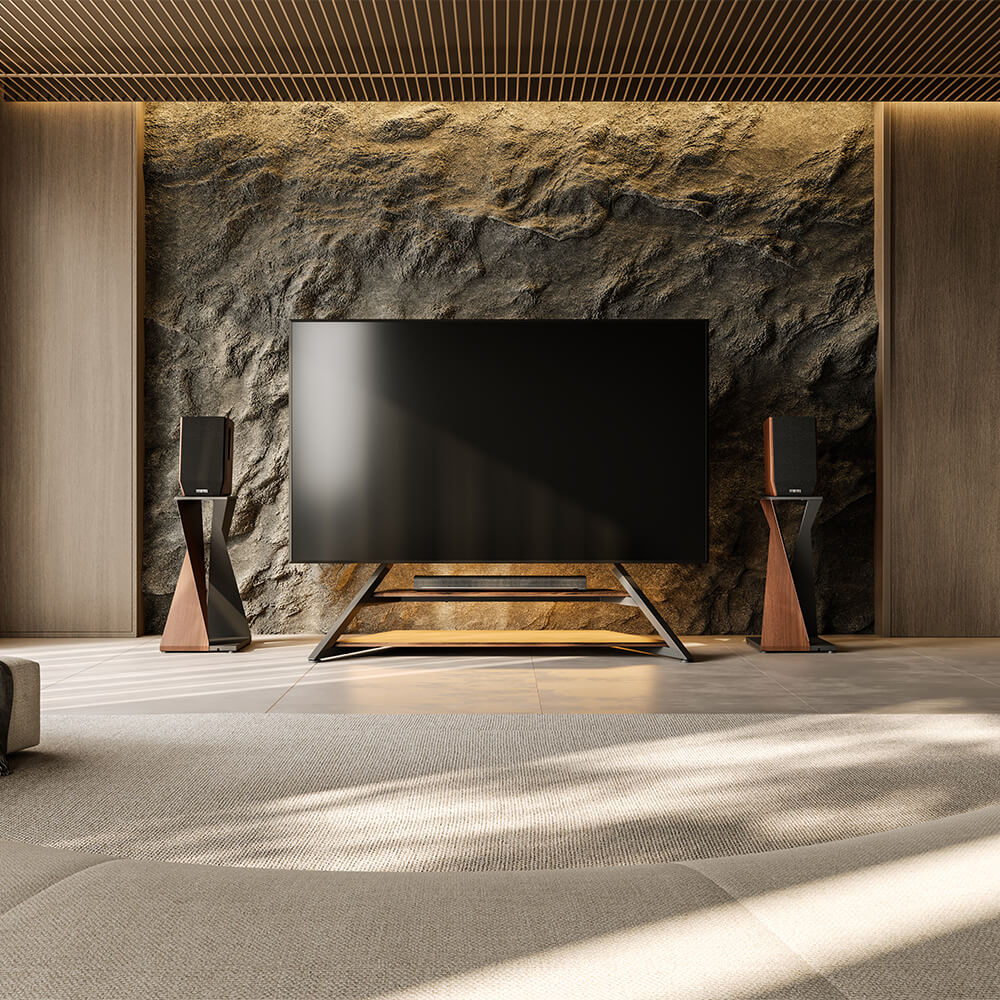
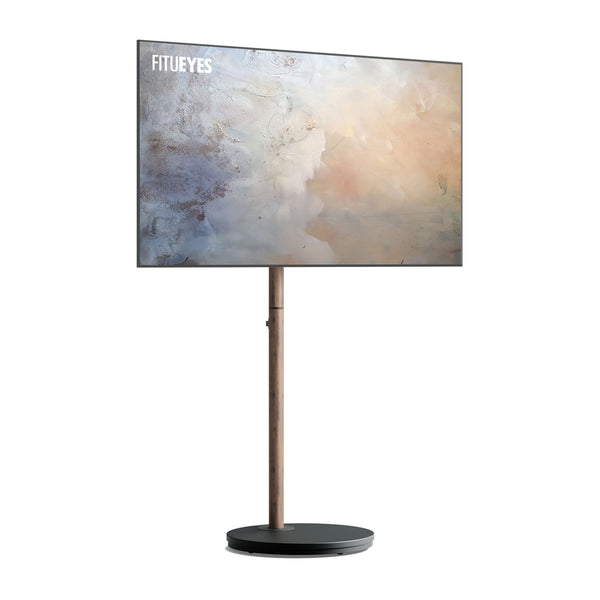
A kitchen TV works best when its support fits the room’s daily routines. With the viewing position, available space, and television compatibility established, FITUEYES offers freestanding designs for different placement and movement needs. Choose the structure that supports your usual viewing habits while keeping preparation surfaces and everyday routes available.
FAQs
How Can You Control a Kitchen TV Without Touching the Remote With Messy Hands?
Open the programme and set playback before starting food preparation, keeping the remote in a clean, dry location. If the television or streaming device supports voice control, test the commands you need beforehand, including pause and resume. Background noise may affect recognition, so wash and dry your hands before using the remote when voice control is unreliable.
How Can You Hear the TV Over a Kitchen Range Hood?
Compare the television’s dialogue or voice-enhancement setting with its standard sound mode while the hood runs at the usual speed. Keep speaker openings unobstructed and check that the volume remains comfortable when the hood stops. If clear speech requires excessive volume, pause viewing during noisy cooking tasks. An external speaker needs suitable placement and TV compatibility.
How Can You Keep Grease and Dust Off a Kitchen TV?
Position the TV away from cooking fumes and use the range hood while cooking to help limit grease buildup. Dust regularly with a clean, dry microfiber cloth, following the television’s cleaning instructions. Before cleaning, switch off and unplug the TV and let it cool. For stubborn marks, use only the cleaning method approved for your model; never spray liquid directly onto the screen or vents, and avoid abrasive pads and household degreasers.