


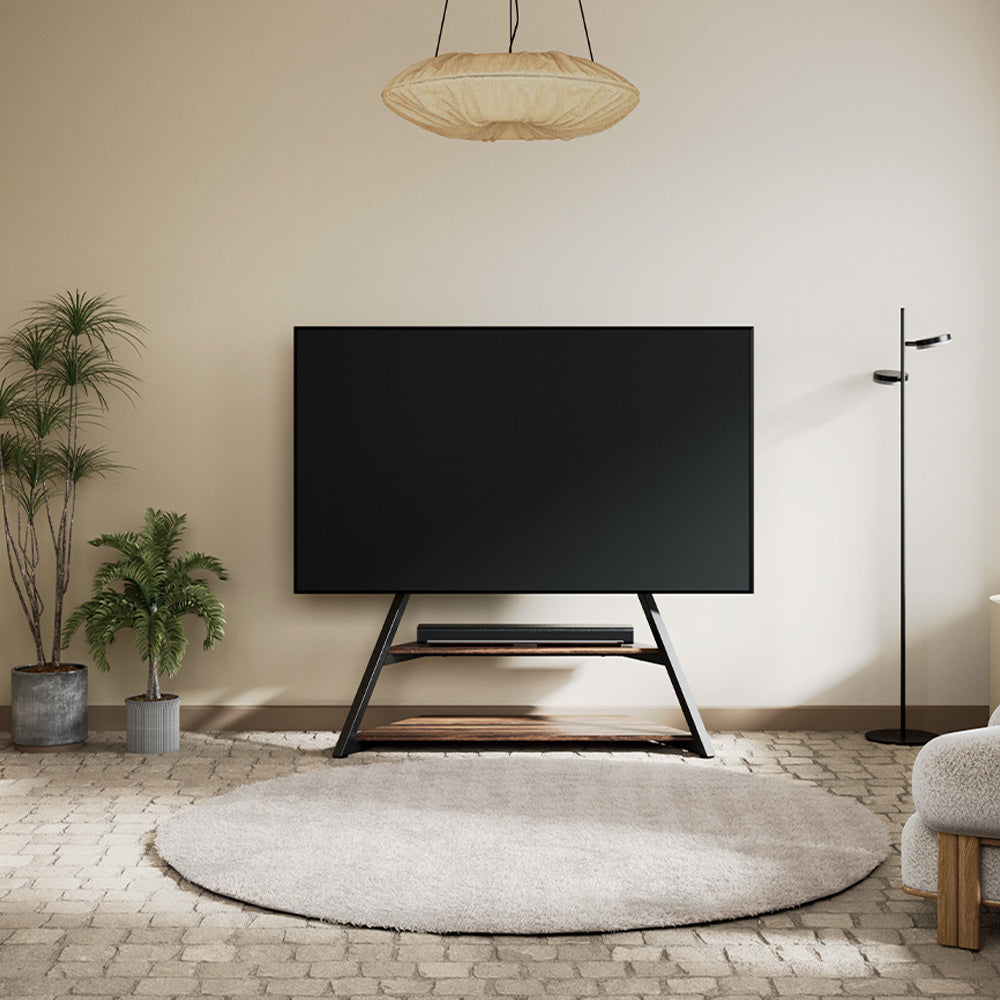
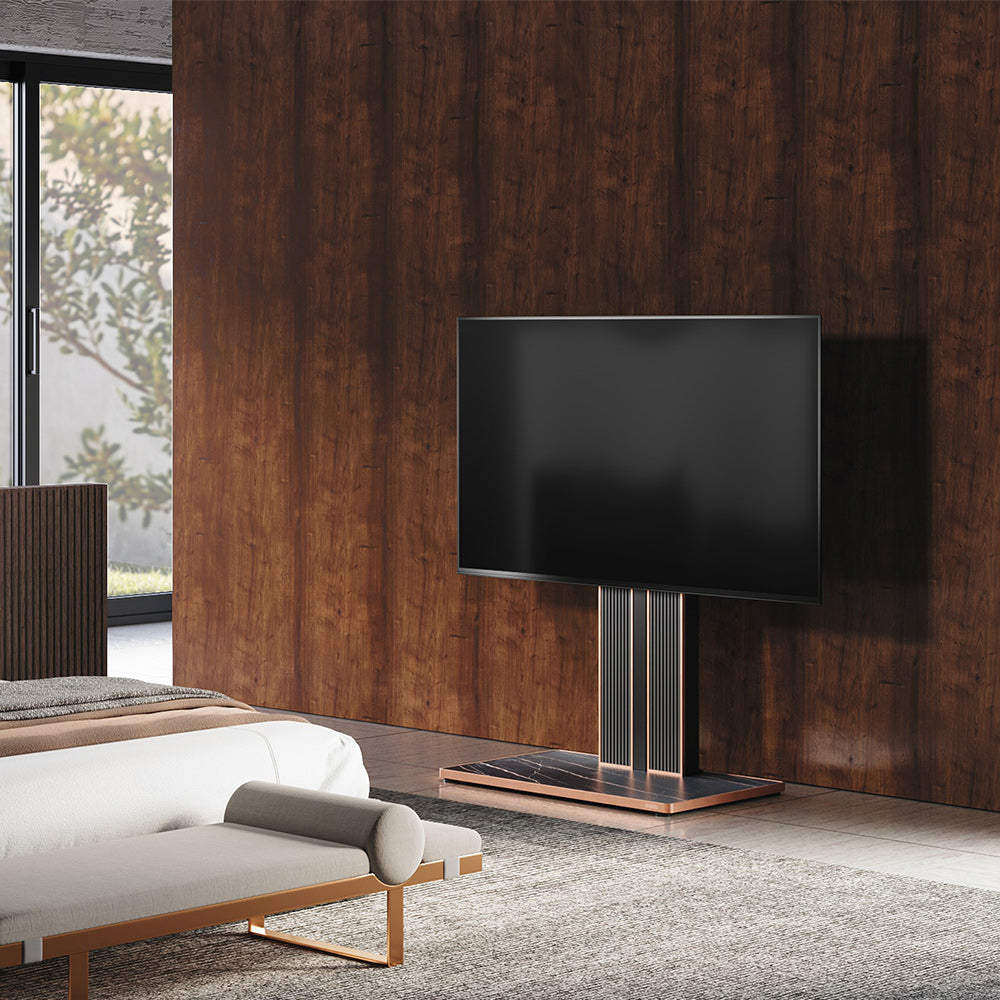
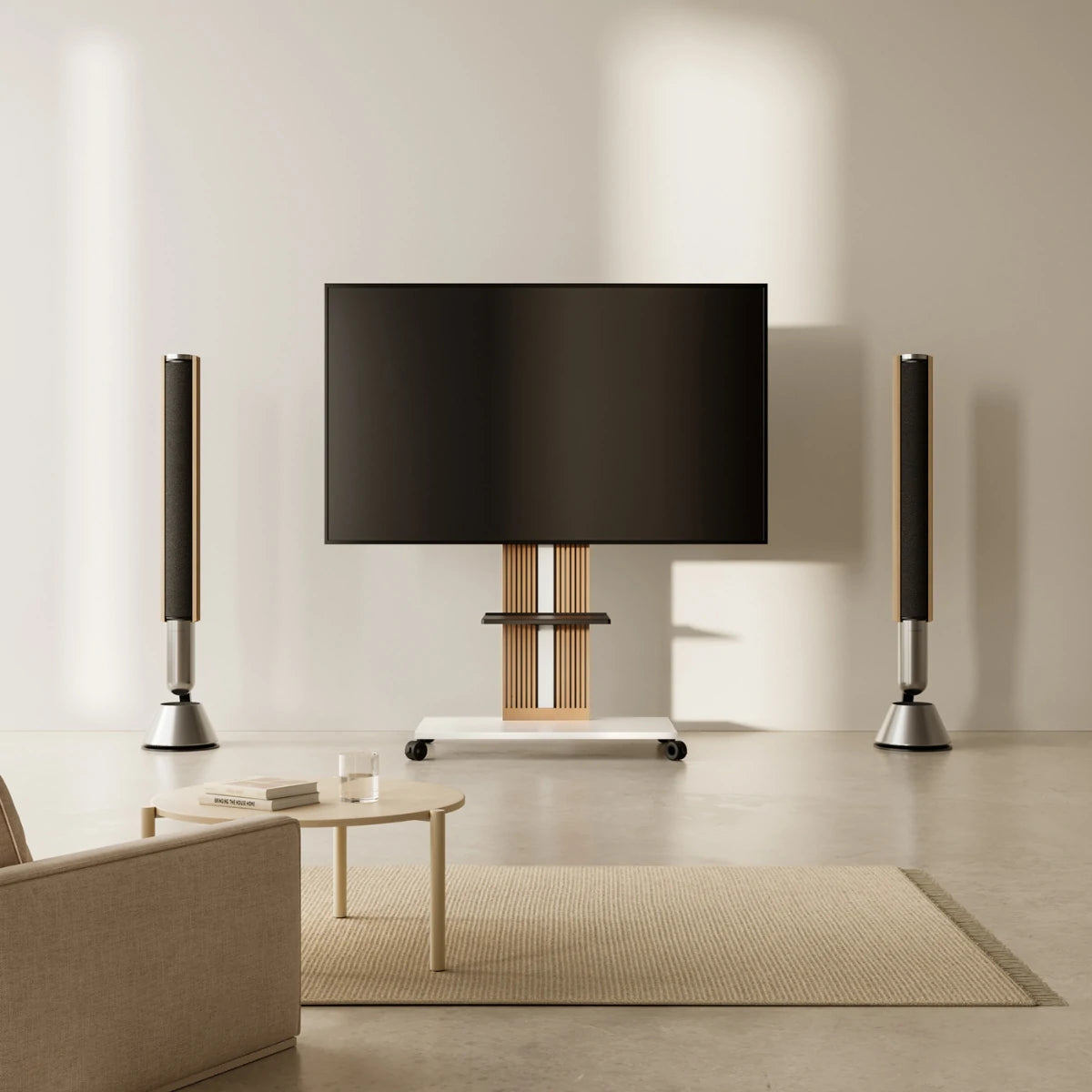
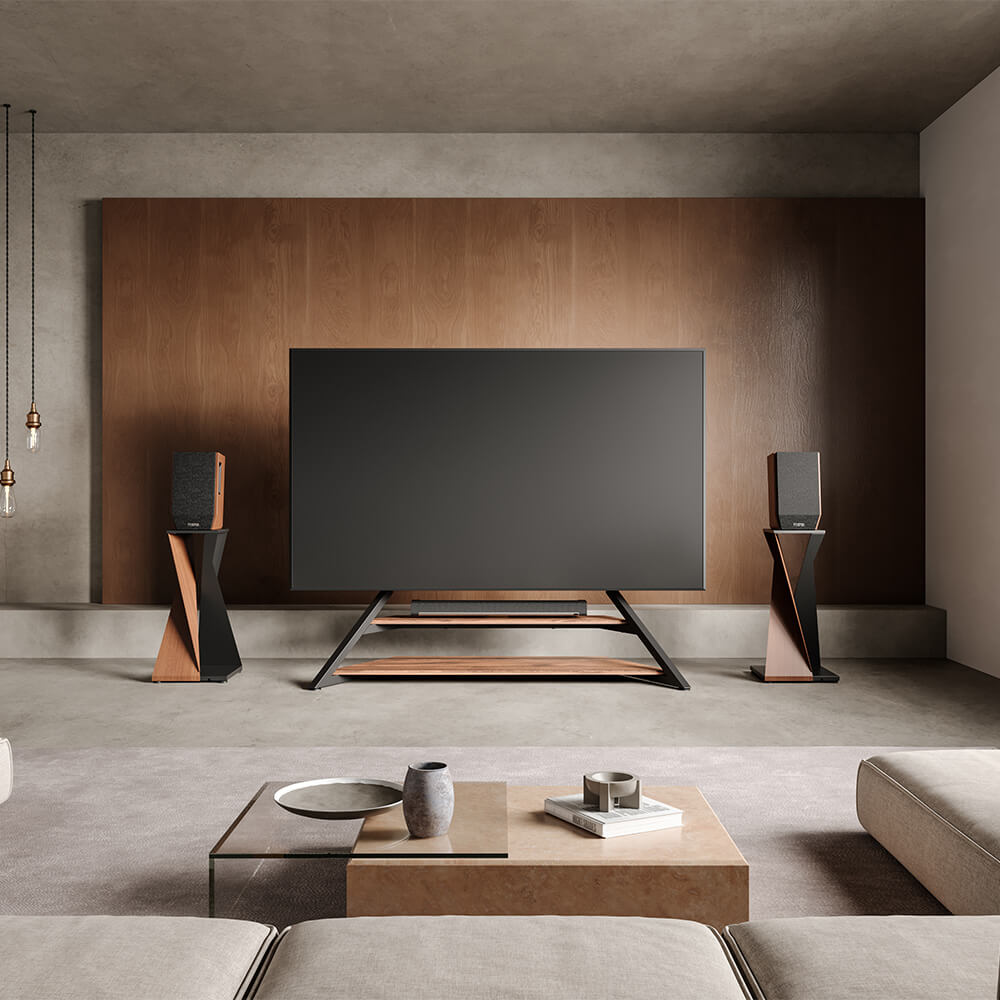
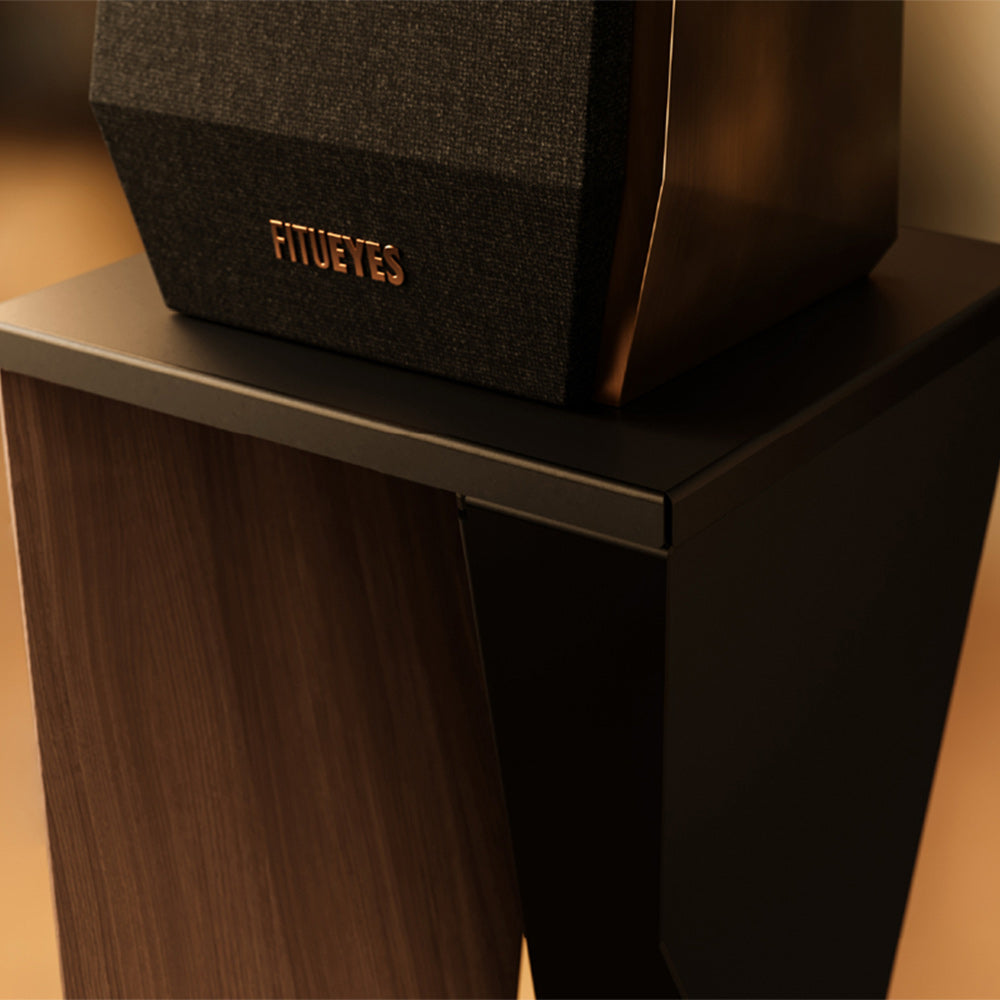
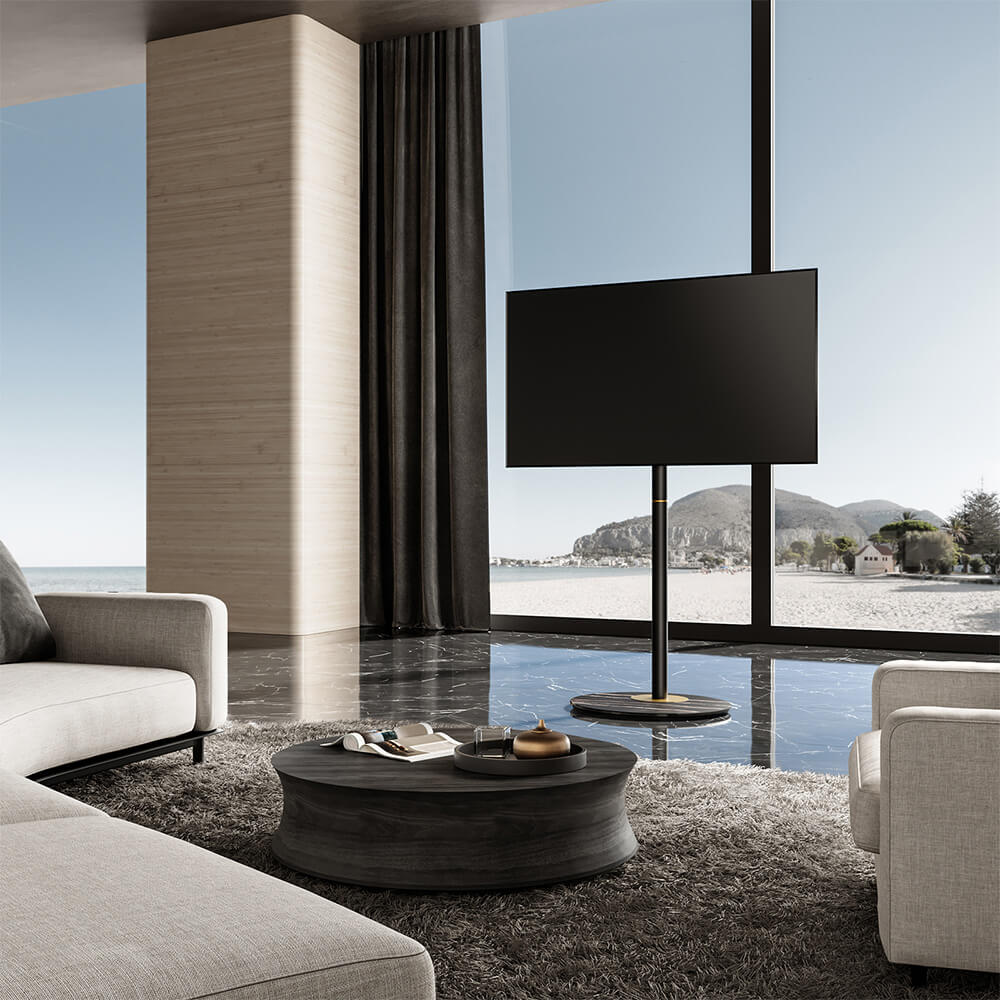
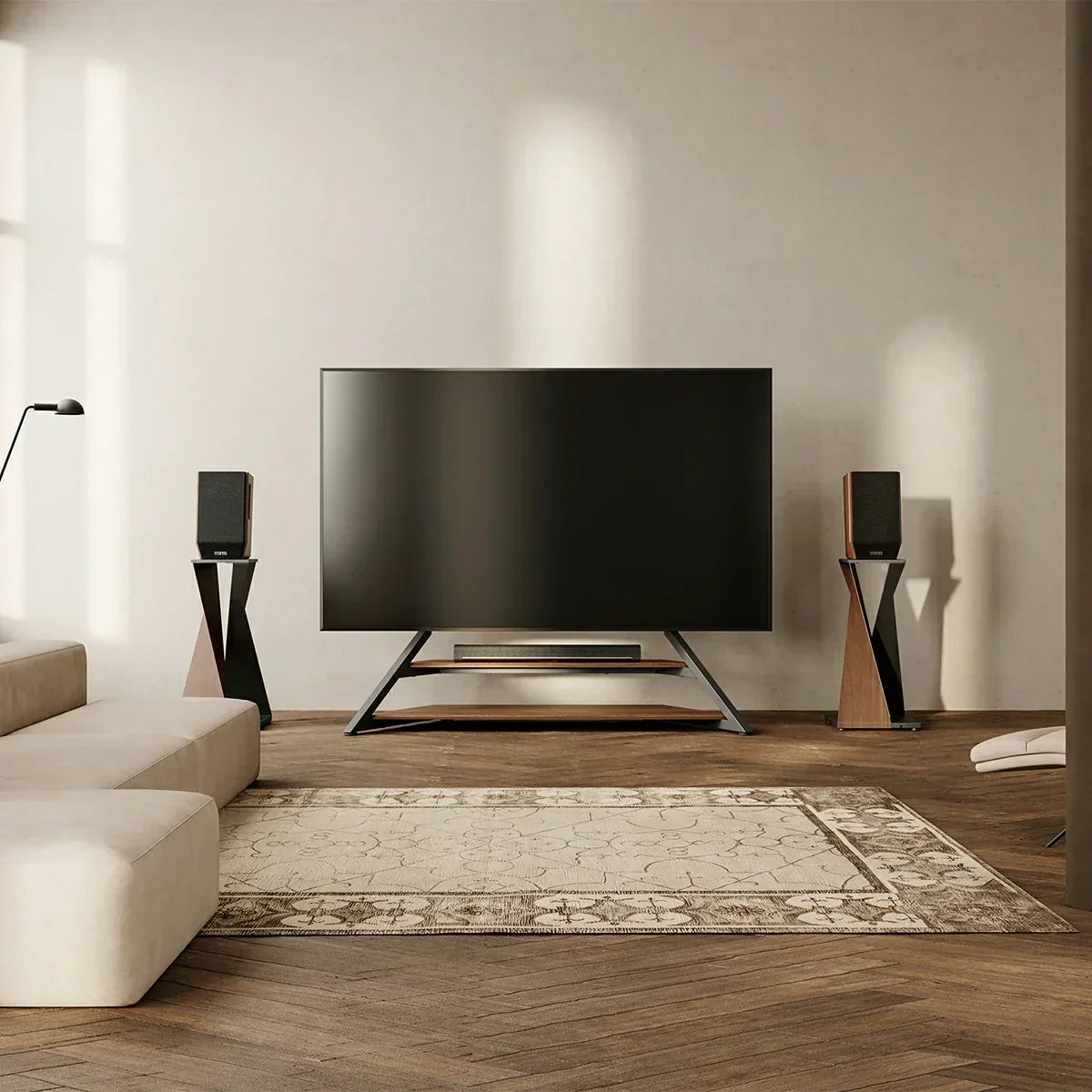
A good TV and speaker setup depends on more than placing everything close together. The TV should sit at a comfortable viewing height, while speakers need enough space and the right position to deliver clear sound toward the seating area.
For most living rooms, keep a soundbar centered with the TV and unobstructed, position separate left and right speakers around the screen rather than inside enclosed furniture, and use speaker stands when the TV furniture cannot place speakers at a suitable listening height. The right TV stand can also make it easier to organize the screen, audio equipment, cables, and viewing position as one setup.
Start With the TV and Seating Position
Before placing the speakers, decide where the television and main seating position should be.
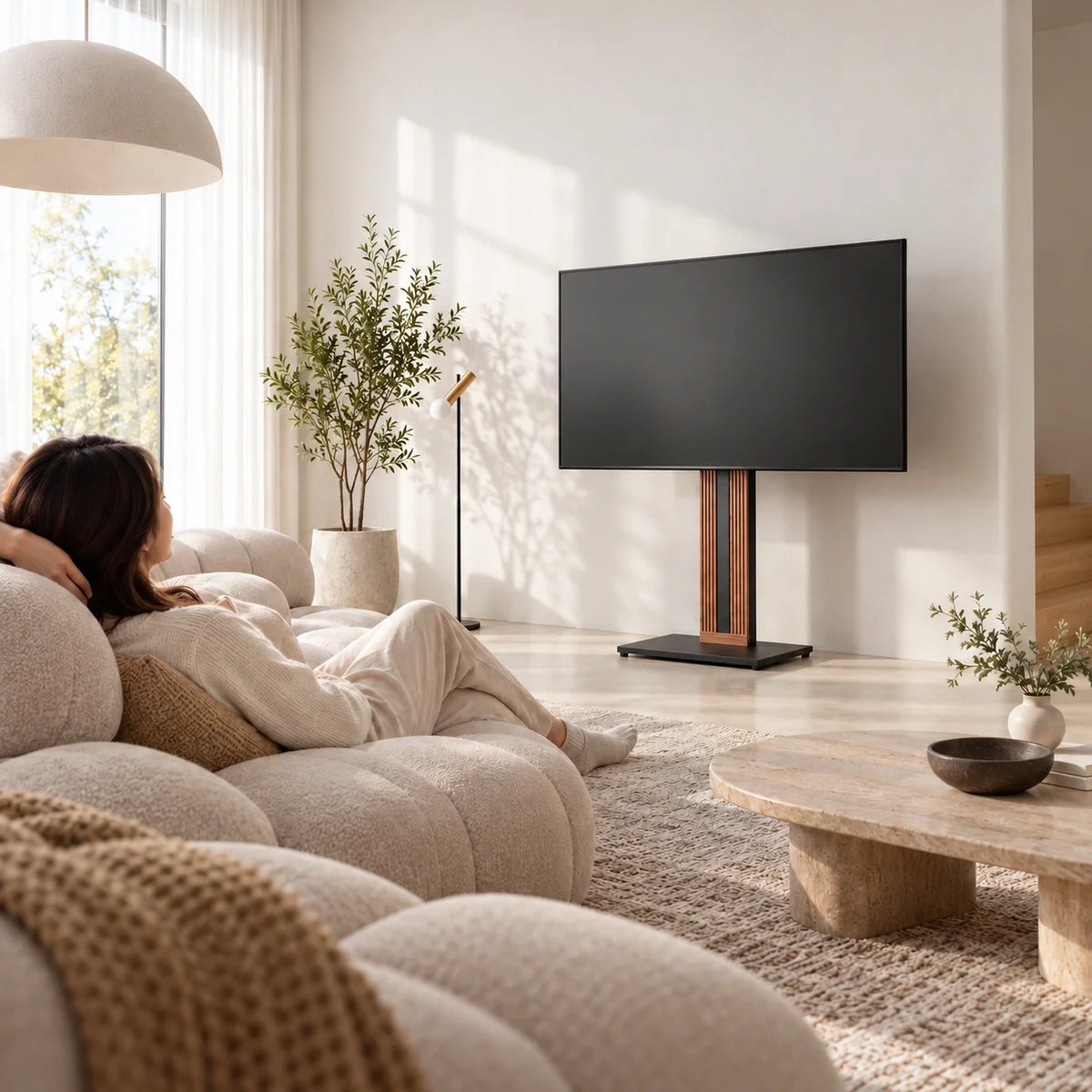
The screen should be comfortable to watch from the sofa without requiring you to regularly tilt your head up or down. Once the TV position is established, use the seating area as the reference point for speaker placement rather than arranging speakers only according to where furniture happens to fit.
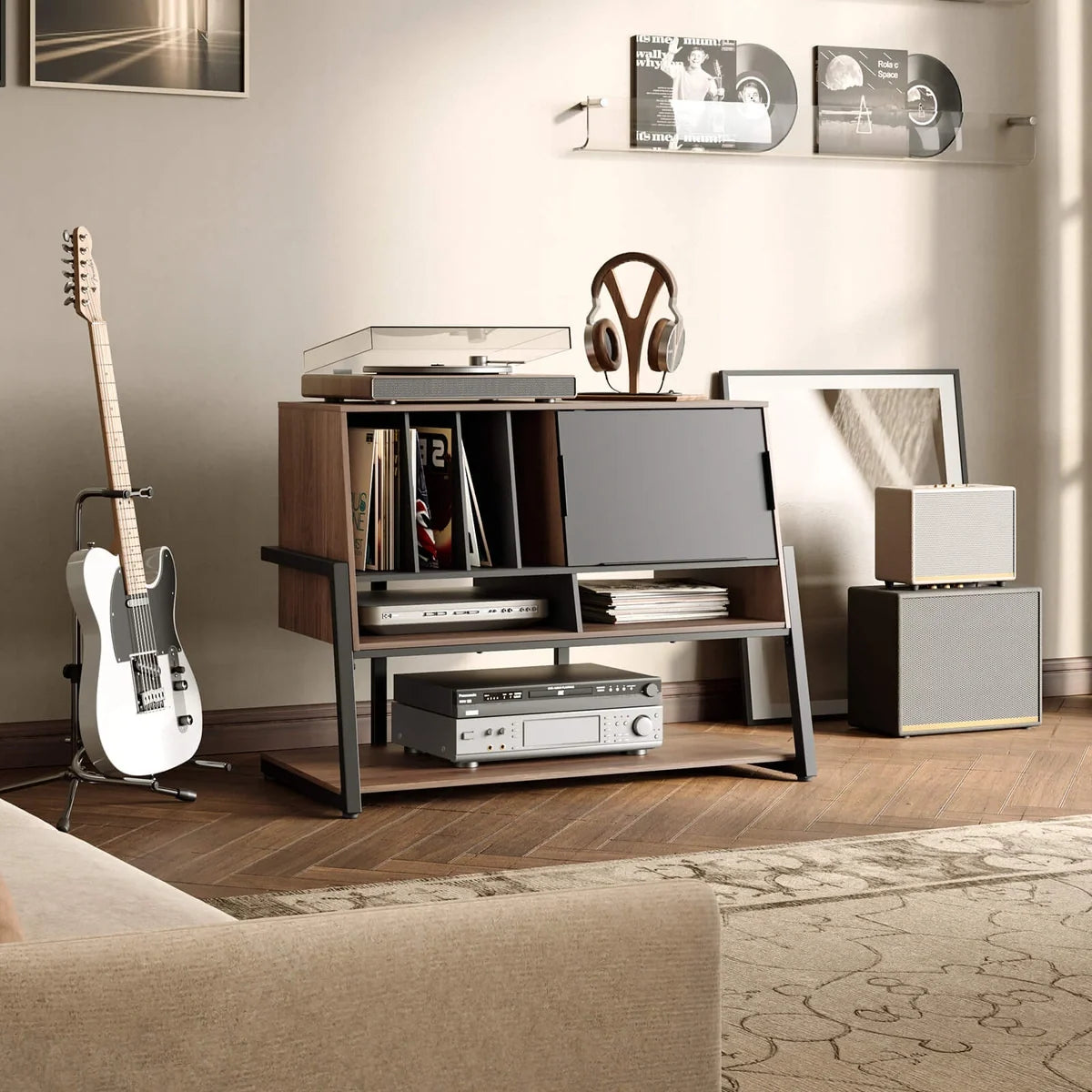
This matters because a visually balanced setup is not always an acoustically useful one. Two speakers placed neatly inside a large TV cabinet may look symmetrical, but cabinet walls can block or alter the sound. Likewise, placing speakers too far below ear level can make dialogue and music feel less direct.
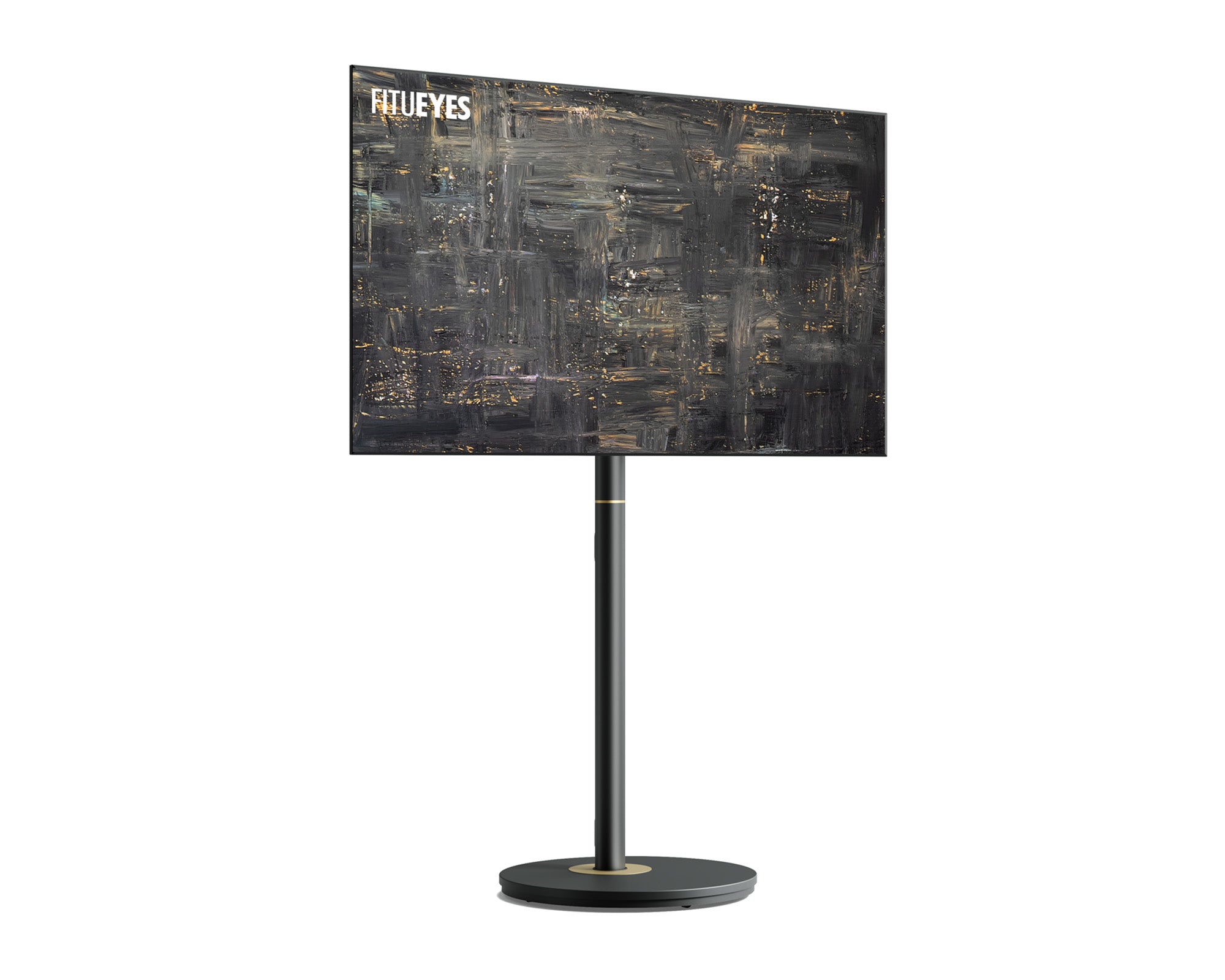
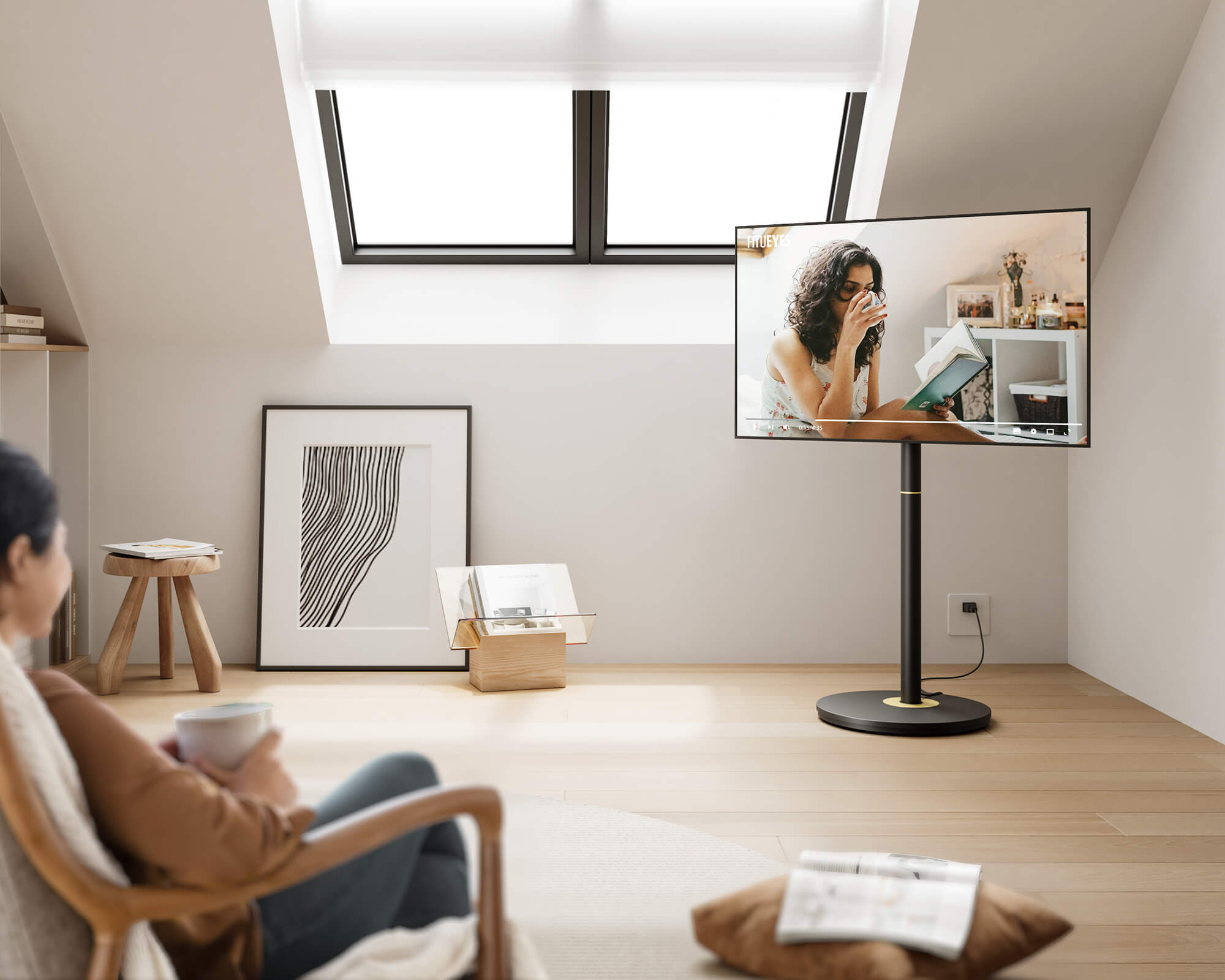
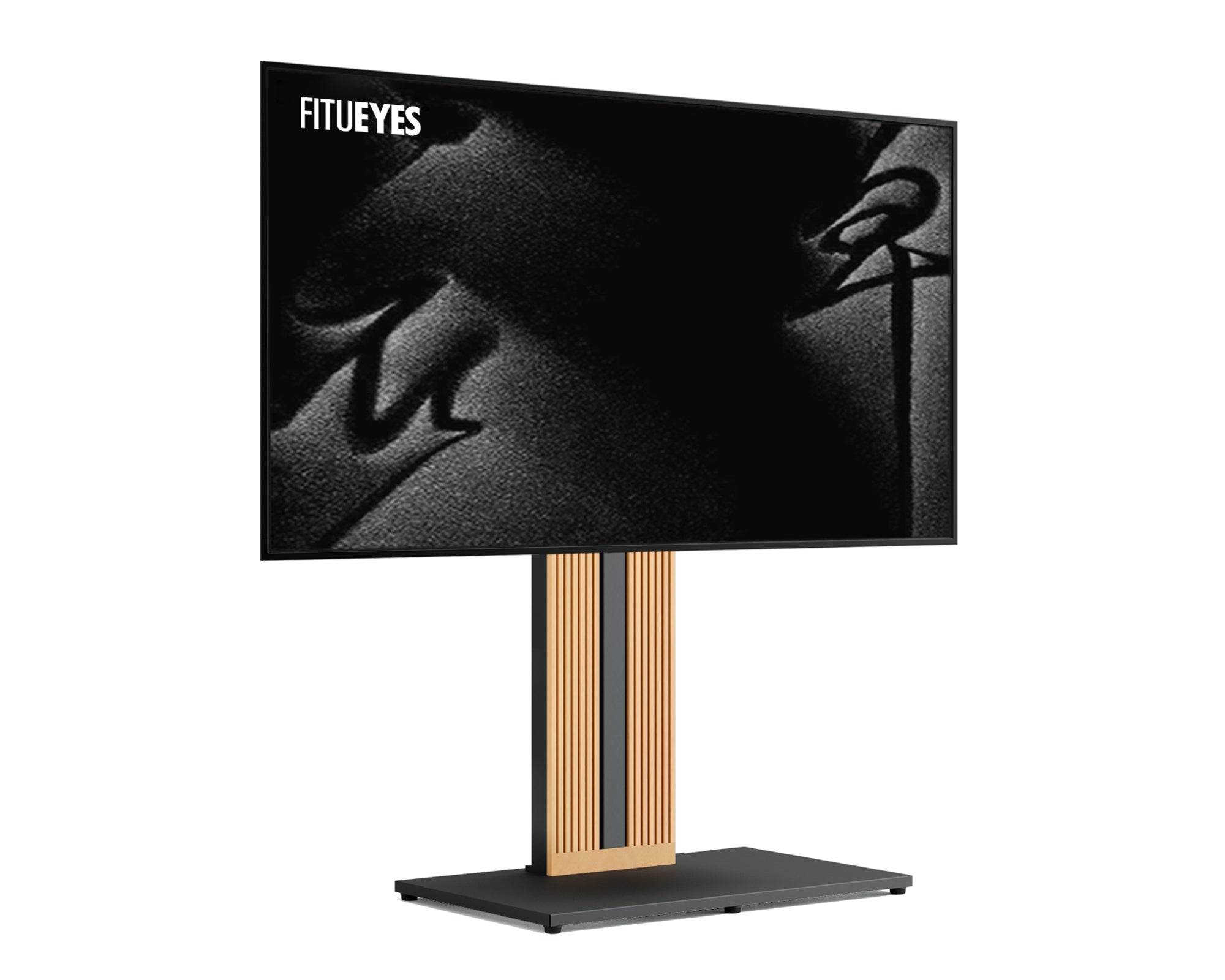
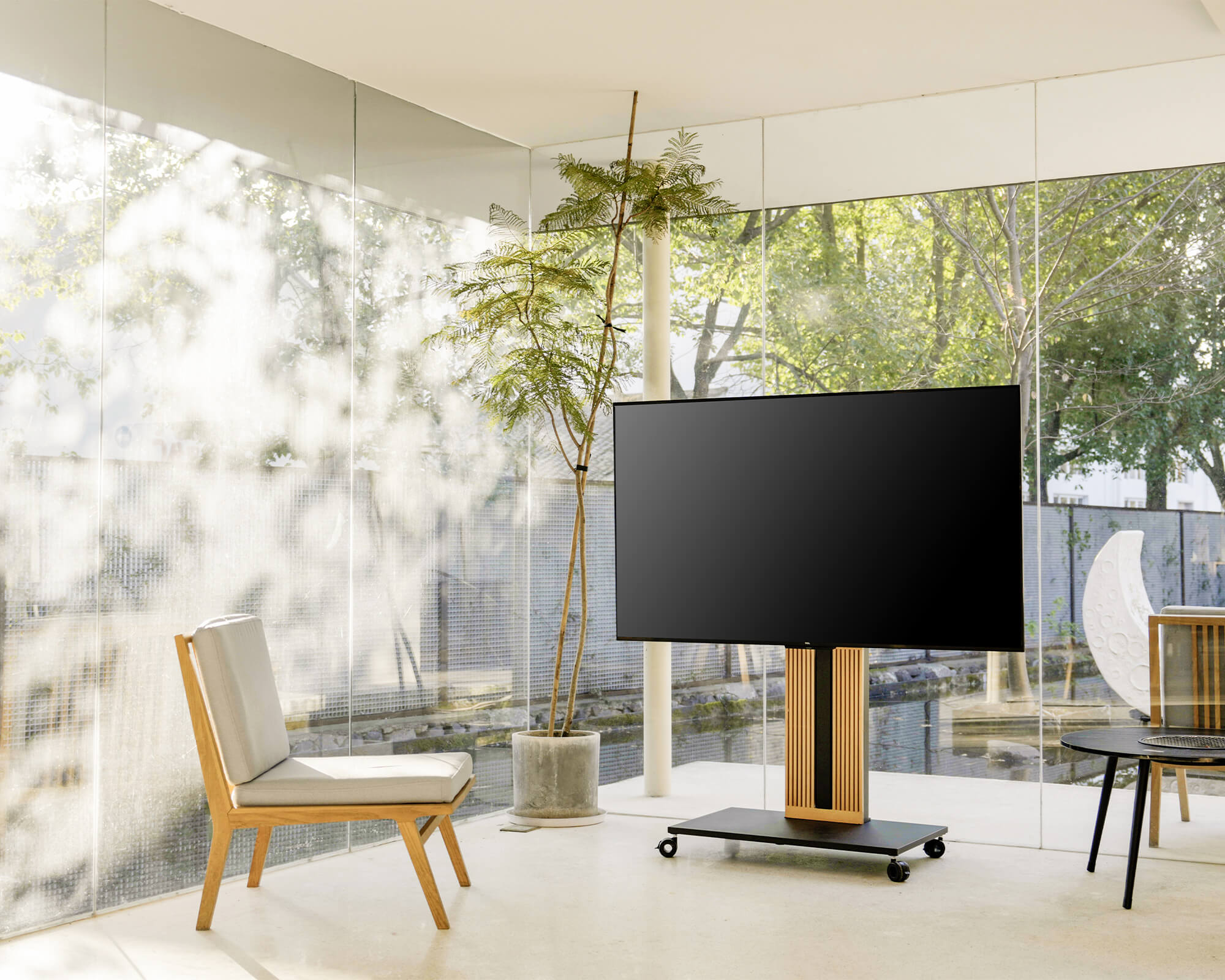
A freestanding TV stand can be useful when the room layout makes a fixed TV position difficult. Height or swivel adjustment can help align the screen with the seating area first, giving you a clearer reference point for the audio setup around it.

Where Should Speakers Go Around a TV?
Speaker placement depends on the type of audio system you use.
| Audio Setup | Practical Placement |
|---|---|
| Soundbar | Centered directly above or below the TV |
| Left and right speakers | On either side of the TV, aimed toward the listening area |
| Bookshelf speakers | On stable furniture or dedicated speaker stands |
| Surround speakers | Beside or behind the main seating area, depending on the system |
| Subwoofer | On the floor with enough room to test different positions |
The goal is not to force every speaker onto the TV stand. Instead, each speaker should have a stable location where furniture, decor, or the TV itself does not block the sound.
Keep a Soundbar Clear of Obstructions
A soundbar usually works best directly below or above the television and close to the center of the screen.
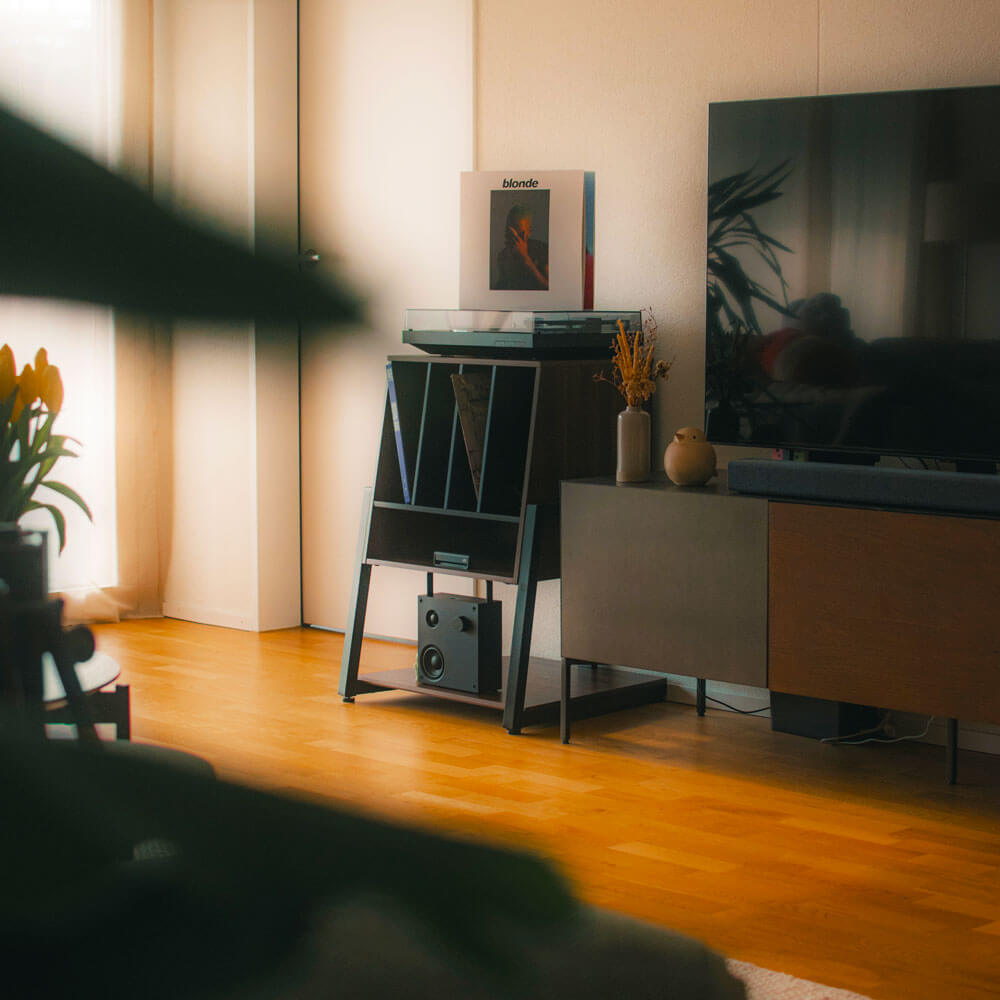
If it sits on a console, make sure the TV does not block it and that the soundbar does not cover the bottom of the screen or the television's remote sensor. Avoid placing the soundbar deep inside a closed cabinet unless the audio system is specifically designed for that location.
If the TV is supported by a floor stand, an existing console can still provide a convenient surface for the soundbar without having to support the television itself.
Give Left and Right Speakers Their Own Space
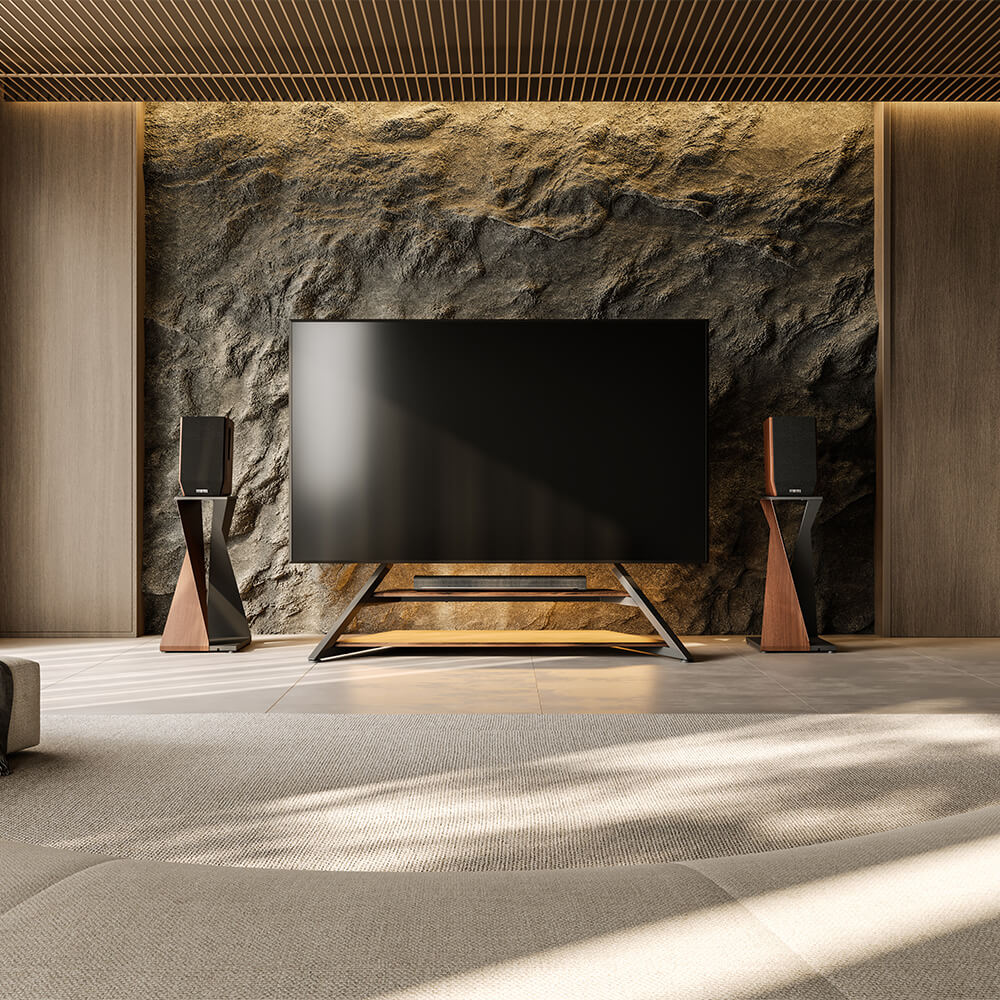
Separate speakers should generally sit on either side of the television rather than directly underneath it. Try to keep the pair reasonably balanced around the screen and point them toward the main listening area when the speaker design calls for it.
For bookshelf or compact speakers, the speaker's main listening axis should be reasonably close to seated ear height. If the TV furniture puts them much too low—or leaves no suitable surface—dedicated speaker stands can provide a more useful position without widening the TV furniture itself.
You also do not need to place speakers immediately against the sides of the television. Leaving some separation can create a more natural front soundstage, provided the speakers still work with the room and manufacturer's placement guidance.
Can You Put Speakers on the TV Stand?
Yes, small speakers can sit on a TV console or stand when the surface is stable, spacious enough, and does not place them too low or block their sound.
The more important question is whether the furniture gives the speakers the position they need.
If bookshelf speakers are crowded between the TV and other equipment, pushed against surrounding panels, or placed far below the listening position, keeping them on the same furniture may not be the best choice.
Vibration is another consideration. Speakers produce physical vibration, especially at higher volumes. A solid surface and suitable isolation pads can help reduce unwanted movement or rattling from furniture and nearby objects.
For compact speakers that need a separate position, an adjustable option such as the Master SS08 Speaker Stand can place compatible micro or small speakers between approximately 27.6 and 39.4 inches from the floor. The adjustable height is useful when the TV furniture itself cannot place the speakers close to the preferred listening level.
Dedicated stands can also make sense when you want to keep the area directly around the TV visually lighter rather than filling the console with audio equipment.
Where Should the Subwoofer Go?
A subwoofer does not need to sit beside the TV simply because it belongs to the same sound system.
Bass behaves differently from higher-frequency sound, and the best subwoofer position can vary significantly from room to room. Start with a practical location near the front of the room, then listen from your usual seating position and adjust if the bass sounds unusually weak, boomy, or uneven.
Avoid treating rules such as “always put the subwoofer in the center” or “always place it in a corner” as universal answers. Corners can increase bass output in some rooms, but they may also make certain frequencies feel too strong.
The useful decision is therefore simple:
Choose the position based on how the subwoofer sounds from the main seating area, not on where it looks most symmetrical next to the TV.
Make sure the location also leaves enough ventilation and does not create a cable route that people regularly walk across.
Choose a TV Stand That Supports the Whole Setup
A TV stand for an audio setup should solve the screen-placement problem first. Audio equipment can then be arranged around it.
Start by checking:
TV compatibility. For a mount-style floor stand, confirm the supported TV size, VESA pattern, and weight capacity.
Viewing position. Height or swivel adjustment can help when the sofa is not directly centered in front of the television.
Equipment space. If you use a soundbar, game console, receiver, or streaming device, decide whether those items will sit on a shelf, existing console, or separate piece of furniture.
Cable routing. TV, speaker, power, and HDMI cables should have clear paths without hanging across walkways or becoming difficult to access.
This is also why the “largest TV cabinet possible” is not necessarily the best solution for a home theater. If you do not need extensive storage, a slimmer floor TV stand combined with correctly positioned speakers can keep the screen and audio equipment visually separate while using less bulky furniture.
Keep Cables Organized Without Limiting Placement
Cable management should support speaker placement rather than dictate it.
A wired speaker should not have to sit in the wrong position simply because that is where the shortest cable reaches. Plan the equipment locations first, then determine how cables can run safely along furniture, walls, or the floor.
Use the TV stand's cable-management features for television and device cables where possible. Speaker wires can then follow separate routes toward the listening area.
Wireless speakers can reduce some visible wiring, but “wireless” does not always mean completely cable-free. Many still require power, so make sure outlets and power cables are considered before finalizing the room layout.
Keeping power and signal cables organized also reduces visual clutter and makes it easier to change or troubleshoot equipment later.
Build the Setup Around the Way You Listen
There is no single TV stand and speaker arrangement that works for every room.
For a small apartment with a soundbar, the simplest setup may be a slim TV stand with the soundbar centered below the screen. A larger living room with separate front speakers may benefit from speaker stands on both sides of the television. A surround system adds another layer because the rear or side speakers need to relate to the seating position rather than to the TV furniture.
The useful sequence is:
Set the TV position → identify the main listening seat → position the front audio → add the subwoofer or surround speakers → organize the cables.
Following this order prevents the furniture from deciding where every speaker has to go.

FAQs
Should Speakers Be at the Same Height as the TV?
Not necessarily. Speaker height should be based mainly on the listening position and the speaker design rather than the exact height of the television. For many compact or bookshelf speakers, positioning the main listening axis close to seated ear height is a useful starting point.
Is It Better to Put Speakers on a TV Stand or Speaker Stands?
Use the TV stand if it provides a stable surface at an appropriate height and leaves enough space around the speakers. Speaker stands are more useful when the furniture places speakers too low, crowds them around the television, or does not allow enough separation.
Can a Soundbar Sit Behind the TV?
It is usually better to keep the soundbar in front of the TV and unobstructed. Placing the television or other objects directly in front of the soundbar can interfere with how sound reaches the listening area. Position it above or below the screen according to the soundbar and TV setup.
Create One Balanced TV and Audio Zone
A better home entertainment setup does not require every component to sit on the same piece of furniture. The TV stand should give the screen a secure and comfortable viewing position, while soundbars, speakers, and subwoofers should be placed according to how they deliver sound into the room.
If your current furniture forces the TV or speakers into awkward positions, separating those functions can make the setup easier to arrange. FITUEYES designs audiovisual furniture for everyday homes, including TV and speaker stands that help support flexible screen placement, listening height, cable organization, and changing room layouts.