


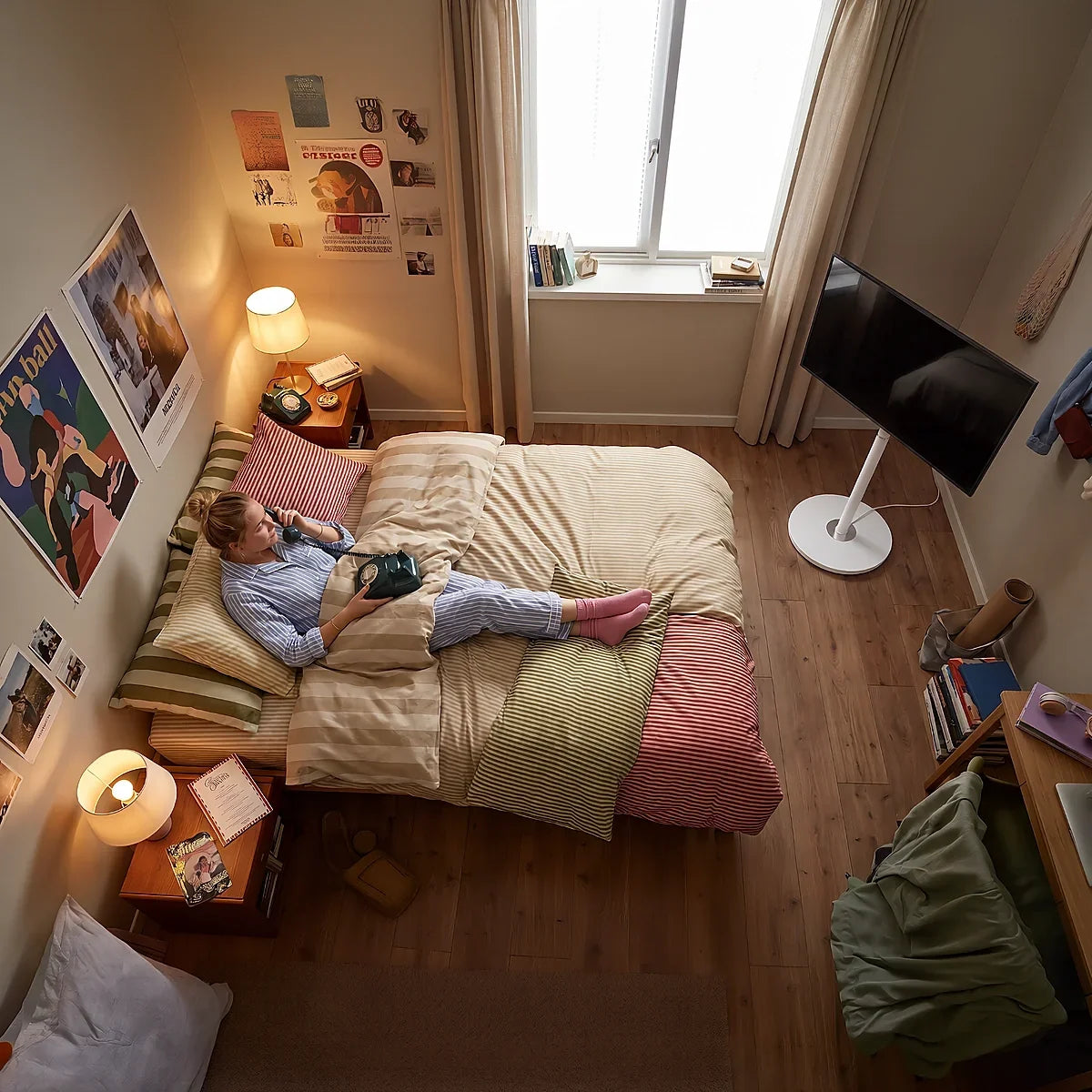
To hide TV cords on a floor TV stand, plan one continuous route from the ports behind the screen, through or along the stand, and then to the outlet. Use the stand’s built-in channel or rear cover whenever possible, keep loose cables away from moving parts, and leave only enough slack for the screen’s permitted adjustments.
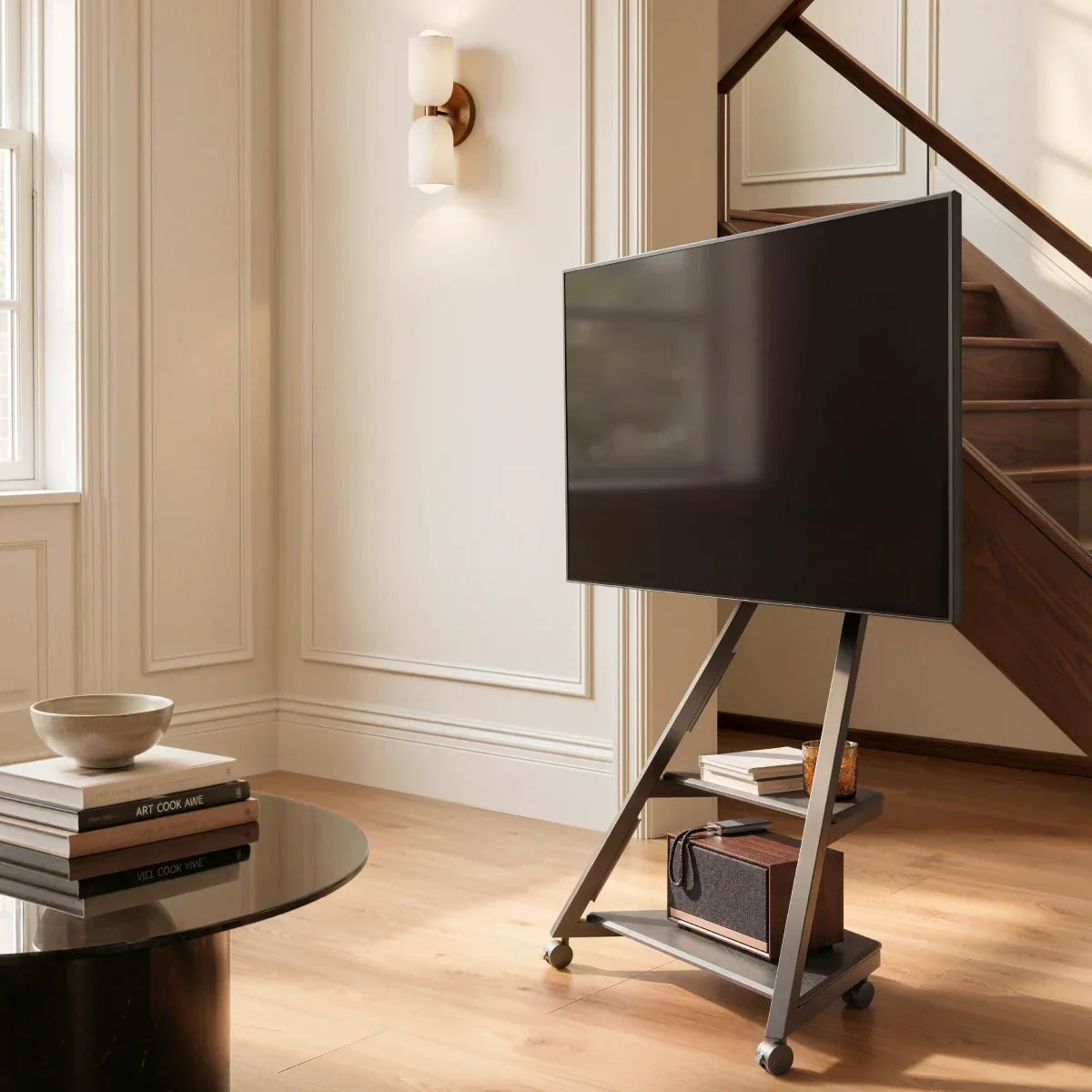
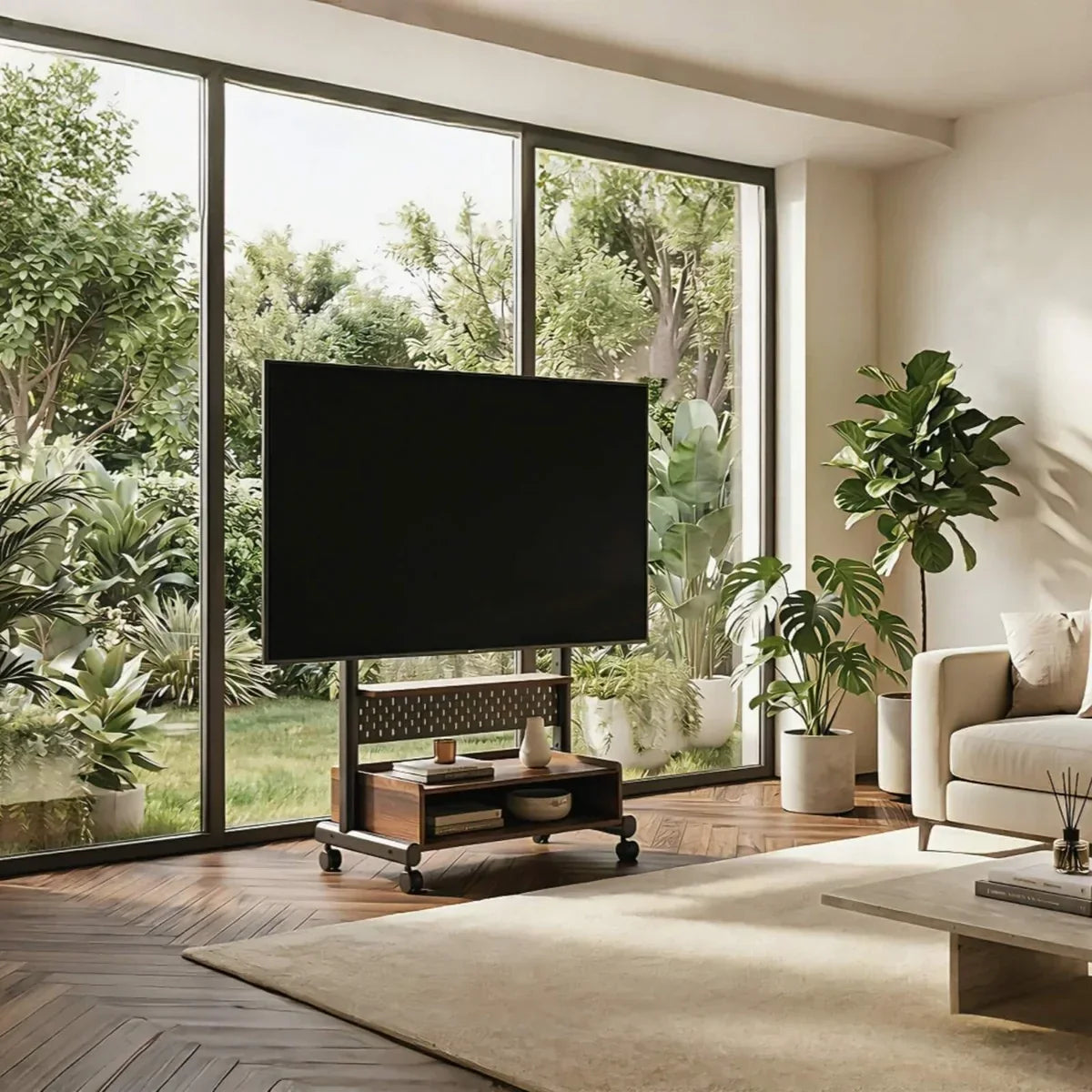
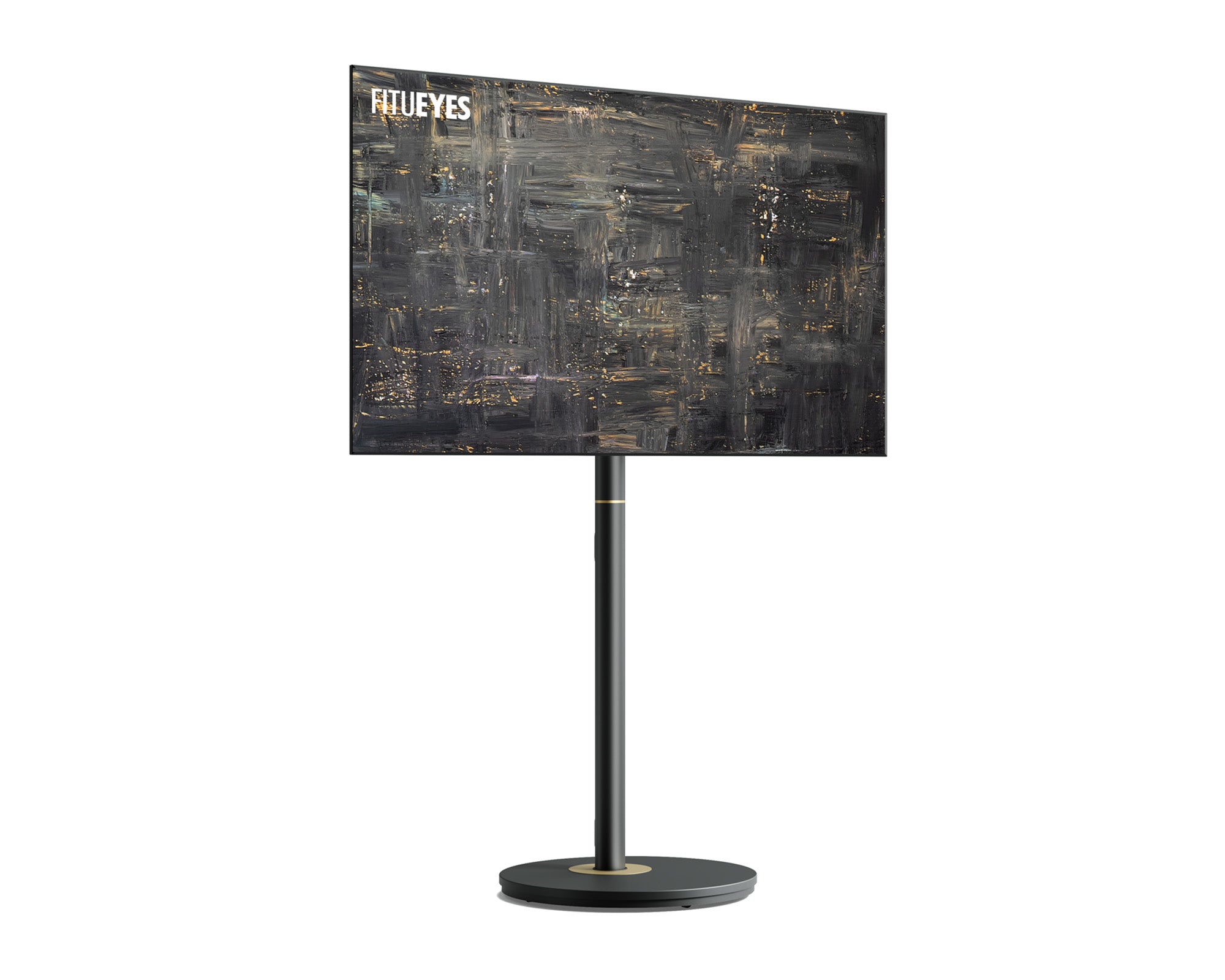
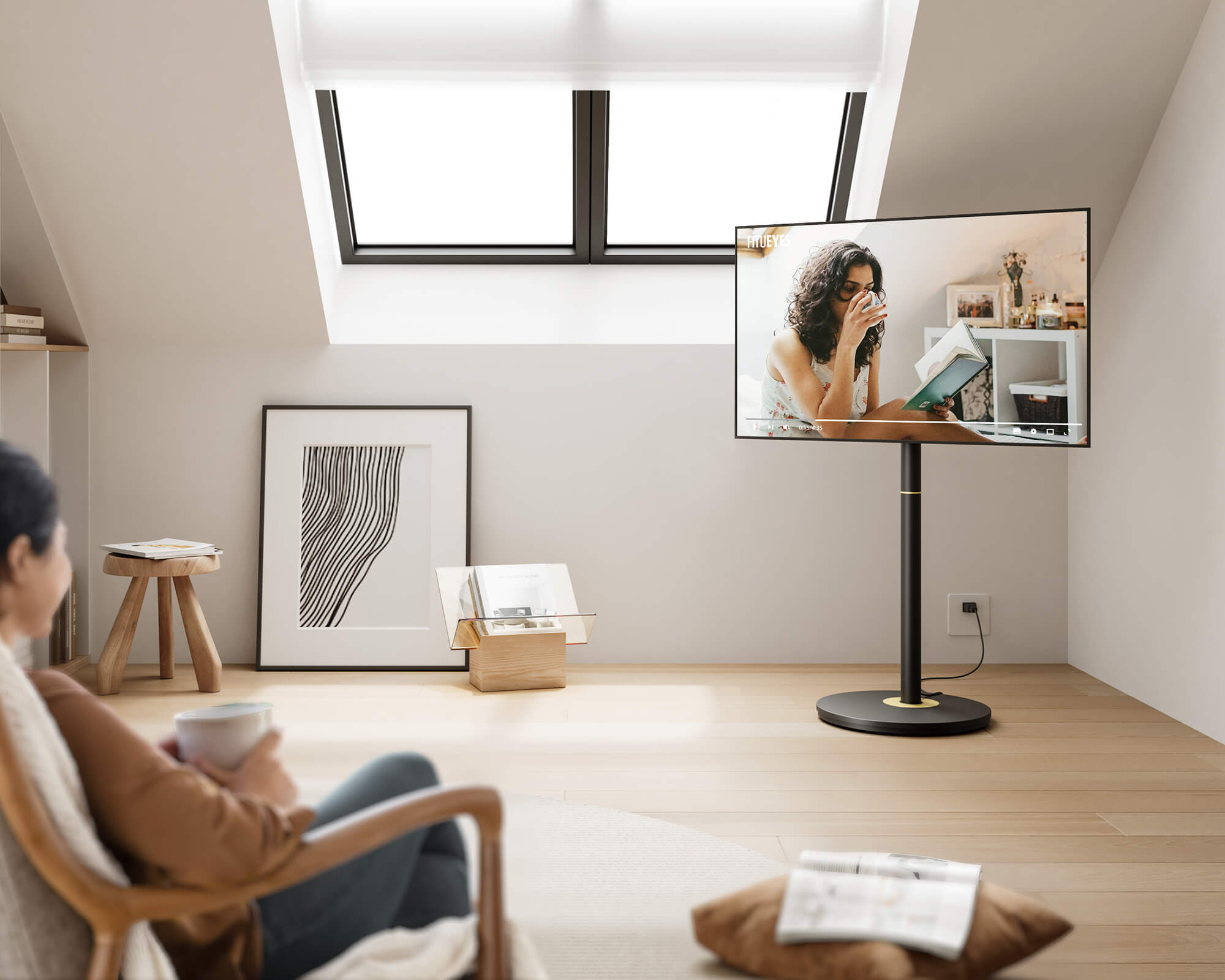
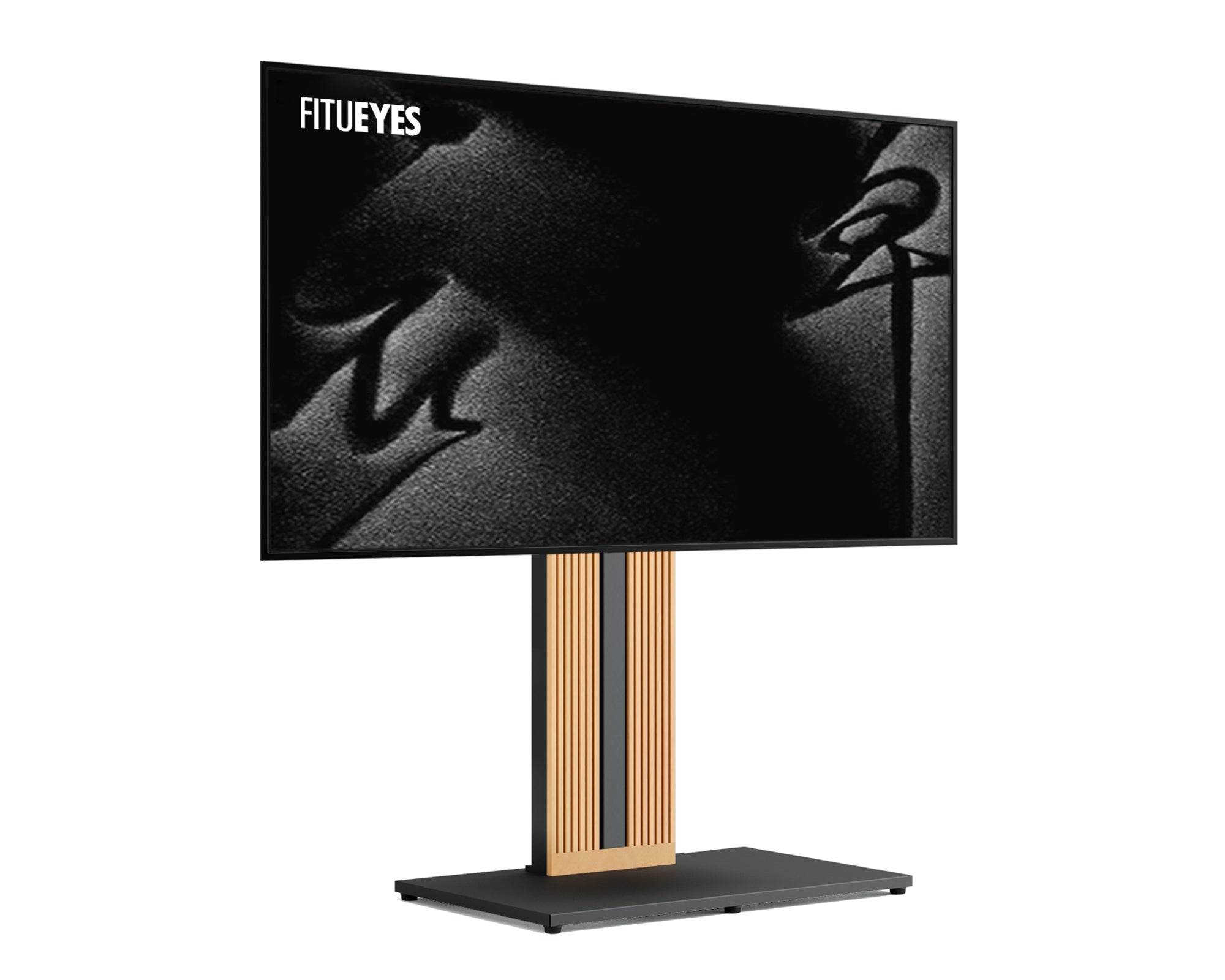
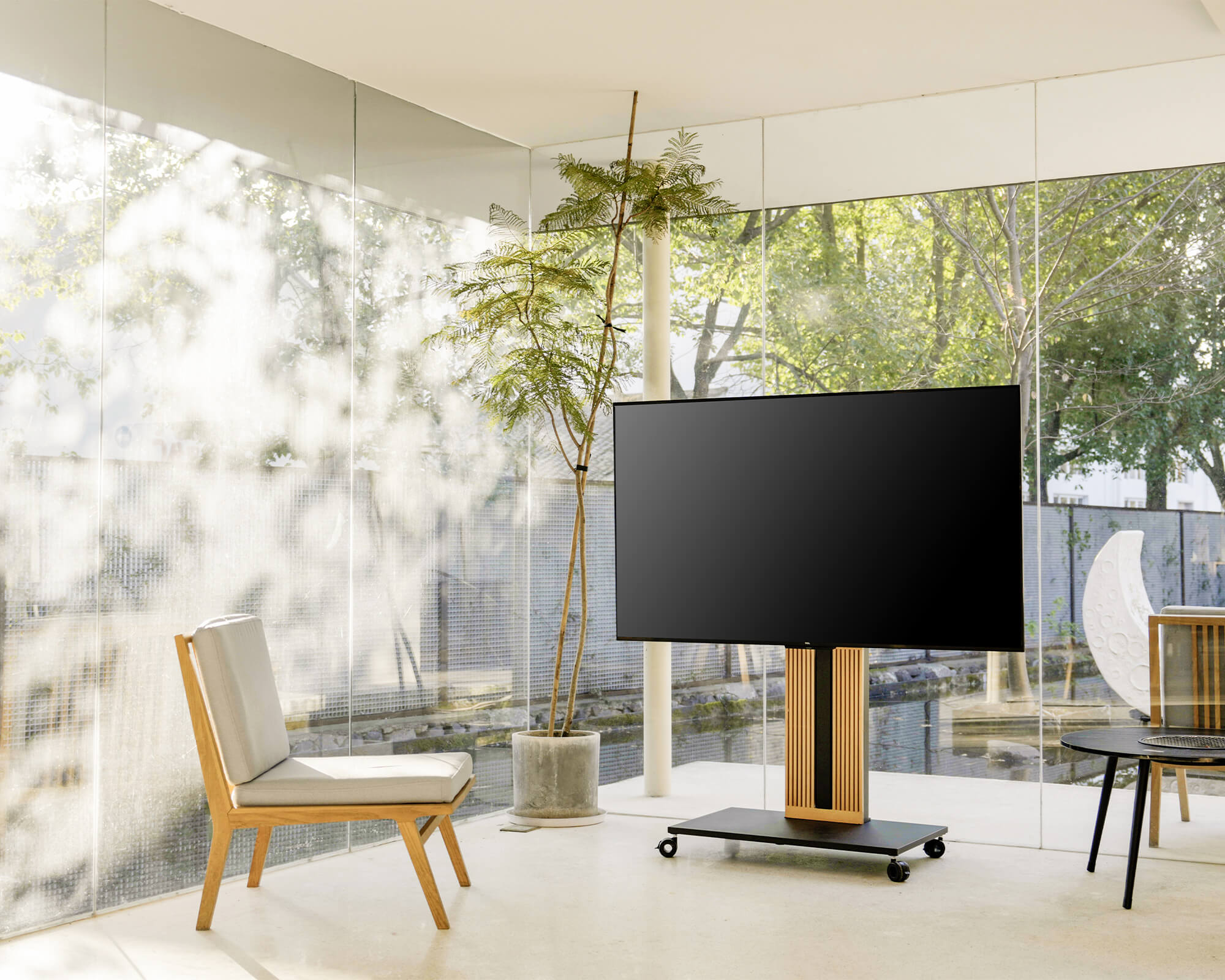
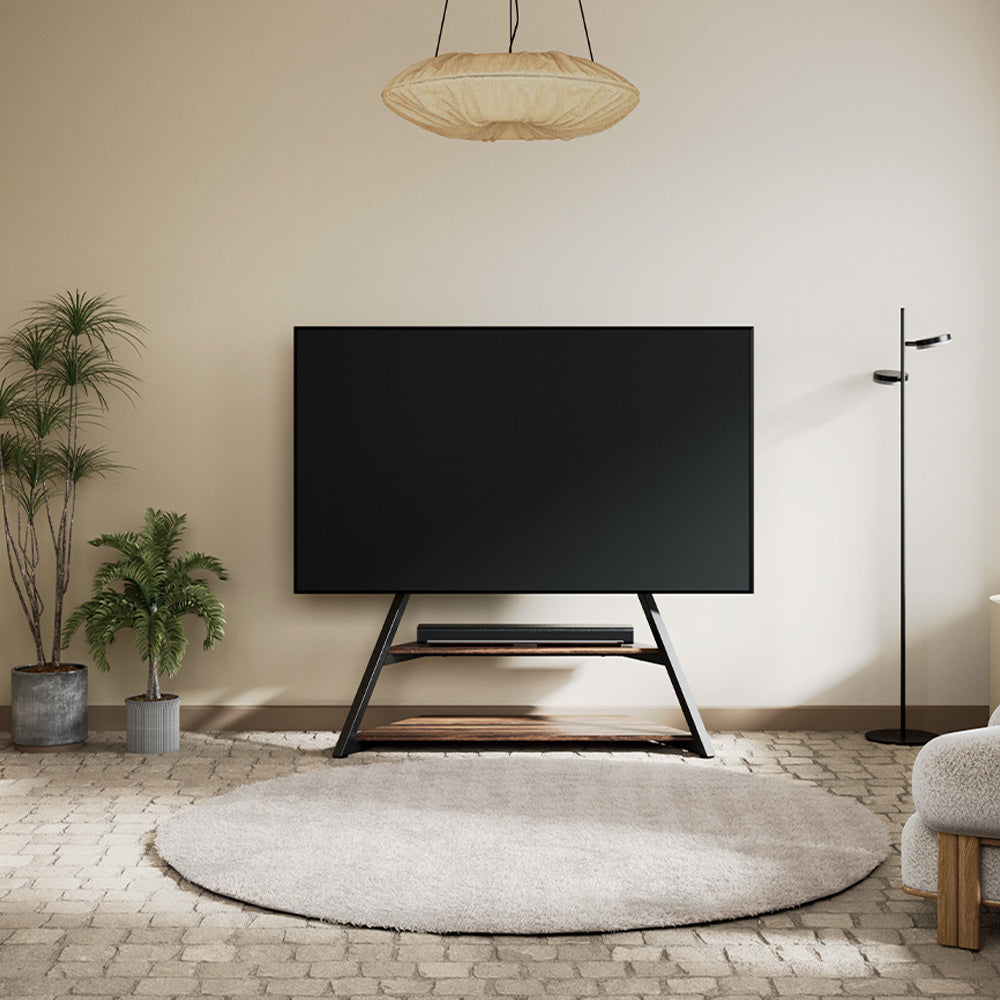
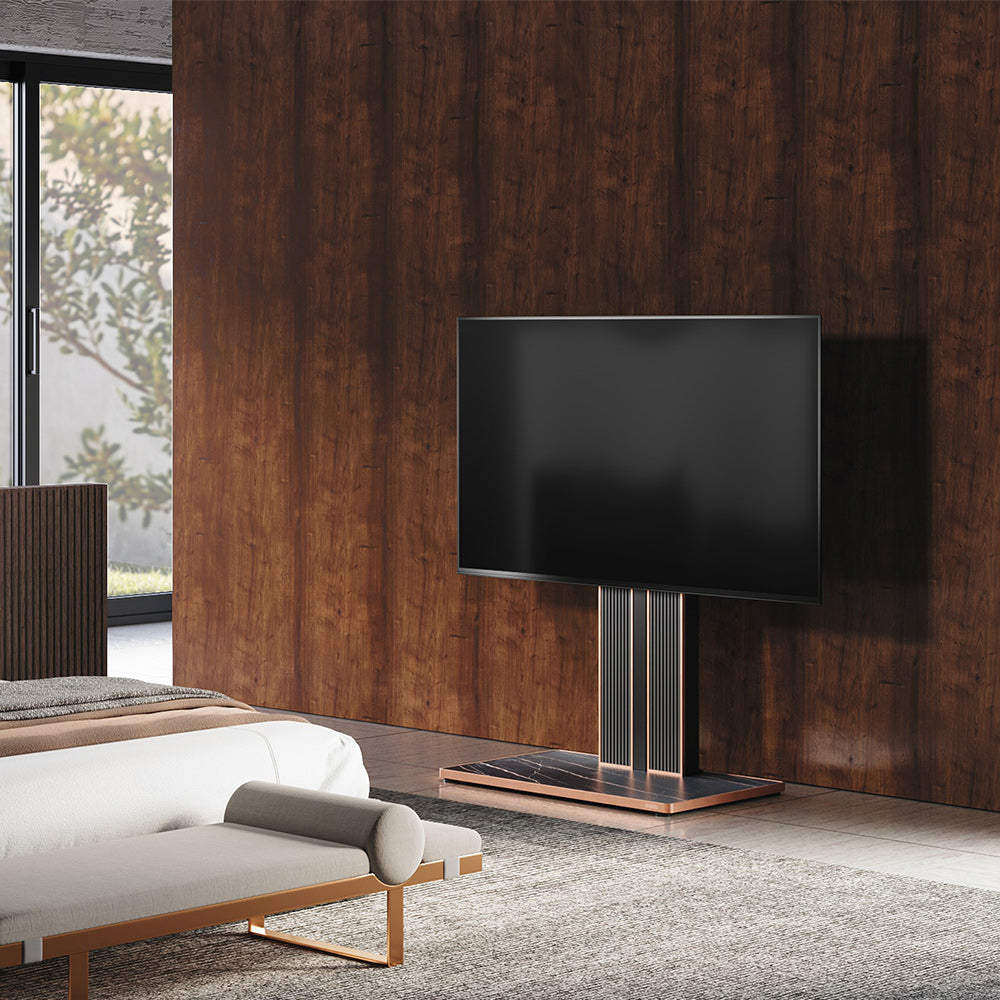
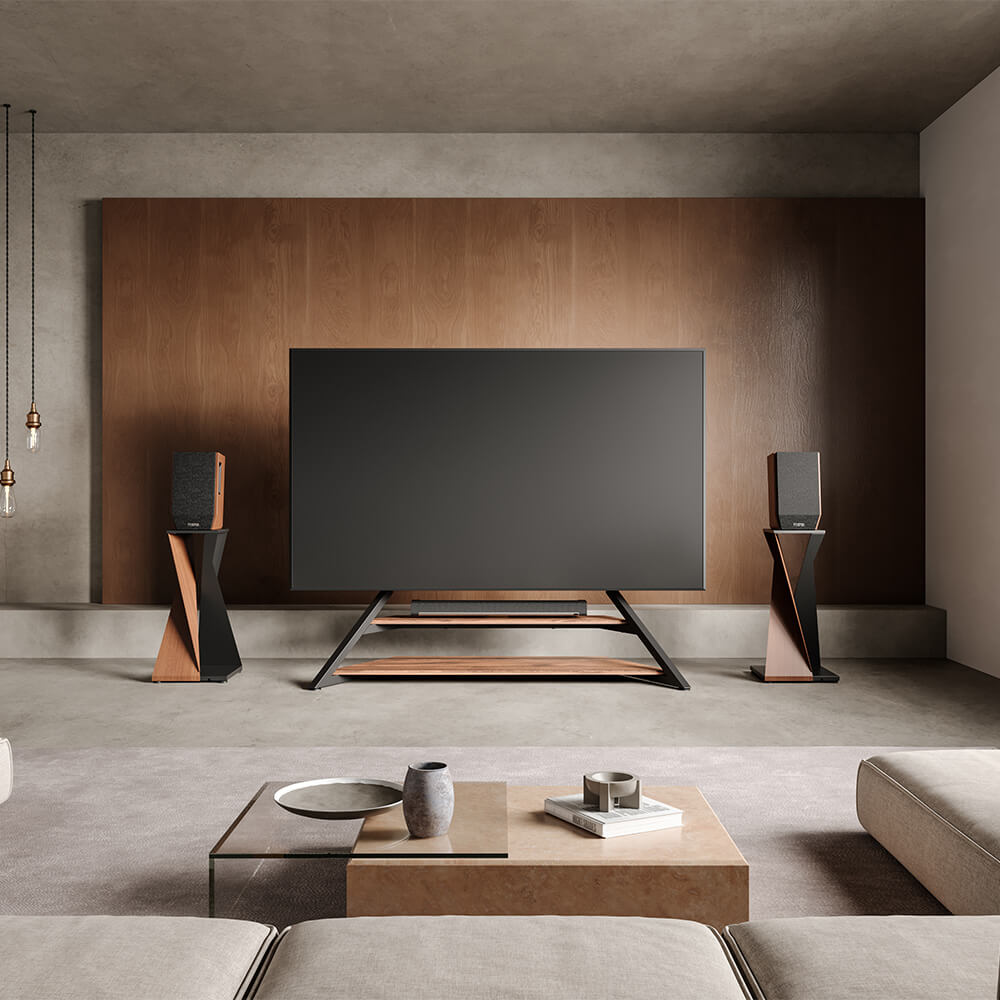
Floor TV stands manage cables in different ways. Some use enclosed columns, while others rely on removable covers, equipment shelves, or open rear supports. Looking at how different floor TV stands handle these routes can help you identify the structure in your own setup before you begin.
Plan Each Cable’s Destination and Its Path Through the Stand
Before deciding how to hide the cords, identify what each cable connects. Turn off and unplug the equipment, photograph the TV ports, and label similar-looking cables so you can reconnect them correctly.
Map the connections before gathering everything into one bundle:
|
Connection |
Likely destination |
Routing consideration |
|
TV power cord |
Wall outlet or appropriately rated power strip |
Needs a route down the stand and onward to the power source. |
|
HDMI or other device cable |
Streaming box, console, or soundbar |
May leave the stand’s main route at shelf height. |
|
Ethernet or antenna cable |
Router or wall connection |
May need a separate route beyond the stand’s base. |
Next, inspect the rear of the screen, column, shelves, and base for the openings, covers, or supports available along those paths. A hollow column can conceal cable runs, a removable panel may cover wiring or designated storage, and an open frame may need clips along its rear support.
These features can overlap. A stand with shelves and a hollow column may carry device cables into the column at different heights. Identify those entry and exit points now, rather than feeding every cable to the floor and bringing some back up.

Route Cords From the Screen Down the Stand
Gather Cables Behind the Screen
Direct each connected cord toward the rear center or the stand’s entry point, clear of ventilation openings, speakers, VESA bolts, and moving mount parts. Gathering them here prevents separate wires from hanging below the screen.
Leave a relaxed service loop near each TV port. This unfixed section reduces connector strain and follows the screen during adjustment. Do not fold it sharply, trap it behind the mounting plate, or let it hang below the screen.
Through a Hollow Column
Locate the designated openings and test one cable before feeding it through. Bring it out near the shelf or base, checking that the exit neither pinches the cable nor exposes it to a sharp edge.
Never force or dismantle an oversized plug. Route it externally along the rear of the column instead.
Secure that external section with suitable clips, leaving the connector accessible. Keep genuinely excess length in a loose, broad loop at an appropriate support point; do not pull the movement slack from behind the screen into this bundle.
Behind a Rear Cover
Remove the cover as directed and identify the intended cable path before placing anything behind it. Lay cords within that path, with plugs clear of the panel’s edges and attachment points. The cover should close without pressing on cables and remain easy to remove for access.
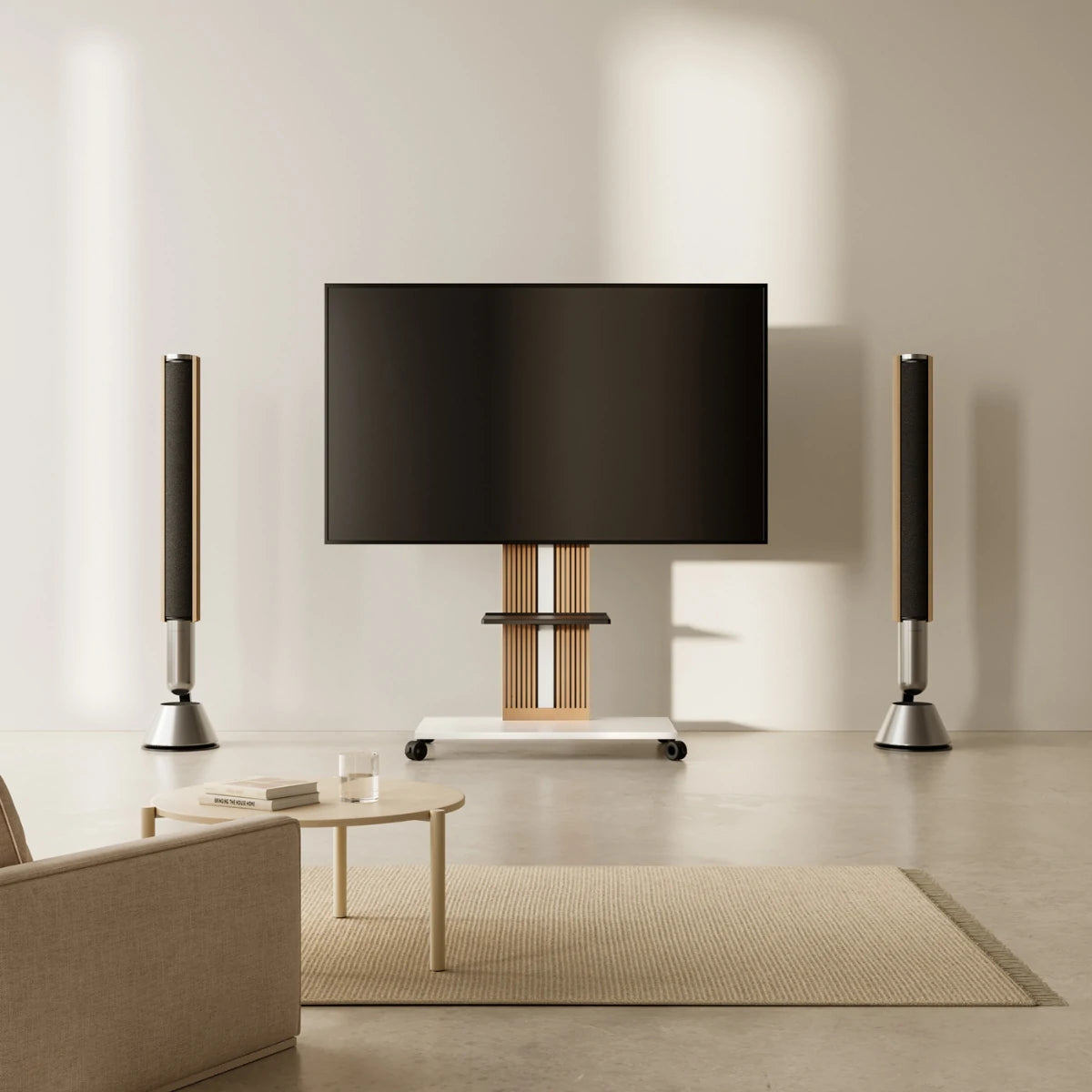
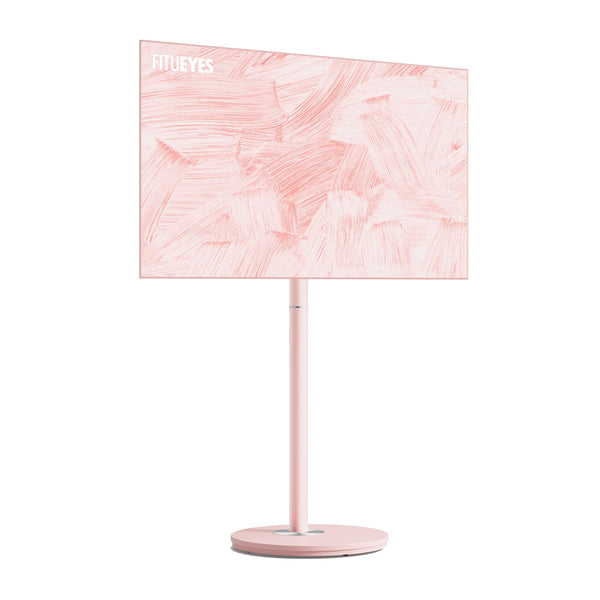
A rear cover can conceal the cable route, but a streaming box introduces another challenge: the device, its adapter, and the connector ends all need a supported location with enough room for ventilation. When those components would otherwise remain visible beside the screen, the Master V2 FT65 TV Stand keeps the set-top box and its wiring together in concealed rear storage behind a magnetic cover. Its hidden universal wheels also allow the TV and stored equipment to be repositioned as one organized setup. Before moving the stand, manage any cables still connected to a wall outlet or separate device. Check that the equipment fits without pressing against the cover, and confirm the TV’s size, weight, and VESA compatibility.
Along an Open Frame or Easel Stand
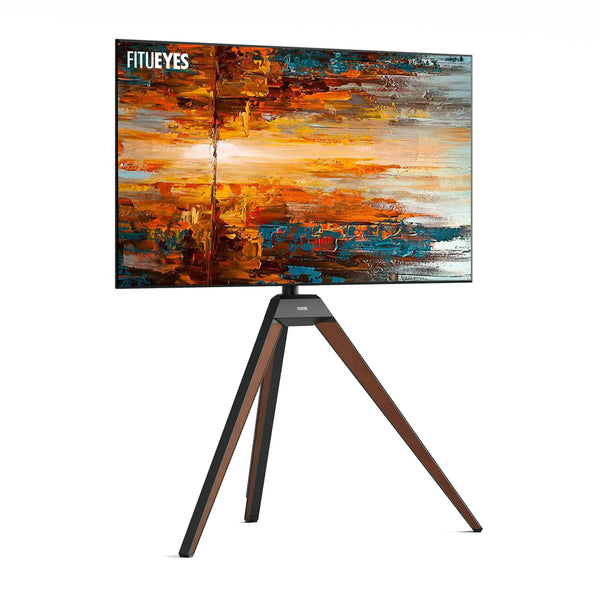
Guide cables down the rear support that best conceals them from your usual viewing position. Temporarily position the run before fastening it: a cable hidden directly behind a leg may still show from an angled seat. Adjust its position, then secure it with reusable ties or suitable clips. A flexible sleeve can combine cables sharing the same route.
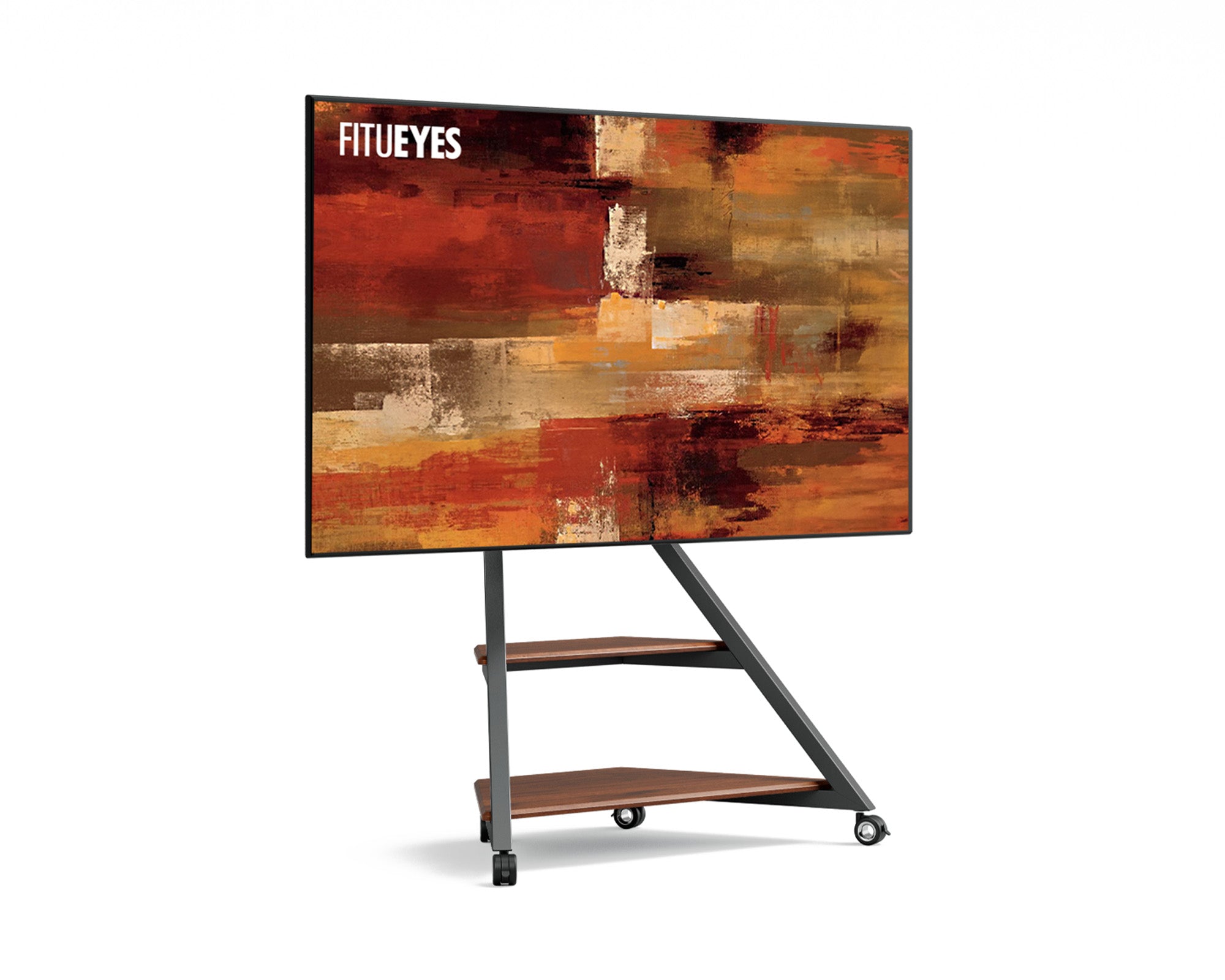
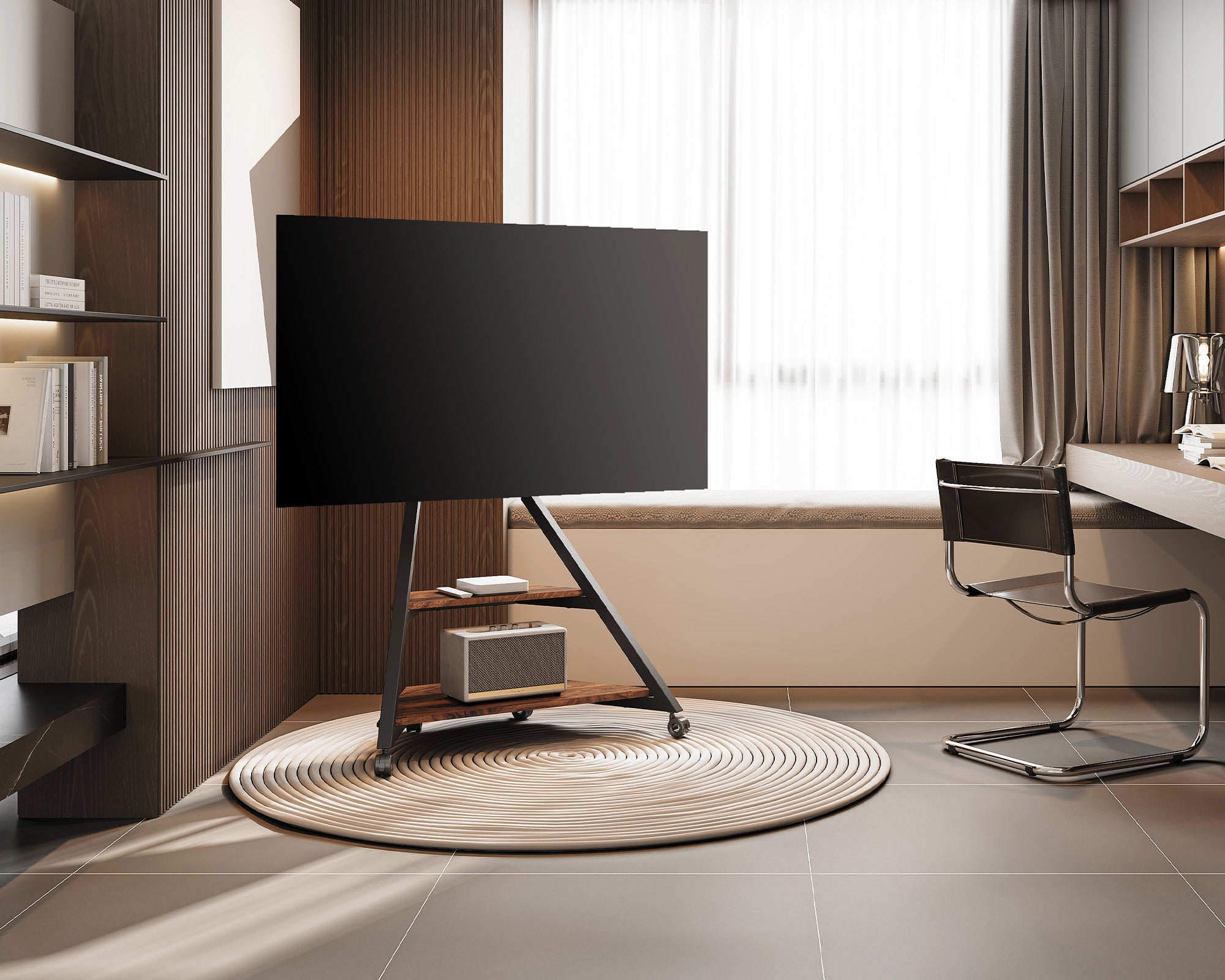
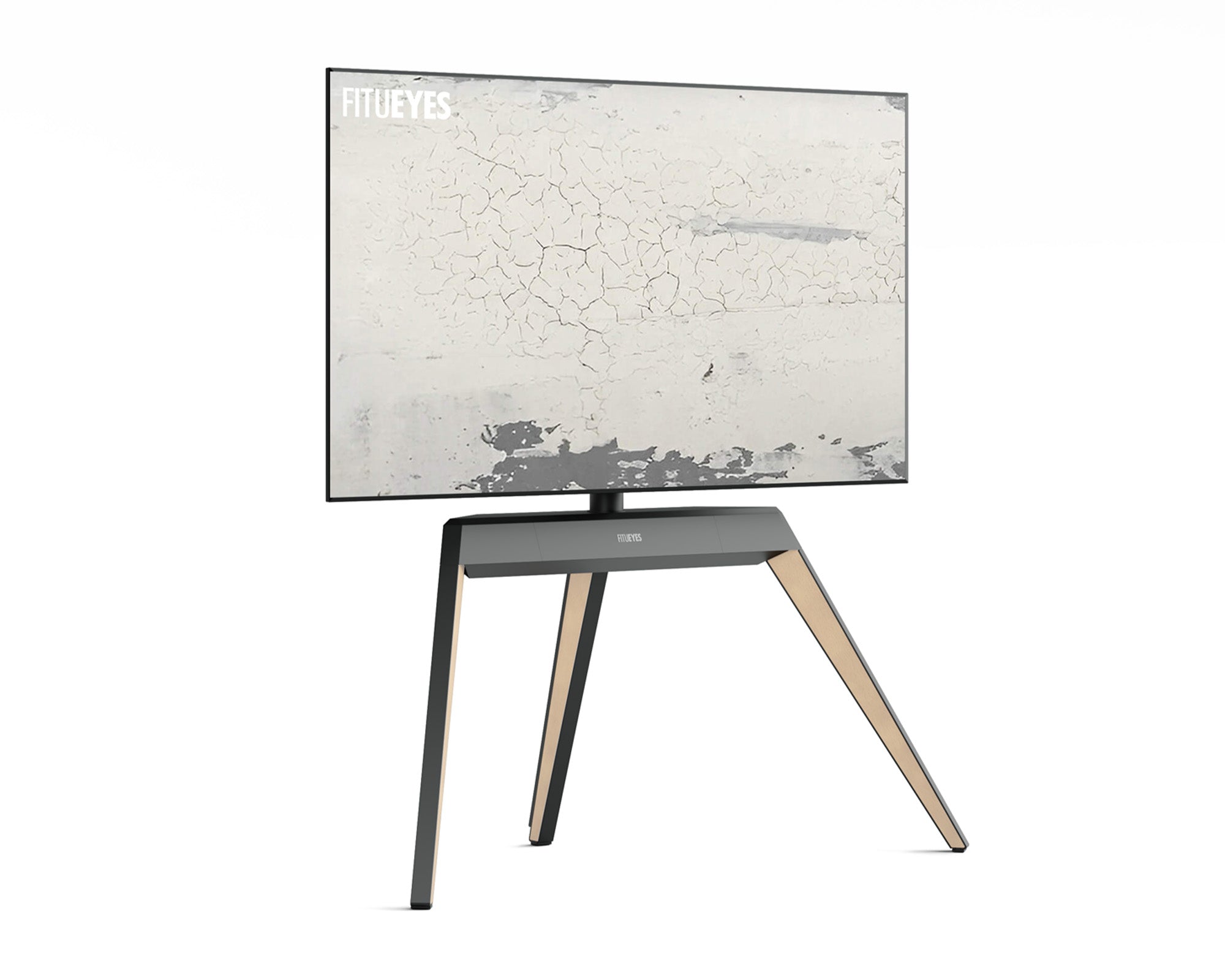
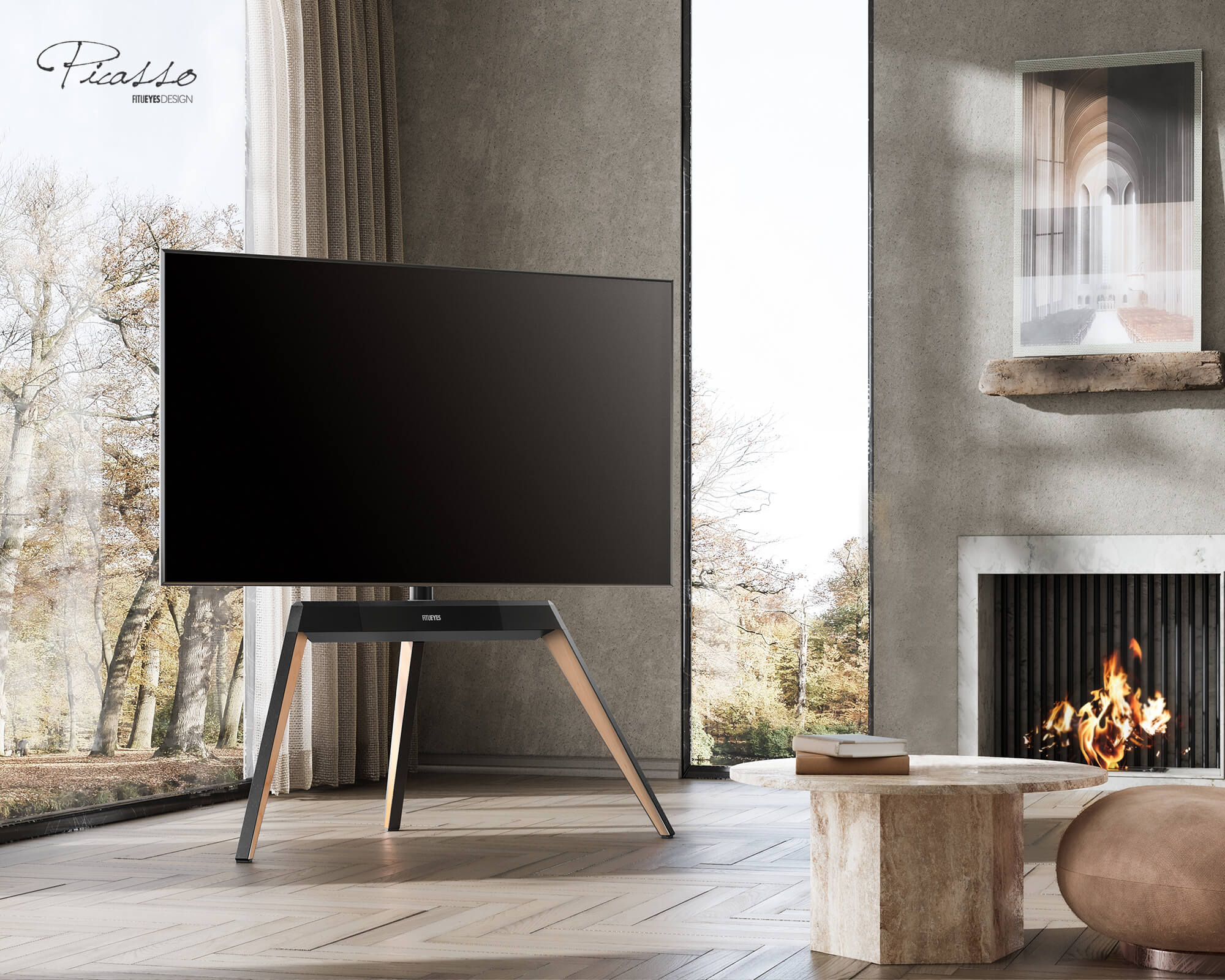
On an easel stand, this keeps wiring from cutting across the open space between the legs. The Picasso FT65 TV Stand incorporates a magnetic back panel for concealed wiring, allowing cords to follow the rear structure while preserving its beechwood tripod silhouette. Leave slack for its permitted adjustments before closing the panel. It accommodates compatible 32–65-inch TVs (about 81–165 cm diagonally), subject to its weight and VESA specifications.
Do not use a forward-facing leg, compress cables with tight ties, or attach them to a moving joint.

Connect Shelf Devices and Keep Wheels Clear
Run each device cable from the back of its shelf toward the hollow column, rear cover, or rear support used by the TV cables. Avoid diagonal wires and loose coils beneath heat-producing equipment, and keep every plug accessible.
Separate bulky adapters from loose cable loops so their weight does not hang from device ports. Use only suitable, ventilated storage locations; do not wedge adapters or power strips into a narrow wiring channel.
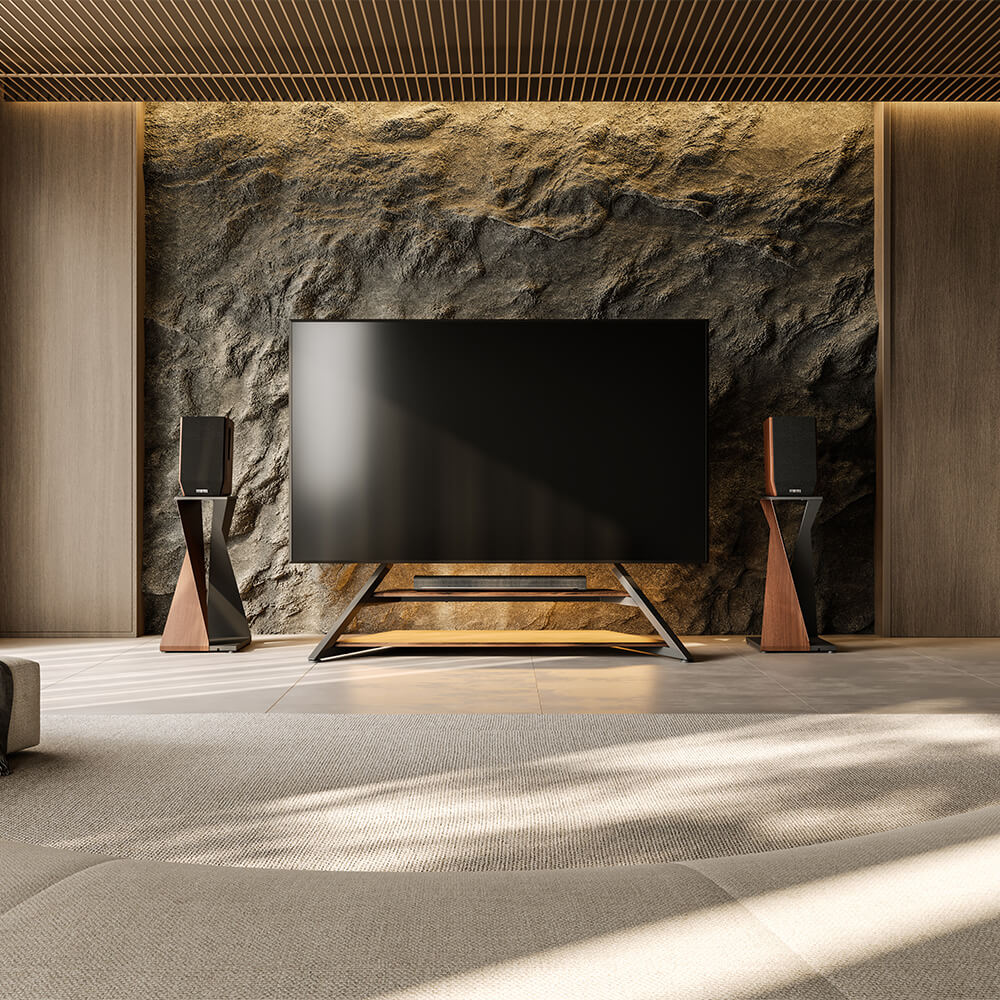
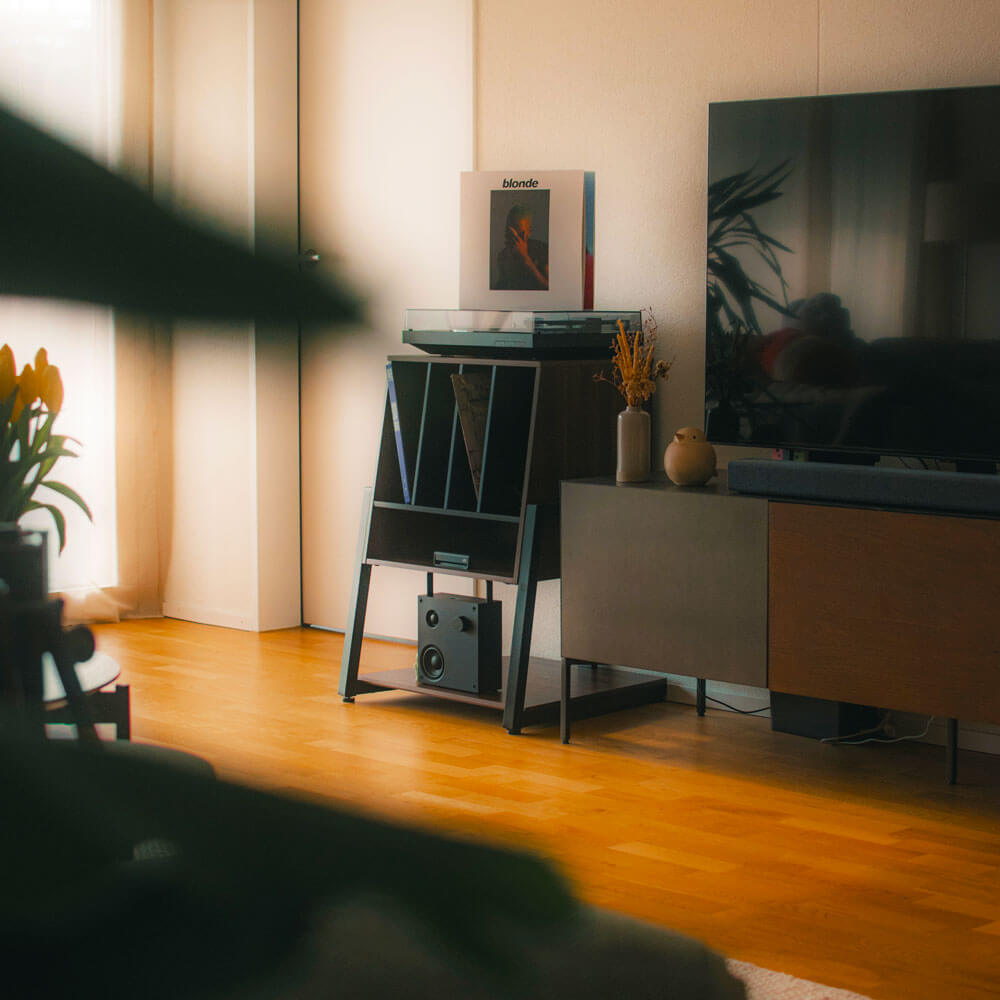
Bring cables down a fixed rear support, away from casters and base edges. Shelf-mounted devices can move with the stand, but cords leading elsewhere may need disconnection first. Because rolling TV stands use different shelf, base, and routing arrangements, inspect the whole path before moving the screen.
Complete the Route From the Stand to the Outlet
For an outlet directly behind the stand, bring the cable out through the rear so the column or base screens it. Do not pinch the plug or block access to the receptacle.
For an outlet farther away, measure the actual route down the stand and along the wall—not just the straight-line distance. Moving the stand closer to the outlet may remove an exposed section entirely. Otherwise, guide the cord toward the nearest wall and follow the baseboard with suitable clips or a surface raceway approved for the cables it will contain.
Once the cord reaches the wall, the remaining problem is no longer the floor stand itself but how to conceal the exposed wall section. If that section is still visible, these methods for hiding TV wires without cutting the wall explain surface-mounted routes in more detail.
If the power cord cannot reach the outlet, do not stretch it or connect multiple extension cords together. For a permanent setup, consider repositioning the stand or having a qualified electrician install a suitably located outlet. Keep power cords out from under rugs and away from doorways and wheel paths.
Test the Finished Route and Adjust Any Exposed Sections
A cable route is not complete until it works through every adjustment the stand is designed to make.
There is no universal slack measurement. Test every permitted position, then confirm that no cable is stretched, pinched, blocking ventilation, or entering a joint, wheel, or walkway.
If something still looks untidy, correct the specific section rather than tightening the whole bundle:
|
What you notice |
What to adjust |
|
A loop hangs below the screen. |
Move genuinely excess length to a supported location, preserving the slack needed at the mount. |
|
A cable shows beside a leg. |
Reposition it along the rear support, then check it from your normal seat before refastening. |
|
A cover bulges or will not close. |
Remove the pressure point; reroute bulky connectors or move equipment to suitable storage. |
|
The outlet lead crosses open floor. |
Reconsider the stand’s position or take the route toward the wall before concealing it. |
Reconnect and test the equipment before making the final adjustments to ties and covers. This makes a loose connection easier to find without undoing the entire route.
FAQs
Can a Streaming Box Stay Behind the Stand’s Cover?
Only if the space is intended for equipment storage and provides the ventilation the device requires. Check access to connectors and test the remote before closing the cover: some controls need an unobstructed signal path. If operation becomes unreliable, reposition the device rather than packing it farther inside.
How Much Slack Should I Leave for a Swiveling TV?
Test both permitted swivel limits. The cable should remain relaxed without entering the joint or hanging toward the floor; the required amount depends on the setup.
Will a Cable Sleeve Hide All the Cords?
Bundling cannot correct a poor route. Direct each cable first, store excess length behind the stand, and combine only cables traveling in the same direction.
Make Cable Management Part of the Room
A tidy setup keeps the screen’s connections accessible while giving each cable a clear path. Removable covers, reusable ties, and labels also make later changes easier when you add a device or rearrange the room.
If you are choosing a new stand, compare its routing channels, concealed storage, shelves, and mobility with the equipment you actually use. FITUEYES offers floor TV stands with different approaches to these needs, so the cable route can work with the furniture’s design from the start.