


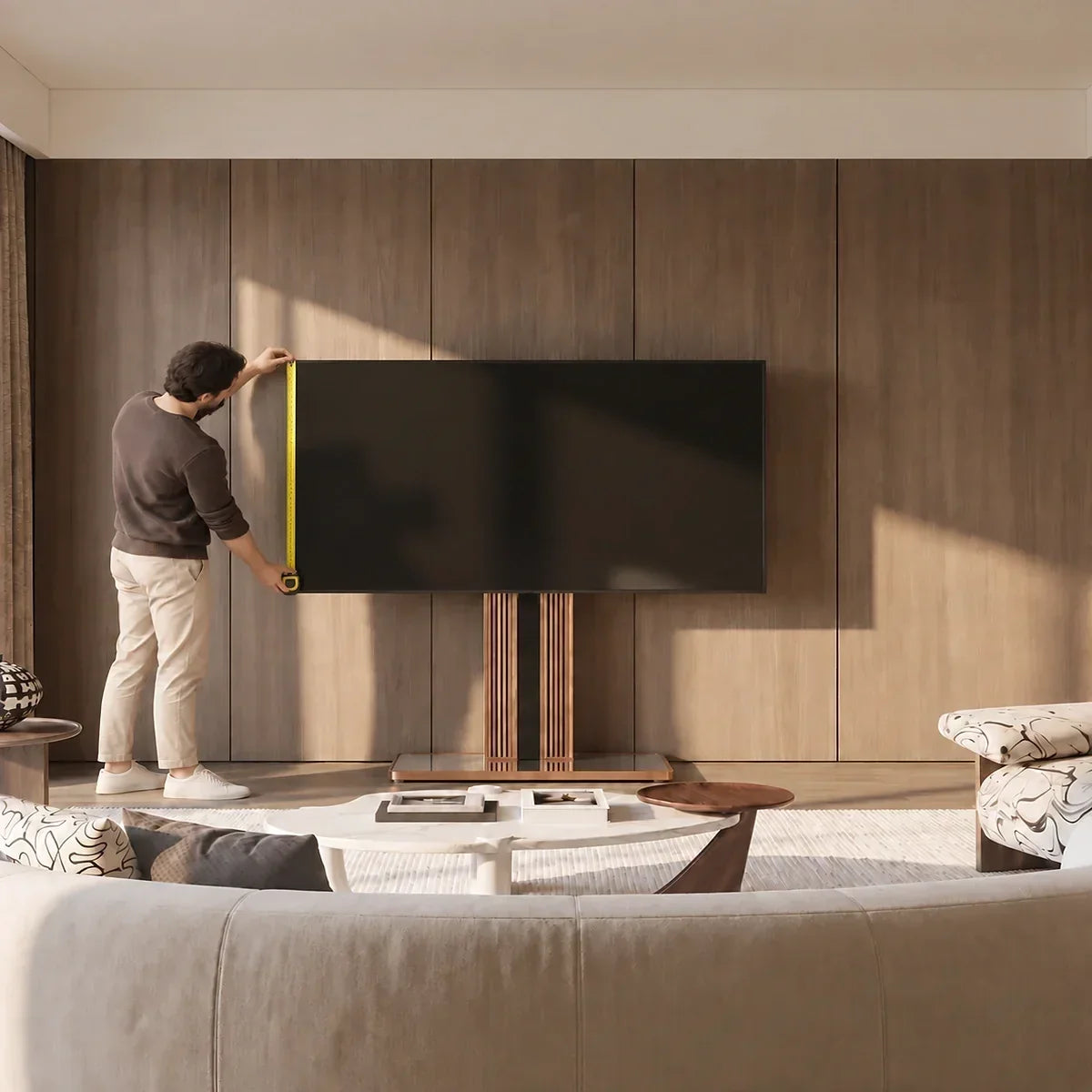
How do you measure a TV correctly? Measure the visible screen diagonally from one corner to the opposite corner to find its advertised screen size. To find out whether the TV will fit your furniture, wall space, or mount, you also need its full width, height, and depth. Depending on the setup, you may need to record the dimensions both with and without the original stand.
For example, a 65-inch TV is not 65 inches wide; the number refers to the diagonal of its visible screen. Moreover, two 65-inch models can have different frames, feet, and rear profiles.
Know Which Part of the TV You Are Measuring
Separate screen size from overall TV dimensions. They describe different physical boundaries.
- Screen size: the diagonal of the visible picture, excluding the bezel and stand.
- Overall width: the TV’s full left-to-right dimension, including the bezel.
- Height without the stand: the TV body from top to bottom.
- Height with the stand: the top of the TV to the bottom of its feet or pedestal.
- Depth without the stand: the TV body’s maximum front-to-back thickness.
- Depth with the original stand: the TV’s maximum front-to-back dimension after its original feet or pedestal is installed.
-
Footprint depth: the front-to-back space occupied by the original feet or pedestal on the supporting surface.
Manufacturer specifications often separate “with stand” and “without stand” dimensions. Use the set that matches the support method; the advertised diagonal cannot reveal outer dimensions that vary with the frame, speakers, feet, and rear components.
This distinction matters when comparing TV stands because the term covers different structures. A cabinet supports the original feet, so the tabletop and foot span determine fit. A floor mounting stand uses the rear VESA holes, making VESA spacing, weight, and hole position decisive. Wall mounts also use VESA but add wall and bracket requirements. If those measurements do not match, the feet may overhang the furniture, the mounting holes may not align, or the support may not be rated for the TV’s weight.

How to Measure a TV Screen Size?
If you want to know how to measure a TV screen, place the end of a tape measure at one corner of the visible picture area. Extend it diagonally to the opposite corner, keeping the tape straight across the screen. Do not begin or end at the outside edge of the bezel.
Record the result in inches; divide centimeters by 2.54.
Your result may not match the advertised whole number exactly because manufacturers may use rounded size classes. A 55-inch-class model can therefore have a fractionally smaller viewable diagonal.
Approximate Screen Dimensions and 40° Viewing Distance
Before choosing a model, this chart helps estimate how much space the visible picture will occupy and how far the main seat might be from the screen. It shows the approximate dimensions of a 16:9 screen and the viewing distance that produces a horizontal viewing angle of about 40°. Use the distance as a starting point, then adjust it for your room and viewing preference.
|
Advertised TV size |
Approx. visible width |
Approx. visible height |
Approx. Distance for a 40° View |
|
32 inches |
27.9 in / 70.8 cm |
15.7 in / 39.8 cm |
3.2 ft / 1.0 m |
|
42 inches |
36.6 in / 92.9 cm |
20.6 in / 52.3 cm |
4.2 ft / 1.3 m |
|
43 inches |
37.5 in / 95.2 cm |
21.1 in / 53.5 cm |
4.3 ft / 1.3 m |
|
50 inches |
43.6 in / 110.7 cm |
24.5 in / 62.3 cm |
5.0 ft / 1.5 m |
|
55 inches |
47.9 in / 121.8 cm |
27.0 in / 68.5 cm |
5.5 ft / 1.7 m |
|
60 inches |
52.3 in / 132.8 cm |
29.4 in / 74.7 cm |
6.0 ft / 1.8 m |
|
65 inches |
56.7 in / 144.0 cm |
31.9 in / 81.0 cm |
6.5 ft / 2.0 m |
|
75 inches |
65.4 in / 166.0 cm |
36.8 in / 93.4 cm |
7.5 ft / 2.3 m |
|
85 inches |
74.1 in / 188.2 cm |
41.7 in / 105.8 cm |
8.5 ft / 2.6 m |
|
98 inches |
85.4 in / 217.0 cm |
48.0 in / 122.0 cm |
9.8 ft / 3.0 m |
The width and height figures describe only the visible screen. They do not include the bezel, TV body, feet, or stand. Viewing distance is also a starting point rather than a fixed rule; room layout, content, and personal preference may lead you to sit farther away.
How to Measure TV Width, Height, and Depth?
Screen size identifies the TV class; the following measurements determine whether it will fit.
Measure the TV’s Full Width
Run the tape horizontally from the farthest left edge to the farthest right edge, including the frame. Compare the result with the usable inside width of a cabinet or alcove—not the furniture’s outside width.
Measure the Height for Your Planned Setup
If the TV will remain on its original feet, measure from its top to the lowest point of the feet or pedestal to check a shelf or cabinet opening. If the stand will be removed, measure the TV body alone to map its final top and bottom edges. Installed height still depends on the mounting-hole position and bracket adjustment range.
Measure the Maximum Depth
From the side, measure between the TV’s farthest forward and rearward points. For a tabletop setup, measure again with the stand attached. For a mounted setup, account separately for the mount, plugs, cable bends, and access to ports.
Measure the TV at its thickest point rather than using the slim outer edge as its depth. Keep cable clearance separate from the product dimension.
Measure the Feet, VESA Pattern, and Weight Too
For a TV with two feet, measure their outside-to-outside span and front-to-back depth. Both feet need to rest fully on a stable surface.
For a mount, measure the horizontal and vertical center-to-center spacing of the four rear holes. Record it in millimeters, such as 200 × 200 mm. This is the VESA pattern.
Record the TV’s weight without its tabletop stand from the manufacturer’s manual or specifications. A “32- to 65-inch” label is only an initial filter: the TV’s VESA pattern and weight must fall within the mount’s limits, while the mounting hardware and any model-specific restrictions must also match.
For floor TV stands, also measure the available floor area and final screen position. VESA compatibility determines whether the TV can mount; the base footprint determines whether the setup works in the room.

Measure the Space Where the TV Will Go
Measure the usable width, height, and depth of the opening or surface. If you own the TV, compare those figures directly with your recorded dimensions. If the TV or stand has not arrived, use painter’s tape to mark the published foot or pedestal footprint on a tabletop, or the TV’s outer width and height near its planned location. This mock-up reveals conflicts with doors, shelves, and paths but does not replace the exact specifications.
Allow for the manufacturer’s clearance requirements, port access, and cable bends. If the screen will swivel, test its approximate corner positions too.
For delivery, check packaged dimensions against doors, elevators, stairs, and hallways. A TV matching an opening exactly may still lack room for connections, ventilation, mounting access, or screen movement.
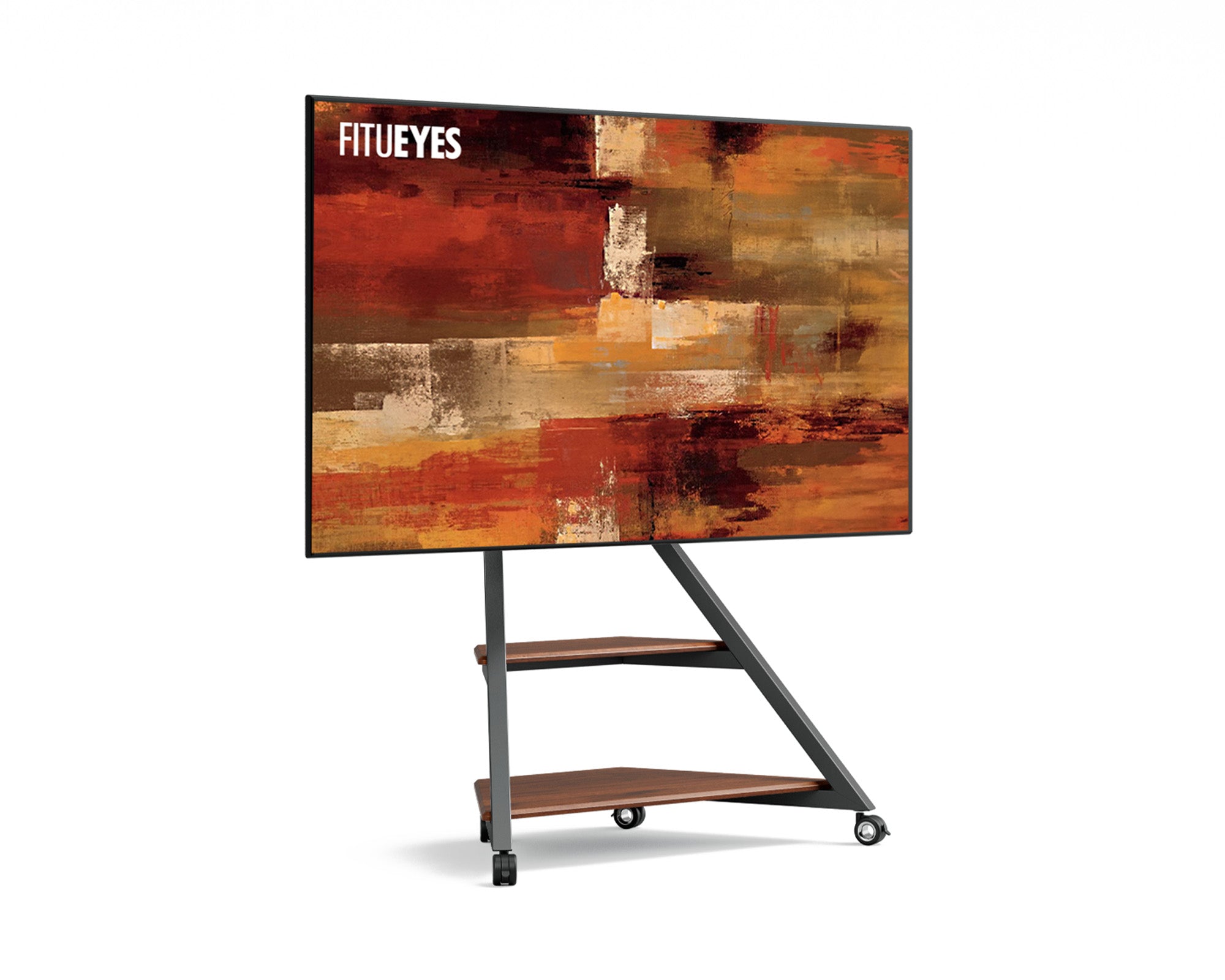
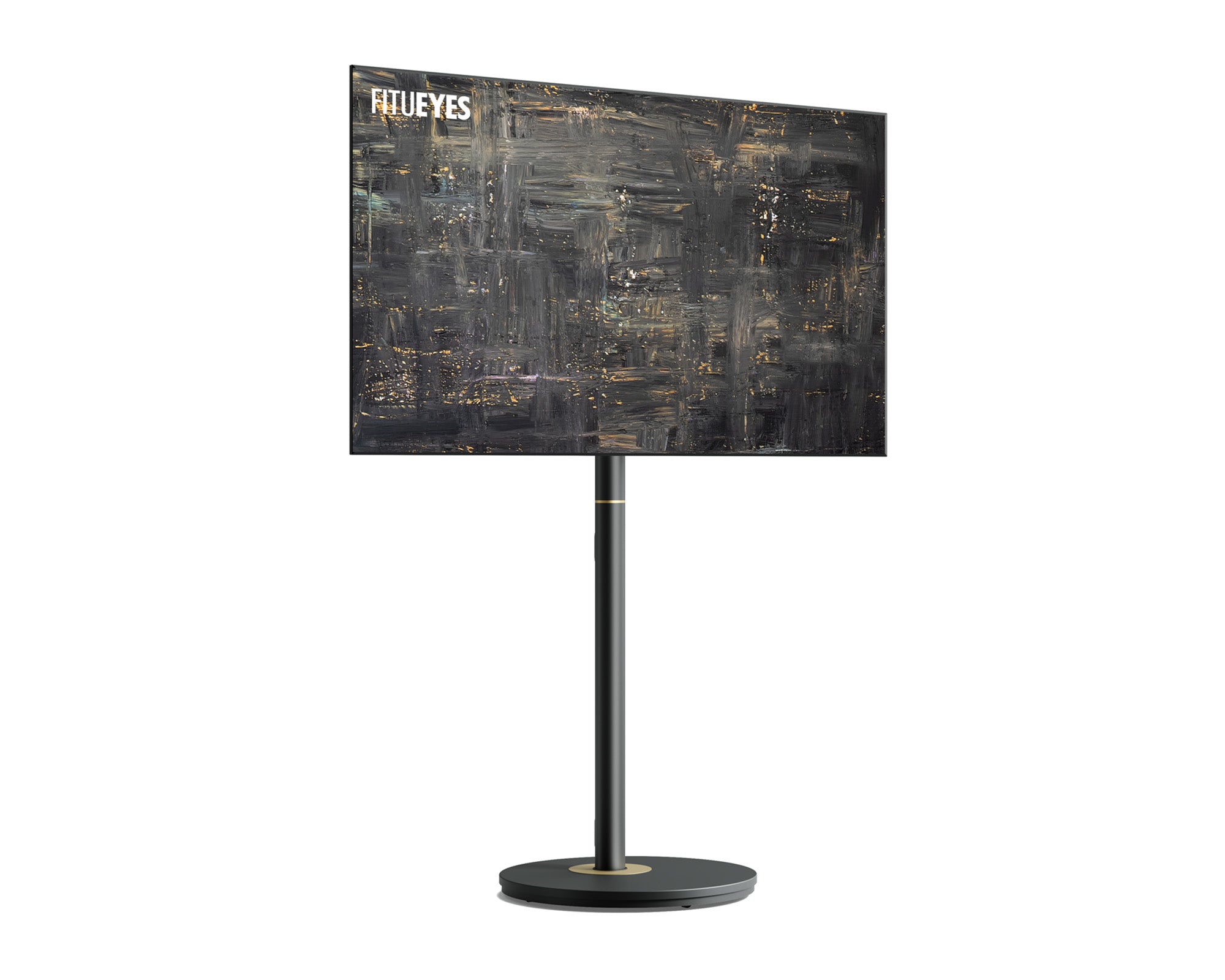
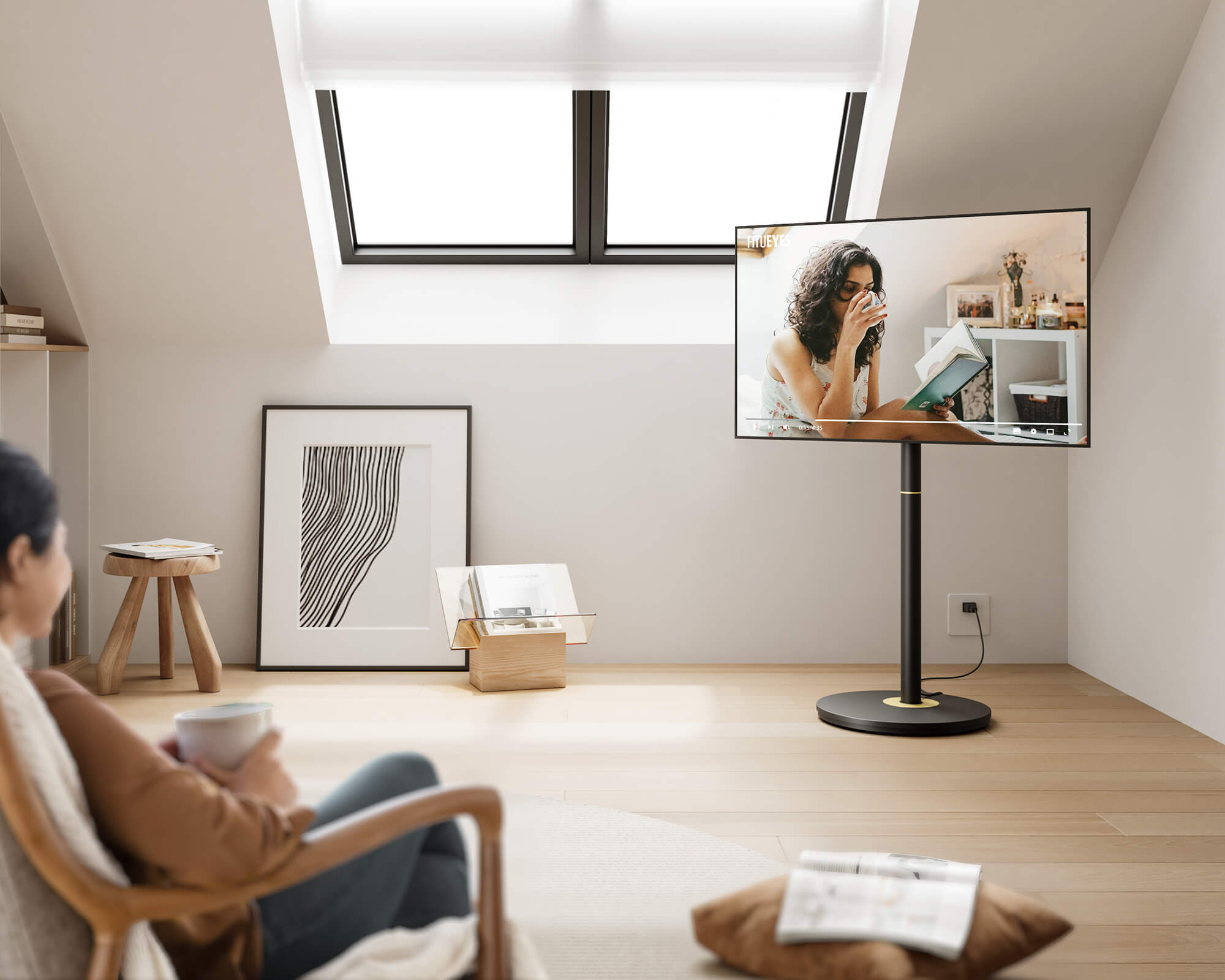
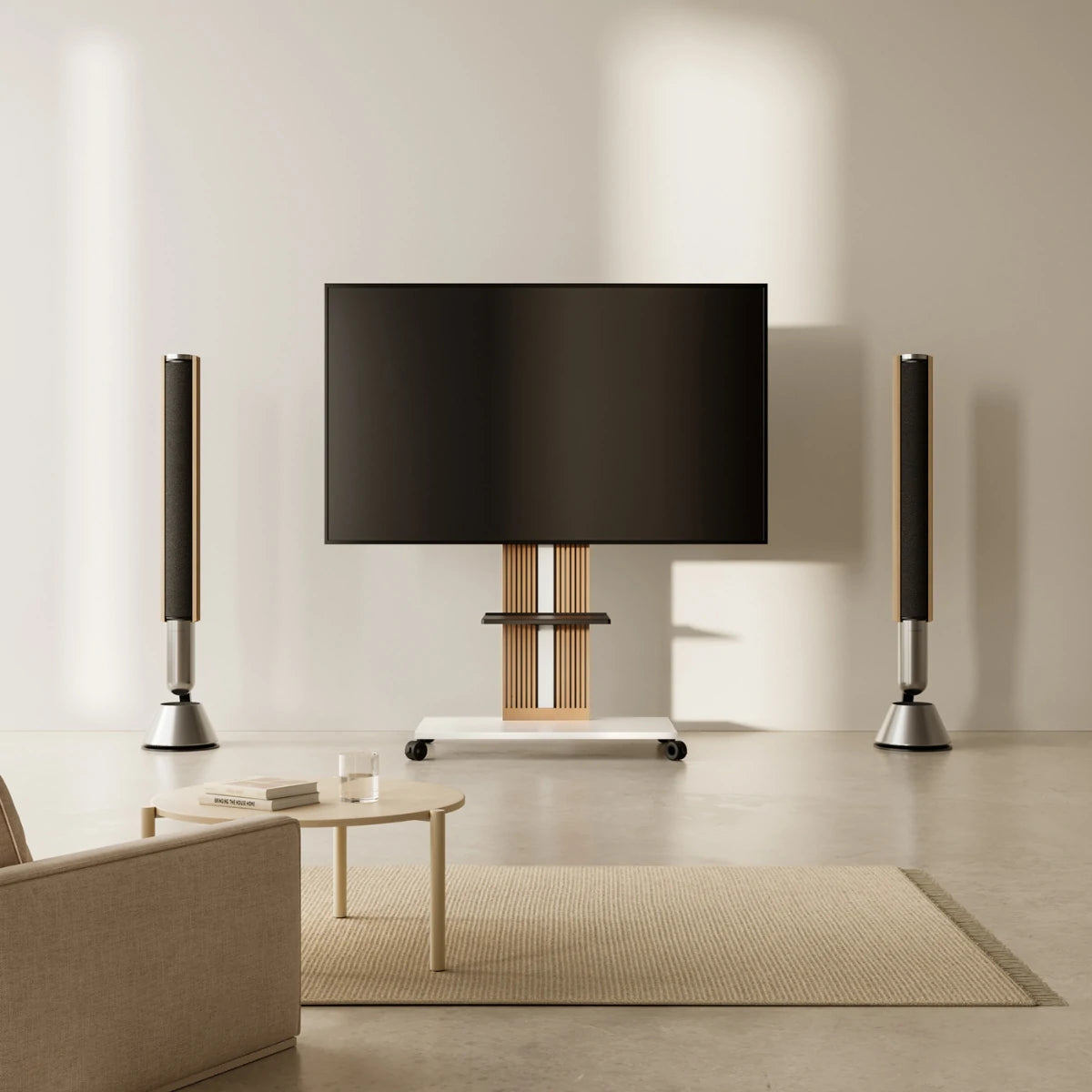
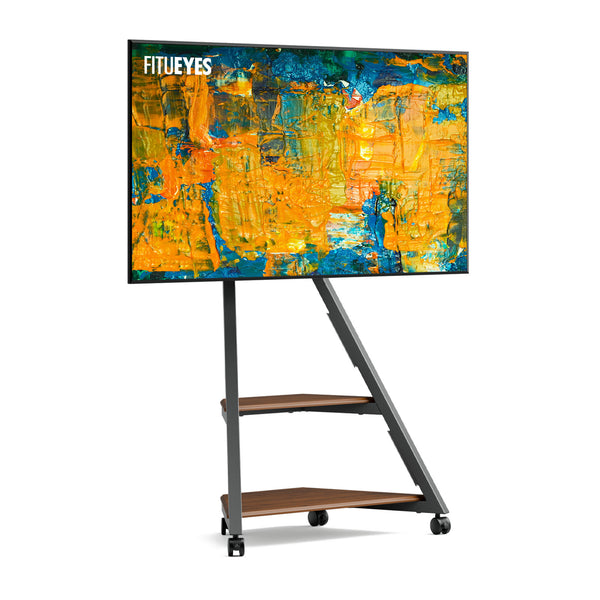
If the screen needs to move between a living area and a workout or work zone, map the narrowest doorway, floor transition, turning point, and available cable length. The Eiffel FT65 TV stand supports many 32- to 65-inch (81–165 cm) TVs, with VESA patterns from 100 × 100 to 400 × 400 mm and capacity up to 88 pounds (40 kg). Wheels or stationary feet support different room uses, while height adjustment, ±15-degree swivel, and tilt help refine the view at the destination. Check route width and base clearance, then confirm the TV’s exact VESA pattern and weight.
Once the available surface has been measured, you can choose the right TV stand size without confusing cabinet dimensions with VESA-mount compatibility.
Use Your Measurements to Choose a Support Method
The required measurements depend on the support structure.
|
Support method |
TV information to check |
Space to measure |
A workable match requires |
|
Original feet on a cabinet |
Dimensions with stand, foot span, foot depth, total weight |
Usable top width and depth, overhead clearance |
Every foot rests fully on the surface, the furniture meets the load requirement, and connections remain accessible |
|
Wall mount |
Dimensions and weight without stand, VESA pattern, mounting-hole position |
Wall area, bracket depth, port and cable clearance |
The mount, television, hardware, and wall installation conditions all match their instructions |
|
VESA floor stand |
TV weight, VESA pattern, screen size, mounting-hole position |
Base footprint, screen position, swivel or rolling clearance |
All compatibility limits are met and the installed screen and base suit the room |
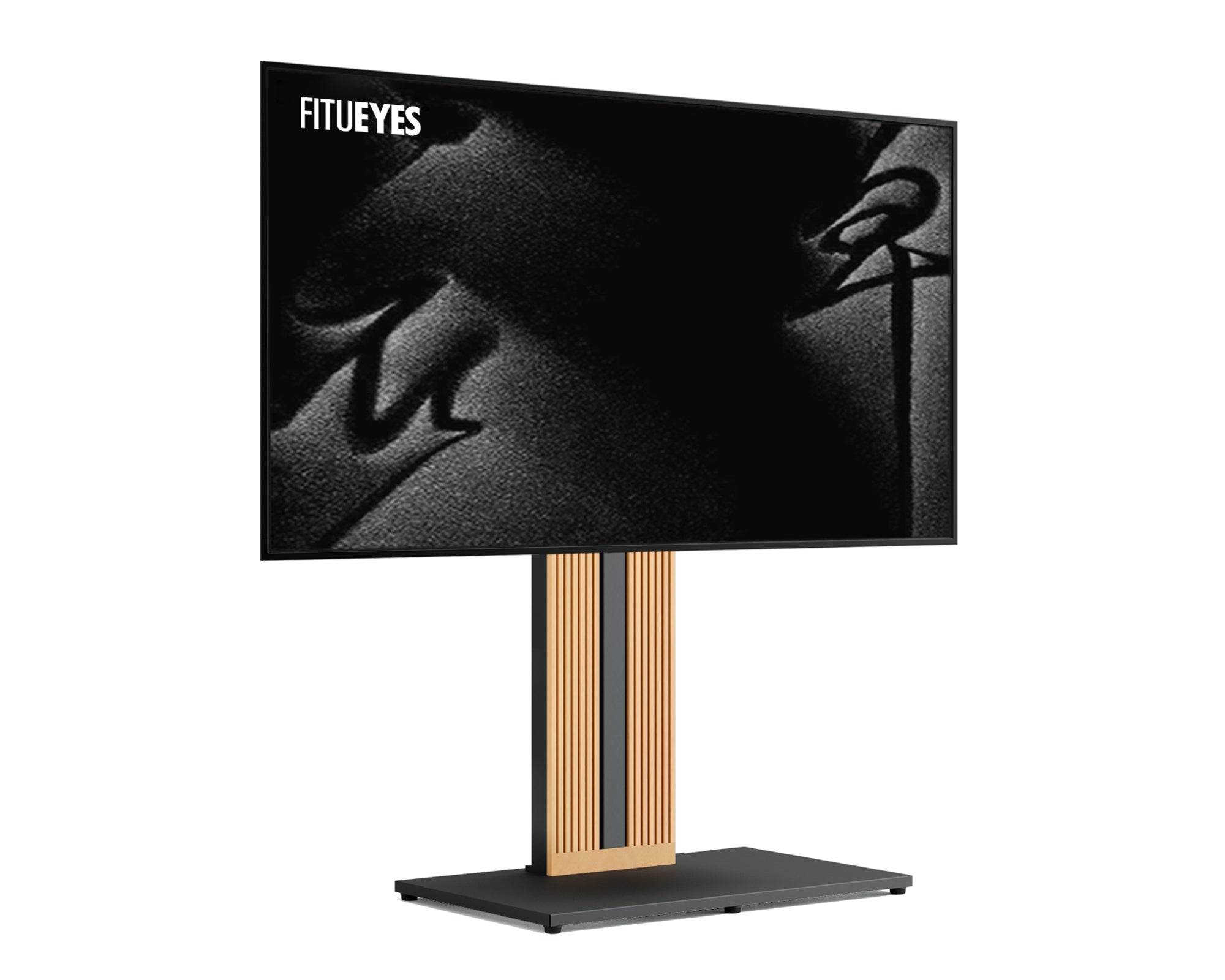
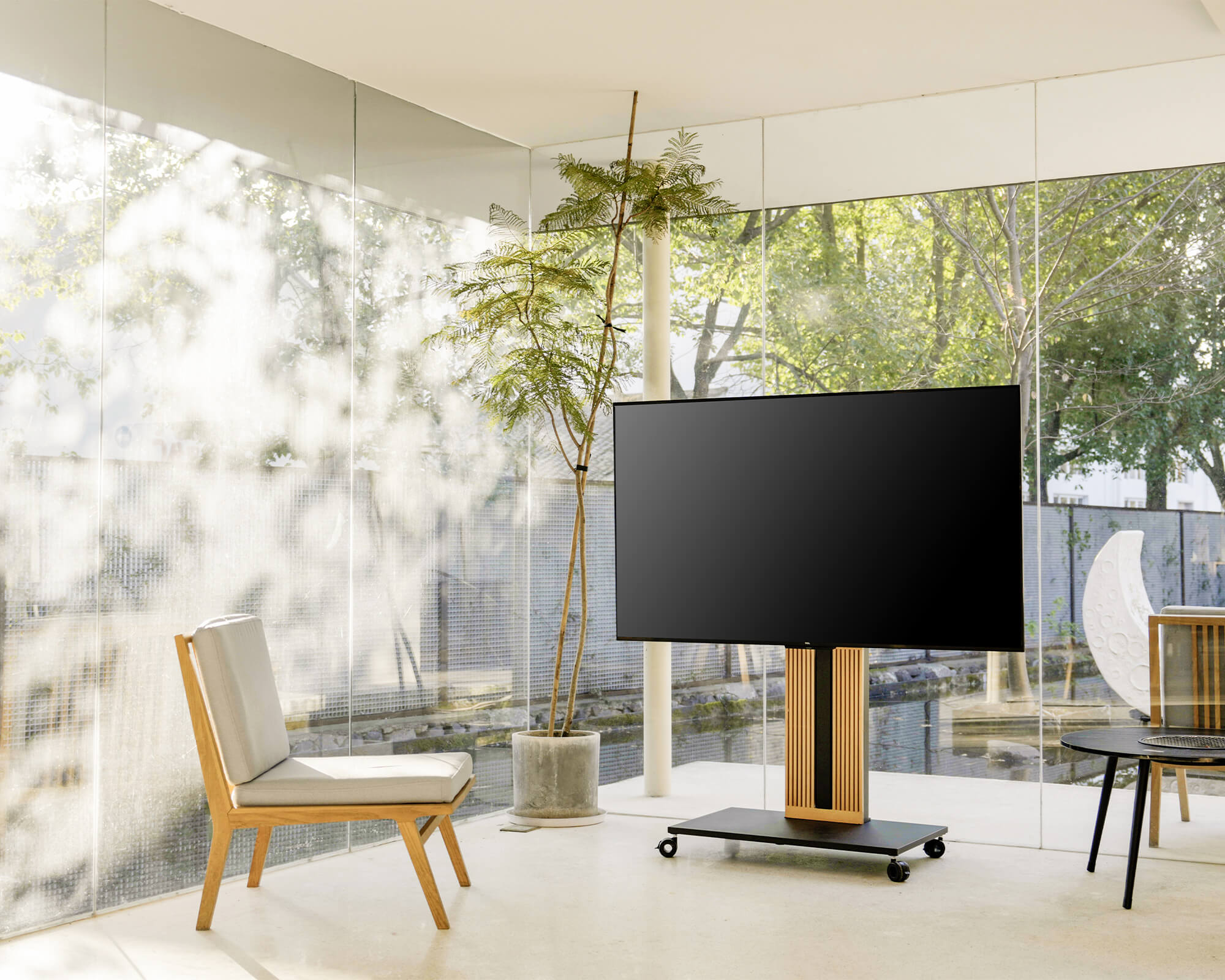
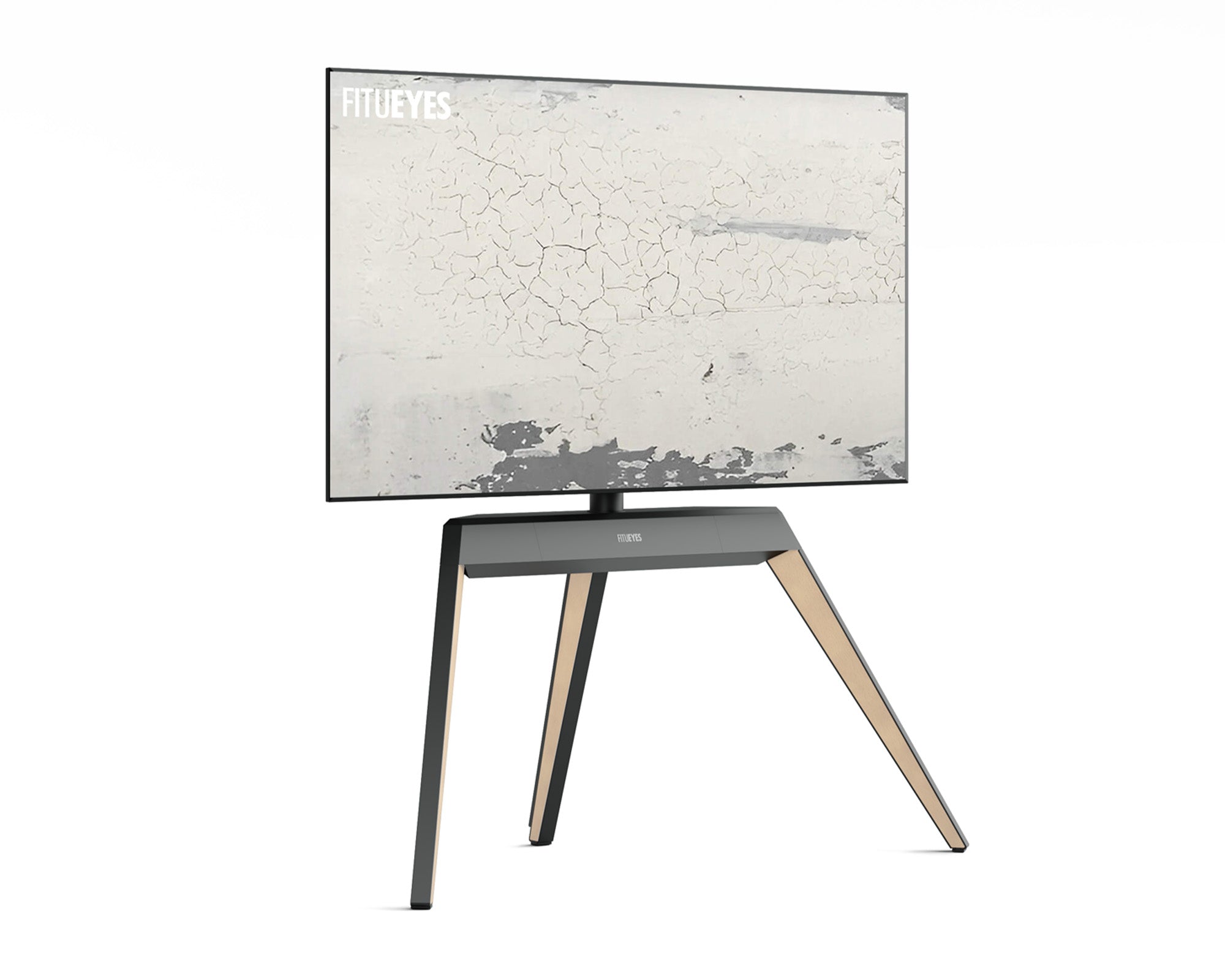
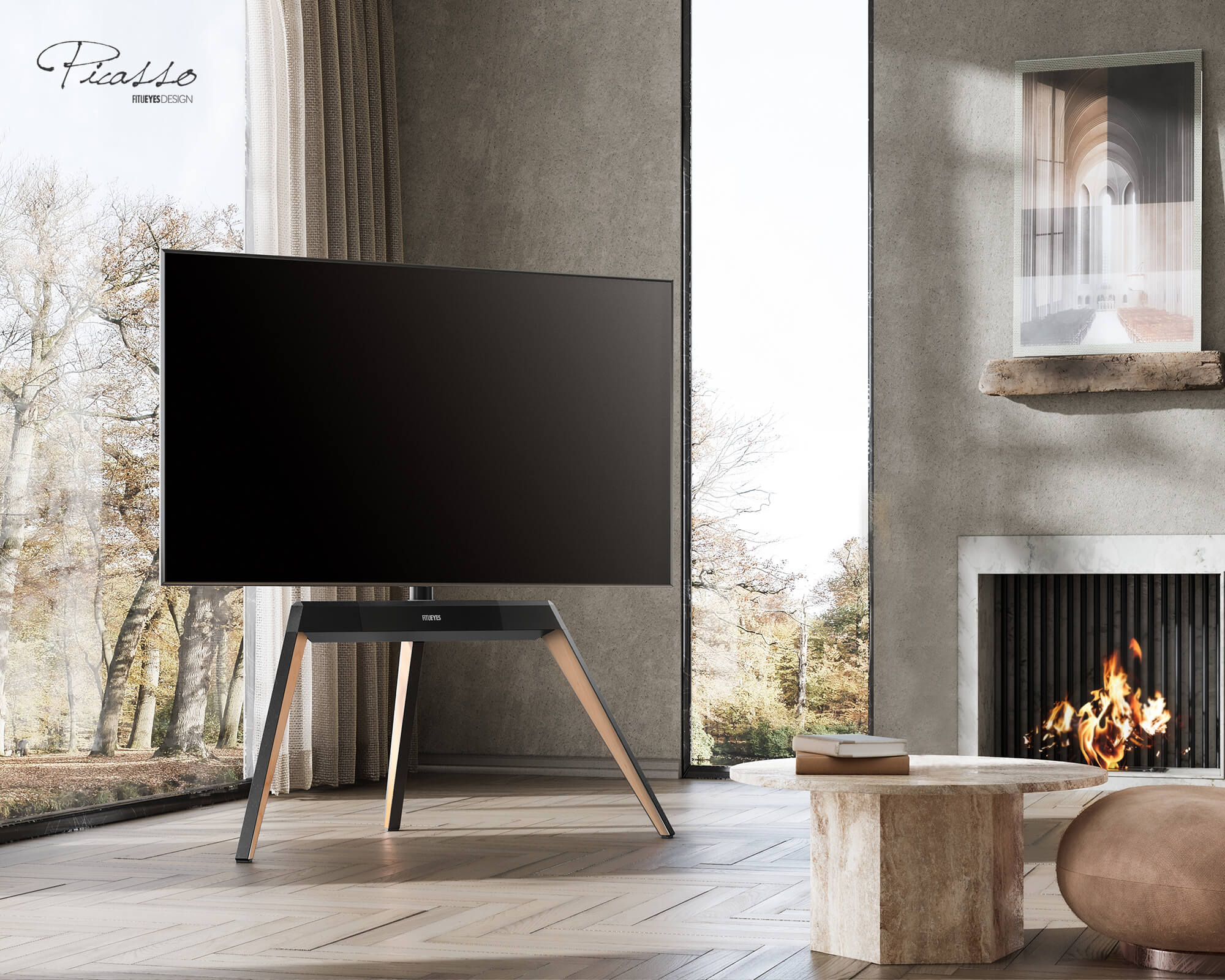
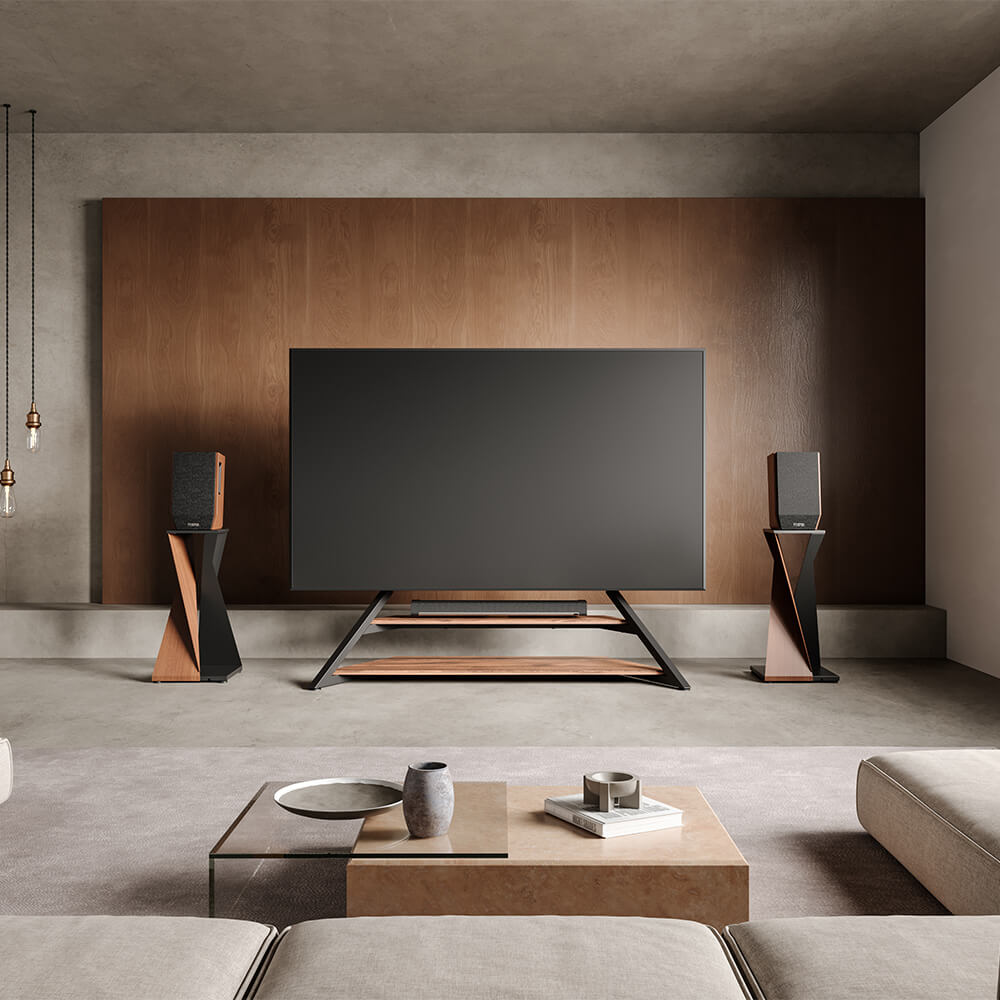
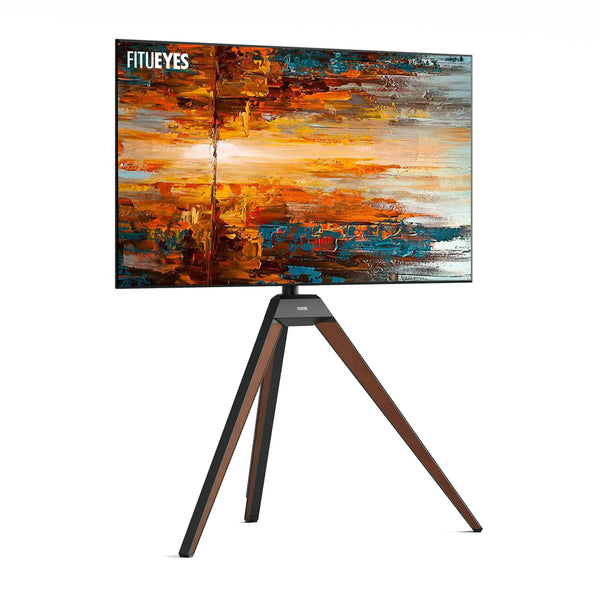
A floor stand becomes especially useful when the existing cabinet is too shallow for the TV’s feet or wall mounting is not practical. Once the VESA pattern, weight, and base footprint have been checked, the remaining question is how the screen needs to behave in the room. A rolling base suits frequent movement, while a fixed stand may work better when the TV stays in one area but must turn toward off-center seating. In that second situation, the Picasso FT65 TV stand combines an easel-style wood-and-steel structure with six-inch (15.2 cm) height adjustment and ±20-degree swivel. It supports many 32- to 65-inch (81–165 cm) TVs up to 77 pounds (35 kg), but its VESA range begins at 200 × 100 mm. Measure the footprint and confirm VESA and weight before treating the screen range as a match.
Final TV Measurement Checklist
Before choosing furniture or a mount, record:
- Screen diagonal
- Overall width
- Height with and without the original stand
- Depth with and without the original stand
- Foot span and foot depth
- TV weight without the stand
- VESA pattern
- Available width, height, and depth
- Cable, port, ventilation, and movement clearance
Let Accurate Measurements Shape the Room
Measurements reveal whether the room works better with a cabinet, wall mount, movable base, or fixed floor stand. They also show where the screen edges and support footprint will fall and whether cables or movement will disrupt nearby furniture.
Once those conditions are clear, design becomes a useful final filter. FITUEYES treats floor TV stands as audiovisual furniture, offering different silhouettes, materials, movement options, and cable solutions. Confirm VESA, weight, and footprint first; then choose the form that suits how the room should look and function.

FAQs
Will a 65-inch TV Fit in a 60-Inch-Wide Space?
A standard 16:9 65-inch screen is approximately 56.7 inches wide, but that figure excludes the bezel and TV body. Some 65-inch models may fit within a 60-inch opening, while others may leave too little room for installation, ventilation, or access. Compare the opening with the exact model’s overall width rather than relying on the advertised diagonal.
How Much Extra Space Should I Leave Around a TV?
There is no single clearance that applies to every television. Follow the TV manufacturer’s ventilation and installation requirements, then allow additional room for plugs, cable bends, port access, mounting work, and any planned swivel movement. An opening that only matches the TV’s outer dimensions may still be too tight to use safely or conveniently.
Can Two TVs With the Same Screen Size Have Different Dimensions?
Yes. TVs with the same advertised diagonal can have different bezels, speakers, rear housings, feet, and pedestals. Use a size chart for initial planning and the exact model’s specifications for the final fit decision.
Which Measurements Should I Use to Plan TV Delivery?
Use the packaged dimensions and packaged weight rather than the bare TV dimensions. Compare the box with the narrowest doorway, elevator opening, hallway, stair landing, and turning point along the delivery route. Keep the television in the orientation required by the manufacturer during transport, and do not assume a TV that fits its final location will fit through every part of the route.