





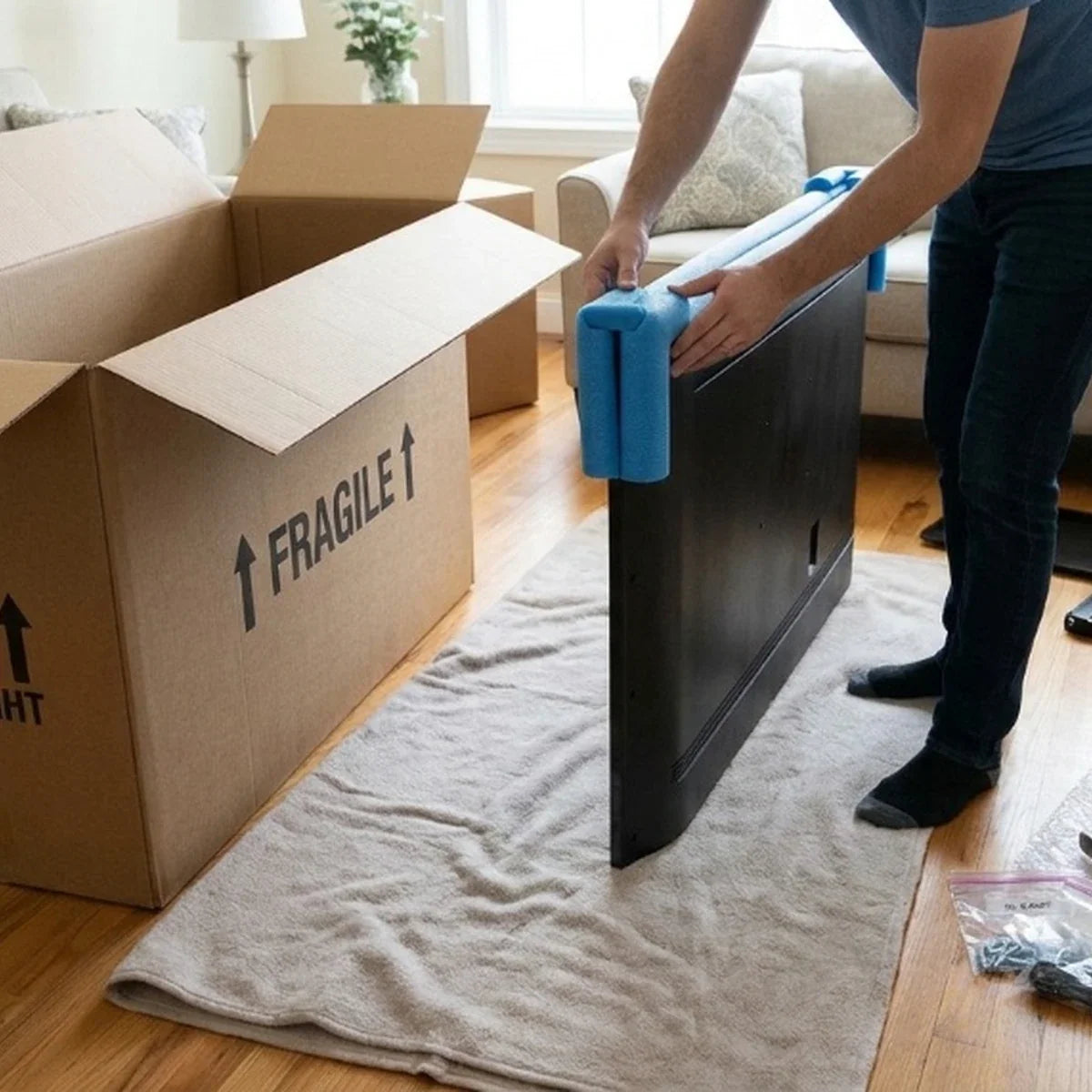
To pack a TV for moving without its original box, find a suitable replacement TV carton with compatible protective inserts before disconnecting the screen. Prepare the television according to its transport instructions, pack accessories separately, and secure the protected set inside the carton. Plan how the package will pass through your home and fit into the vehicle before lifting it.
Missing the original packaging does not mean moving the television unboxed. A blanket can cushion surfaces, but it does not provide the structure, edge protection, or controlled support of appropriate transport packaging. The replacement needs to suit your television’s construction as well as its dimensions.
Choose Replacement Packaging Before Taking the TV Apart
Start with the television’s model number and transport instructions. Check the recommended carrying position, permitted handling points, and any preparation required for your particular screen. Thin panels, curved televisions, and models with projecting components may need packaging that differs from a standard flat-screen carton. Measure the actual body width, height, and depth, then compare those measurements with the replacement packaging’s supported range. The advertised screen size is a diagonal measurement and cannot confirm the fit by itself.
A purpose-made TV moving kit can provide a carton and matching protective components, but check exactly what is included. Confirm that its corner supports and inserts accommodate your television without pressing against delicate areas. Follow the kit’s instructions for fitting and closure; a carton that closes only when forced against the set is not an acceptable match. If compatibility is unclear, obtain guidance from the packaging supplier or a professional packer before removing the television.
Prepare these items before starting:
- A correctly sized TV transport carton and compatible protective inserts.
- Screen protection specified or permitted by the TV and packaging instructions.
- Packing tape, labels, and separate bags for small components.
- A clear preparation area and enough people to handle the television safely.
Having everything ready prevents a detached television from being left unsupported while you search for materials.
Disconnect the TV and Pack Its Accessories Separately
Photograph the connections while the setup is intact, then switch off, unplug, and allow the equipment to cool as instructed. Disconnect removable cables and external devices without pulling on their leads. Label cables where several connections look alike, and package the remote, power supply, and other accessories separately. Nothing loose should share the television’s compartment where it could strike the panel or damage a connector during transport.
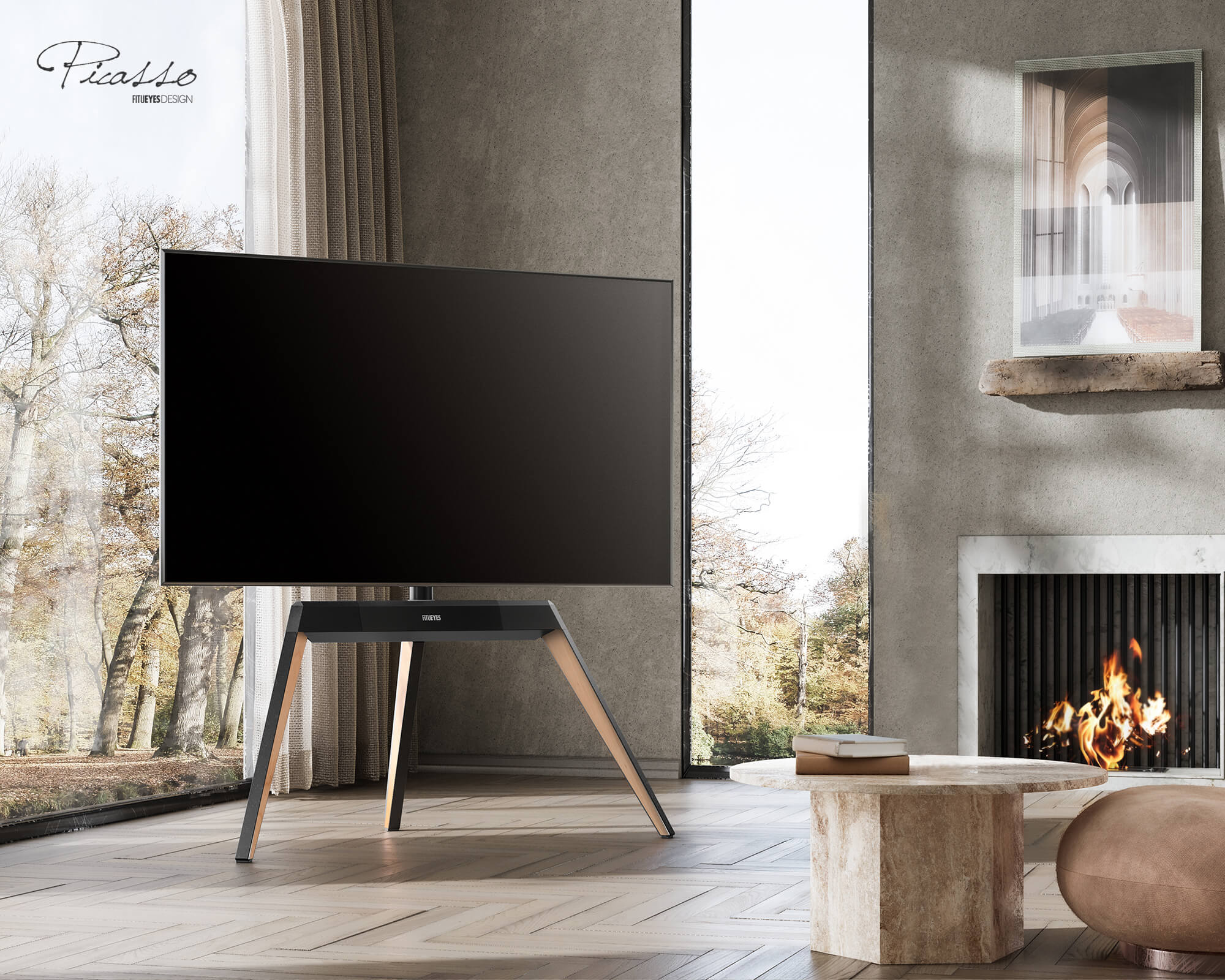
Before releasing the television, identify how it attaches to its current support. VESA-mounted floor TV stands, tabletop feet, and wall brackets have different securing arrangements, so follow the instructions for your exact setup. Prepare the receiving surface and arrange enough people to support the television before loosening any connection. If it is fitted to a FITUEYES support, use the corresponding installation manual to identify the attachment structure, alongside the television’s own handling instructions.
Bag screws with the component they belong to and label the bags clearly. Keep original feet and mounting hardware identifiable, but do not assume that foot screws and VESA screws are interchangeable. Leave screws out of the television unless its instructions specifically require them to be refitted for transport, and pack detached hardware away from the screen.

Protect the Screen and Secure the TV Inside the Box
Use Screen and Corner Protection That Fits the TV
Follow the television and moving kit instructions for the protective layer placed around the screen. Keep tape and adhesive labels off the panel, and check that any material touching the television is clean and permitted for that surface. Do not assume that a household blanket, rough cardboard, or a tight layer of stretch wrap is appropriate against every display. Prepare the panel in the position specified for the model, with sufficient support throughout the process.
Fit the protective corners or edge supports where the packaging system requires them. They should accommodate the television’s shape without concentrating pressure on a thin section, button, or projecting housing. Handle the set at its approved gripping points while positioning it in the carton. If fitting the inserts requires bending the television or pressing on the picture area, stop and resolve the packaging mismatch.
Prevent Movement Without Pressing on the Panel
The packaging should control movement through its designed supports, not through pressure applied across the screen. Check that the inserts are seated correctly, the television is held as intended, and the carton closes normally. Fill or adjust spaces only as directed by the packaging instructions. Adding material wherever a gap is visible can create an unwanted pressure point, especially if it pushes the panel toward the opposite side of the box.
Inspect the completed arrangement without shaking the television or pressing the screen to test it. If the set can slide within its supports, correct the fit before sealing the carton. Secure the outer packaging as instructed and mark the required orientation, fragile contents, and screen side where applicable. These markings help handlers recognize the package, but they do not replace suitable protection or careful loading.
Plan the Carrying Route and Secure the TV for Transport
Measure the packed carton, including handles and projecting sections, before checking doors, stair turns, elevators, and the vehicle opening. A route that accommodated the unboxed television may not accommodate its protective packaging. Clear obstacles and arrange the necessary handlers before carrying begins, taking the package’s size and weight into account. Use only the carrying points approved by the packaging system, and never treat exposed television components as handles.
When planning how to transport a TV, confirm that the vehicle can accommodate the required orientation before loading it. Transport flat-screen televisions upright unless the manufacturer specifies otherwise, and follow the packaging instructions. Do not change that arrangement simply because laying the carton down would make it fit. If the package cannot be loaded appropriately, use a different vehicle or a suitable moving service.
Secure the carton using appropriate vehicle anchor points and a method that prevents shifting without crushing the package. Keep straps away from direct contact with the television, and do not tighten them against an unsupported screen area. Separate the carton from objects that could fall, slide, or puncture it, and place nothing on top. Even a short journey includes braking, turns, and road vibration, so distance alone does not justify loose loading.
Unpack and Check the TV Before Setting It Up Again
Prepare the television’s next support before opening the package. Follow the carton’s unpacking instructions and maintain the required support while removing inserts; do not pull the television out by the panel or allow it to tip as protection is removed. Check the housing, connectors, and screen for visible damage. If the equipment has experienced a significant temperature change, moisture exposure, or condensation, follow the manufacturer’s requirements before connecting power.
If you still have the original feet or a compatible stand, reinstall them using the correct hardware and instructions. A new wall requires its own installation assessment, so previous fixings should not automatically be reused. This guide to TV stand compatibility and installation explains the checks for restoring a VESA-mounted setup.
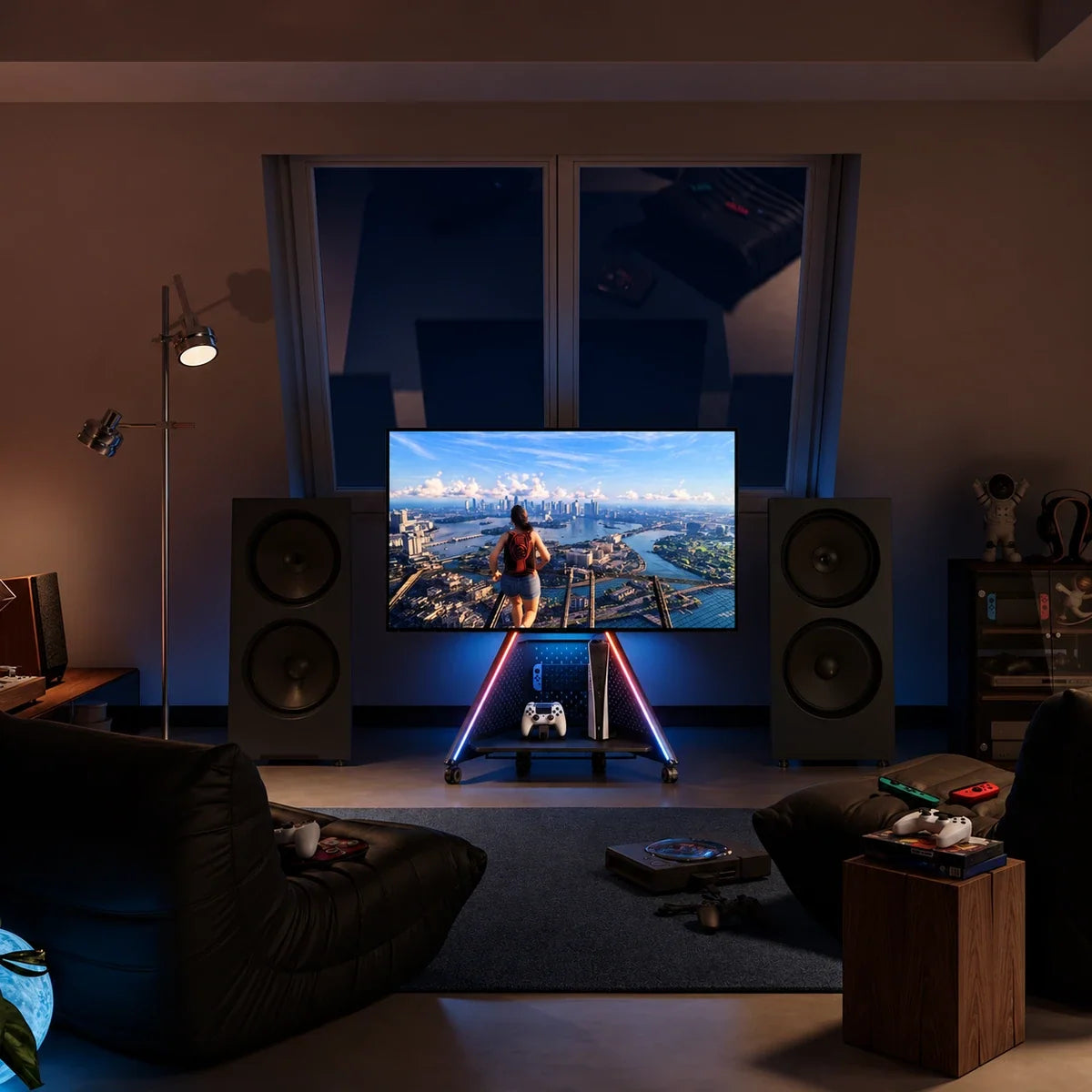
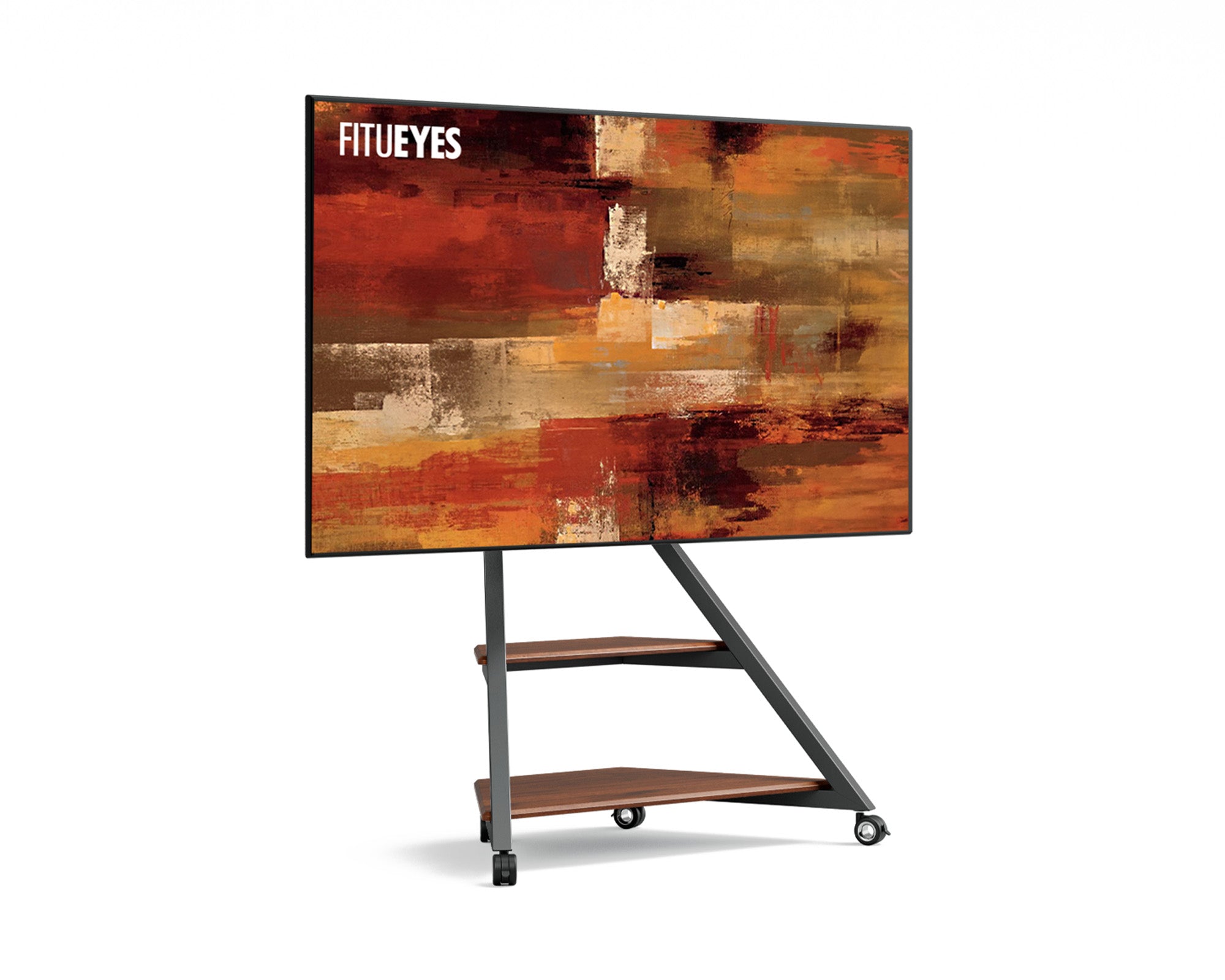
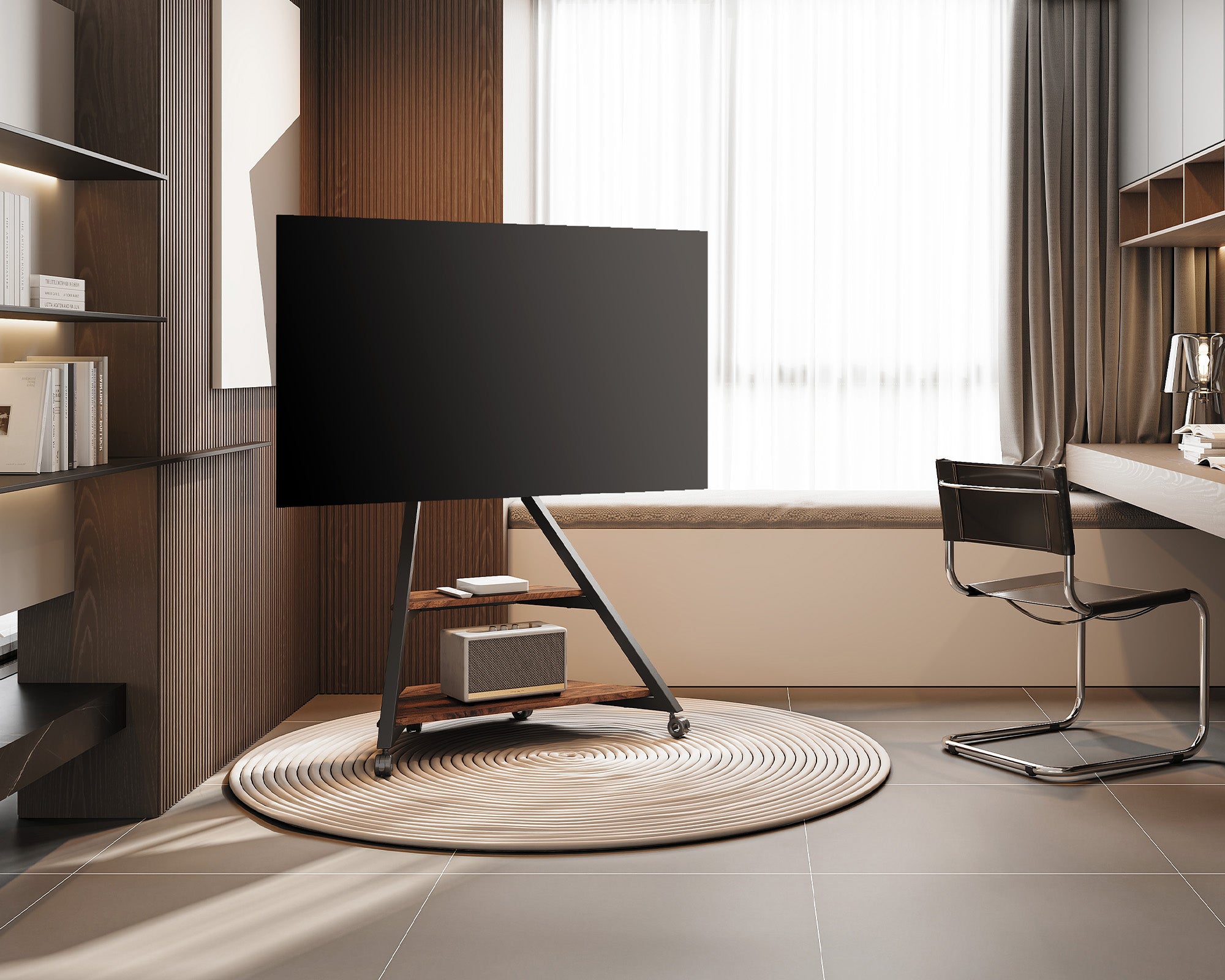
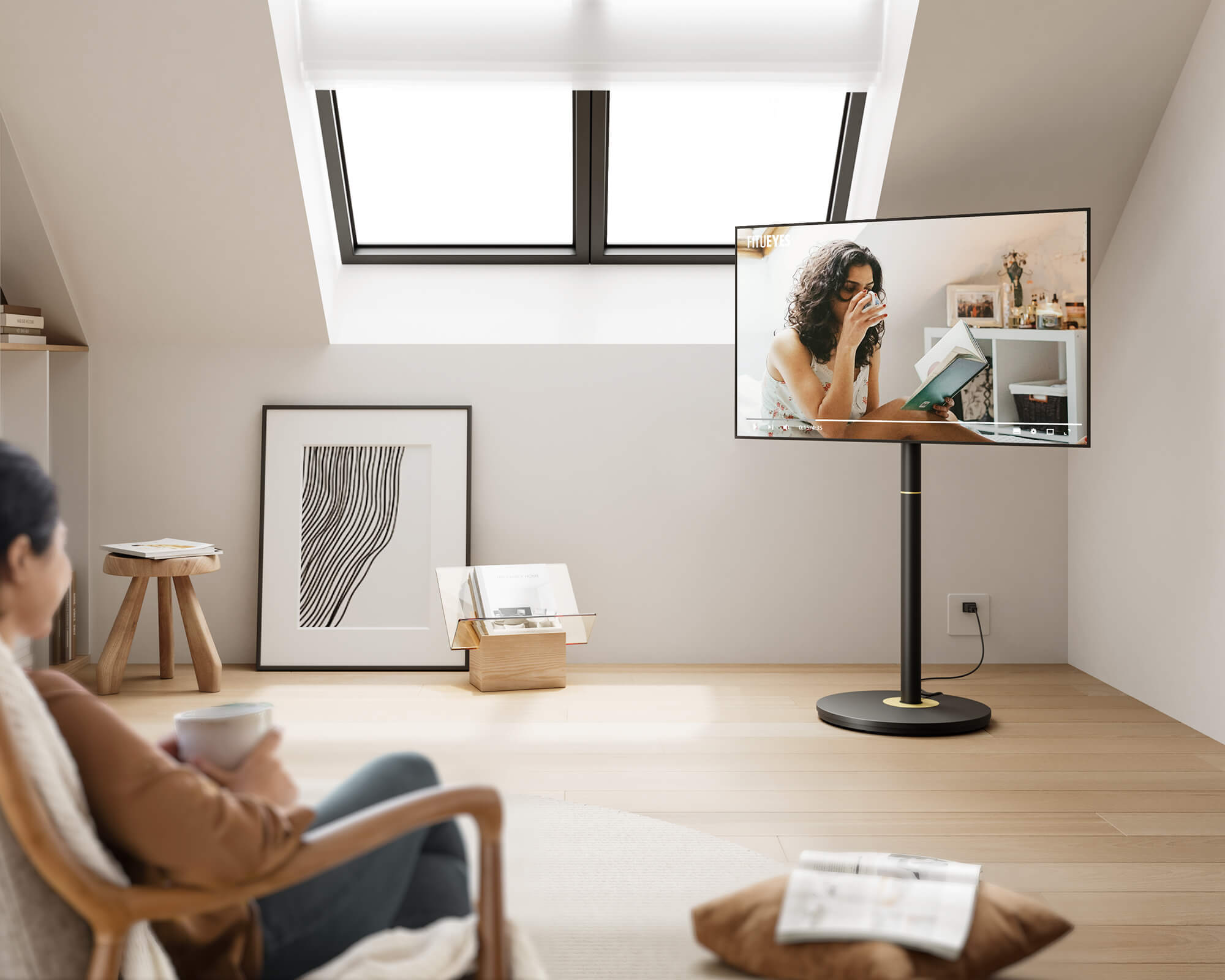
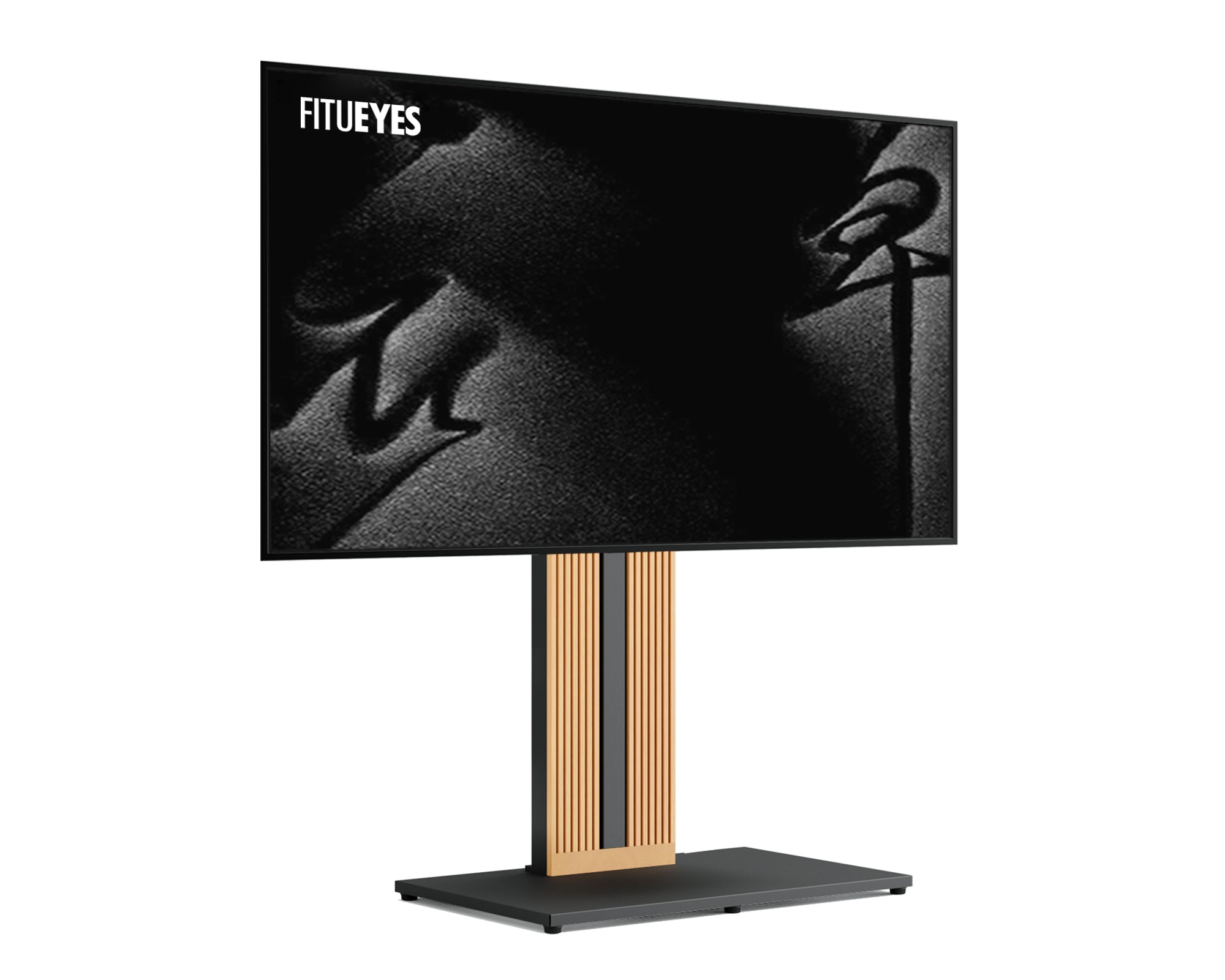
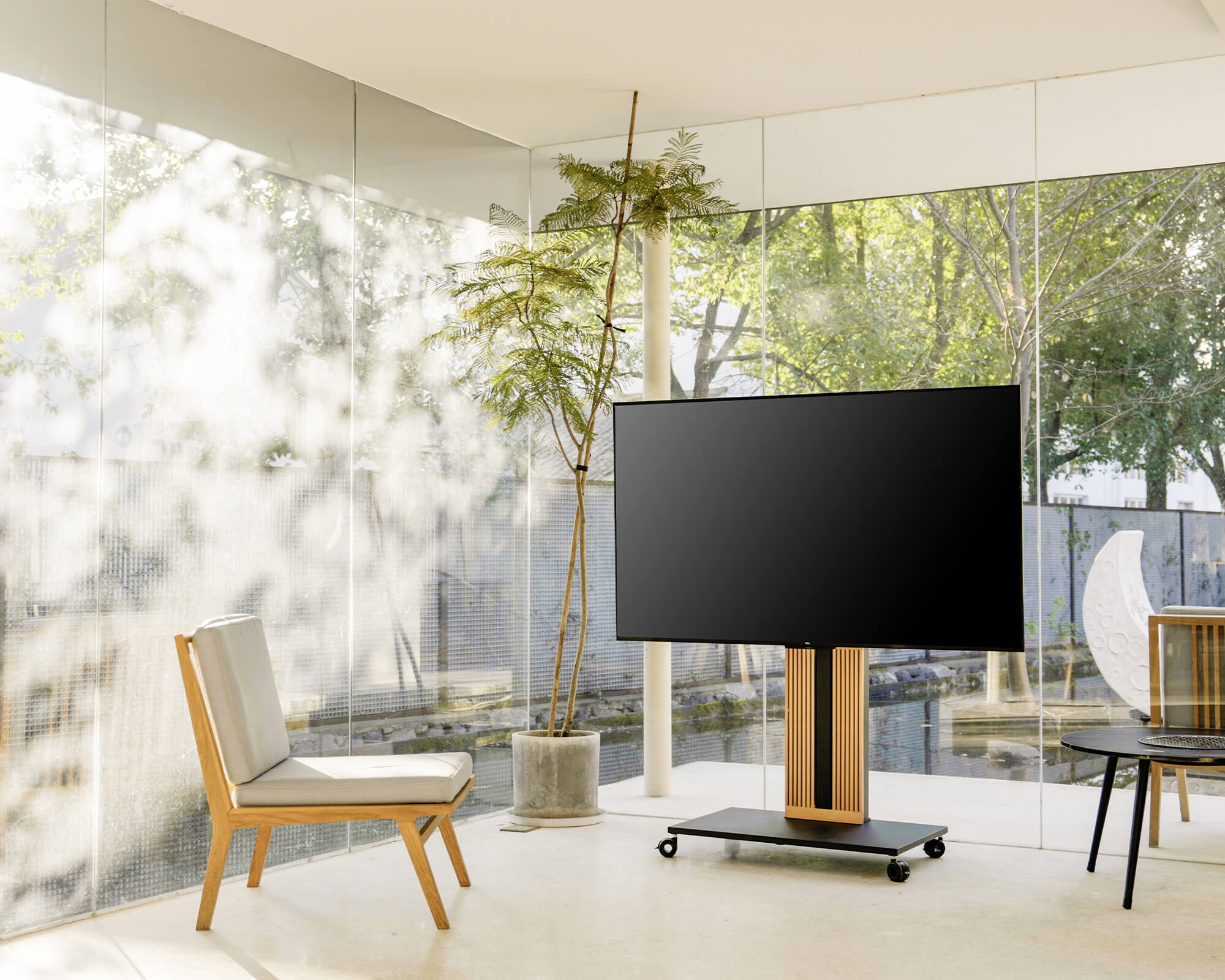
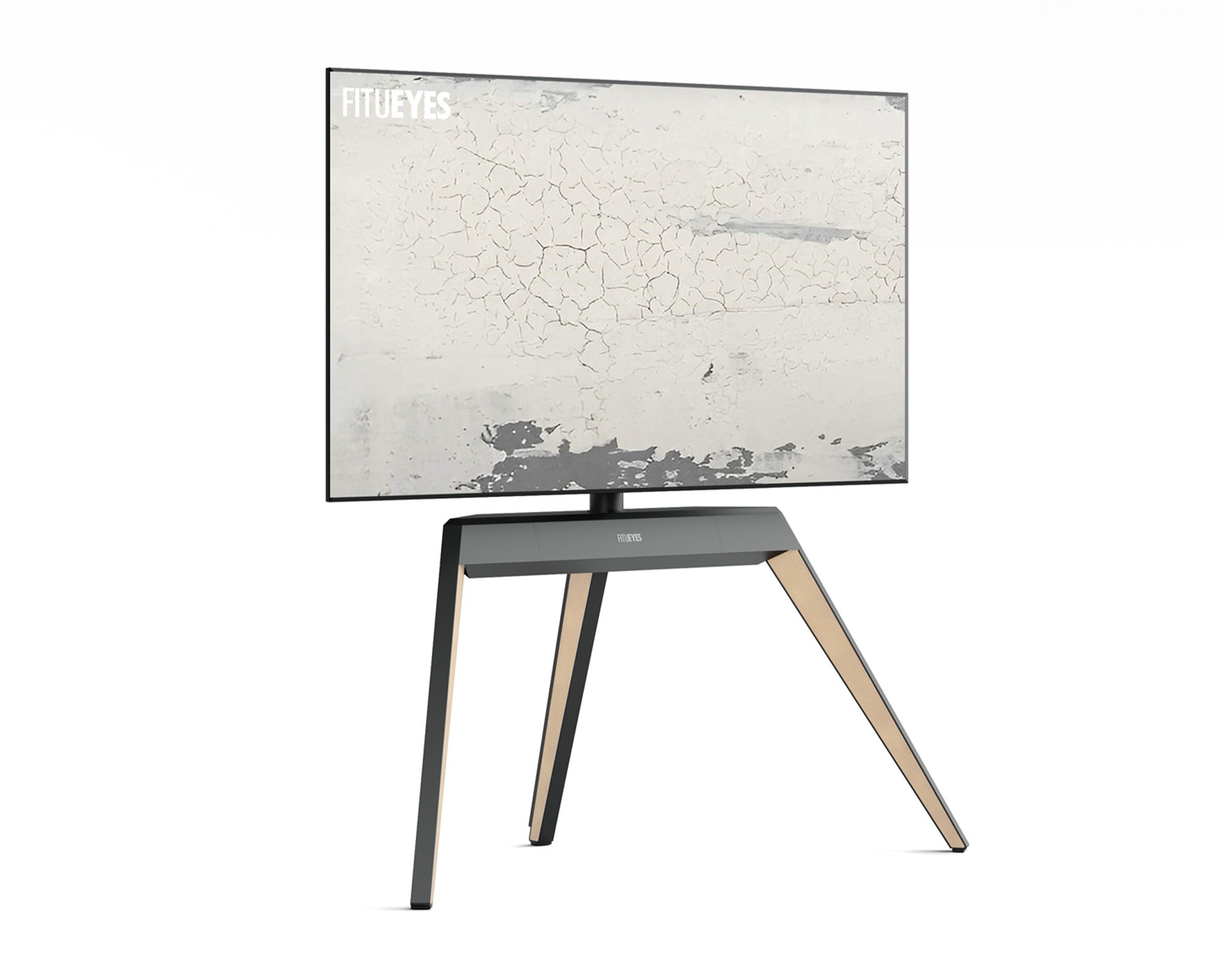
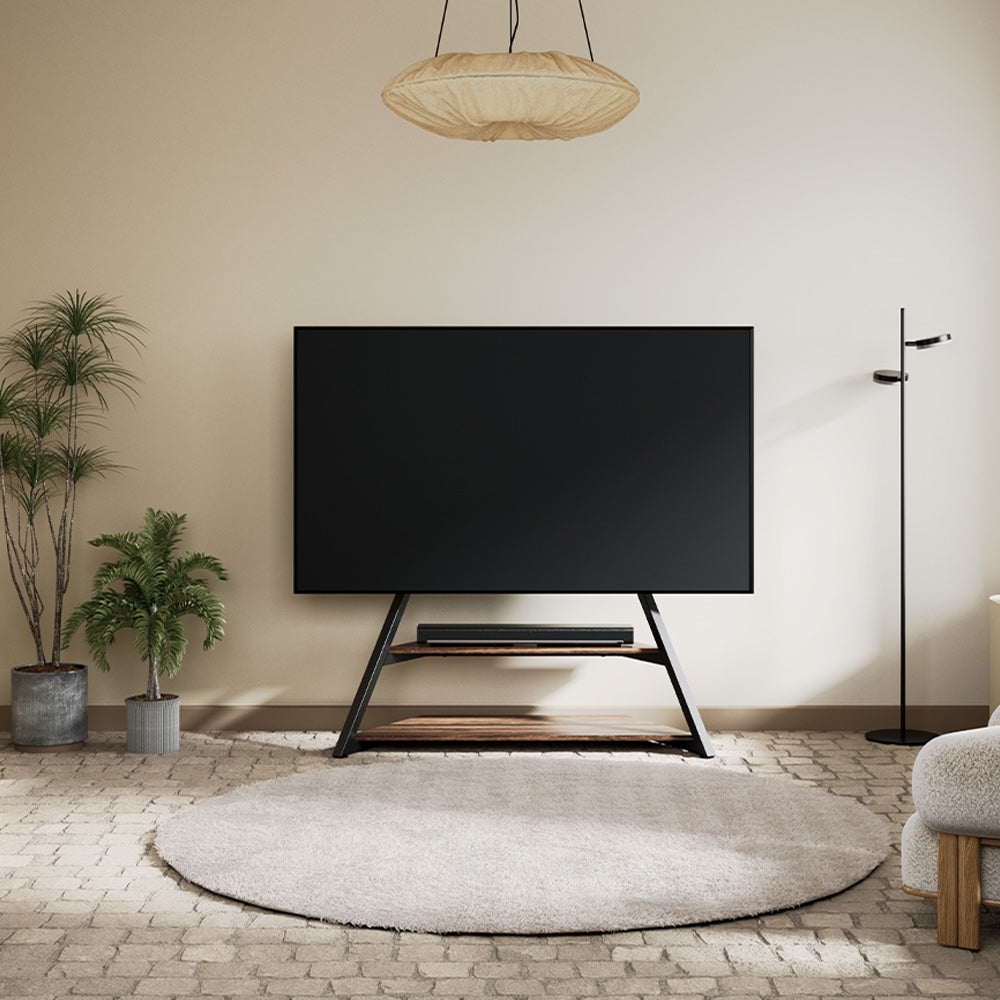
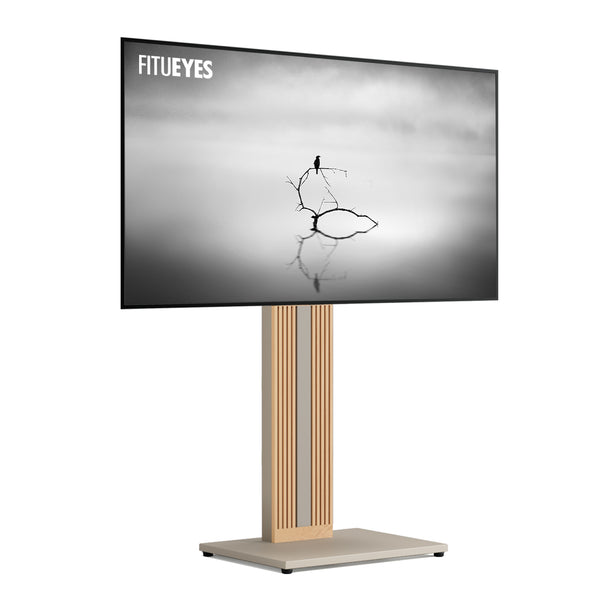
If your new home has no suitable TV cabinet and wall mounting is not practical, a freestanding support lets you restore the setup independently of both. The FITUEYES Zen FT65 TV Stand supports compatible 32–65-inch televisions weighing up to 88 lbs (40 kg), with VESA patterns from 100 × 100 to 400 × 400 mm. Its five height settings position the screen center between 41.3 and 49.2 inches (105–125 cm), helping you align the television with the seating in your new room. Confirm the exact mounting pattern, weight, and available floor space before assembly, then secure the television according to the instructions before reconnecting and testing it.

A Supported Screen in Your New Space
Careful packing protects the television between homes; a suitable support gives it a usable position afterward. Once the screen has been inspected and the new location assessed, FITUEYES offers support designs for different television sizes, room layouts, and adjustment needs. Keep the labeled hardware and transport packaging organized so future changes do not begin with missing parts.
FAQs
Can You Move a TV With Only a Blanket?
A blanket alone does not provide controlled edge support or resistance to crushing during vehicle transport. If you are researching how to move a TV without a box, distinguish a short indoor repositioning task from a house move. For transport, obtain suitable replacement packaging or arrange professional packing before proceeding.
What Should You Do If You Cannot Find the TV’s Stand Screws?
Find the television’s exact model number and obtain the specified replacement hardware through its parts documentation or manufacturer. Do not substitute similar-looking wall-mount screws or test unknown lengths in the holes. Keep the television safely supported in its packaging until the correct components and installation method are available.
What Should You Do If the TV Box Arrives Damaged?
Photograph the carton before unpacking, retain its protective materials, and report the damage through the moving service’s procedure. Inspect the television only when it can be handled safely. If you find cracked glass, deformation, or evidence of moisture, stop installation and do not connect power until the appropriate service guidance has been obtained.