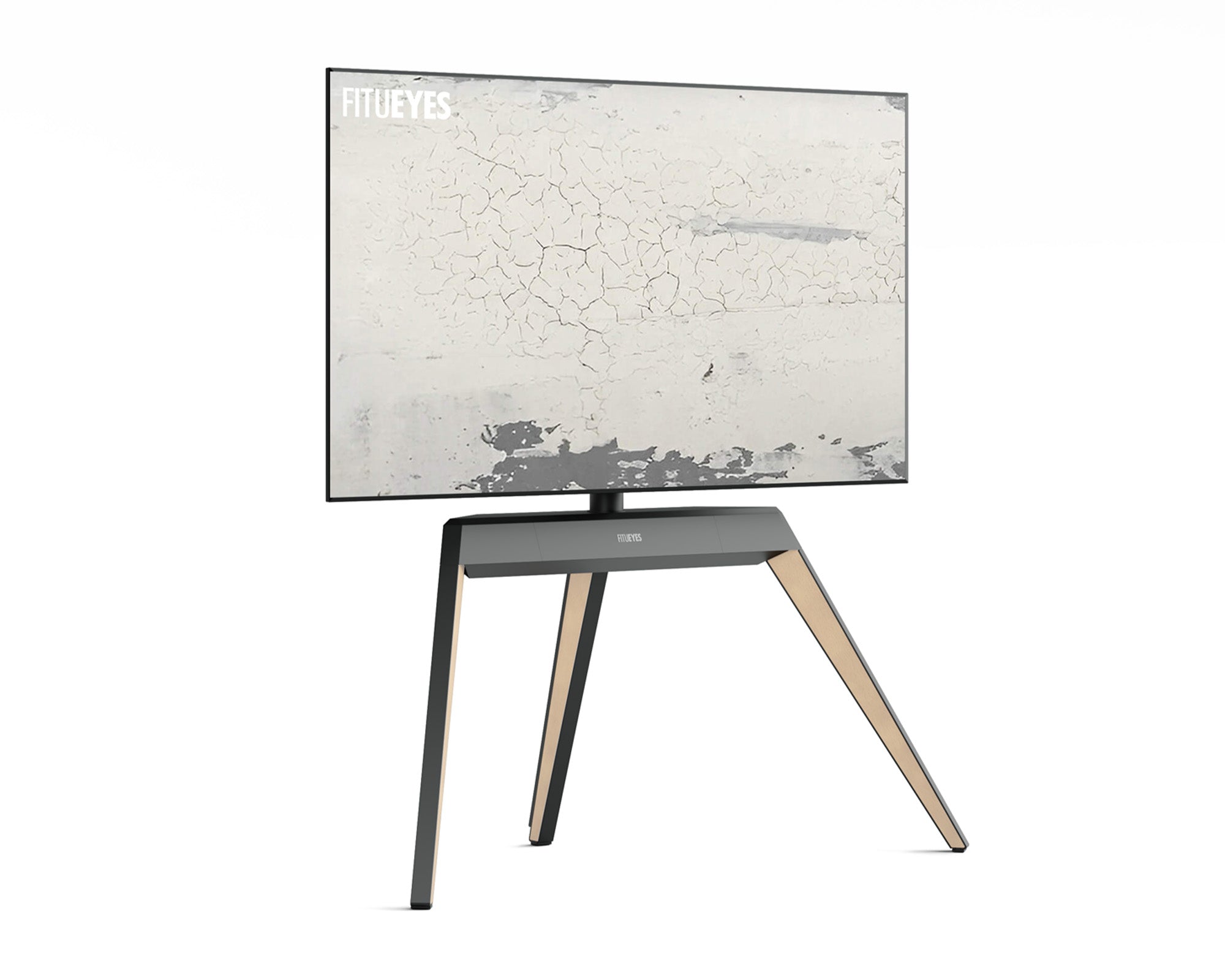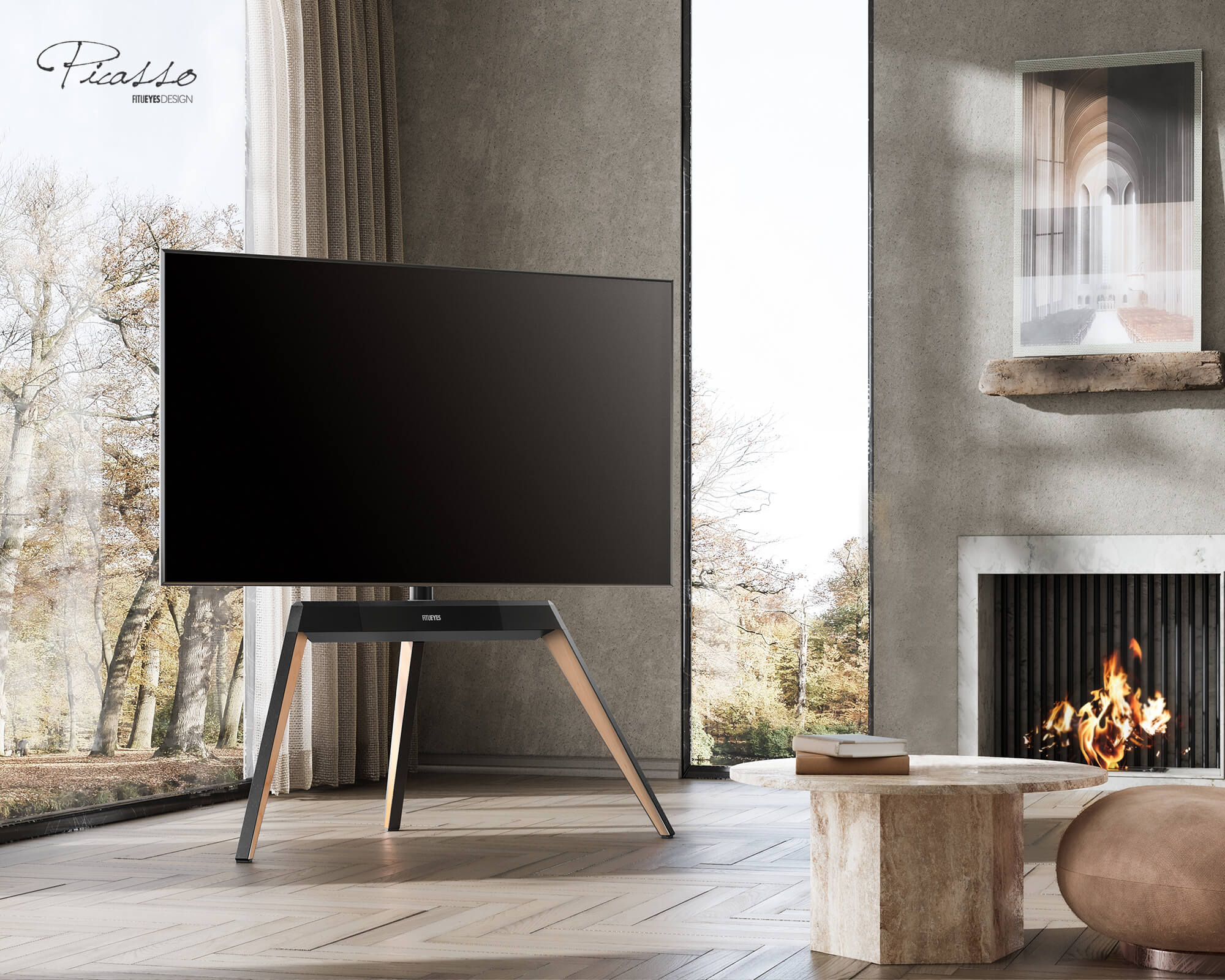



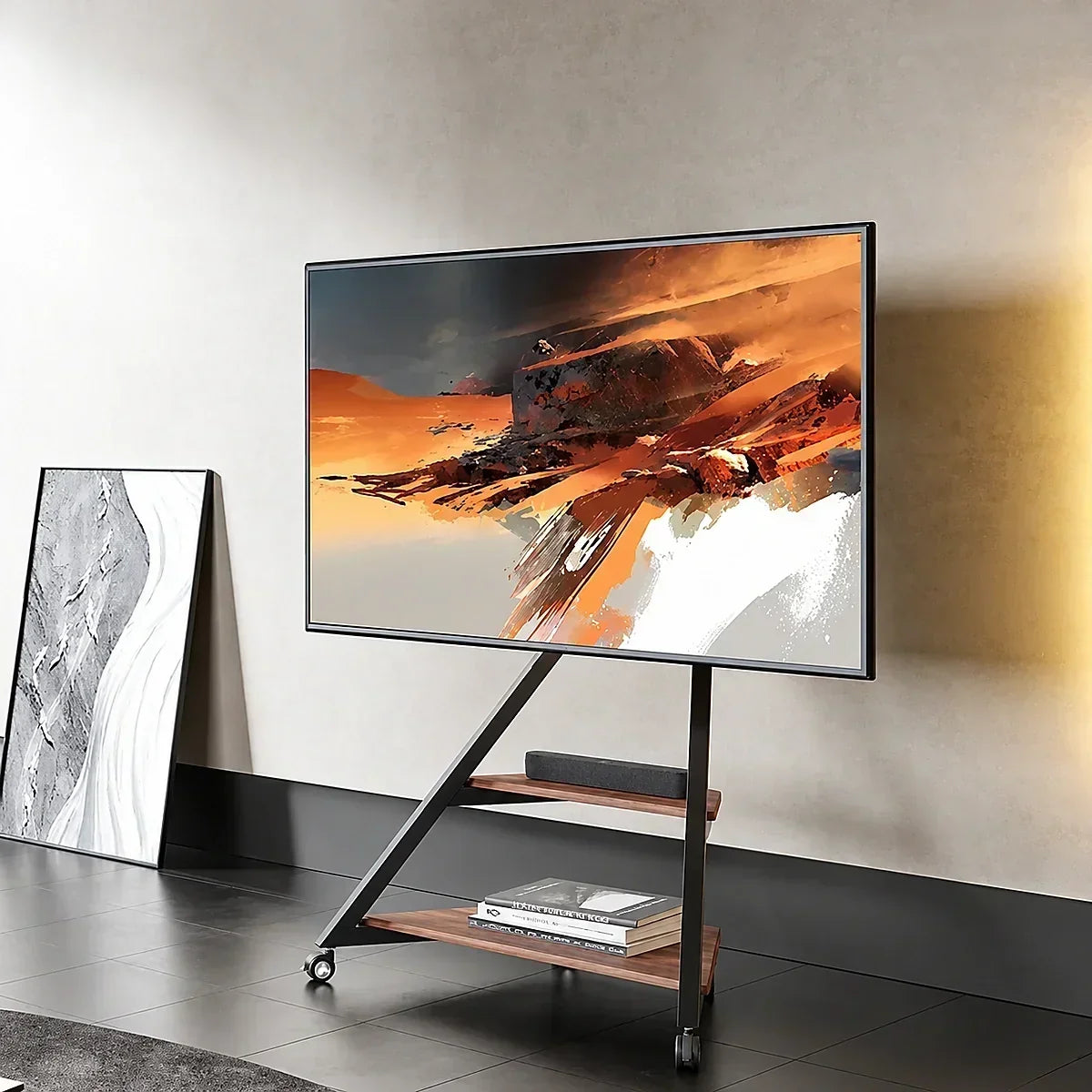
Installing a TV stand with mount starts with matching your television’s VESA pattern, weight, and hardware requirements to the stand. From there, correct assembly, secure connections, and thoughtful cable management turn separate components into a usable viewing setup.
Plan for the equipment around the screen, too. A streaming box needs somewhere to sit, connectors need clearance, and cables need enough slack for any permitted adjustment. Getting these details right helps keep the setup organized without putting strain on connections.
A TV Stand With Mount Supports the Screen Through Its Own Frame
A TV stand with mount supports the screen on its own frame, while a wall mount transfers that support to the wall. Both may use VESA mounting holes, but their assembly and securing requirements differ.
Floor-standing models may include shelves, concealed storage, or wheels; shelves are optional. Tabletop models rest on furniture, which must also support the complete setup.
Wall mounting can suit a fixed viewing position when freeing floor space matters and the wall can accept the required fixings. A floor stand allows placement independent of a wall. Sharing a VESA pattern does not make their mounting components interchangeable.
TV Compatibility Depends on VESA, Weight, and Mounting Hardware
Match the Exact VESA Pattern
Find the mounting specification in your television’s manual. If measuring is necessary, measure between the mounting-hole centers horizontally and vertically, in millimeters. A pattern measuring 400 mm across and 300 mm vertically is written as 400 × 300 mm.
For a TV stand with mounting bracket, check the exact supported combinations rather than assuming every pattern below its maximum dimensions will fit. If yours is unsupported, choose another stand. Consider an adapter only when the relevant manufacturers approve that combination.
Check TV Weight and Supported Screen Size Together
TV screen size is measured diagonally across the visible screen, from one corner to the opposite corner, excluding the surrounding bezel. It does not tell you the television’s weight or mounting-hole pattern, so check those specifications separately.
Find your exact TV model’s weight in its manual or specification sheet. For a screen attached through its rear mounting holes, this is usually the weight without the original feet or pedestal—not the shipping weight, which includes packaging. Compare that figure with the stand’s stated TV weight capacity. If accessories will attach to the mount, check how their weight counts toward the permitted load; shelves have their own limits.
The TV must also fall within the stand’s supported screen-size range. If either requirement is exceeded, choose a suitable model. Adding ballast, drilling new holes, or reinforcing parts yourself does not establish a higher load rating and may alter how the stand carries and balances the screen.
Confirm the Screws, Spacers, and Rear Clearance
Recessed holes, raised sections, and connector locations can affect how brackets sit against the television. Screw diameter, length, and spacer arrangement must follow the TV and stand instructions.
Do not force a screw that resists or substitute longer screws by guesswork. If the required combination is unclear, send the manufacturers your TV model, stand model, and photographs of the mounting area.
With those specifications confirmed, narrow down compatible floor TV stands before comparing their dimensions and features.
Plan the Setup Around Your Seating and Equipment
Match Screen Height and Swivel to Your Seating
The center of the screen is usually positioned around seated eye level for comfortable viewing. For sofa seating, a common starting point is approximately 42 inches (107 cm) from the floor to the screen’s center, though the most comfortable height varies with your seat and posture. Measure from the floor to your eyes while seated in your usual viewing position, then use that measurement as a reference when selecting the stand’s height setting.
When comparing stands, look for the screen-center height range. If only the frame height or mounting-bracket height is listed, use the dimension drawing to work out where your particular TV’s center will sit. If you watch from both a sofa and a side chair, compare swivel TV stands by their permitted rotation, leaving enough room for the screen to turn without touching nearby furniture.

Leave Room for the Base and Connected Devices
If you are still choosing a stand, use its published base dimensions and removable masking tape to mark the footprint on the floor. If you already own it, measure the assembled base and check the intended position before mounting the TV. In either case, leave walking routes clear and allow access to outlets and connections.
Plan where the streaming box, game console, and other equipment will sit. Compare each device with the shelf’s usable width, depth, and load limit, allowing extra room for plugs and cable bends. Include the ventilation clearance required by the device manufacturer in those measurements, so a shelf that looks large enough does not become cramped once everything is connected.
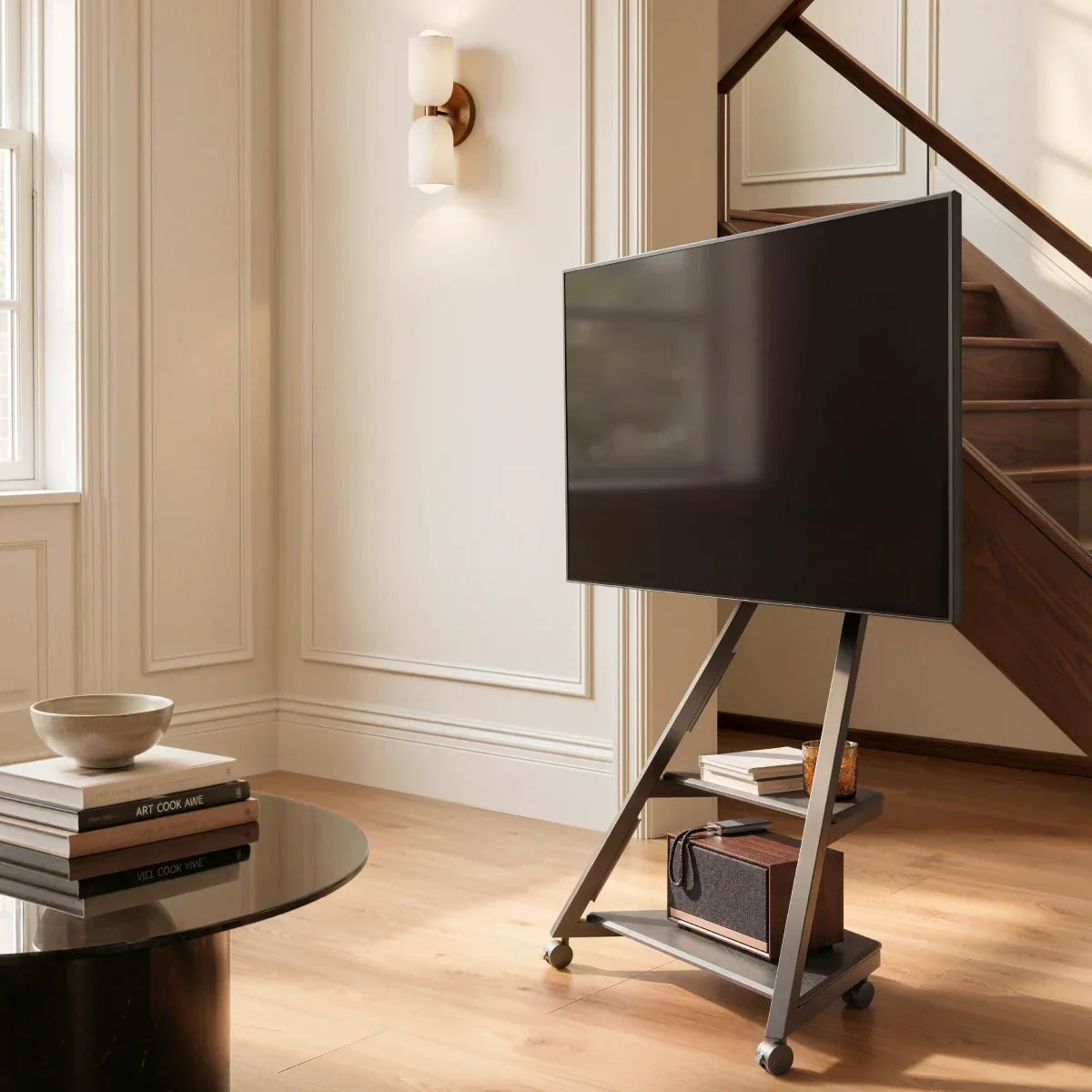
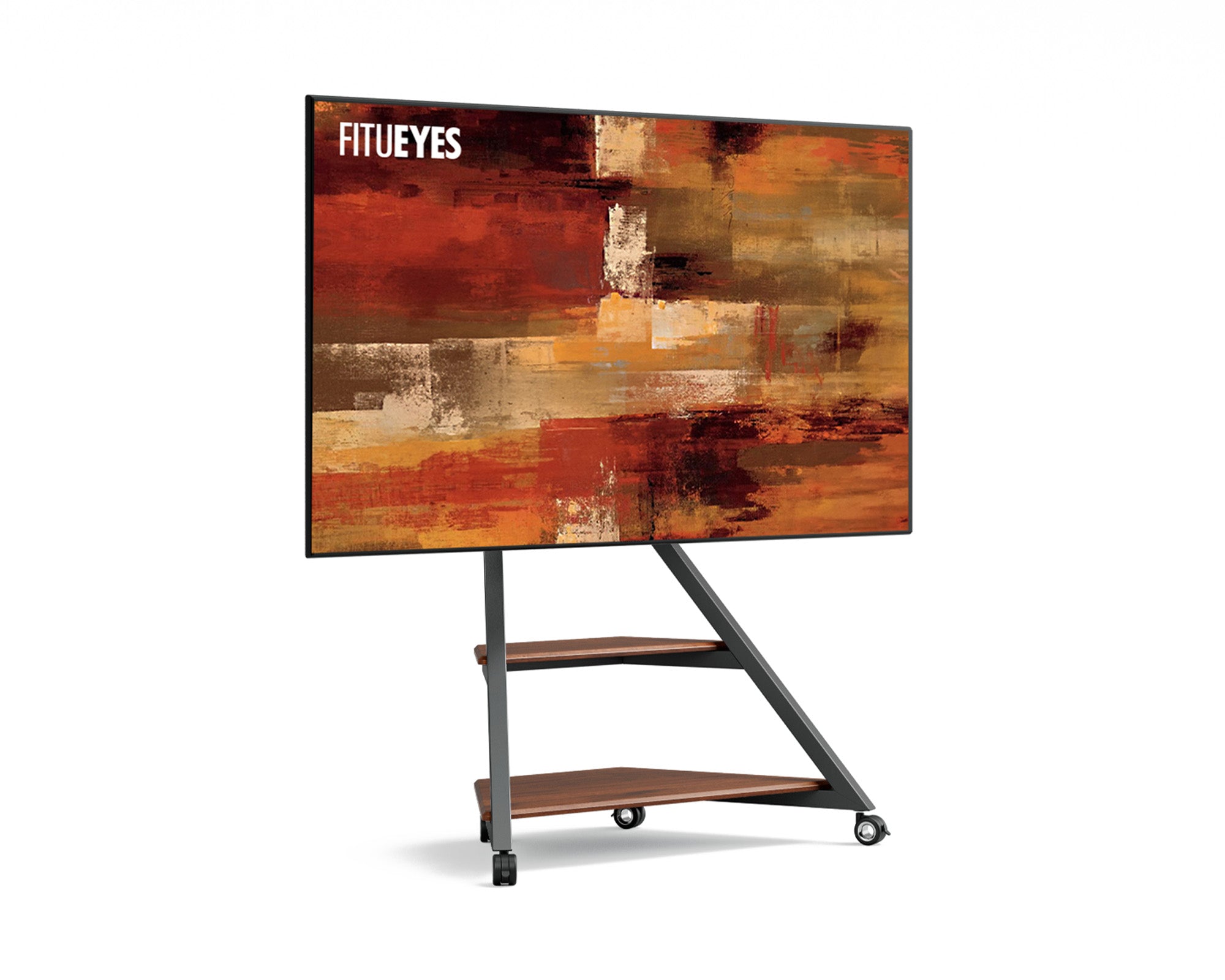
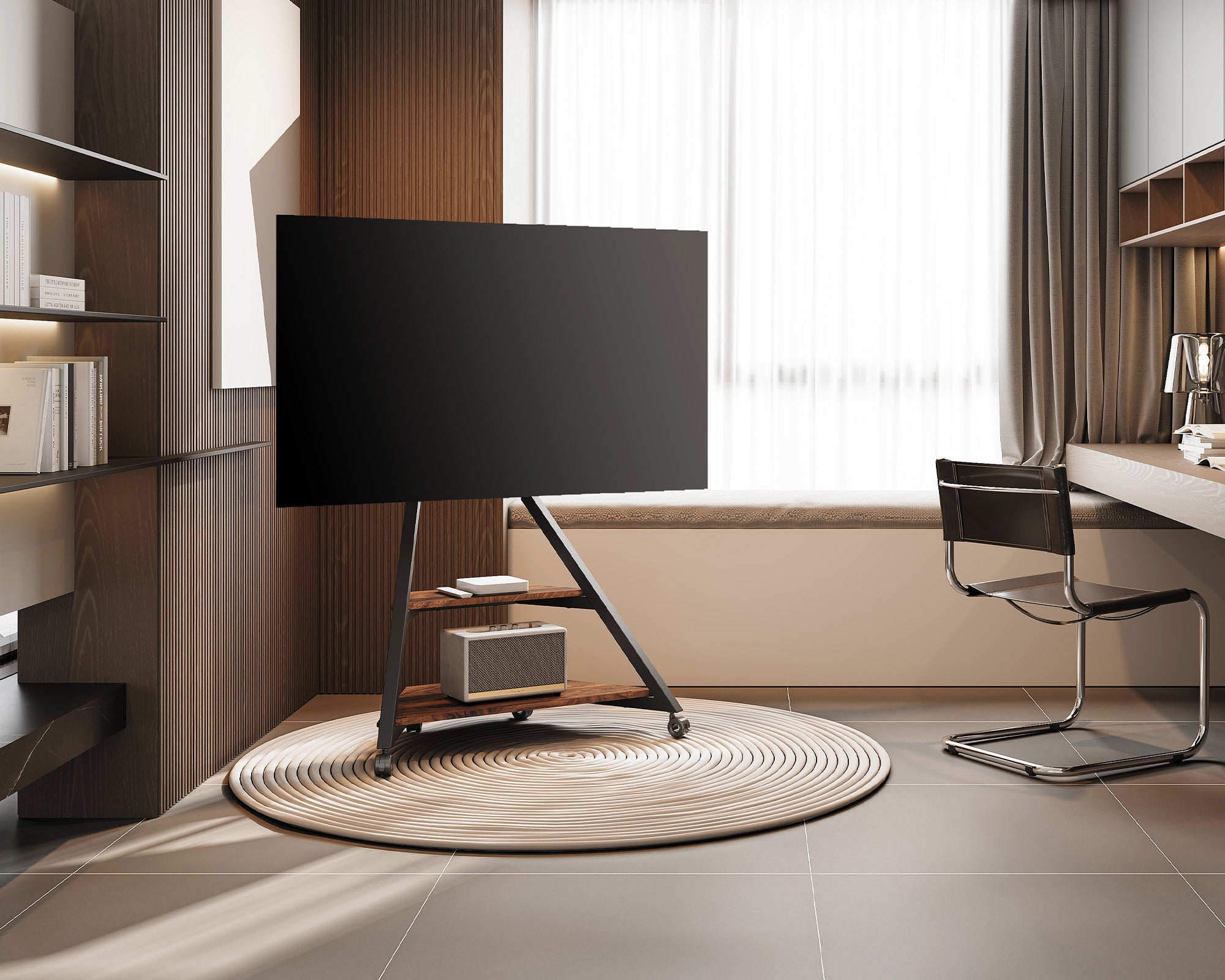
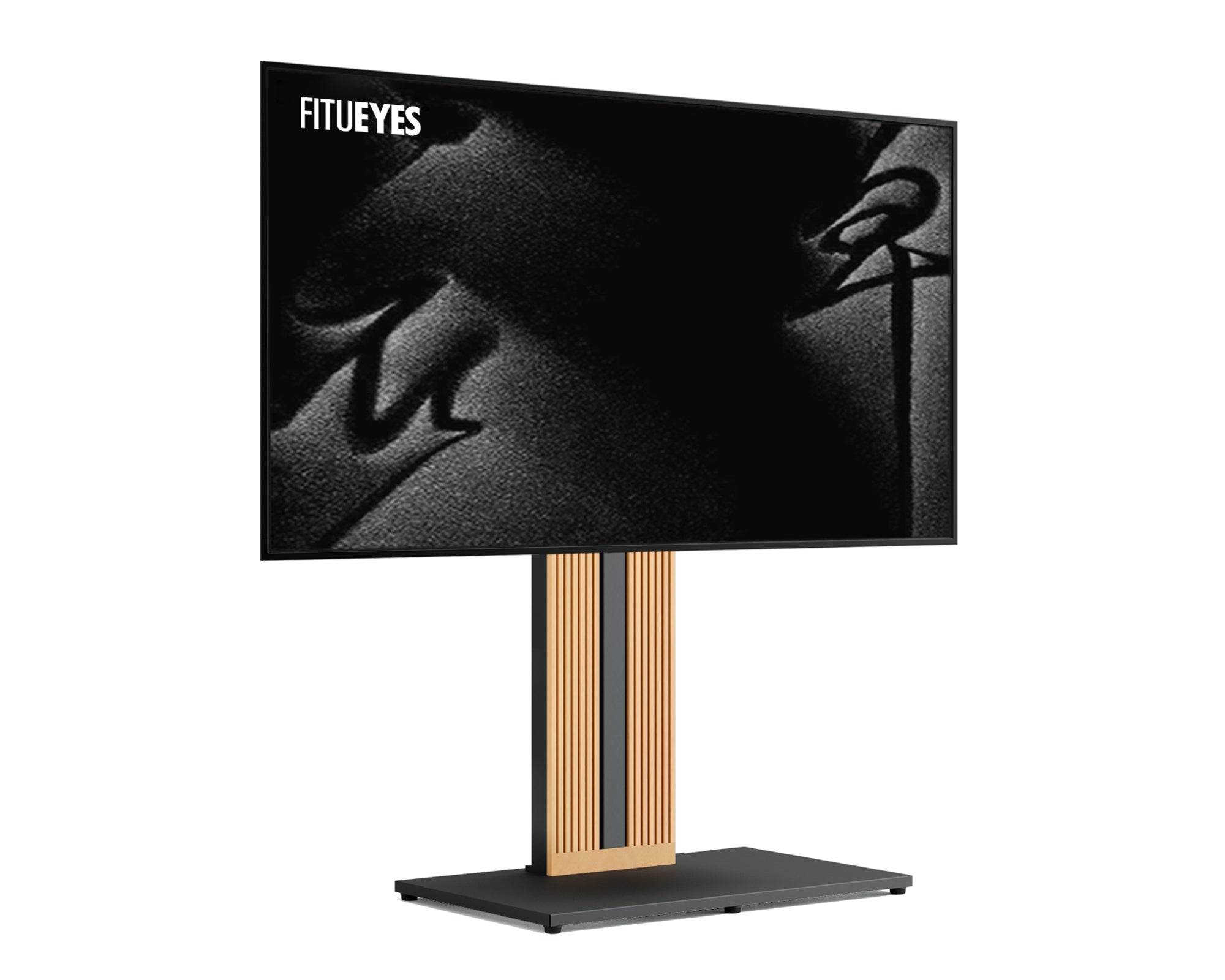
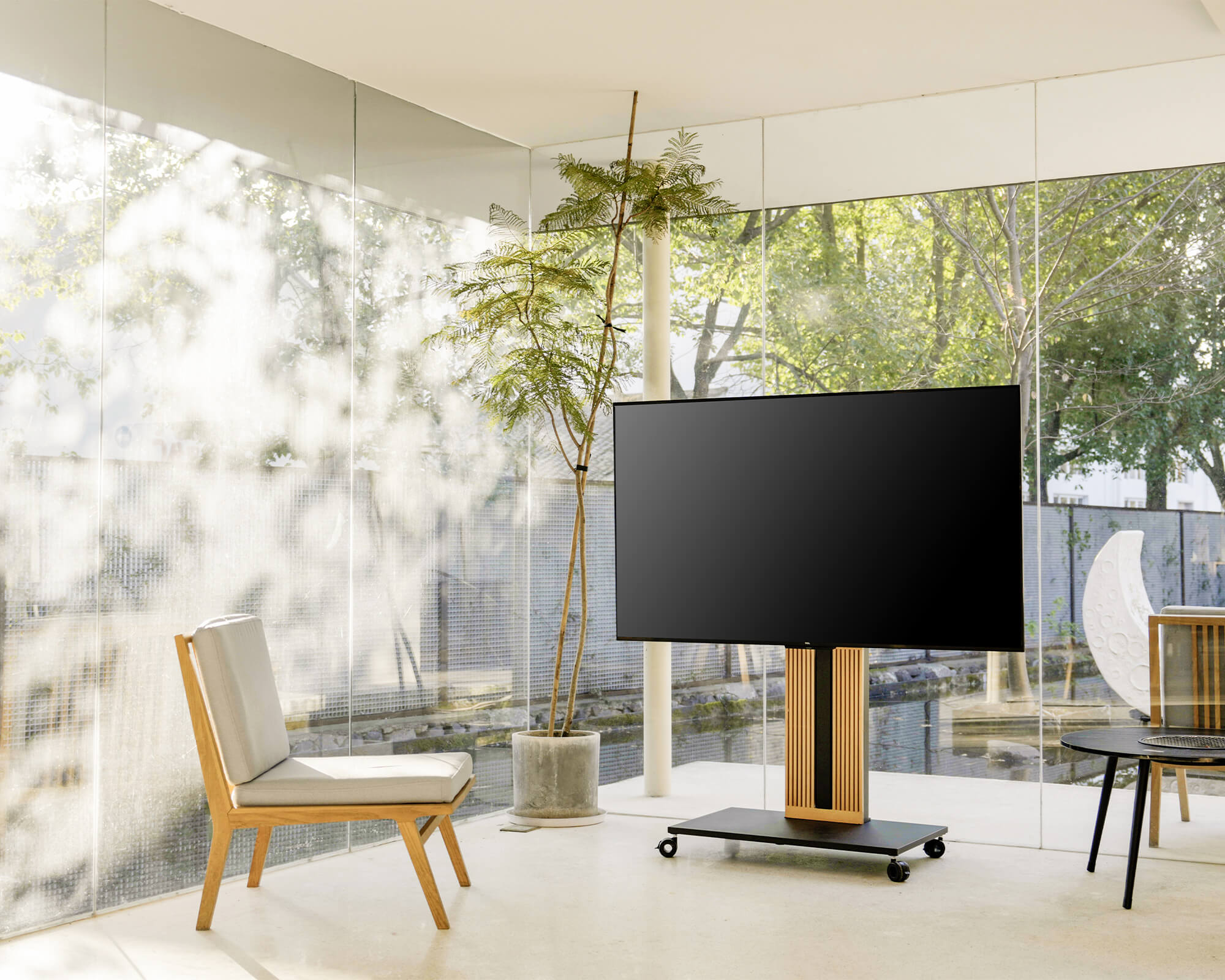
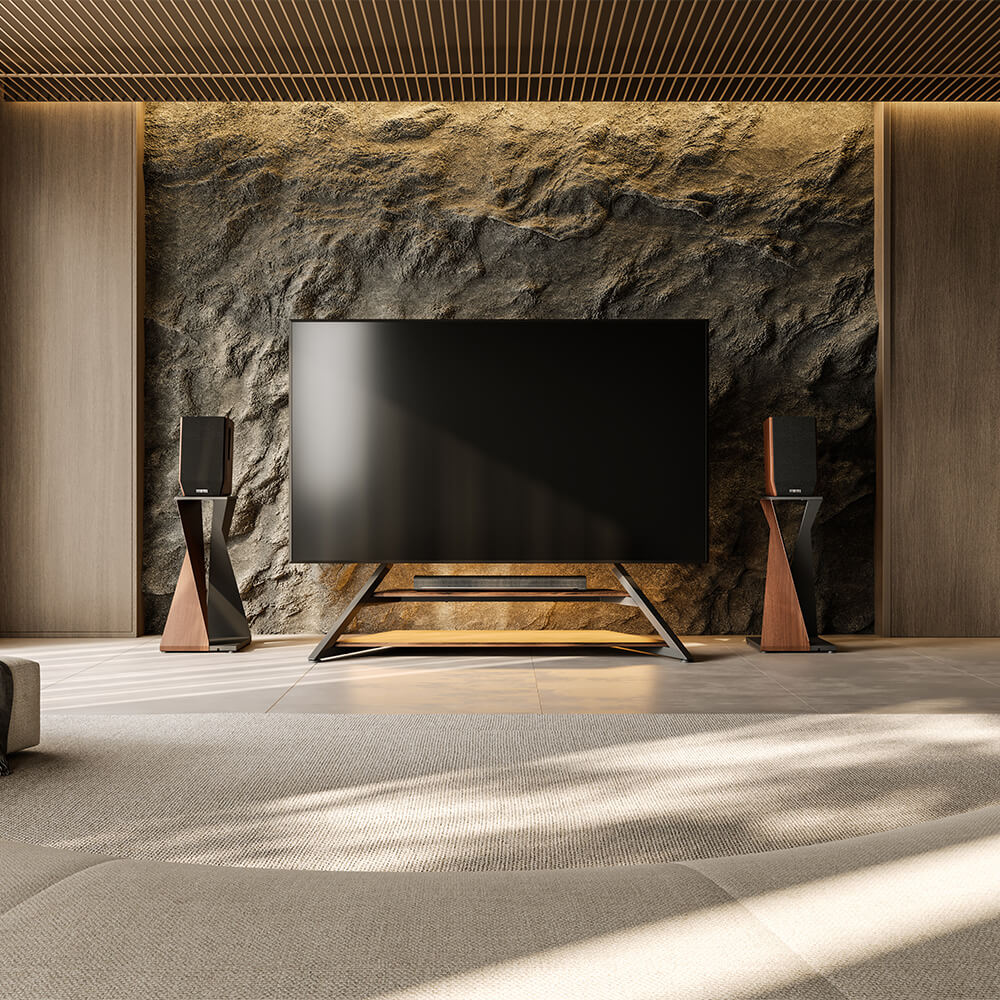
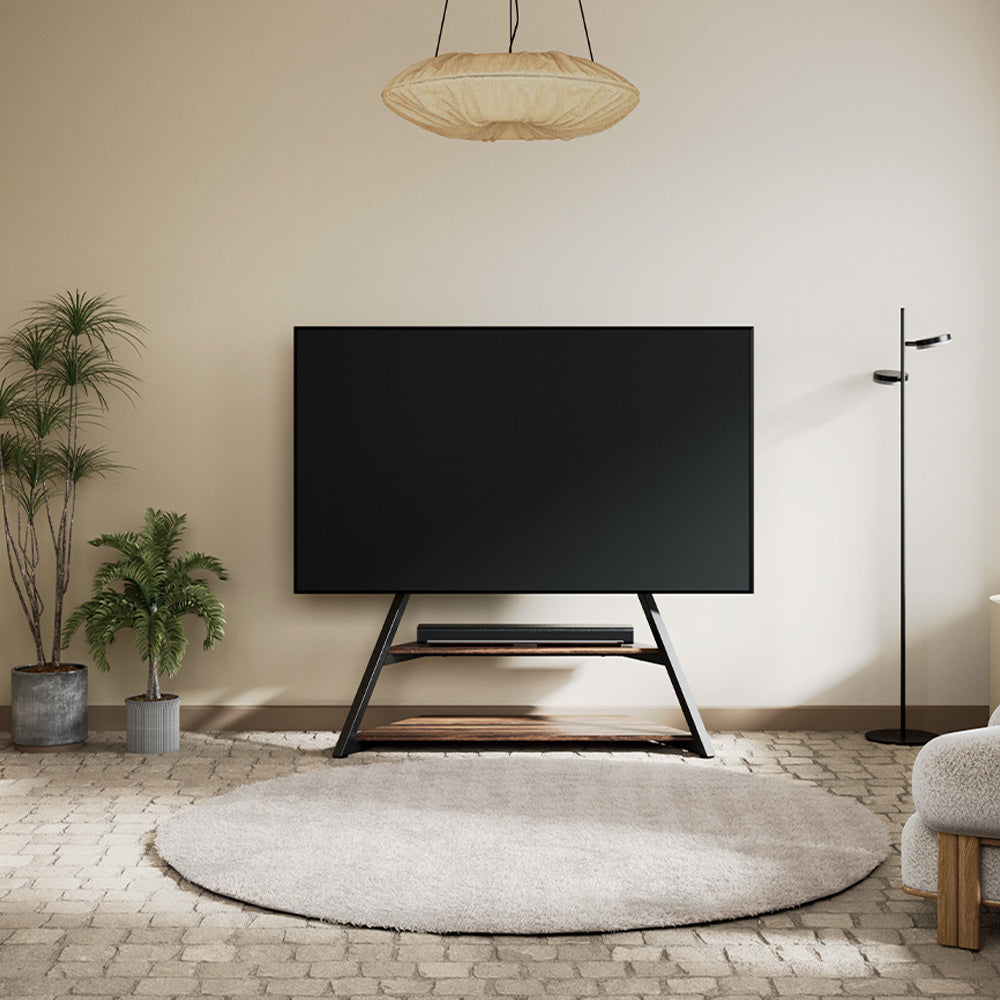
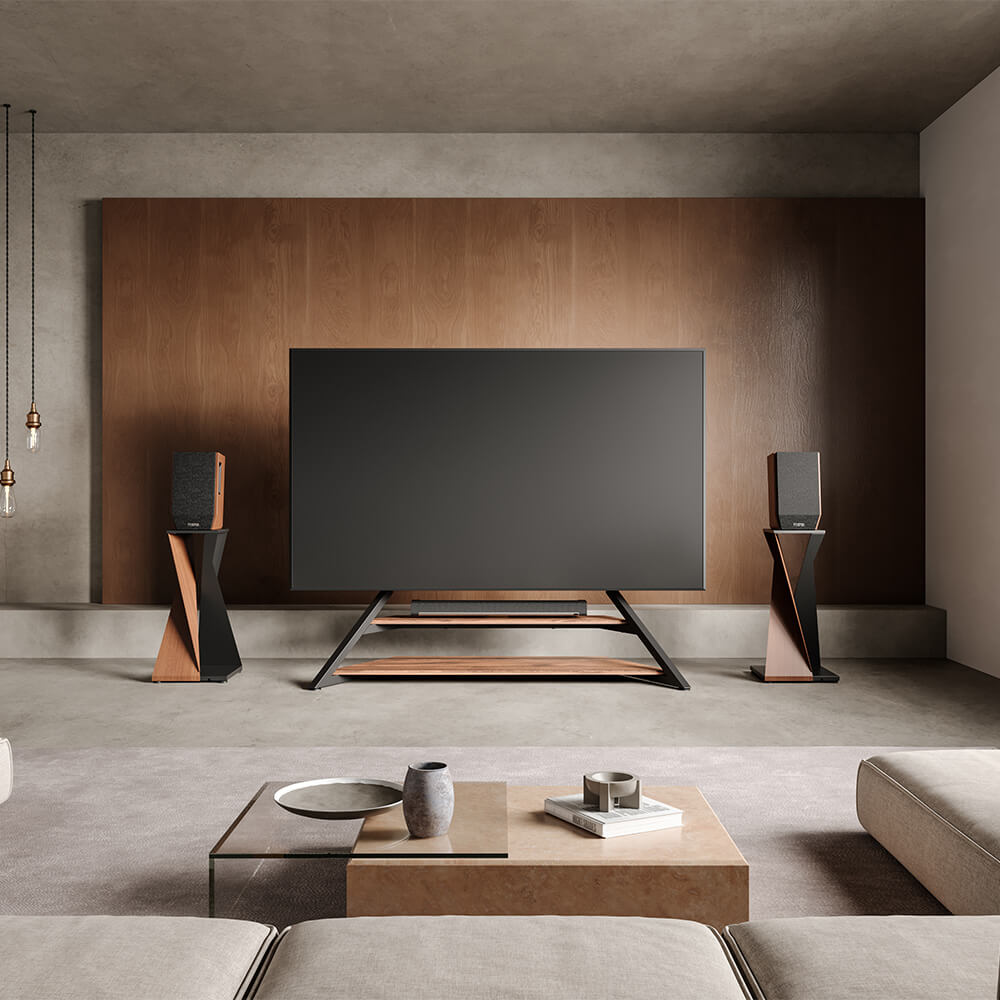
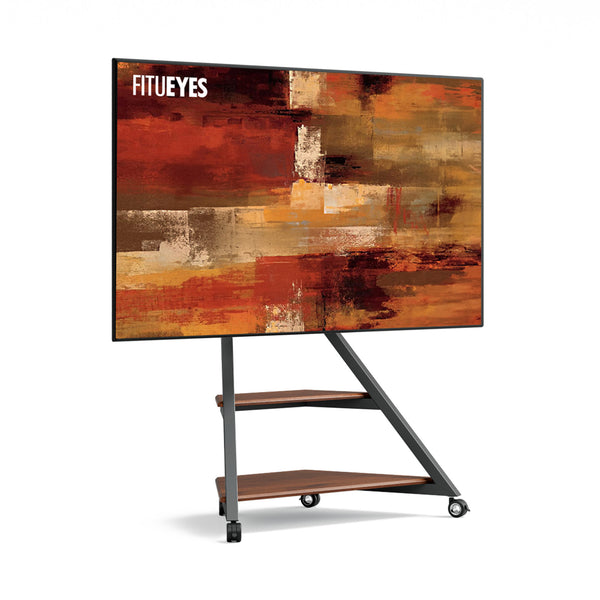
A large-screen setup also needs somewhere for a streaming box or game console. The Eiffel V2 FT88 TV stand combines open shelves, a TV-box shelf, and concealed cable routing to keep those devices together. It supports compatible 55–88-inch TVs (about 140–224 cm diagonally) weighing up to 132 lb (about 60 kg). Check the exact VESA pattern and each device’s shelf-space requirements before choosing it.
How to Mount a TV on a TV Stand?
Prepare the Parts, Tools, and Workspace
Identify the base, supports, TV brackets, locking components, and hardware against your model’s parts list. Follow its assembly sequence, since fasteners and securing methods vary between stands. Resolve missing or damaged pieces before starting.
Disconnect the television and prepare it according to its handling instructions. Do not assume every screen can be laid face-down. Clear enough working space and arrange the assistance required for lifting and positioning.
Assemble the Base and Support Structure
Follow the diagrams for part orientation and fastener placement. Similar-looking components may face different directions or use different screws.
Complete the specified structural connections before loading the stand. If mounting height or shelf placement must be selected at this stage, use the position planned earlier. Follow the stated tightening sequence and tool requirements.
Attach the Stand’s Mounting Brackets to the TV
Use the verified screw, washer, and spacer combination. Position the brackets as illustrated, checking their orientation and whether they obstruct connectors.
A screw reaching resistance does not necessarily mean the bracket is secured; an incorrect length can bottom out. If the bracket remains loose or cannot sit as instructed, stop and recheck the hardware requirements.
Secure the TV and Engage the Locking Mechanism
Use two people to lift and position the TV when needed, especially if its size or weight makes it difficult to handle. Connect the television using the mounting method designed for the stand. On hook-on systems, seat the brackets fully on the support rail, then engage the retaining screws, clips, or other locking components as specified. Keep the screen supported until these connections are secure.
Before changing height afterward, check whether the television must be supported or removed. An adjustable stand does not necessarily permit adjustment while loaded.
Route Cables Without Restricting Movement
Connect equipment with enough slack for permitted movement. Use the designated routing channels, keeping cables clear of joints and sharp edges.
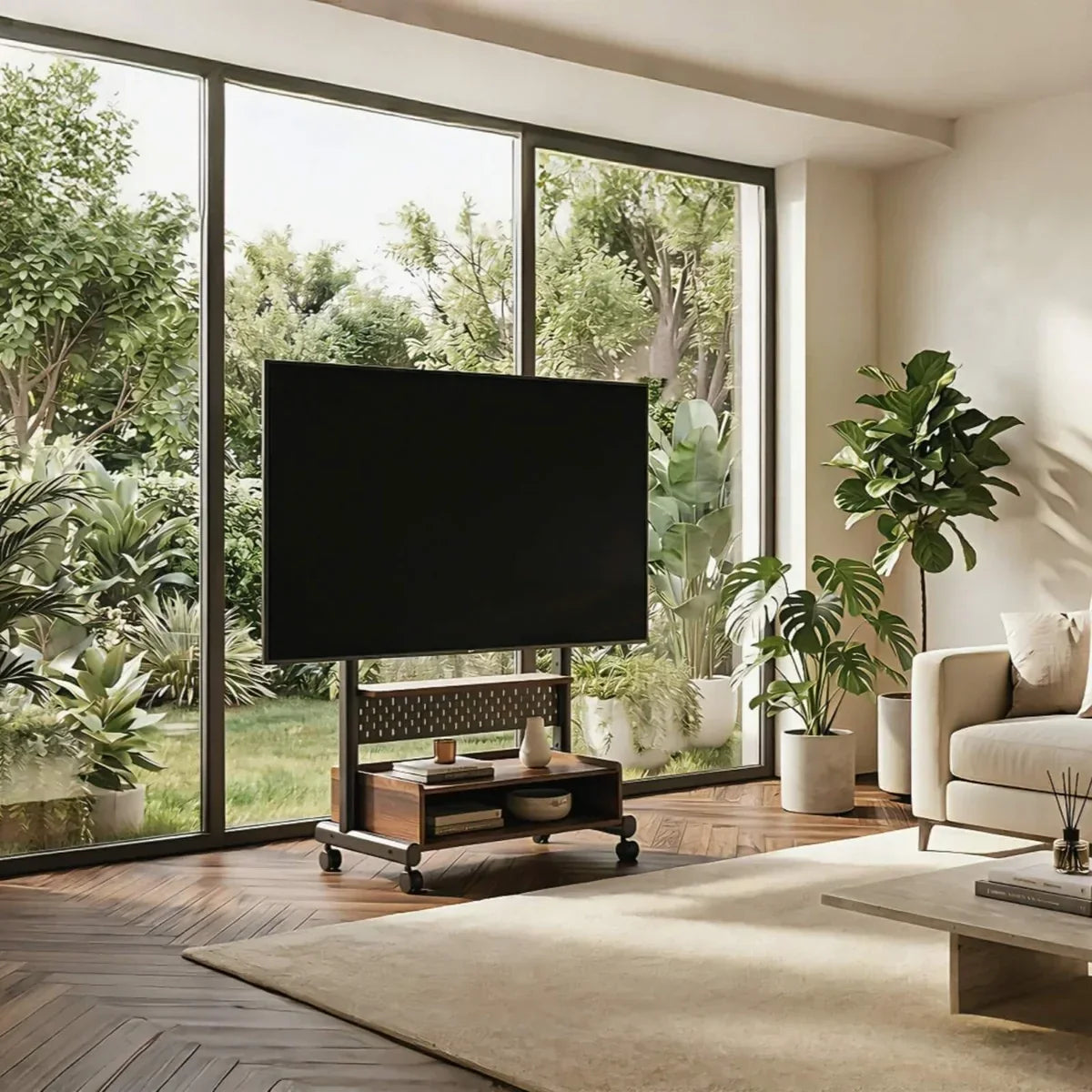
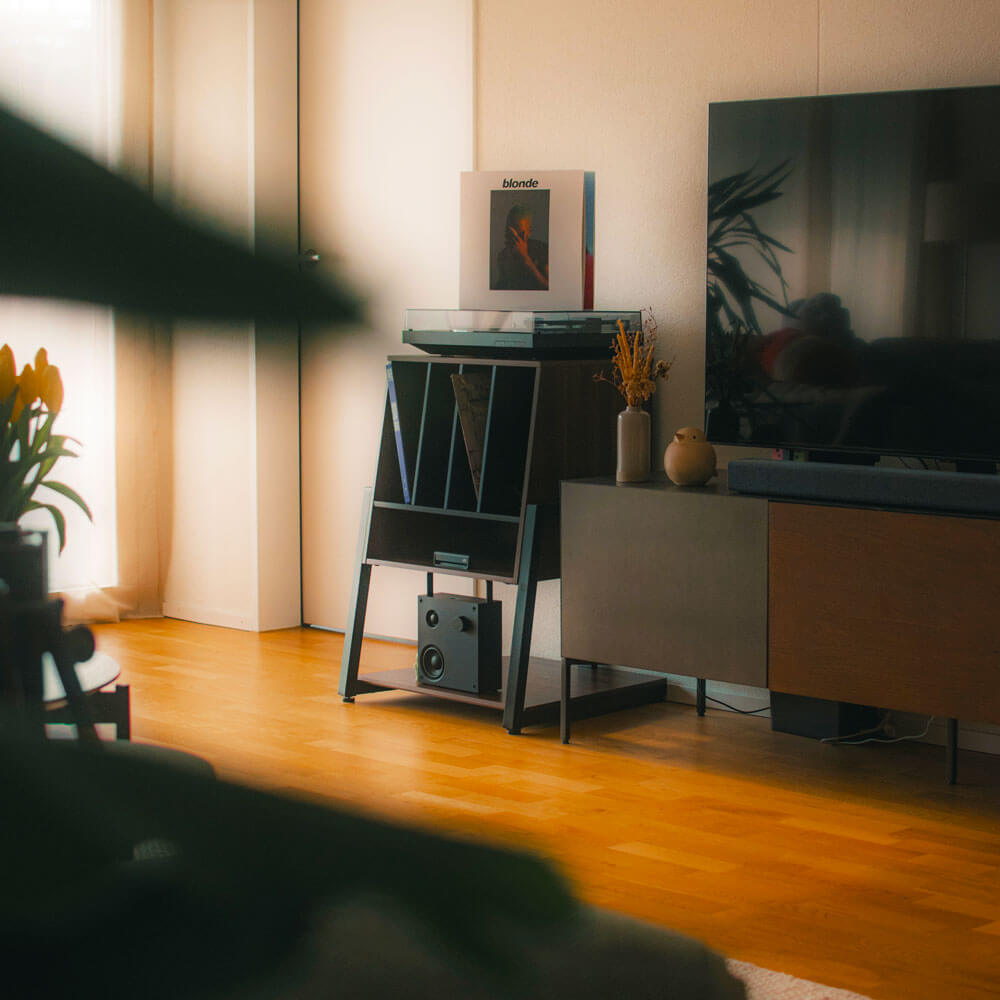
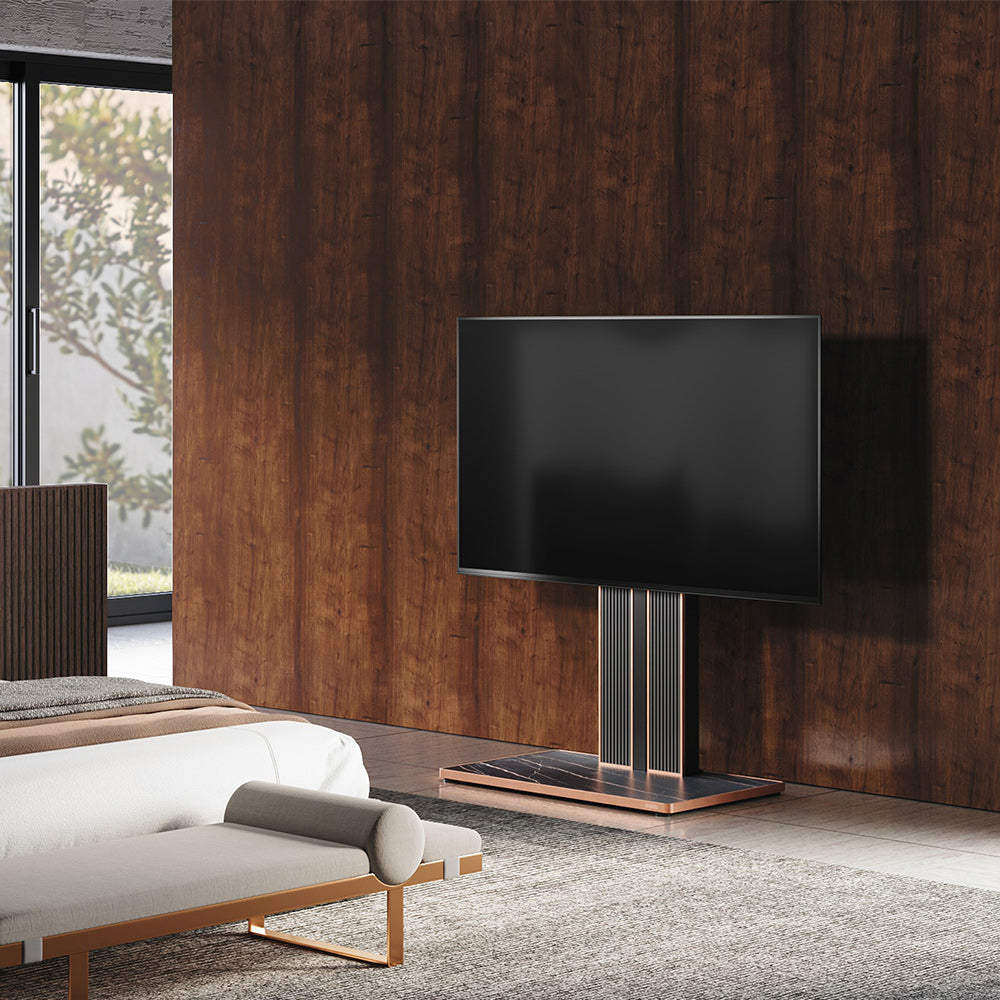
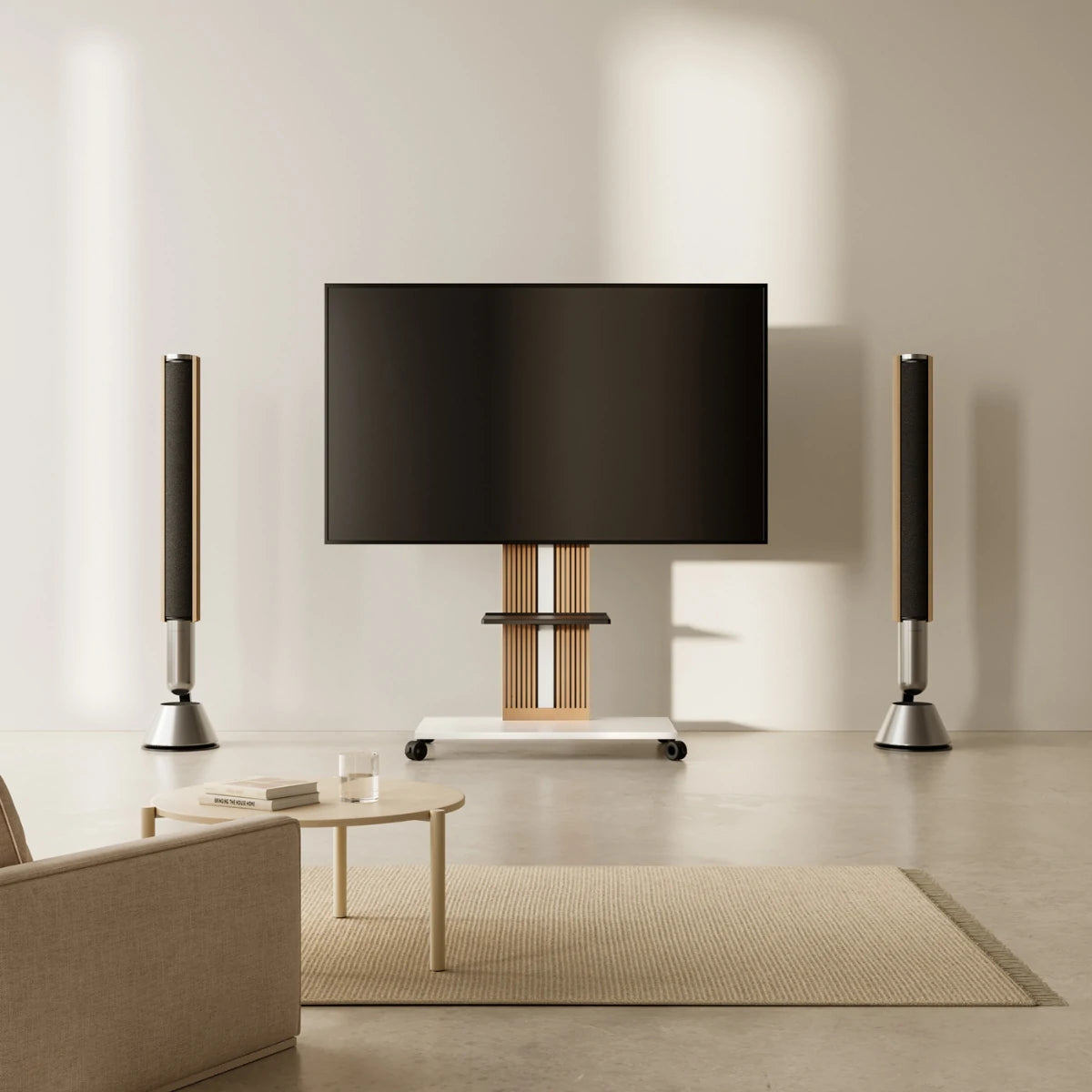
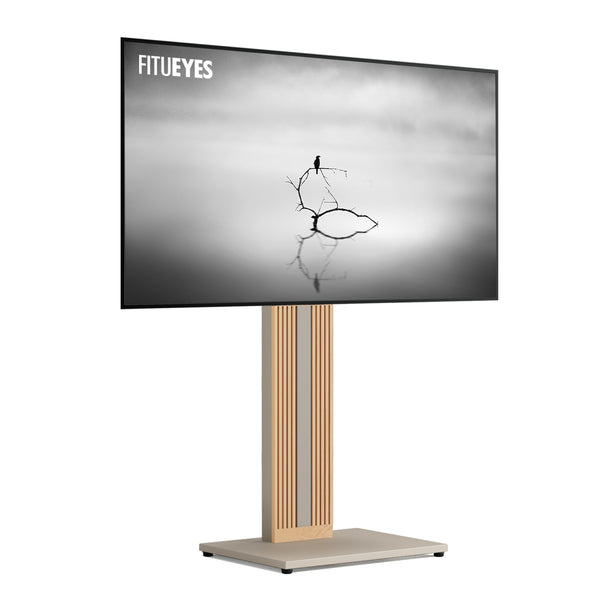
When exposed cables and a streaming box interrupt a clean setup, the Zen FT65 floor TV stand provides storage behind a removable rear panel, keeping connections accessible for adjustments. It accommodates compatible 32–65-inch TVs (about 81–165 cm diagonally) up to 88 lb (about 40 kg). Match the TV’s VESA pattern and check that the stored device has room for its connectors and ventilation.

Final Checks Confirm the TV Is Ready for Everyday Use
Before regular use, work through the completed setup:
|
Check |
What to confirm |
When to stop and correct it |
|
Fasteners and locks |
Required connections and retaining parts are fitted as instructed. |
A fastener is missing, a connection remains loose, or a lock will not engage. |
|
Base and support |
The base rests fully on a suitable, level surface, with any required securing completed. |
The stand rocks, leans, or shows structural damage. |
|
Screen clearance |
The screen clears furniture and equipment throughout its permitted movement. |
The screen or mounting structure contacts nearby objects. |
|
Cable routing |
Cables remain clear of joints and have enough slack for permitted adjustment. |
A cable becomes pinched, stretched, or pulls on a connector. |
Do not test stability by deliberately pushing or shaking the screen.
After the initial setup, make routine TV stand safety checks part of caring for the arrangement, particularly after moving it or changing connected equipment.
FAQs
Can You Add a Mount to an Existing TV Cabinet?
Only if the cabinet and mounting system are designed for that combination. Another option is to keep the cabinet for storage and position a compatible floor TV stand behind it, with the stand supporting the TV independently. If the base needs to extend beneath the cabinet, check its full height—including fitted feet or casters—against the cabinet’s underside clearance, as well as the space between its legs. The base must remain fully supported on the floor, without obstructing adjustment points or cable routing.
Can You Reuse Brackets From an Old Wall Mount?
Use the brackets supplied with the new stand unless its manufacturer confirms that the old ones are compatible. Even when both sets fit the TV’s VESA holes, their hooks, rail engagement, and locking mechanisms may differ. If the new stand’s brackets are missing, request replacement parts using its model number. This avoids guessing whether an old bracket that appears to fit will actually secure the screen.
What Makes a TV Stand With Mount a Stable Setup?
A stable setup requires a compatible TV, a correctly assembled frame, engaged locking components, and a base resting fully on a level surface. The trapezoidal frame and base design of the FITUEYES Eiffel V2 FT88 provide one example of a structure designed for large-screen support. Correct compatibility and installation remain essential, including any additional securing required by the product instructions.
Bring Your Screen, Equipment, and Room Together
A finished TV setup should work with the room’s everyday routines. The screen should face your usual seating, connected devices should remain accessible, and cables should run without crossing walkways. These details help the stand become part of the room rather than another obstacle to arrange around.
Once those practical needs are clear, explore FITUEYES for designs that bring screen support, equipment storage, and cable organization into your space. Let your confirmed TV requirements guide the choice, then consider the materials and silhouette that complement the furniture around it.