


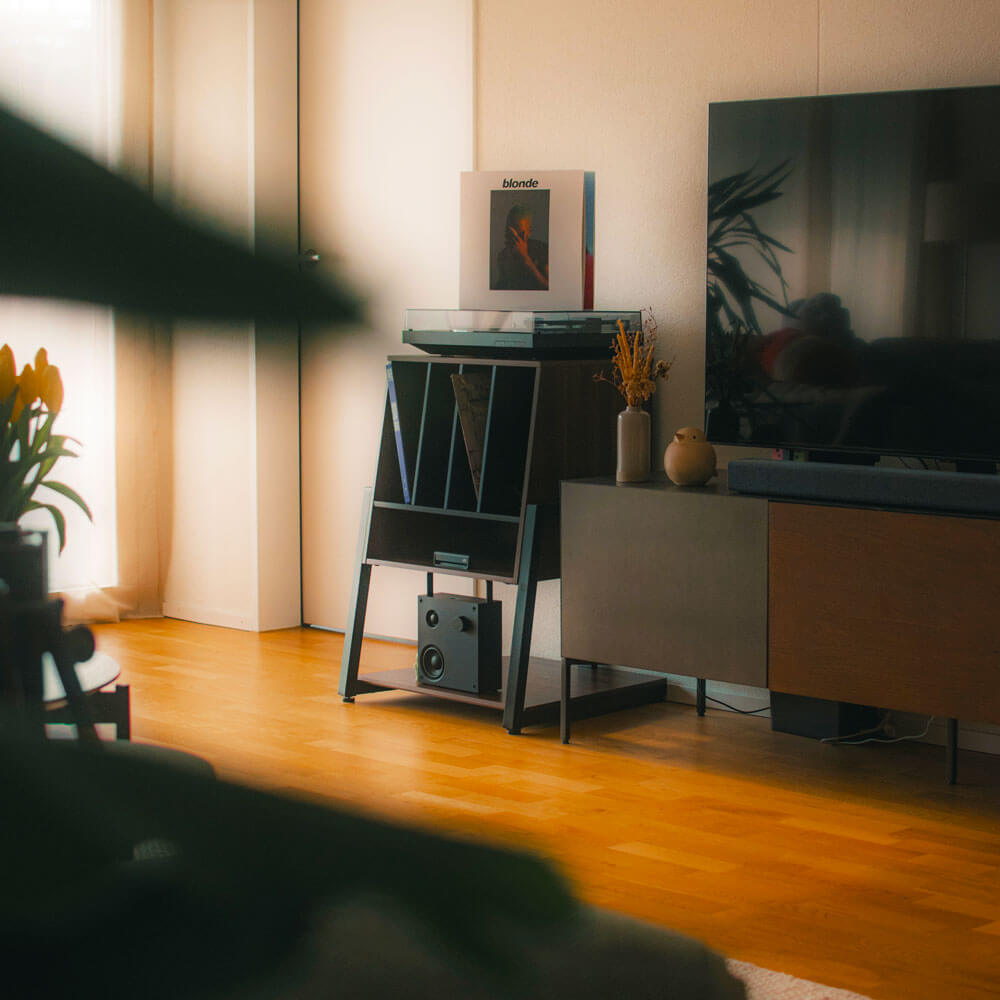
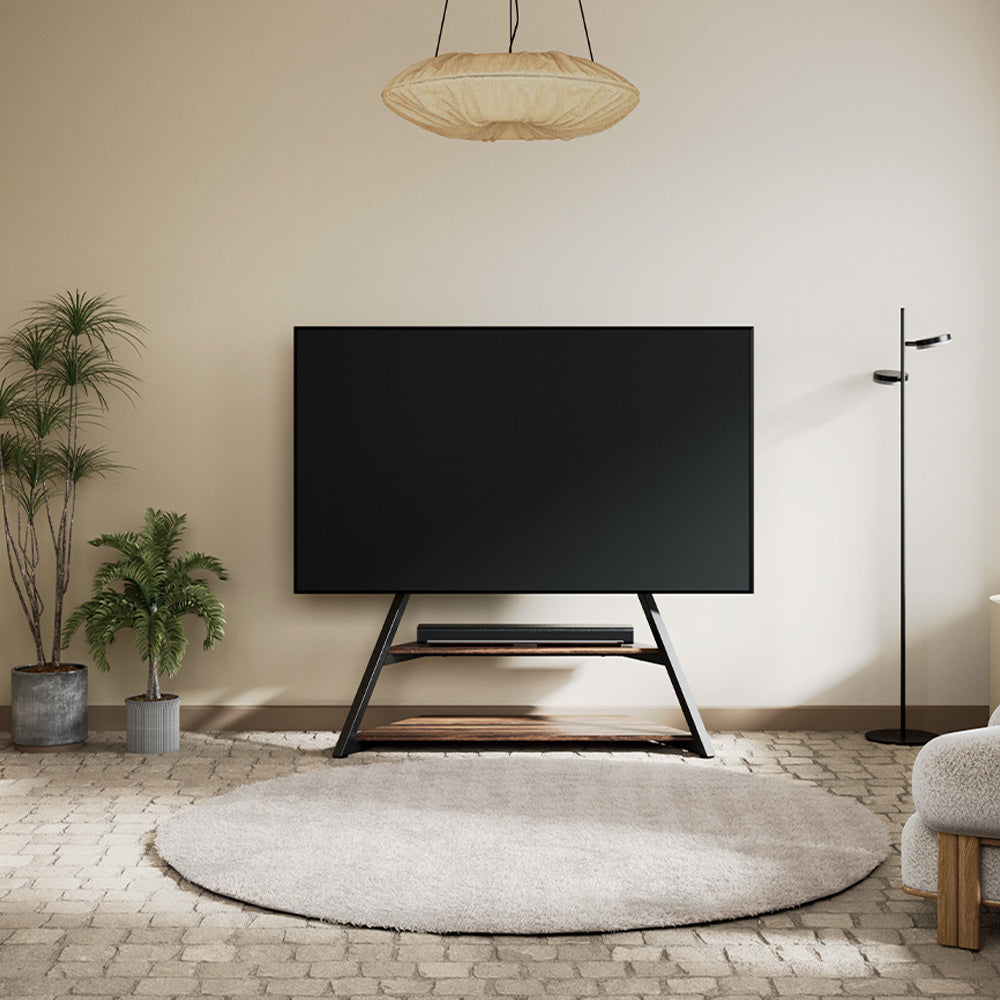
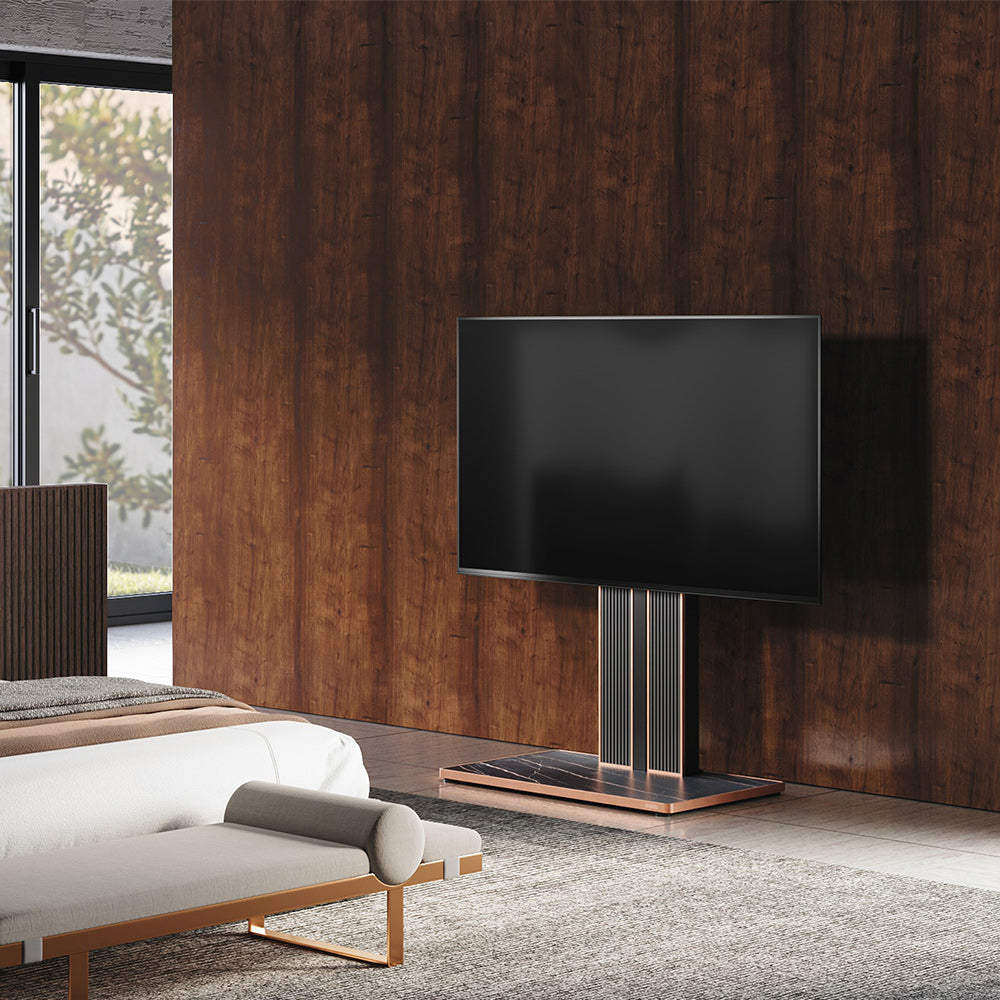
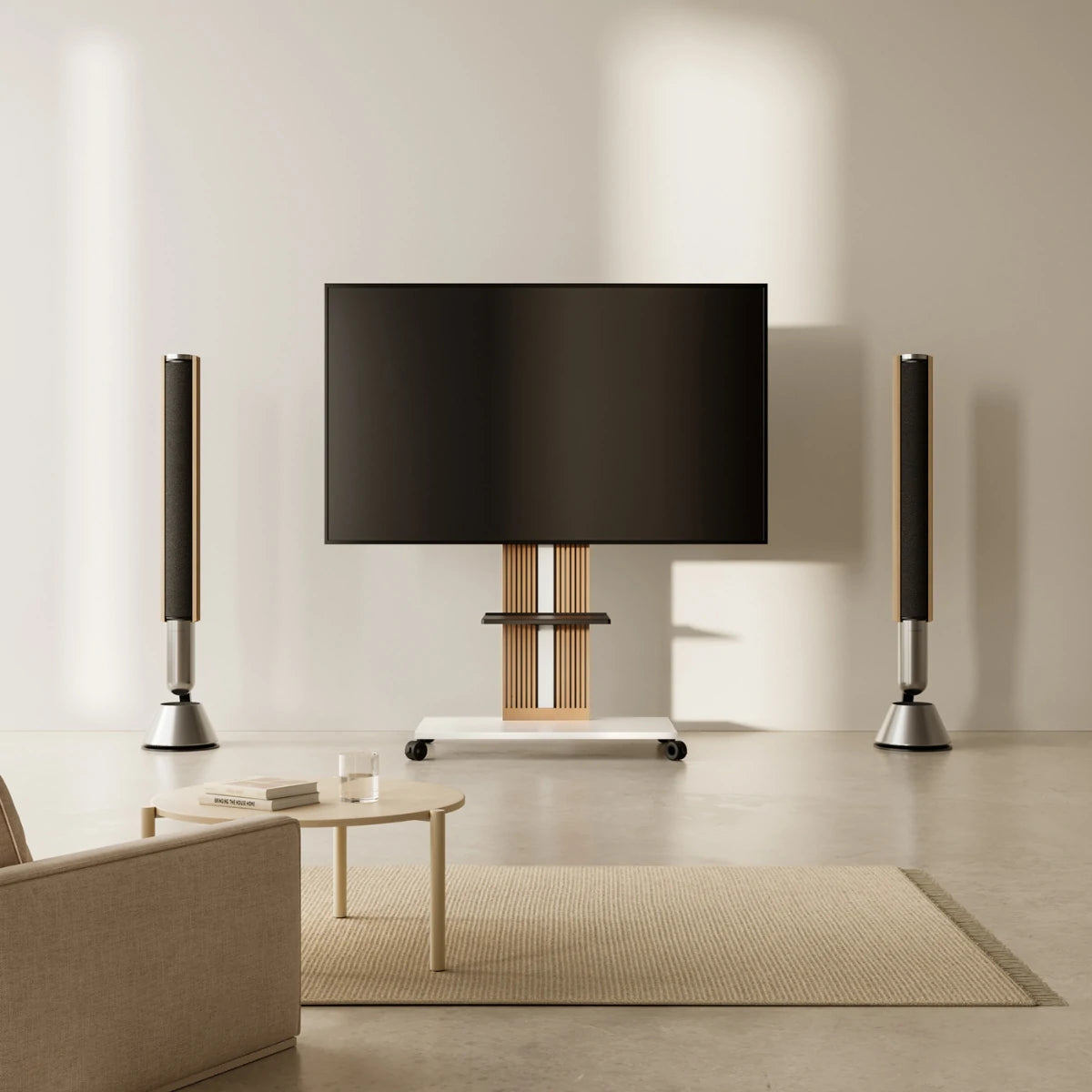
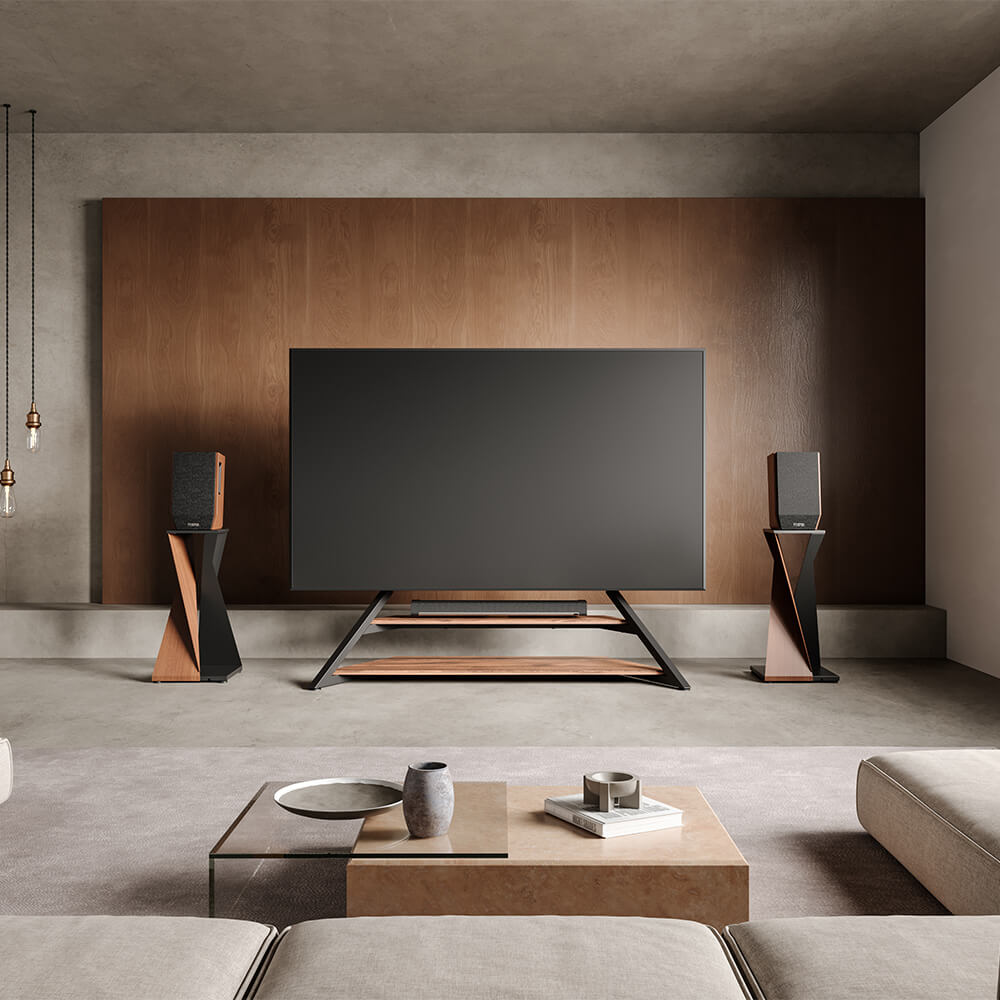
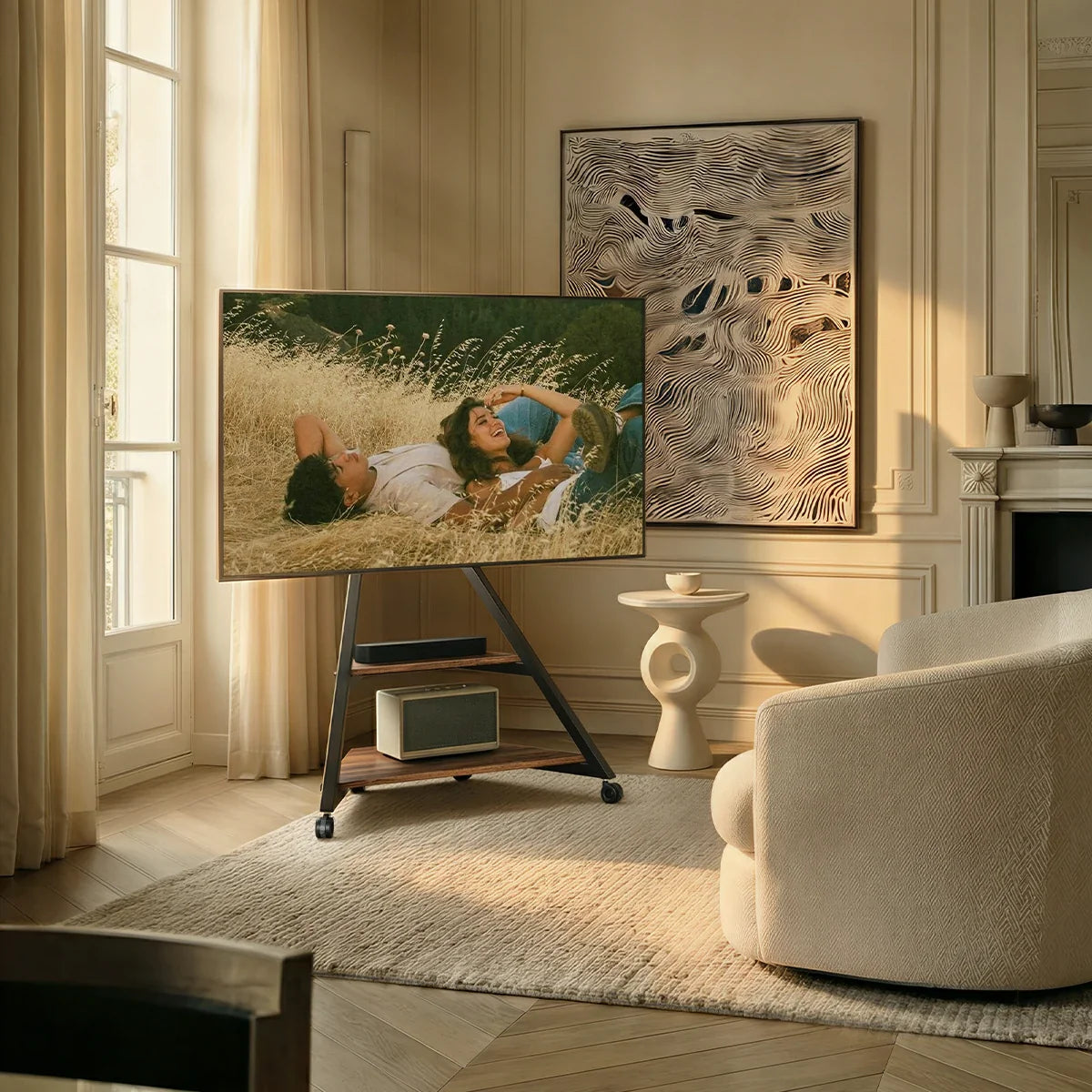
A good entertainment center gives the TV a clear place, keeps devices accessible, and prevents cables from taking over the room. The right setup depends on the problem you need to solve. A small apartment may need a slim, no-drill layout, while a gaming room may need open storage and better cable access.
The following entertainment center ideas focus on real room conditions, helping you create a TV area that looks considered and works comfortably every day.
Which Entertainment Center Setup Fits Your Room?
Begin with the limitation that affects the room most. If it feels crowded, reduce the footprint rather than adding wall-wide storage. If equipment is scattered, give each device a fixed position. If the TV only works from one seat, consider height or angle adjustment. Renters should also avoid layouts that permanently tie the screen to one wall.
Measure the available space, then list the devices that must stay near the TV. This shows whether you need a low-profile arrangement, open shelves, hidden storage, or mobility. If wall drilling is unsuitable or the room layout may change, freestanding TV stands can give the screen a stable position while leaving more control over its height, angle, and placement.
7 Entertainment Center Ideas That Solve Common Setup Problems
1. Create a No-Drill Entertainment Center for Renters
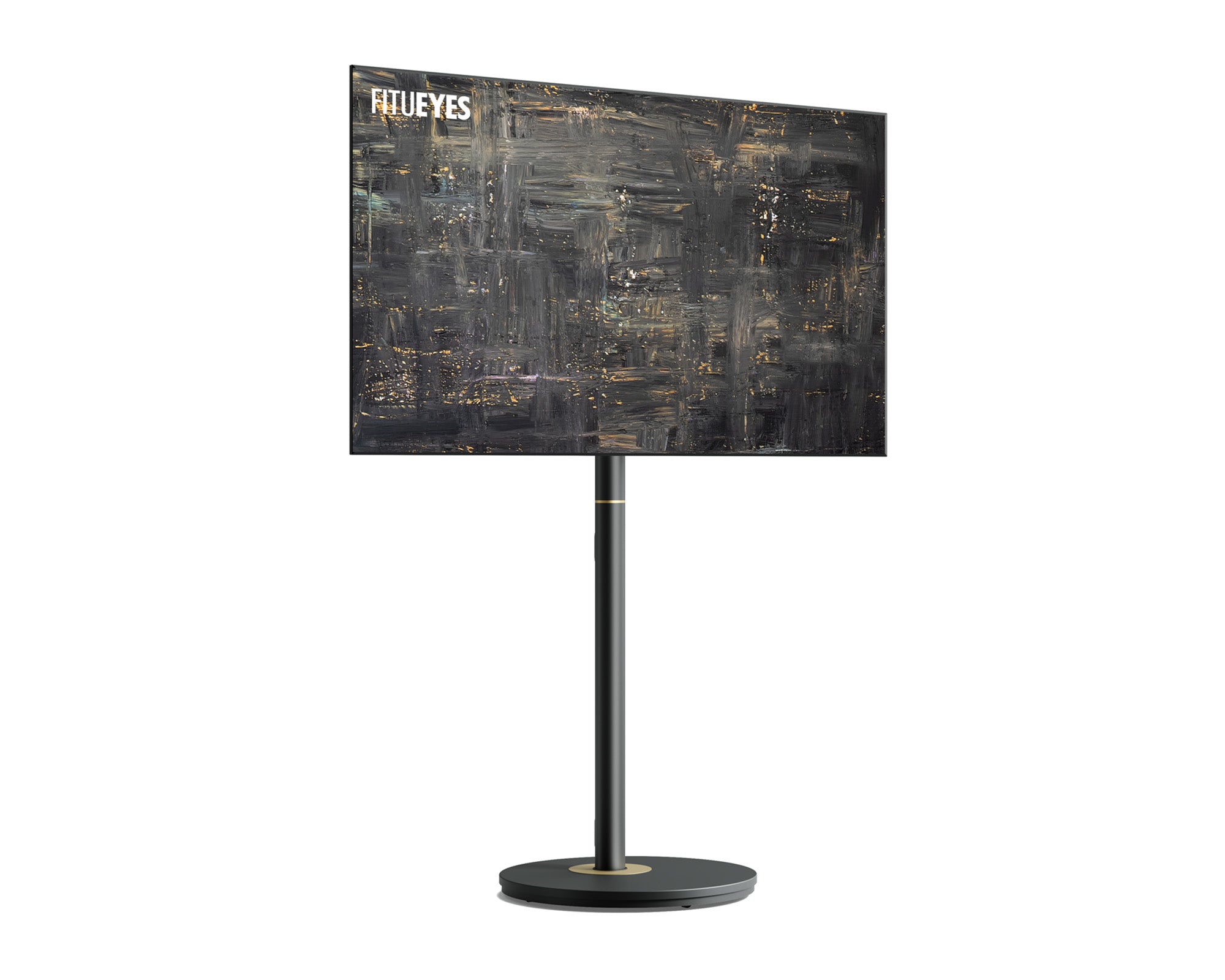
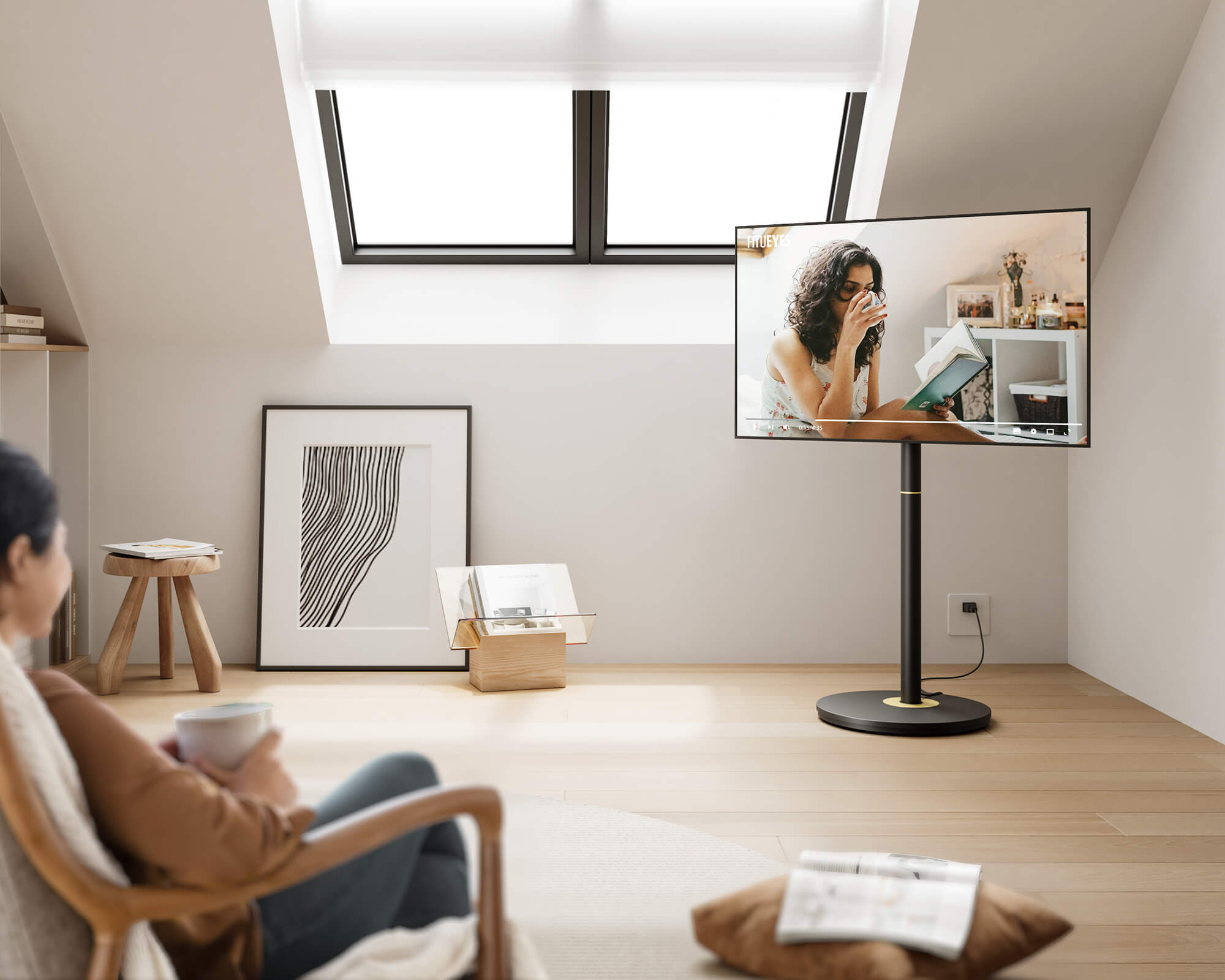
For renters, an entertainment center should be easy to assemble, reposition, and remove without leaving permanent changes behind. A floor TV stand can establish the viewing zone, while a small cabinet or basket holds items that do not need to sit directly below the screen.
Use a floor lamp, plant, or removable artwork to frame the area without built-in cabinetry. The layout remains easy to change later.
2. Use a Low-Profile Setup in a Small Living Room
A wide cabinet can make a small room feel narrower. Choose a slim stand or open structure that leaves more wall and floor visible. Keep frequently used devices near the screen and move spare accessories into a box or drawer.
Do not fill every gap around the TV. Open space makes the setup feel lighter and preserves comfortable walking paths.
3. Mix Open and Closed Storage
Gaming consoles, streaming players, and receivers benefit from accessible, ventilated open shelves. Closed drawers are better for spare cables, manuals, discs, controllers, and other visual clutter.
Do not hide every device behind a solid door. Equipment that produces heat or uses a remote may work poorly in a tight enclosure. Organize storage by use, not appearance alone.
4. Use a Movable Setup in a Multi-Purpose Room
In an open living room, studio, or home office, the best viewing position may change. A movable setup can face the sofa, dining area, or exercise space as needed.
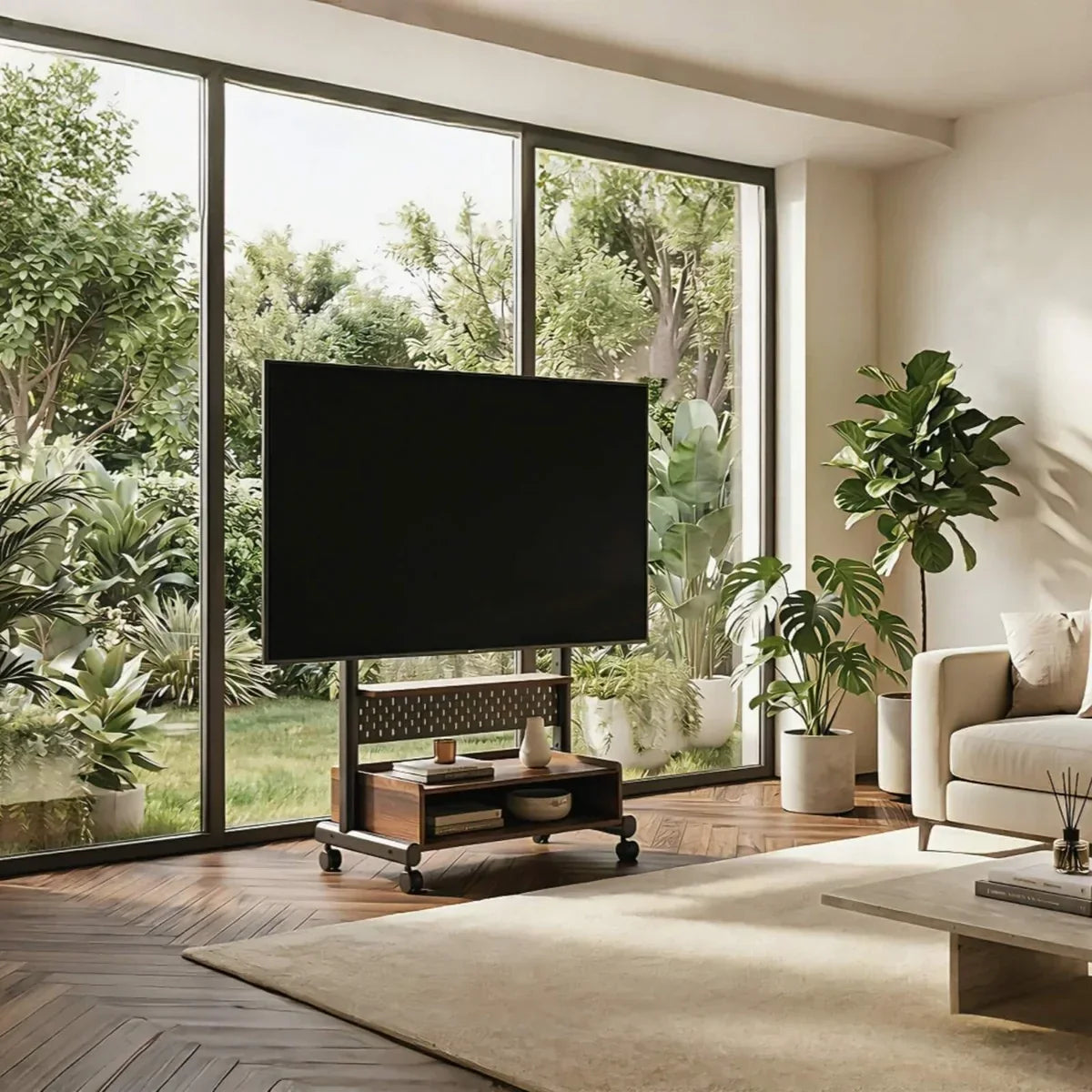
Purpose-built rolling TV stands are easier to reposition than heavy media cabinets. Look for lockable wheels, stable construction, and a cable route that stays clear of walkways.
5. Give Gaming and Streaming Devices Separate Zones
Place the soundbar below the screen, keep gaming consoles where ventilation and controller access are easy, and reserve a smaller area for the streaming box or router.
Separate power cables from frequently changed HDMI and charging cables. Defined positions make individual devices easier to replace or reconnect.
6. Use the Background to Define the TV Area
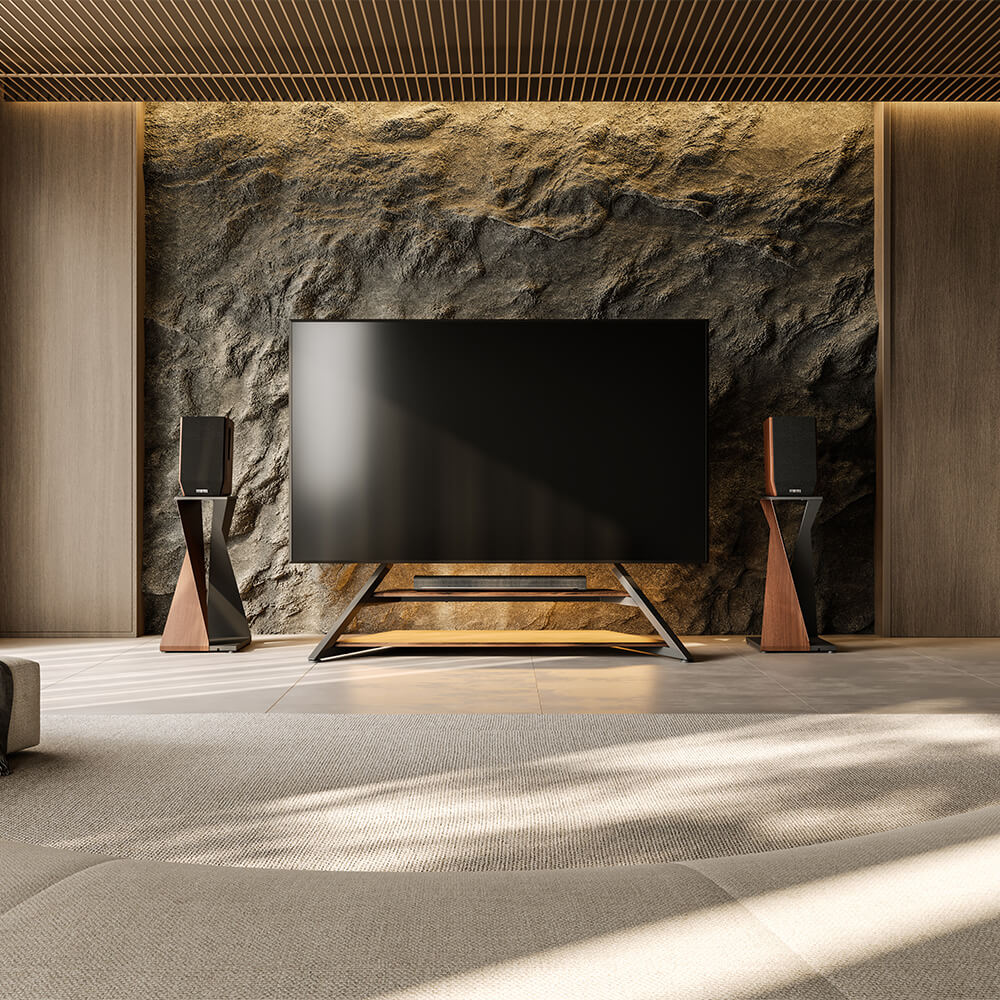
A TV can look disconnected on a large empty wall. Define its zone with paint, restrained wallpaper, wood texture, or a low shelf instead of adding more furniture.
Darker backgrounds reduce the contrast of an inactive screen, while light wood can soften the equipment's technical appearance. Avoid treatments that distract during viewing.
7. Balance the Screen Without Forcing Symmetry
Both sides need not match. A tall plant can balance a lower lamp or storage piece; overall visual weight matters more than identical objects.
Use a few larger items rather than many small accessories that compete with the screen. For more styling guidance, see TV Stand Decor Ideas for a Clean, Balanced Look.

How to Keep an Entertainment Center Organized
Remove everything except the TV and essential equipment. Return each device only after deciding how often it is used, where it receives power, and whether it needs ventilation. Frequently handled items should remain within easy reach, while accessories used only occasionally can move into closed storage.
Next, plan the cable route before reconnecting the equipment. Power, HDMI, and audio cables should follow the shortest practical path behind the screen and toward the outlet rather than hanging across shelves or collecting on the floor. Leave each connection accessible enough to replace one device without disturbing the entire system.
If the furniture provides no concealed route for cables, the setup will usually become untidy again after the next device change. In that case, a TV stand designed with cable management and dedicated equipment shelves provides a better long-term foundation than adding more small storage accessories.
When a Floor TV Stand Creates a Better Foundation
A floor TV stand is practical when a console sits too low, the screen must turn toward different seats, or wall drilling is unsuitable. It supports the television independently, leaving shelves available for devices.
For larger TVs and equipment-heavy setups, the Eiffel V2 FT88 TV Stand fits most 55- to 88-inch screens, supports up to 132 lb, and accepts VESA patterns from 100 × 100 mm to 600 × 400 mm. Its 14 height positions and 20-degree swivel in either direction help align the screen with a sofa, corner seat, or open-plan viewing area.
The stand's hidden cable route carries wires along the frame instead of leaving them visible behind the screen. A TV-box shelf and open equipment shelves give streaming players, consoles, and other devices defined positions with easier access and ventilation. This reduces loose cords around children, pets, and walking routes while making later equipment changes less disruptive. Optional mobility also suits rooms that serve several purposes.
Before choosing a model, confirm the TV size, weight, VESA pattern, and available base area. These details determine whether it will fit safely and provide the expected flexibility.

Create a Better Entertainment Center With FITUEYES
A successful entertainment center should make the TV easier to live with rather than turn the room into a wall of equipment. That idea guides FITUEYES: a TV stand is treated as part of the home, with proportions, finishes, and adjustable features intended to help the screen sit more naturally within everyday living spaces.
Start with the fixed requirements of TV size, weight, and VESA pattern. Then choose according to the room itself: a slimmer structure for limited floor space, swivel adjustment for more than one seating position, wheels for a multi-purpose room, or equipment shelves and concealed cable management for a device-heavy setup. This keeps the decision connected to a real household need rather than appearance alone.
FAQ
1. Can a floor TV stand be used with an existing media console?
Yes. A floor TV stand can work with an existing media console as long as the two do not interfere with each other. You can also position the stand behind the console. Check that the console does not obstruct the stand’s base, adjustment points, or cable route, and make sure the base is low enough to slide underneath it while leaving enough space for ventilation and easy access.
2. How high should a TV sit in an entertainment center?
For typical sofa seating, a useful starting point is to place the center of the screen about 42 inches (107 cm) above the floor. Adjust it slightly to match the eye level of the main viewer, since sofa height, posture, and screen size can change the most comfortable position.
3. Can an entertainment center be placed in a corner?
Yes. A corner setup can recover unused space and keep the TV away from busy walkways. Confirm that the screen remains visible from the main seats and consider swivel adjustment if viewers sit at different angles.