


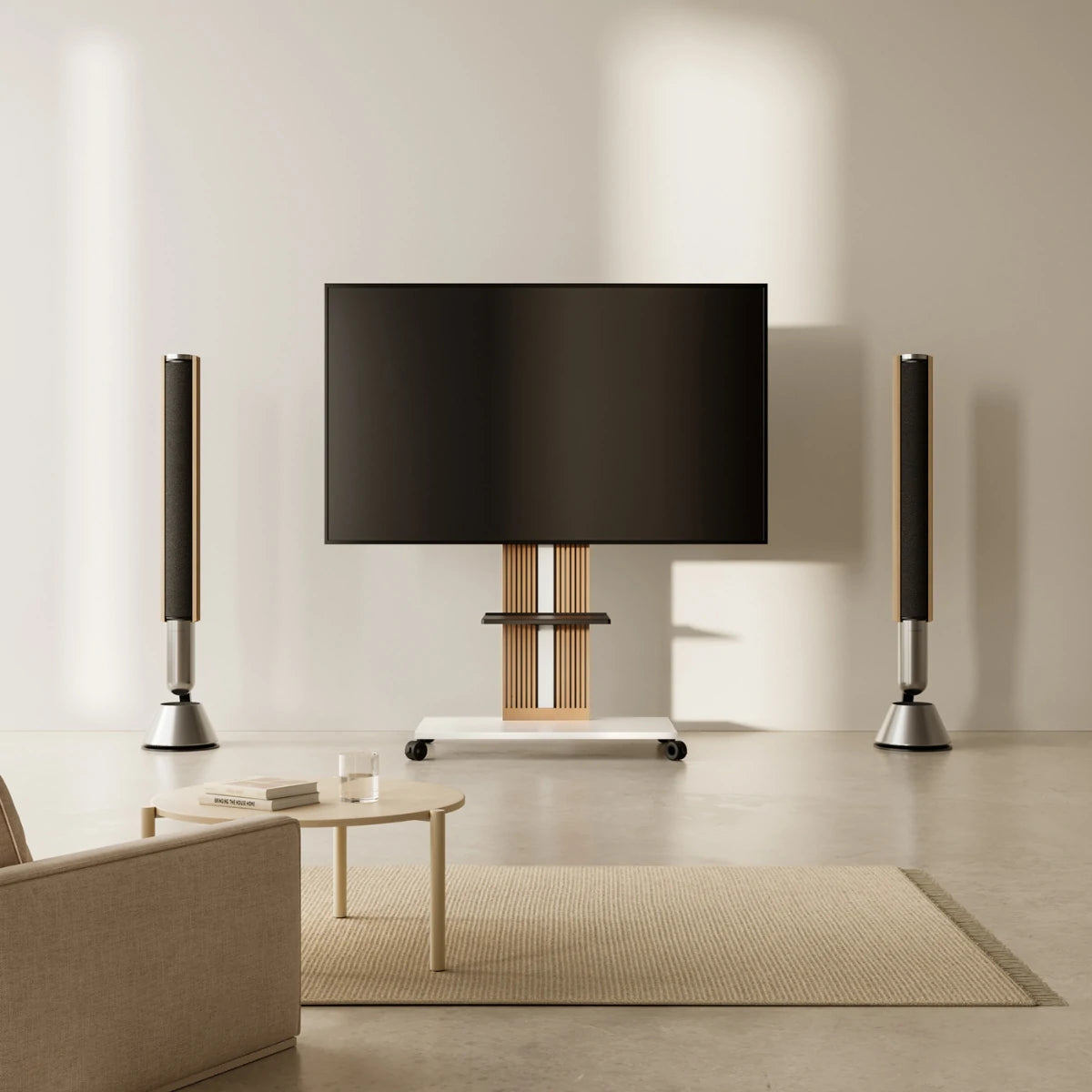
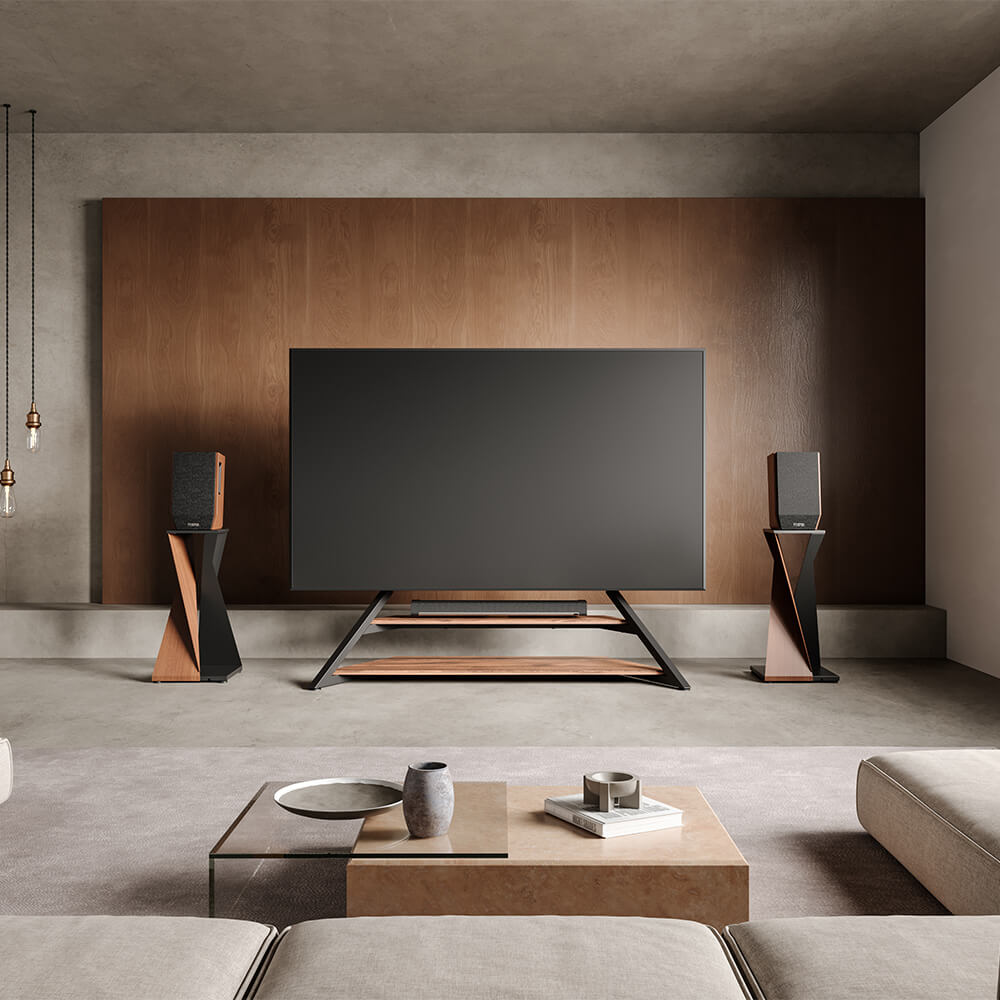
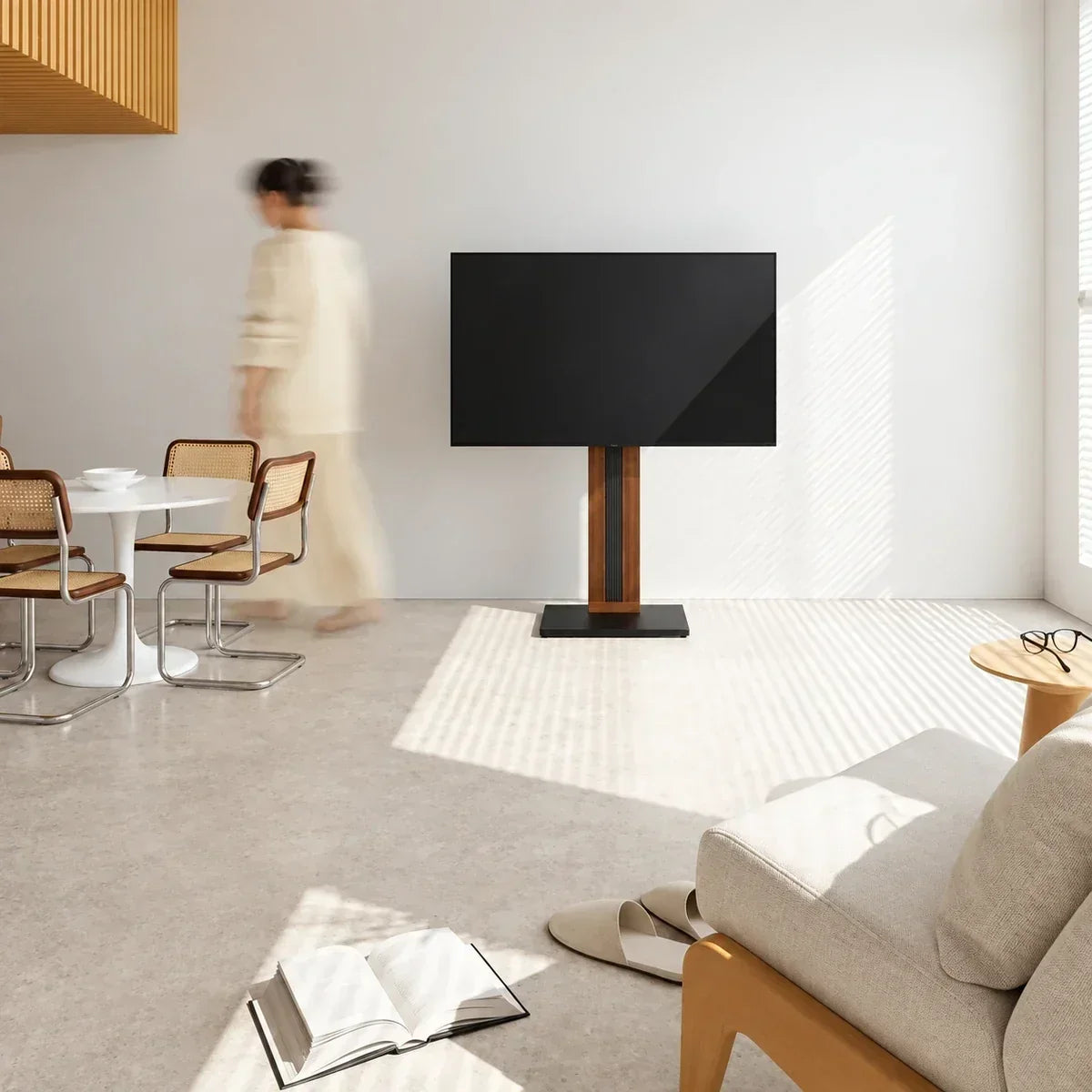
For a 50-inch TV, choose a stand that fully supports the TV's actual feet and weight. A 50-inch-wide piece of furniture may fit, but width alone does not prove compatibility. If the TV will sit on its original feet, the surface must accommodate their complete width and depth. If you want a 50 inch TV stand with mount, match the TV's weight and VESA pattern to the mount, then check the base footprint and screen-height range.
A 50-inch label describes the diagonal distance across the screen, measured from one corner to the opposite corner—for example, from the upper-left corner to the lower-right. It does not mean the TV is 50 inches wide. On a 16:9 display, a 50-inch screen is about 43.6 inches wide and 24.5 inches high (approximately 111 by 62 cm). The housing changes the final width and height, and foot positions vary by model, so the diagonal alone cannot determine stand fit.

Start With How the 50-Inch TV Will Be Supported
There are four common sizing paths. A cabinet or console can carry the TV on its original feet, so usable surface width, depth, and furniture load capacity decide whether it fits. Both feet must rest completely on a strong, level top.
A tabletop VESA stand also sits on furniture but replaces the original TV feet with a centralized mounted base. In this setup, check the TV's VESA pattern and weight, the tabletop stand’s complete base dimensions, and the furniture’s usable surface and load capacity.
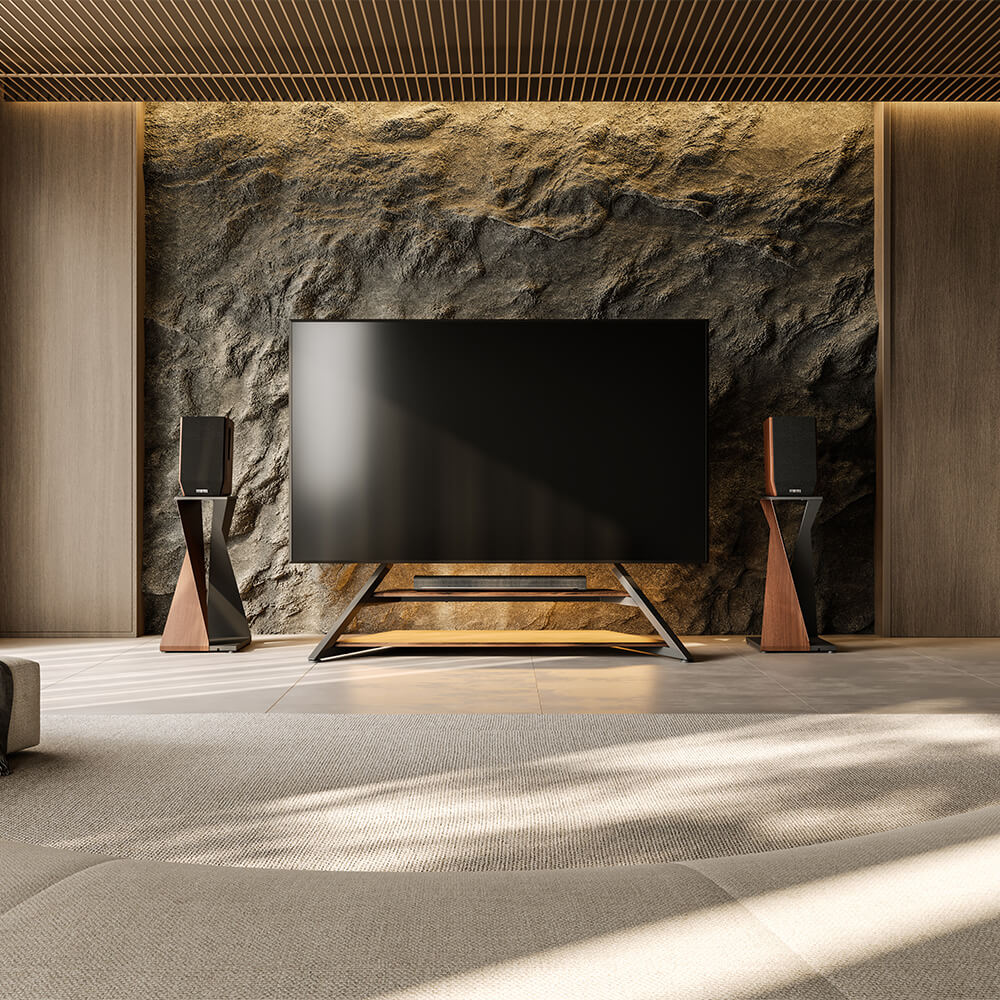
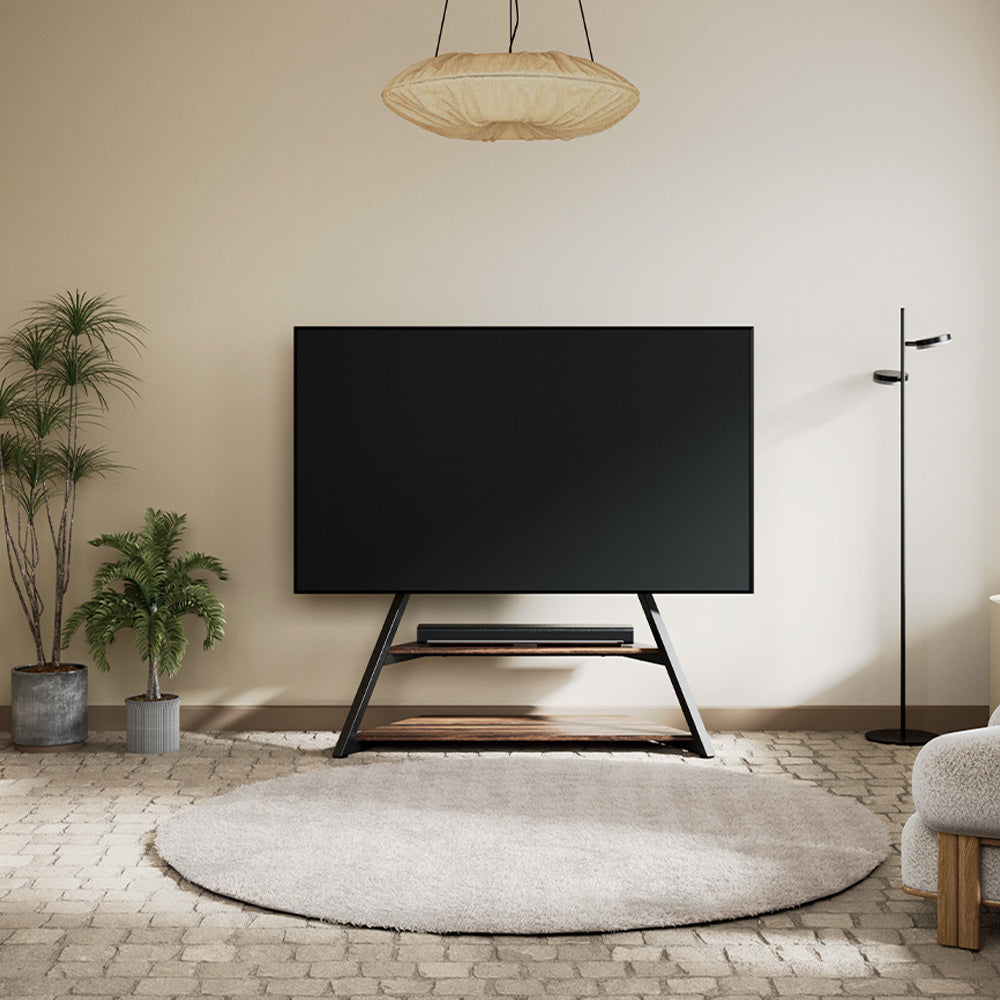
A freestanding floor stand supports the TV through its rear VESA holes. Original foot spacing no longer determines compatibility; the important fields are VESA pattern, TV weight, supported screen range, hardware, and installed height. Its base can be narrower than the screen, but the footprint still needs a safe place in the room.
A wall mount also supports the TV through its VESA holes, while a console below can provide storage without carrying the television. This option requires checks for wall construction, mount capacity, installation height, and cable clearance.
Choose the path before comparing 50 inch TV stands. Otherwise, you may reject a suitable mounted stand because its base looks narrow or buy a wide console whose usable top cannot support the TV's feet or tabletop stand base.
Measure the 50-Inch TV Before Measuring the Stand
For a TV that will remain on its original feet, find the full model number on the label, manual, order record, or manufacturer's page. Record the complete width, height, depth, and weight with the feet attached. Then measure between the outermost edges of the feet and note their full front-to-back depth. These figures define the minimum flat supporting surface.
For a 50 inch TV stand with mount, record the television's weight without its original feet and measure the horizontal and vertical spacing between the four mounting holes. A 200 × 200 mm pattern measures 200 mm in both directions, but 50-inch TVs do not all use that pattern. Check the exact model rather than carrying a VESA measurement over from another screen of the same size.
If a needed dimension is not published, measure the TV rather than substituting a generic chart. For original feet, count only the flat supporting area.
Size a Cabinet or Console for the TV's Original Feet
If you keep the original TV feet, the surface must support them completely. A 38-inch usable top cannot hold a 40-inch outer foot span, regardless of the furniture's total width. It must also be deep enough for the feet, rated for the combined load, and leave working room for power and HDMI plugs.
A surface at least as wide as the TV body often looks more balanced, but that is a layout preference rather than a universal requirement. Also confirm that a soundbar will not cover the picture, remote sensor, or feet. If existing furniture fails these checks, a mounted floor stand provides a separate support path.
Set the 50-Inch TV at a Comfortable Viewing Height
Use your seated eye level instead of one universal stand height. Sit in your normal viewing position with your head relaxed and measure from the floor to your eyes. Use that as a practical target for the screen center; a slightly lower center may suit a reclined position.
For a cabinet setup, calculate the result as:
cabinet height + distance from the bottom of the TV feet to the screen center
For a tabletop VESA stand, add the cabinet height to the distance from the stand base to the mounted screen center. For a wall mount, mark the intended screen center on the wall before choosing the final mounting position.
For a floor stand, compare your eye height with the product's published TV-center range. Check where the mounting holes sit on the television because high or low hole placement can shift the final screen position. Also verify that the gap below the TV can hold a soundbar without covering the picture or remote receiver.
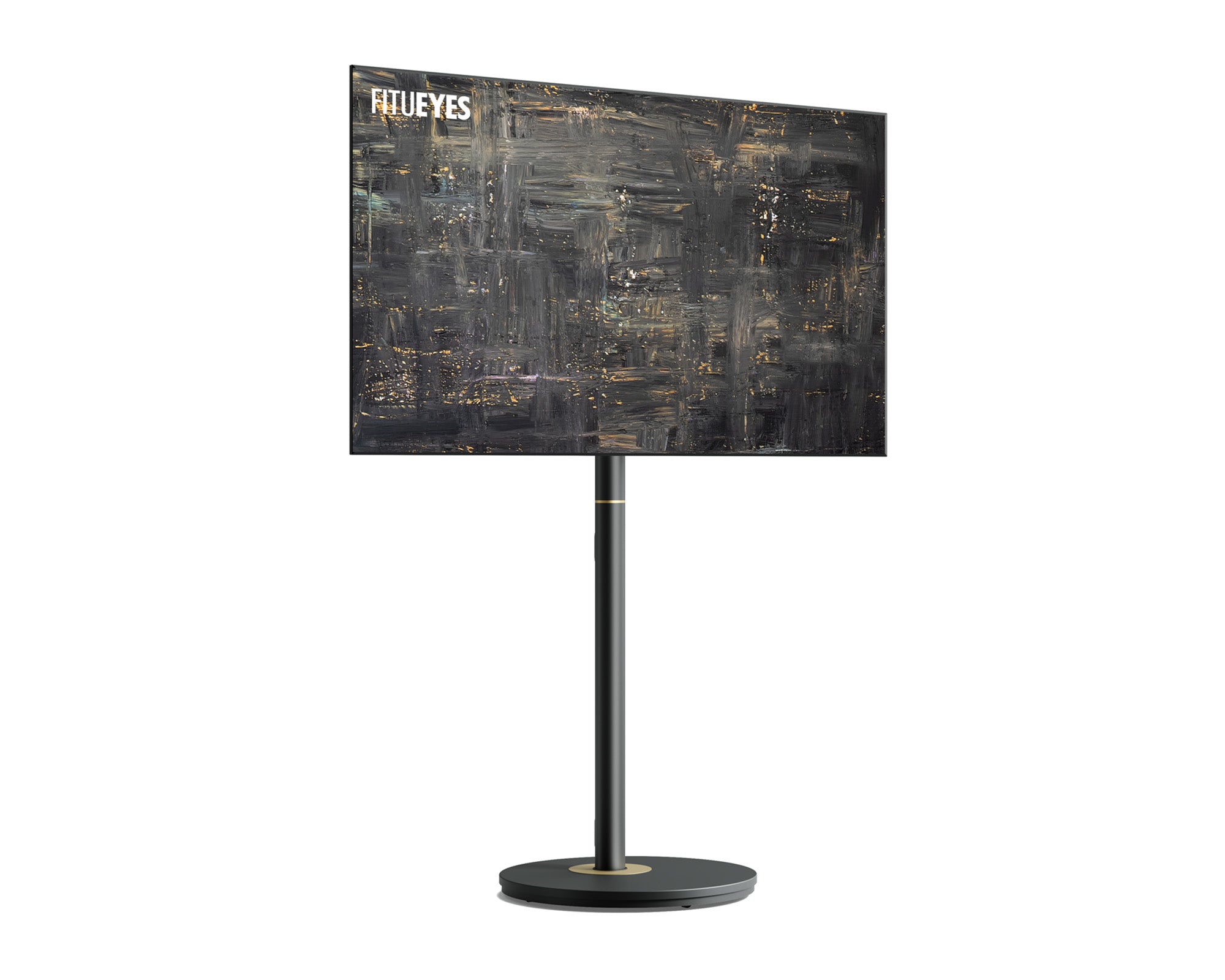
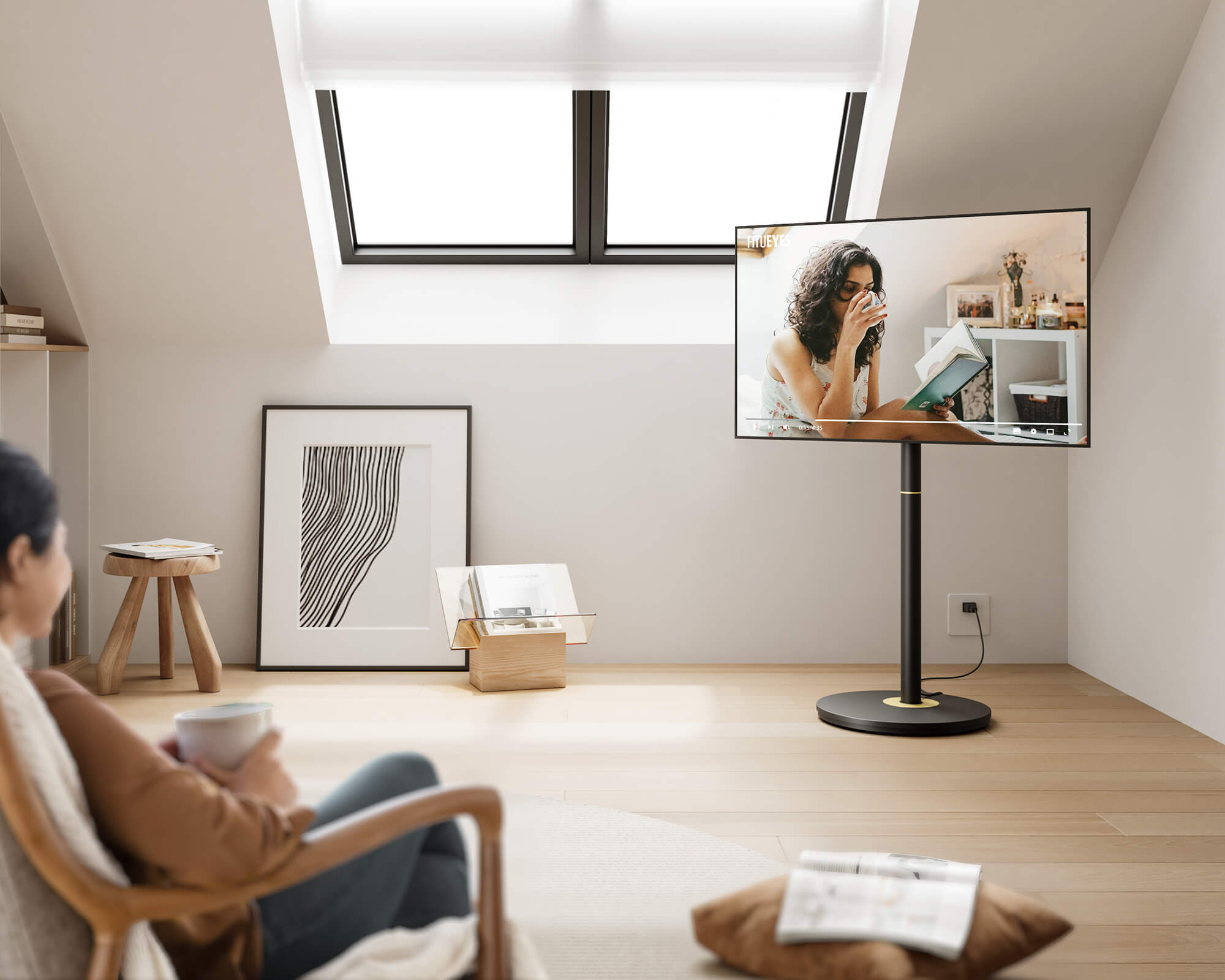
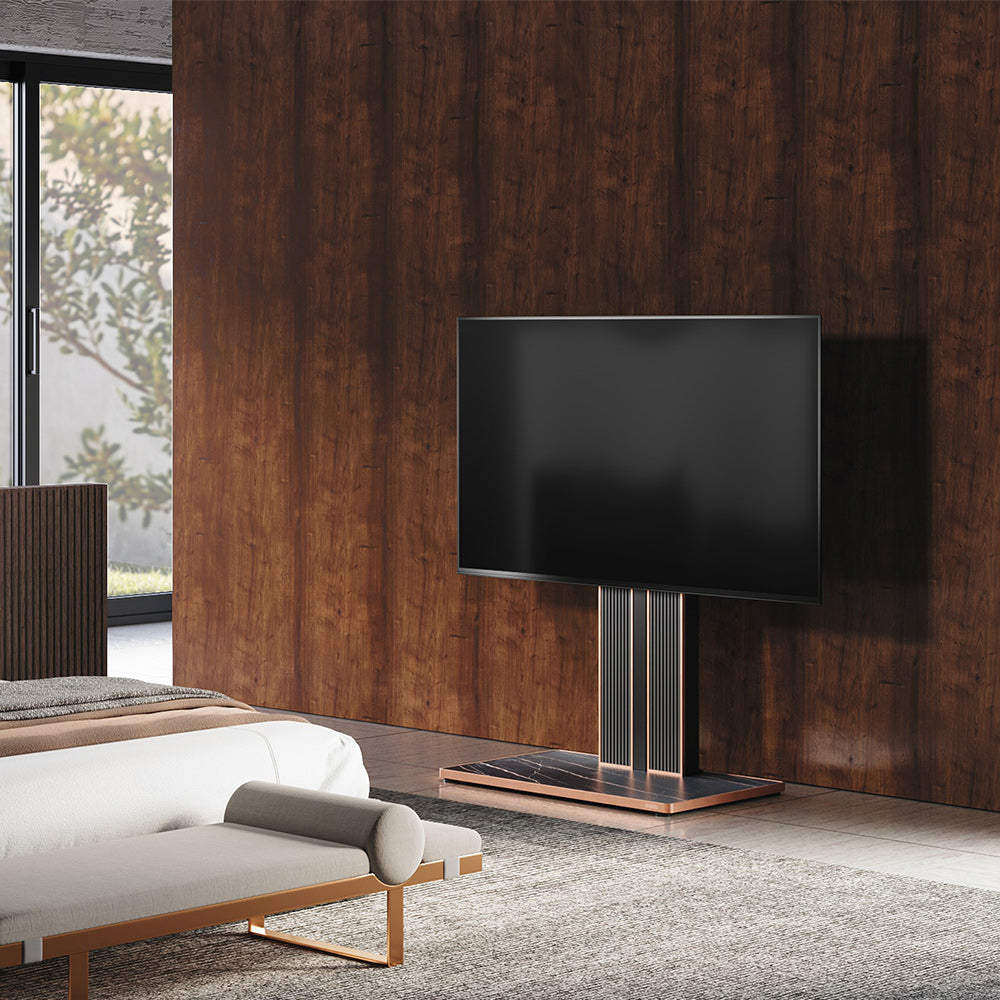
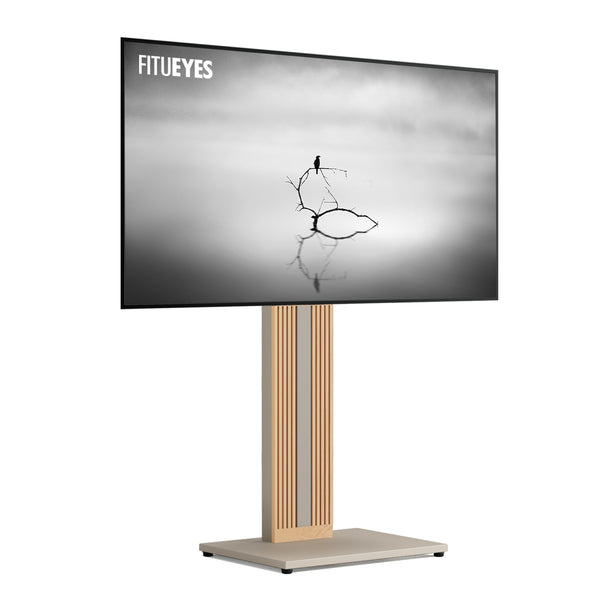
A mounted design can solve a height mismatch when the original feet or existing furniture place the screen too high or too low. For a measured eye level that falls within its adjustment range, the Zen FT65 TV Stand can position the TV center from 41.3 to 49.2 inches (about 105 to 125 cm). Its ±30-degree swivel can also redirect the screen toward seating on either side of the room.
That height flexibility only matters after compatibility is confirmed. The stand accommodates most 32- to 65-inch flat or curved screens, supports up to 88 pounds (about 40 kg), and covers VESA patterns from 100 × 100 to 400 × 400 mm. The exact TV must still match the supported configuration, hardware, desired center height, and available base space.
Check the Complete Setup in the Room
Outline the proposed base or cabinet footprint with painter's tape, including any feet that extend beyond the center column. Mark the television width on the wall with low-tack tape or measured string. Confirm that the setup will not cover a vent or outlet, stop nearby doors and drawers from opening, or cause the screen to overlap a doorway, window trim, switch, or cabinet door. Leave enough side clearance for any planned swivel.
Compare your soundbar and media-device measurements with the published shelf or surface dimensions. Check the wall area and leave enough space for power and HDMI plugs. Plan a cable route to the outlet without stretching a cord across a walkway or pinching plugs.
If these checks lead toward a mounted design, this guide to choosing a TV floor stand explores base styles, room fit, and installation in more detail.
Compare finishes only after the support method, weight, foot span or VESA pattern, screen height, equipment space, cable route, and floor footprint have passed these checks.
Find a Stand That Fits the Screen and the Space
The useful size of a TV stand depends on how it supports the television and fits the room. Once you have the model number and measurements, FITUEYES lets you compare designs by the mounting, height, and spatial requirements that matter in your setup.
Begin with compatibility, then compare how each stand uses the space around the screen. The right design should give the television a clear visual position, keep the base proportional to the room, and leave everyday equipment accessible without turning the setup into a bulky furniture arrangement.

FAQs
Does a TV stand have to be wider than a 50-inch TV?
It depends on the type of stand. If the TV rests on its original feet, the supporting surface must be wide enough for both feet to sit fully on it; matching or exceeding the TV body's width usually gives better visual balance. With a VESA floor stand, the base may be narrower than the screen because the TV attaches to the mounting bracket. In that case, base dimensions, VESA compatibility, and weight capacity matter more than screen width alone.
What if the TV fits but its feet hang over the stand?
Do not use the surface if any part of the original feet hangs over the edge. Choose furniture with enough usable width and depth, or use a compatible tabletop VESA stand with a centralized base that fits fully on the existing surface. Confirm that the furniture can support the combined weight of the TV and stand.
Are all 50-inch TVs the same width and VESA size?
No. The 16:9 screen rectangle is about 43.6 inches wide, but body width, foot placement, depth, weight, and VESA pattern vary by model. Use the full model number to find the manufacturer's specifications. If the VESA pattern is not listed, measure horizontally and vertically between the centers of the mounting holes in millimeters; do not estimate from the TV's diagonal size.